
You head out for a run, and halfway through the first kilometer your pace drifts from the playlist you started with. Bematist, from developer pakeha-by, reads your steps per minute from the phone's motion sensors and swaps in tracks whose tempo fits. It plays only files already stored on your device. TopDown APK hosts the unmodified APK for version 1.1.0.
First steps after you install the cadence player
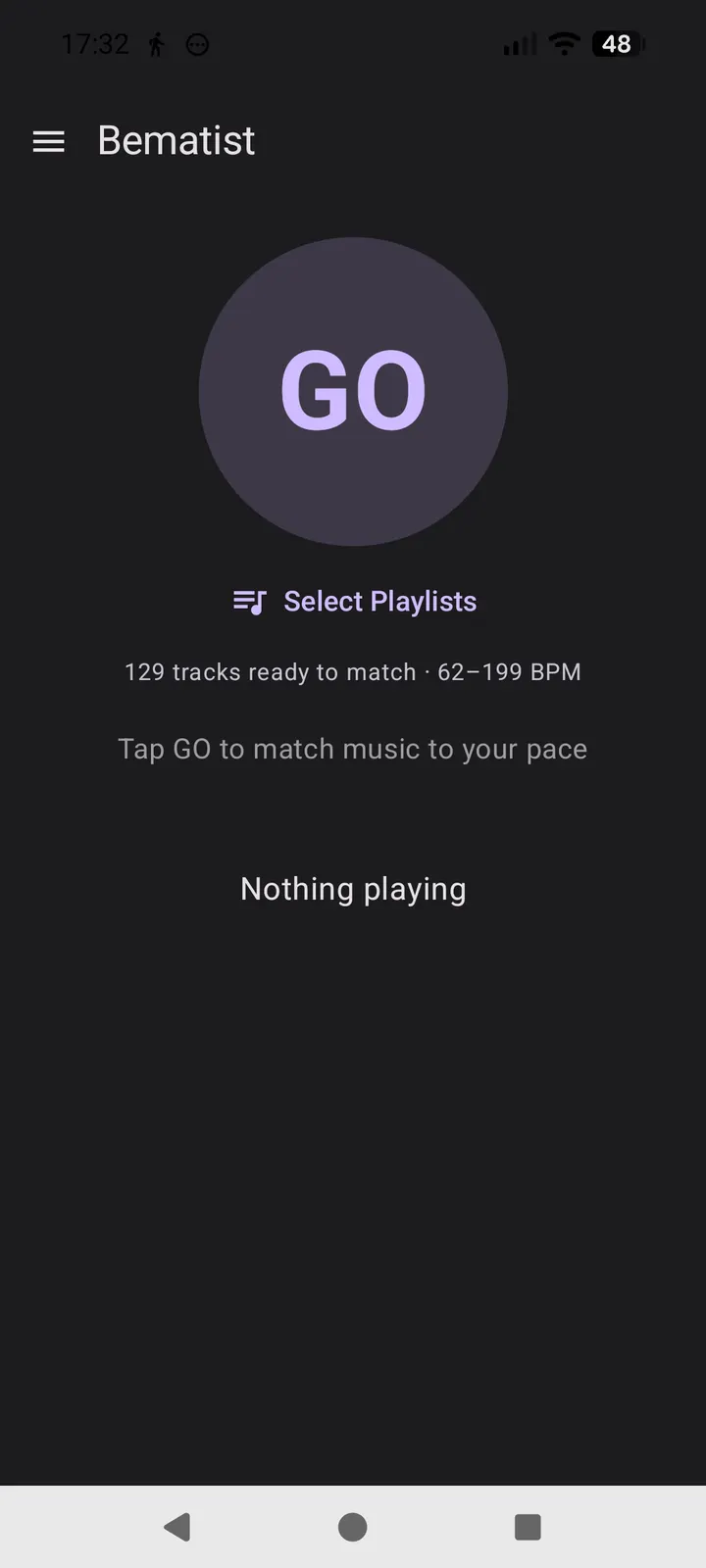
Bematist needs Android 13 or newer, and the download is 5.1 MB. Once installed, point it at your music files and let it scan the library. Each track is analysed for tempo on the device itself, so the first scan is the only setup step that matters.
After the scan, matching works fully offline. The app asks for no account and uses no network or server, so there is nothing to sign in to before your first run.
Tempo matching, manual BPM dial and triage mode
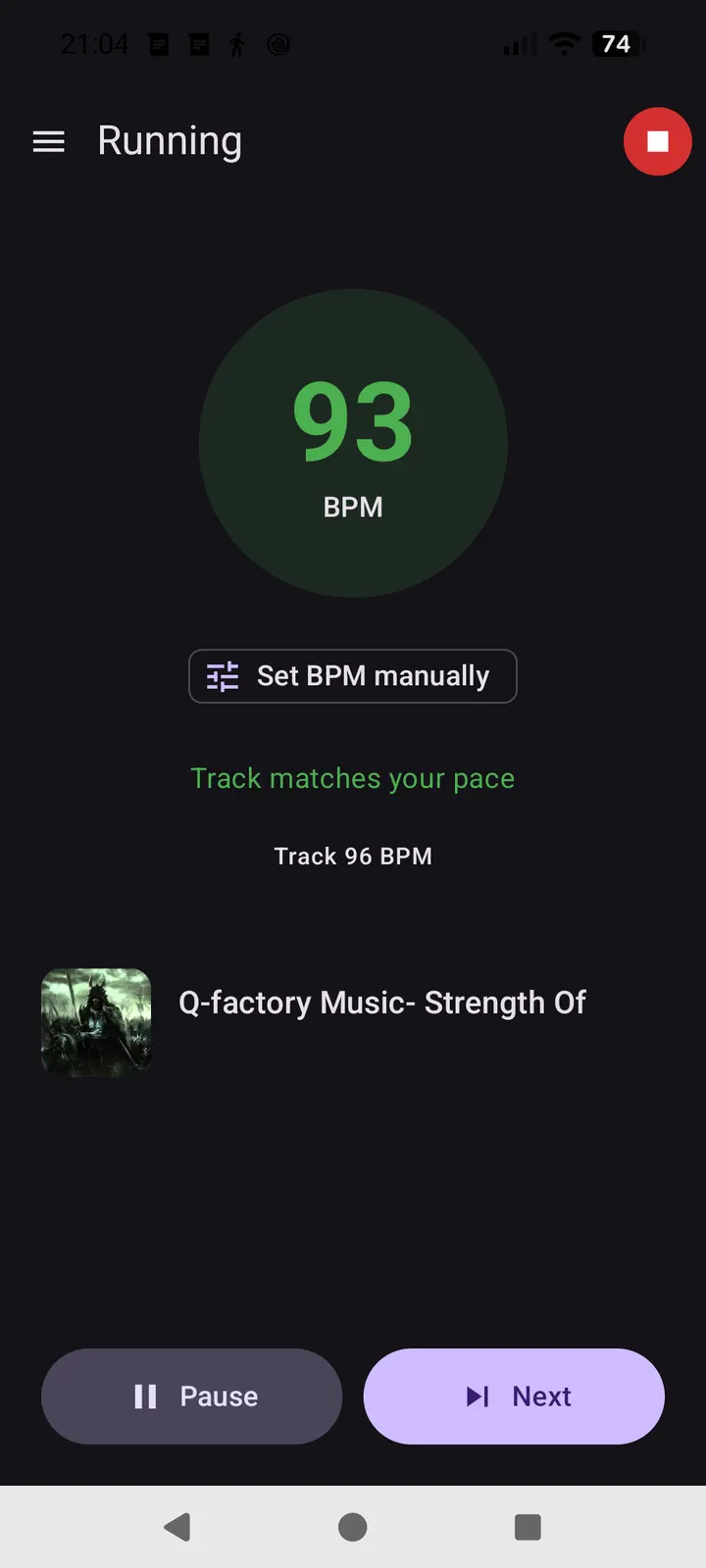
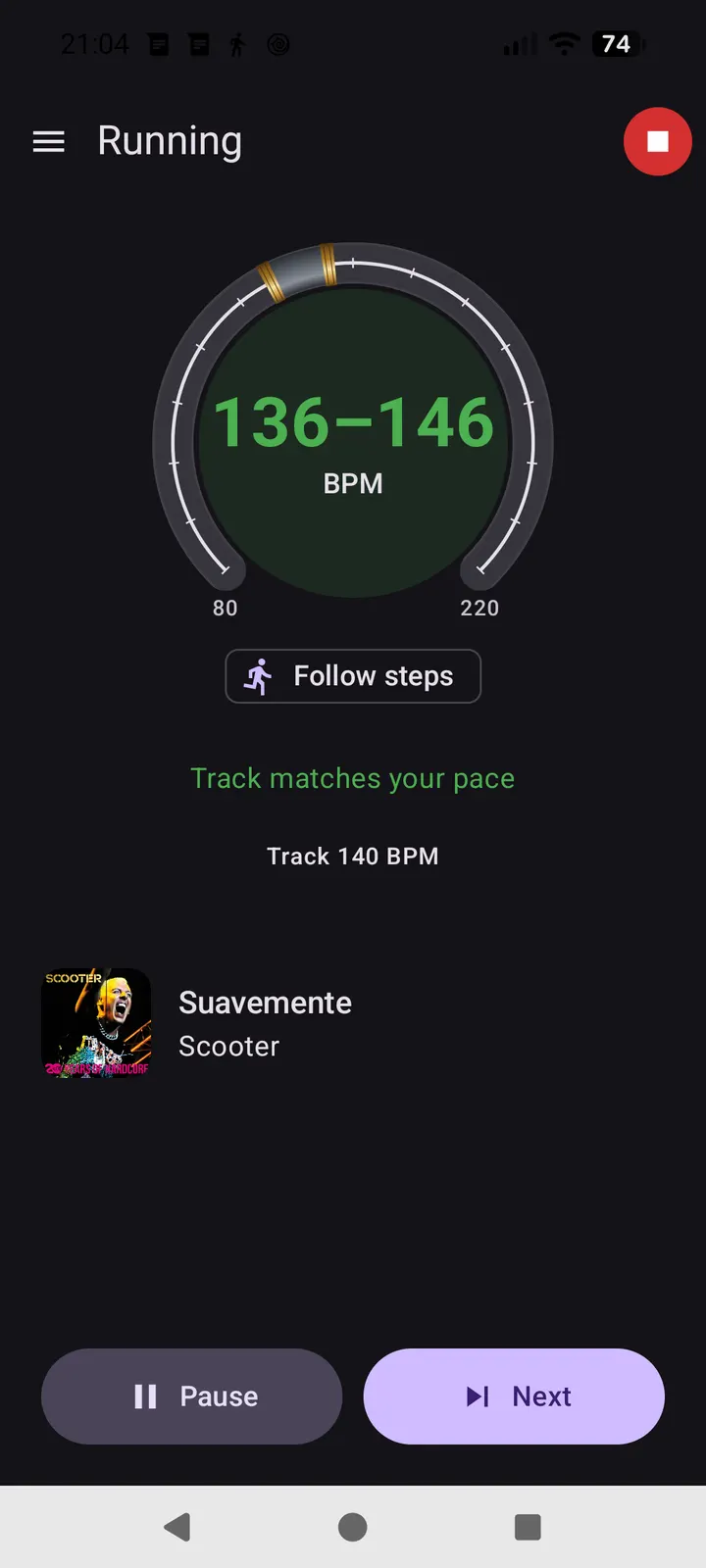
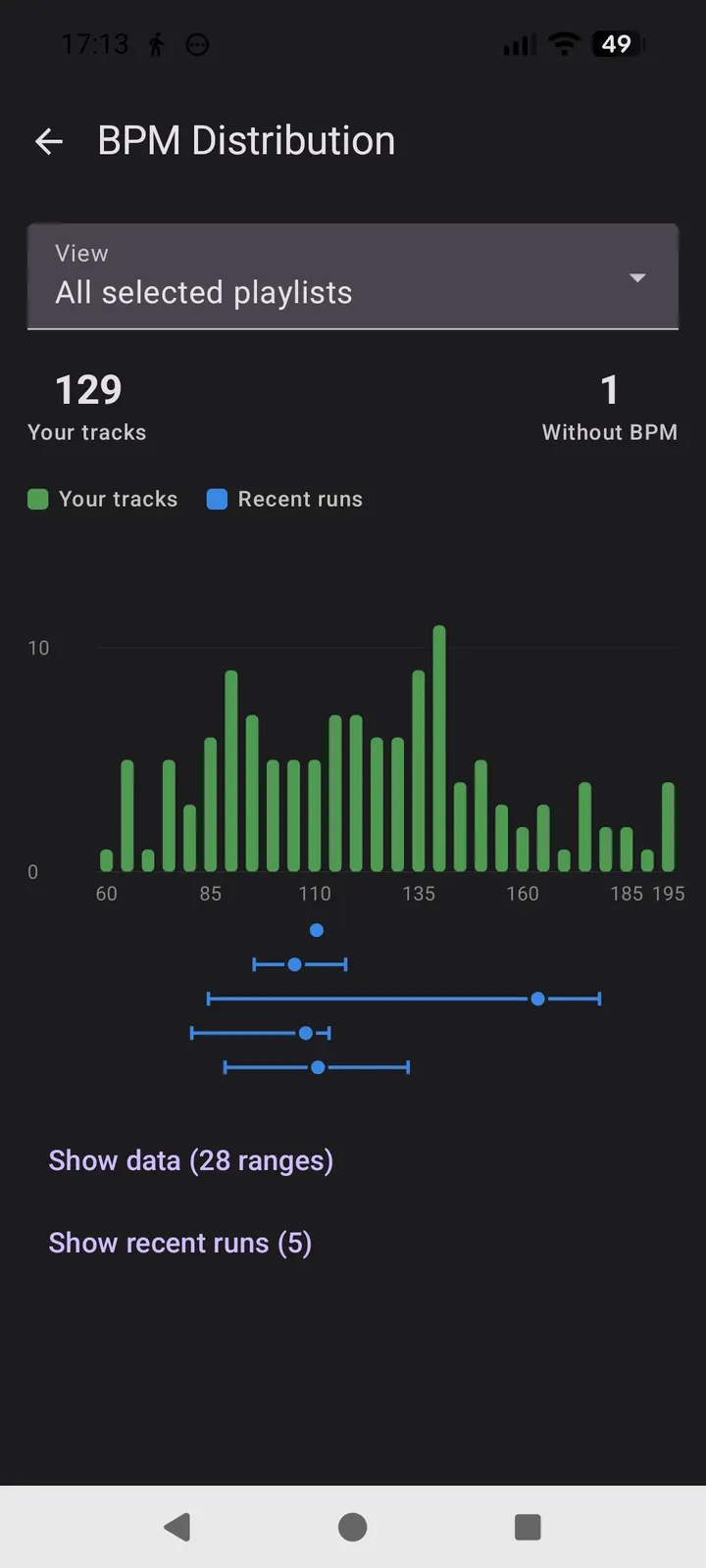
The core feature is real-time matching of your local music's BPM to your running cadence. The app switches tracks automatically as your pace changes. Half-tempo and double-tempo tracks count as matches, so a 172 BPM track suits an 86 steps-per-minute pace.
When the step counter cannot be trusted, for example on a treadmill or with the phone in a bag, you can set the BPM range by hand. You drag it around a dial and pinch to widen or narrow it.
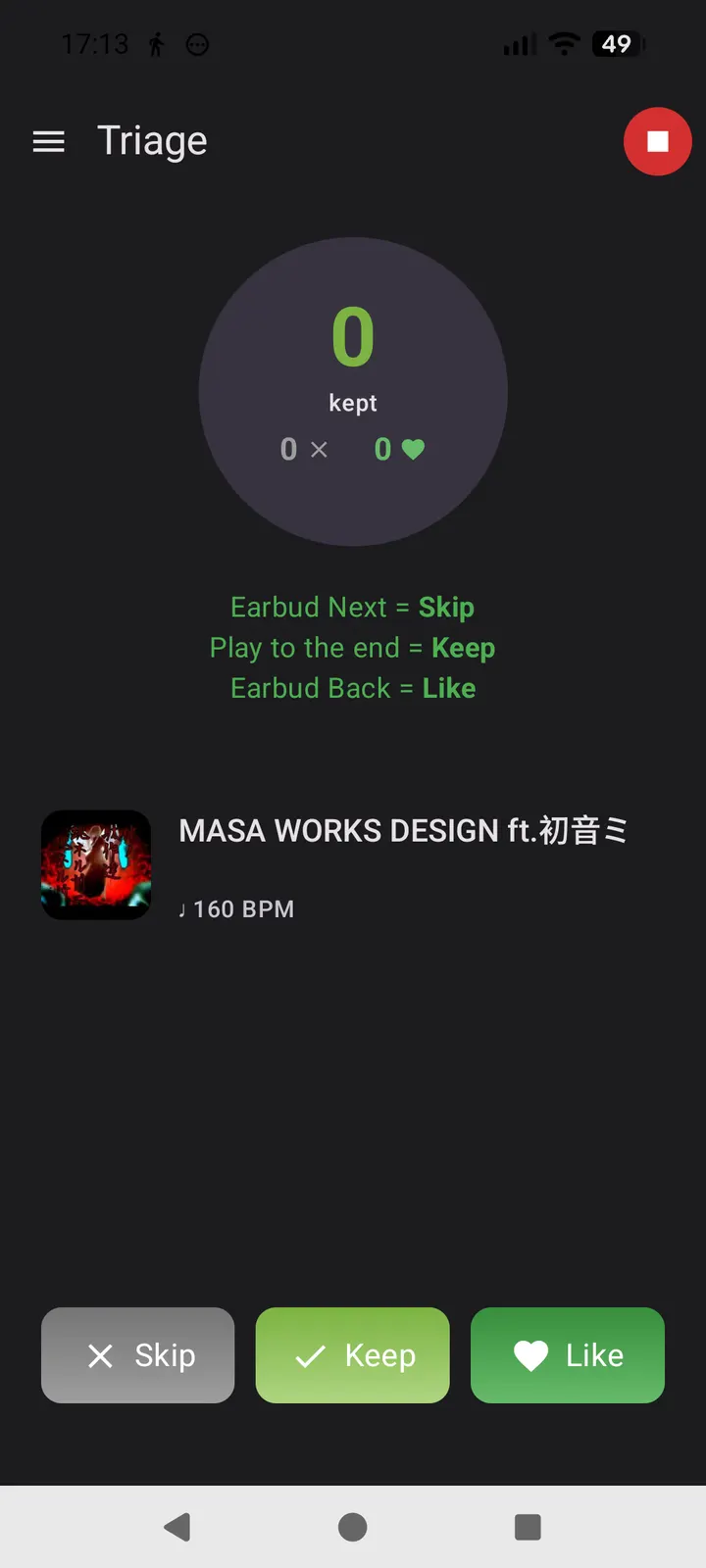
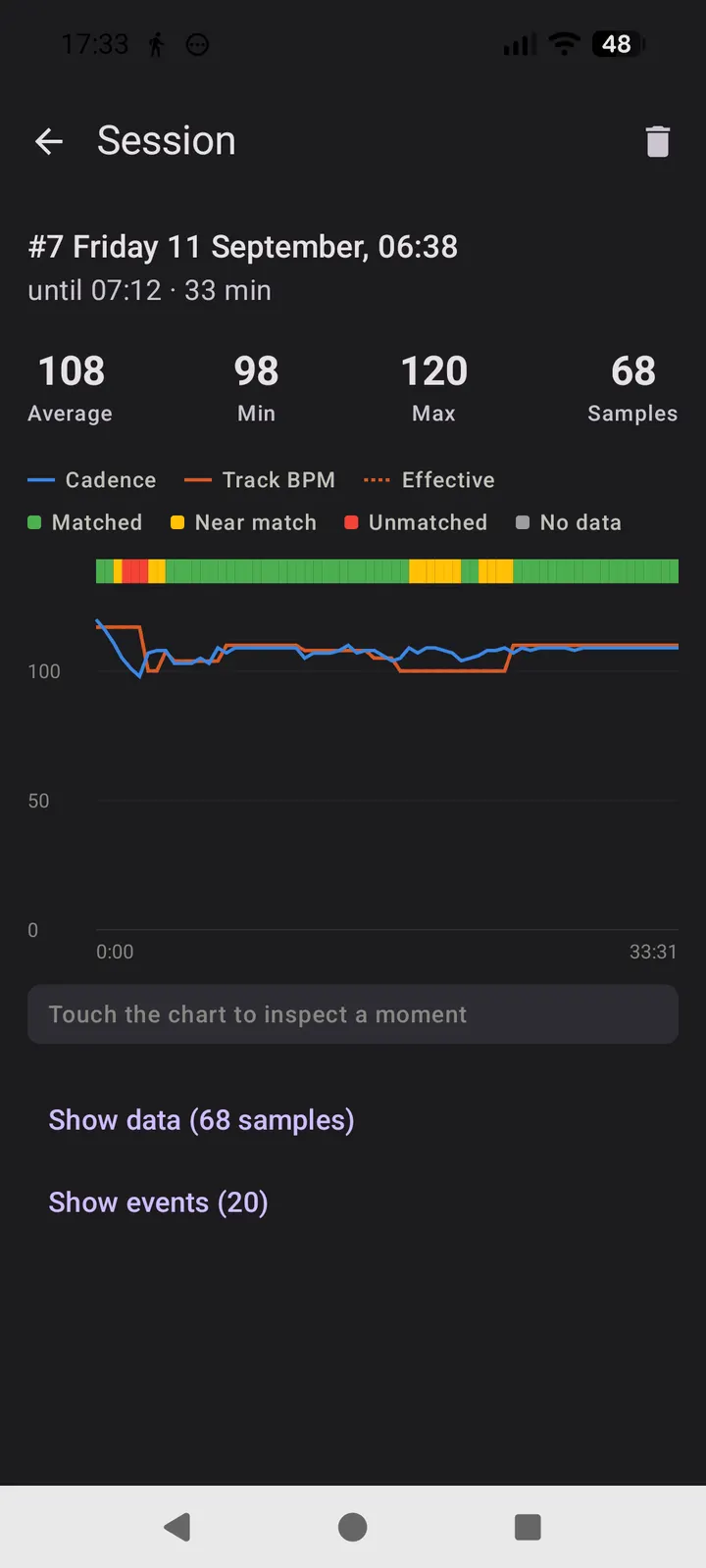
Triage mode lets you rate tracks mid-run as skip, keep or like, using an on-screen gesture or an earbud button. Afterward the app sorts them into playlists. Every run is logged with its cadence and track-matching detail, and you can browse it in session history.
Who should pick Spotify or Fossify Music Player instead
Bematist plays only music files already on your phone. If you want streaming or a catalogue to discover new songs, the alternatives listed for it, such as YouTube Music or Spotify, fit better. Bematist has no streaming or store feature.
If you want a plain local player with no running logic, Fossify Music Player or Apollo are closer to that. Bematist makes sense when running pace is the reason you open a music app.
What's new in 1.1.0
Version 1.1.0 was updated on October 31, 2026, after the first release on October 8, 2026.
Bematist pros and cons
Pros
- Matches local tracks to your running cadence in real time
- Tempo analysis runs on the device, so matching works offline
- Manual BPM range with a dial for treadmill or bag runs
- Free, no ads, GPL-3.0-or-later licence with public source code
- Small 5.1 MB download
Cons
- Requires Android 13 or newer
- Plays only files already on your device, with no streaming
- The first library scan is needed before matching works
Is Bematist safe?
TopDown APK hosts the unmodified APK for tier A, with SHA-256 1cee0d6f923470f48b186c2de116c7cddf5cc6dae0f1092ff9ef0c65e9a3464b so you can verify your download. The source is public on GitLab under GPL-3.0-or-later. The developer says the app collects nothing and has no servers, and it shows no ads. No independent security review is available.
How to install Bematist
- Download the APK with the button on this page and wait for it to finish.
- Compare the file with the SHA-256 checksum shown here if you want to confirm it arrived intact.
- Open the file on your phone and allow installs from this source when Android asks.
- Finish the install, then open Bematist from your app drawer.