
CloudSound icon

CloudSound

Xilin Jia

Music Apps Verified file

Version
1.0.7
Size
2.2 MB
Min Android
8.0
Updated
Oct 18, 2026
Ads
No
Download APK 1.0.7 (2.2 MB) CloudSound

Version 1.0.7, updated Oct 18, 2026

  • SHA-256 1d3631ad…318579
  • Signature checked
  • Scan pending

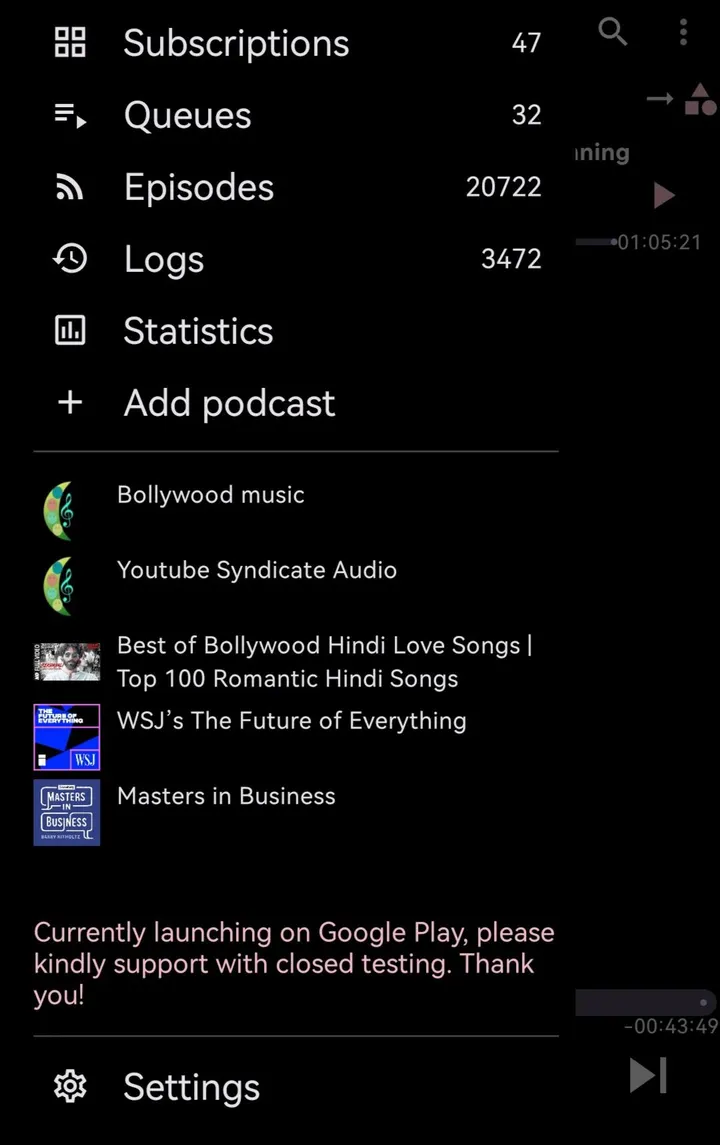
Spotify and YouTube Music are full players with their own interfaces, while CloudSound is a small 2.2 MB add-on with a narrower job. It is a service app by Xilin Jia that feeds SoundCloud content into Podcini.A, and it is not a standalone player.

Setting up CloudSound next to Podcini.A

Install the APK on a device running Android 8.0 or newer. The package ID is ac.amalfi.cloudsound, and the current build is version 1.0.7.

Because it is an extension, it has to be paired with Podcini.A to be of any use. Check the Podcini.A documentation for how it finds the service.

Free, open source and without ads

CloudSound costs nothing and shows no ads. Its source code is on GitHub under the GPL-3.0-only license, so anyone can read what it does.

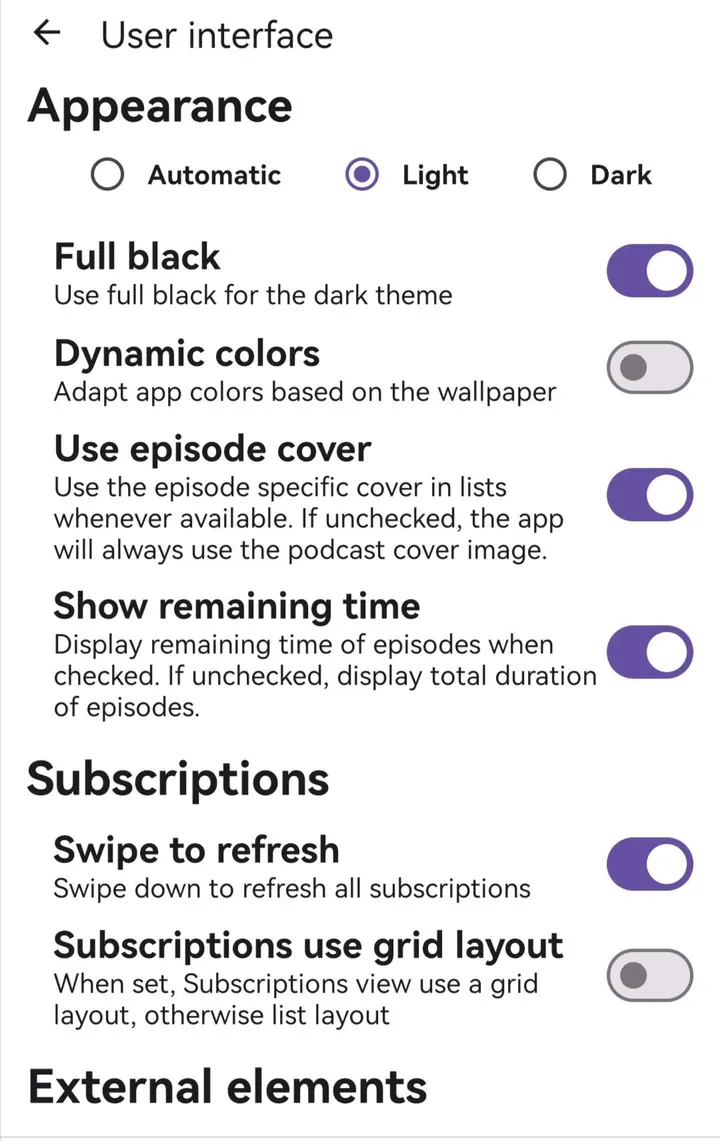
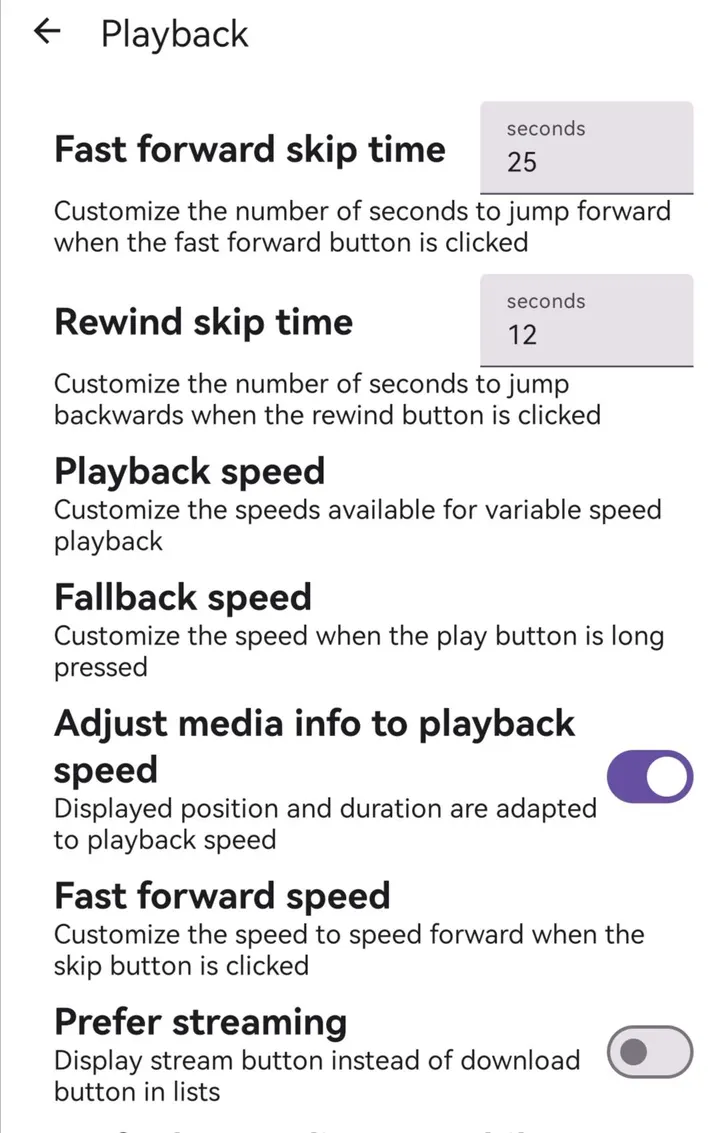
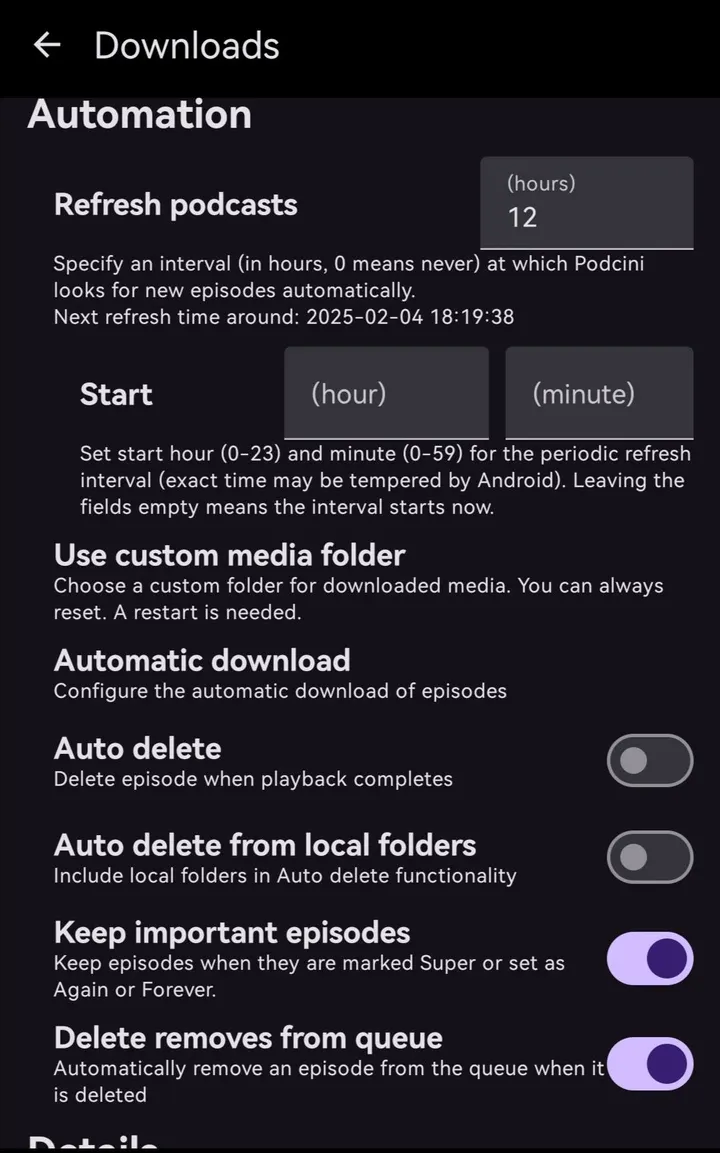
The page carries 8 screenshots. It was first released on September 18, 2026 and last updated on October 18, 2026.

When Spotify or Fossify Music Player fits better

If you want a player that works alone, CloudSound is the wrong pick. Spotify and YouTube Music cover streaming with their own apps, and Fossify Music Player or Apollo suit people who mainly play local audio.

CloudSound only makes sense for someone who already uses Podcini.A and wants SoundCloud content inside it.

CloudSound pros and cons

Pros

  • Free, with no ads
  • Open source under GPL-3.0-only, with code on GitHub
  • Only 2.2 MB to download
  • Runs on Android 8.0 and newer

Cons

  • Needs Podcini.A and does nothing on its own
  • Release notes and setup guidance are hard to come by

Is CloudSound safe?

We host the unmodified APK as a Tier A file, and its SHA-256 checksum is 1d3631ade101c5adad5b5696cf6dde6368a9bfdbe13766a4fee2889f7f318579. The developer is Xilin Jia, and the code is public under GPL-3.0-only. No Google Play rating or independent security review is available.

How to install CloudSound

  1. Download the APK with the button on this page and wait for it to finish.
  2. Compare the file with the SHA-256 checksum shown here if you want to confirm it arrived intact.
  3. Open the file on your phone and allow installs from this source when Android asks.
  4. Finish the install, then open CloudSound from your app drawer.

Older versions

Questions and answers

Does CloudSound work without Podcini.A?

It is a service app that provides SoundCloud content to Podcini.A, so it is meant to be used with that app.

Does CloudSound have ads or a price?

No. It is free and has no ads.

Which Android version does it need?

Android 8.0 or newer.

Where can I read the source code?

On GitHub at github.com/XilinJia/CloudSound, under the GPL-3.0-only license.

Alternatives to CloudSound

  • YouTube Music

    YouTube Music: personalized mixes, lyrics and video from Google on Android

    4.5 on Google Play Google Play
  • Fossify Music Player

    Free open-source offline music player with sleep timer, widget and no ads.

    10.6 MB Verified file
  • Spotify

    Free, ad-supported music and podcasts with Premium offline plans on Android

    4.3 on Google Play Google Play
  • SoundCloud

    SoundCloud: 400M+ tracks, DJ sets and remixes, free with ads on Android

    4.7 on Google Play Google Play
  • Easy Piano Keyboard

    Free 88-key virtual piano with falling notes and guided lessons

    4.6 on Google Play Google Play
  • Shazam

    Free, ad-free song recognition with Quicktile and widget shortcuts

    4.8 on Google Play Google Play
  • Apollo

    Free, ad-free open-source local music player, only 1.8 MB, Android 5.0+

    1.8 MB Verified file
  • Music Player & MP3

    Offline Android player with equalizer, lyrics and a monthly listening recap

    4.6 on Google Play Google Play

More from Xilin Jia

  • PeerPop

    Ad-free 2.2 MB helper that feeds PeerTube videos into Podcini.A

    2.2 MB Verified file
  • Podcini.A

    Free, ad-free open-source podcast player with queues and volumes

    93.4 MB Verified file
  • Podcini.X

    Open-source, ad-free podcast player with queues, ratings and 12 play states

    67.2 MB Verified file
  • UT.urn

    Free, ad-free 2.3 MB service app that adds YouTube to Podcini.A

    2.3 MB Verified file

Related categories