

Easy Piano Keyboard turns a phone into a full 88-key virtual piano. Banix Studio publishes it free of charge, and it has passed 10 million installs on Google Play with a 4.6 rating from 77.9 thousand ratings. Version 10.5 was updated on November 3, 2026 and needs Android 7.0 or newer. Below you will find how to get started, what it does well and who may want a different music app.
First steps after installing the 88-key keyboard
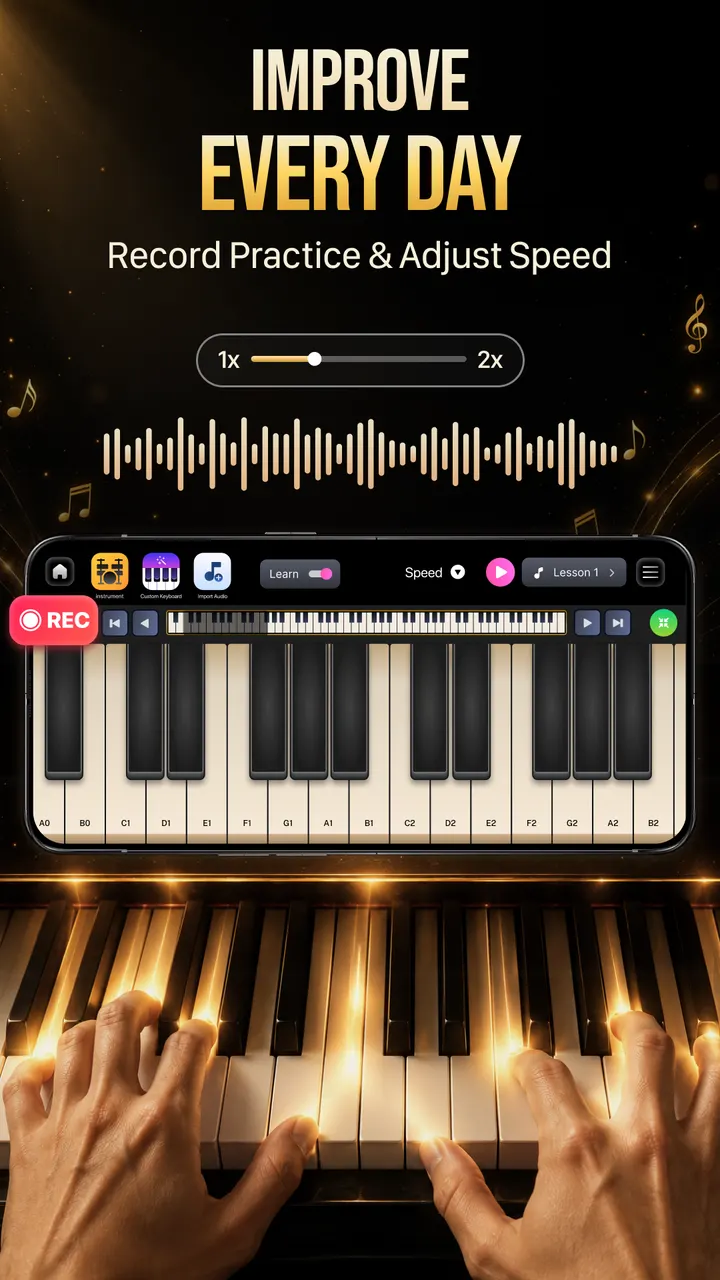
The app needs Android 7.0 or newer, so most phones from recent years qualify. Once it is installed, the main screen is the full 88-key keyboard, which you can scroll and zoom and play with several fingers at once.
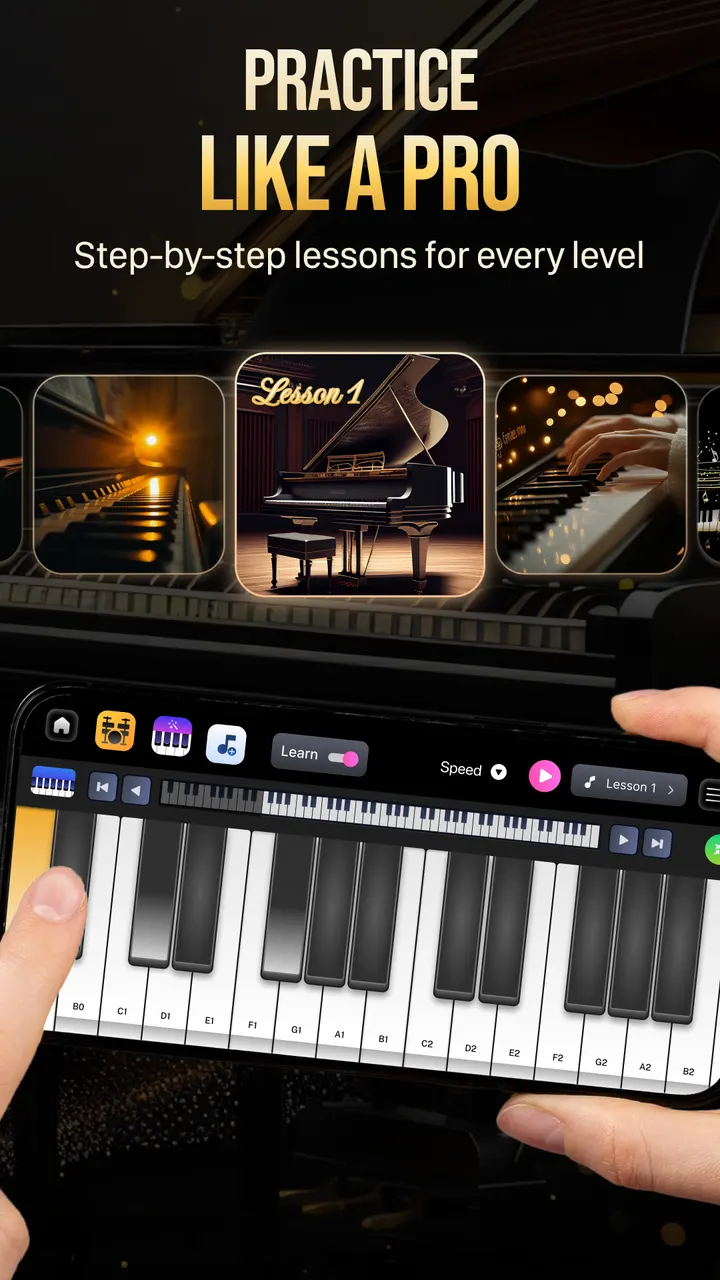
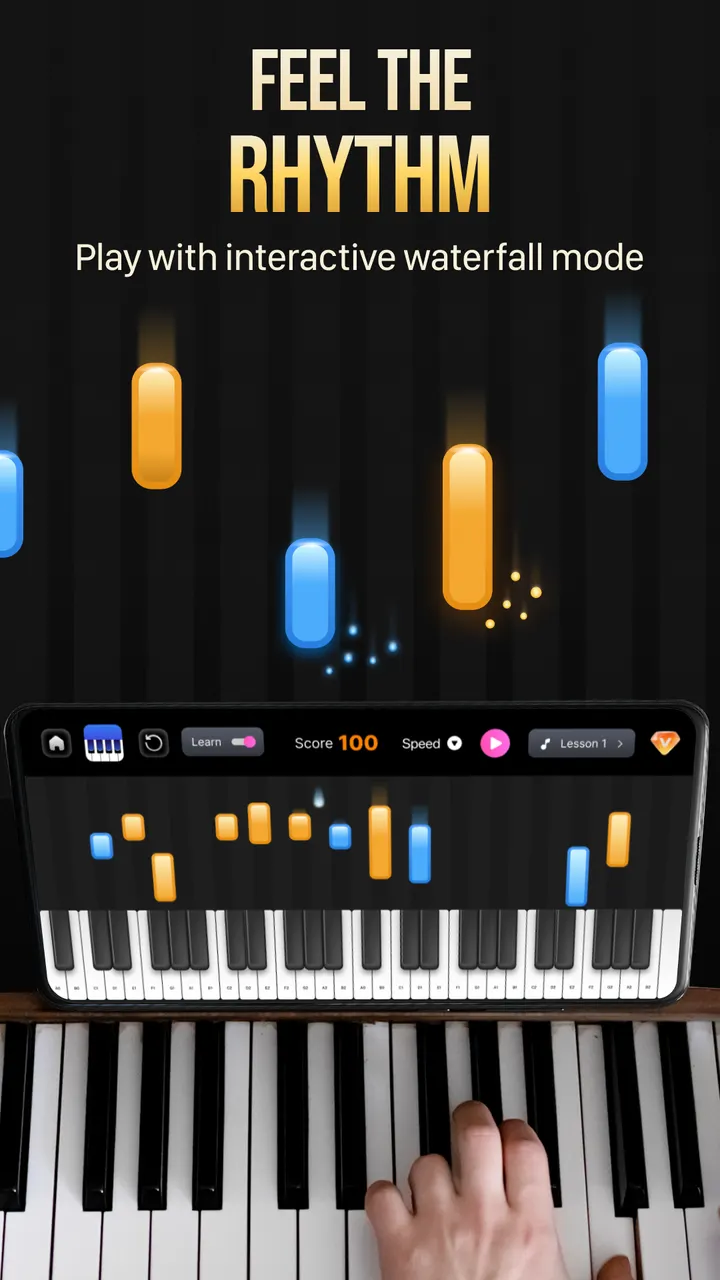
If you have never played, start with the note-by-note lesson mode. According to the store description, it highlights the next key to press, so reading sheet music is not required. The falling notes mode is the second place to try, since it trains timing and finger coordination in the way piano tutorial videos do.
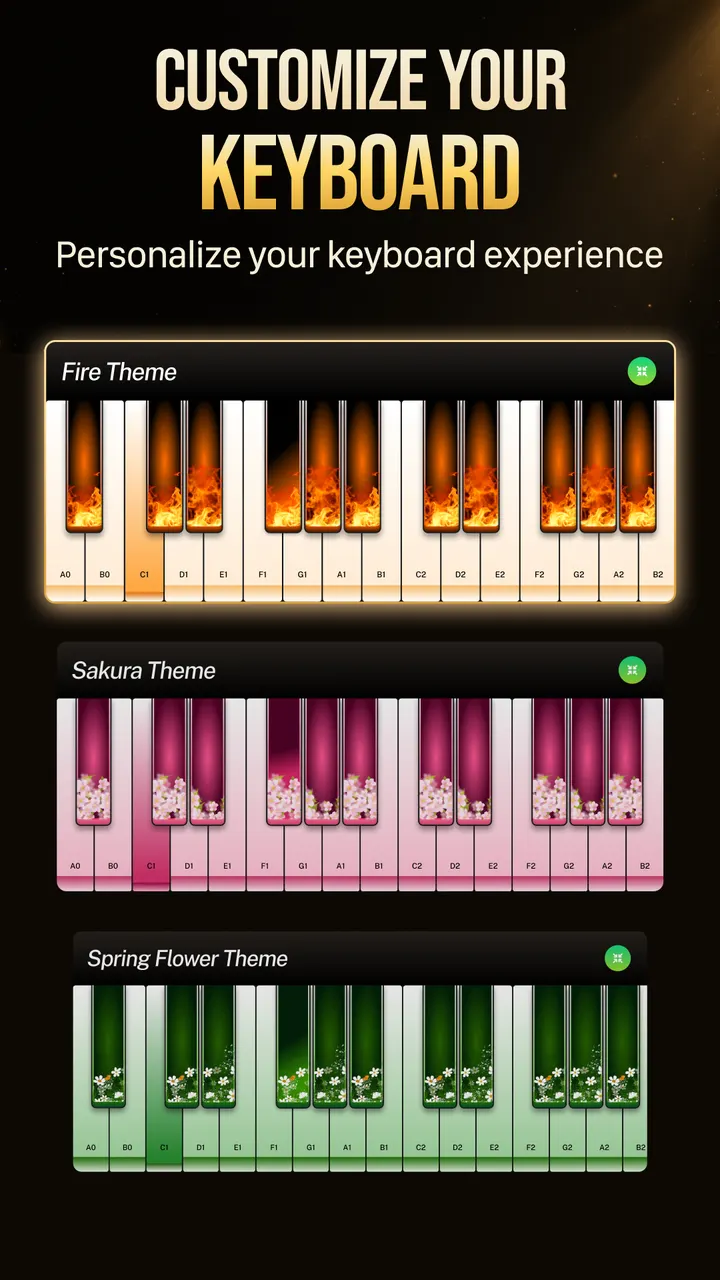
The store listing also mentions colorful keyboard themes and a way to mix your own background sounds into what you play. Both are optional extras you can set up after the basics feel comfortable.
Falling notes, lessons and a song library that keeps growing
The learning side is the core of this app. Falling notes and guided lessons cover two different needs: rhythm practice and learning a melody key by key. The developer describes low-latency piano samples, which matters on a touchscreen where delay quickly makes playing feel off.
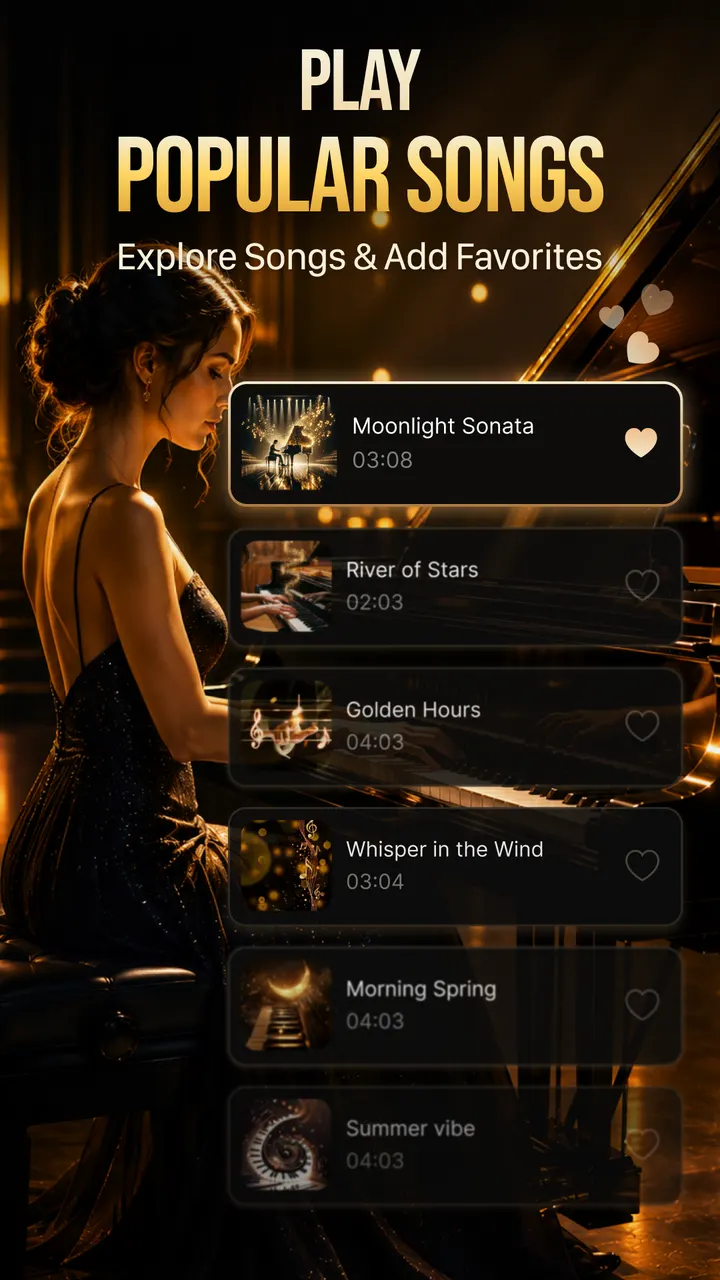
The song library mixes popular songs, classical pieces, love songs, movie themes and easy beginner tunes. The app can also play a song automatically, so you can listen first or learn by watching.
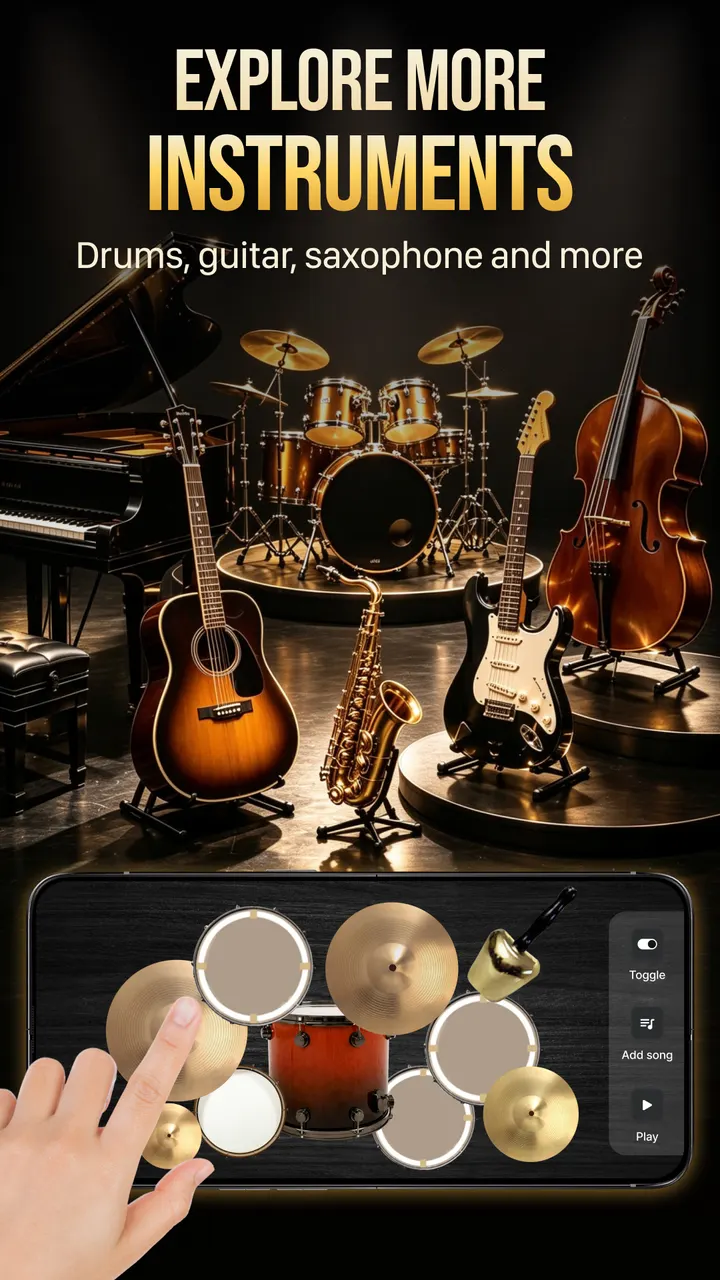
Beyond the piano, the app offers four more instruments: guitar, kalimba, a drum pad and a beat maker for simple loops. These are extras around the piano.
Who should pick a different music app
This app is for playing and practicing, not for listening to a catalog. If you want streaming or a player for your own files, the alternatives include YouTube Music, Spotify, Fossify Music Player, Apollo, Music Player & MP3 and StarMaker.
It also contains ads and in-app purchases, so anyone who wants a completely uninterrupted practice session should check the store page for paid options.
Players who already own a real piano or a MIDI keyboard may find a touchscreen limiting.
Easy Piano Keyboard pros and cons
Pros
- Full 88-key keyboard with scrolling, zoom and multi-finger play
- Falling notes mode and note-by-note lessons for beginners
- Song library covering classical, movie themes and easy tunes
- Guitar, kalimba, drum pad and beat maker included
- Free to install and rated 4.6 on Google Play
Cons
- Contains ads
- Includes in-app purchases
- No data on MIDI or external keyboard support
- Needs Android 7.0 or newer
Is Easy Piano Keyboard safe?
Banix Studio publishes Easy Piano Keyboard, and it carries an Everyone content rating. The app is free, but it shows ads and offers in-app purchases, so expect occasional prompts while you play the 88-key keyboard.
How to install Easy Piano Keyboard
- Press the Google Play button on this page.
- Check the listing in the Play Store and press Install.
- Open Easy Piano Keyboard when the install finishes. Updates arrive through Google Play.