
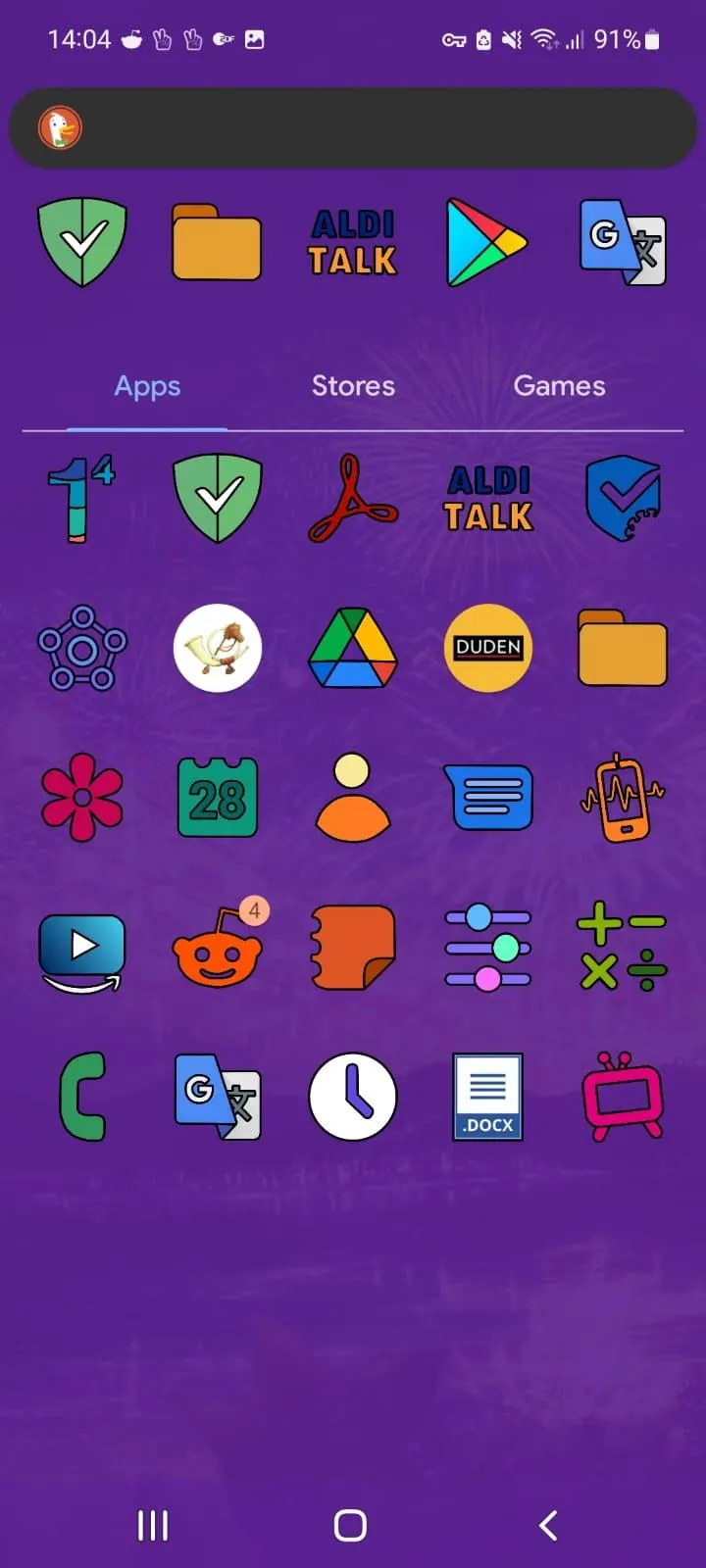
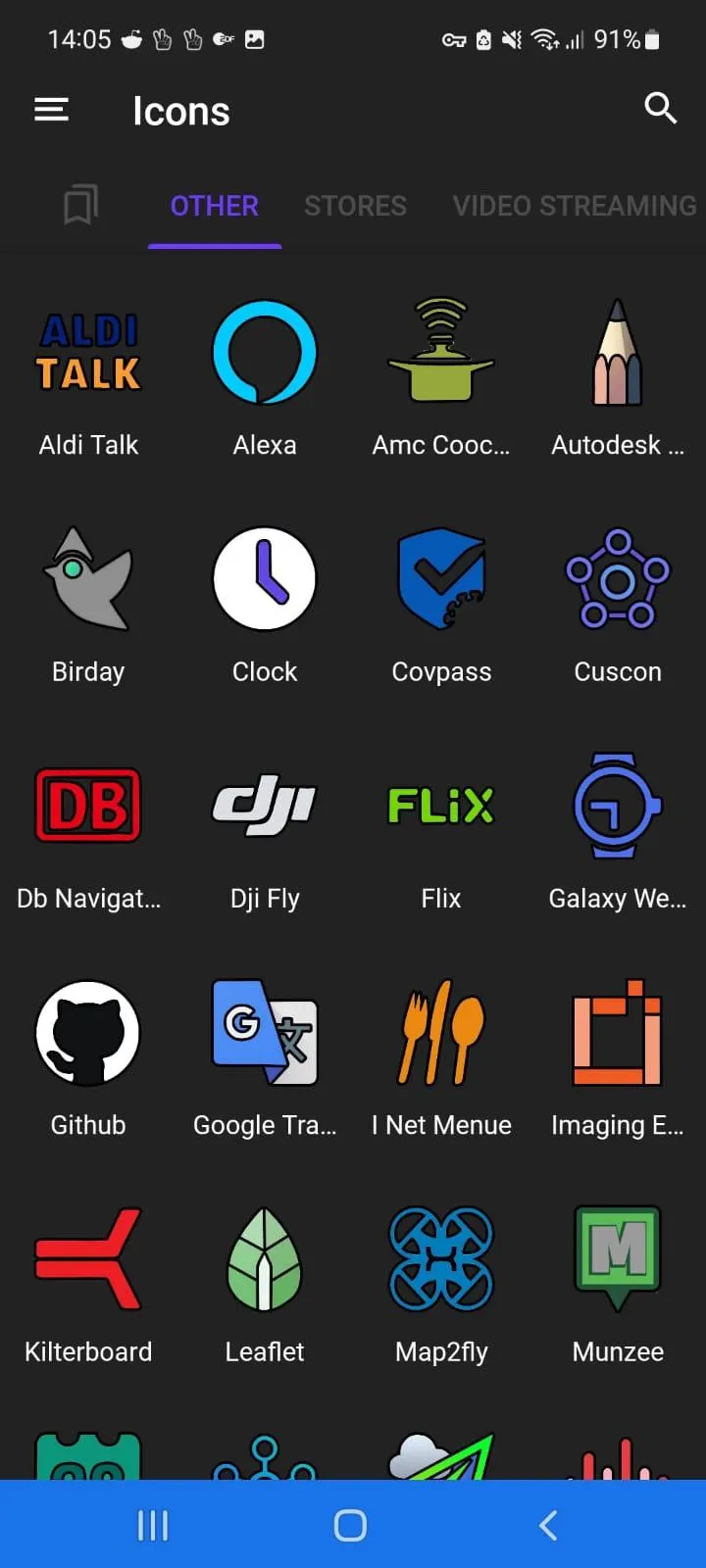
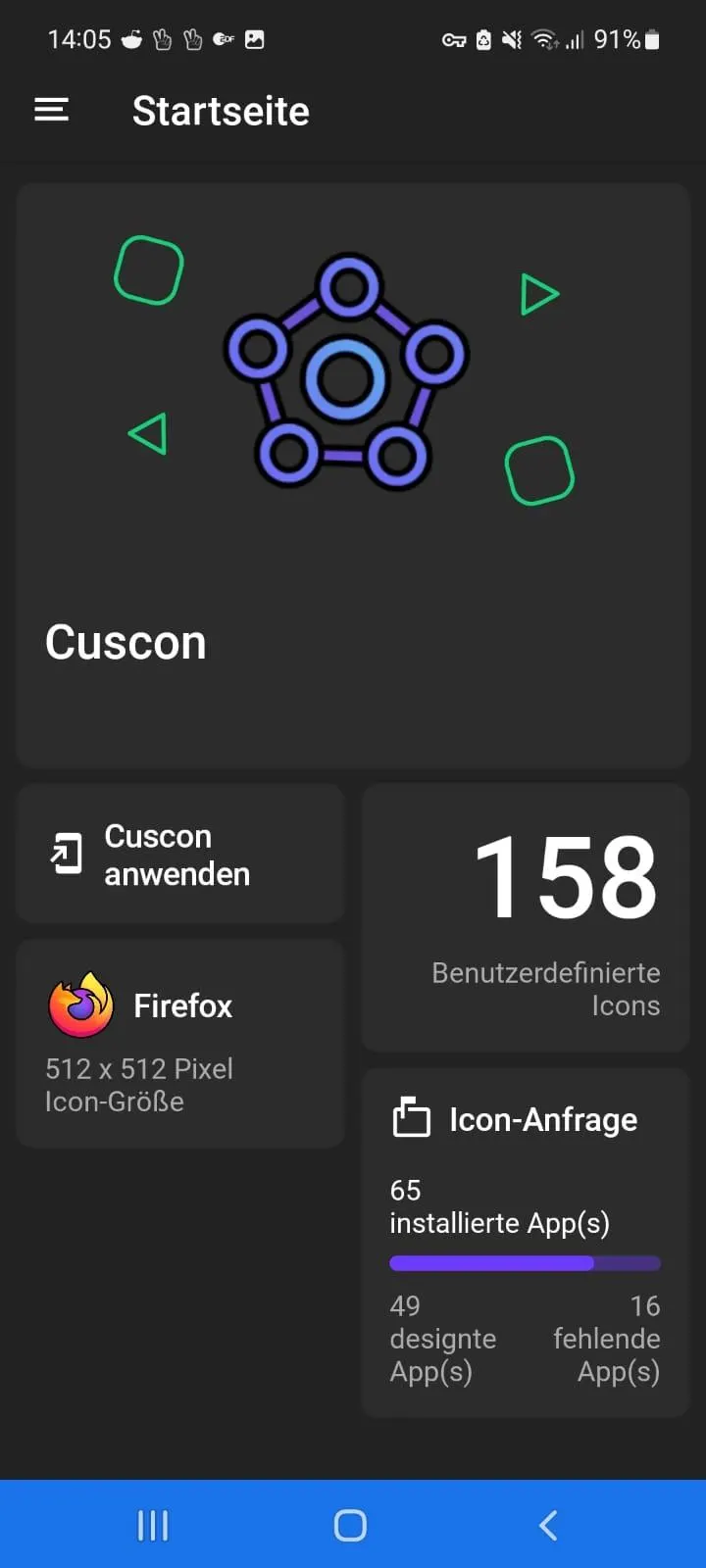
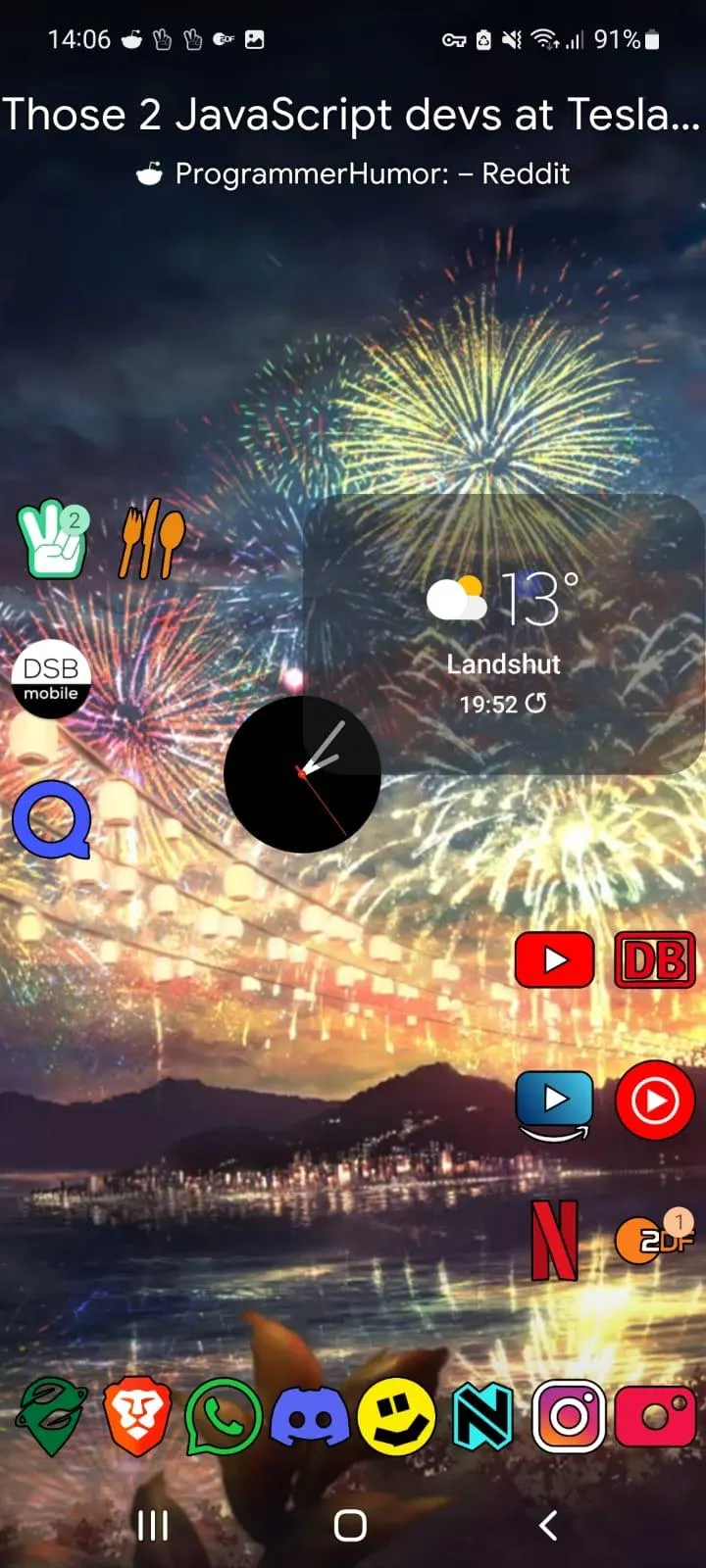
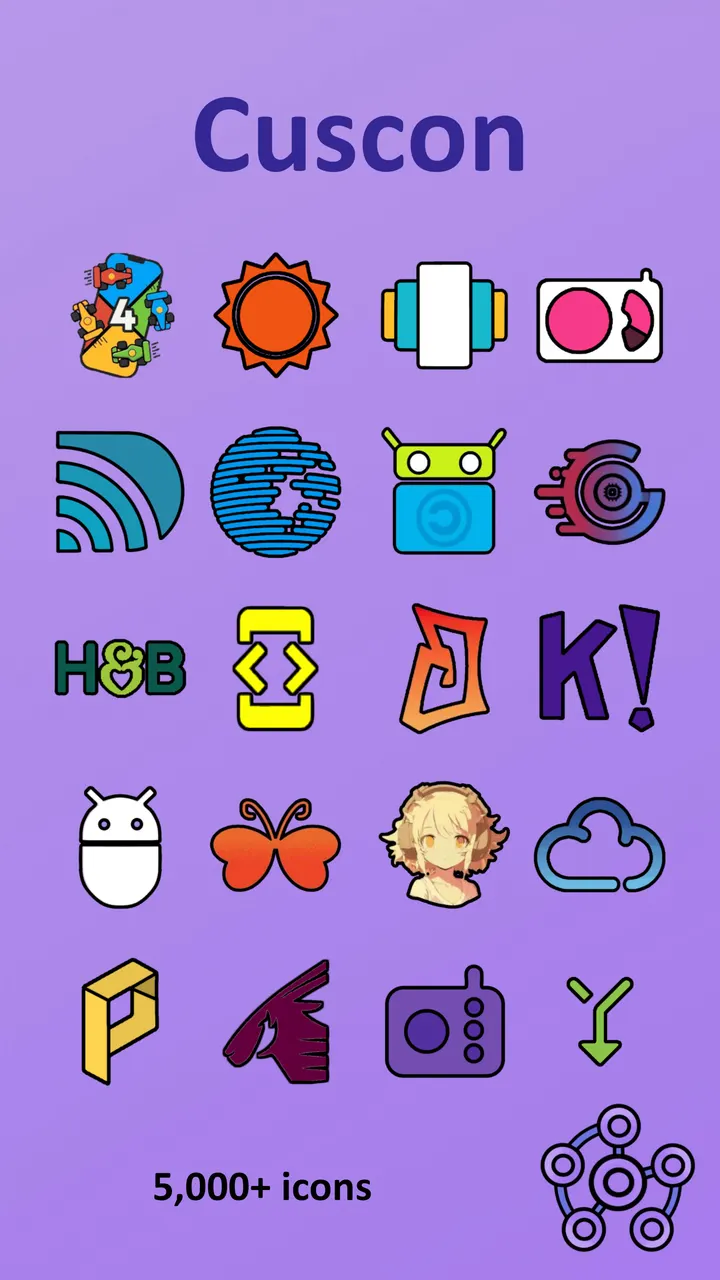
Cuscon is a free, open-source icon pack for Android with over 5000 icons, published by MiepHD under the Apache-2.0 licence. The current version is 4.1.2.3, last updated October 27, 2026, and it runs on Android 5.0 or newer.
Who a borderless, black-outlined icon set fits
Cuscon suits people who want their Home screen to look less like a rigid grid. The icons have no background shape, so each one keeps its own outline and breaks up the usual pattern.
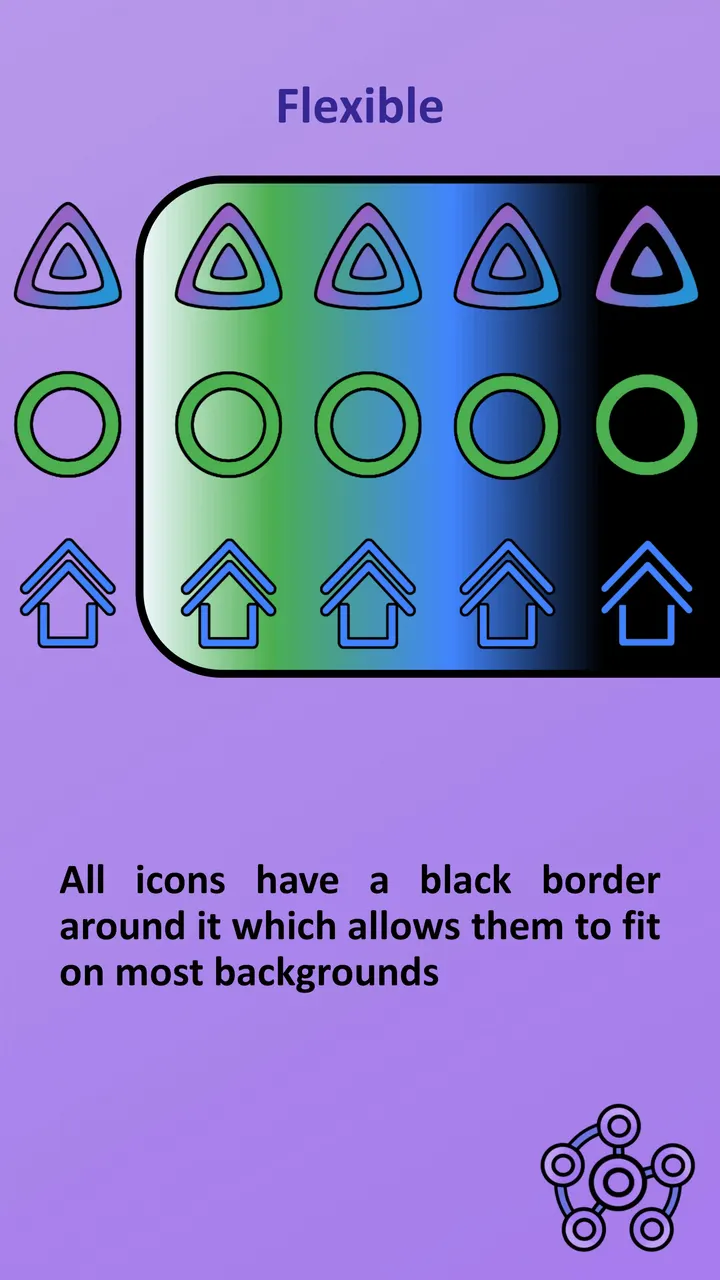
Every icon carries a black border, which the developer says lets it sit on most wallpapers. It also suits anyone who cares about open projects, since the code lives on GitHub and contributions are welcome.
Sizing, colours and launcher support in practice
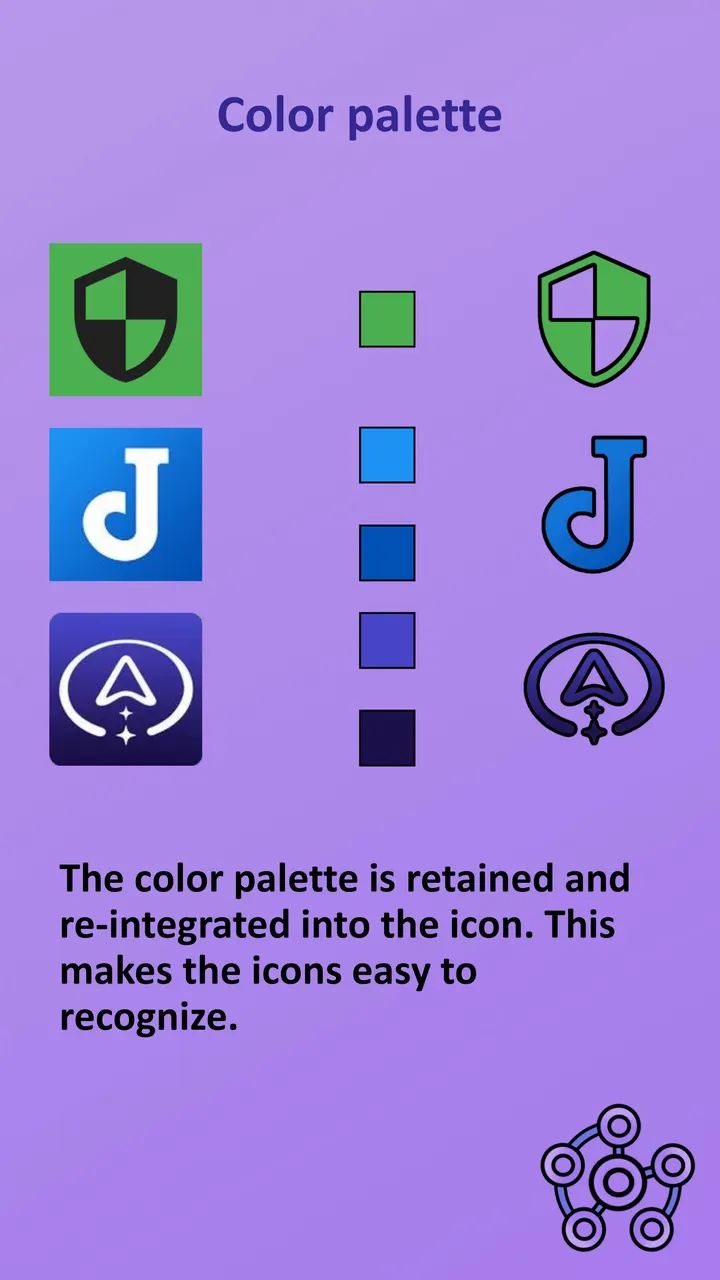
The original palette of each app is kept inside its icon, which helps with recognition. All icons share the same spacing and size, so the pack does not need masking to look even.
The pack also covers games and other complex designs, which many sets leave unthemed. The aim is that you can apply Cuscon fully without stray unedited icons.
Launchers named in the description include Apex, Nova, Smart, Kiss and Lawnchair, with others also working. Missing icons can be requested. Most calendar icons can follow the current date, but only when the right launcher is used.
Costs, size and calendar icons
Cuscon is free and shows no ads. The package is com.froxot.cuscon.foss and the download is 61.9 MB, which is sizable for an icon pack.
Calendar date updates depend on launcher choice, so results will differ between setups.
Cuscon pros and cons
Pros
- Over 5000 icons, completely free
- No ads
- Open source under Apache-2.0, with code on GitHub
- Uniform icon size and spacing without masking
- Works with launchers such as Nova, Apex and Lawnchair
Cons
- 61.9 MB download is large for an icon pack
- Dynamic calendar icons need a compatible launcher
- No rating, install count or changelog in the available data
Is Cuscon safe?
TopDown APK hosts the unmodified APK for Cuscon, a Tier A listing, and the file has a SHA-256 checksum of 37beccb49bd00f29e42afb92d9c0dbaf63f8025826d9bcb12e8be48d6c8400ac for verification. The code is public on GitHub under Apache-2.0, so it can be inspected. A privacy policy link is provided. No independent security review is available.
How to install Cuscon
- Download the APK with the button on this page and wait for it to finish.
- Compare the file with the SHA-256 checksum shown here if you want to confirm it arrived intact.
- Open the file on your phone and allow installs from this source when Android asks.
- Finish the install, then open Cuscon from your app drawer.


