
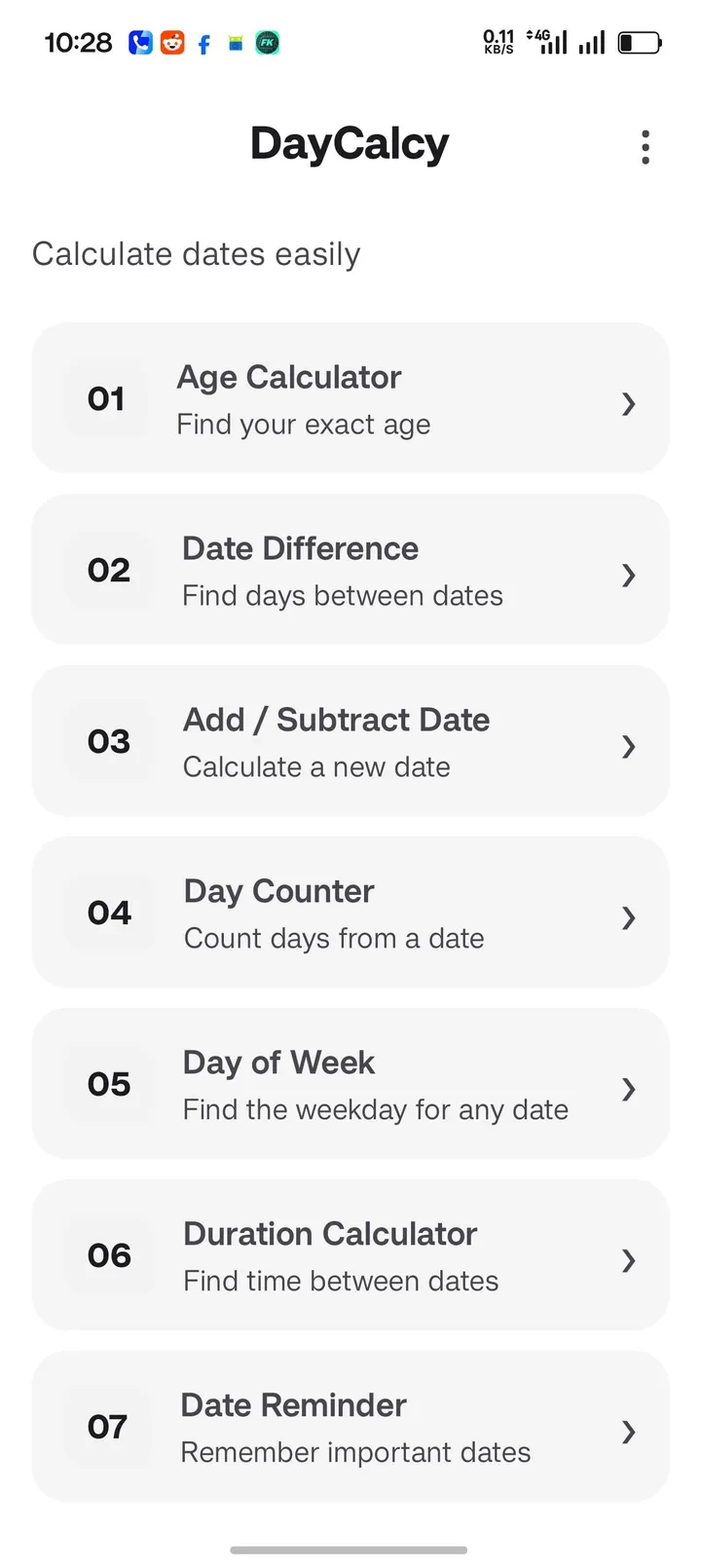
You have a deadline, a trip, or a birthday and want to know exactly how many days remain. DayCalcy answers that on the phone without a connection. Version 3.43.8 from developer Veevek is free, carries no ads, and needs Android 7.0 or newer.
Setting up reminders and widgets after install
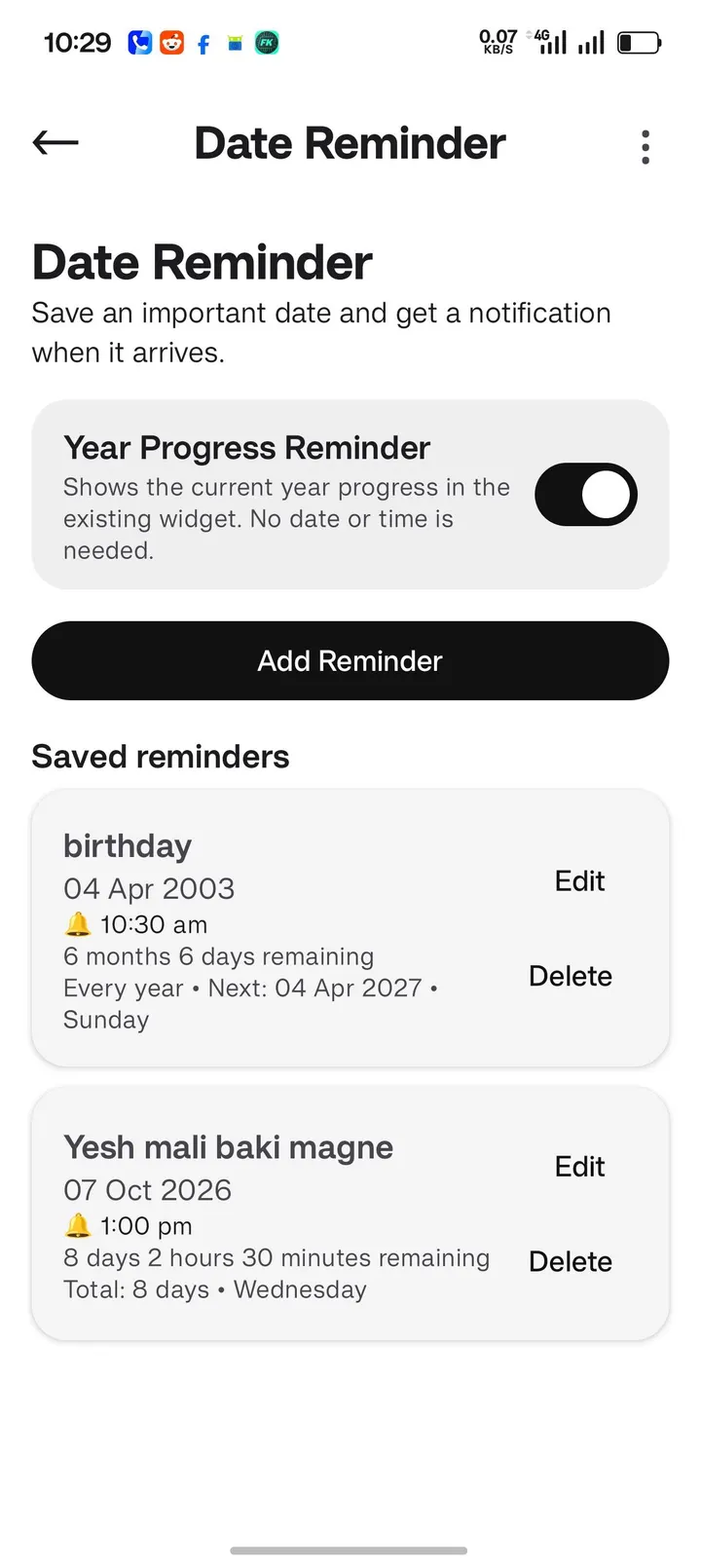
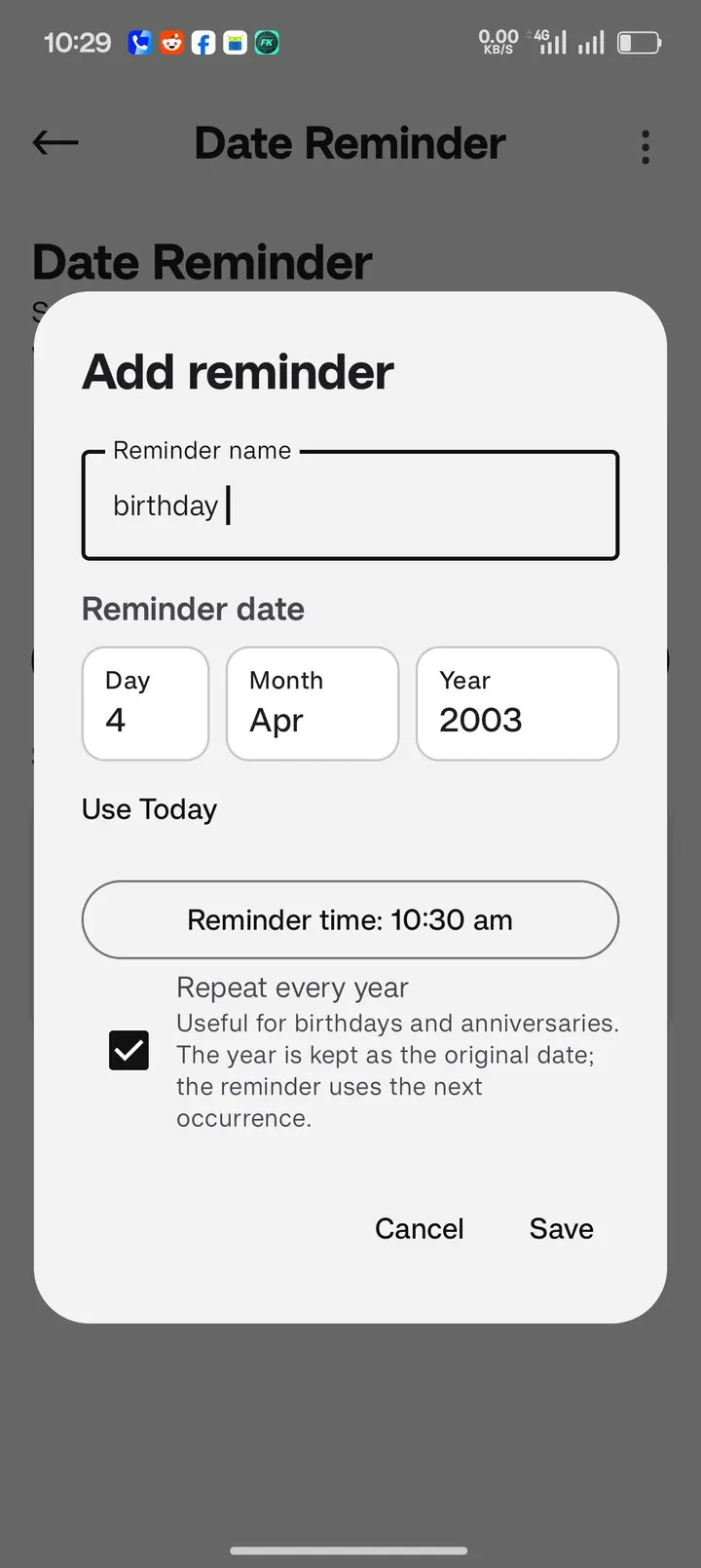
The package is small at 1.7 MB, so the install finishes quickly. The first useful step is to save a date you care about as a reminder. The app then sends a notification when that date arrives.
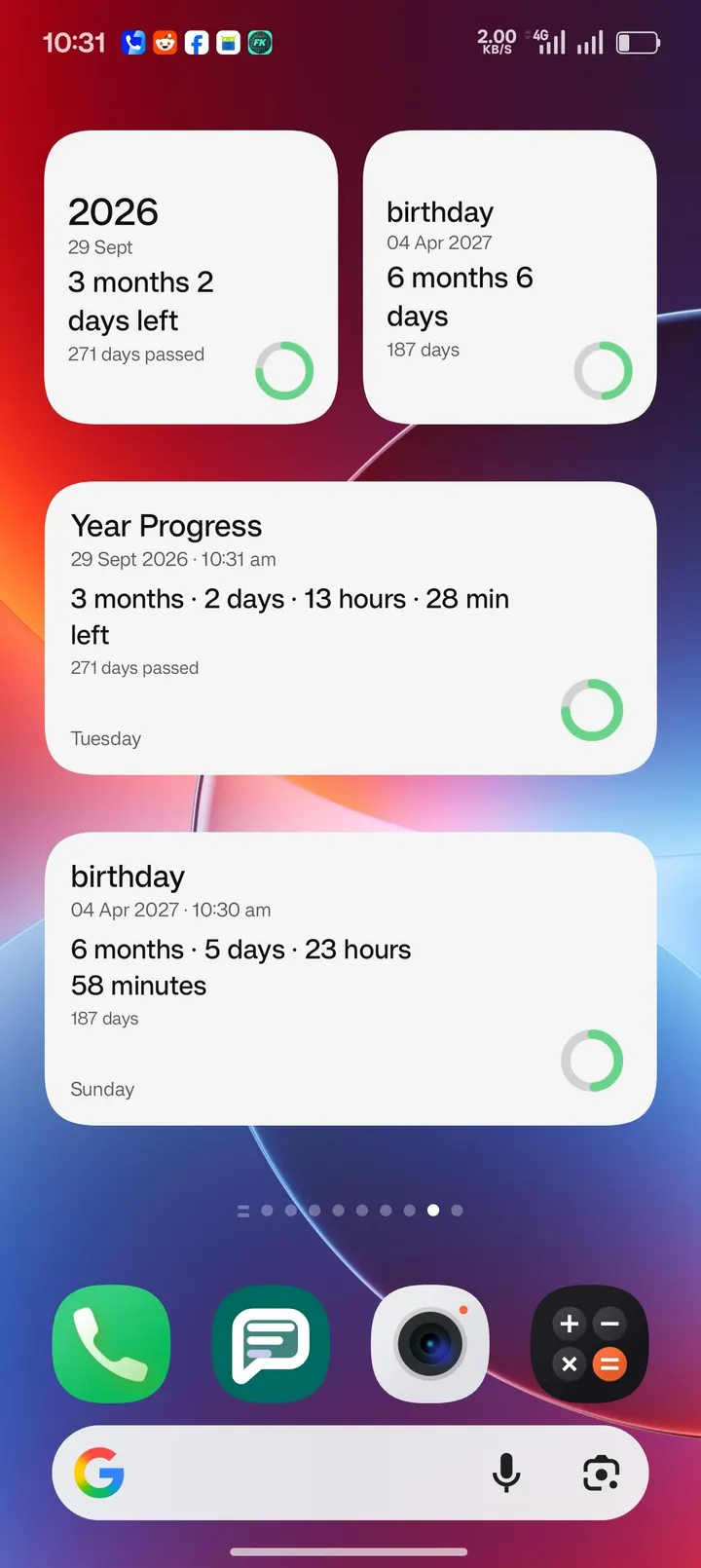
Next, add a widget to the home screen. DayCalcy includes Countdown Widgets for upcoming events and a Year Progress Widget that shows how far the current year has advanced.
Date maths that runs without a connection
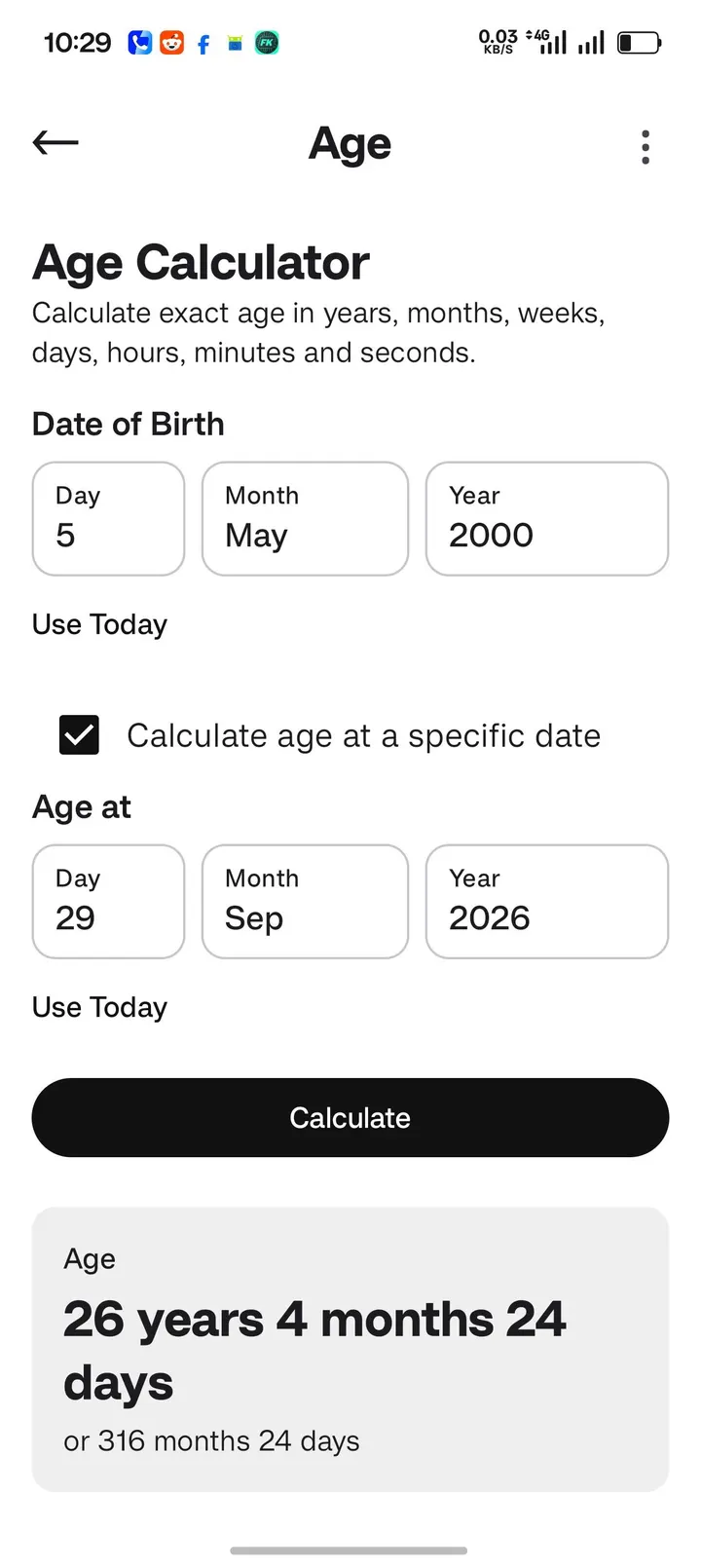
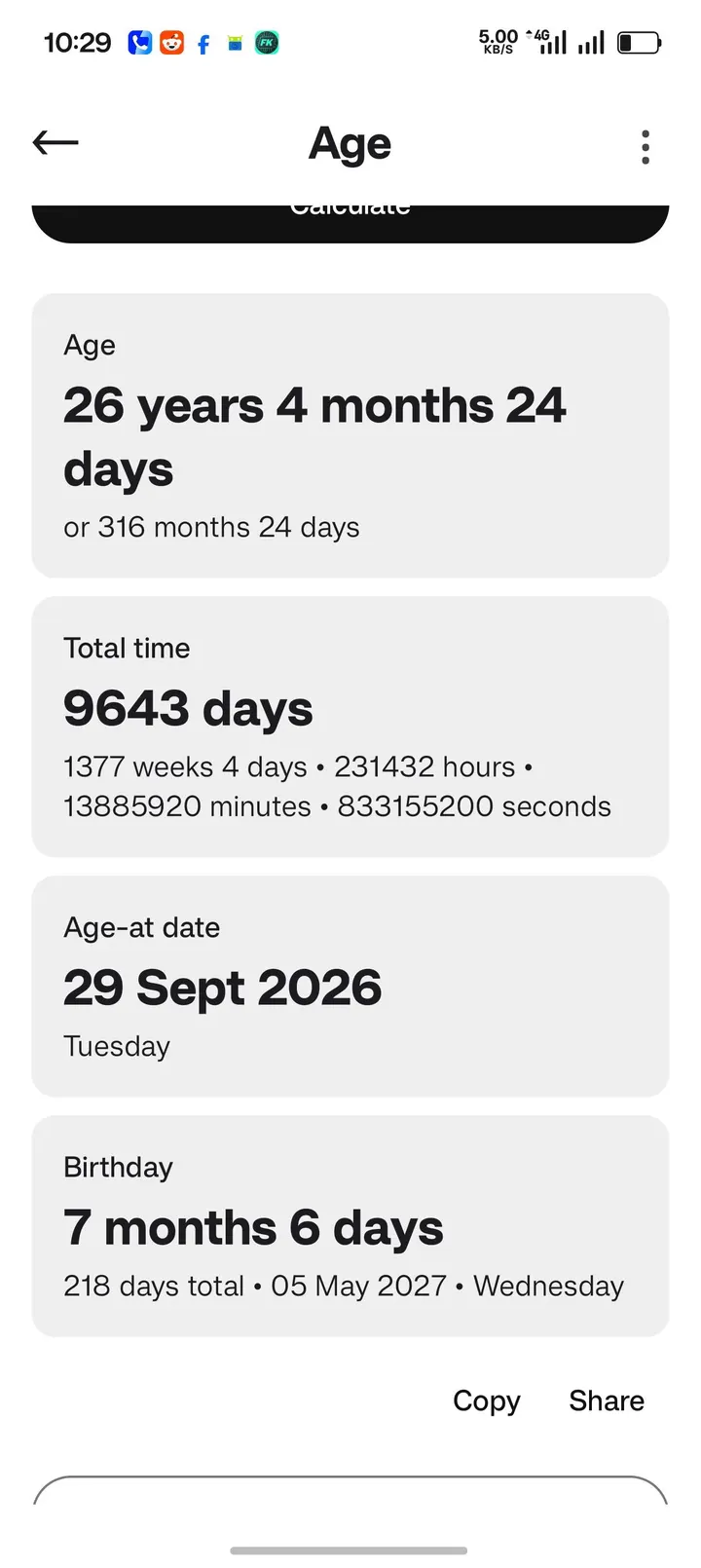
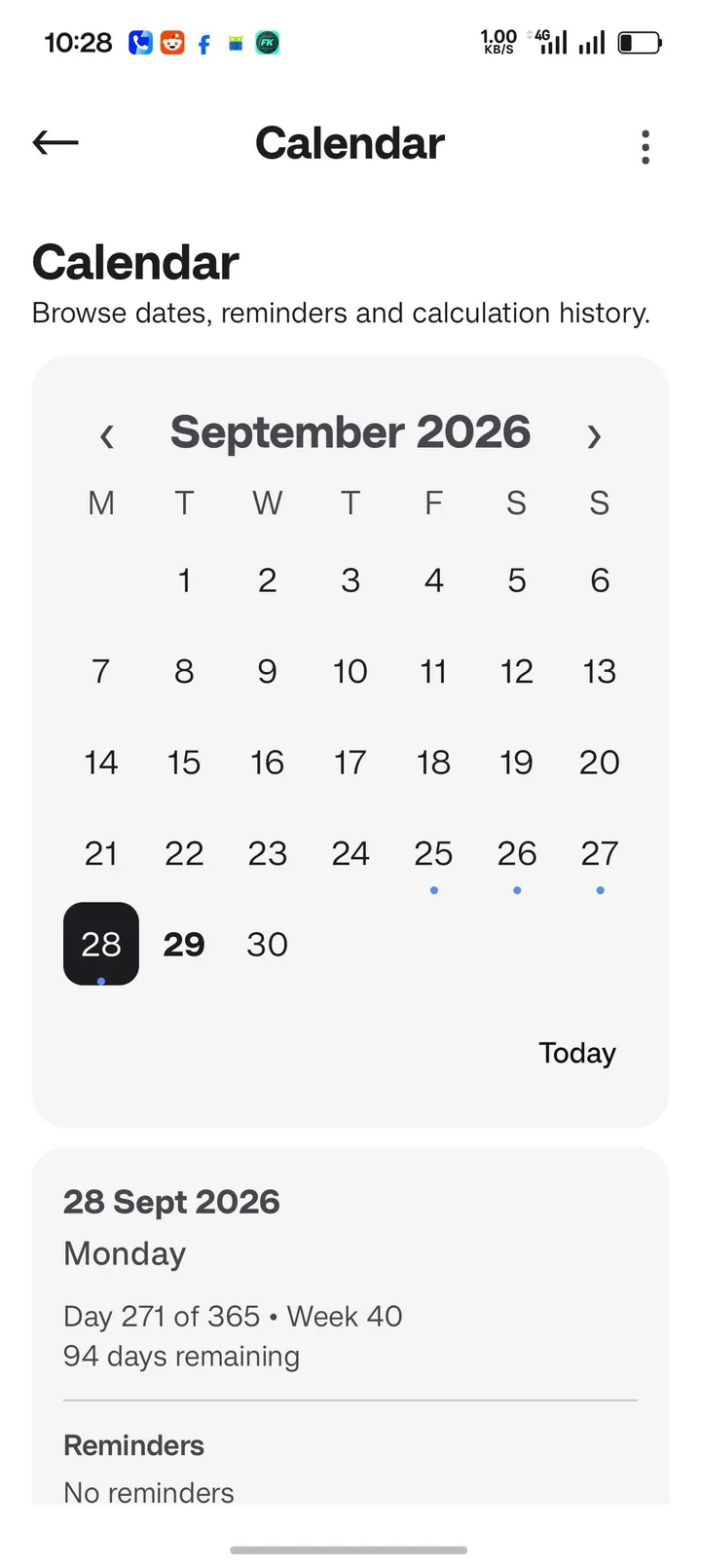
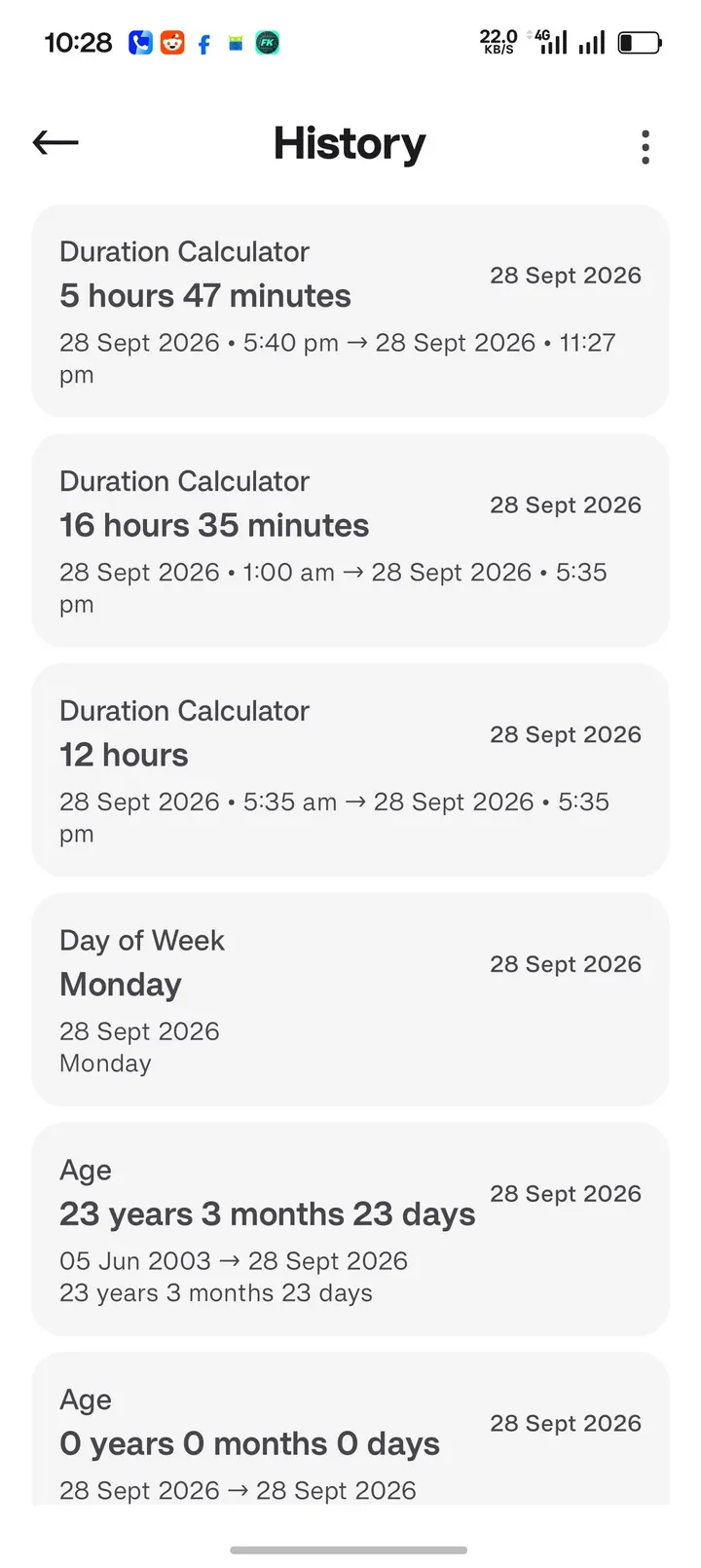
The calculator covers several tasks. It counts the days between two dates, adds or subtracts days from a date, works out age, compares dates and handles time durations.
The developer says the app works with no internet connection and needs no online services. It also describes itself as private, which is the developer's claim.
When another calculator fits better
DayCalcy handles dates and nothing else. If you want arithmetic, scientific functions or a history of past calculations, look at alternatives such as Calculator Plus with History, ClevCalc or Samsung Calculator.
For open-source tools in the same vein, DumberKit and NerdCalci are also options.
DayCalcy pros and cons
Pros
- Works offline and needs no online services, according to the developer
- No ads and no price, with the app listed as free
- Saves dates as reminders and sends notifications
- Countdown and Year Progress widgets for the home screen
- Open source under GPL-3.0-only with a small 1.7 MB package
Cons
- Limited to date calculations, with no general calculator functions
- Privacy claims come from the developer, with no independent security review available
- Alternatives such as Calculator Plus with History offer arithmetic and calculation history
Is DayCalcy safe?
The APK is stored here unmodified, and its SHA-256 checksum is b3a95b70f2fa6103abb404e8a5ea1e8d4d2cf05340aeeb66175b2754607f9ada. Veevek publishes the source on GitHub under GPL-3.0-only, so anyone can read the code. Compare the checksum of your downloaded file with this value and install only if the two match.
How to install DayCalcy
- Download the APK with the button on this page and wait for it to finish.
- Compare the file with the SHA-256 checksum shown here if you want to confirm it arrived intact.
- Open the file on your phone and allow installs from this source when Android asks.
- Finish the install, then open DayCalcy from your app drawer.


