
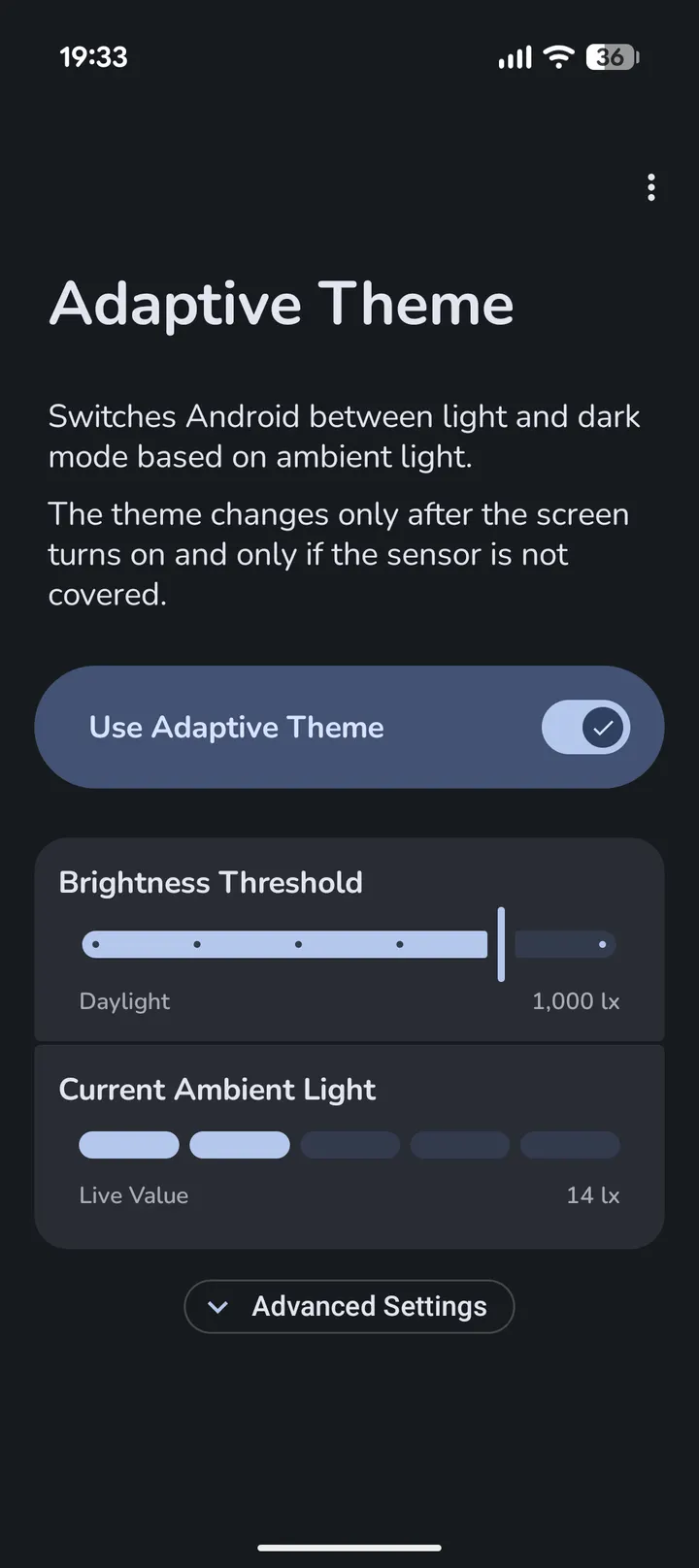
You step out of a dim office into afternoon sun, and the phone stays in dark mode because sunset is hours away. Adaptive Theme, from developer xLexip, fixes that by reading the ambient light sensor instead of a clock. This page covers version 2.5.1, which needs Android 14 or newer.
Free, no ads, and GPL-licensed
Adaptive Theme is free and has no ads. The FOSS build has no analytics, crash reporting, trackers or proprietary libraries, according to the store description.
The code is published under GPL-3.0-only, with the source on GitHub at xLexip/Adaptive-Theme. There is no paid tier and there are no in-app purchases.
Lux thresholds, wallpaper sync and the night lock
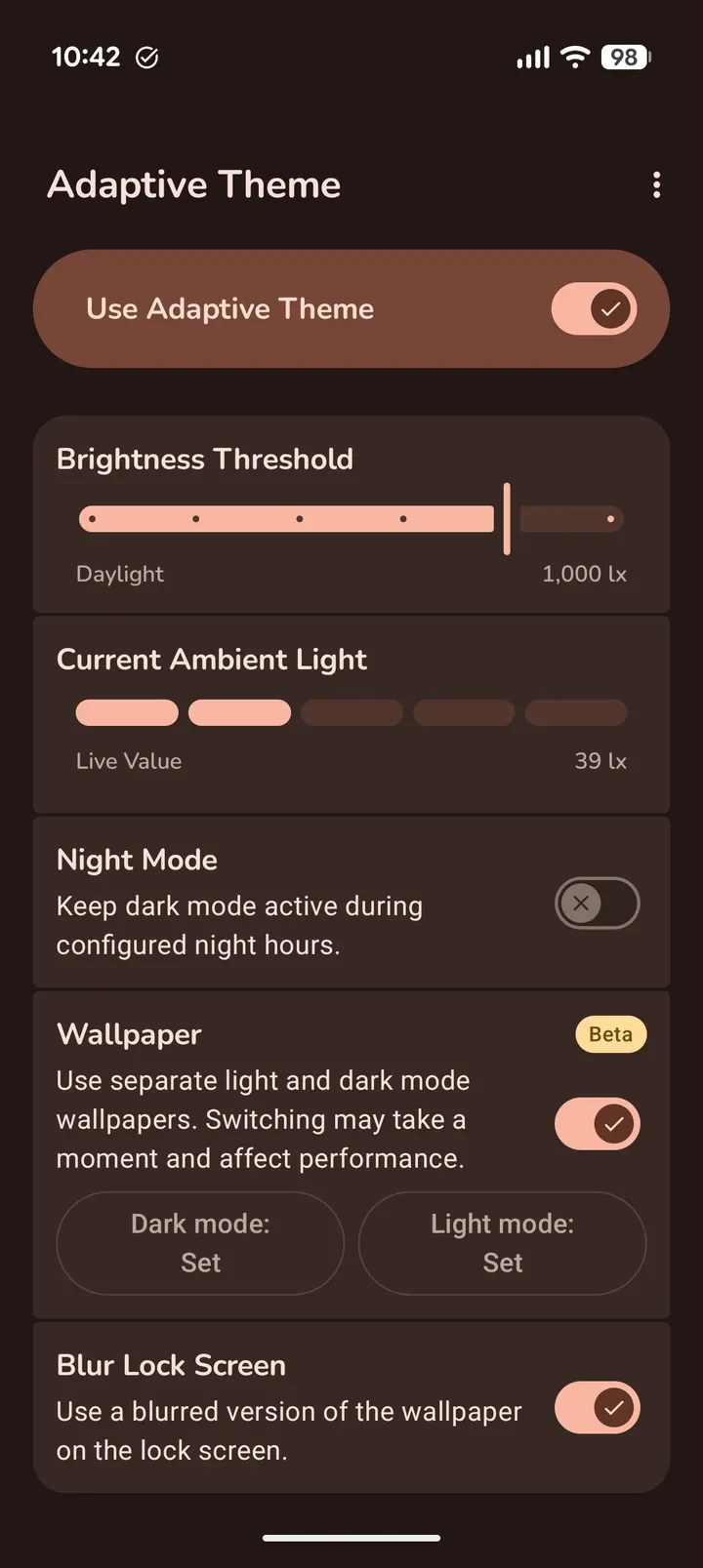
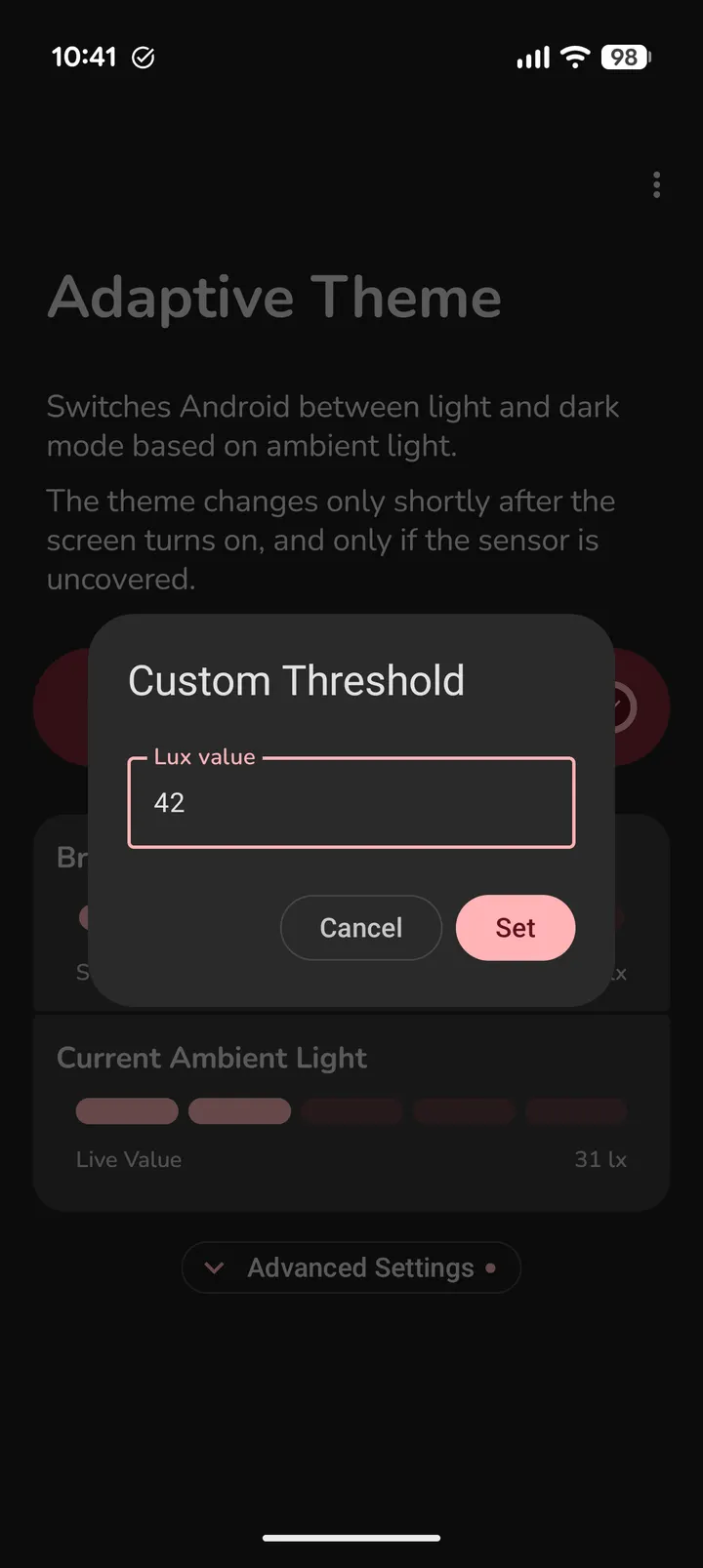
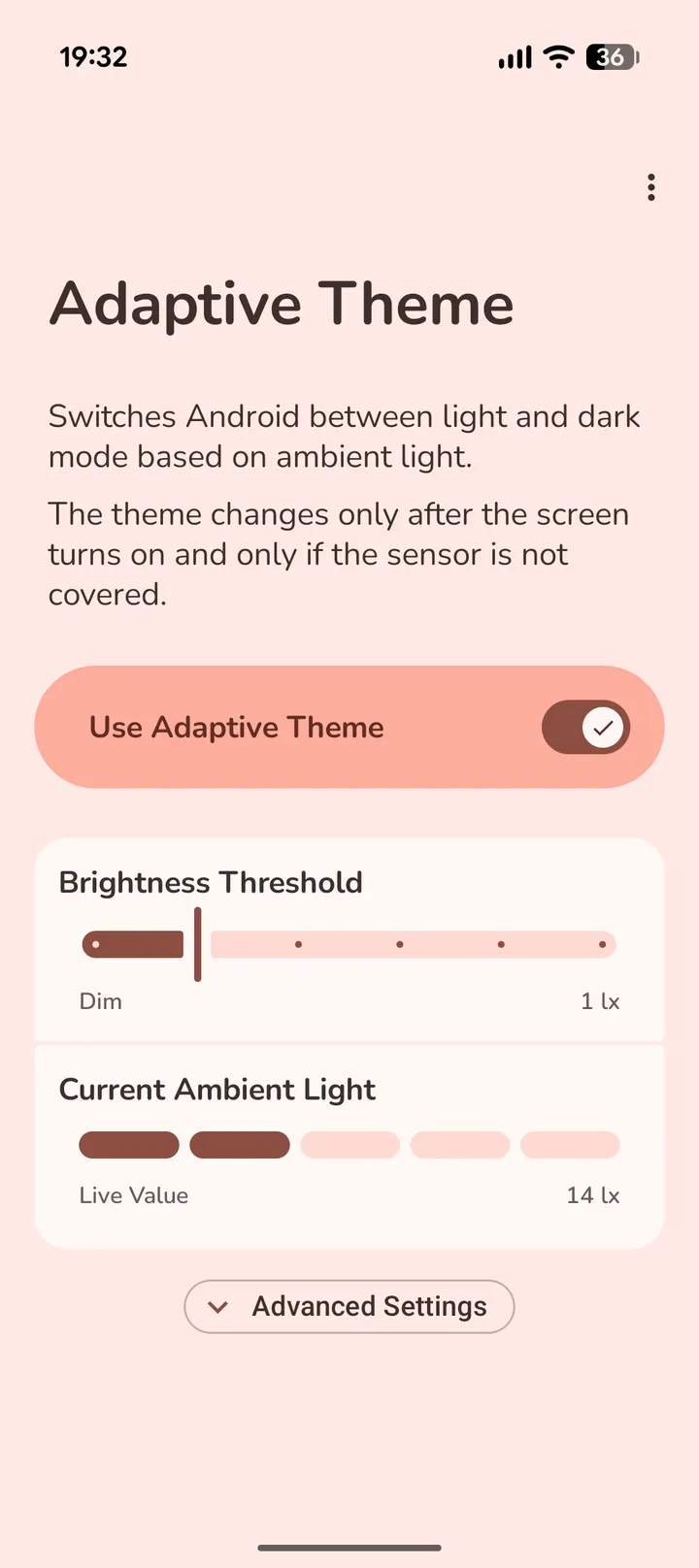
The core job is switching the system theme between light and dark based on the device's physical light sensor. You set the lux threshold yourself, and there are presets for indoor, outdoor and daylight conditions.
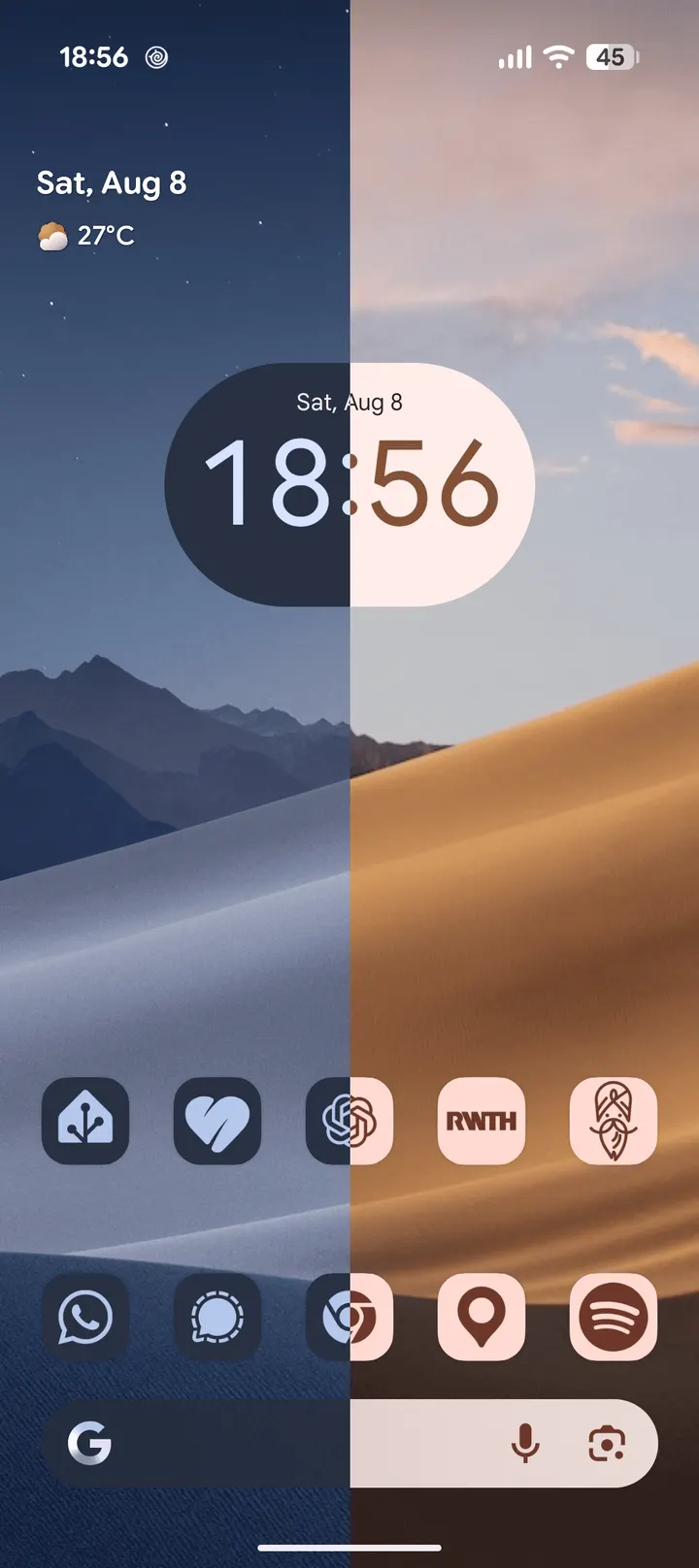
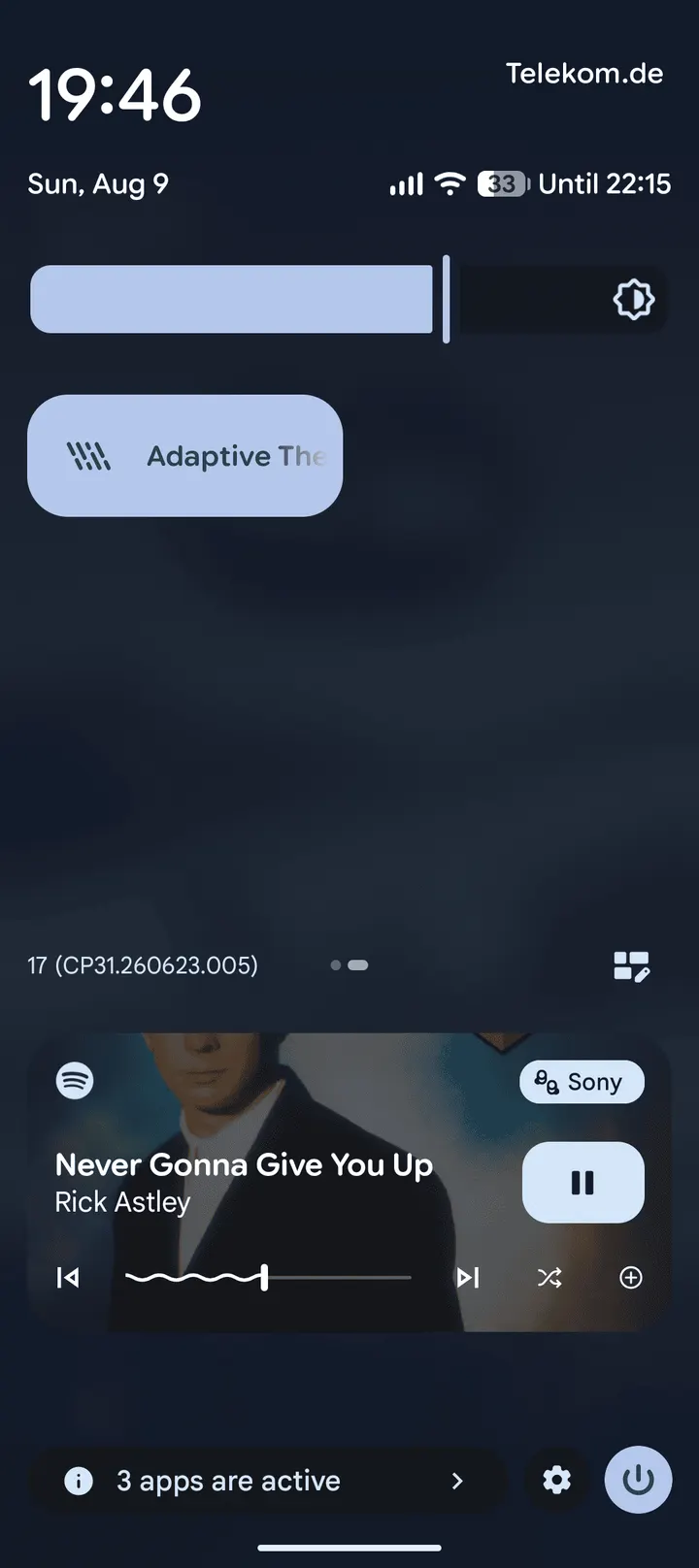
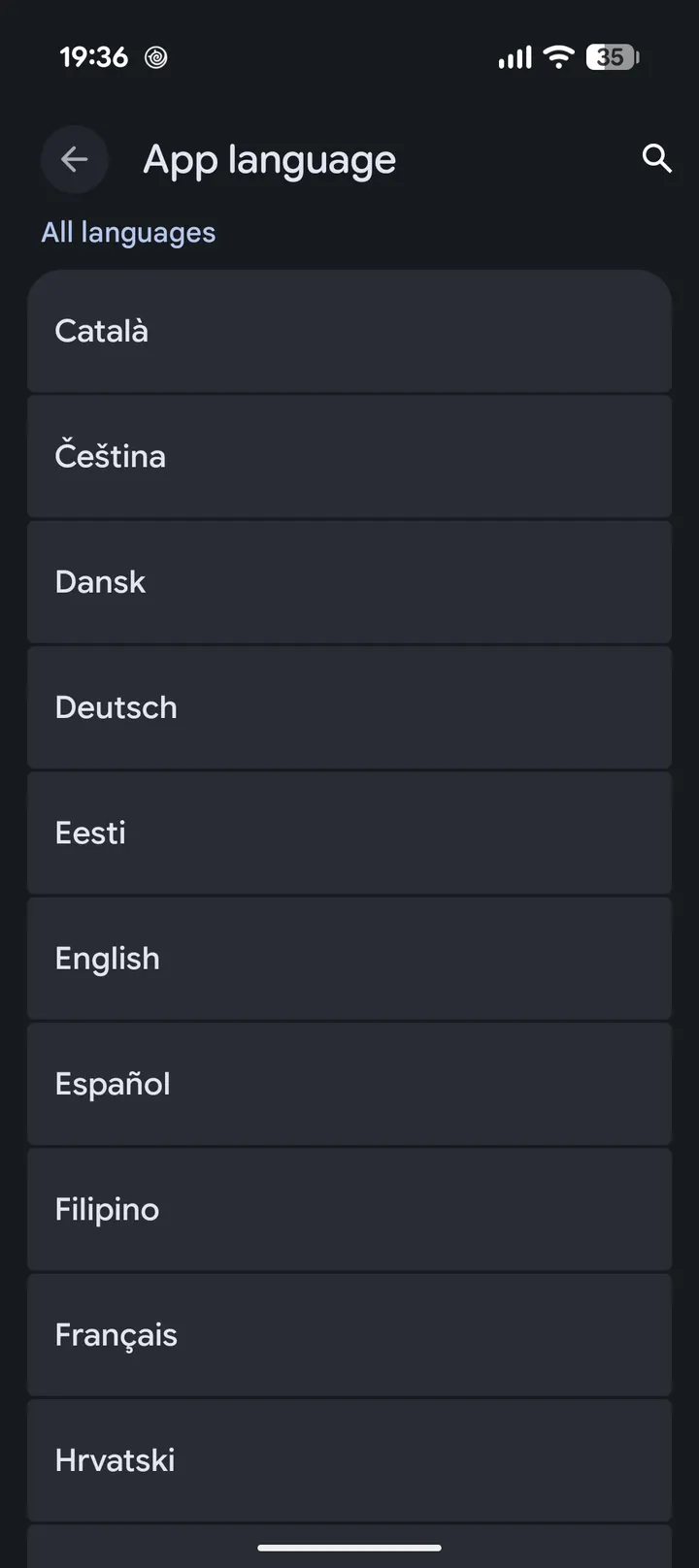
Wallpaper Theme Sync lets you pick separate light and dark wallpapers for the home and lock screens. An optional blur can be applied to the lock screen wallpaper. A night lock keeps dark mode active during a period you choose, and a Quick Settings tile gives fast access. The interface uses Material You and is translated into more than 50 languages.
The sensor is sampled briefly after the screen turns on, not monitored all the time. Before changing anything, the app checks that a hand or pocket is not covering the sensor. Because of this, the theme changes at screen-on and should not interrupt you inside another app.
The WRITE_SECURE_SETTINGS setup step
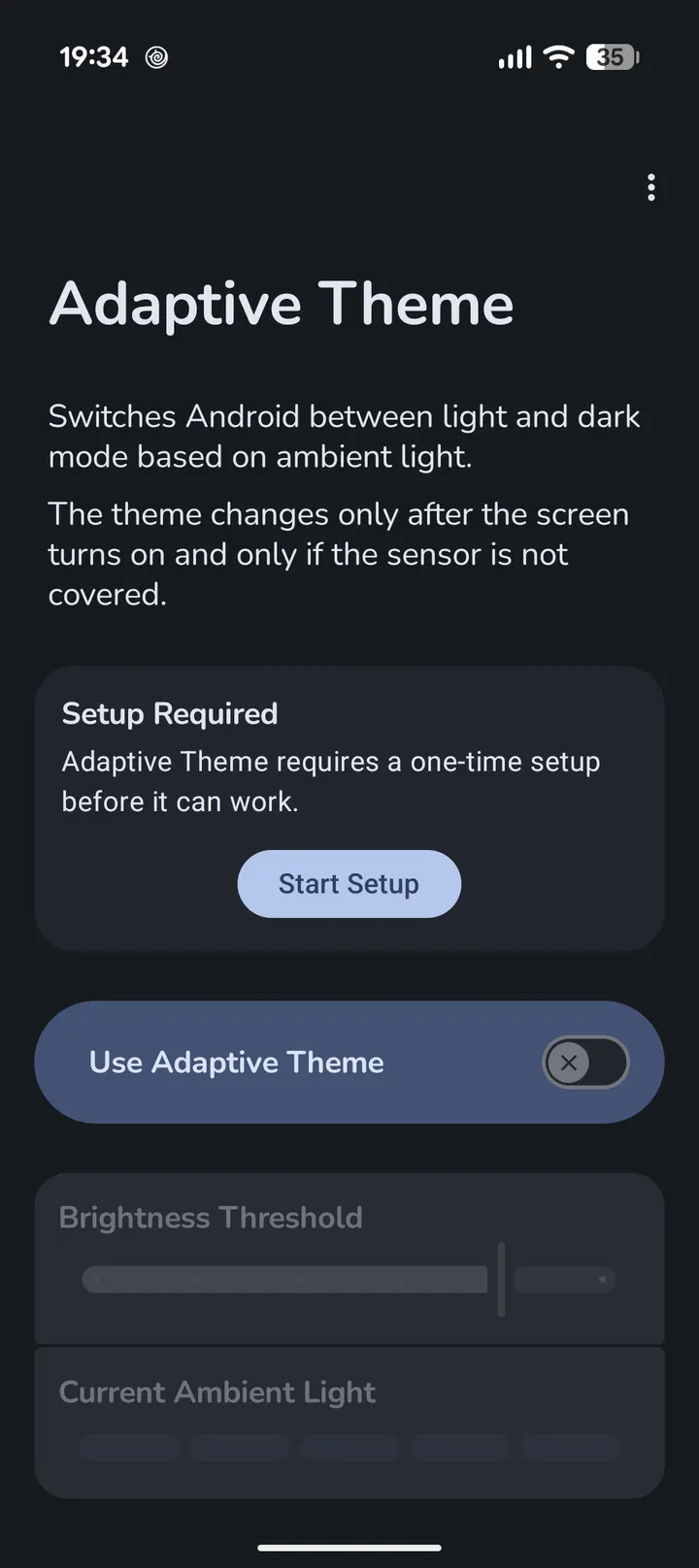
Android blocks regular apps from changing the system theme, so Adaptive Theme needs a one-time WRITE_SECURE_SETTINGS grant. The developer says this is not root access and does not let the app read personal data. The permission is revoked when the app is uninstalled.
The guided setup offers four routes: WebADB from a website on a computer or second Android device, Shizuku and compatible forks, root on supported devices, or a manual ADB command using the package ID dev.lexip.hecate. Tablets are currently not supported.
Version 2.5.1 and recent maintenance
Version 2.5.1 was released on September 2, 2026, and the page was last updated on September 14, 2026. The package is 3.6 MB. For troubleshooting, the developer points to the README and FAQ on GitHub.
Adaptive Theme pros and cons
Pros
- Switches theme from the ambient light sensor instead of a sunset schedule
- Adjustable lux threshold with indoor, outdoor and daylight presets
- Separate light and dark wallpapers for home and lock screens
- Free, GPL-3.0-only, with no ads and a small 3.6 MB package
- Checks that the sensor is not covered before changing the theme
Cons
- Needs a one-time WRITE_SECURE_SETTINGS grant through WebADB, Shizuku, root or ADB
- Requires Android 14 or newer
- Tablets are currently not supported
- Version 2.5.1 has no published release notes
Is Adaptive Theme safe?
TopDown APK hosts the unmodified APK for this Tier A listing, and the SHA-256 checksum 7e98bf1cf2a9e4a4466bb71989918309d75b9fbeed026b42f04ce77e9d272d40 lets you verify the file. The app is open source under GPL-3.0-only, and the developer says it has no ads, trackers or analytics. The developer says the special permission it asks for is limited to switching the system theme, though you should still grant it knowingly. No independent security review is available.
How to install Adaptive Theme
- Download the APK with the button on this page and wait for it to finish.
- Compare the file with the SHA-256 checksum shown here if you want to confirm it arrived intact.
- Open the file on your phone and allow installs from this source when Android asks.
- Finish the install, then open Adaptive Theme from your app drawer.


