
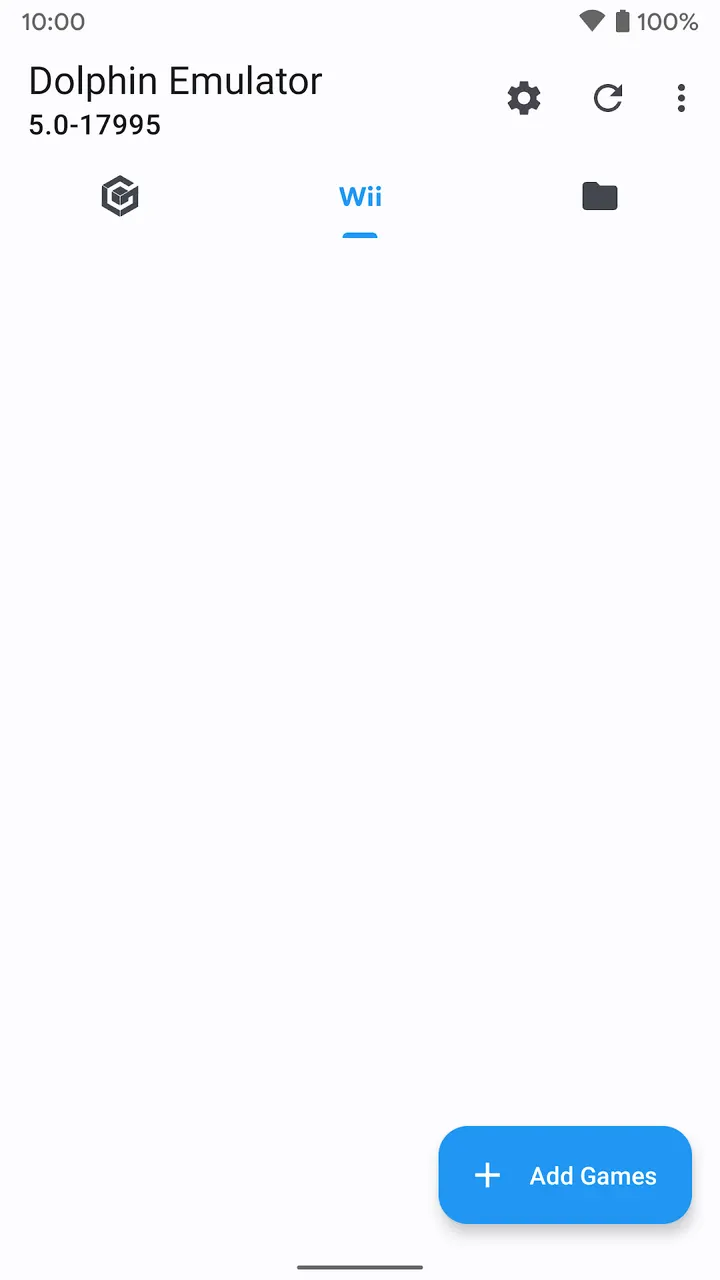
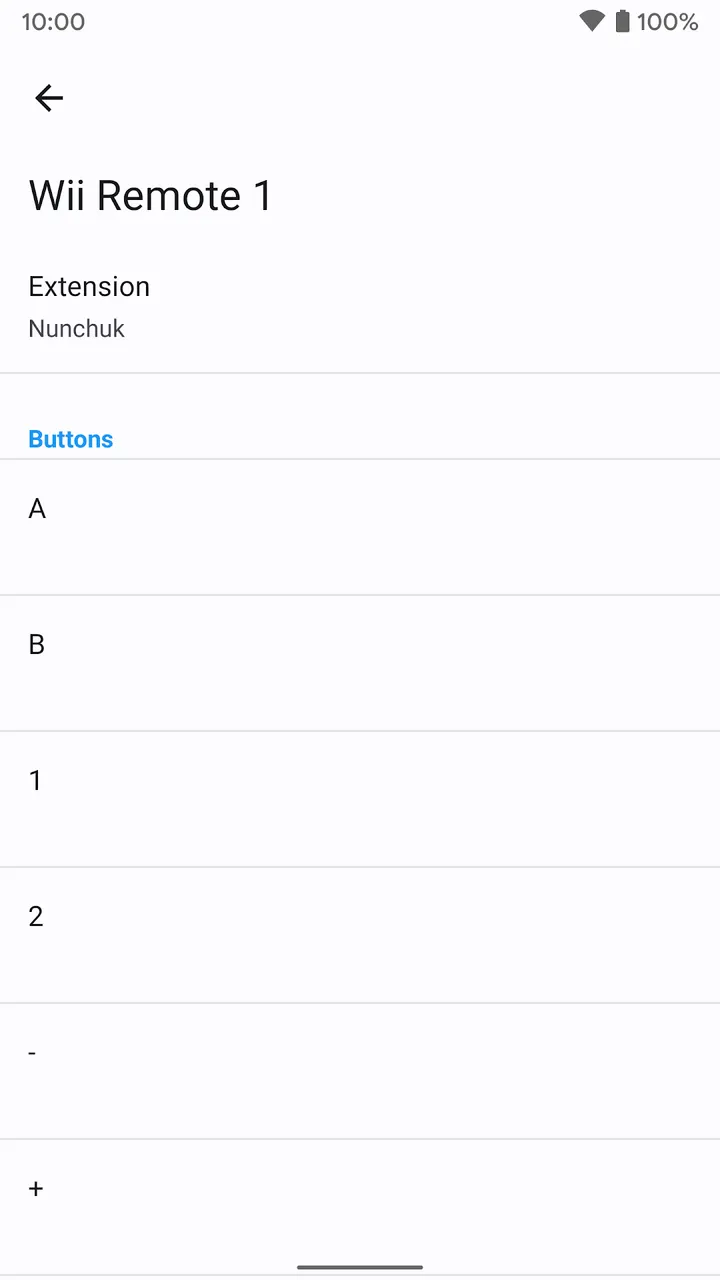
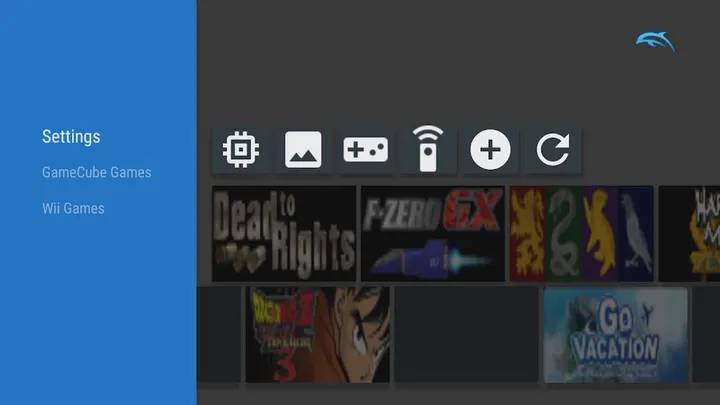
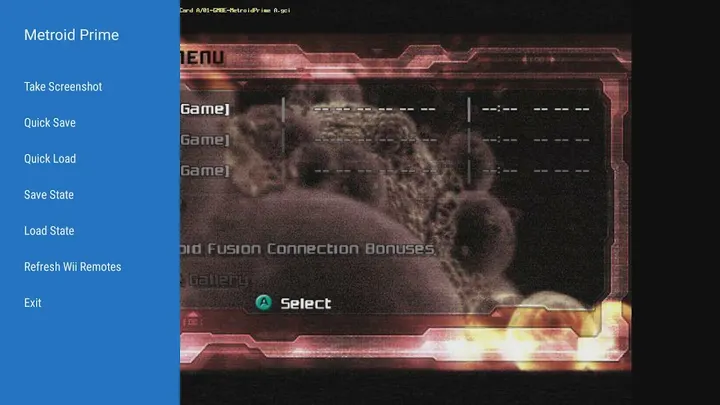
Dolphin Emulator is a free, open-source emulator that plays GameCube and Wii games on Android. It has about 10 million installs and a 4 star rating from 108.5 thousand people on Google Play. Version 2603a comes as the unmodified APK, and its SHA-256 checksum is 5279425e01c552ba6cde1adc7f08f1c1f5b8f9271c2418a4ad849ee4106ee719. No games are included, so you need to dump your own discs. Android 7.0 or newer is required.
Playing GameCube and Wii titles on a phone
Dolphin Emulator is built for one job: running software from two Nintendo consoles on Android hardware. The developer, also called Dolphin Emulator, has maintained the project since the first release on October 28, 2013. That is a long track record for an emulator.
The app does not include games. You have to buy your own copies and dump them yourself, and the project states this plainly. It also says it has no association with Nintendo, and that GameCube and Wii are Nintendo trademarks.
Graphical options and the open-source codebase
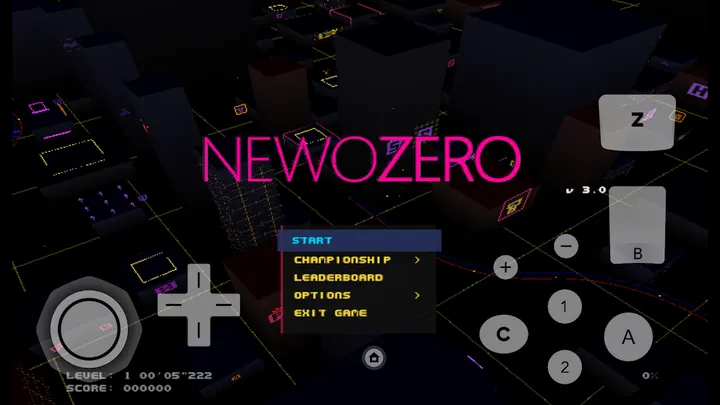
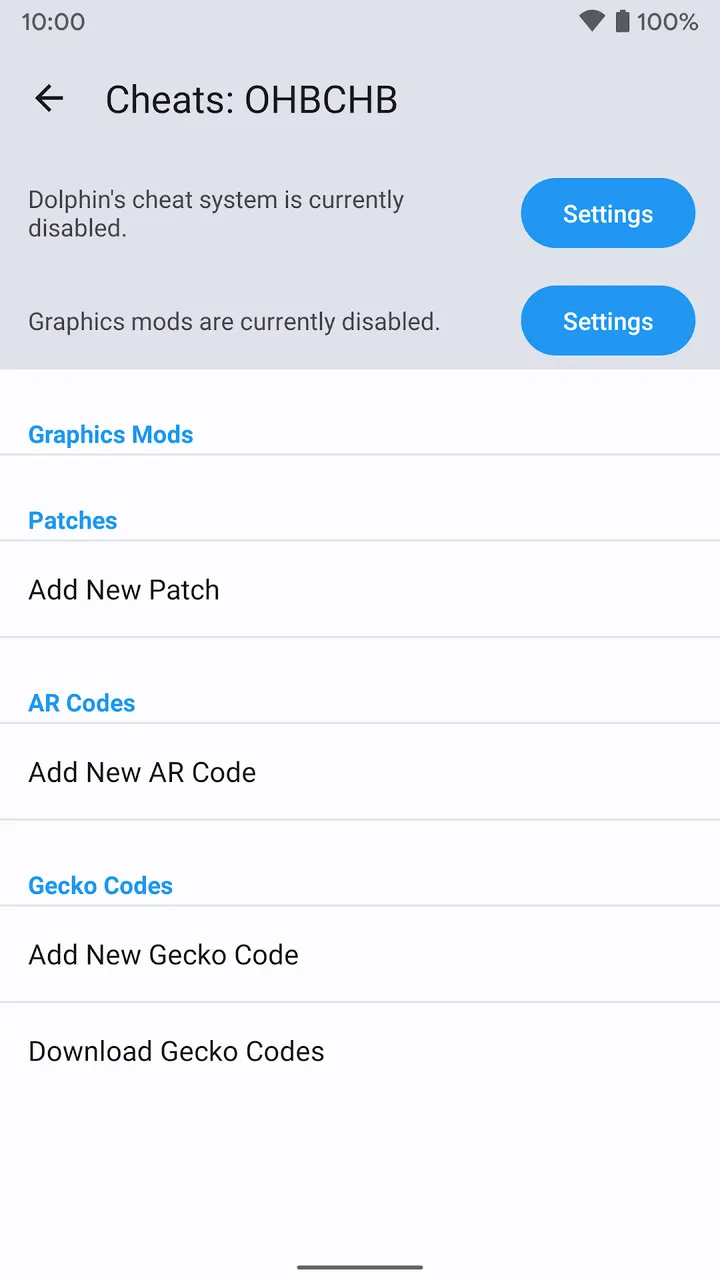
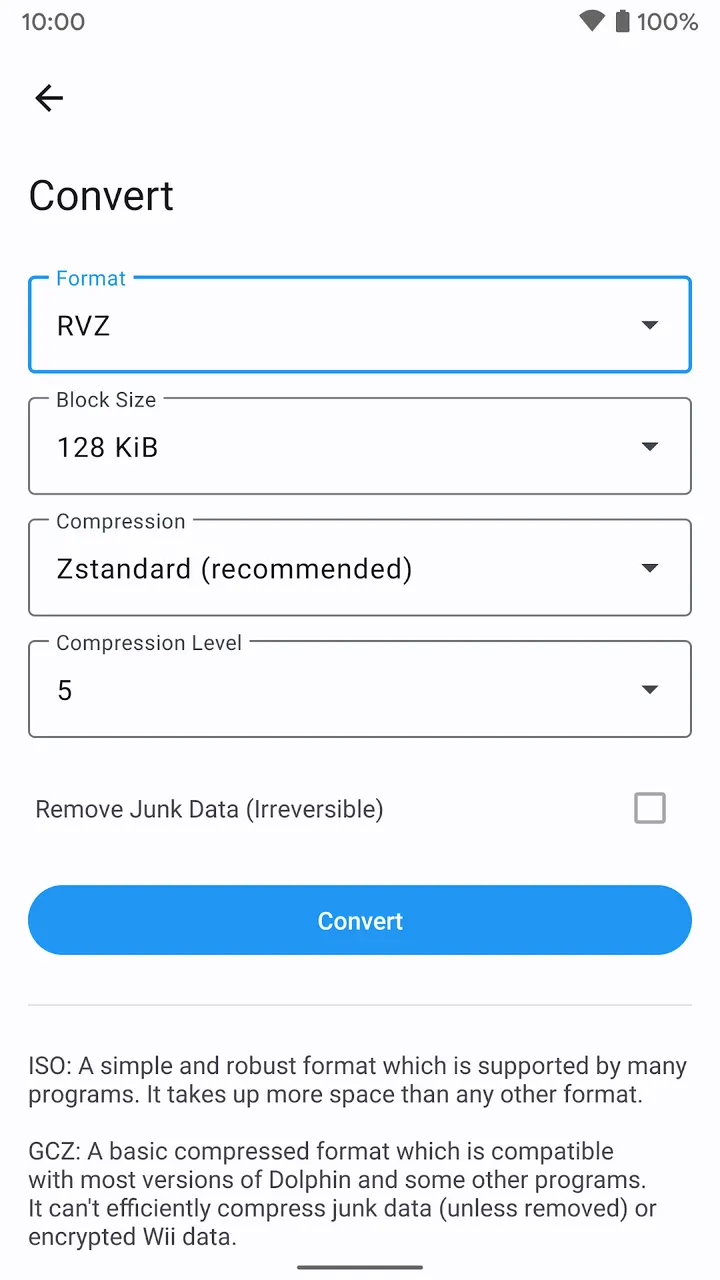
The app offers graphical enhancements and other settings meant to improve how games look and play. The in-app menus list the specific options.
The source code is public in a Git repository on GitHub. The licence is GPL-2.0-or-later, and the exact version is worth confirming in the repository. Support runs through the project website at dolphin-emu.org and its forums.
Check 64-bit support and Android TV before installing
Dolphin is a 64-bit app and needs Android 7.0 or newer. Most phones and tablets handle 64-bit apps, but older devices and those with little RAM may not run it.
Android TV support is narrow. The only known compatible devices are the Nvidia Shield TV (2015), Shield TV Pro (2015), Shield TV (2017), Shield TV Pro (2017) and Shield TV Pro (2019). The download is 19.6 MB, small next to the games you will load into it.
What's new in 2603a
Version 2603a was last updated on March 24, 2026.
Dolphin Emulator pros and cons
Pros
- Free, with no ads and no in-app purchases
- Open-source code published on GitHub
- Only 19.6 MB to download
- Google Play rating of 4 from 108.5 thousand ratings
- Maintained since 2013, with the latest update on March 24, 2026
Cons
- Includes no games; you must supply your own dumps
- Older or low-RAM devices may fail to run the 64-bit app
- Android TV works only on five listed Nvidia Shield models
- Graphics settings are found only in the in-app menus
Is Dolphin Emulator safe?
We host the unmodified APK for package org.dolphinemu.dolphinemu, and its SHA-256 checksum is 5279425e01c552ba6cde1adc7f08f1c1f5b8f9271c2418a4ad849ee4106ee719. The app is open source and has no ads or in-app purchases. Compare the checksum with your download before installing. Only use game files you dumped from discs you own.
How to install Dolphin Emulator
- Download the APK with the button on this page and wait for it to finish.
- Compare the file with the SHA-256 checksum shown here if you want to confirm it arrived intact.
- Open the file on your phone and allow installs from this source when Android asks.
- Finish the install, then open Dolphin Emulator from your app drawer.


