


Game of Thrones: Dragonfire is a free Android strategy game from Warner Bros. International Enterprises, installed over 1 million times according to Google Play. It carries a 4.4 rating from 41.5 thousand Google Play ratings. The game is rated Teen and shows no ads.
A Westeros war game built around dragons
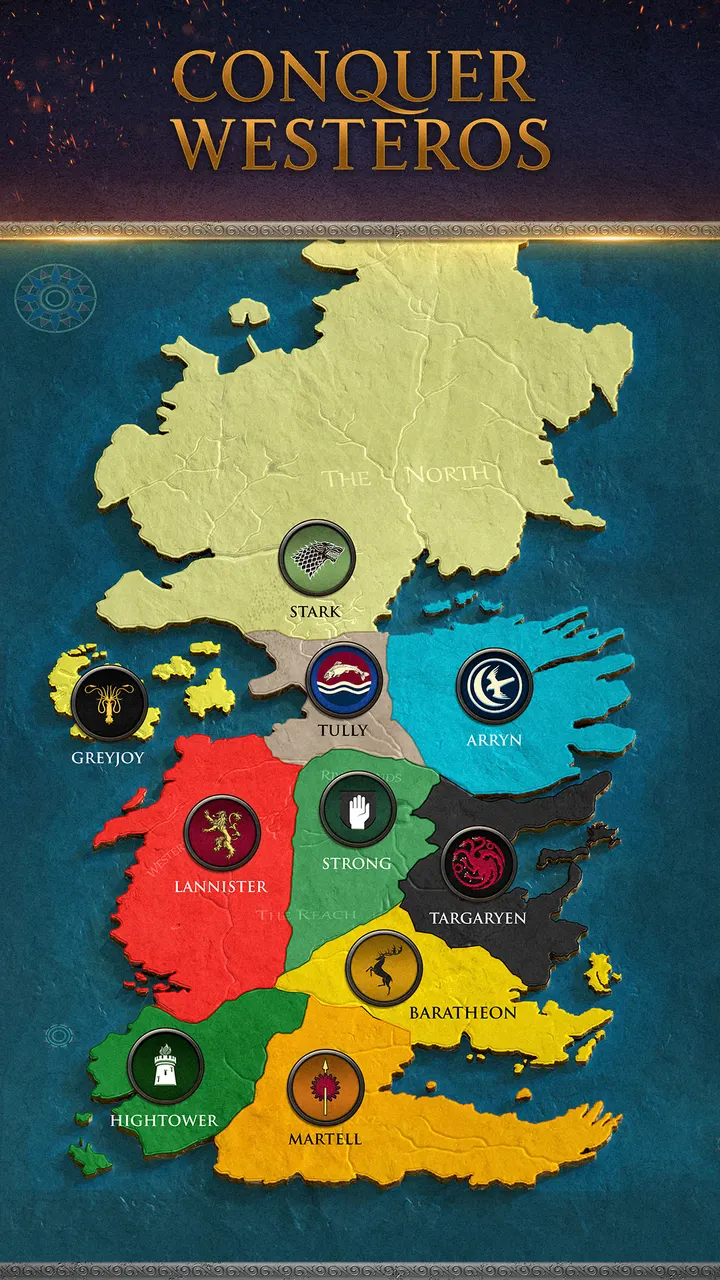
The game targets players who want a licensed fantasy strategy title on a phone. You build a stronghold, train troops and take territory on a map of Westeros that includes the Red Keep, Dragonstone and Harrenhal.
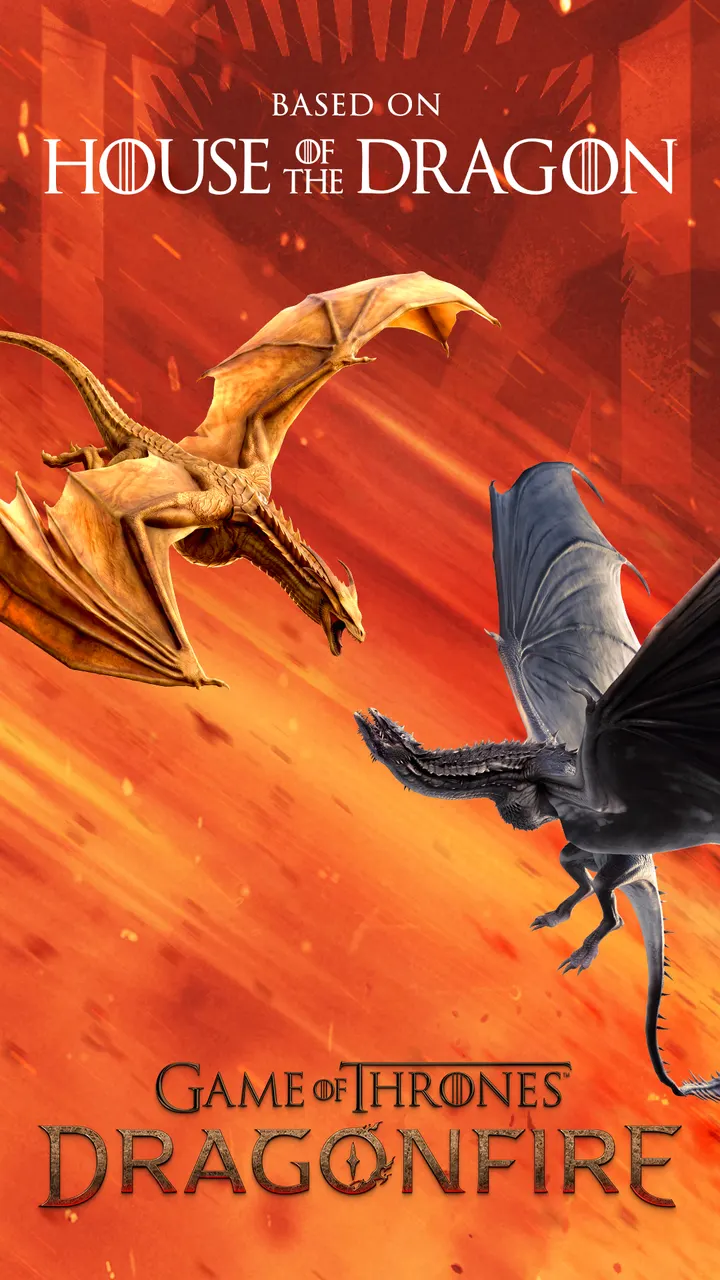
The story is tied to House of the Dragon, set 172 years before Daenerys Targaryen. Characters such as Rhaenyra Targaryen and Daemon Targaryen appear in the campaign.
Dragons, alliances and live throne battles
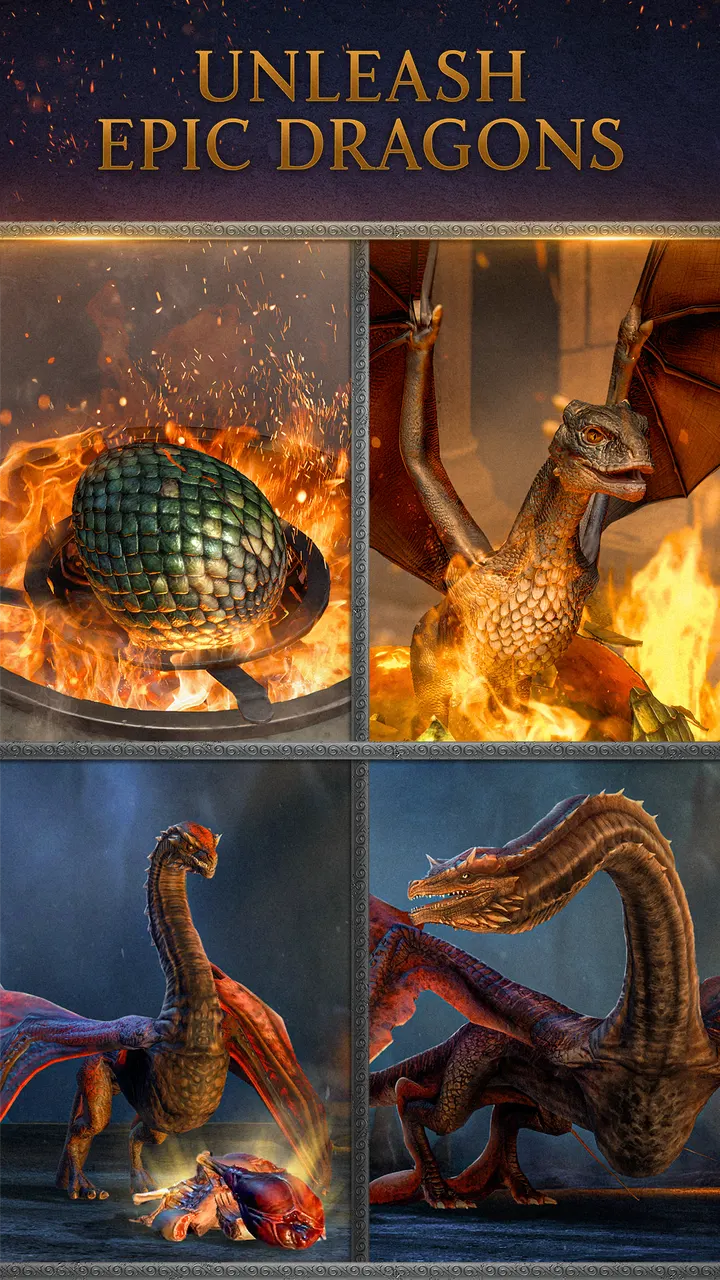
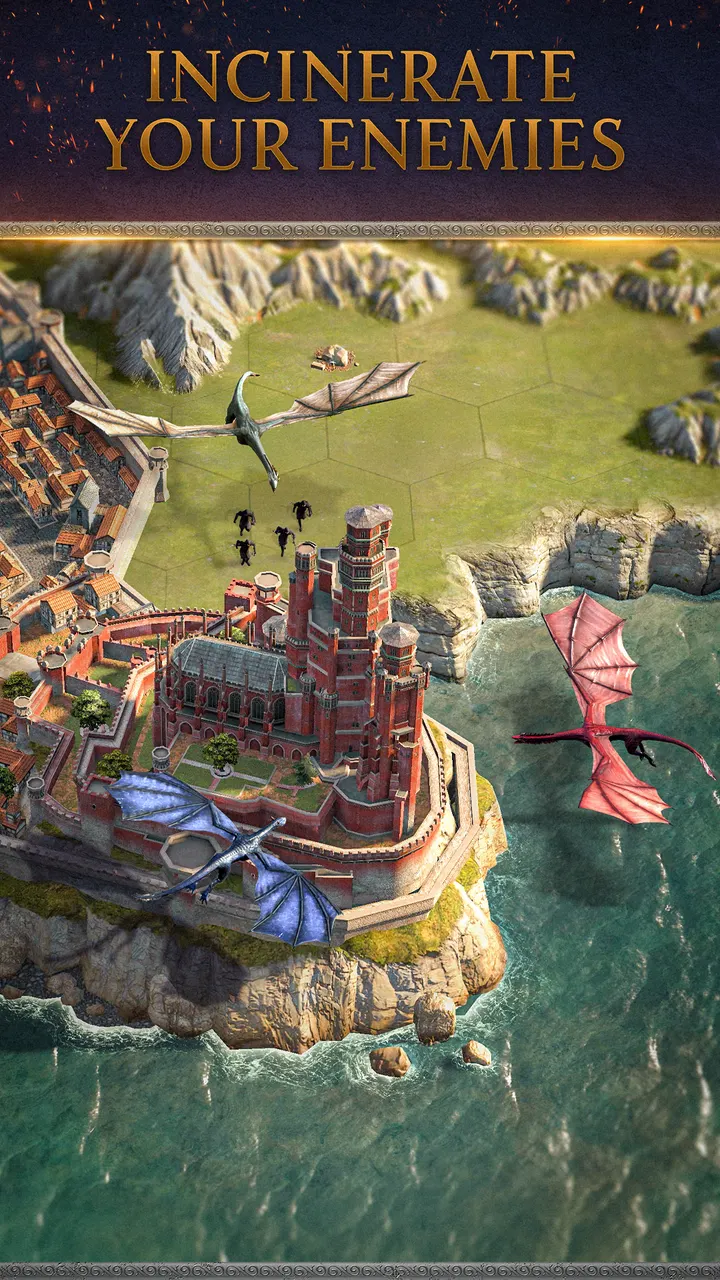
Dragons are the central unit. You hatch and train them, and named ones such as Syrax, Caraxes and Seasmoke each carry their own abilities.
The play style is 4X: explore, expand, exploit and exterminate. PvP is global and real time, so you face thousands of other players, and alliances coordinate attacks on the shared world map. Live events add new dragons, seasonal content and storylines.
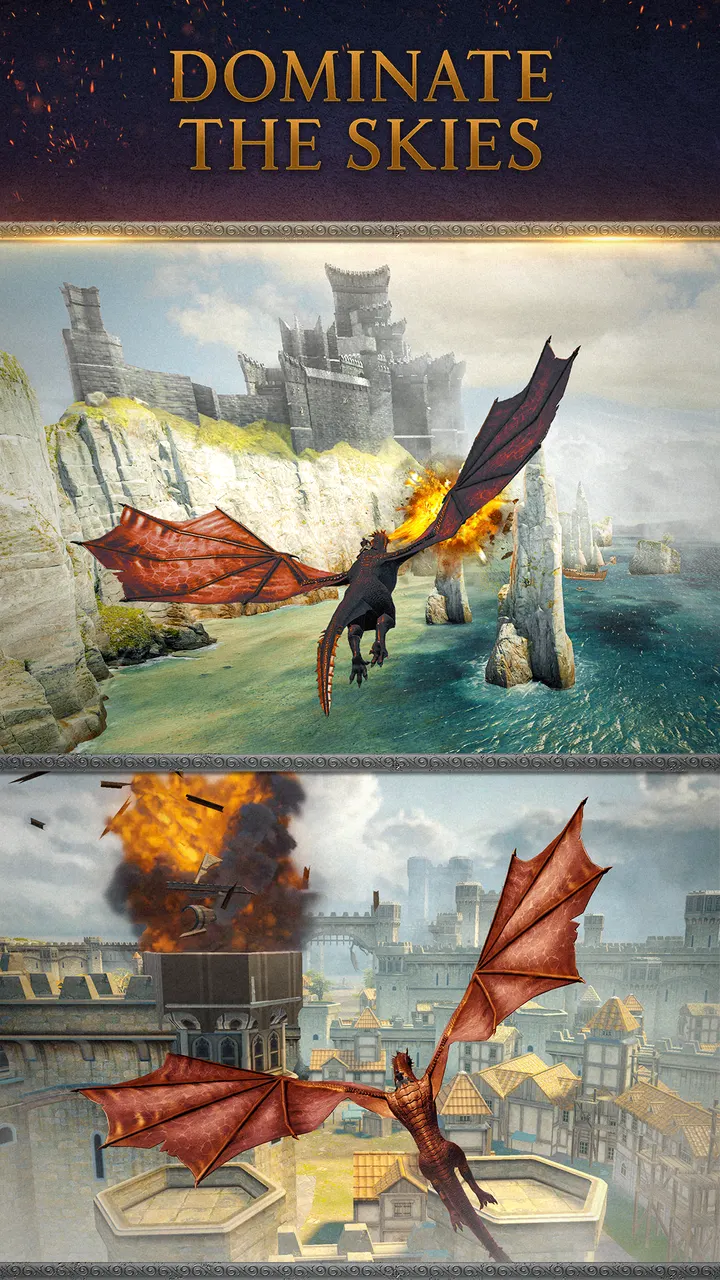
Eight screenshots on the store page show the high-fidelity dragons and strongholds.
What to check before installing
The game needs Android 7.1 or newer. The current version is 26.10.58019, updated on October 23, 2026, and the game first appeared on May 27, 2026.
It contains in-app purchases, which is common in alliance-driven strategy games. Competitive PvP and base building also reward regular play, so expect a time commitment.
Game of Thrones: Dragonfire pros and cons
Pros
- Official Game of Thrones licence with House of the Dragon storyline
- No ads shown
- Named dragons with unique abilities
- Global real-time PvP and alliance warfare
- Rated 4.4 on Google Play from 41.5 thousand ratings
Cons
- Contains in-app purchases
- Requires Android 7.1 or newer
- Rated Teen, so not aimed at younger players
Is Game of Thrones: Dragonfire safe?
The game is published by Warner Bros. International Enterprises and is distributed through Google Play under the package com.wb.goog.hotd.socialstrategy. It is free, has no ads and is rated Teen. Check the in-app purchase options before spending, and use the publisher support link for account problems.
How to install Game of Thrones: Dragonfire
- Press the Google Play button on this page.
- Check the listing in the Play Store and press Install.
- Open Game of Thrones: Dragonfire when the install finishes. Updates arrive through Google Play.


