

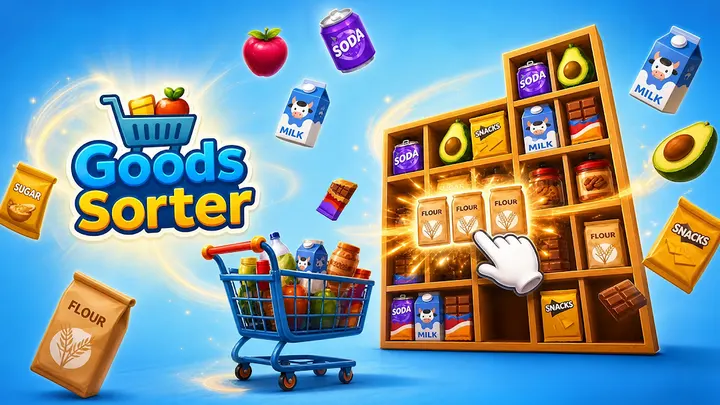
Where Ball Sort Puzzle moves colored balls between tubes, Goods Sorter swaps them for groceries on shelves and asks you to group identical items until each shelf clears. It comes from Gimica GmbH, is free, and sits in the tile-match category on Google Play with over 100 thousand installs.
Shelves, spaces and the cost of a wrong move
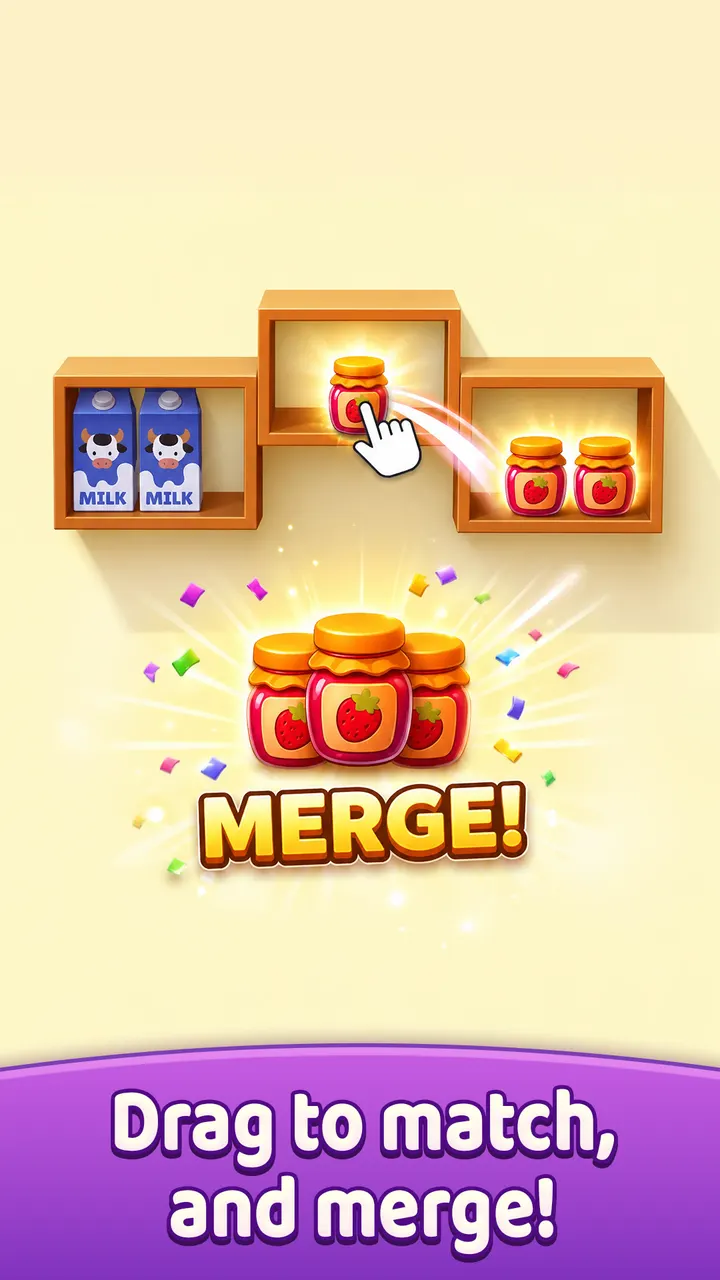
The core idea is that every shelf has limited room, so each placement decides what you can do next. You drag products from one spot to another and match identical goods to remove them. Crowded layouts punish careless moves, because filling a gap can block the item you need.
The game is rated Everyone on Google Play and needs Android 7.0 or newer.
What a session looks like
You open a shelf arrangement, scan for groups that can be joined, and drag items into open spaces to set up matches. Controls are simple drags, so the early puzzles start quickly. Sessions can be short or longer, and you set the pace.
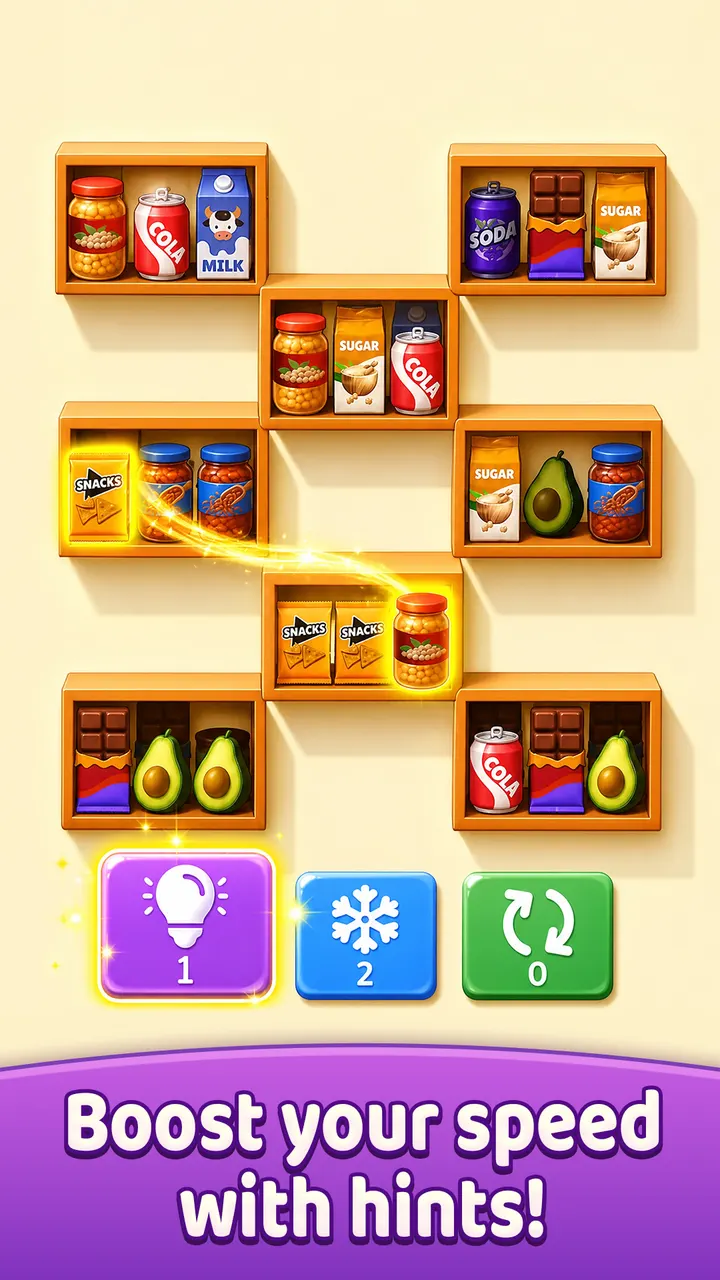
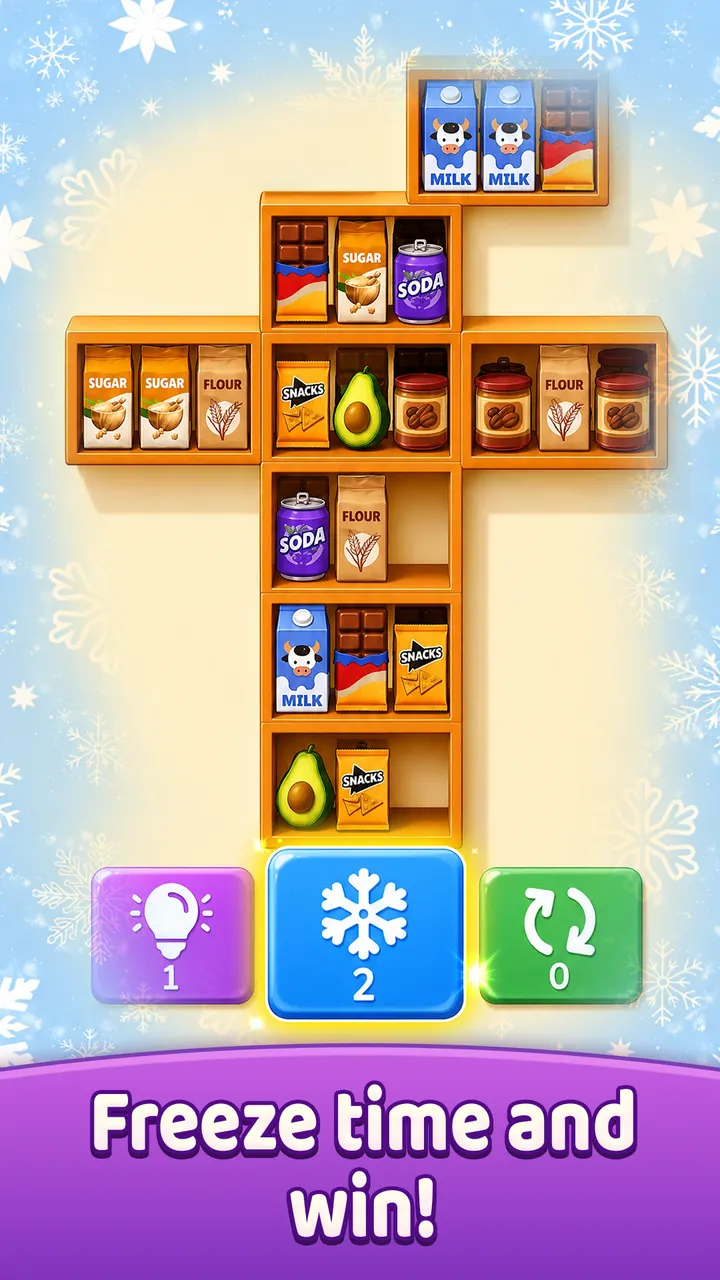
When a layout jams, three tools help: hint, freeze, and shuffle. They reveal a move, pause the timer, or rearrange what is left. The visuals are bright and grocery-themed, and the store page shows 8 screenshots of them.
How it differs from Tile Club and Magic Sort!
Tile Club and Tile Park lean on tile matching, while Goods Sorter is closer to Magic Sort! and Ball Sort Puzzle, where you rearrange items between containers. The grocery shelf setting is its own twist on that approach. Mahjong-style picks such as Vita Mahjong and Mahjong Blast suit players who prefer tile boards over sorting.
Google Play shows a 4.5 rating from over 10 thousand ratings, a solid base for a title released in September 2026.
What's new in 1.2.0
Version 1.2.0 was updated on November 6, 2026.
Goods Sorter pros and cons
Pros
- Free to play with no in-app purchases
- Simple drag controls make early puzzles easy to start
- Hint, freeze, and shuffle tools help when a shelf jams
- Google Play rating of 4.5 from over 10 thousand ratings
- Works on Android 7.0 and newer
Cons
- Contains ads
- Crowded layouts can be unforgiving after a wrong move
- Only the grocery shelf theme, with no other settings mentioned
Is Goods Sorter safe?
Goods Sorter is published by Gimica GmbH under the package com.gimica.goodssorter and is distributed through Google Play. It is rated Everyone and has no in-app purchases, though it does show ads. Install it from the Google Play listing to get updates from the publisher.
How to install Goods Sorter
- Press the Google Play button on this page.
- Check the listing in the Play Store and press Install.
- Open Goods Sorter when the install finishes. Updates arrive through Google Play.


