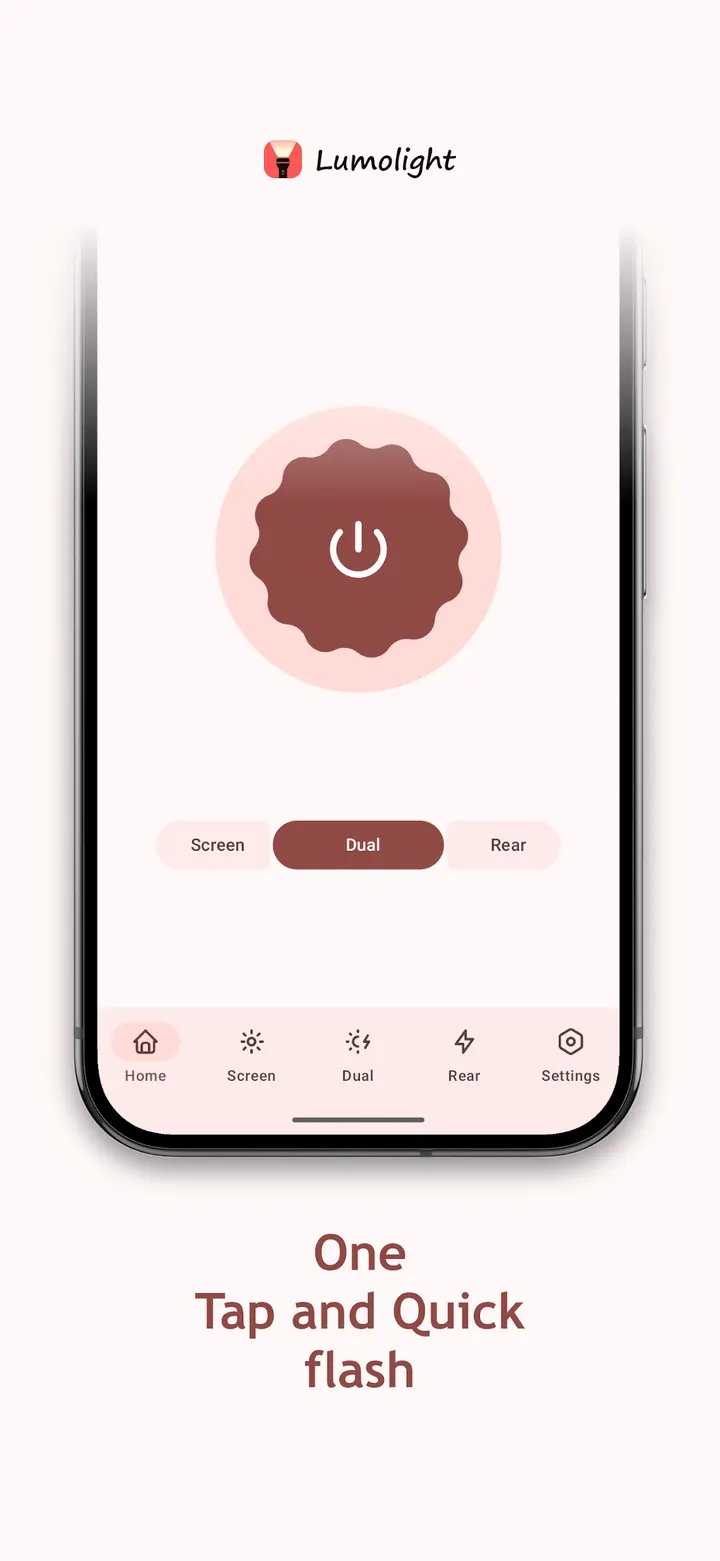
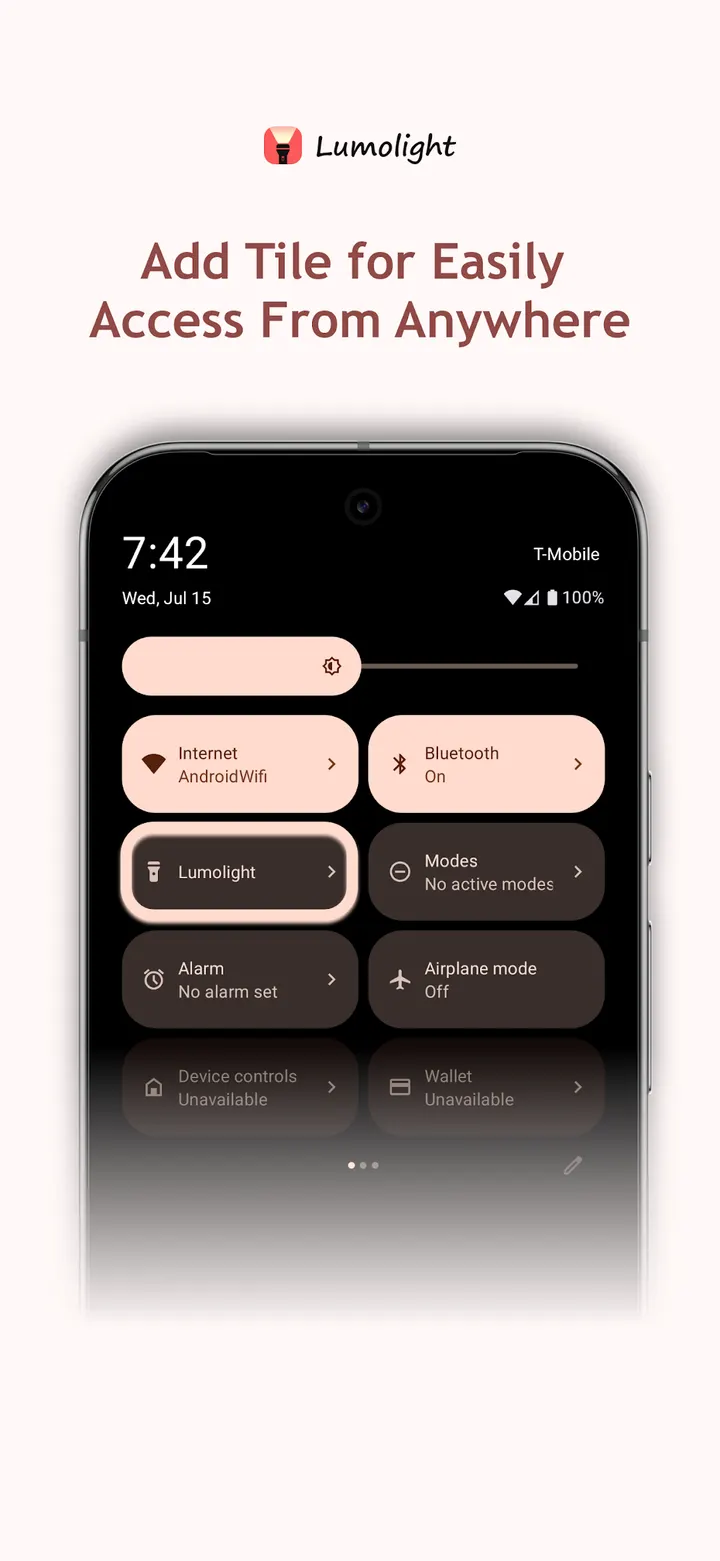
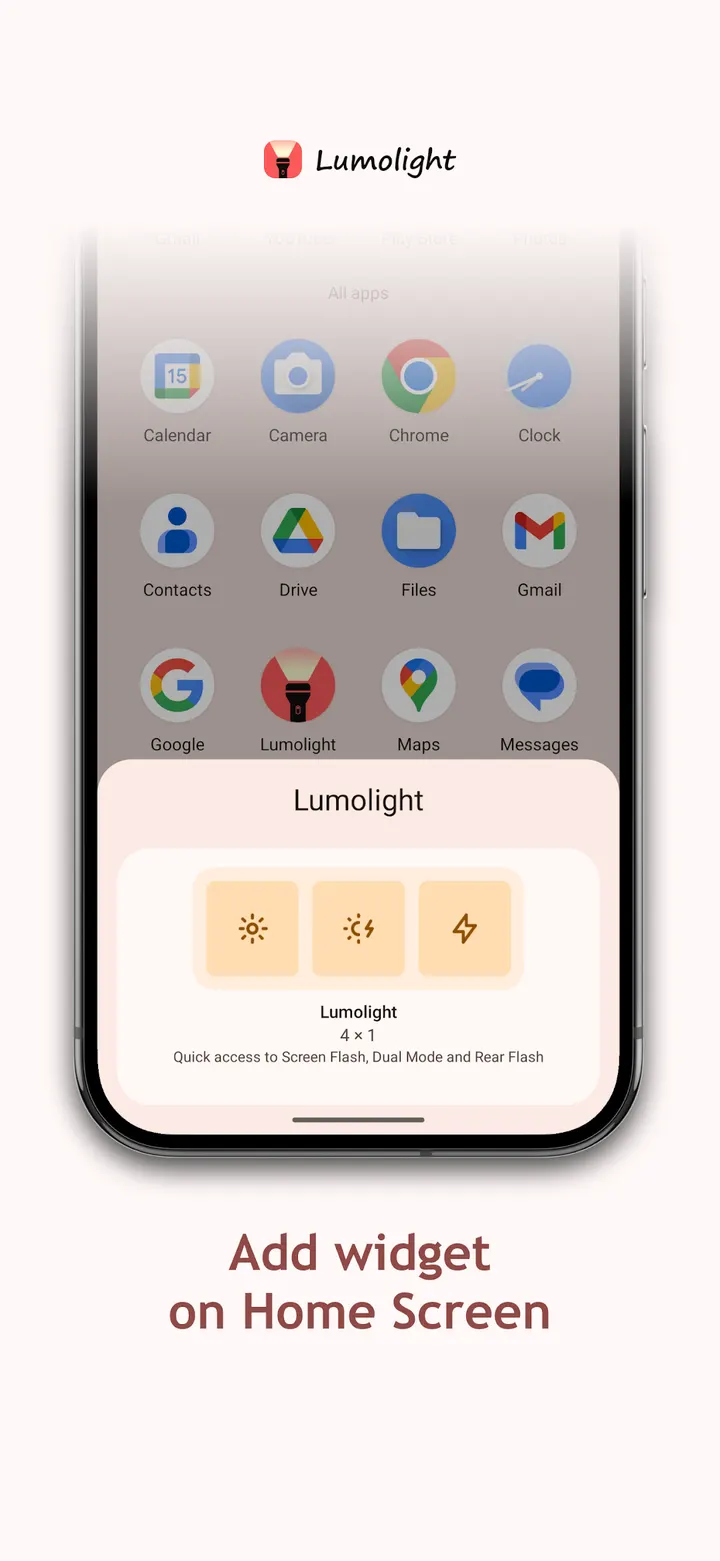
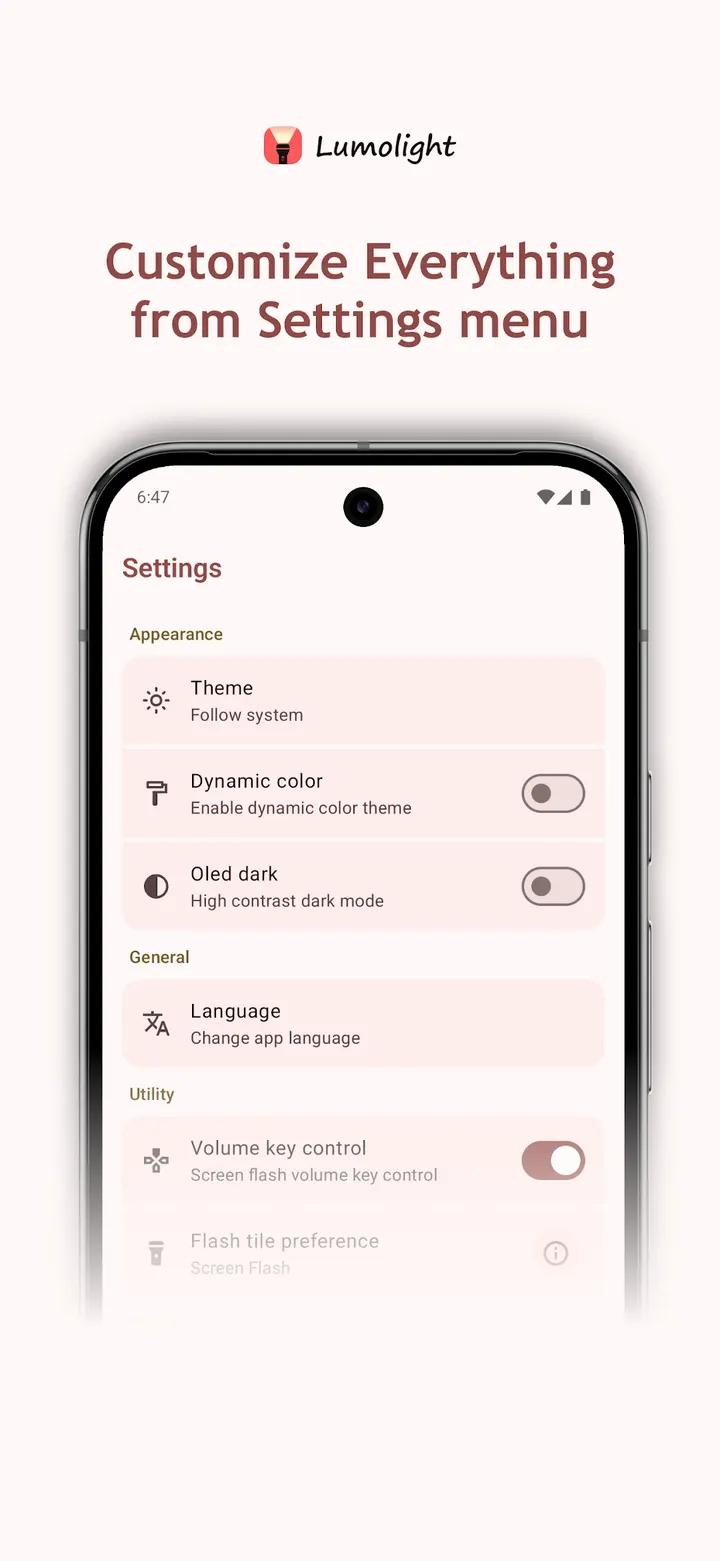
Where Flashlight and Simple Flashlight keep to a single torch, Lumolight pairs the camera LED with a screen light in one app. It is free, has no ads, and is listed in our flashlight category. Google Play shows a 4.2 rating from 132 ratings and over 50 thousand installs.
BitMavrick's open-source GPL project
Lumolight is built by BitMavrick, who keeps a project site at bitmavrick-lumolight.github.io. The source is public on GitHub under the GPL-3.0-only licence, so anyone can read how the LED torch, the blink timing and the colored screen light are handled. The app first appeared on June 22, 2025, and version 5.1.0.35 was updated on September 15, 2026.
LED blinking, strength control and a colored screen light
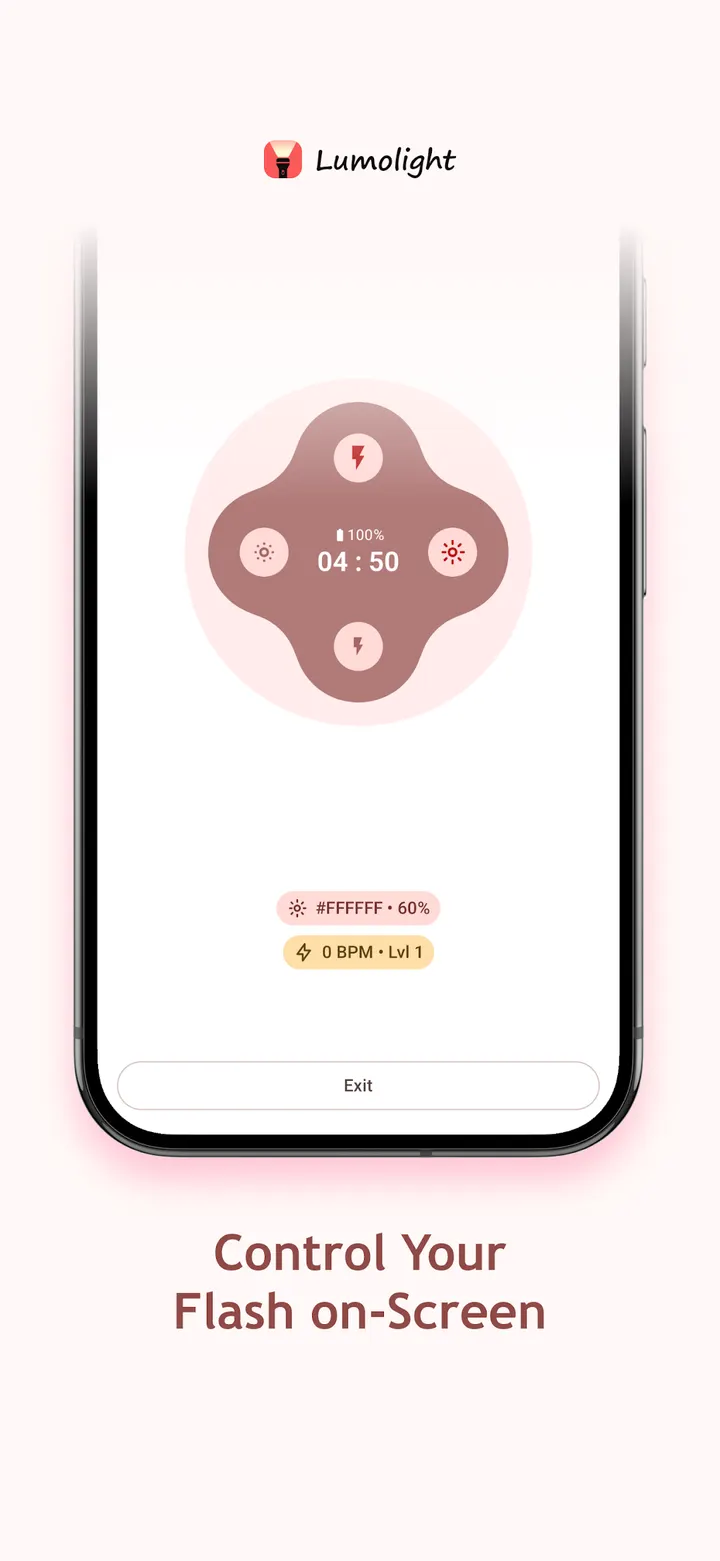
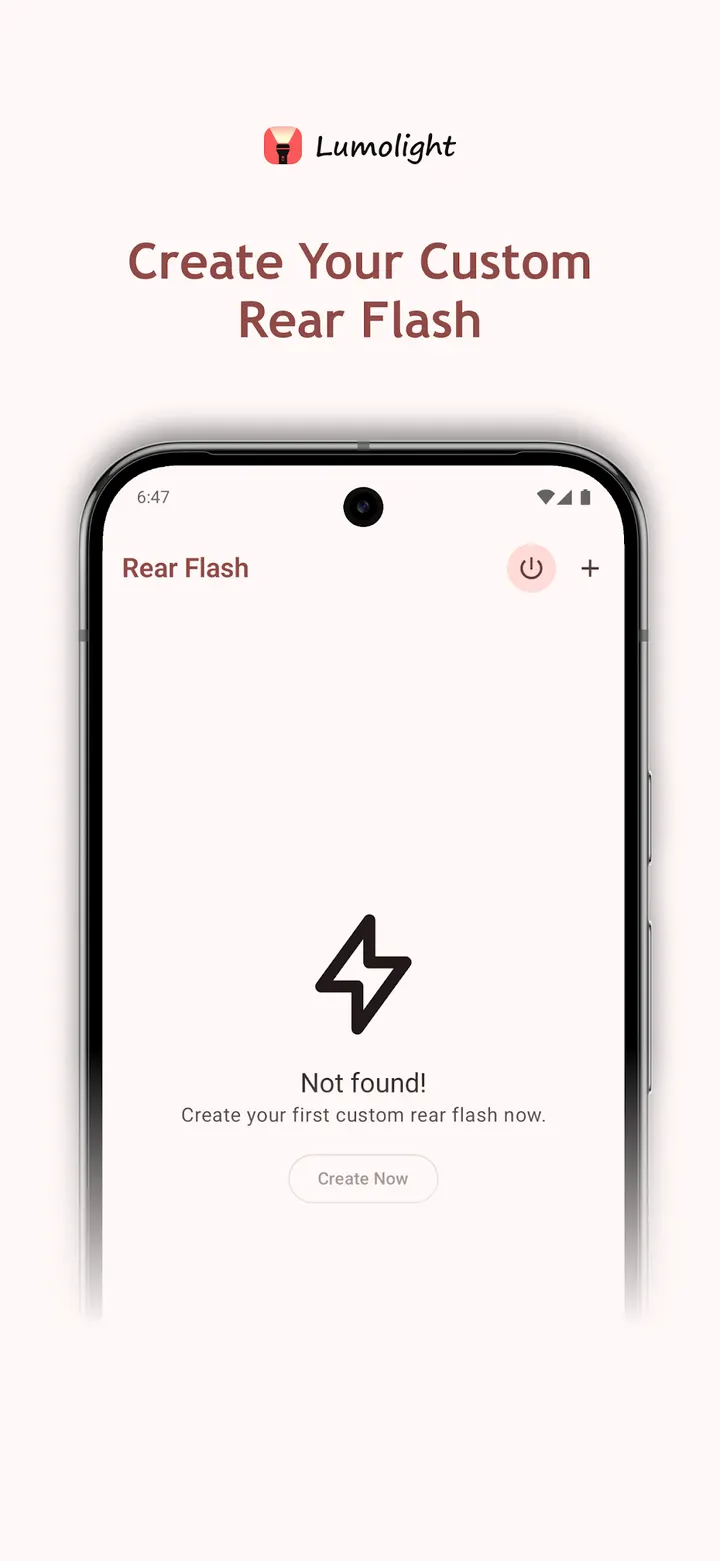
The LED side covers a steady beam, an adjustable duration and a blinking mode. Blink speed is set in BPM. Flash strength control exists, but only on supported devices, so not every phone will show it.
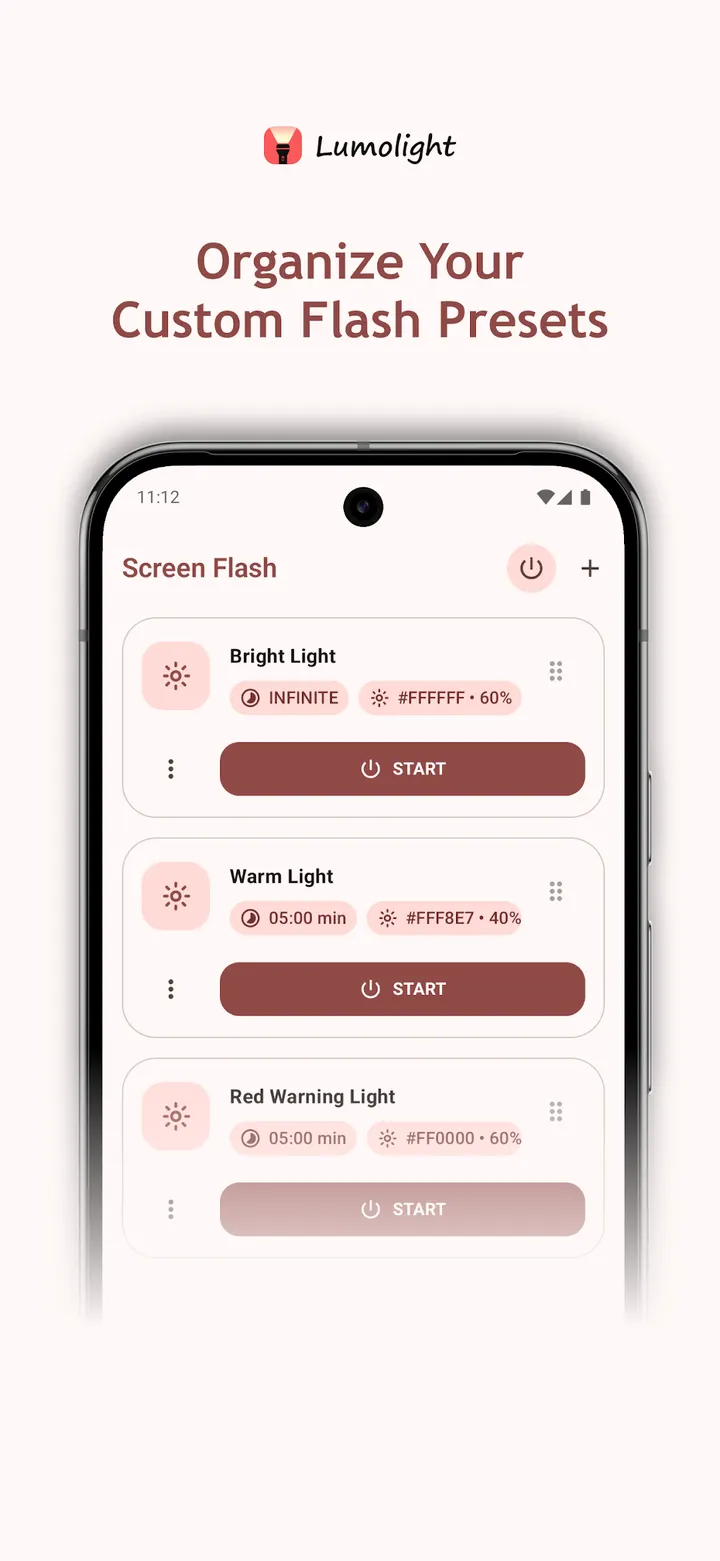
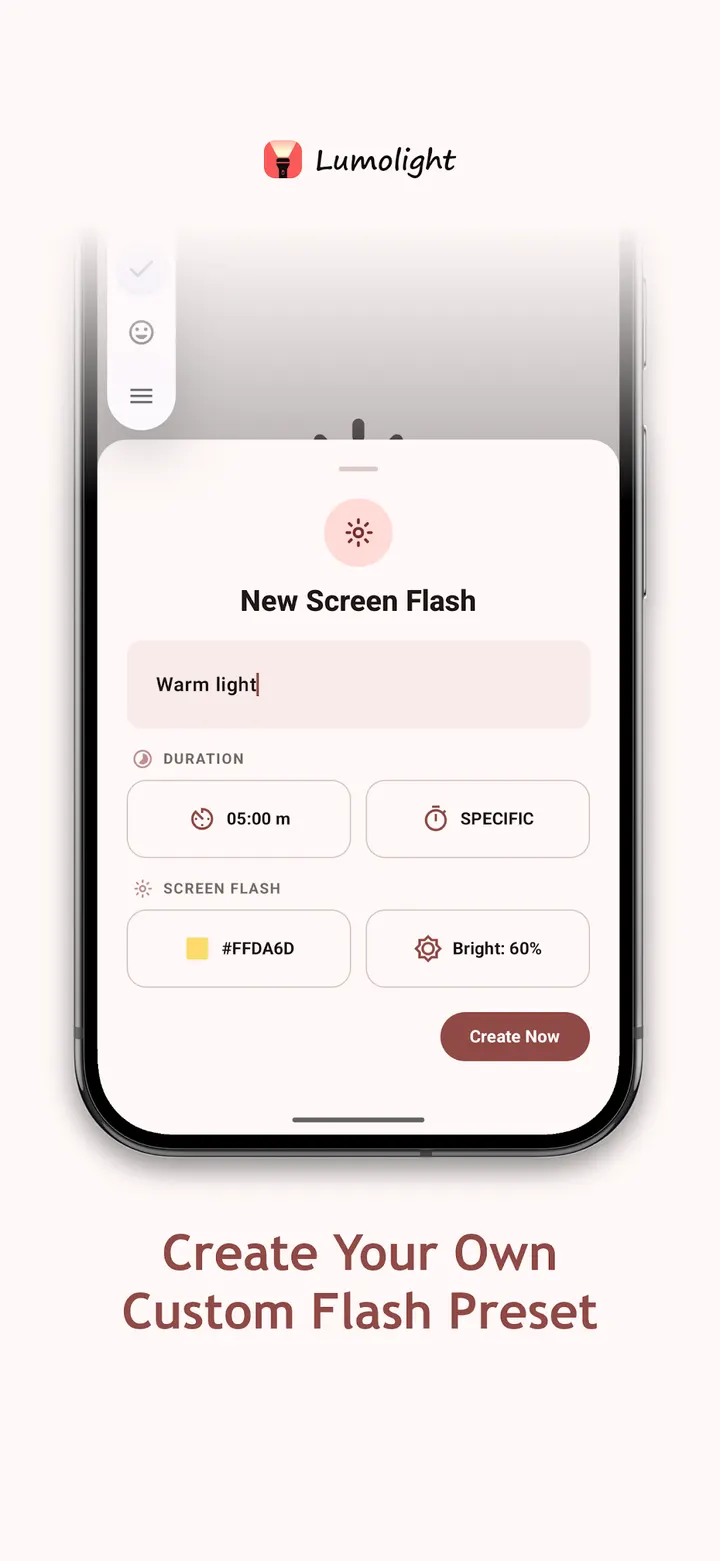
The screen mode turns the display into a white or colored light with adjustable brightness. The developer describes it for reading at night, soft bedside light and cases where the camera flash does not suit.
Android 13 minimum and a 5.7 MB file
The app needs Android 13 or newer, which rules out older phones. The package is small at 5.7 MB, and the package ID is com.bitmavrick.lumolight. Google Play rates the content as Everyone, and the app is free.
Lumolight pros and cons
Pros
- No ads, and it is free
- LED torch with blinking mode and BPM speed control
- White or colored screen light with adjustable brightness
- Open source under GPL-3.0-only with a public GitHub repository
- Small 5.7 MB package
Cons
- Requires Android 13 or newer
- Flash strength control works only on supported devices
- Google Play shows in-app purchases
- Only 132 ratings on Google Play, so the 4.2 average rests on a small sample
Is Lumolight safe?
The APK is kept unmodified, and its SHA-256 checksum is c683f05680357567e939b33d0be70038968835cba7697dd9d0483c1379d6a52e, so you can compare it with your own copy. Because the code is open under GPL-3.0-only, anyone can check what a flashlight app does with the camera LED. It carries no ads, though it does offer in-app purchases.
How to install Lumolight
- Download the APK with the button on this page and wait for it to finish.
- Compare the file with the SHA-256 checksum shown here if you want to confirm it arrived intact.
- Open the file on your phone and allow installs from this source when Android asks.
- Finish the install, then open Lumolight from your app drawer.


