
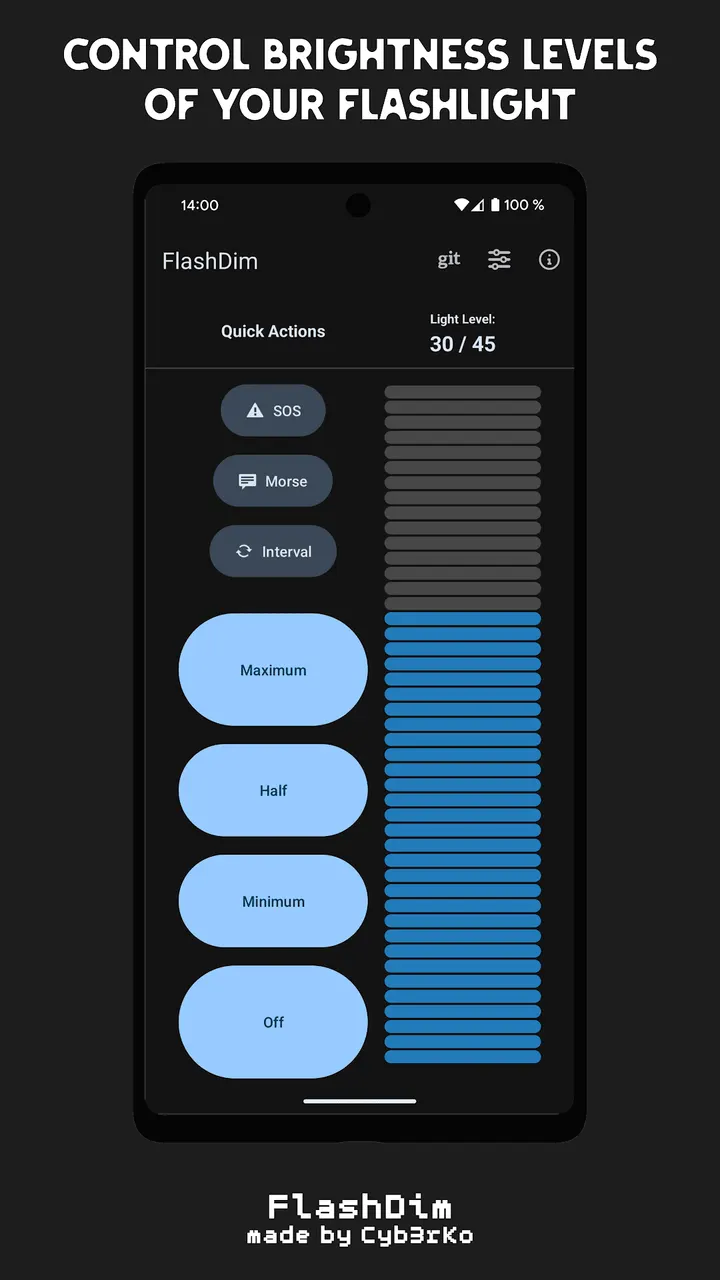
FlashDim is a free, open-source flashlight app by Cyb3rko that lets you dim the torch on phones running Android 13 or later. Google Play lists it with a 4.6 rating from 4,753 ratings and over 100 thousand installs. We host the unmodified APK, version 2.5.3, and publish its SHA-256 checksum for verification.
Free, no ads, no purchases
FlashDim costs nothing, shows no ads and sells no in-app purchases. Its content rating is Everyone. According to the developer's description, the app is private and works without an internet connection.
The source code sits on GitHub under the Apache-2.0 licence, so anyone can read it and check how the app handles data.
Brightness levels, SOS and morse flash
Android 13 added control over several flashlight brightness levels, and FlashDim was built to use it. You can dim the light level by level or tap shortcut buttons set to different brightness steps.
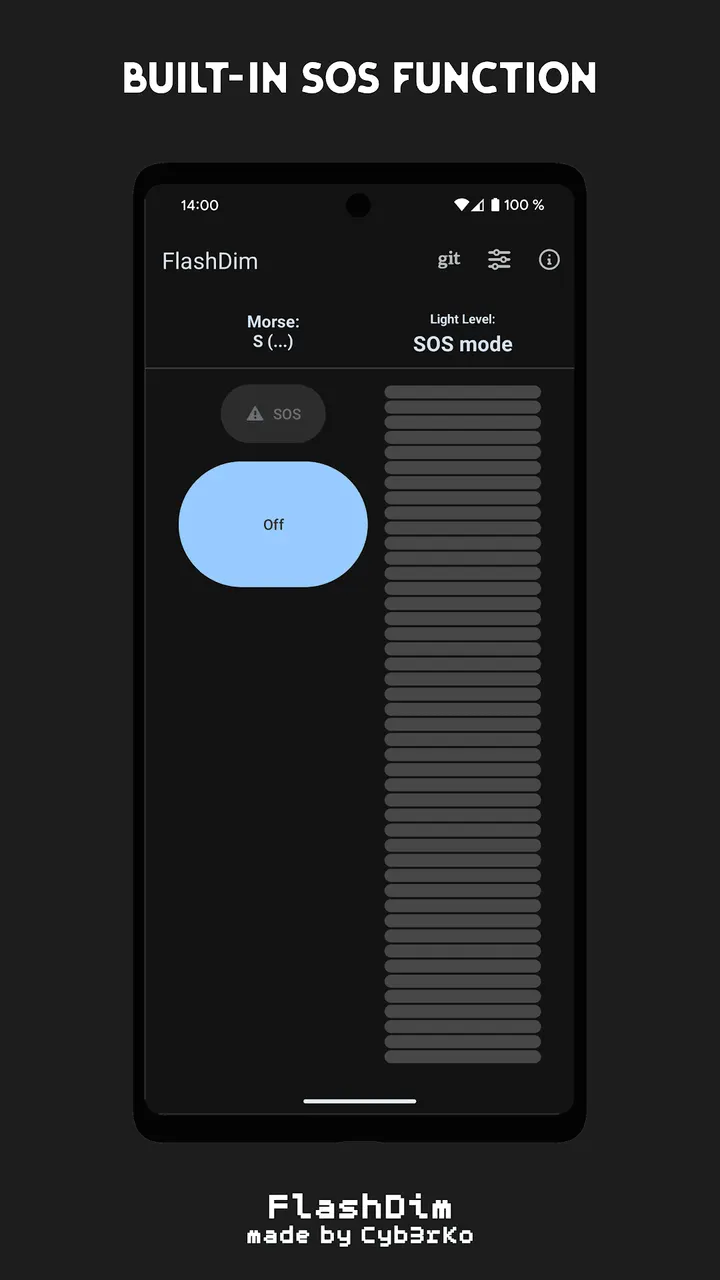
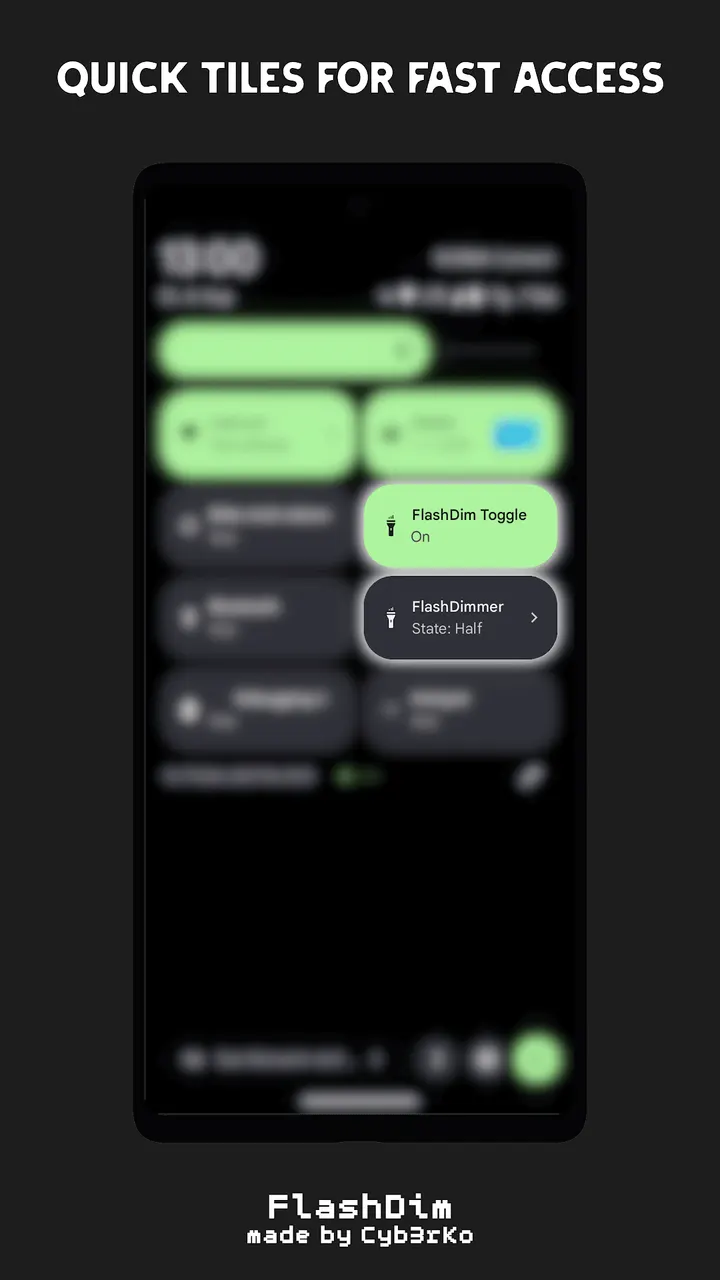
Other modes include an SOS flash button, a morse code flash mode and an Interval / BPM mode. A quick settings tile gives fast access from the notification shade.
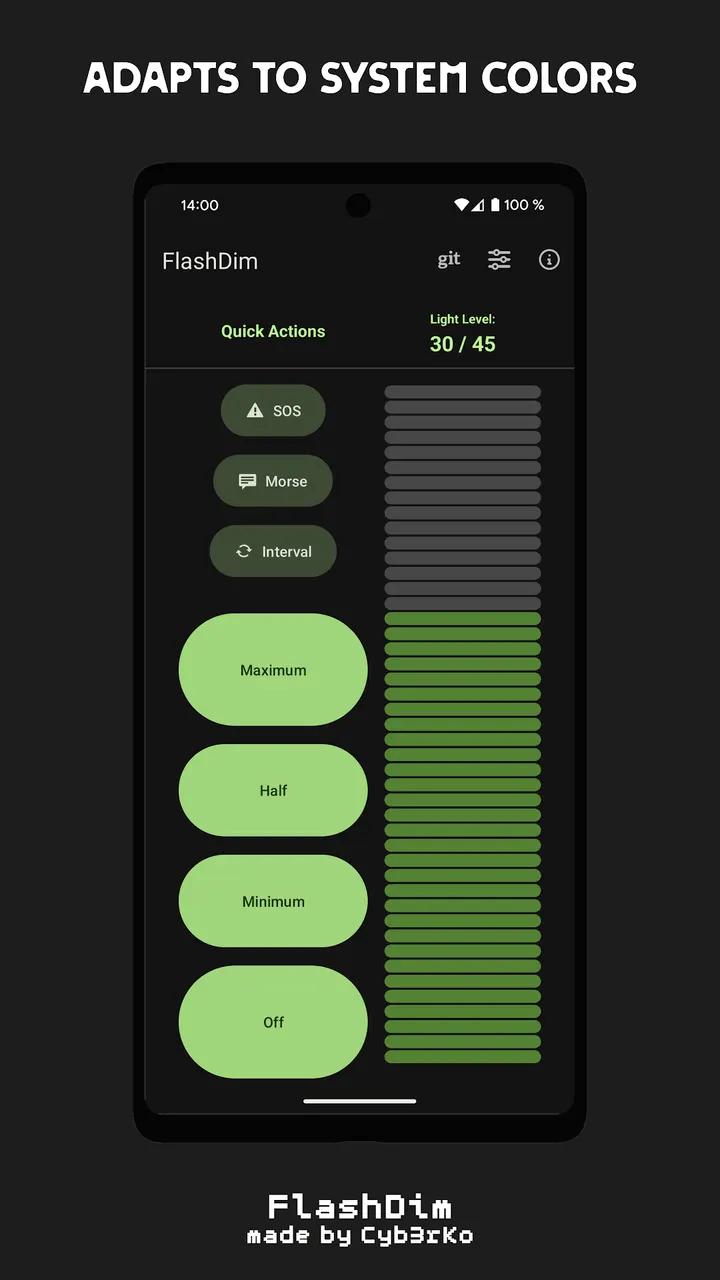
The design follows Material You (M3) elements, and the app colors adapt to the device's system colors.
Volume-button toggle and the accessibility service
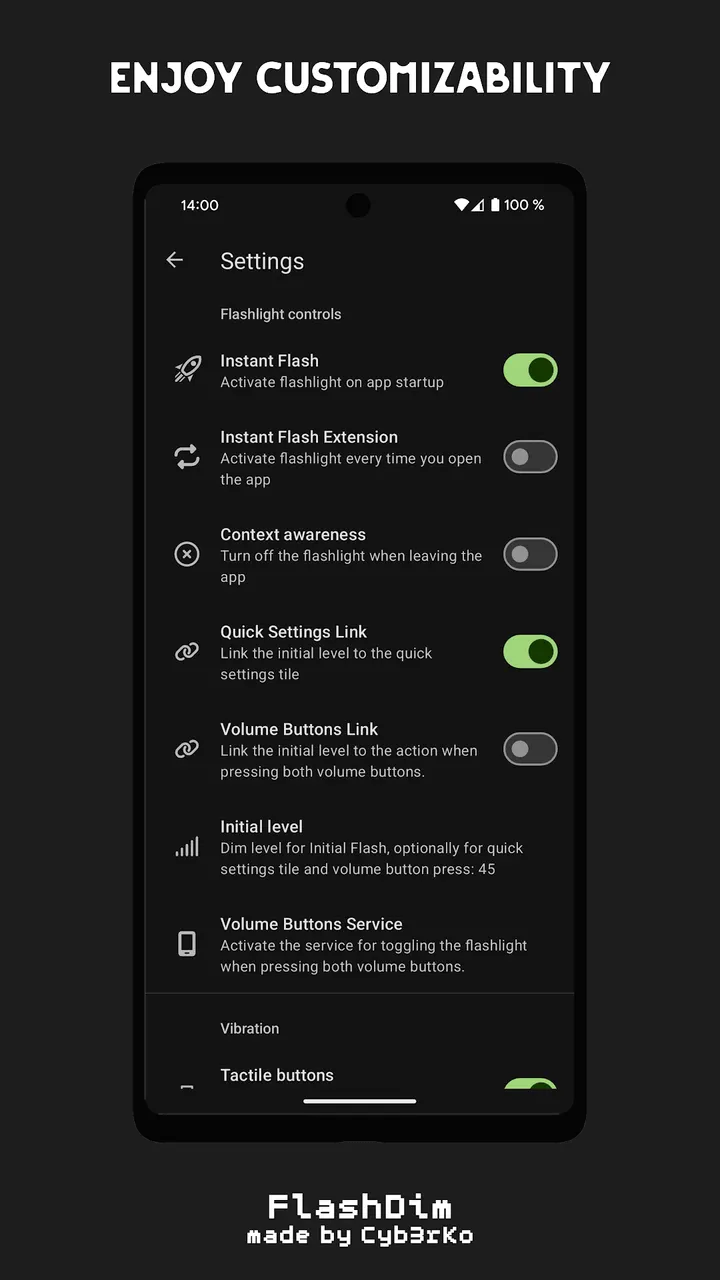
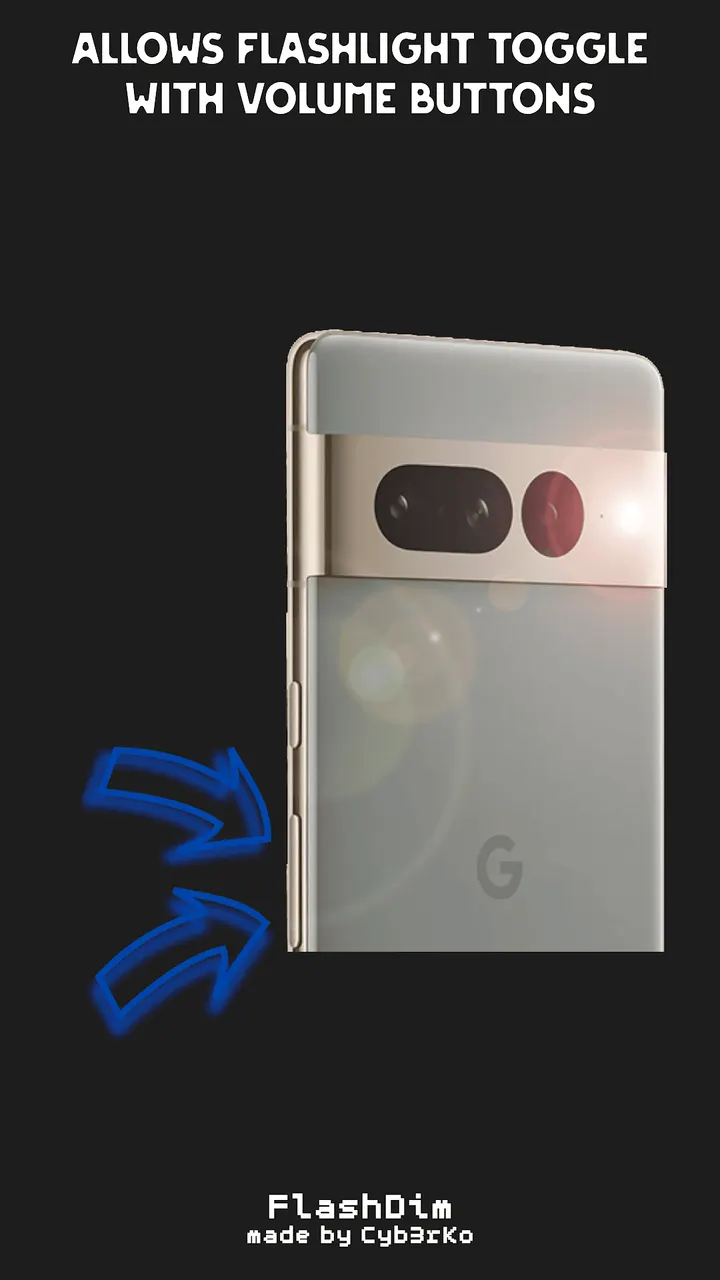
Pressing both volume buttons toggles the flashlight. This is opt-in and is switched on in the settings. It works through the accessibility API, which reads key events from the volume buttons.
The developer states that nothing beyond those key events is collected and points to the GitHub source for verification.
Version 2.5.3 and upkeep
The current version is 2.5.3, last updated on August 30, 2026. The app first appeared on October 29, 2022, so it has been maintained for several years. The package is 2.3 MB.
FlashDim pros and cons
Pros
- Free with no ads and no in-app purchases
- Dims the flashlight level by level on Android 13+
- SOS, morse code and Interval / BPM modes included
- Open source under Apache-2.0 with code on GitHub
- Small 2.3 MB package
Cons
- Requires Android 13 or later, so older phones are excluded
- Volume-button toggle depends on an accessibility service permission
- Version 2.5.3 has no published changelog
Is FlashDim safe?
We host the unmodified APK for FlashDim, and the SHA-256 checksum is d83d8e5fb29b09edb45a657a0abcdd9630ad1e048f29be439958f86236569b33. The app is published by Cyb3rko under the Apache-2.0 licence with public source code. It shows no ads and no purchases. The volume-button feature uses an accessibility service, which is optional and which the developer says reads only volume key events.
How to install FlashDim
- Download the APK with the button on this page and wait for it to finish.
- Compare the file with the SHA-256 checksum shown here if you want to confirm it arrived intact.
- Open the file on your phone and allow installs from this source when Android asks.
- Finish the install, then open FlashDim from your app drawer.


