






Where WhatsApp or Messenger start from people you already know, Meetup starts from a shared interest and a place on the map. The app, published by Meetup, is built around joining groups and attending events with strangers. Google Play shows more than 10 million installs and a 3.8 rating from 235.9 thousand ratings.
Who Meetup suits: newcomers, hobbyists and career networkers
Meetup is aimed at three groups of people: those who want to build a professional network, those who look for a tech community, and those who want friends for a hobby. Events range from tech conferences to free yoga, so the range of topics is broad.
The app carries a Teen content rating on Google Play. It needs Android 7.0 or newer, which keeps it open to fairly old phones.
Finding events, joining groups and hosting your own
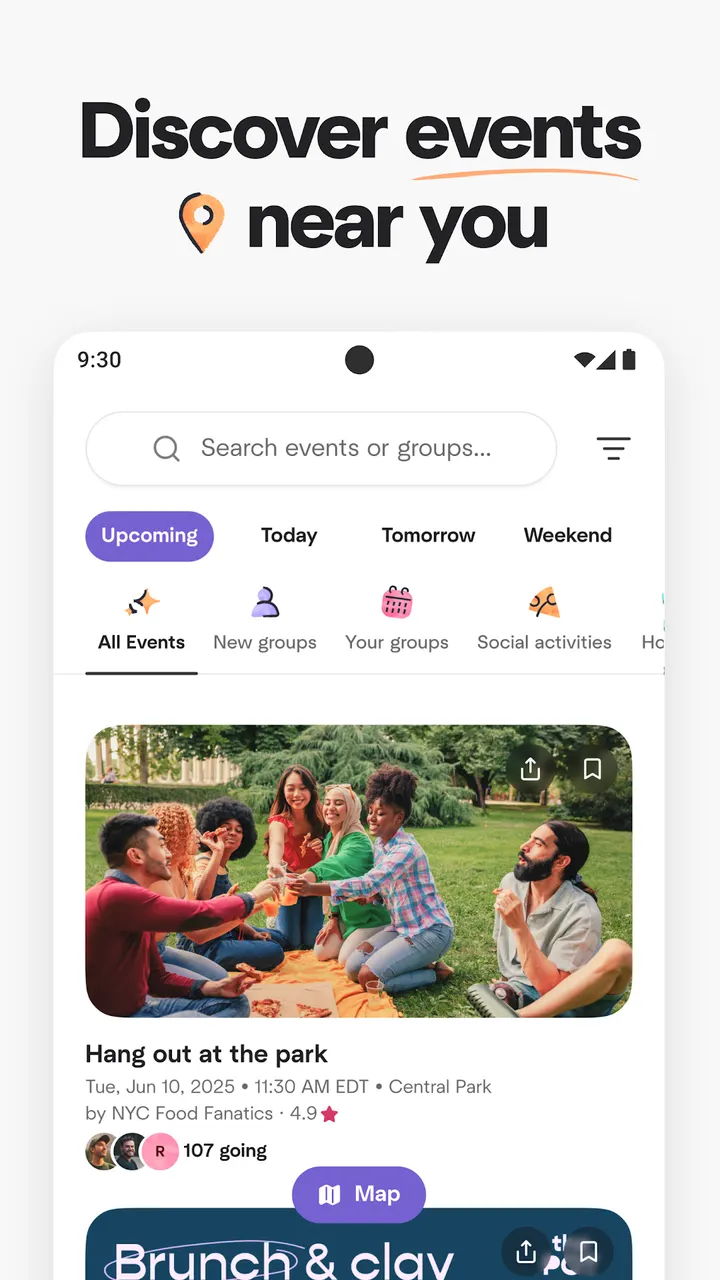
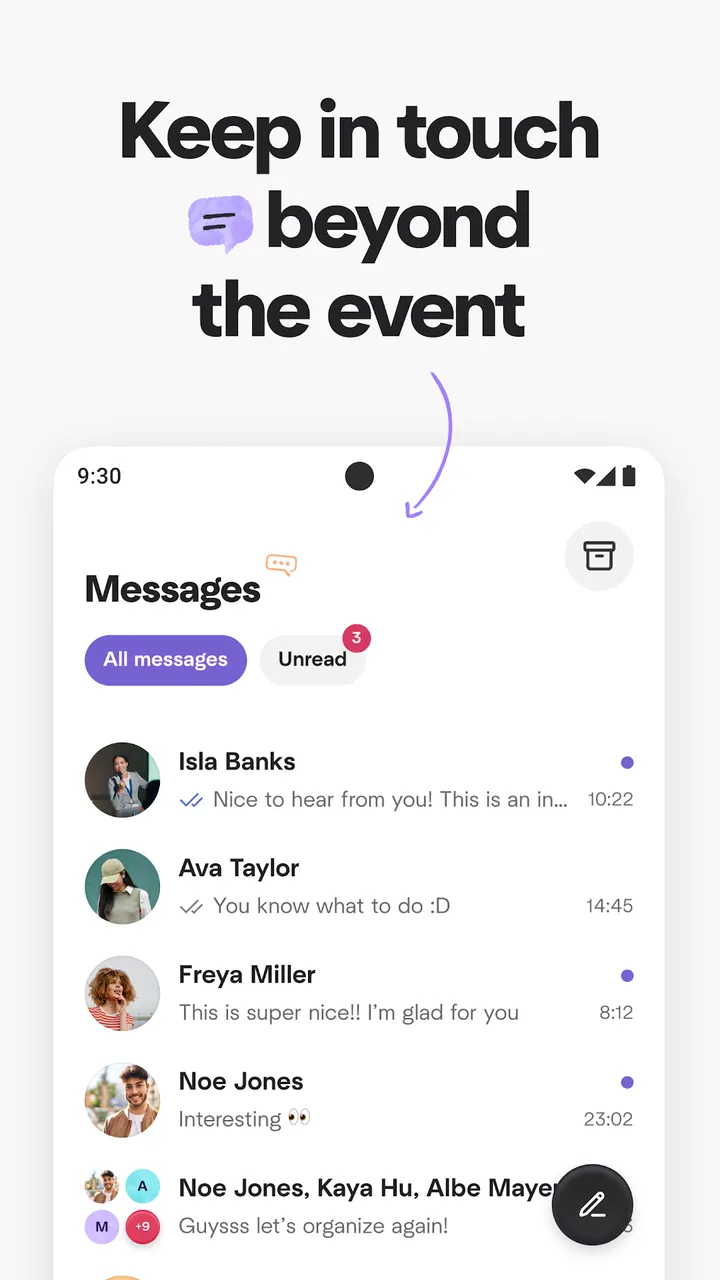
Events can be browsed by category, searched by keyword, or viewed on a map showing what is popular nearby. You can save events for later and message the people you meet through discussions and direct messages.
The developer cites over 60 million members, about 100,000 events with new people each week, and over 330,000 groups. These are the developer's figures, not independent counts.
Hosting is part of the app too. You can create a group, schedule and personalize events, and share photos between meetings. The developer says groups get recommended to interested people as they grow.
Location use, ads and in-app purchases
Meetup asks for precise device location, using both GPS and network-based positioning, so it can suggest events from groups near you. If that makes you uneasy, weigh it before installing.
Using the app costs nothing, though it shows ads and sells in-app purchases. The Teen content rating fits a social app built around meeting new people at events.
What's new in 2026.10.26.3095
The current version is 2026.10.26.3095, updated on October 26, 2026.
Meetup pros and cons
Pros
- Events can be searched by category, keyword or map
- Supports both online and in-person events
- Lets you create and manage your own group
- Direct messages and discussions keep contact going between events
- Free to download, with over 10 million installs on Google Play
Cons
- Contains ads
- Includes in-app purchases
- Uses precise GPS and network location to recommend events
- Google Play rating of 3.8 is modest
Is Meetup safe?
Install Meetup from Google Play. The publisher is Meetup, whose website is meetup.com, and the package ID is com.meetup. The app asks for precise location to recommend local events. Nothing further about licensing or independent security checks is known to us.
How to install Meetup
- Press the Google Play button on this page.
- Check the listing in the Play Store and press Install.
- Open Meetup when the install finishes. Updates arrive through Google Play.


