
You have an evening free and want to lay rail between two towns, then watch the first train earn its keep. OpenTTD 15.3 is built for that. It is a transport simulation for Windows based on Transport Tycoon Deluxe, the game written by Chris Sawyer, and it is free. The file is served from the official server at cdn.openttd.org, and we do not host it.
First steps after installing the 8.5 MB package
The installer is small at 8.5 MB, so setup is quick. Launch the game and start a new map to get a feel for the controls before anything else. Since the project aims to copy the original closely, anyone who played Transport Tycoon Deluxe will find the structure familiar.
The project site at openttd.org is the developer's own home, and it is the place to look for further information about the game.
Where it follows Transport Tycoon Deluxe and where it goes further
The stated goal is to mimic the original as closely as possible. On top of that, it adds new features that the 1990s game lacked. That mix suits players who want the old logic of routes, vehicles and towns without being tied to the original software.
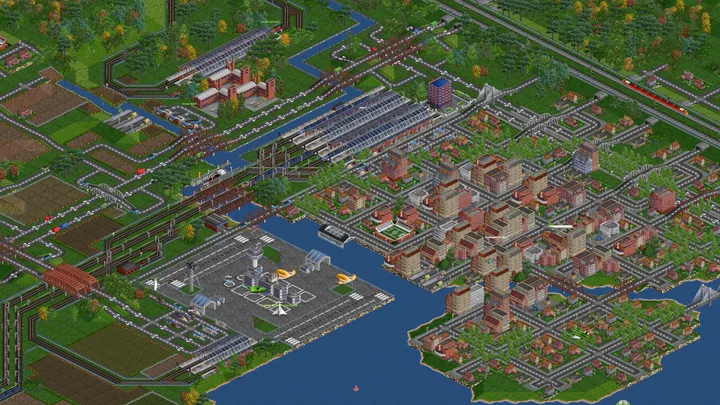
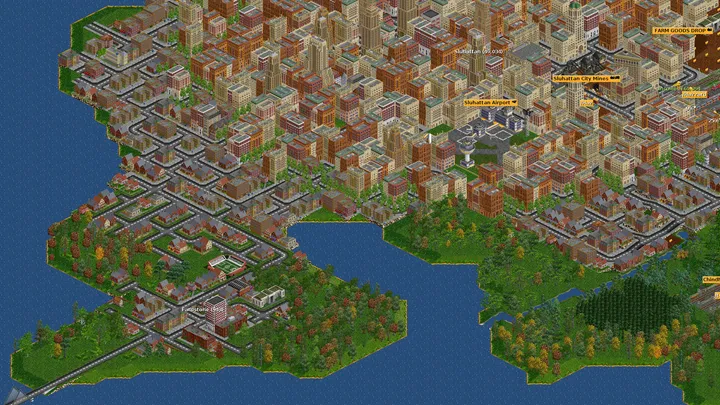
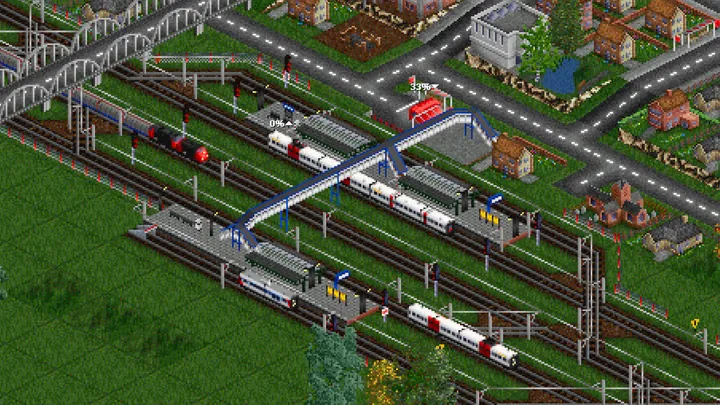
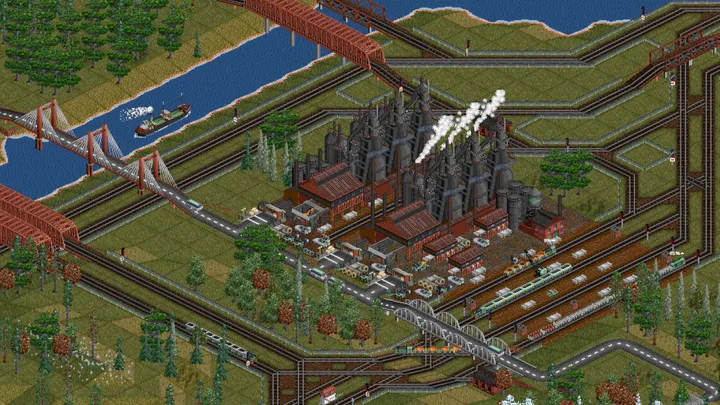
It is open source under GPL-2.0, which means the code is public. The package has four screenshots on its page, and the game sits in our retro games category.
When SuperTux or OpenRCT2 fits better
OpenTTD is about building and running transport networks. If you want a platformer, SuperTux is the better pick. If your interest is designing theme parks rather than moving cargo, OpenRCT2 is the closer match. Both are listed as alternatives.
OpenTTD pros and cons
Pros
- Free to download with no price attached
- Open source under the GPL-2.0 licence
- Closely follows Transport Tycoon Deluxe while adding new features
- Small 8.5 MB download for Windows
- File comes from the developer's official server
Cons
- Aimed at fans of one genre, transport tycoon games
- No details on version 15.3 changes are available here
- Retro styling follows the original game's approach
Is OpenTTD safe?
The download link points to cdn.openttd.org, the official server of the OpenTTD project, and we do not host the file ourselves. The code is released under GPL-2.0 and the developer is listed as OpenTTD, with a website at openttd.org. No further security audit information is available, so scanning the installer before running it is sensible.
How to install OpenTTD
- Press the download button to get the official file.
- Run the installer you saved and confirm the Windows security prompt if the publisher matches.
- Follow the setup steps, then start OpenTTD from the Start menu.