

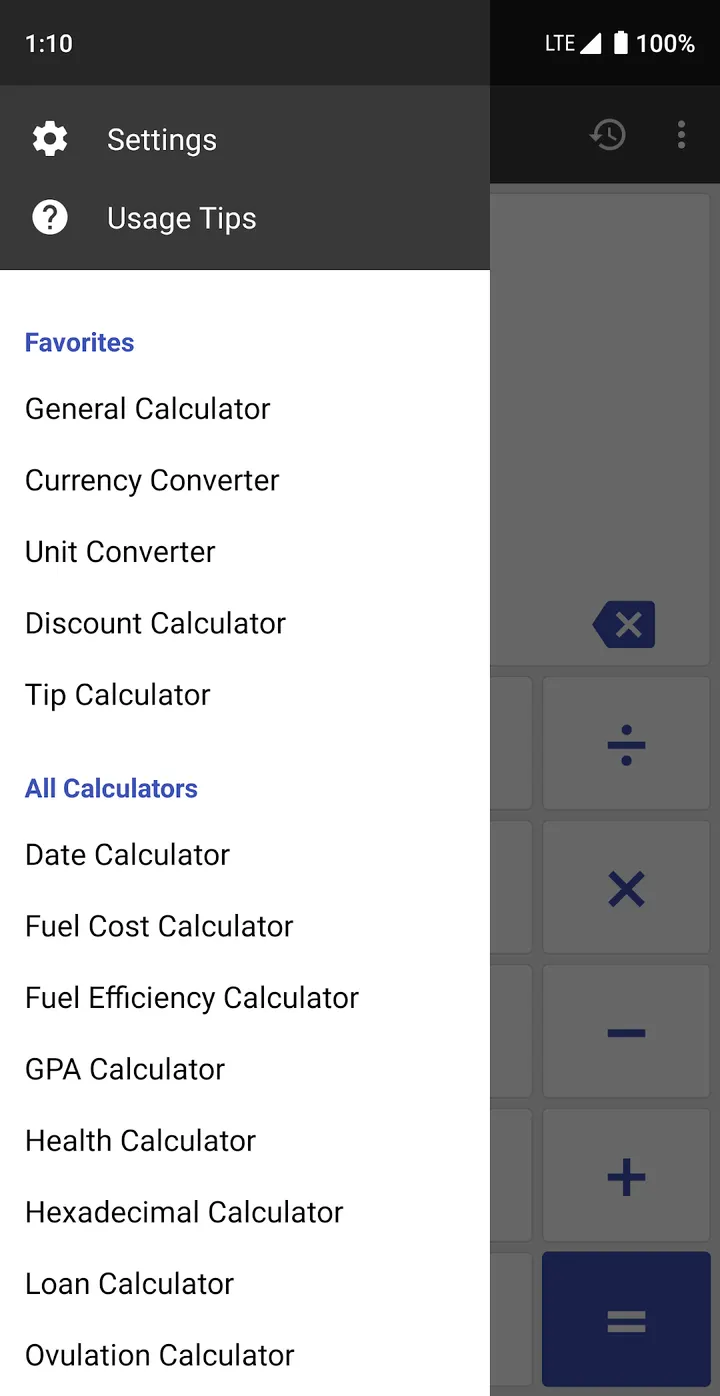
ClevCalc is available through Google Play only, and it has passed 100 million installs there. Cleveni Inc. built it as a single app that replaces a handful of separate calculators. Google Play lists a 4.6 rating from over 1.2 million ratings, and the app is free.
Who a 135-currency, 18-tool calculator suits
The app fits people who want many small calculators in one place instead of installing several. The developer points to students, professionals and travelers, and the tool list backs that up: GPA, currency, world time and tip splitting all sit side by side.
It needs Android 8.0 or later, and the Google Play content rating is Everyone.
Scientific mode, cursor editing and history
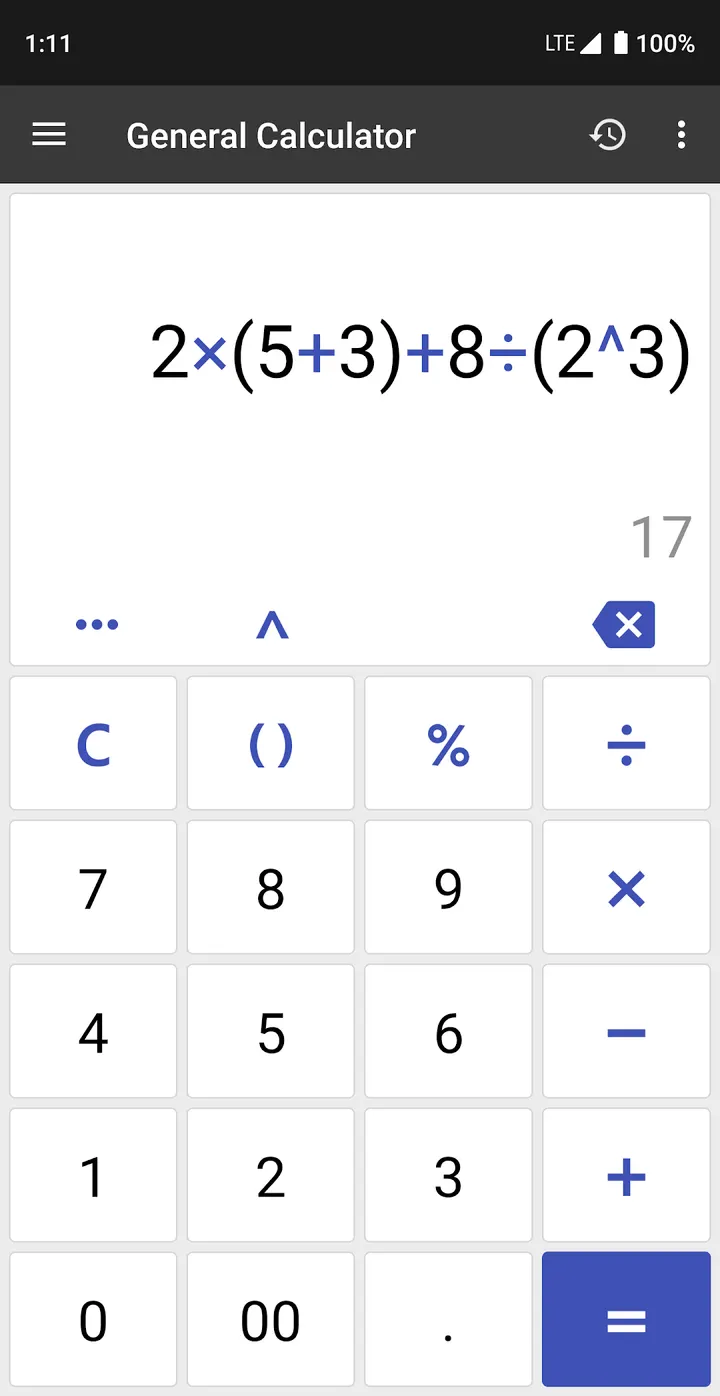
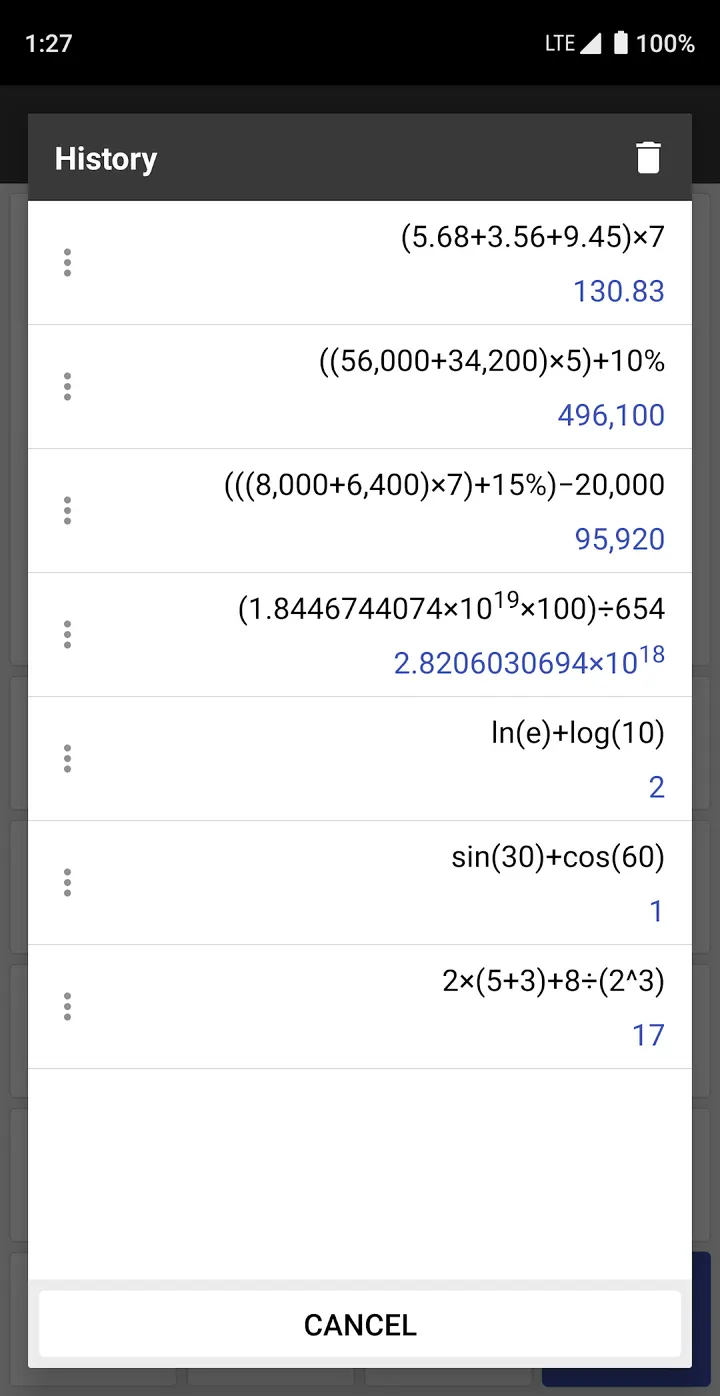
The main calculator handles basic arithmetic, squares, roots, parentheses and percentages. The scientific side adds trigonometric, exponential and logarithmic functions. A movable cursor lets you fix a mistake in the middle of an expression without retyping it, and a history list keeps earlier results.
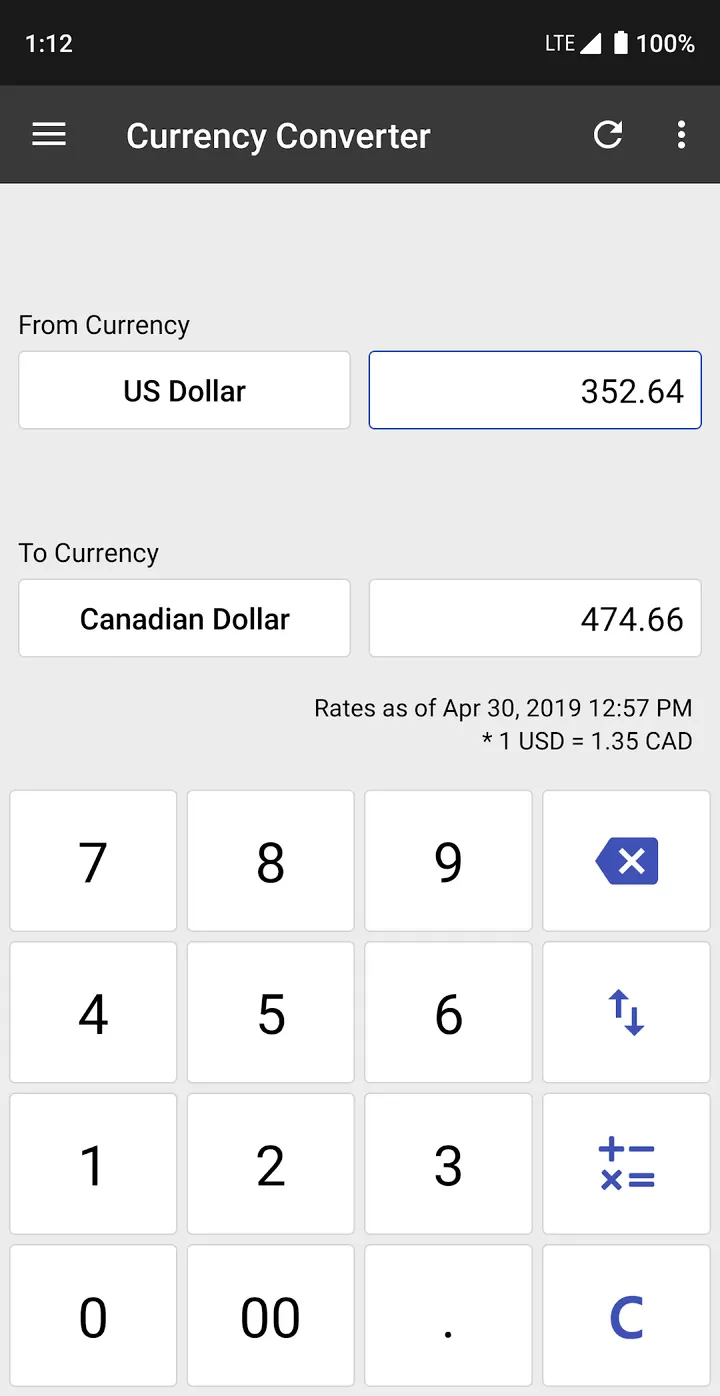
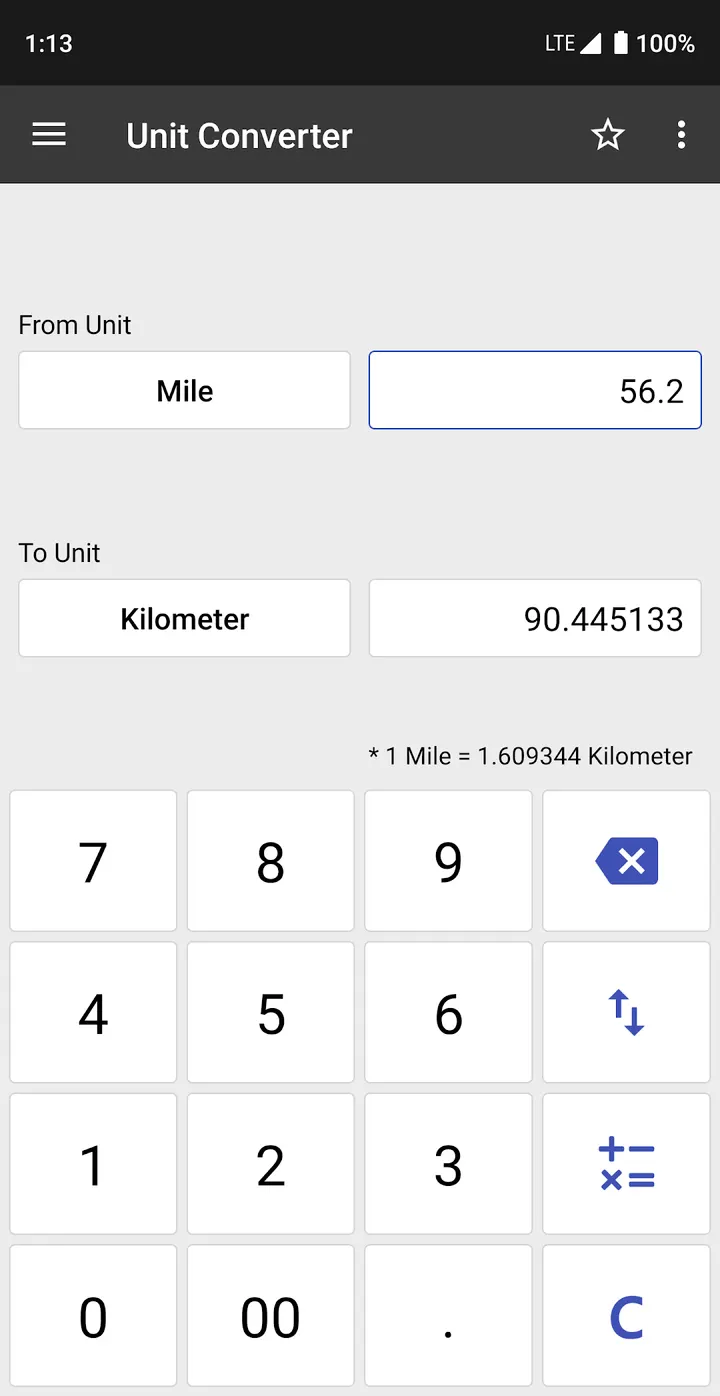
The unit converter covers length, weight, area, volume, time, temperature, pressure, speed, fuel efficiency and data size. The currency converter supports 135 currencies and applies real-time rates, while the world time tool covers 400+ cities and accounts for daylight saving.
Everyday money and date tools
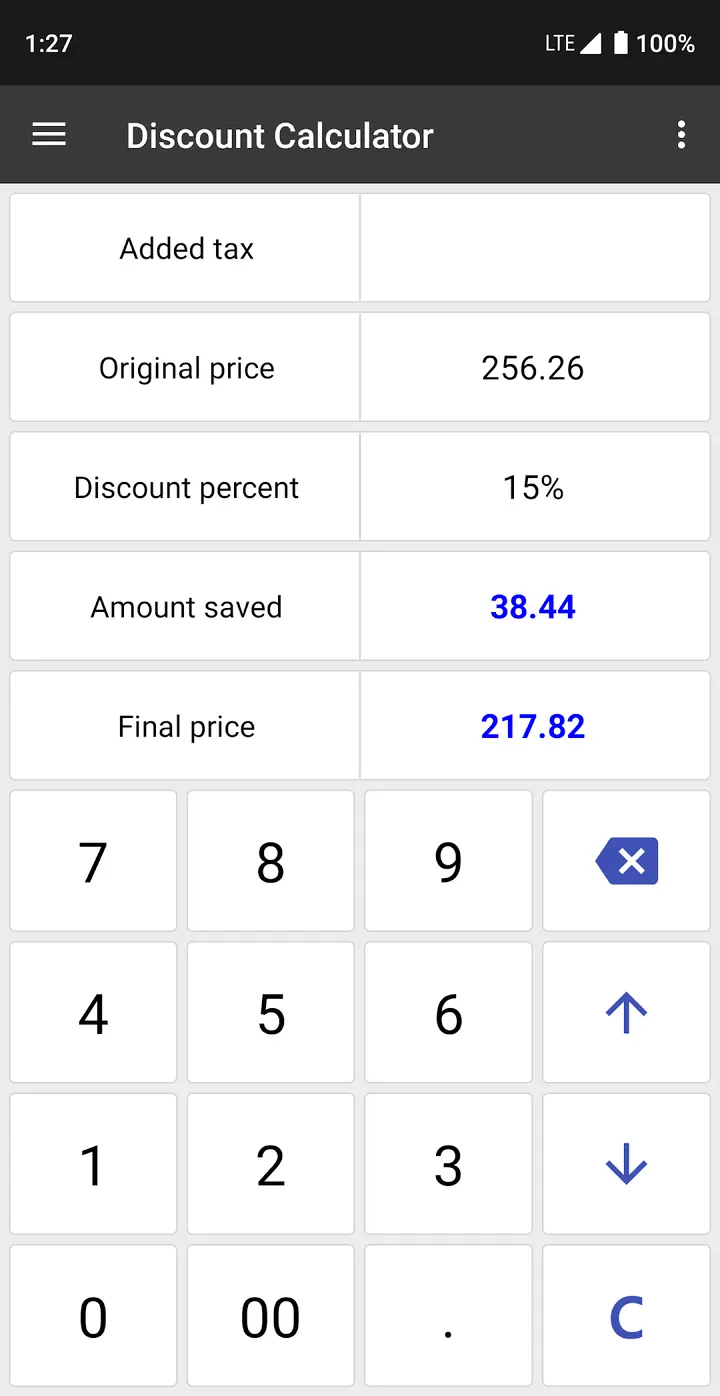
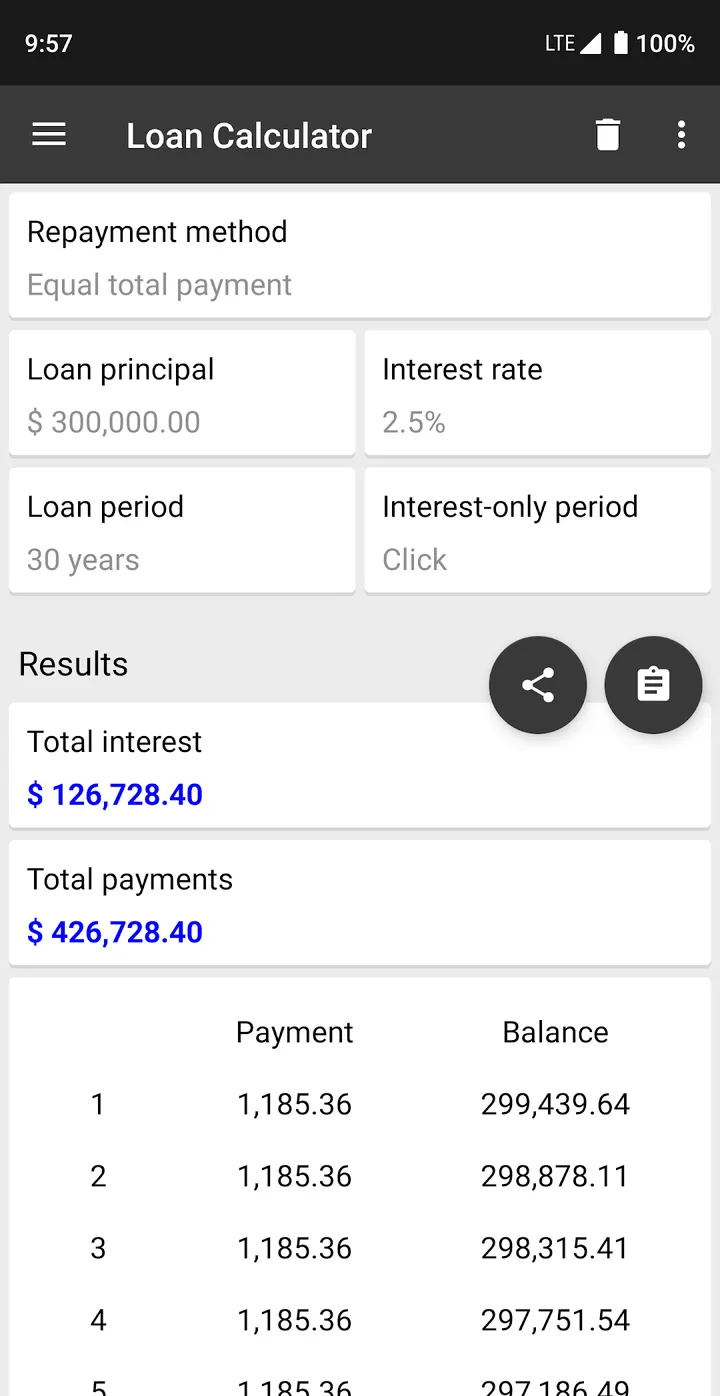
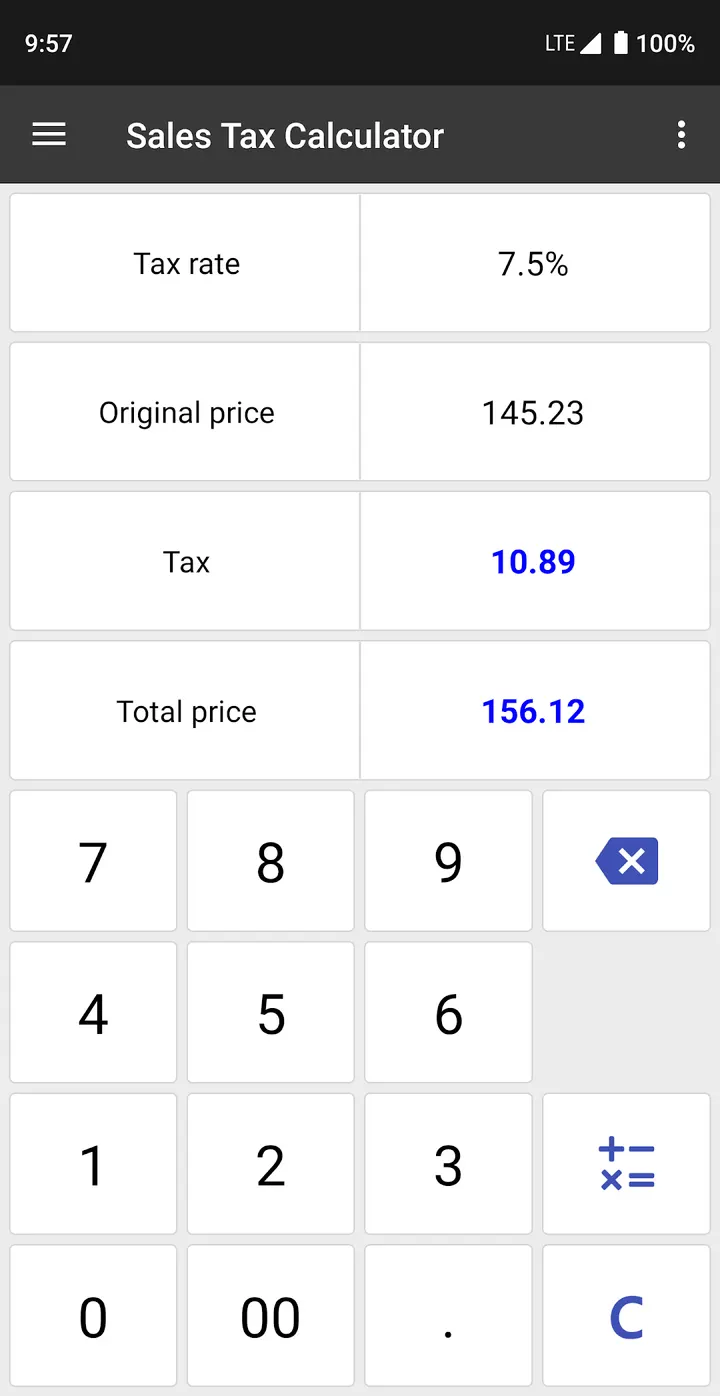
Several tools target shopping and budgeting. The tip calculator can leave tax out and split the total per person, and the unit price tool compares multiple products by price and quantity. The loan calculator shows total interest and total repayment, and the savings calculator gives interest after tax.
Other tools include a date calculator for anniversaries, BMI and BMR calculators, a GPA calculator, a fuel cost estimator and a decimal-to-hexadecimal converter.
Ads and in-app purchases
ClevCalc is free, but it carries ads and sells in-app purchases. Which features sit behind a purchase, and how often the ads appear, is not described here. Since it bundles unit and currency converters with the calculator, it may feel like more than someone who only needs quick sums wants.
What's new in 2.24.15
The current version is 2.24.15, last updated on September 23, 2026.
ClevCalc pros and cons
Pros
- Scientific functions with a movable cursor for editing expressions
- Currency converter covering 135 currencies with real-time rates
- World time converter for 400+ cities with daylight saving
- Tip calculator that can exclude tax and split per person
- Free to install, with a 4.6 rating on Google Play
Cons
- Contains ads
- Includes in-app purchases
- Requires Android 8.0 or later
Is ClevCalc safe?
ClevCalc comes from Cleveni Inc., whose site has a dedicated page for it. The content rating is Everyone. The app contains ads and offers in-app purchases, so check the permissions listed on the store page before you use it.
How to install ClevCalc
- Press the Google Play button on this page.
- Check the listing in the Play Store and press Install.
- Open ClevCalc when the install finishes. Updates arrive through Google Play.


