

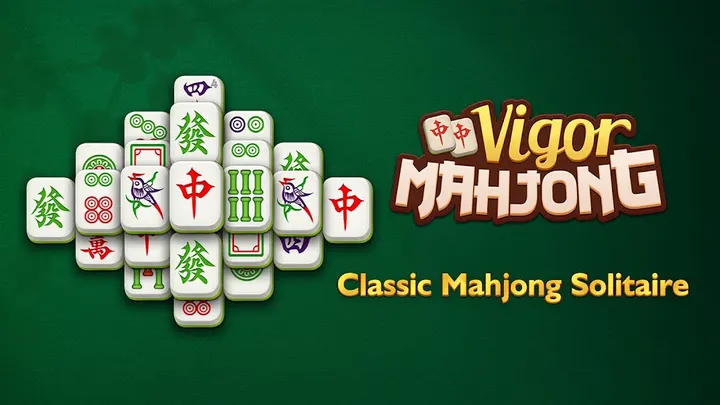
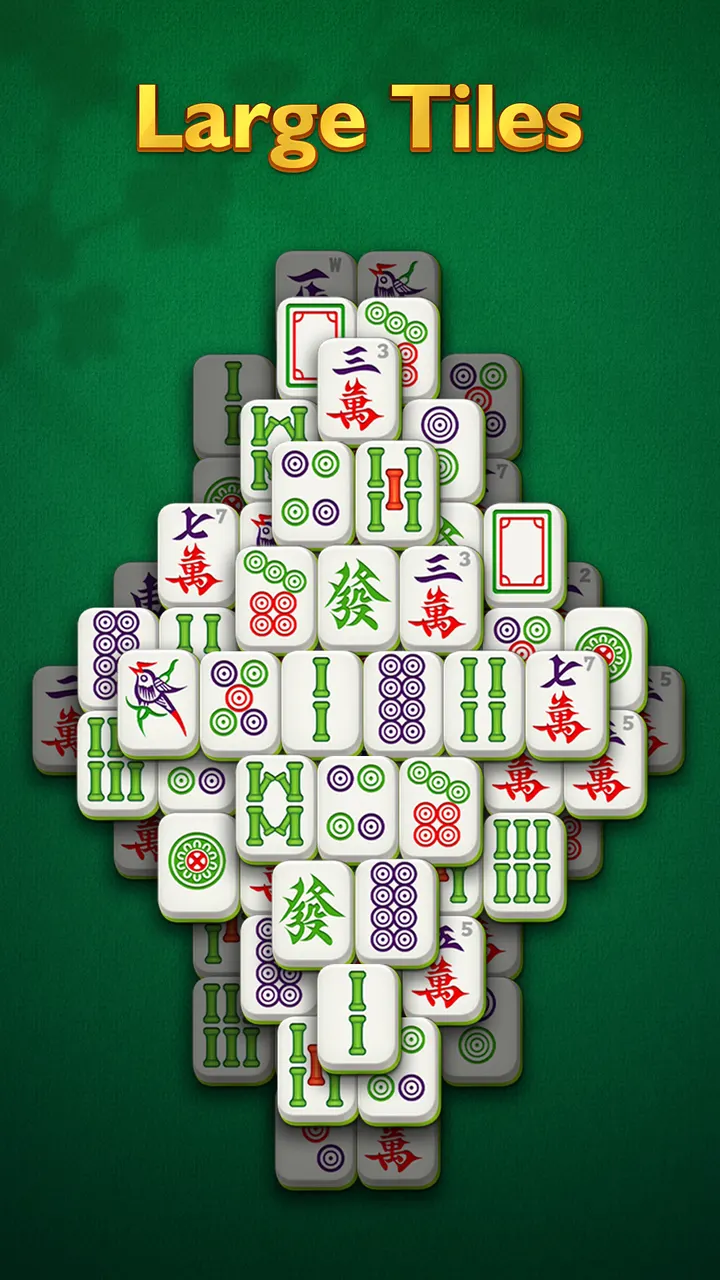
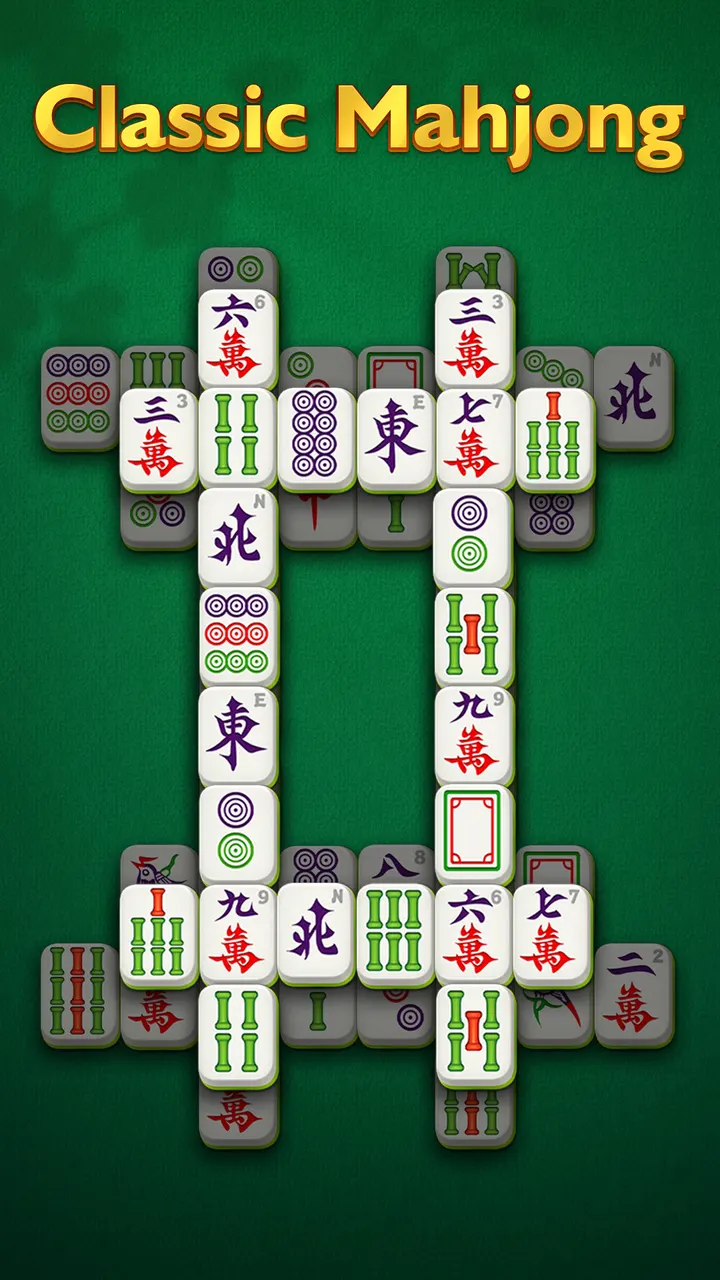
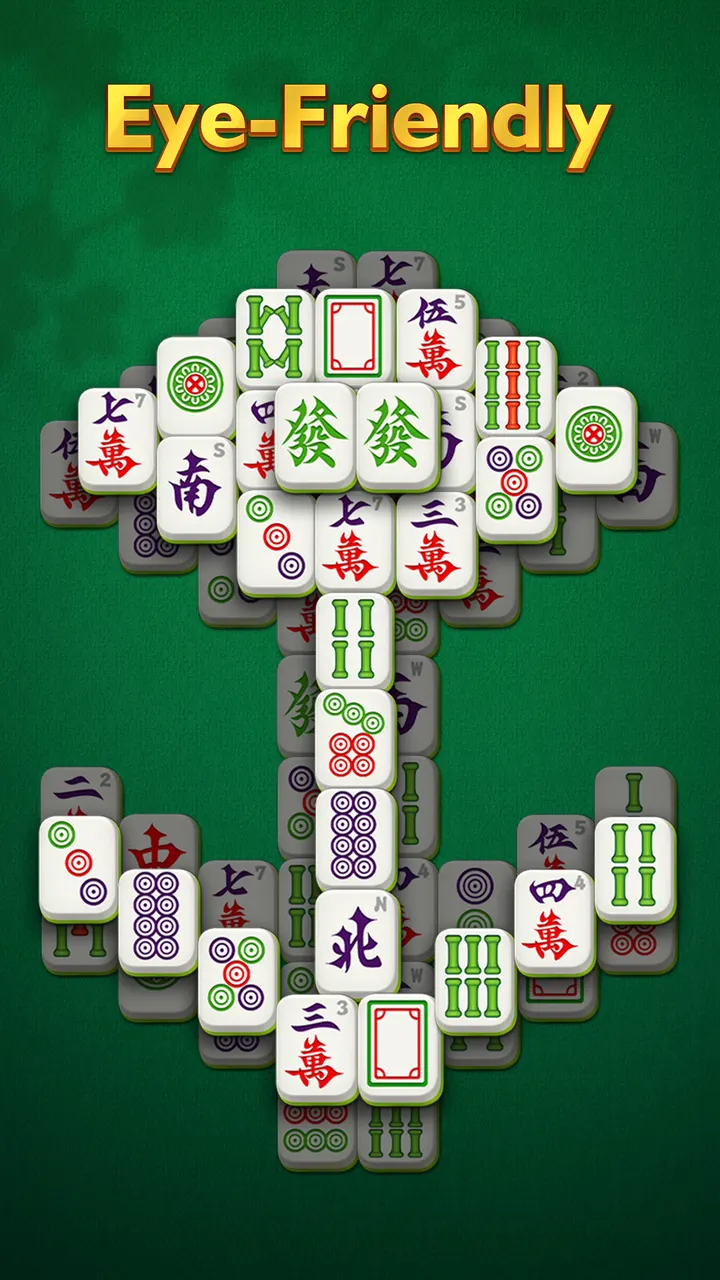
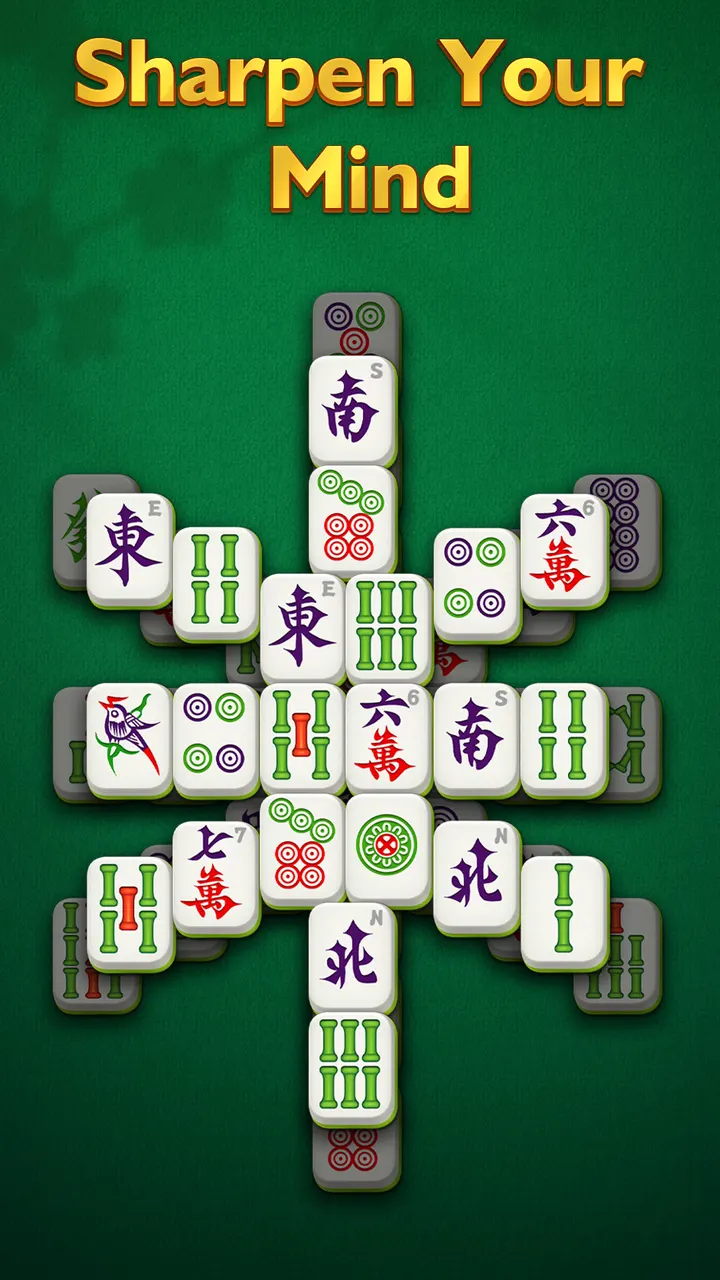
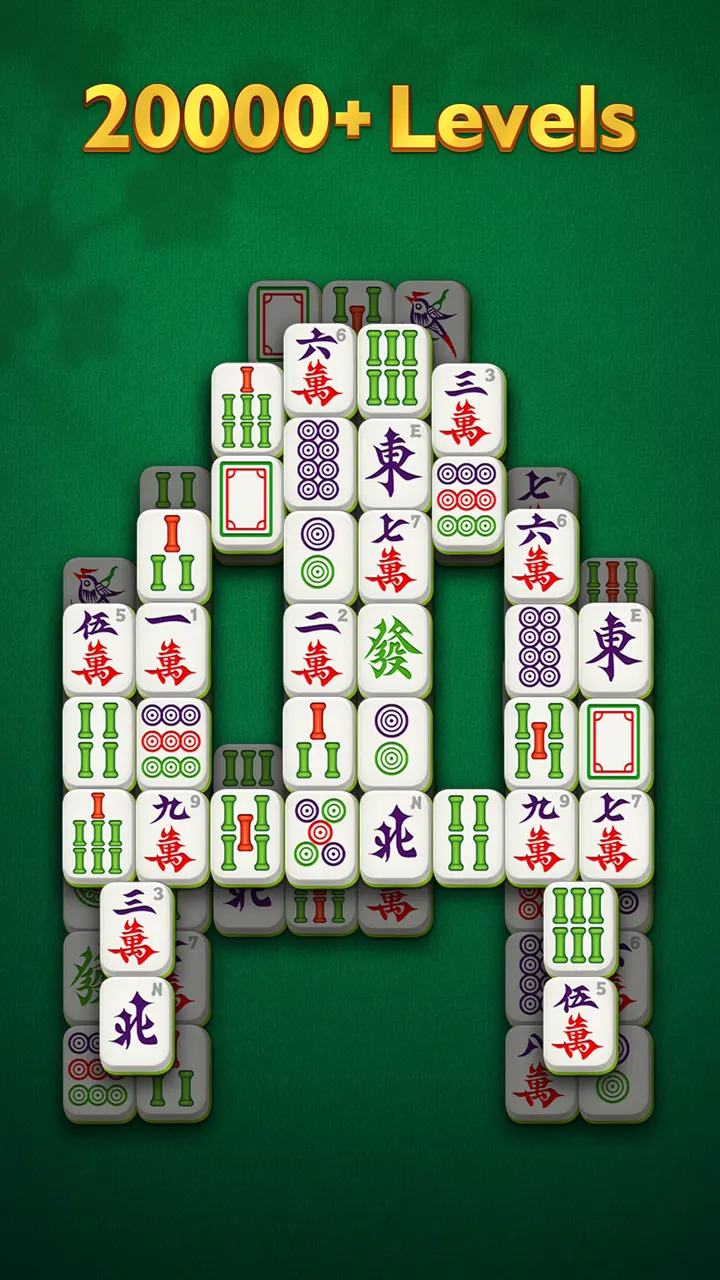
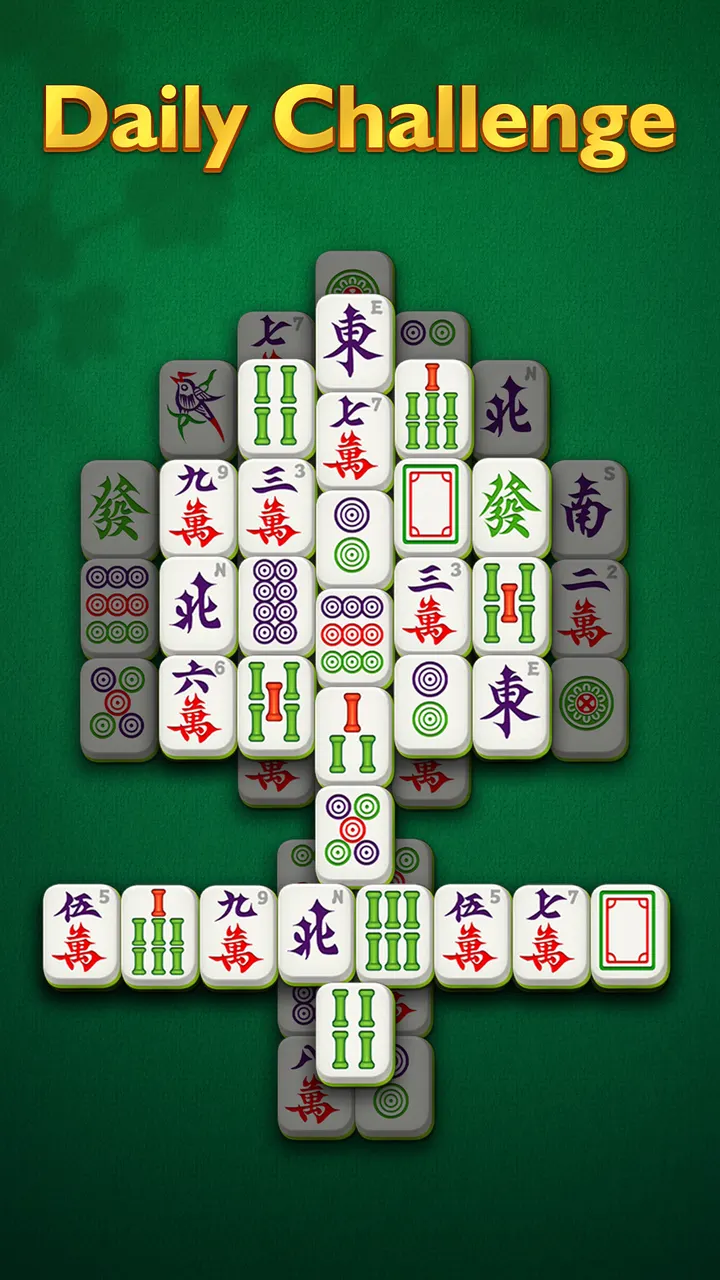
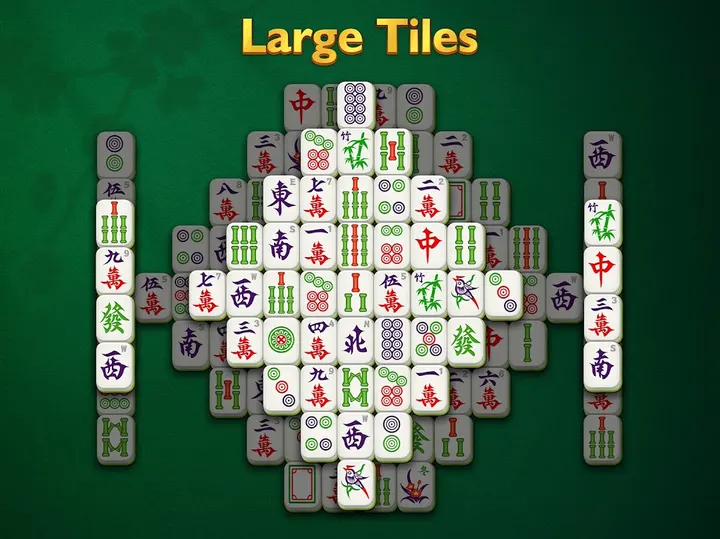
Vigor Mahjong is built for older players and anyone who finds small tiles and tiny text tiring. The Android game from CanaryDroid is a mahjong solitaire title with big tiles and readable fonts, and it has over 5 million installs on Google Play.
Who the large tiles and no-timer scoring suit
The game is aimed at seniors, and the design follows from that. Tiles are large, the font sizes are generous, and the layout works on both phones and tablets. You can pick a scoring system without a timer, so a slow game costs nothing.
Google Play lists the rating as Everyone, and the app sits in the tile-match category with a board tag.
How a round plays with hints, shuffles and combos
The goal is the standard one: clear the board by matching pairs of free tiles that are not covered. You tap or slide two matching tiles and they vanish. Matching tiles in a row unlocks combos.
Hints and shuffles are there when you get stuck. Solving a puzzle without them earns extra points, which gives experienced players a reason to skip them.
There are over 20,000 levels, ranging from classic layouts to unusual puzzles. A daily challenge is added each day, and the game also works offline, which suits travel or a weak connection.
Ads, themes and device requirements
The game is free and has no in-app purchases, but it shows ads. Backgrounds, sounds and themes can be changed to suit your mood, and the store page shows 8 screenshots of the tile designs.
Version 7.7 needs Android 5.0 or later. Google Play users have left about 273.1 thousand ratings, averaging 4.8.
Vigor Mahjong pros and cons
Pros
- Large tiles and big, readable text suit older eyes
- Scoring without a timer removes pressure
- Over 20,000 levels plus a daily challenge
- Works offline when there is no connection
- Free with no in-app purchases
Cons
- Contains ads
- Mahjong solitaire only, so little variety in game type
Is Vigor Mahjong safe?
Vigor Mahjong comes from the developer CanaryDroid and is distributed through Google Play, where it has over 5 million installs. It is rated Everyone and has no in-app purchases, though ads are shown. Install it from the official store page to get the current version 7.7.
How to install Vigor Mahjong
- Press the Google Play button on this page.
- Check the listing in the Play Store and press Install.
- Open Vigor Mahjong when the install finishes. Updates arrive through Google Play.


