

Double Tile! is a free mahjong solitaire and tile match puzzle from HungryStudio, distributed on Google Play and installed over 10 million times there. Google Play users rate it 4.9 across about 477 thousand ratings. It needs Android 7.0 or newer.
Free to play, paid by ads
The game costs nothing to download. It carries ads and has no in-app purchases, so the only way money enters the picture is through advertising. Content is rated Everyone, which fits the casual puzzle style.
Because there is nothing to buy, hints and shuffles are the only aids and you use them as the board demands.
Large tiles, hints and offline play
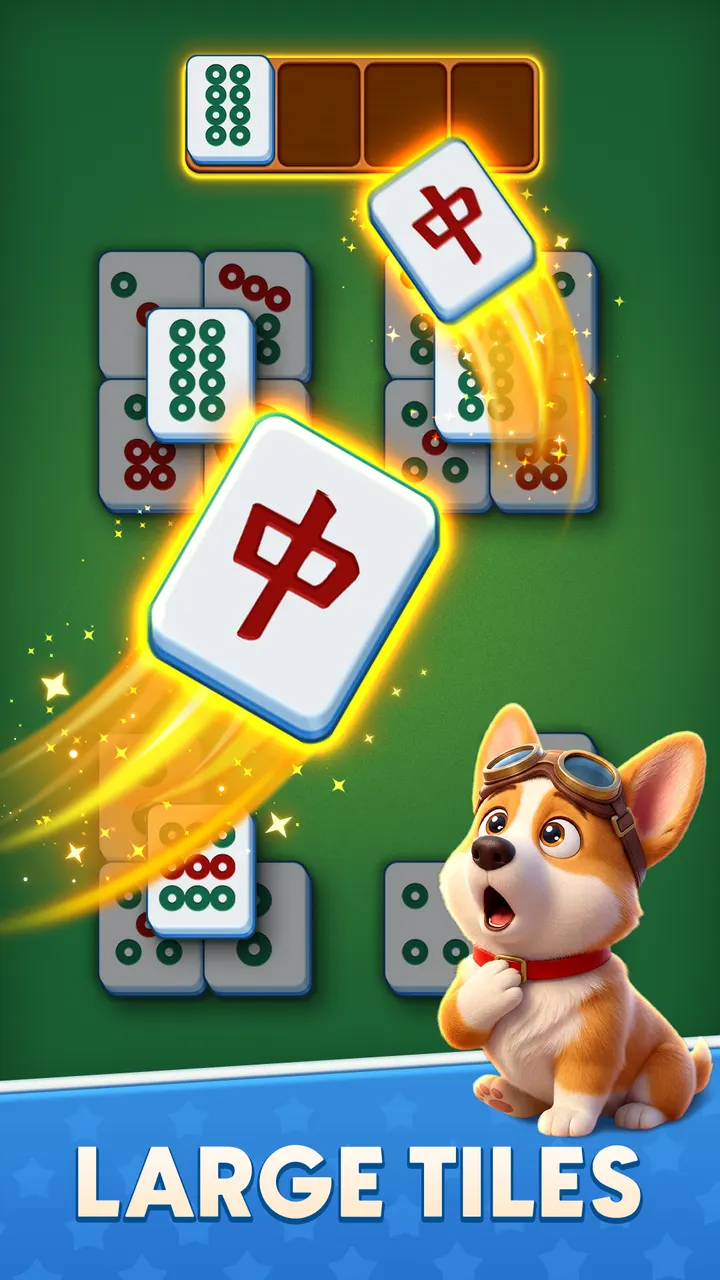
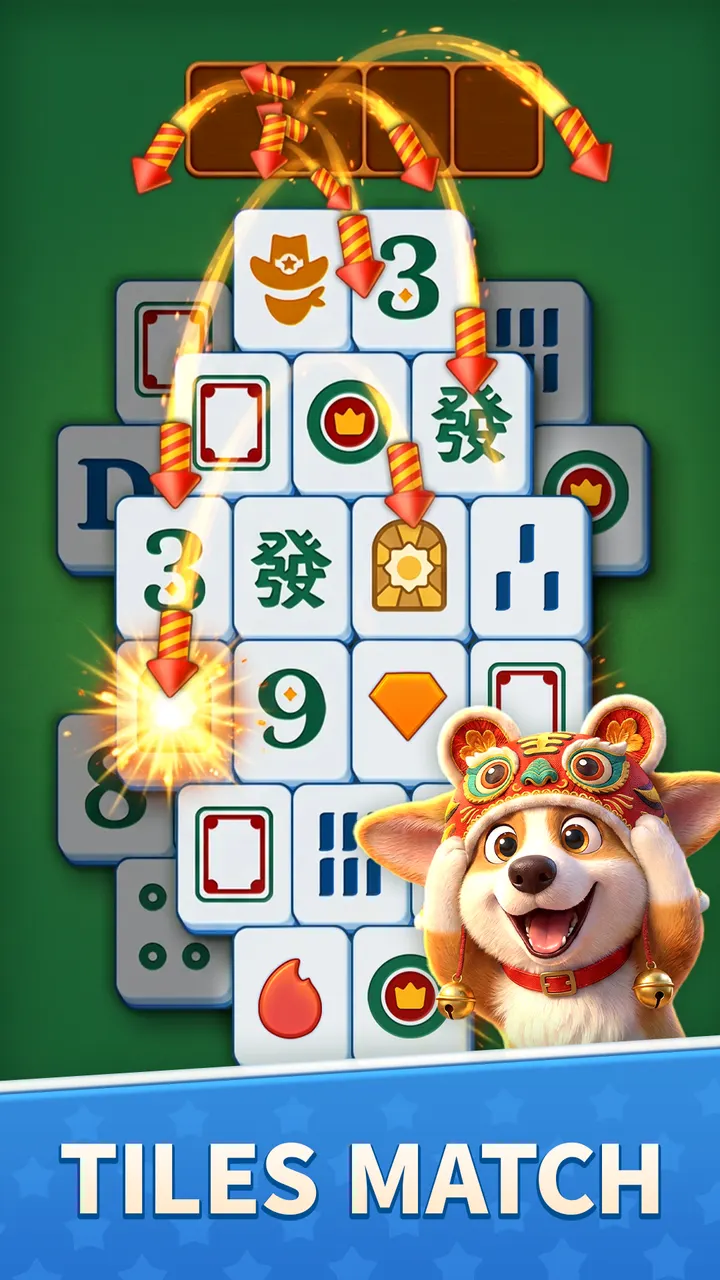
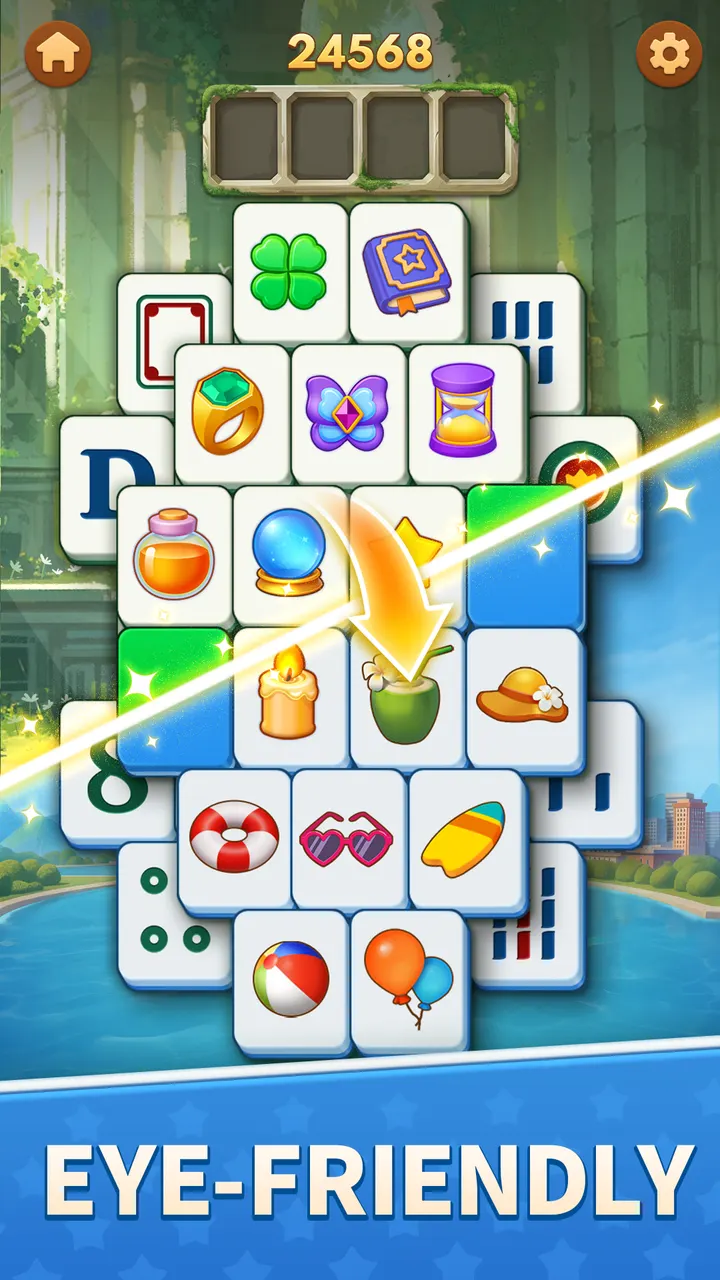
Play is simple: tap two identical mahjong tiles to clear them from the board. The tiles are drawn extra large, which keeps symbols easy to tell apart on a phone screen. Hundreds of levels run from easy boards to trickier layouts where planning ahead matters.
When a board gets stuck, hints and shuffles help. The game works fully offline, so no WiFi is needed on a commute or flight. Calm music and soft visual themes set a relaxed tone, and sessions suit anything from a 5 minute break to a longer evening.
Version 2.3.8 and recent upkeep
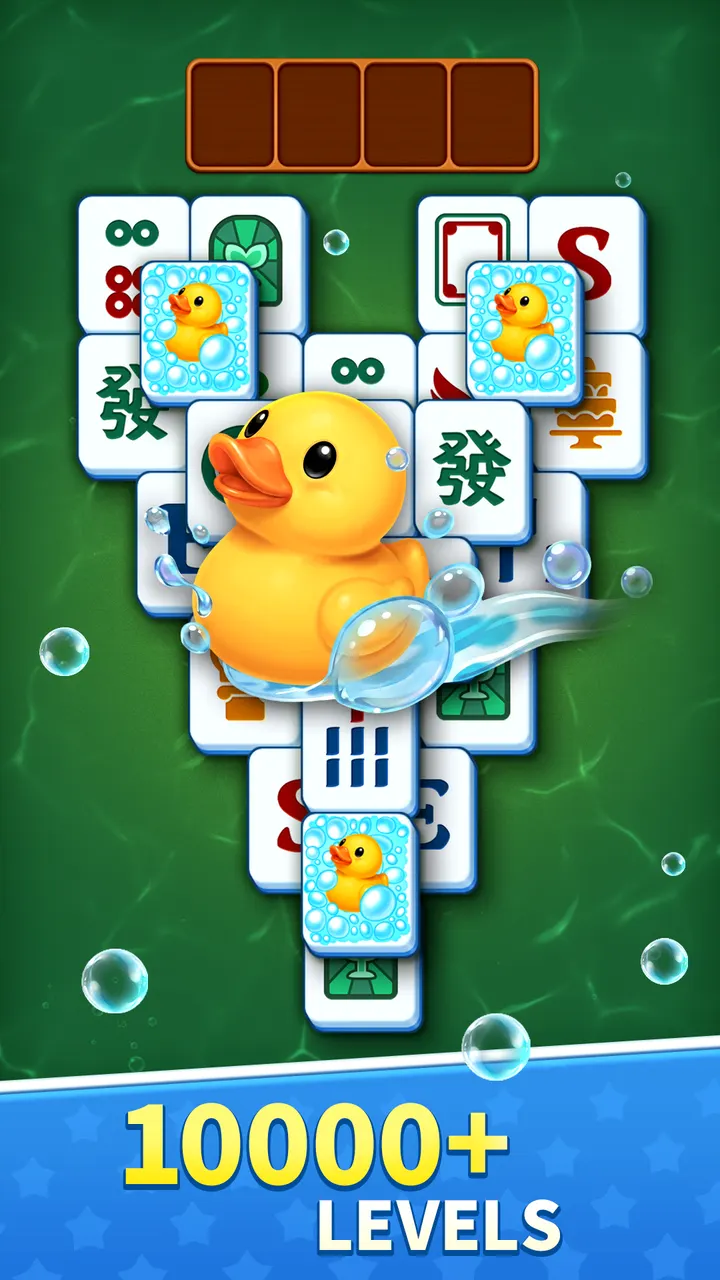
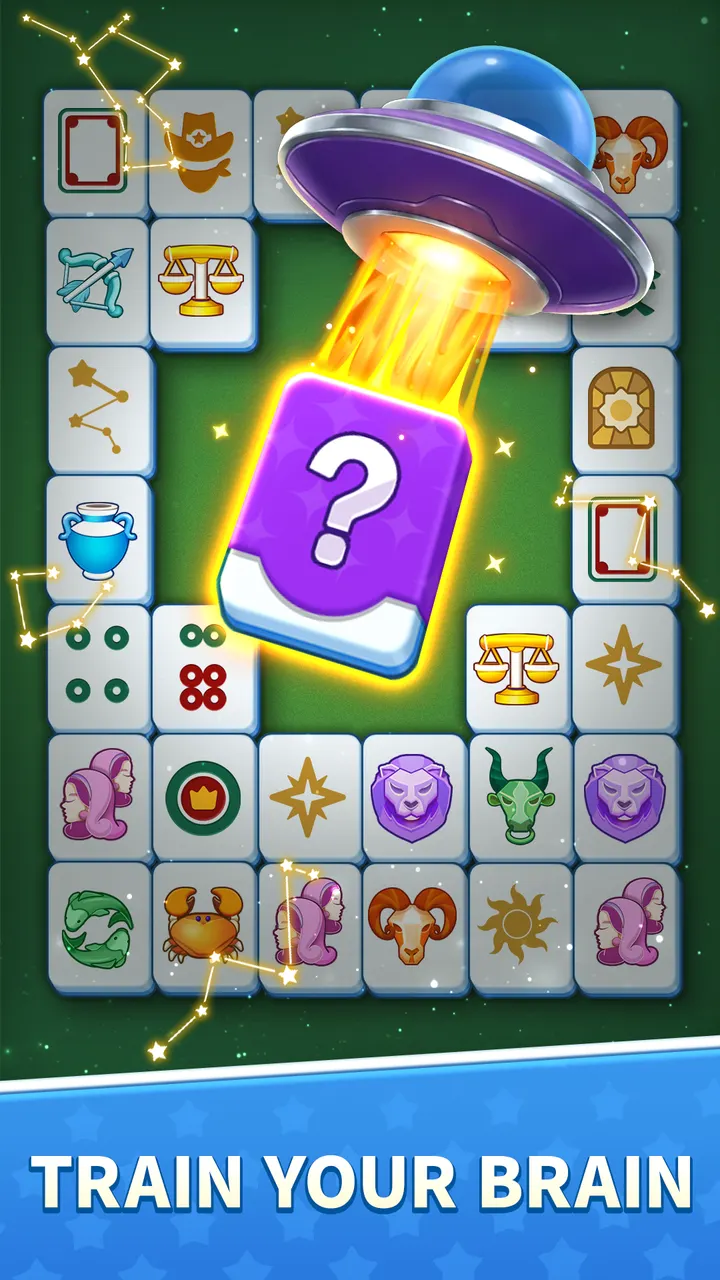
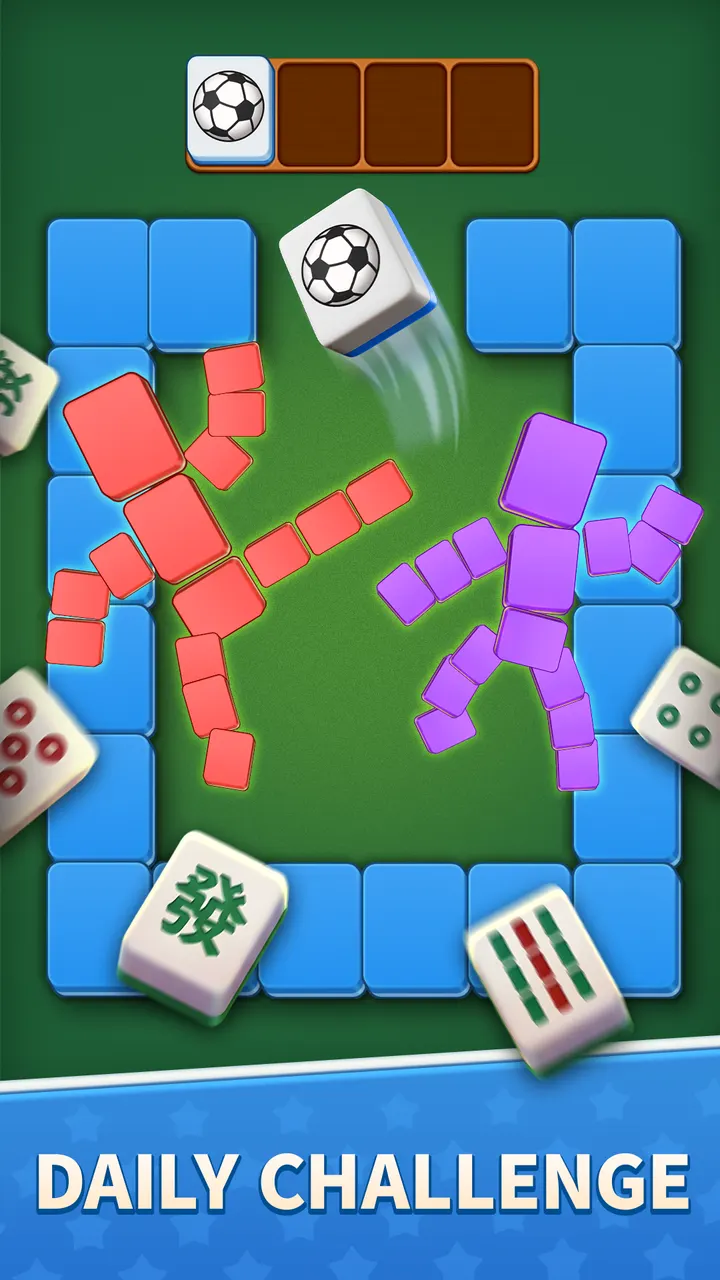
The current version is 2.3.8, updated on November 4, 2026. The game first appeared on October 17, 2025, so it has been maintained steadily in its first year. HungryStudio lists a support email at support@hungrystudio.com and a website at hungrystudio.com. Eight screenshots show the board and tile designs on the store page.
Double Tile! pros and cons
Pros
- Free to download with no in-app purchases
- Works fully offline, no WiFi needed
- Extra large tiles that are easy to read
- Hints and shuffles for stuck boards
- Rated 4.9 on Google Play by about 477 thousand people
Cons
- Contains ads
- Needs Android 7.0 or newer
- Only mahjong tile matching, so variety is limited to level layouts
Is Double Tile! safe?
Double Tile! comes from HungryStudio and is distributed through Google Play, which is where installs should come from. It is rated Everyone and has no in-app purchases, though it shows ads. Check the permissions Google Play lists before installing.
How to install Double Tile!
- Press the Google Play button on this page.
- Check the listing in the Play Store and press Install.
- Open Double Tile! when the install finishes. Updates arrive through Google Play.


