

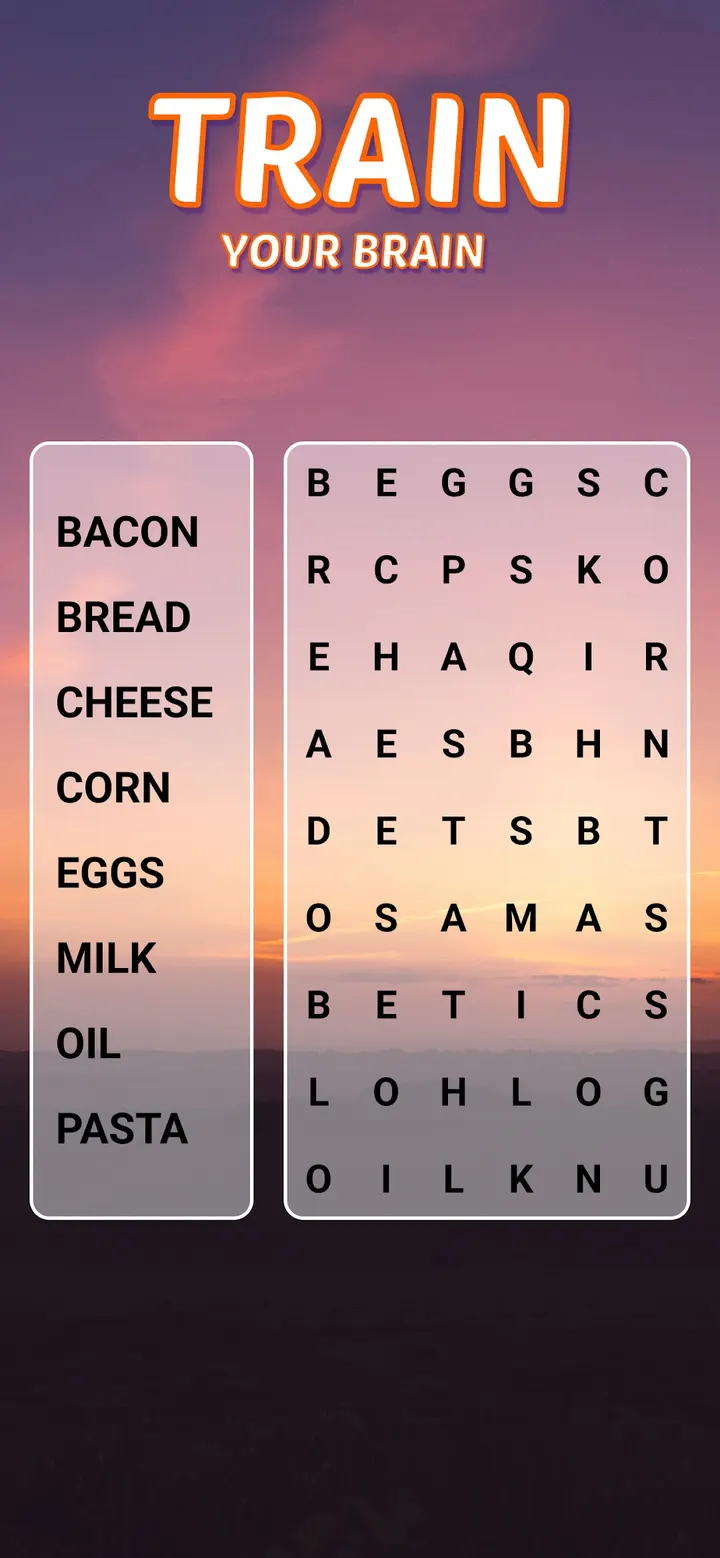
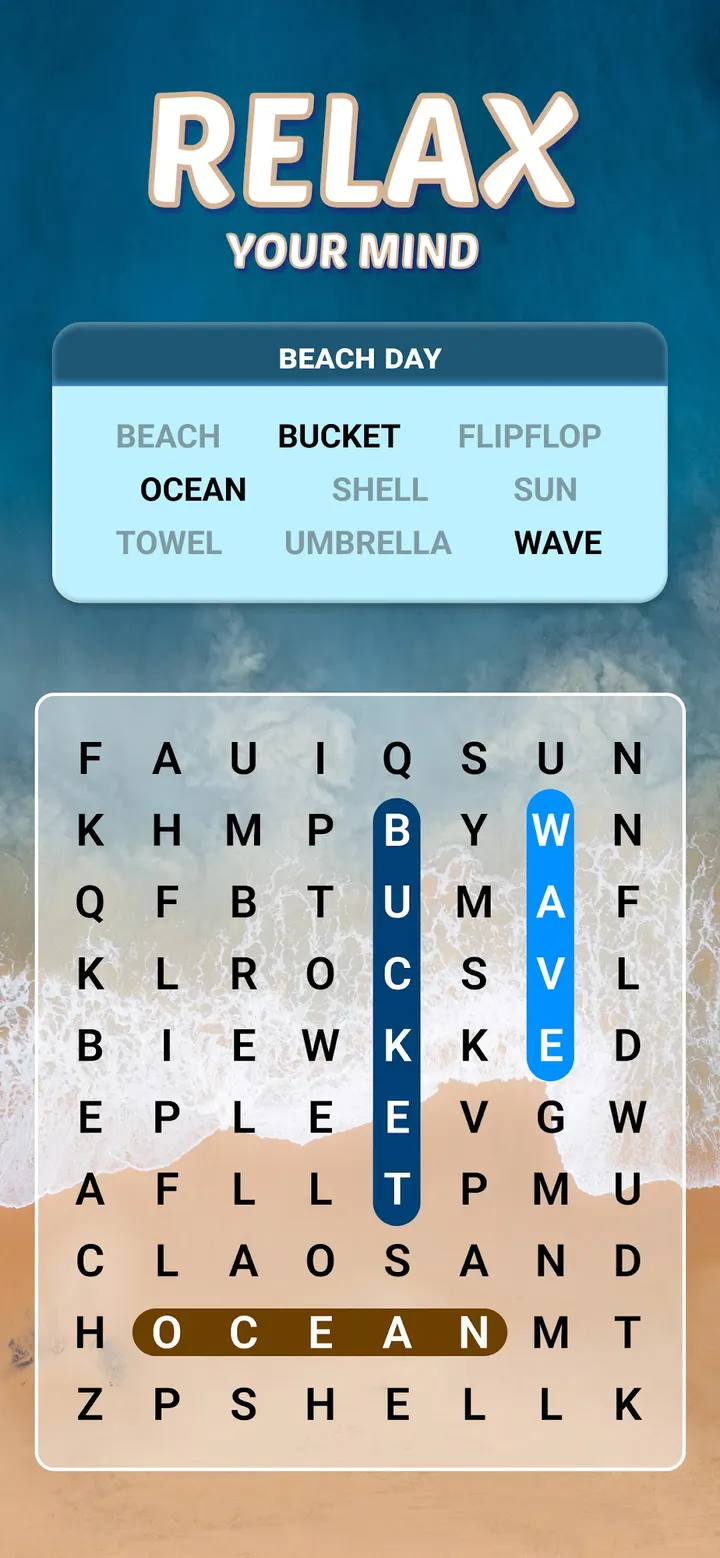
Word Search Explorer suits people who like classic swipe-to-find puzzles and want a long run of them on a phone. PlaySimple Games released it on November 18, 2021. Each puzzle you finish moves you toward a new destination, and the content rating is Everyone.
Free to play, with ads and in-app purchases
Installing costs nothing, since the game is free. It does carry ads and offers in-app purchases, so the free access comes with those two trade-offs.
The developer calls the game free to play, and the price agrees.
The feature list also says you can play offline. That helps on trips or where signal is weak.
Swiping through themed letter grids
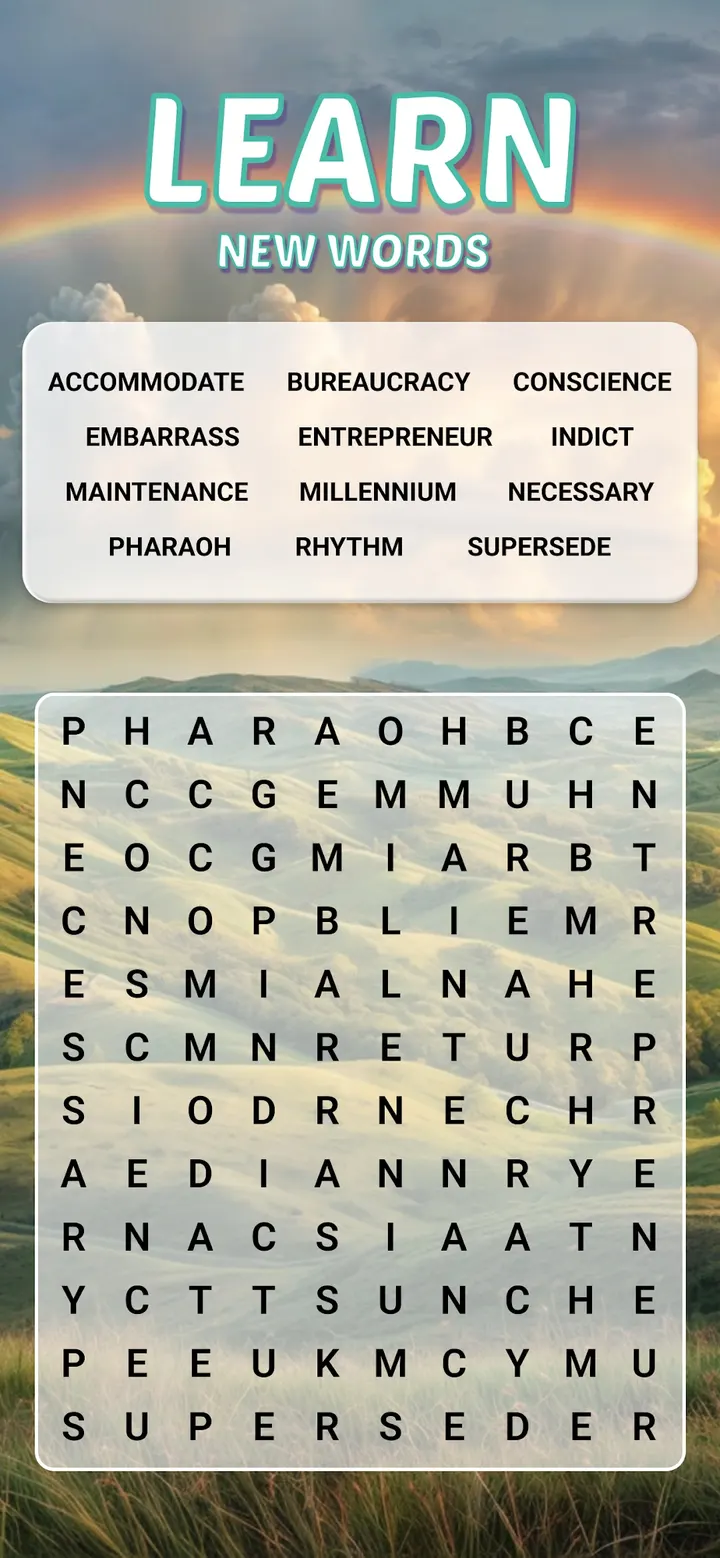
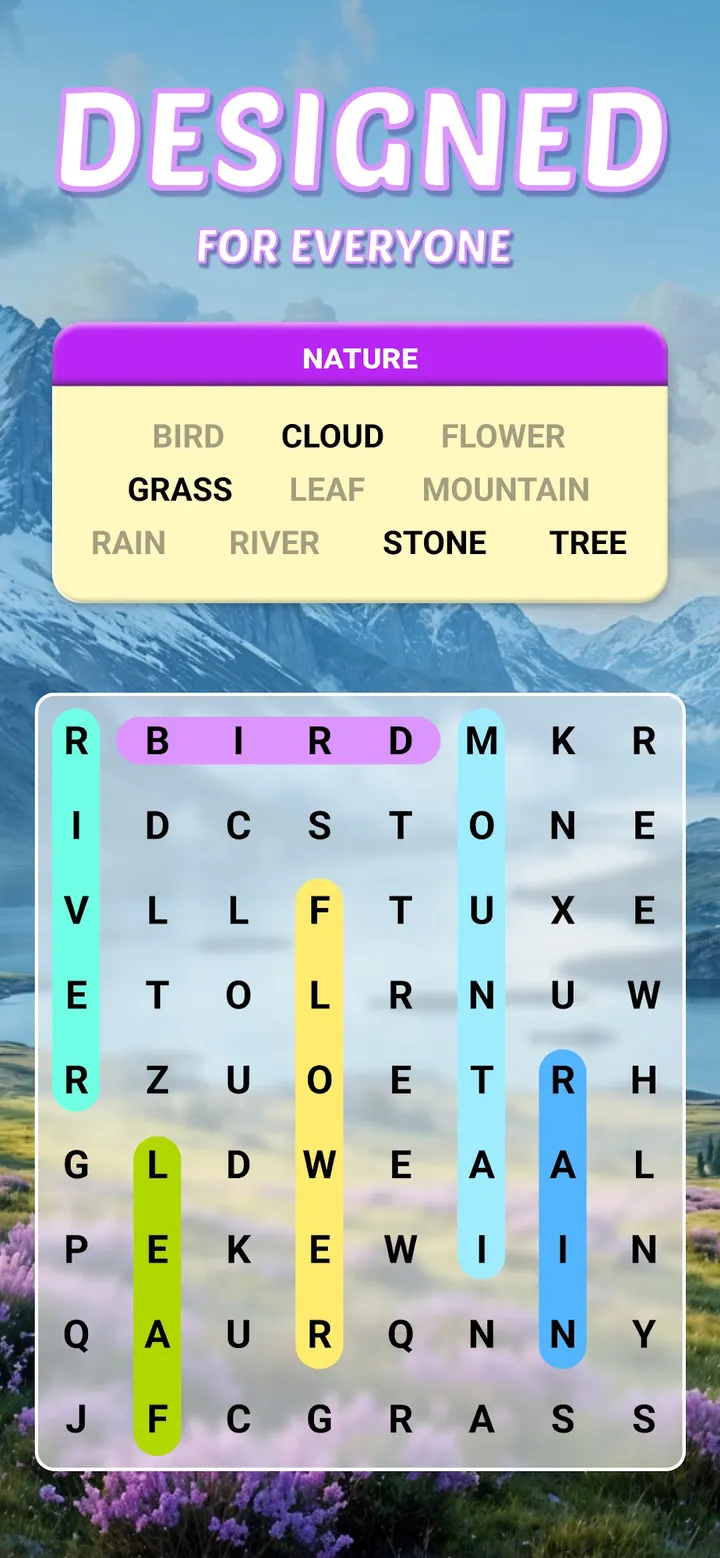
Each puzzle is a letter grid with words hidden in it, all linked to a common theme. You drag a finger across the letters to mark a word. Puzzles get harder as you move forward, and finishing one moves you toward the next destination on the game's travel-style journey.
The developer says there are hundreds of puzzles. It also lists multiple hints to guide you when a word will not show up. The game is framed as easy to start and hard to master, with a new challenge after each puzzle.
The developer says the game exposes players to a variety of words and can help vocabulary. It also describes the game as designed for seniors, and the visuals are called pleasing.
Facebook sync and the version 1.292.0 update
Logging in through Facebook lets you sync progress across several devices. That is the only sync method listed, so if you skip that login, your puzzle progress stays on the one device where you played.
The current version is 1.292.0, last updated on October 23, 2026. It needs Android 8.0 or newer. The game first came out on November 18, 2021, and a 2026 update suggests it is still maintained.
PlaySimple Games is the publisher, and the developer's site is playsimple.in. The content rating is Everyone, so the grid of hidden words suits a wide mix of ages, including the seniors the listing mentions.
The game is free, with ads and in-app purchases. Hints are built in to help when a grid stalls, and play works offline, so a few puzzles on a commute or a break do not need a connection.
Word Search Explorer pros and cons
Pros
- Free to install
- Offline play is part of the feature list
- Multiple hints help when a word is hard to find
- Rated 4.9 on Google Play from about 1.3 million ratings
- Updated on October 23, 2026, so it is still maintained
Cons
- Contains ads
- Includes in-app purchases
- Cross-device sync depends on a Facebook login
- Recent update contents are not described on the page
Is Word Search Explorer safe?
The publisher is PlaySimple Games and the content rating is Everyone. The game has ads and in-app purchases. Progress sync works through a Facebook login, so think about whether you want to link that account. Check the permissions and data safety section on the store page before installing.
How to install Word Search Explorer
- Press the Google Play button on this page.
- Check the listing in the Play Store and press Install.
- Open Word Search Explorer when the install finishes. Updates arrive through Google Play.


