

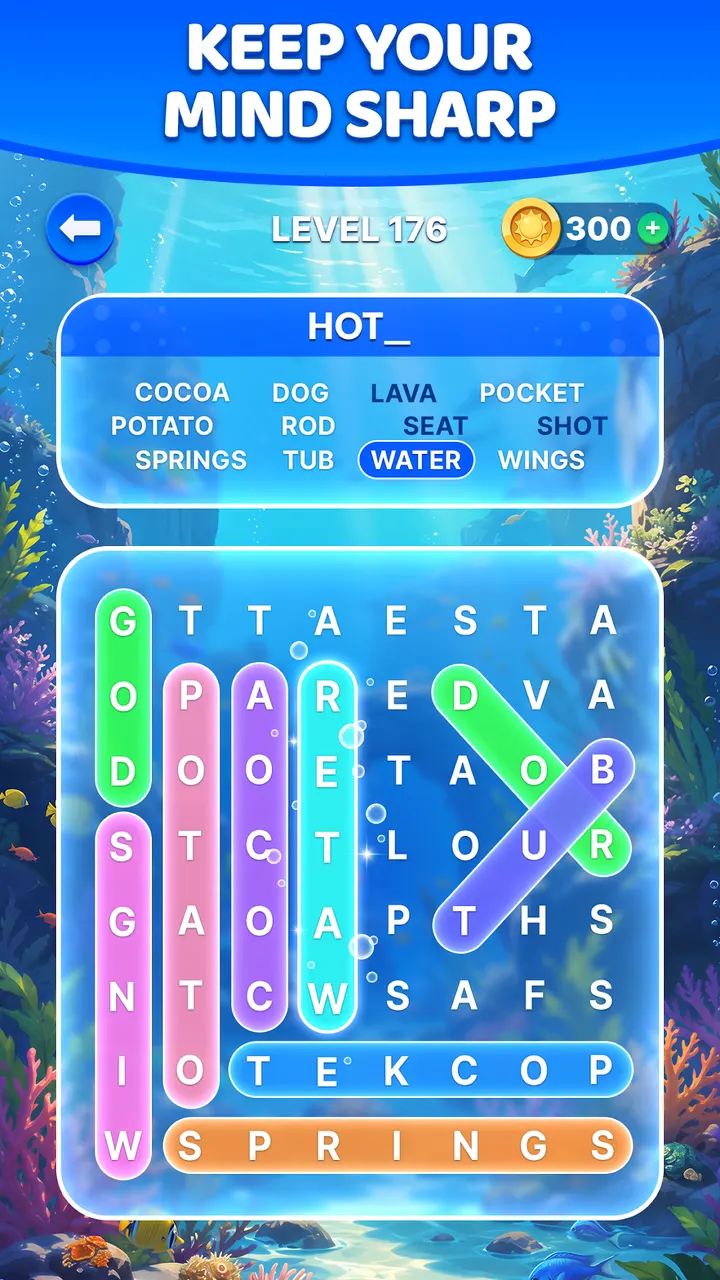
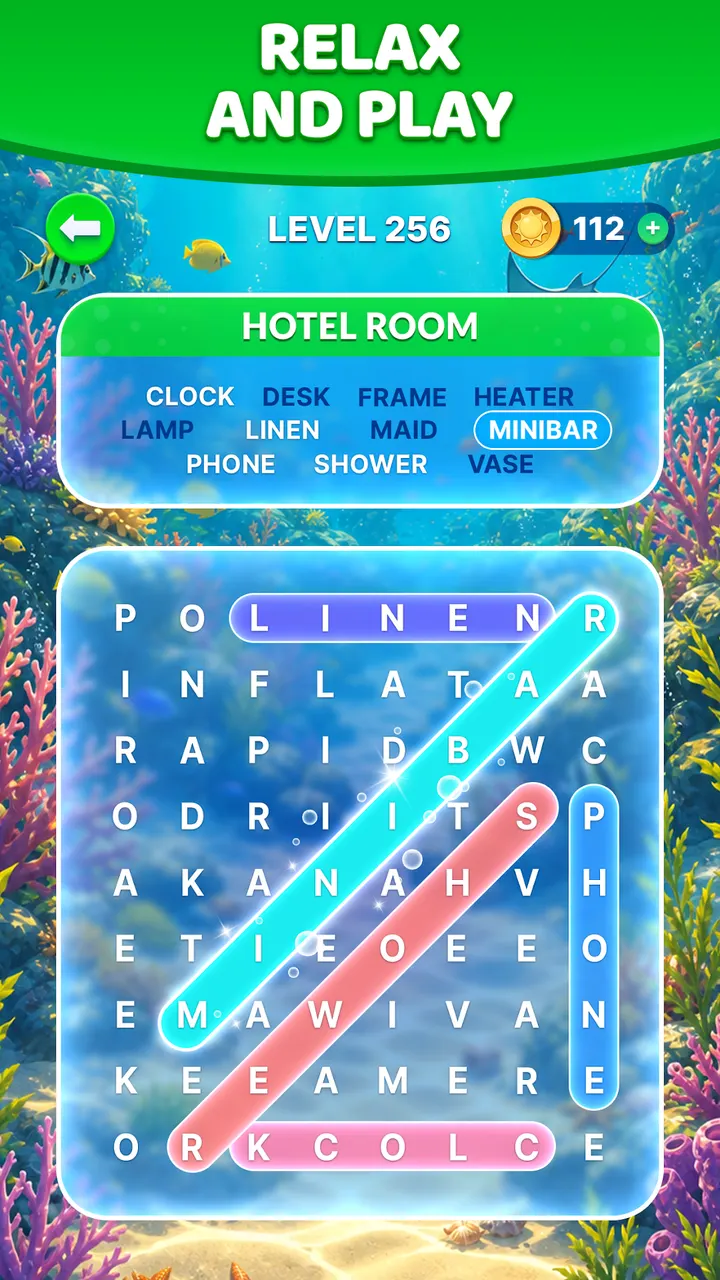
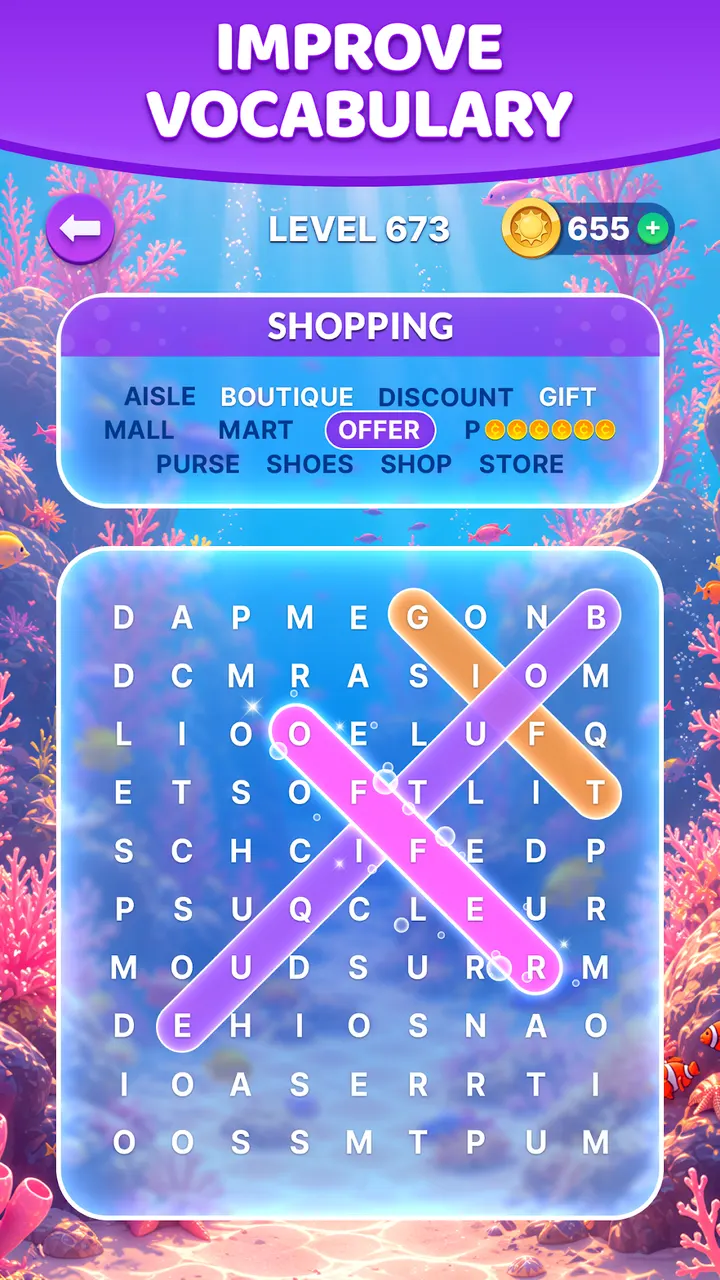
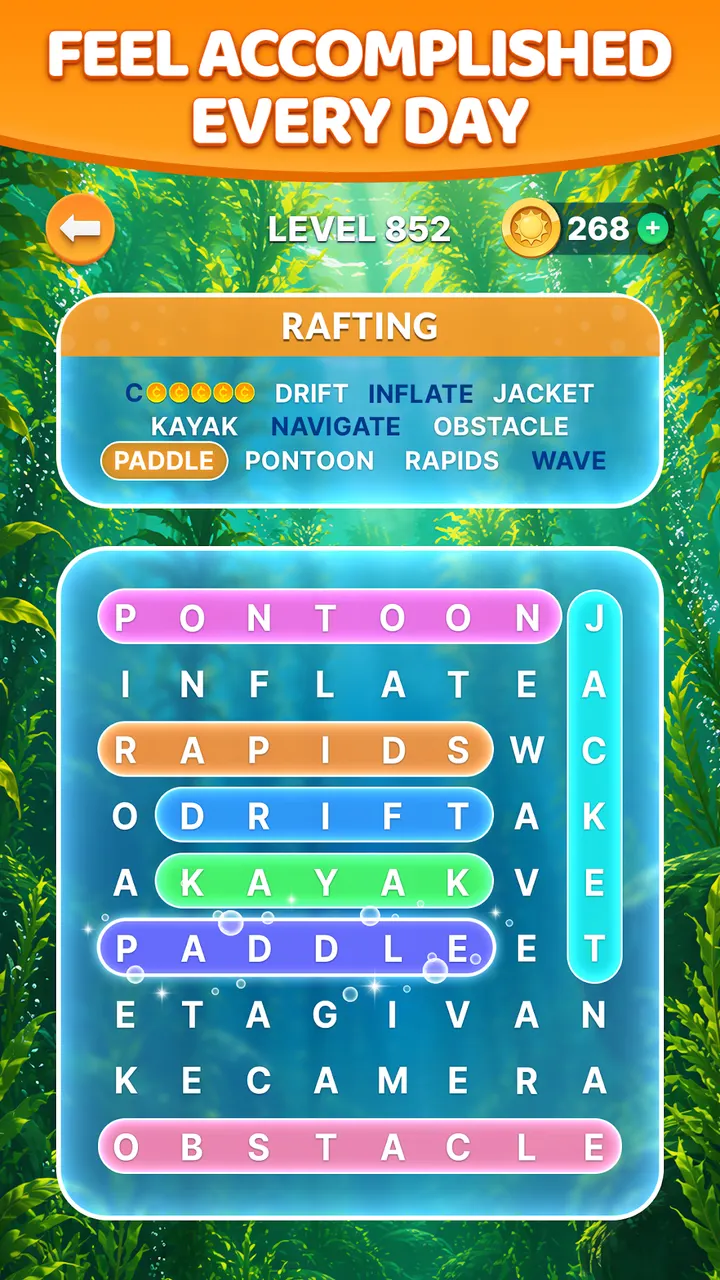
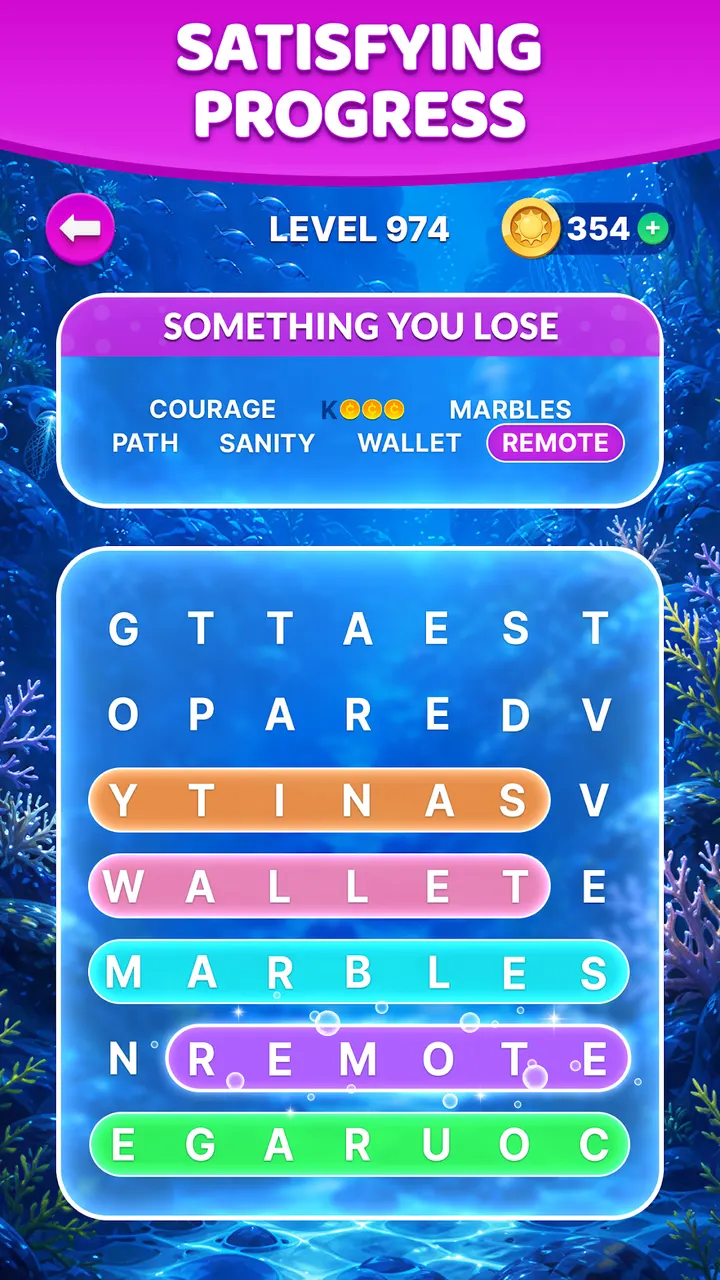
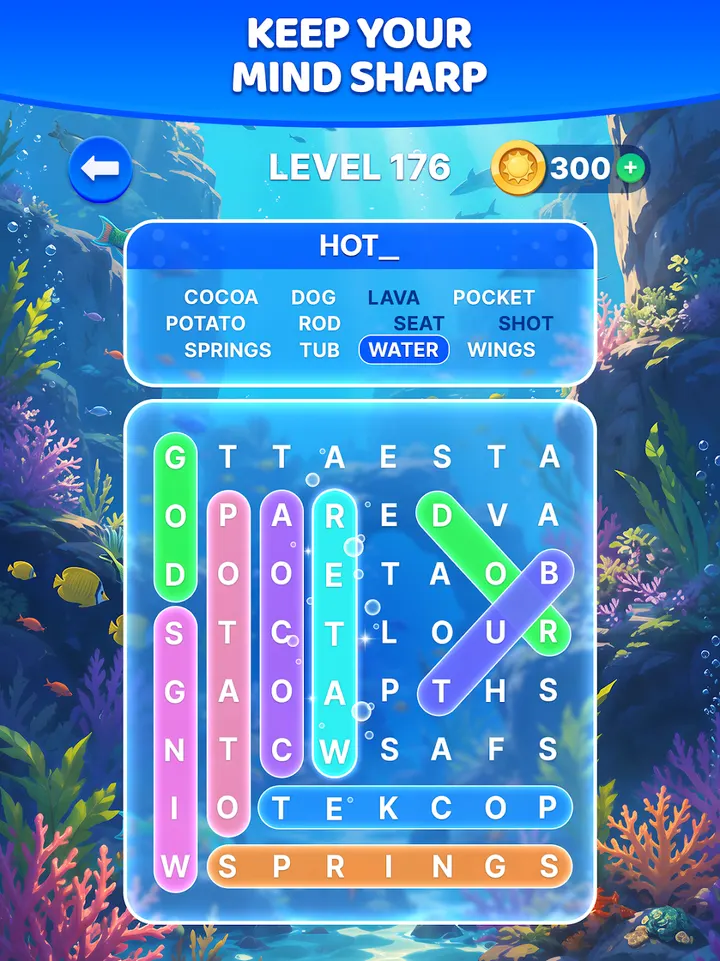
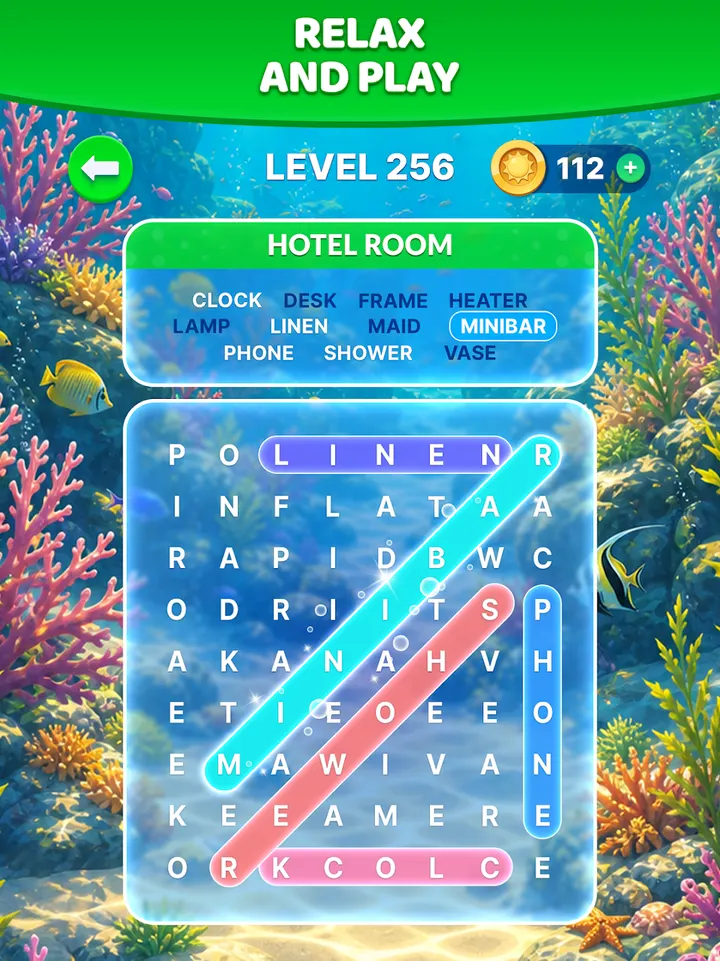
Wordscapes Search is for people who like classic word search grids but want something calmer and more varied than a printed puzzle book. It comes from PeopleFun, the studio behind Wordscapes, and is available through Google Play only.
A word search that drops the paper grid
The game answers a simple wish: a short, relaxing way to exercise vocabulary on a phone. You connect letters on a board to find every word, level after level, against nature backgrounds. The store text calls it a modern take on word search, with ideas borrowed from crossword, word find and word connect games.
It sits in the word games category with an Everyone content rating. More than 10 million people have installed it, and it holds a 4.7 rating from 233.9 thousand ratings.
Boosters, bonus words and a quick difficulty climb
Levels start easy and become hard fast, according to the developer. When you get stuck, boosters can reveal words, and these are earned as power-ups. Finding extra words on a board also earns bonus points and rewards.
The game has thousands of puzzle levels, with more promised later.
Check ads, purchases and Android 7.0 before installing
Wordscapes Search is free to play, with ads between puzzles and optional in-app purchases.
Android 7.0 or newer is required. The current version is 1.56.0, and the game first came out on November 21, 2019.
Wordscapes Search pros and cons
Pros
- Free to install on Google Play
- Boosters help when a board gets difficult
- Bonus words earn extra rewards
- Rated 4.7 on Google Play across 233.9 thousand ratings
- Everyone content rating
Cons
- Contains ads
- Includes in-app purchases
- Difficulty rises quickly after the early levels
- Requires Android 7.0 or newer
Is Wordscapes Search safe?
Install Wordscapes Search from Google Play. The publisher is PeopleFun, whose website is peoplefun.com. The game carries an Everyone content rating, and nothing beyond that is known about its safety.
How to install Wordscapes Search
- Press the Google Play button on this page.
- Check the listing in the Play Store and press Install.
- Open Wordscapes Search when the install finishes. Updates arrive through Google Play.


