
APK Explorer & Editor is for Android users who want to look inside an app package, change its resources, or install split APKs and app bundles from storage. It is built by sunilpaulmathew and released under GPL-3.0-or-later. The version listed here is v0.36, a 3.6 MB download that needs Android 6.0 or newer.
Free, open source and no ads in this build
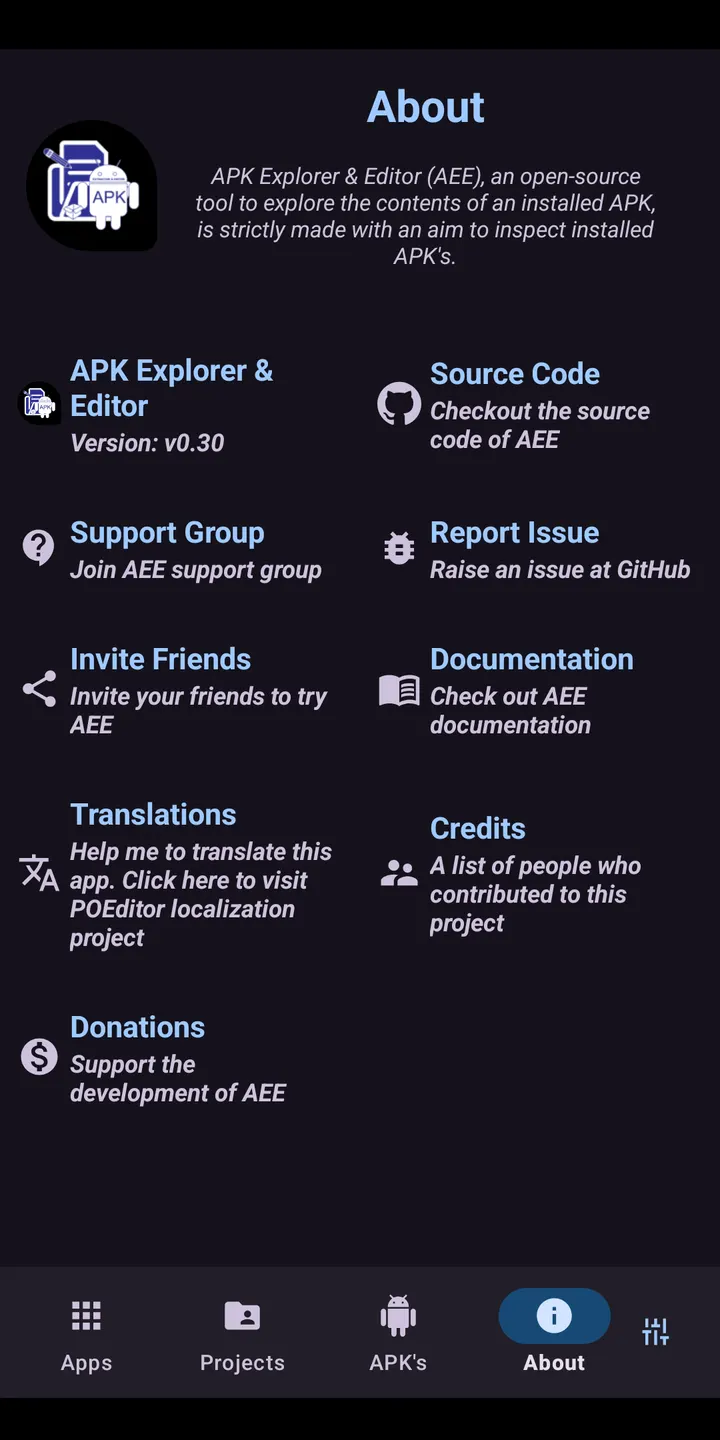
The app is free and has no ads. The source code sits on GitHub under the apk-editor organization, so anyone can read how it works or build it themselves.
The developer makes one distinction that matters. This is the full version, while the Google Play edition lacks editing and also leaves out signing of APKs and app bundles. If you want those functions, this build is the one that has them.
Exploring, editing and signing packages
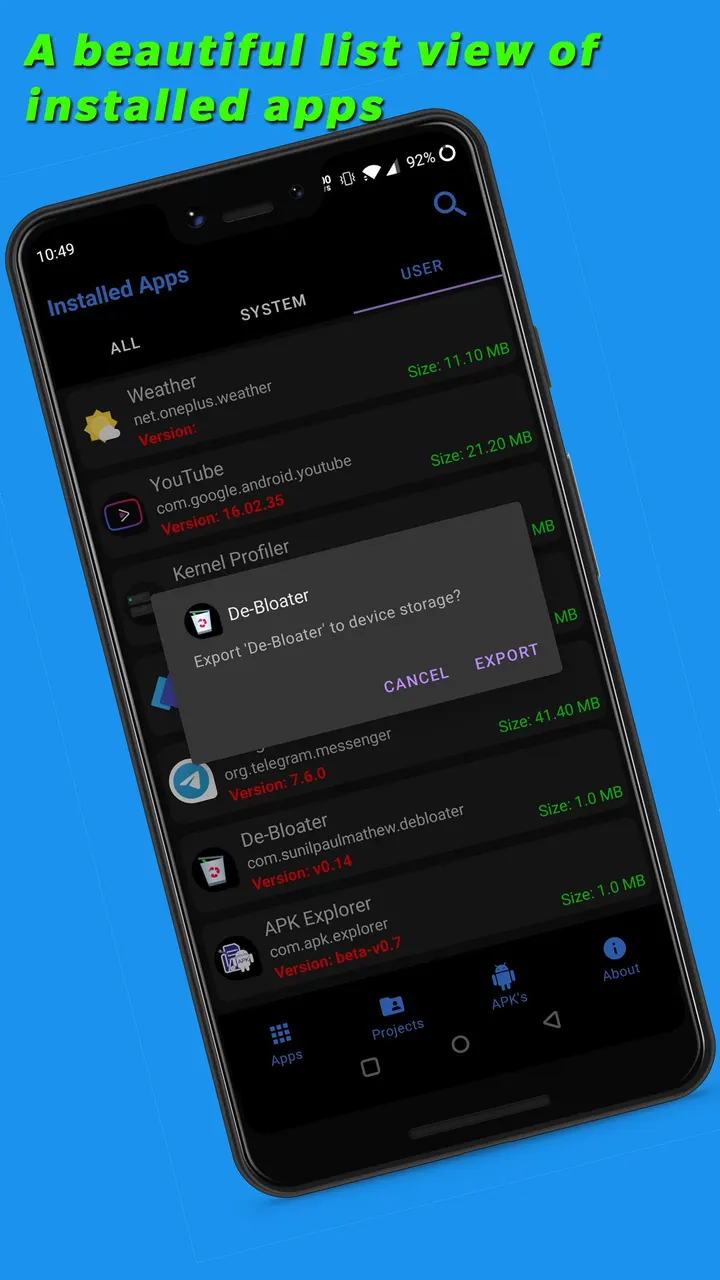
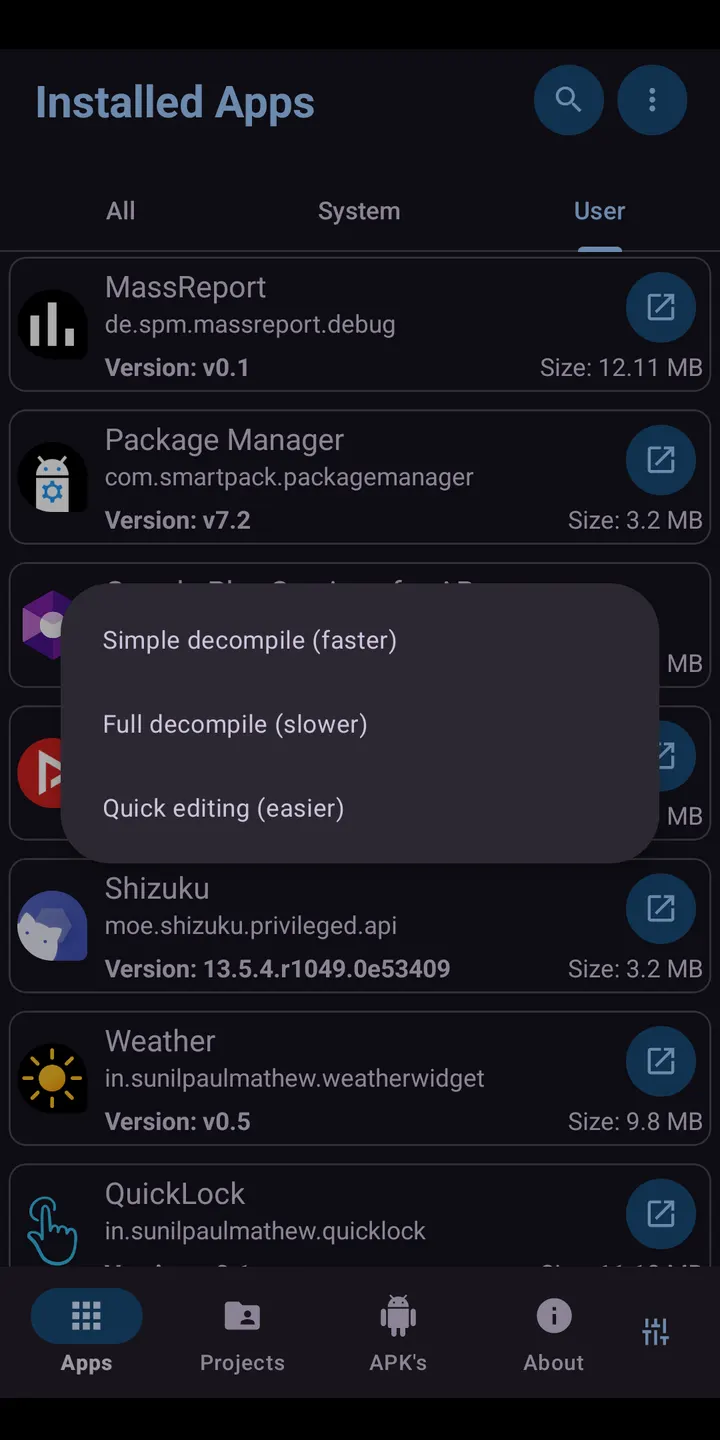
The core job is exploration. You pick an installed app from a list or an APK file from device storage, then move through its contents. Graphics, text and binary XML can be viewed, and basic details about key resource files are shown. A single tap on an app icon extracts it.
Editing goes further. The built-in text editor handles text and binary XML files, and resources can be deleted or replaced. Modified smali files can be assembled into new .dex classes, and the contents of resources.arsc can be decoded and read. The developer warns that the editor is a bit buggy with very large APKs.
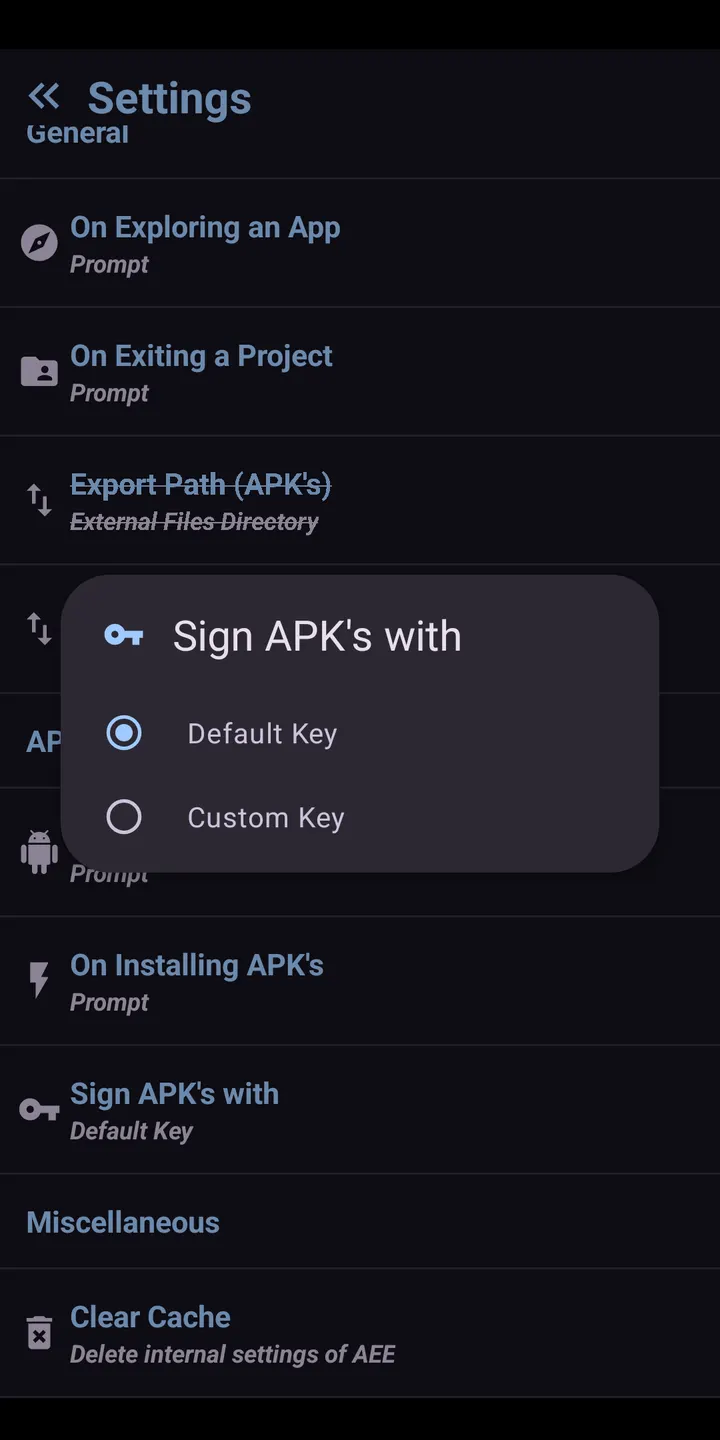
After changes, the app can create signed APKs or app bundles, or resign them with its own custom key.
Installing split APKs and managing exports
The installer accepts APKs, split APKs and app bundles picked from storage. Apps can also be exported to storage, then installed or shared from there. Individual resource files can be saved out as well.
The interface follows the system with an automatic dark or light theme. Translations are handled through POEditor, and a how-to guide is hosted on the developer's website.
What's new in v0.36
The current version is v0.36, updated on September 9, 2026.
APK Explorer & Editor pros and cons
Pros
- Free with no ads, per the listed data
- Open source under GPL-3.0-or-later, with code on GitHub
- Edits text and binary XML, replaces resources and assembles smali into .dex
- Installs APKs, split APKs and app bundles from storage
- Small 3.6 MB package that runs on Android 6.0 or newer
Cons
- The developer says the editor is a bit buggy with very large APKs
- Editing and signing need this full build, since the Google Play version lacks them
- Release notes are not published for v0.36
Is APK Explorer & Editor safe?
We host the unmodified APK for this app, and the file's SHA-256 checksum is 543b356b2b540a93ce6f5486ced1f0b3f971c820f32e3a2d43c2d1538fb45e08, so you can verify your download. The package ID is com.apk.editor and the developer is sunilpaulmathew. The source is public under GPL-3.0-or-later. The tool can modify and resign other apps, so only use it on packages you trust.
How to install APK Explorer & Editor
- Download the APK with the button on this page and wait for it to finish.
- Compare the file with the SHA-256 checksum shown here if you want to confirm it arrived intact.
- Open the file on your phone and allow installs from this source when Android asks.
- Finish the install, then open APK Explorer & Editor from your app drawer.


