
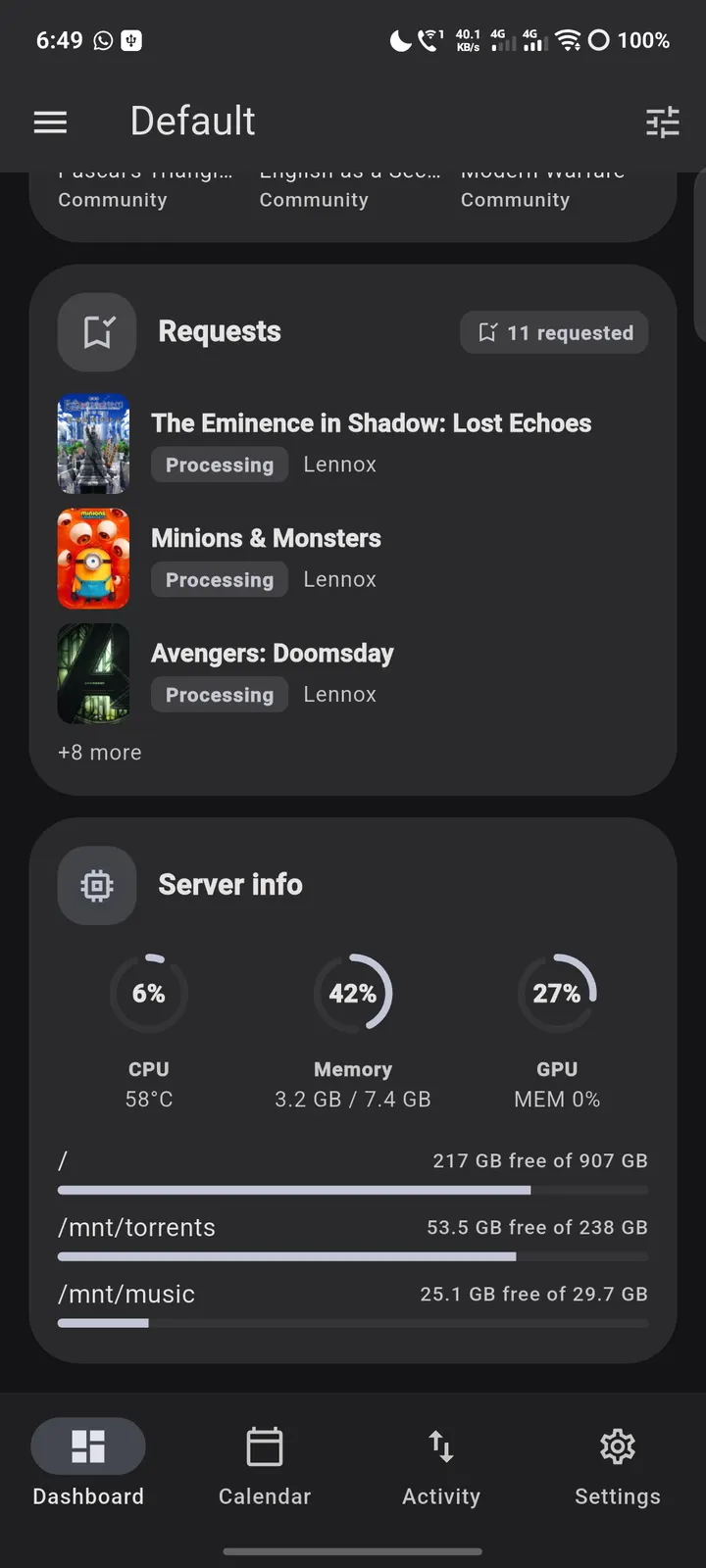
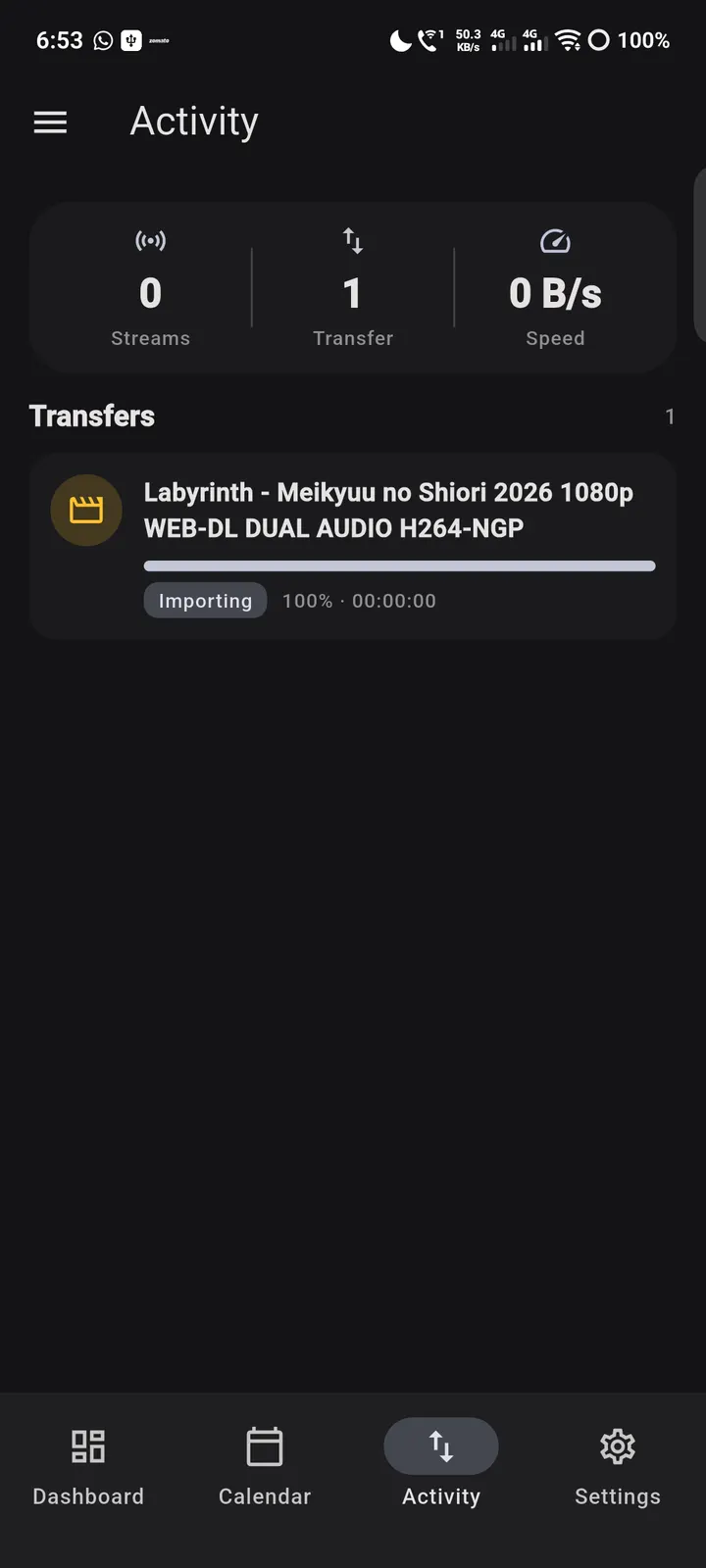
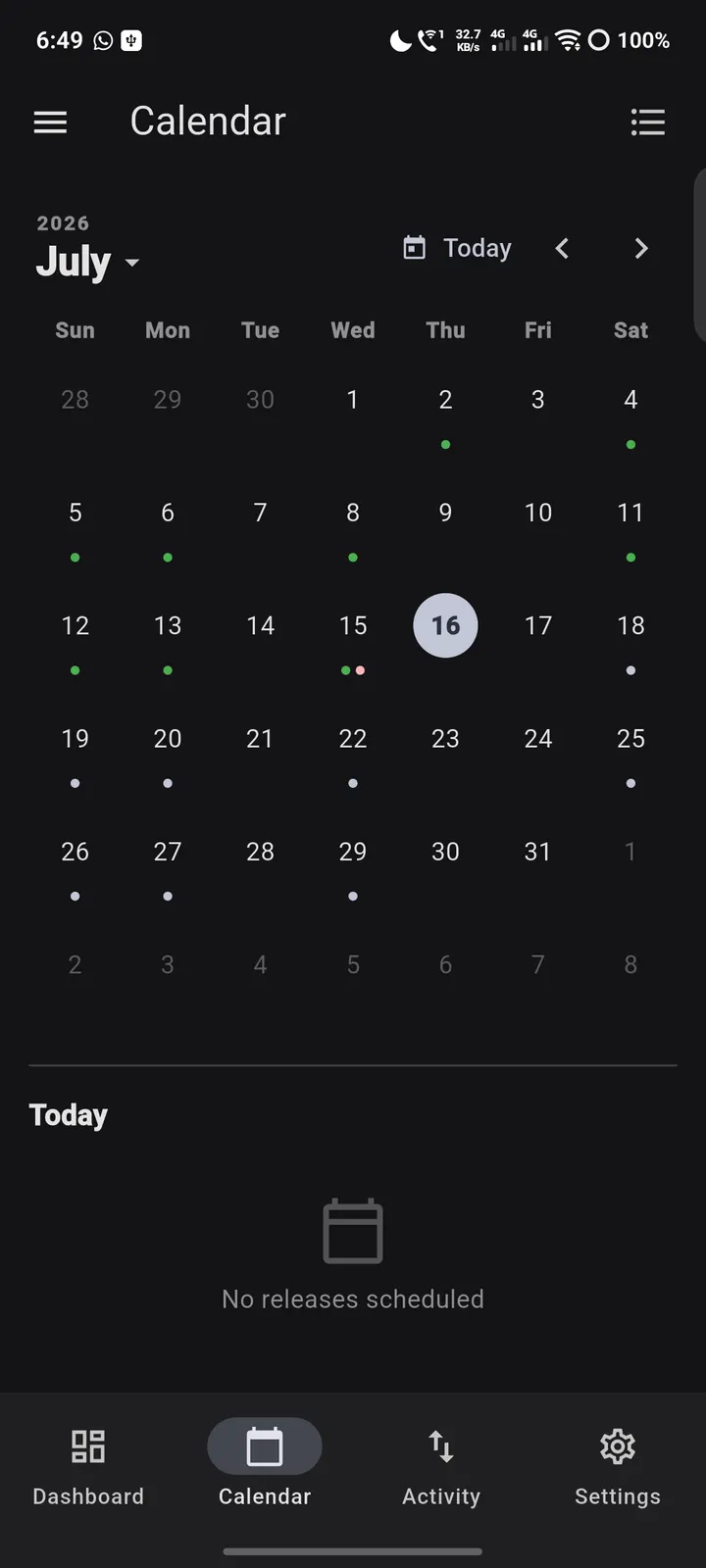
Atrium is for people who already run a self-hosted media setup and want to manage it from a phone. It is a controller for servers you own, built by the developer retransmit, and version 1.10.0 is free with no ads. It needs Android 7.0 or newer and the download is 35.3 MB.
Setting up your first profile and URLs
Atrium does not stream anything, so the first job is pointing it at your own servers. Each service instance holds a local URL and an external URL, and the app picks the one that fits the network you are on. That matters if you switch between home Wi-Fi and mobile data.
If a service sits behind a reverse proxy, custom HTTP headers can be set for a whole profile or for a single instance. Multiple profiles let one phone carry more than one stack. Profiles can be imported and exported, which helps when you change devices. An optional biometric lock is available, and credentials are kept in encrypted storage on the device.
From Sonarr queues to AdGuard Home rules
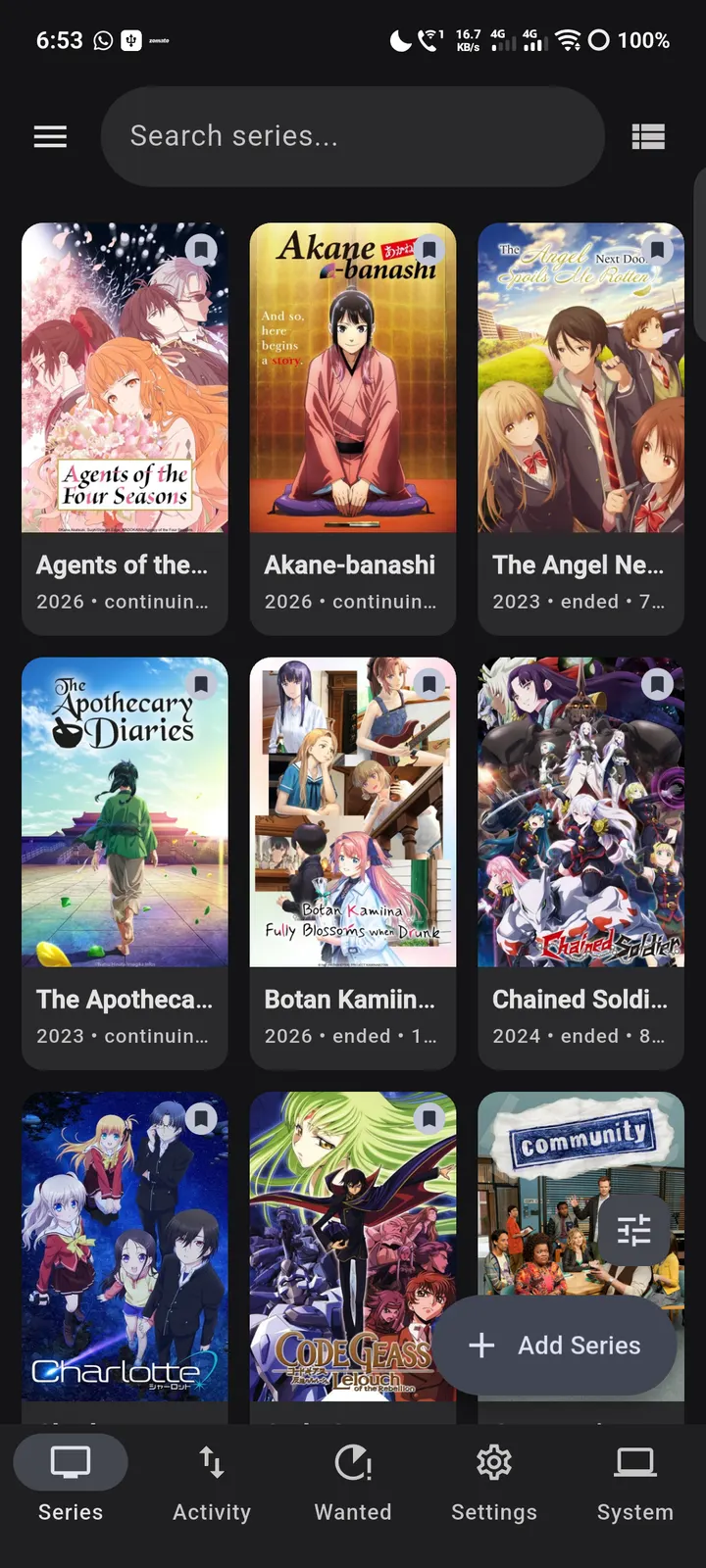
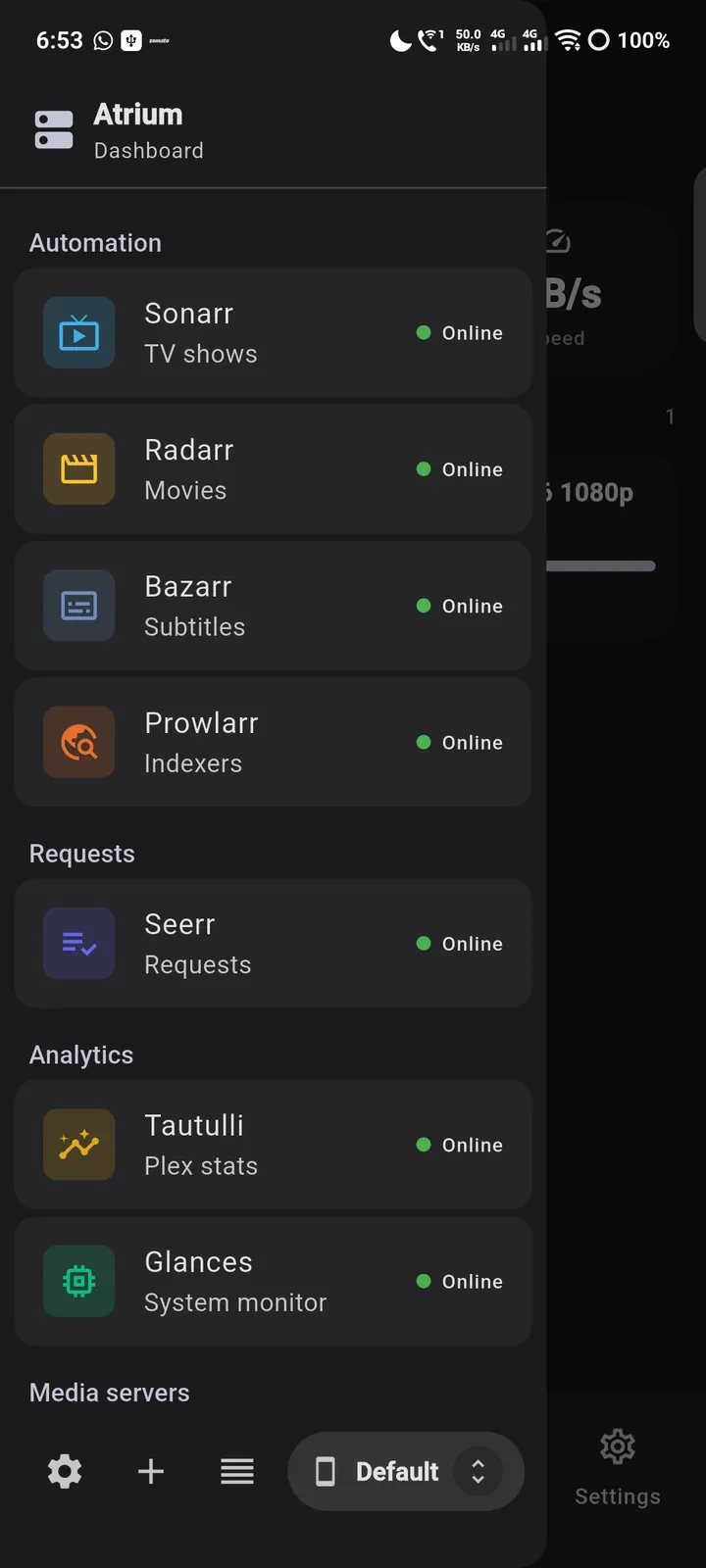
The supported list is long and specific. Sonarr, Radarr and Lidarr get library, queue, wanted, history and blocklist views plus the full settings tree. Prowlarr covers indexers, search and grab, and Bazarr handles subtitle status, search and download. Requests can be managed through Seerr (Overseerr and Jellyseerr) and Ombi.
Download clients include qBittorrent, Deluge, Transmission, rTorrent and aria2, with SABnzbd and NZBGet for usenet. Tautulli and Tracearr report who is streaming, and Jellyfin, Emby and Plex support library browsing and now-playing sessions. Unraid, Gluetun and AdGuard Home are covered too, from Docker and VM control to a one-tap VPN reconnect and DNS query logs.
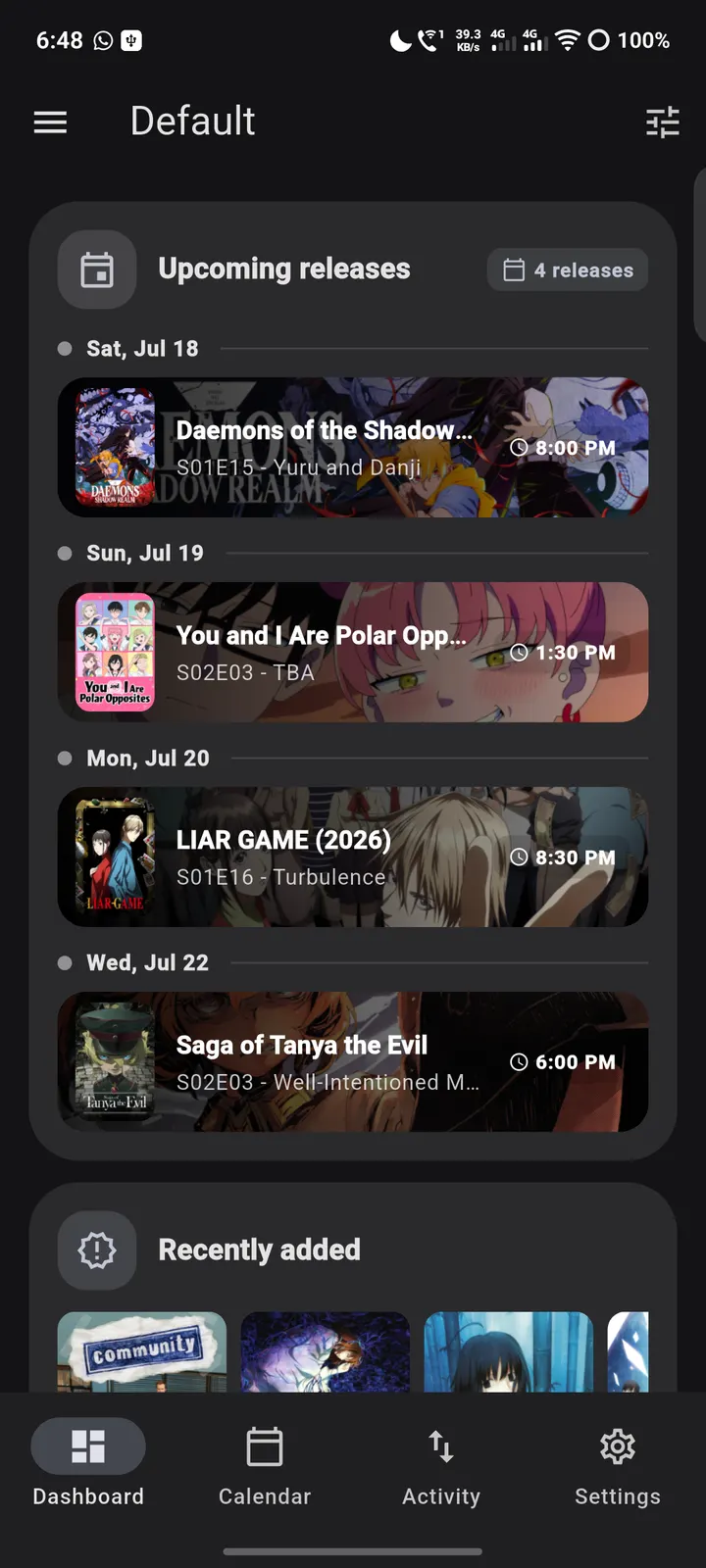
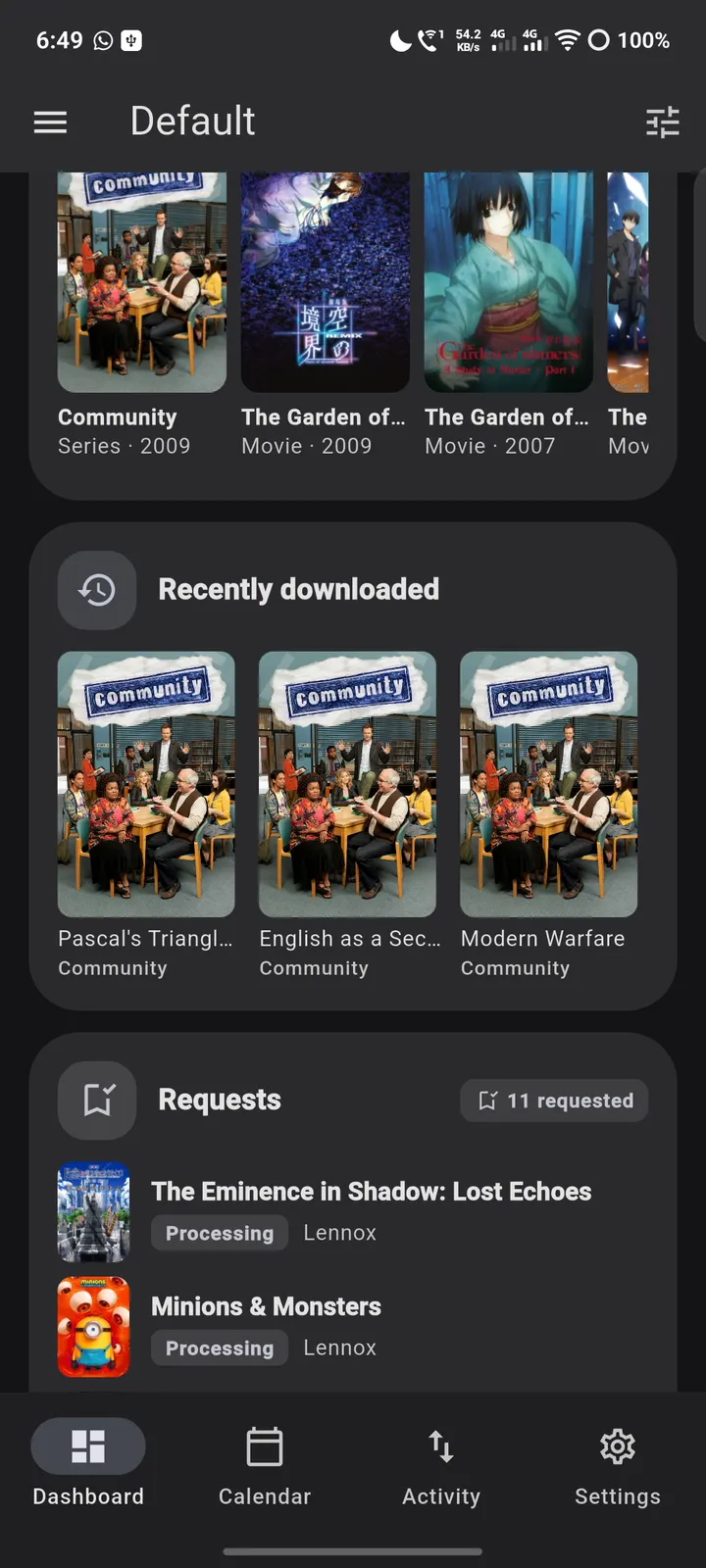
A reorderable dashboard collects widgets such as active downloads, upcoming releases, server vitals, speedtest results and Wake-on-LAN. The design follows Material 3 Expressive with dynamic color and light and dark themes.
When another app makes more sense
Atrium is a controller, not a media player. If you want to watch video on the phone, you still need the Plex, Jellyfin or Emby client itself. The app also assumes you run these services already, so it has little to offer without a server.
Atrium pros and cons
Pros
- Covers a long list of self-hosted services, from Sonarr and Radarr to Unraid and AdGuard Home
- Each instance stores a local and an external URL and switches by network
- No ads, no account, and the developer says there is no analytics or telemetry
- Open source under GPL-3.0-or-later, with the source on GitHub
- Custom HTTP headers help with services behind a reverse proxy
Cons
- Does not play video, so it cannot replace a Plex, Jellyfin or Emby client
- Useful only if you already run the supported servers
- Version 1.10.0 is the current release
Is Atrium safe?
Atrium is a Tier A listing, so TopDown APK hosts the unmodified APK, and a SHA-256 checksum is published for the file. The licence is GPL-3.0-or-later and the source is public on GitHub, which allows independent inspection. The developer says there is no analytics, telemetry, advertising or account, and credentials stay in encrypted storage on the device. No independent security review is available.
How to install Atrium
- Download the APK with the button on this page and wait for it to finish.
- Compare the file with the SHA-256 checksum shown here if you want to confirm it arrived intact.
- Open the file on your phone and allow installs from this source when Android asks.
- Finish the install, then open Atrium from your app drawer.


