

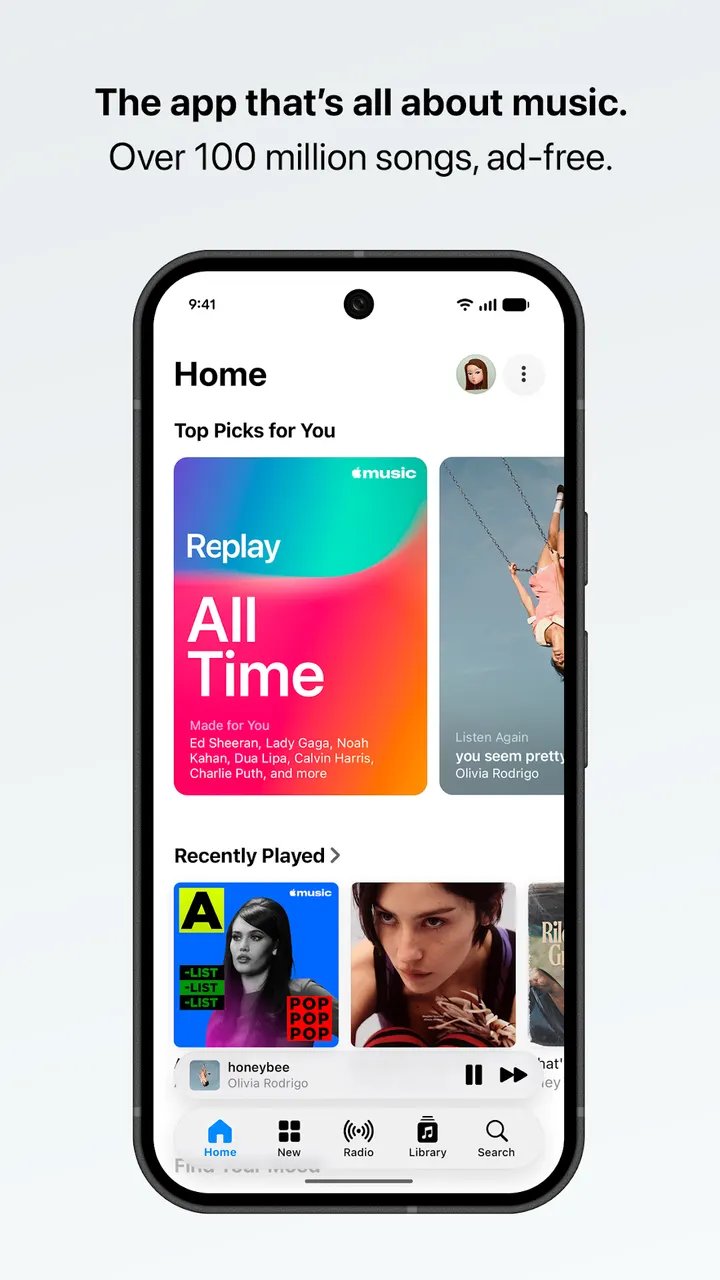
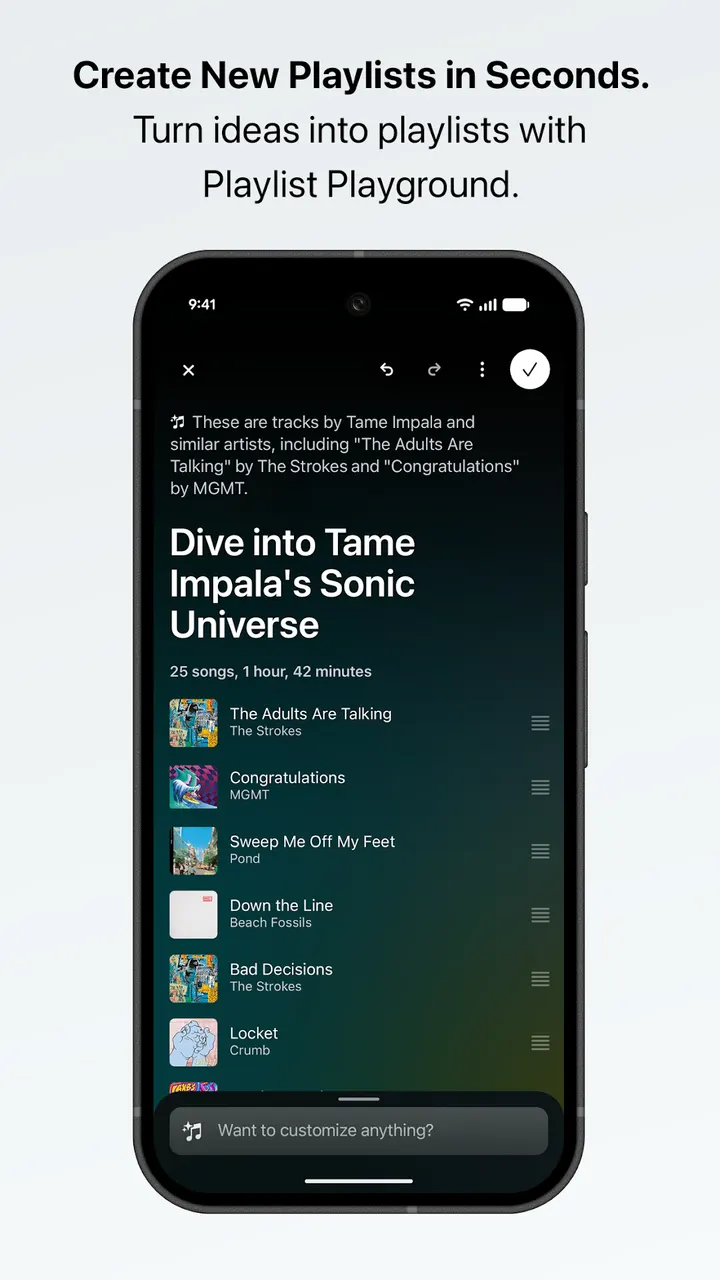
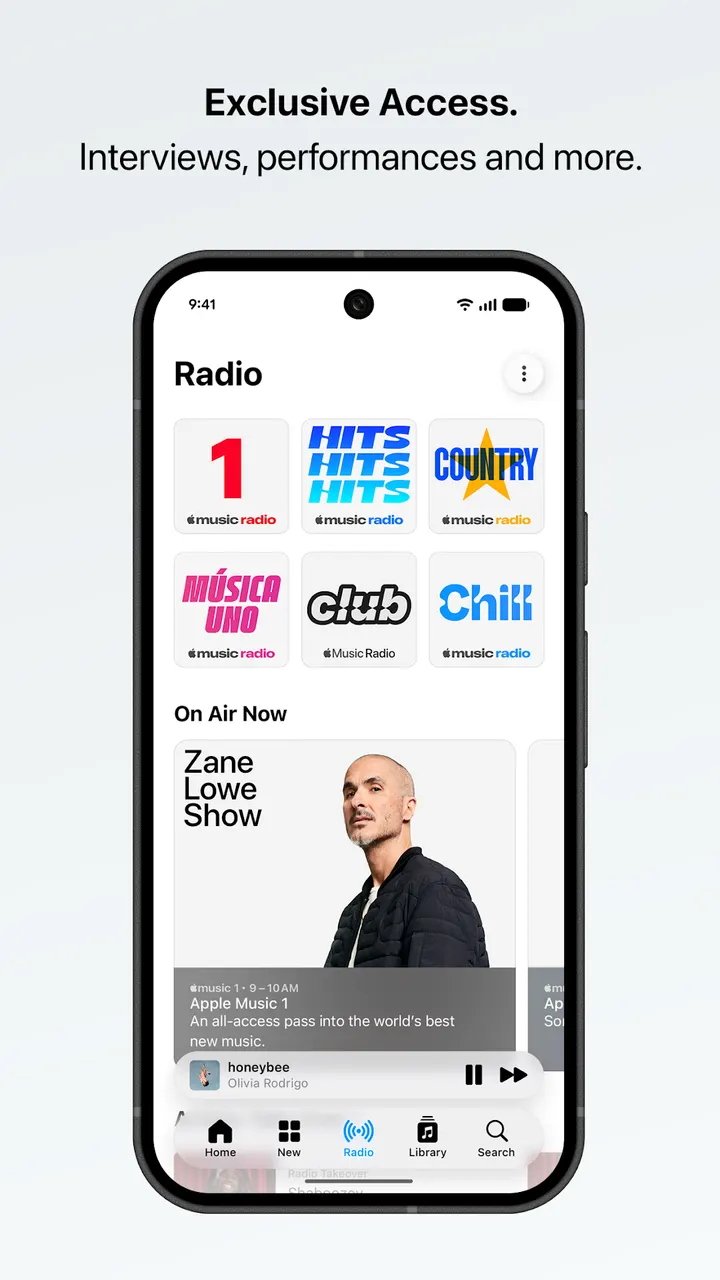
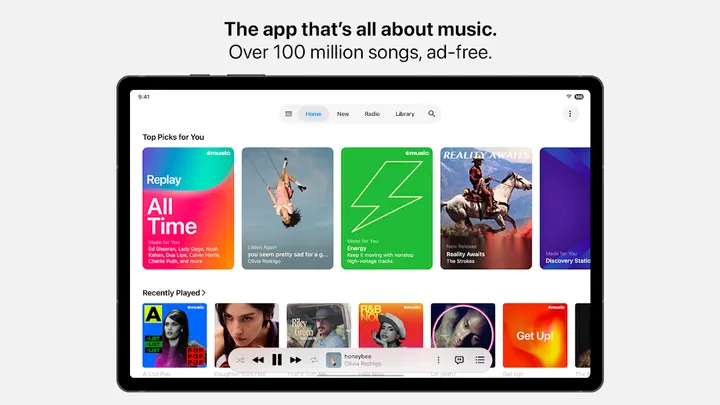
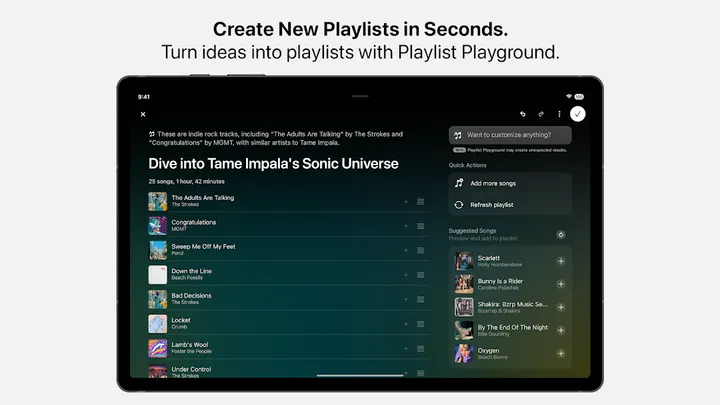
Compared with YouTube Music, a listed alternative, Apple Music from Apple is a paid streaming service with no ads in the app and a catalog of over 100 million songs. Google Play shows over 100 million installs and a 4.6 rating from 763.5 thousand ratings. The app is rated Teen and is available through Google Play only.
First steps after installing Apple Music on Android
Once the app is installed, the Home tab is the starting point. It holds the Discovery Station, personalized picks and mixes, which are built around your listening.
The app asks for several optional permissions: notifications for new releases and friend activity, contacts for friend suggestions, camera for a profile or playlist photo, and location to set your city for concerts. The app works without any of them, though some features may be limited.
The service runs on a subscription that renews automatically unless canceled at least 24 hours before the period ends. You can manage or cancel it in Settings.
Lossless audio, lyrics translations and SharePlay
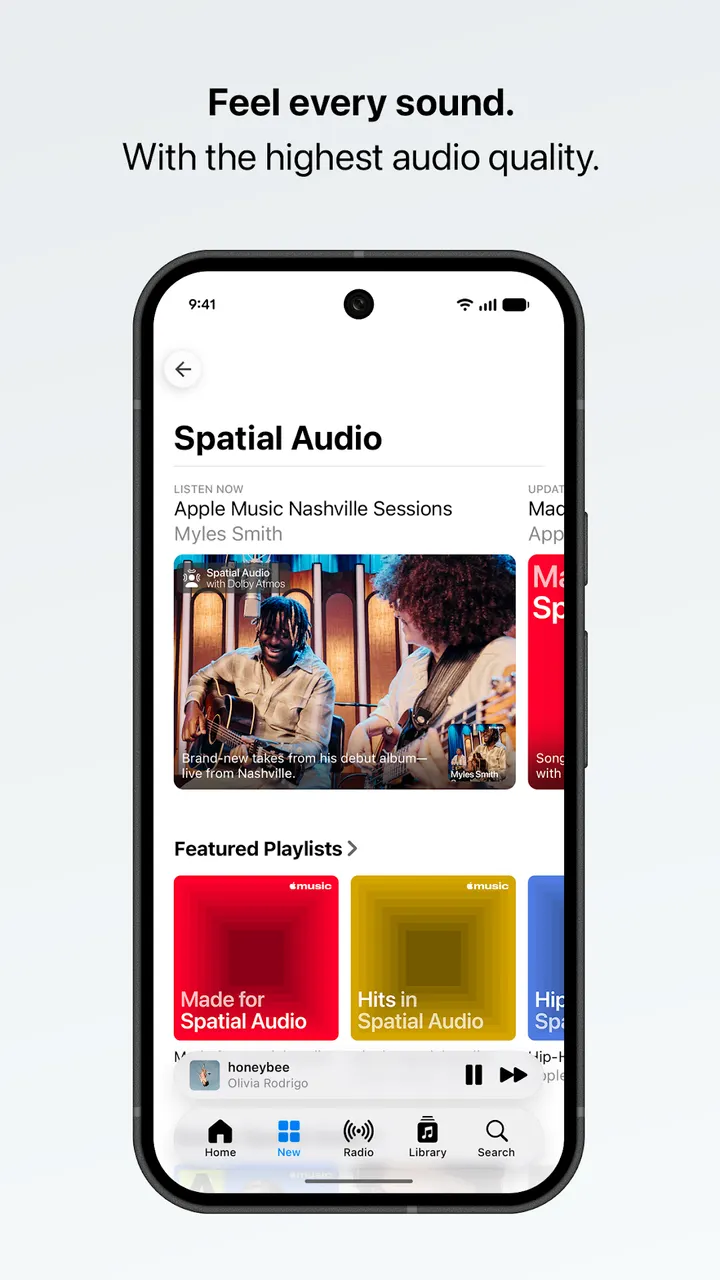
Sound is the main selling point. The app supports Spatial Audio and lossless audio, with lossless available up to 24-bit/192 kHz. Hi-Res Lossless needs external equipment such as a USB digital to analog converter, and not every track is offered in Spatial Audio with Dolby Atmos.
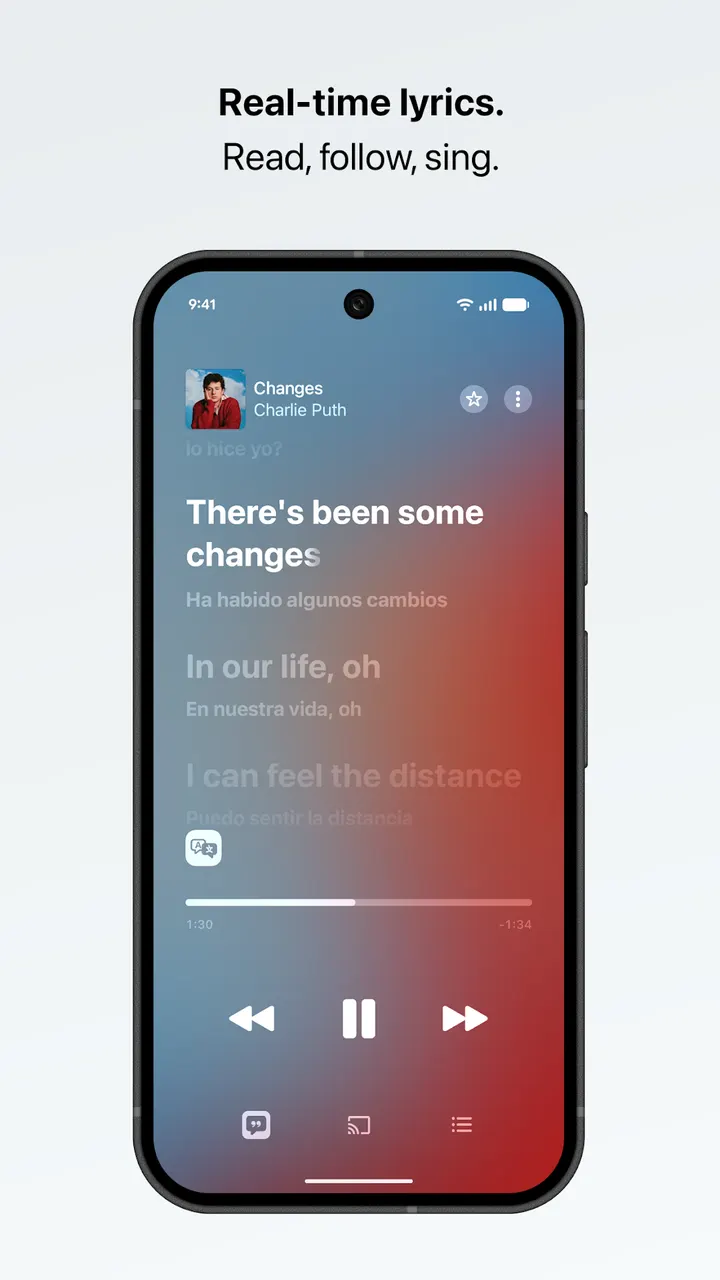
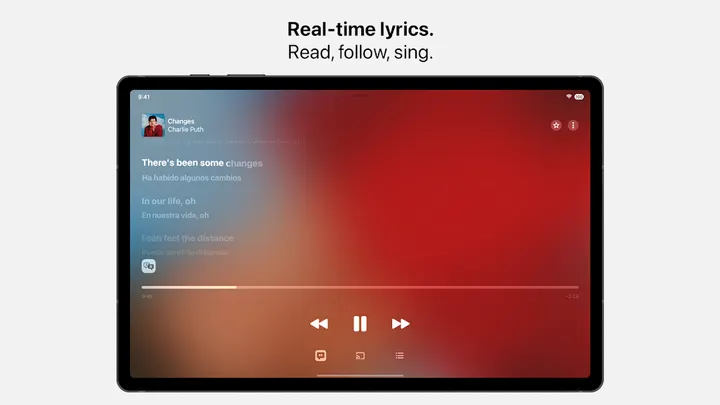
Lyrics are timed beat by beat. On select songs in select languages, they also include translations and pronunciations.
For listening with others, SharePlay lets friends control music together, including in the car. Playlists can be shared and edited with friends, except for users under 13 and in a short list of countries named in the store text. Chromecast streaming, Android Auto, offline downloads and AutoPlay are also listed. Concert and tour date listings cover artists you follow.
When YouTube Music or Spotify makes more sense
Apple Music has in-app purchases and needs a paid plan, so it does not suit anyone who wants a free tier. The app itself is free to install, but the subscription is the real cost.
If you only play local files, Fossify Music Player is among the alternatives, and Music Player & MP3 is another. Spotify and YouTube Music are the closer streaming rivals. Features also vary by country, region, plan and device, so check what is available where you live before committing.
Apple Music pros and cons
Pros
- Catalog of over 100 million songs with no ads in the app
- Lossless audio up to 24-bit/192 kHz and Spatial Audio
- Lyrics with translations and pronunciations on select songs
- Works with Chromecast and Android Auto, plus offline downloads
- Optional permissions; the app works without granting them
Cons
- Has in-app purchases and relies on a renewing subscription
- Hi-Res Lossless needs external equipment such as a USB DAC
- Features and availability vary by country, region, plan or device
- Playlist collaboration is blocked for under-13 users and in several countries
Is Apple Music safe?
Apple Music is published by Apple under the package name com.apple.android.music. It carries a Teen content rating and shows no ads, though it does offer in-app purchases for the subscription side. Optional permissions can be declined, and the app keeps working for basic browsing without them.
How to install Apple Music
- Press the Google Play button on this page.
- Check the listing in the Play Store and press Install.
- Open Apple Music when the install finishes. Updates arrive through Google Play.