

Baby Panda's Supermarket is a pretend-shopping game from BabyBus for children aged 3 and up. It first came out on February 18, 2016, and you install it from Google Play. Kids push a cart through a two-story store, follow shopping lists and take a turn at the cashier desk. About 100 million people have installed it, and it holds a 4.6 rating from 424.2 thousand ratings.
Free to install, with ads and some locked items
The game is free to install. It contains ads and in-app purchases, so a parent should expect both. The developer says a large free library of counters, products and activities is included, and that some premium items and features may need unlocking.
The publisher suggests that parents look through the settings together with their child. That is a sensible step given the ads and purchases.
Google Play rates the content Everyone, and the game carries the educational tag.
Two floors, 40+ counters and a cashier role
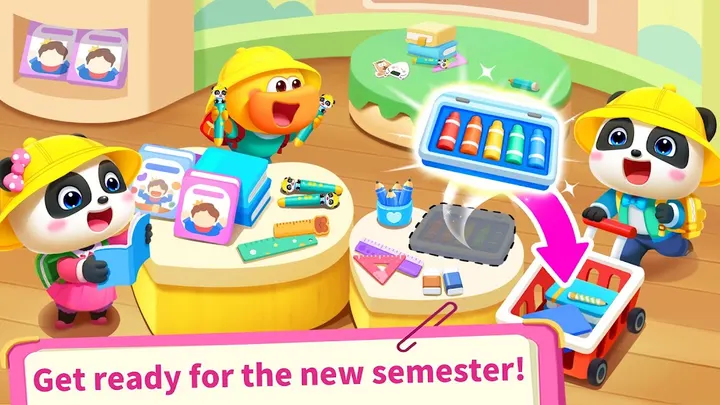
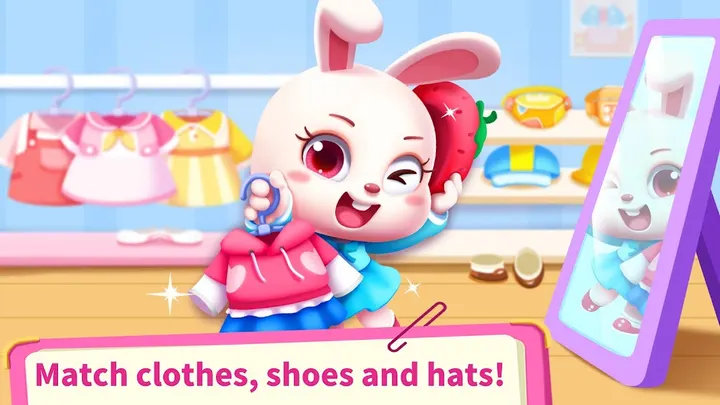
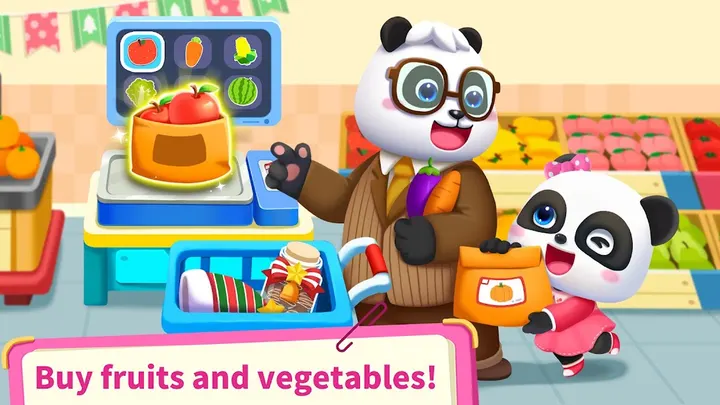
The setting is a two-story supermarket with more than 40 counters and over 300 products. Stock covers food, toys, clothing, fruit and cosmetics. A child pushes a cart, follows a shopping list and ticks off items from the right shelves. One example trip in the description is a birthday cake for Daddy Panda.
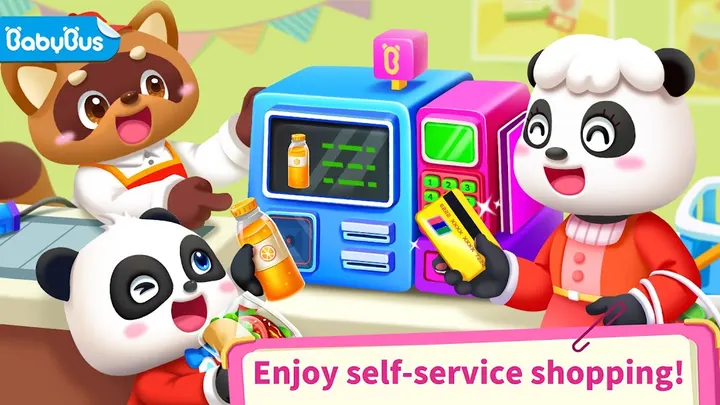
The child can also play cashier. That means using the register, scanning barcodes and taking payment by cash or credit card. The aim is to practise numbers, basic math and the idea of what money is worth.
There is a behaviour angle too. Scenes show a character climbing a shelf, running with a cart or jumping the queue, and the game gently corrects it. Children are meant to pick up safe habits for public places this way.
DIY activities, claw machines and nearly 10 character families
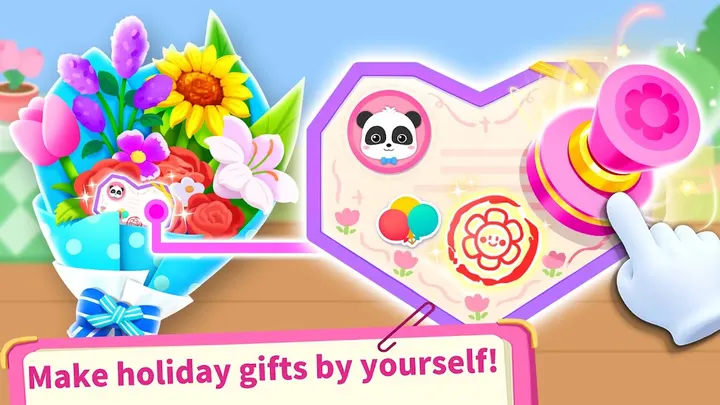
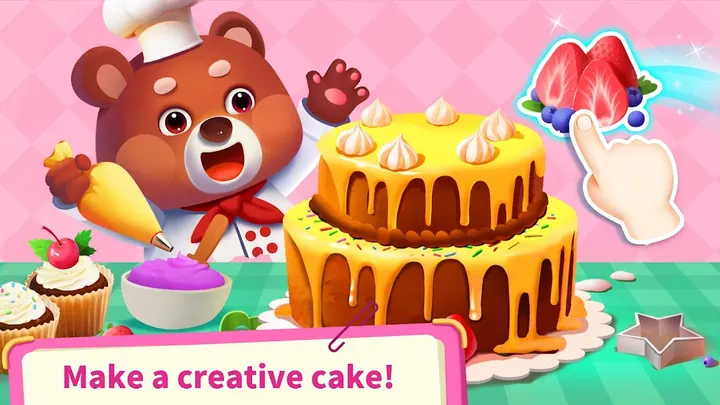
Beyond the shop floor, the game adds DIY activities. A child can cook strawberry cakes, make chicken burgers, craft festival masks, and play claw machines and capsule toy machines.
Nearly 10 BabyBus character families appear, including the Quacky Family and the MeowMi Family. The developer says controls are simple enough for a child aged 3 or older to play alone, and that offline play works, which suits travel.
Version 8.76.46.10 and Android requirements
The current version is 8.76.46.10, last updated on October 13, 2026. A game first released in 2016 and still updated a decade later suggests ongoing maintenance.
The minimum Android version is 6.0. The developer says the game is optimized for Android 10 and newer, so older phones may run it less smoothly. The package ID is com.sinyee.babybus.shopping.
Baby Panda's Supermarket pros and cons
Pros
- Free to install, with a large free library of counters and products
- Cashier role-play covers cash and card payments, numbers and basic math
- Scenes correct unsafe behavior such as climbing shelves and queue-jumping
- Offline play is supported, which suits travel
- Rated 4.6 on Google Play from 424.2 thousand ratings
Cons
- Contains ads
- In-app purchases exist, and some premium items may need unlocking
- Recent changes are unclear
- Optimized for Android 10 and newer, though it installs from Android 6.0
Is Baby Panda's Supermarket safe?
The game is published by BabyBus and is available through Google Play, where it is rated Everyone. The developer describes it as COPPA-compliant, which is the publisher's own claim. The game shows ads and offers in-app purchases, so parents should check settings and supervise spending. No independent security review is available.
How to install Baby Panda's Supermarket
- Press the Google Play button on this page.
- Check the listing in the Play Store and press Install.
- Open Baby Panda's Supermarket when the install finishes. Updates arrive through Google Play.