
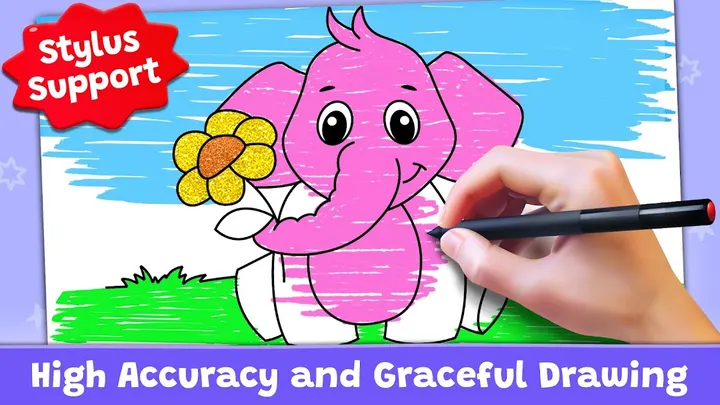
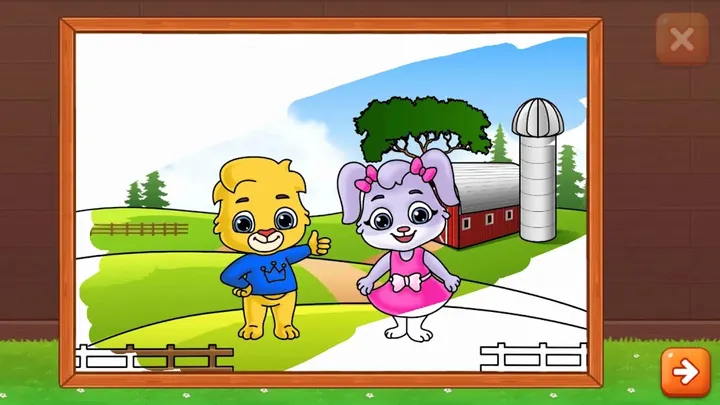
Where a title like Kids Games bundles many activities together, Coloring Games sticks to one thing: drawing and painting. RV AppStudios released it on November 5, 2019. Modes include Fun Paint, Color Fill with stickers, glitter and crayons, free Drawing, neon Glow Pen, and Number Paint. It has no ads and no in-app purchases, and the content rating is Everyone. Our page data was last updated on November 2, 2026.
Built for toddlers and preschoolers
The developer describes the app as made for children, with controls simple enough for very young kids. Google Play gives it an Everyone content rating, and the tags include educational and no-ads.
Parents get some control as well. You can add a profile for each child and adjust settings to make the color activities easier or harder.
Five modes, from tap-to-fill to glow pen
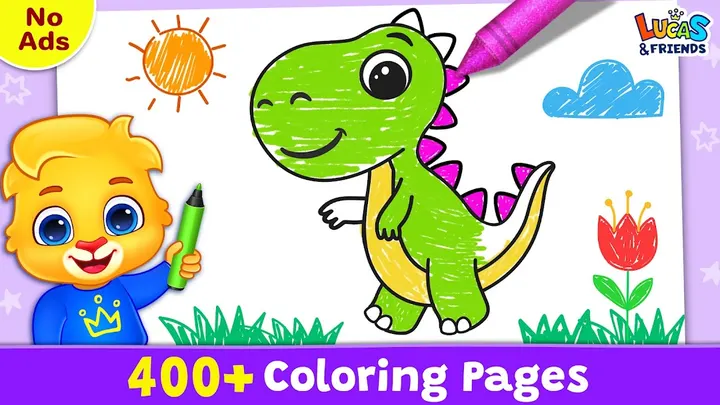
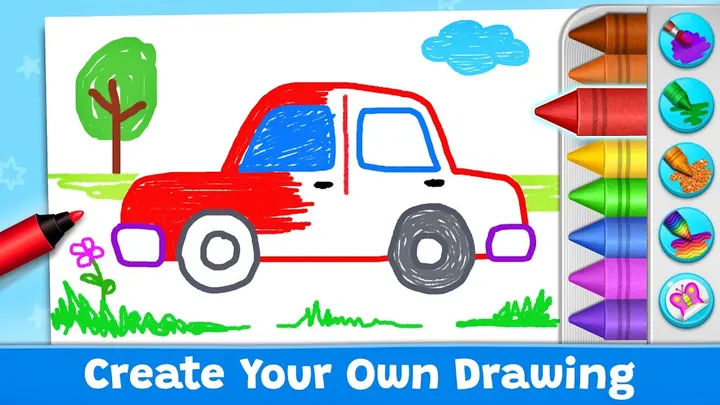
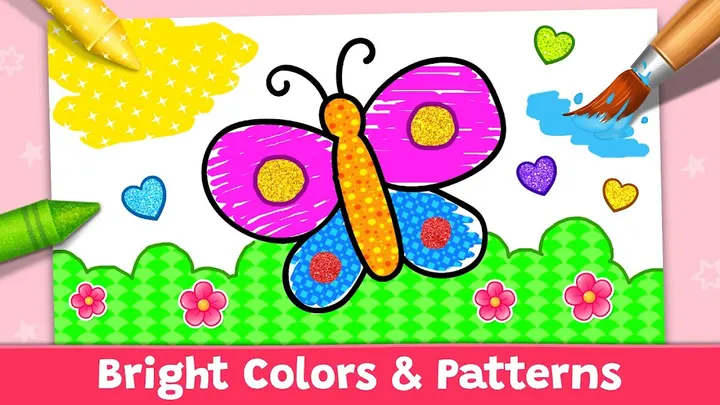
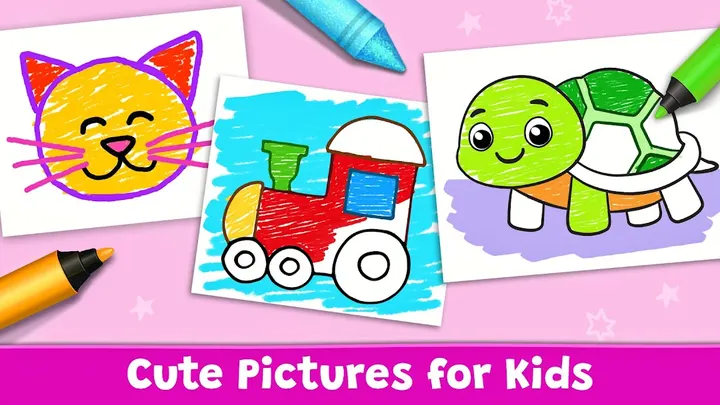
Fun Paint lets a child tap blank coloring pages to fill them with a dozen bright colors. Color Fill widens the choice with stickers, glitter, crayons and patterns. Drawing starts from a blank canvas with a full palette.
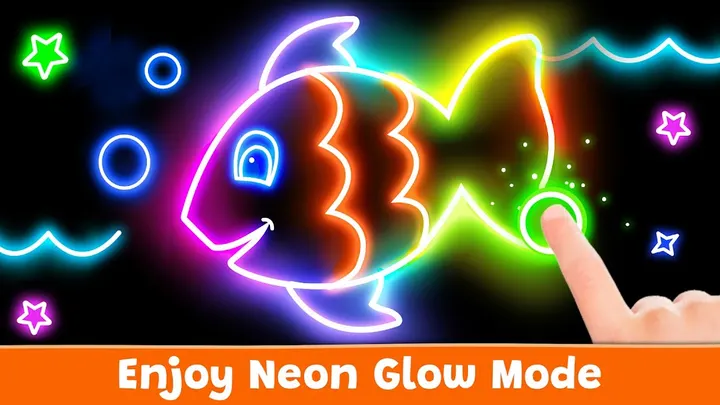
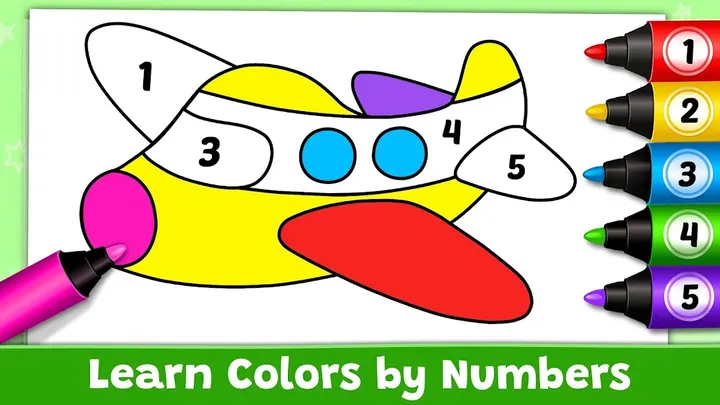
Glow Pen paints in neon colors on a dark background, which gives a different look from the other modes. Number Paint is color-by-numbers, where a picture fills in one shade at a time.
No ads, no purchases, no price
The app is free. Google Play shows no ads and no in-app purchases, and the developer says there are no paywalls either. For a children's app that is the main practical point, since nobody has to guard a purchase button.
The rating is 4.4 from about 124.1 thousand ratings on Google Play. The app size and version vary by device.
Coloring Games pros and cons
Pros
- Free, with no ads and no in-app purchases according to Google Play data
- Five distinct modes: Fun Paint, Color Fill, Drawing, Glow Pen and Number Paint
- Per-child profiles with adjustable difficulty, as the developer describes
- Rated 4.4 on Google Play across about 124.1 thousand ratings
- Everyone content rating
Cons
- Recent changes are hard to judge because updates are not documented
- App size and exact version are not listed; the version varies by device
- Available through Google Play only, with no other source listed
Is Coloring Games safe?
Coloring Games comes from RV AppStudios, which runs a developer website at rvappstudios.com. The content rating is Everyone, and the app has no ads and no in-app purchases, so a child can tap through Fun Paint, Glow Pen or Number Paint without hitting a store prompt or a banner.
How to install Coloring Games
- Press the Google Play button on this page.
- Check the listing in the Play Store and press Install.
- Open Coloring Games when the install finishes. Updates arrive through Google Play.