
Coloring Games for Kids has over 10 million installs on Google Play and a 4.6 rating from 31.2 thousand ratings. It comes from IDZ Digital Private Limited, the studio behind the KidloLand brand, and it is rated Everyone. This page is listed under the Google Play only tier, so the app is installed from the store.
First steps after installing the 5.31.0 build
The app needs Android 6.0 or newer, so most phones from the last several years will run it. Version 5.31.0 was updated on October 14, 2026.
The app is aimed at children ages 1 to 6, so a parent may want to pick the first pages together with a young child.
The app is free, but it has ads and in-app purchases. A parent may want to check the store's purchase settings on the device before handing it over.
Pages, tools and step-by-step drawing
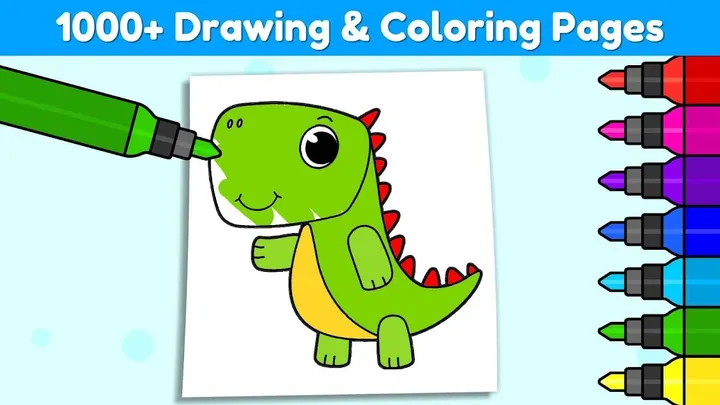
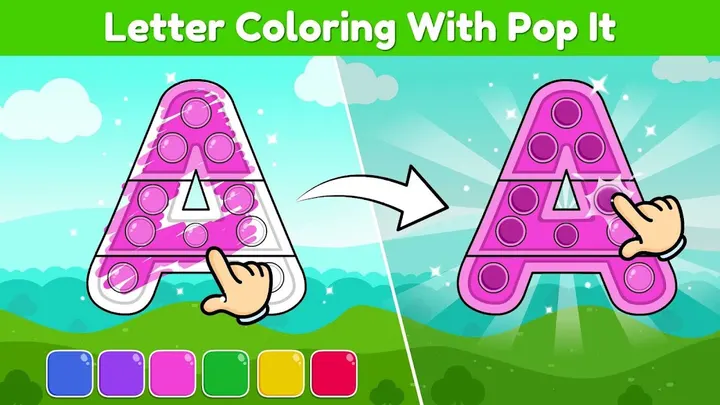
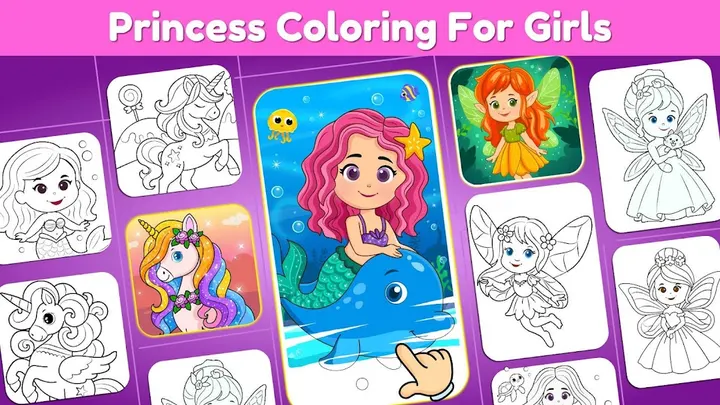
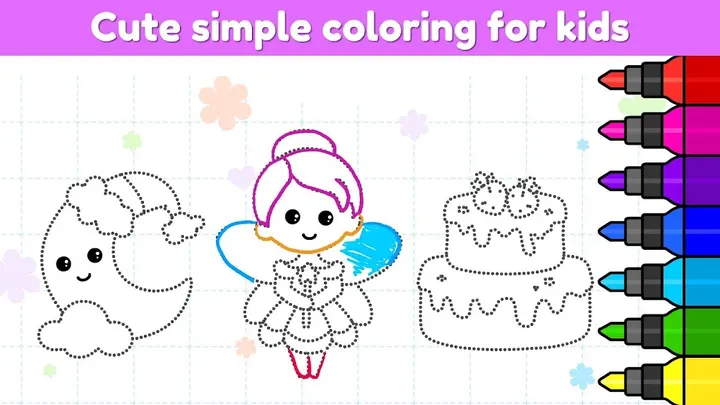
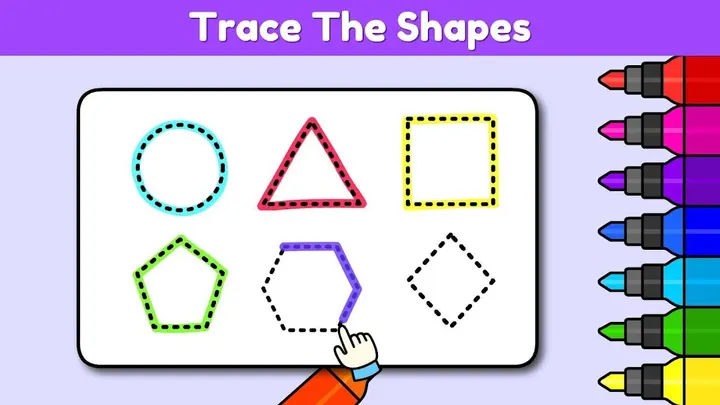
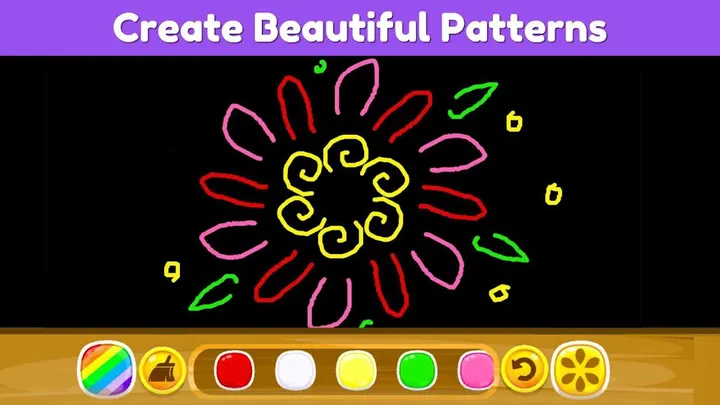
The core content is over 1000 coloring pages and drawing games. Subjects include animals, princesses, unicorns, monsters, rainbows and vehicles. The app also offers color by number, color by alphabet, color by shapes, mandalas, glow coloring, dot art, pixel coloring and a scribble pad.
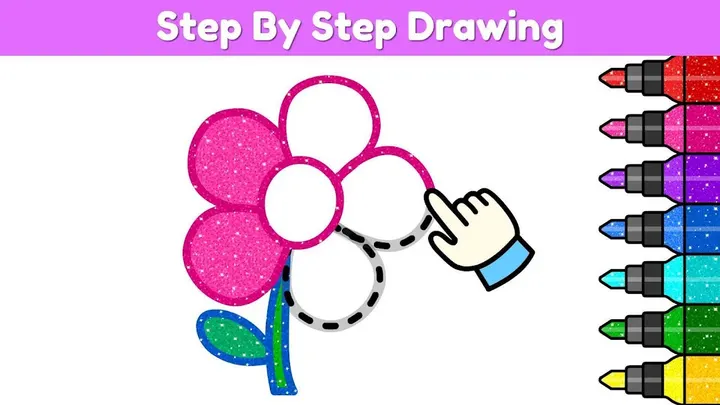
A section called Coloring Club teaches drawing in steps, which gives older children something beyond filling in outlines. Colors, patterns, glitters and other tools are provided for mixing combinations. Seasonal pages cover Christmas, Halloween and Easter.
Finished artwork can be saved to the device gallery and shared with friends and family. The developer says the app helps children learn colors, shapes and characters. That is a developer claim, not an independently studied result.
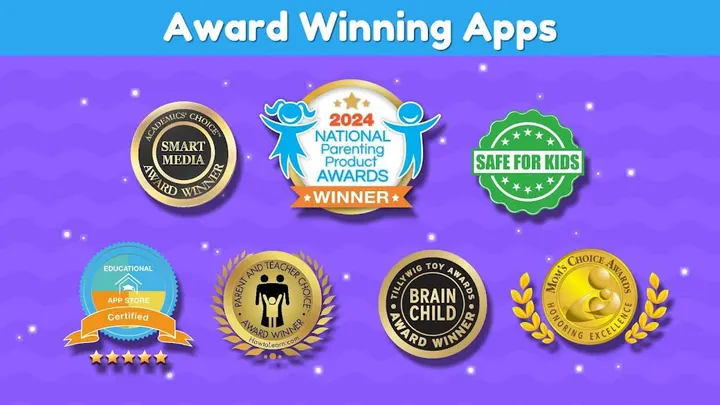
The developer also lists several awards, among them a Mom's Choice Gold Award and a Tillywig Brain Child Award. These are the developer's claims and have not been verified.
When another app from the list fits better
If a child wants something other than coloring, the alternatives point in different directions. Coloring Games is a close match in theme. Piano Kids suits music practice, and Baby Panda World-Learning Game or Baby Panda's Supermarket lean toward role play and learning.
Sonic Dash Run and Magic Tiles 3 are action and rhythm games, so they suit older children more than toddlers. Families who want no ads at all should check each alternative's store page, since this app shows ads and sells in-app purchases.
Coloring Games for Kids pros and cons
Pros
- Over 1000 coloring pages and drawing games covering animals, princesses, unicorns, monsters and vehicles
- Step-by-step drawing lessons in the Coloring Club section
- Finished artwork can be saved to the gallery and shared
- Google Play rating of 4.6 from 31.2 thousand ratings and over 10 million installs
- Free to install with an Everyone content rating
Cons
- Contains ads
- Contains in-app purchases
- Ads and in-app purchases are part of the free app
- Developer awards listed in the description are not independently verified here
Is Coloring Games for Kids safe?
Coloring Games for Kids comes from IDZ Digital Private Limited, whose site is kidlo.com, and it carries an Everyone content rating. It is free but contains ads and in-app purchases, so keep purchase controls on if a young child will be tapping around. The Data safety section on the store listing is the best place to check what the app collects before you let kids use it.
How to install Coloring Games for Kids
- Press the Google Play button on this page.
- Check the listing in the Play Store and press Install.
- Open Coloring Games for Kids when the install finishes. Updates arrive through Google Play.