
Kids Games is a set of simple learning activities for toddlers, preschoolers and kindergarten-age children, playable on a phone or tablet. RV AppStudios built it around Montessori-style lessons in colors, shapes, counting, the alphabet and memory, and it carries an Everyone content rating.
Free, no ads and no purchases
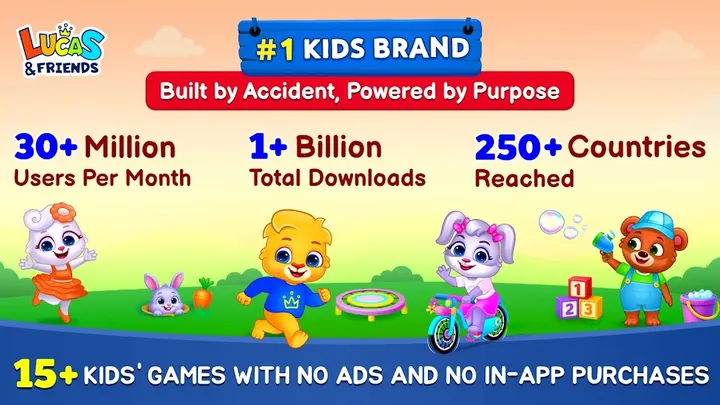
The app costs nothing, shows no ads and has no in-app purchases. For a toddler game that matters: no banner interrupts a shape-matching round and no accidental purchase can happen.
The store listing calls the whole collection free. Adults are named as an audience next to kids and toddlers, though the content is clearly aimed at young children.
Montessori-style activities and offline play
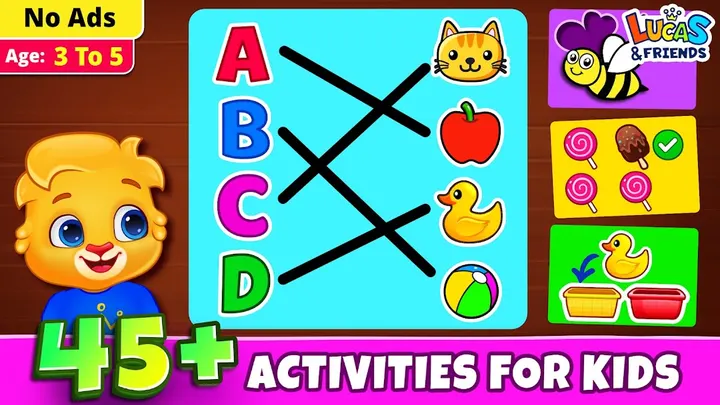
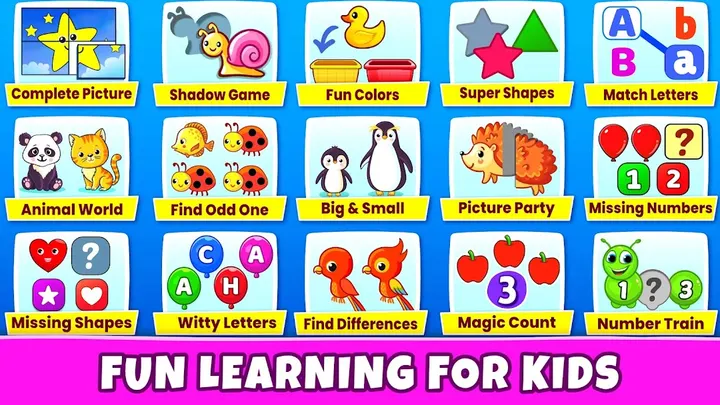
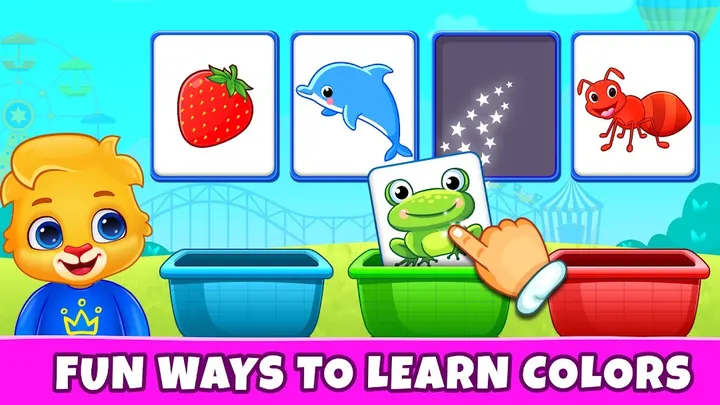
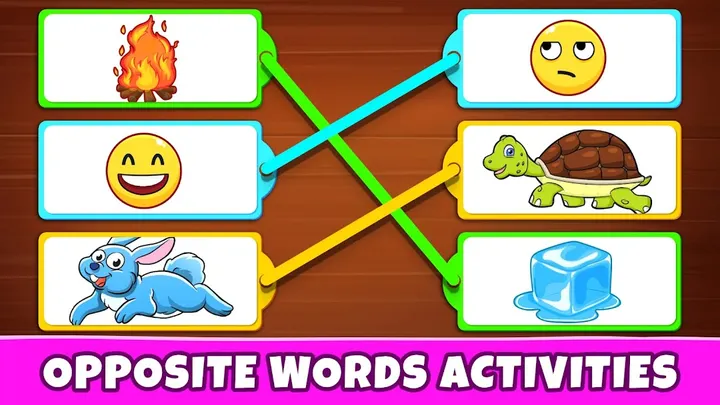
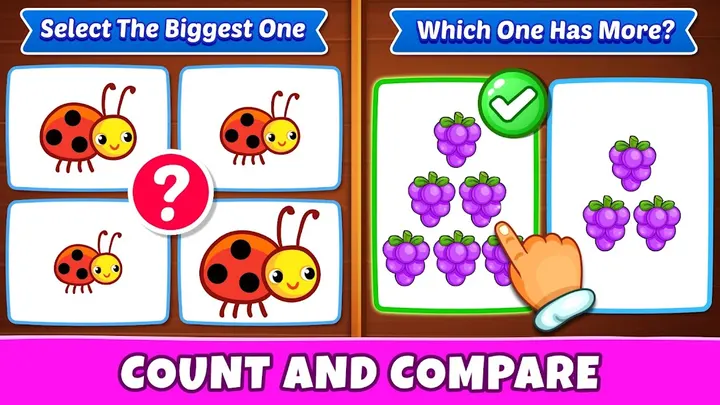
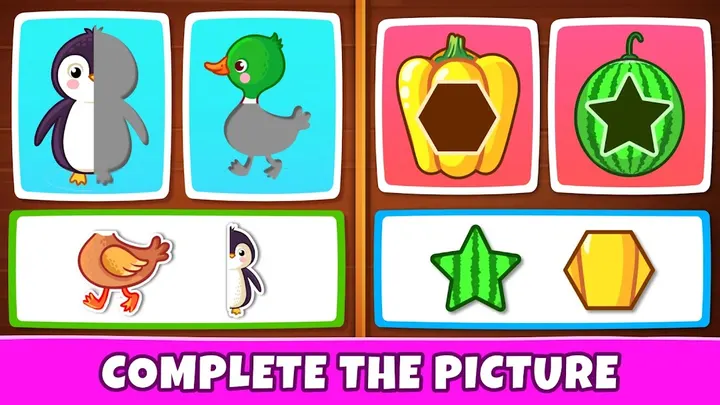
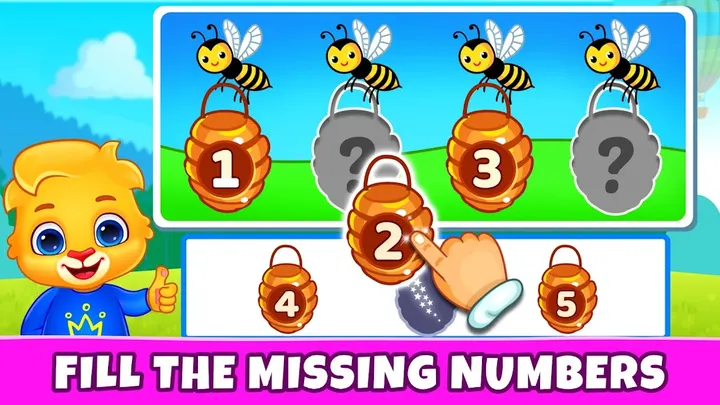
The collection covers colors, shapes, coordination, motor skills and memory. It also includes number recognition, counting, logic and the alphabet. There are 25+ activities drawn from the Montessori method, grouped into multiple themes and categories.
Offline support is part of the feature list, so the games do not need internet or Wi-Fi. That helps on long car rides or anywhere with a weak signal. The app also has colorful graphics, soothing sound effects and background music.
The claims about the method being proven effective come from the developer. No independent study backs them.
Release history and upkeep
Kids Games first came out on February 21, 2022. The latest update was on October 24, 2026, so it has kept getting attention years after launch.
The version number varies by device.
Kids Games pros and cons
Pros
- Free, with no ads and no in-app purchases
- Works offline without internet or Wi-Fi
- Rated 4.5 on Google Play from 62.1 thousand ratings
- Content rating of Everyone
- 25+ activities based on Montessori-style teaching, according to the developer
Cons
- Update history is not published within the app page
- Version number varies by device, with no fixed build listed
- Learning benefits are the developer's claims, with no independent evidence
- Available through Google Play only
Is Kids Games safe?
The content rating is Everyone. With no ads and no in-app purchases, a child is never shown promotions or prompted to buy anything mid-game. Parents can still read the permissions and data practices on the store page before handing it over.
How to install Kids Games
- Press the Google Play button on this page.
- Check the listing in the Play Store and press Install.
- Open Kids Games when the install finishes. Updates arrive through Google Play.