
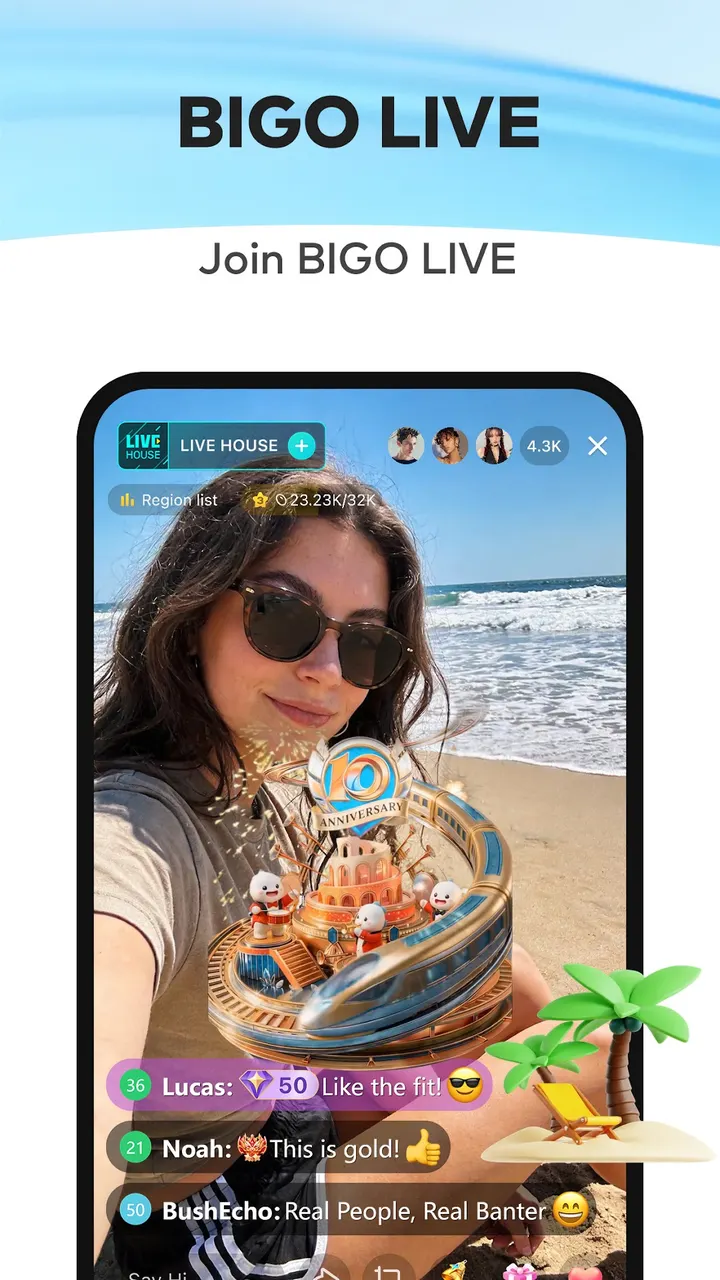
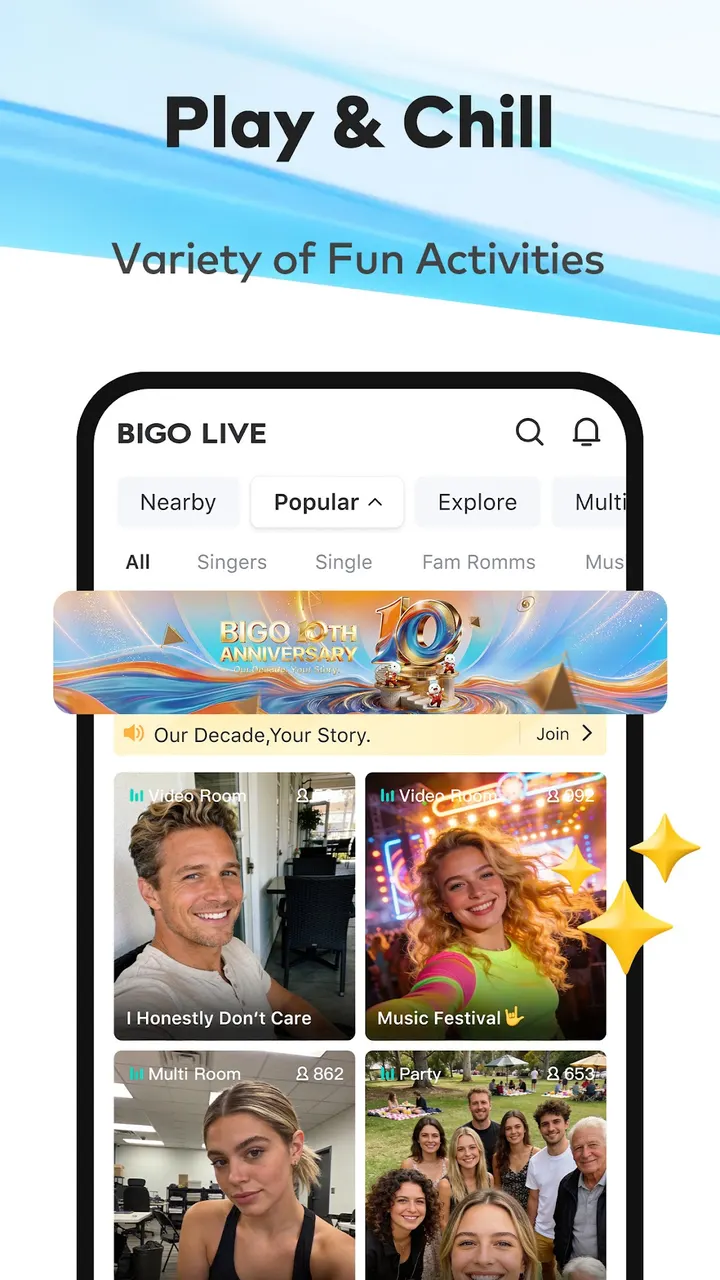
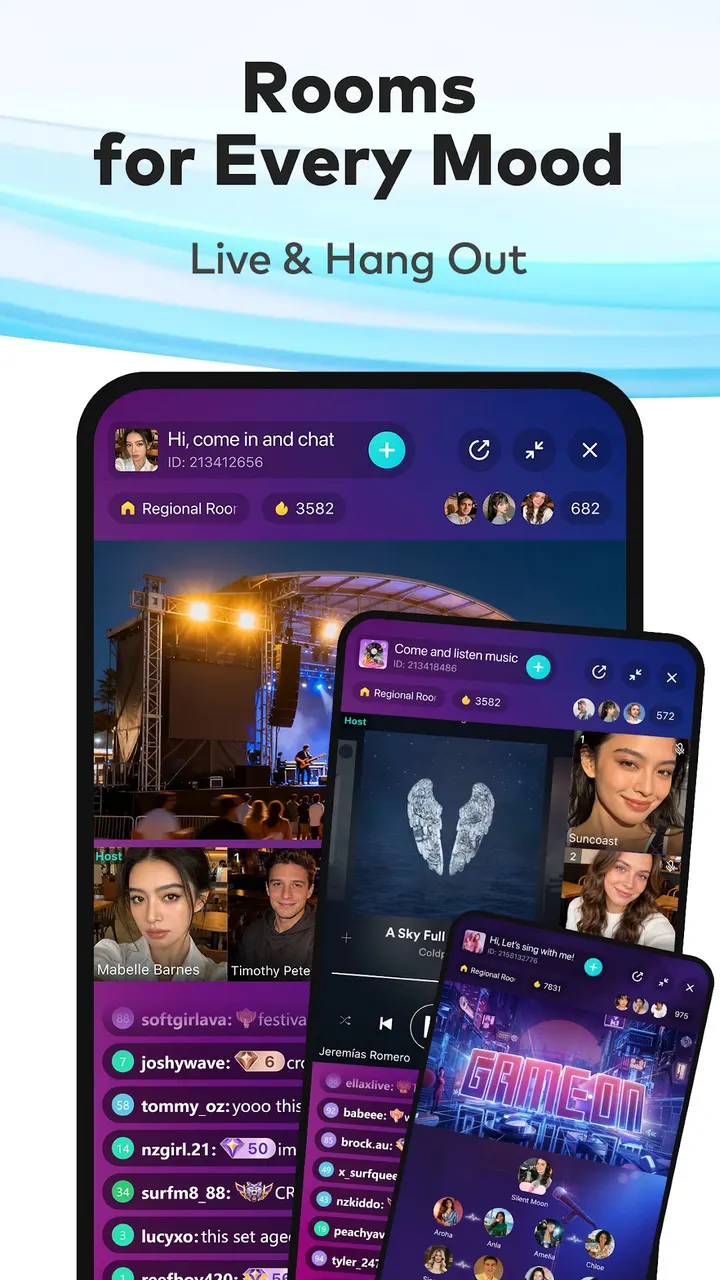
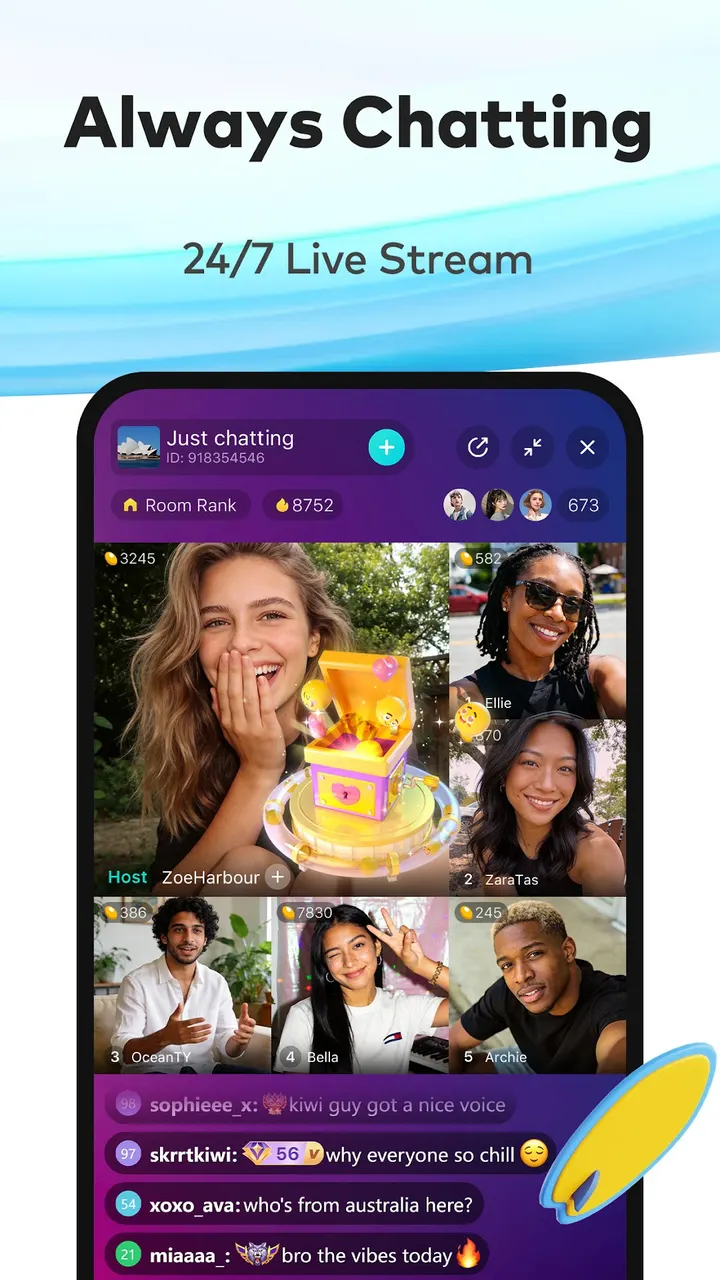
Bigo Live is for people who want to watch live video from strangers, or start their own broadcast, from an Android phone. The version covered here is 6.55.2, updated on November 3, 2026. The download goes to the official server at static-web.bigolive.tv, and TopDown APK does not host the file.
The problem: live video that is more than a one-way feed
Watching a stream is easy. Taking part in it is harder, and starting your own is harder still. Bigo Live is built around that gap, mixing a viewing feed with chat, gifts and ways to appear on camera or on voice alone.
The app came out on March 9, 2016, and Bigo Technology Pte. Ltd. still develops it. Google Play shows over 500 million installs and a 4.5 rating from about 6.5 million ratings. Those figures point to a large audience, which matters for an app where the content is other people.
Multi-guest rooms, audio live and PK battles
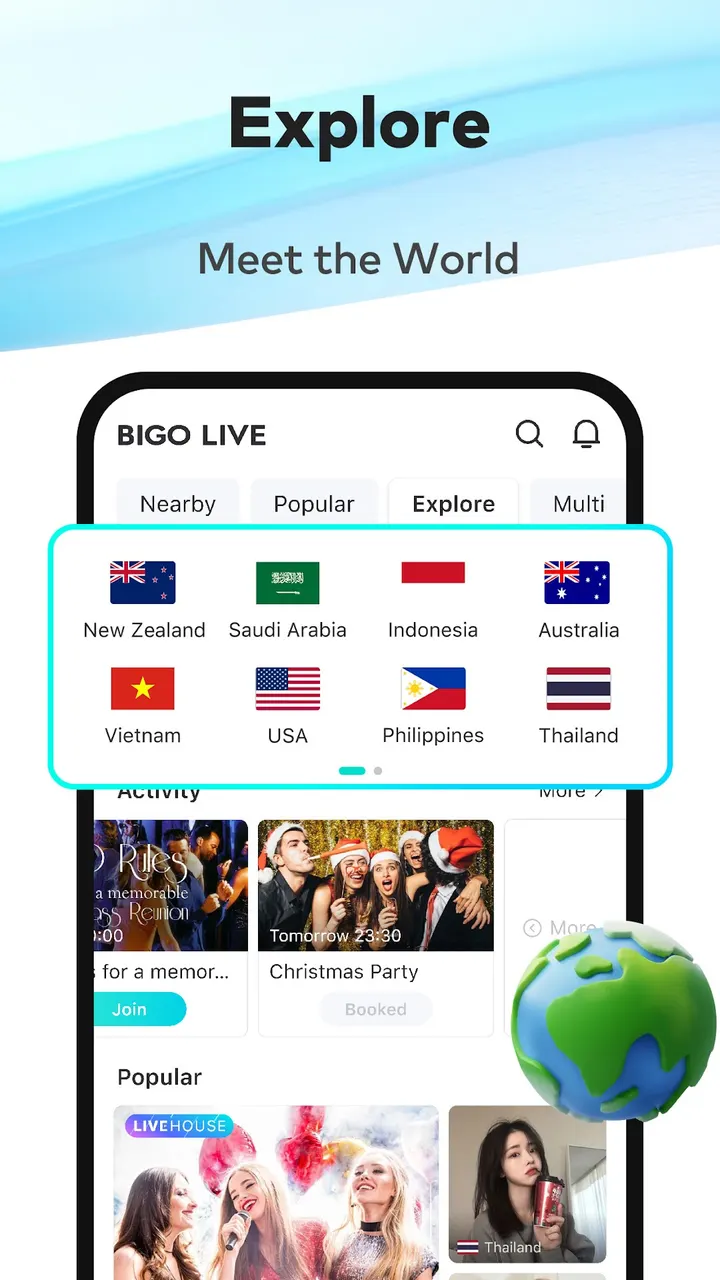
The main feed works by swiping through live streams sorted into categories. Viewers can chat in real time and send virtual gifts to the broadcaster.
Multi-guest Live lets you team up with up to 11 friends in one video room. You can watch YouTube videos together, talk about trending topics or play a drawing game called Draw and Guess. Audio Live drops the camera entirely and runs as voice-only conversation with people around the world, which suits anyone who would rather not show their face.
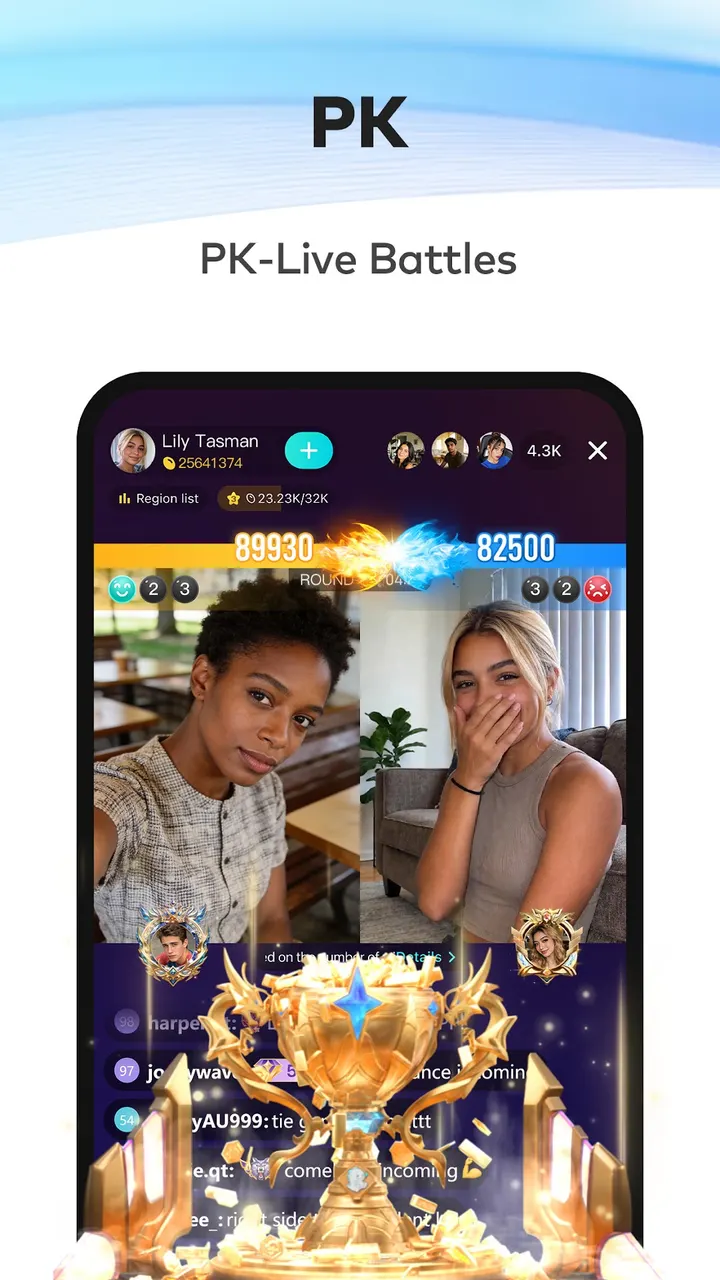
Live PK is a head-to-head contest. You can compete with friends or just watch, and the losing team faces a penalty. Going live yourself takes one tap, and you pick between Game LIVE, Audio LIVE or Multi-guest LIVE.
What to check before installing a 152 MB teen-rated app
The package is 152.1 MB and needs Android 7.0 or newer. Make sure you have the space and a supported phone before you start.
The content rating is Teen, and the app is free with in-app purchases. Virtual gifts are central to how streams work, so expect prompts to spend money. The app shows no ads, according to its store data, so the purchases are the main cost to watch.
Because strangers talk to each other live, review the privacy and chat settings once the app is installed. Parents of younger teens may want to look at how rooms and voice chat work before allowing it.
Bigo Live pros and cons
Pros
- Free to install with no ads
- Multi-guest rooms hold up to 11 friends, with shared YouTube viewing and games
- Audio-only live mode for people who do not want to be on camera
- One-tap start for Game, Audio or Multi-guest streams
- Rated 4.5 on Google Play across about 6.5 million ratings
Cons
- In-app purchases, including virtual gifts, are part of the experience
- Teen content rating, and live rooms involve talking with strangers
- The 152.1 MB download is large and needs Android 7.0 or later
Is Bigo Live safe?
The download is served from the official host static-web.bigolive.tv, and the publisher is Bigo Technology Pte. Ltd. Google Play lists the app as Teen rated, with no ads and in-app purchases. Live chat with strangers carries its own risks, so adjust privacy settings and watch spending after installing.
How to install Bigo Live
- Press the download button to get the official file.
- Save the APK from that server to your phone.
- Open the file and allow installs from this source when Android asks.
- Finish the install, then open Bigo Live from your app drawer.


