


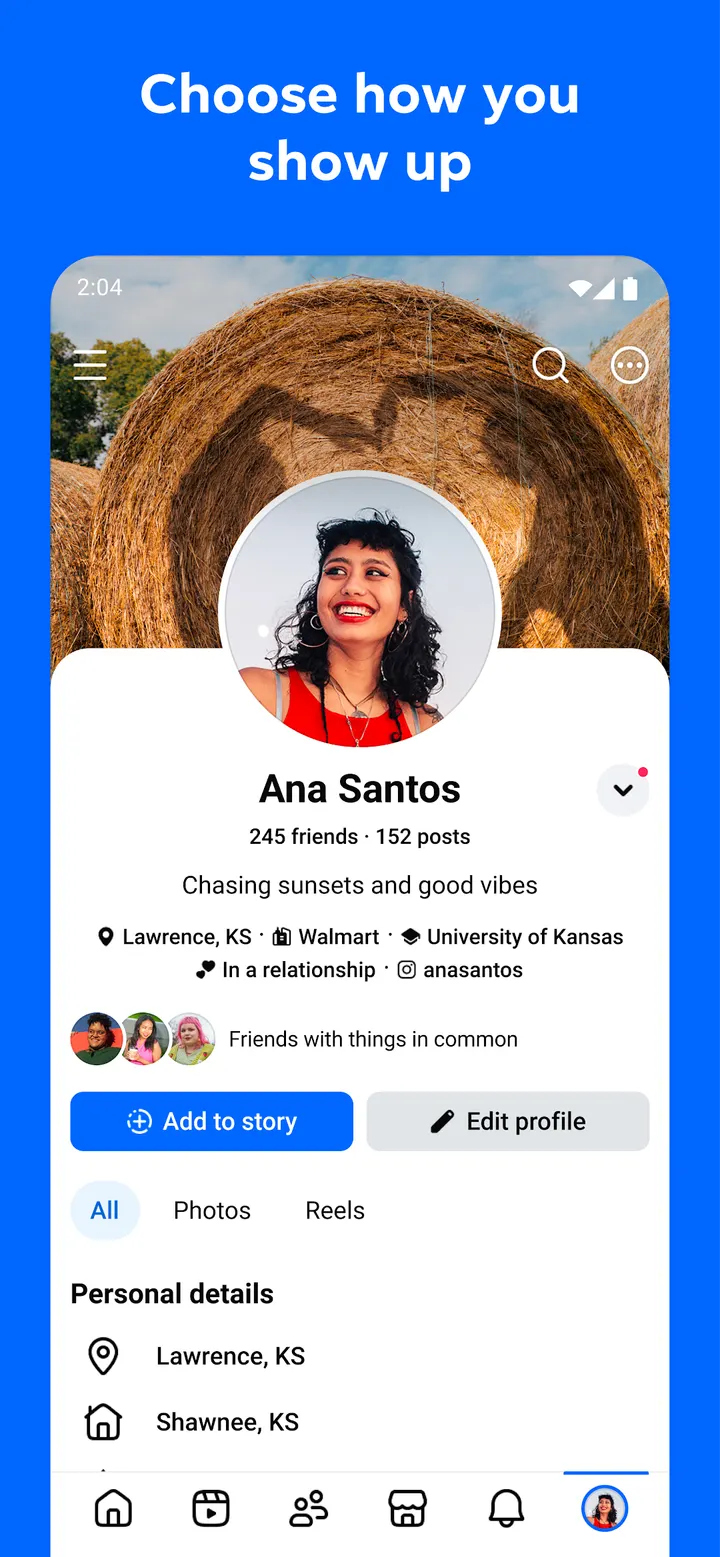
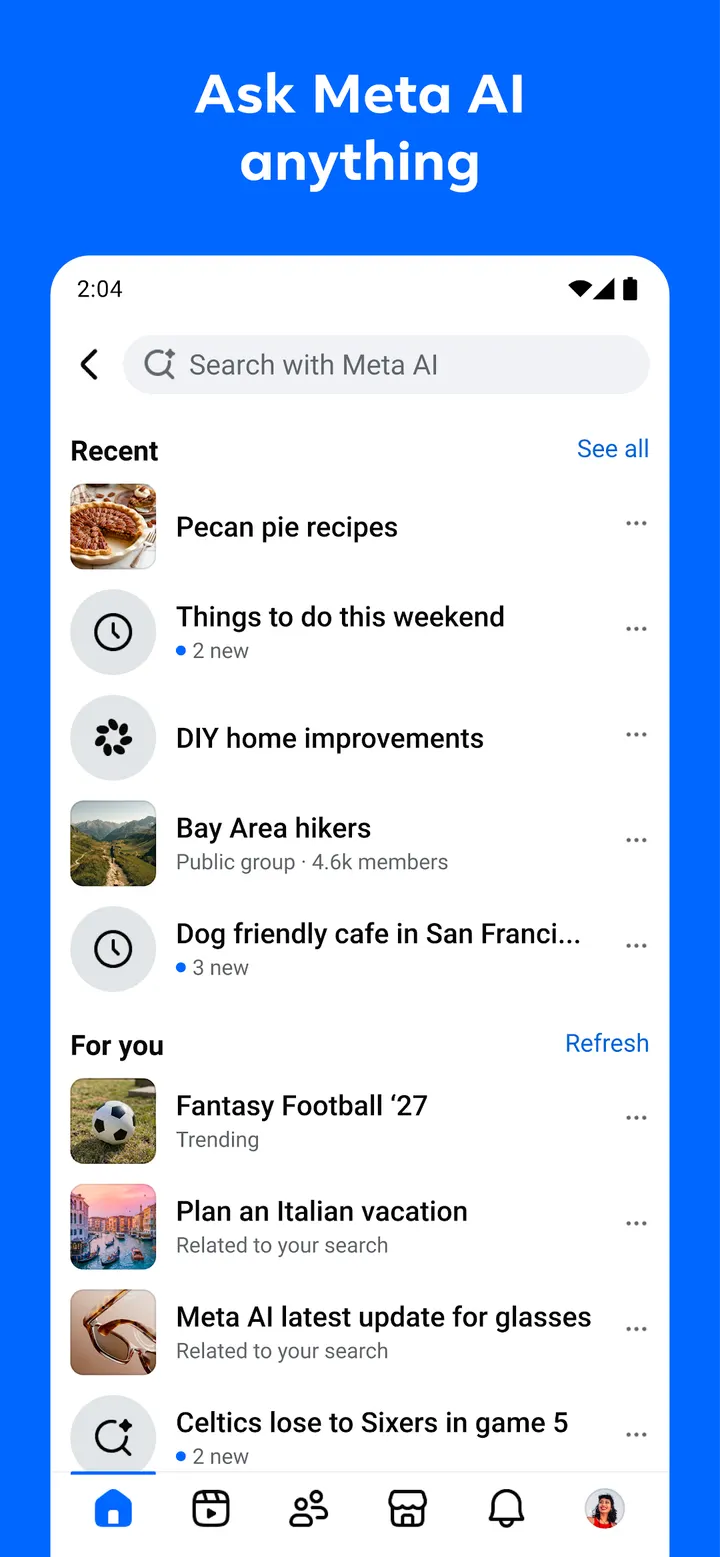
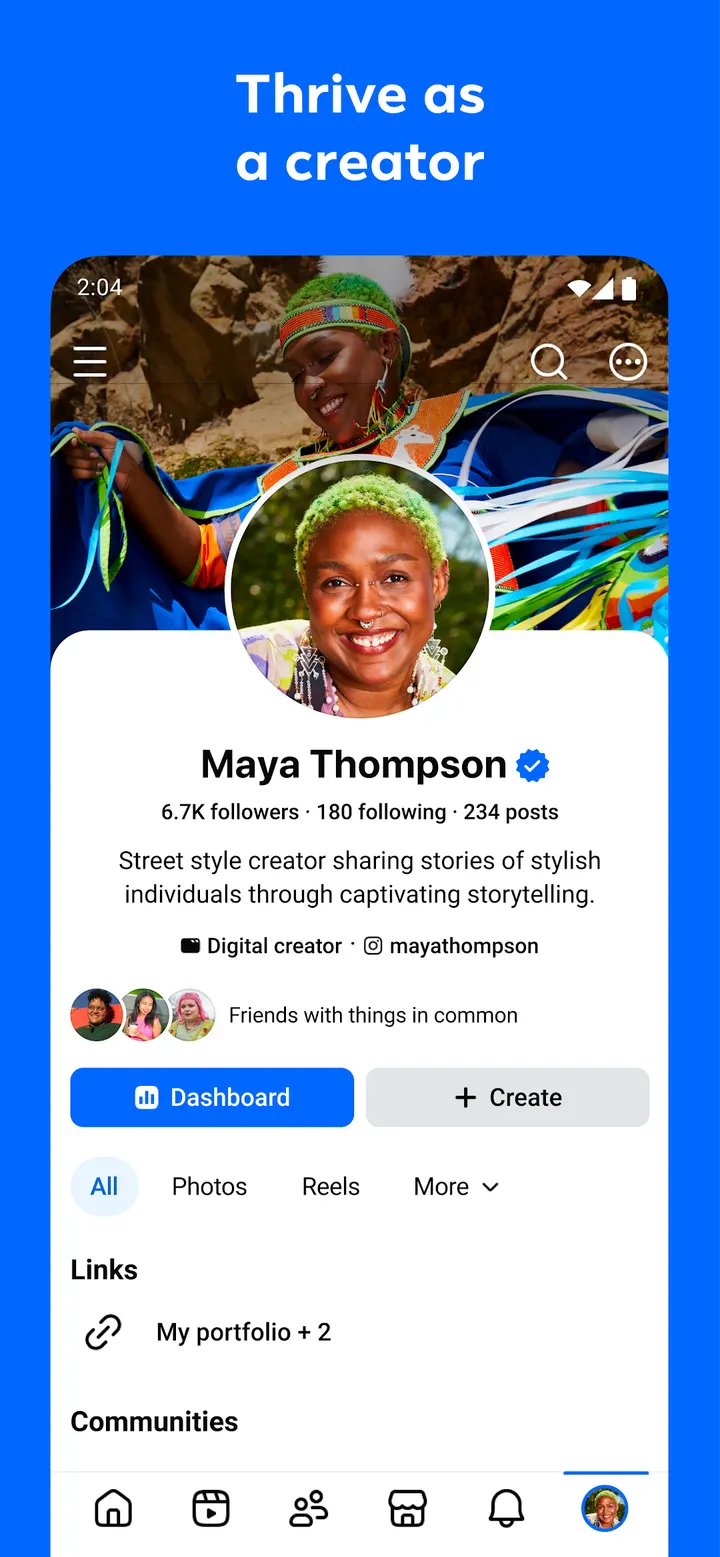
Facebook is Meta's social network for Android, built around Marketplace listings, groups, reels and a Feed you can tune to your tastes. It is free, rated Teen, and the most recent update is dated November 4, 2026. Its package ID is com.facebook.katana. Meta AI is built in for quick answers, and search returns more interactive results than a plain list.
First steps after installing Facebook from Google Play
Open Google Play, confirm that the publisher reads Meta Platforms, Inc. and the package is com.facebook.katana, then install. The app is free, but the listing declares both ads and in-app purchases, so expect promotional content inside.
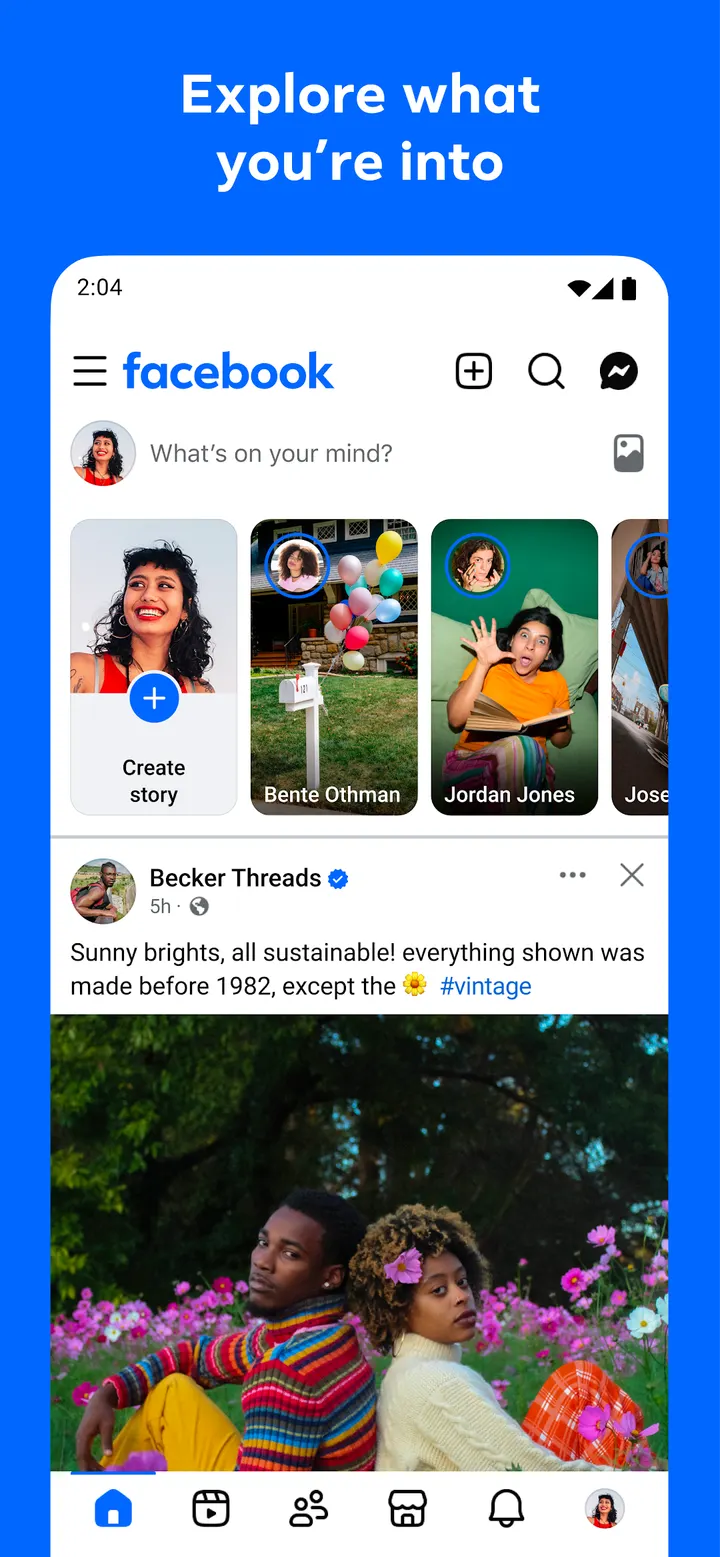
After signing in, the first useful job is the Feed. The app lets you tune it toward topics you care about and away from ones you would rather skip, which is worth doing before you scroll much. Next, look at the profile settings. Facebook says you can choose how you show up and who sees your posts.
Friends need a decision too. You can add new Friends and then decide how closely to keep up with them. Some features may not be available in your country or region, so a tool you read about may not appear on your device.
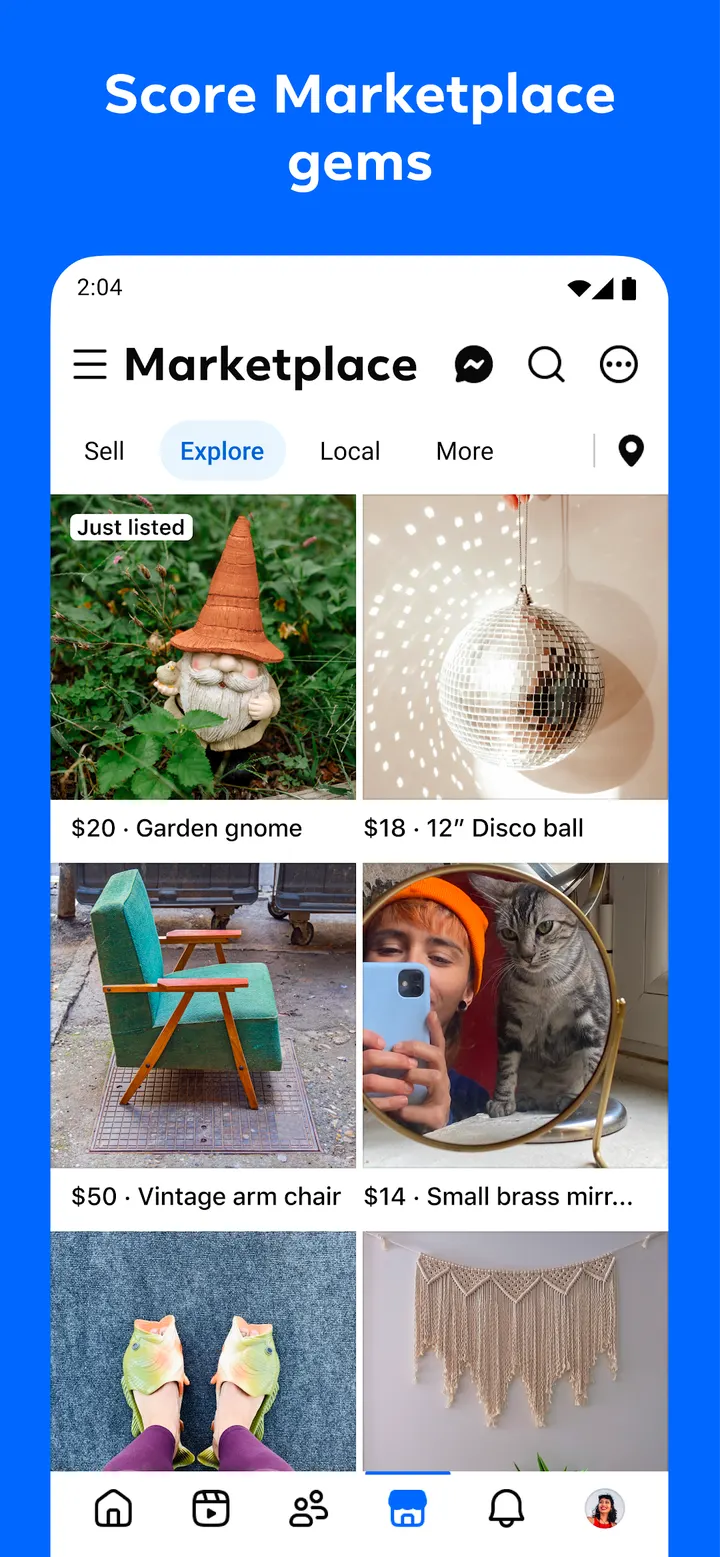
Marketplace, reels, groups and Meta AI in one app
Facebook covers several jobs at once. Marketplace is the shopping section. Reels are matched to your interests, and the creation side offers trending templates plus a full set of editing tools. Stories handle quick moments you capture on the go.
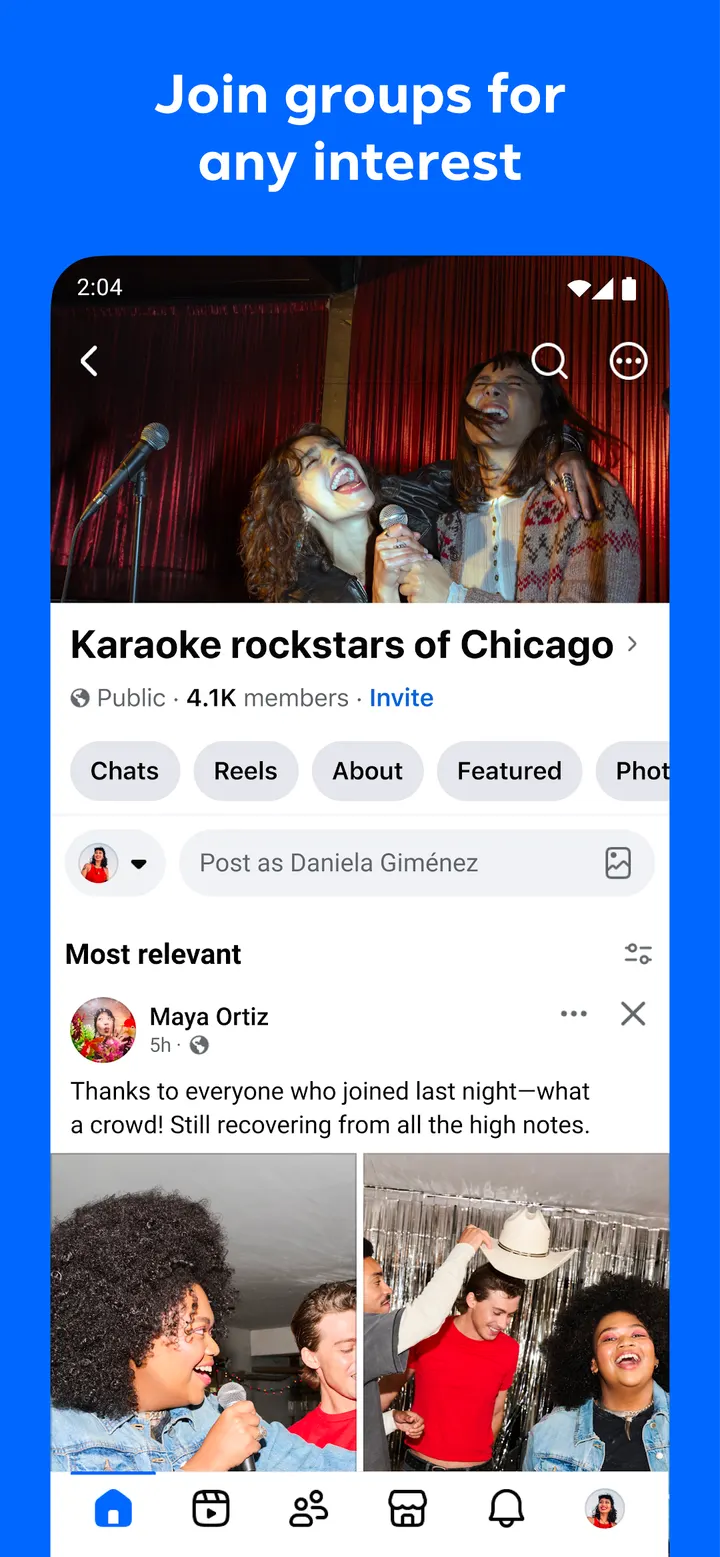
Groups are the community part. You can join them to pick up tips from people with direct experience. You can also follow creators or catch up with Friends. Search works on any topic and returns more interactive results.
Meta AI sits inside the app, and you can ask it for information and get answers right away. Generative AI also creates custom stickers and images to send to friends.
For private contact, the app lets you message a post to one person and make video and voice calls.
When Messenger, WhatsApp or X may suit you better
Facebook is broad, and that breadth is the main reason to look elsewhere. If you mostly want to message people, Messenger and WhatsApp are alternatives. Facebook's own messaging and calls are only one part of a larger app.
Google Photos is also an alternative, as is X for people who want a different social network. Check each Google Play page before you switch.
Weigh the Teen content rating, the ads and the in-app purchases too. Anyone who wants a quieter app should set those against what Facebook delivers.
Facebook pros and cons
Pros
- Free to install, with over 10 billion installs on Google Play
- 4.6 rating on Google Play from 187.1 million ratings
- Marketplace, groups, reels, stories and Meta AI sit in a single app
- Controls for Feed content, profile visibility and how closely you follow Friends
Cons
- The listing declares ads
- The listing declares in-app purchases
- Some features may not be available in your country or region
Is Facebook safe?
Facebook is published by Meta Platforms, Inc. and carries a Teen content rating. It shows ads and offers in-app purchases, which is worth knowing before a younger user signs up. Groups, Marketplace and reels all involve other people, so the Feed personalization options are a practical place to start when tuning what appears.
How to install Facebook
- Press the Google Play button on this page.
- Check the listing in the Play Store and press Install.
- Open Facebook when the install finishes. Updates arrive through Google Play.


