

Where WhatsApp ties an account to a phone number, Messenger lets people connect through their Facebook accounts, with no phone number needed. That difference shapes the whole app. Messenger comes from Meta Platforms, Inc., first appeared on January 29, 2014, and has over 5 billion installs. This page covers version 585.0.0.53.94, updated November 2, 2026. To install it, open its page on Google Play.
First steps after installing Messenger
The app is free, rated Everyone, and Google Play shows no ads, though it does include in-app purchases. The package ID is com.facebook.orca, which is worth checking on the store page so you install the right app.
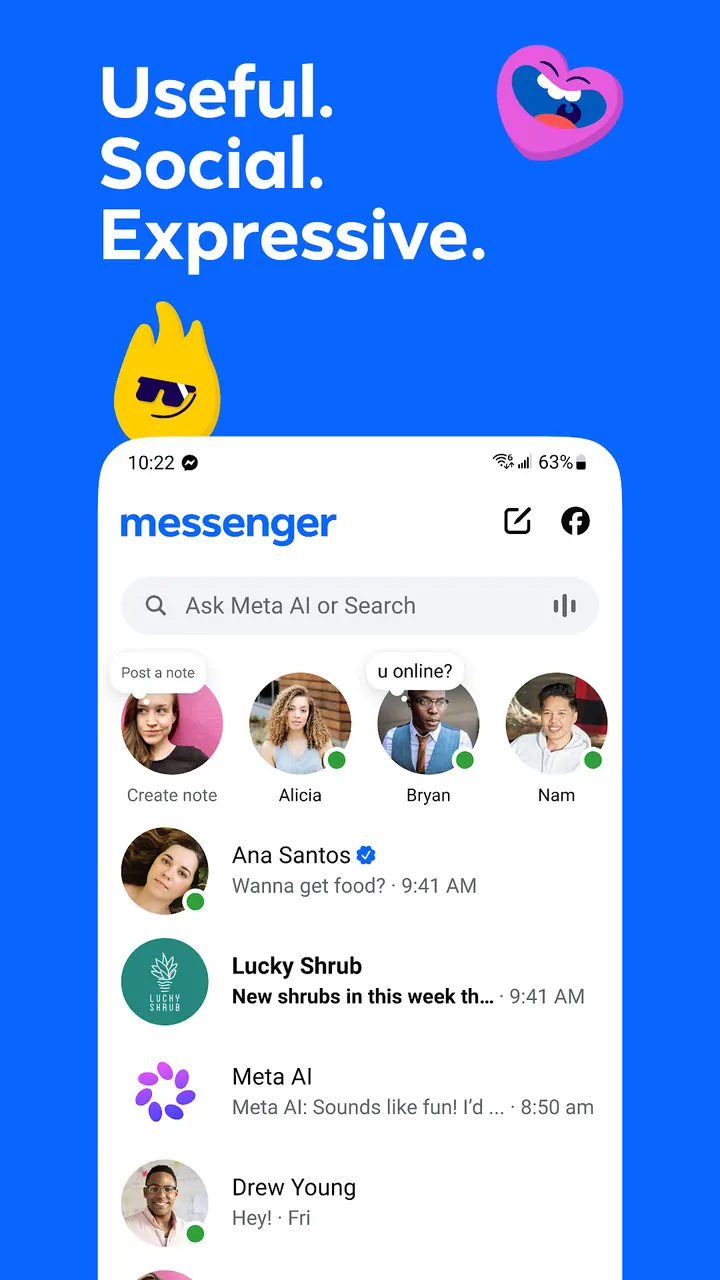
The first useful step is finding your contacts. Messenger links to people on Facebook and Messenger, so existing friends and family can be reached without exchanging phone numbers. For people you meet in person, the app generates a QR code. You can scan theirs or share yours as a link.
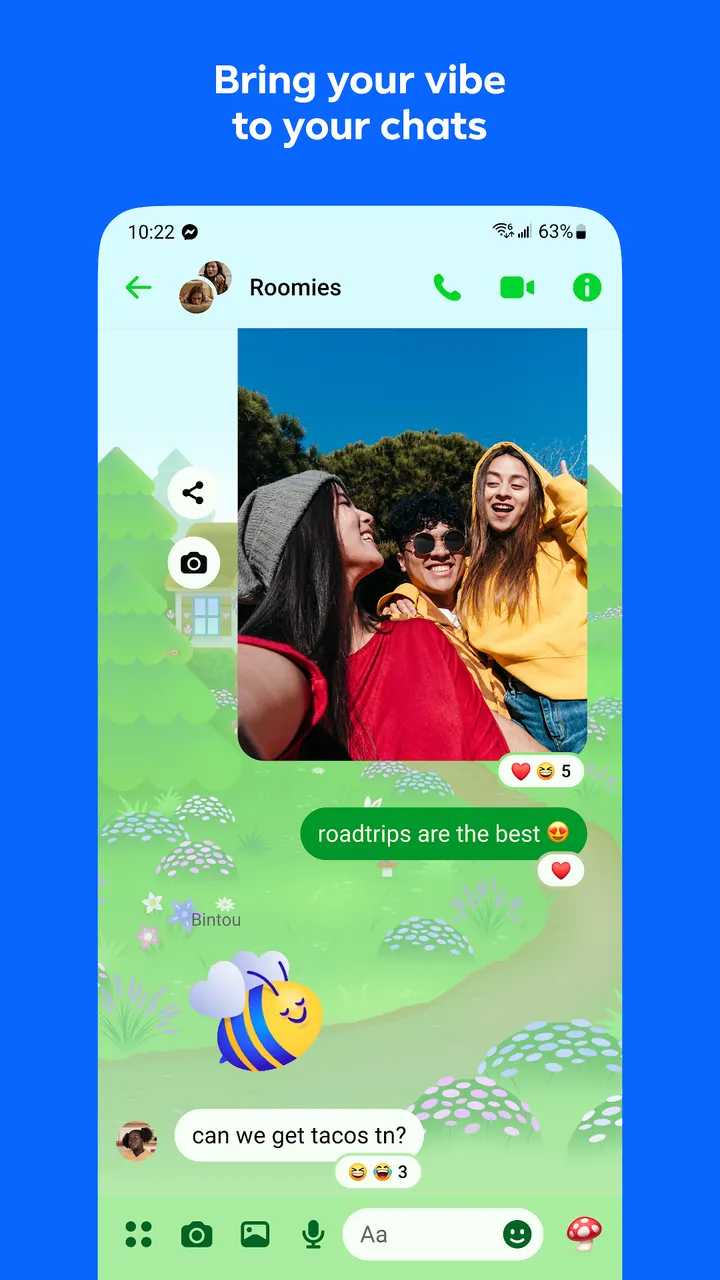
After that, look at the chat settings. Disappearing messages apply to end-to-end encrypted chats, and you choose how long a chat stays after it has been read. Themes let you change the look of a conversation, and the store text describes a large, changing list that includes artists and holidays.
Editing, large files and shared albums in group chats
Several features address small daily annoyances. A sent message can be edited for up to 15 minutes, which covers the typo you notice right after pressing send. Documents such as Word, PDF and Excel files can go straight into a chat at up to 100MB each.
Photos can be sent in high definition, and groups can build shared albums of photos and videos. The store text gives a vacation and a family birthday as examples. That makes a group chat a place to keep material, not only talk.
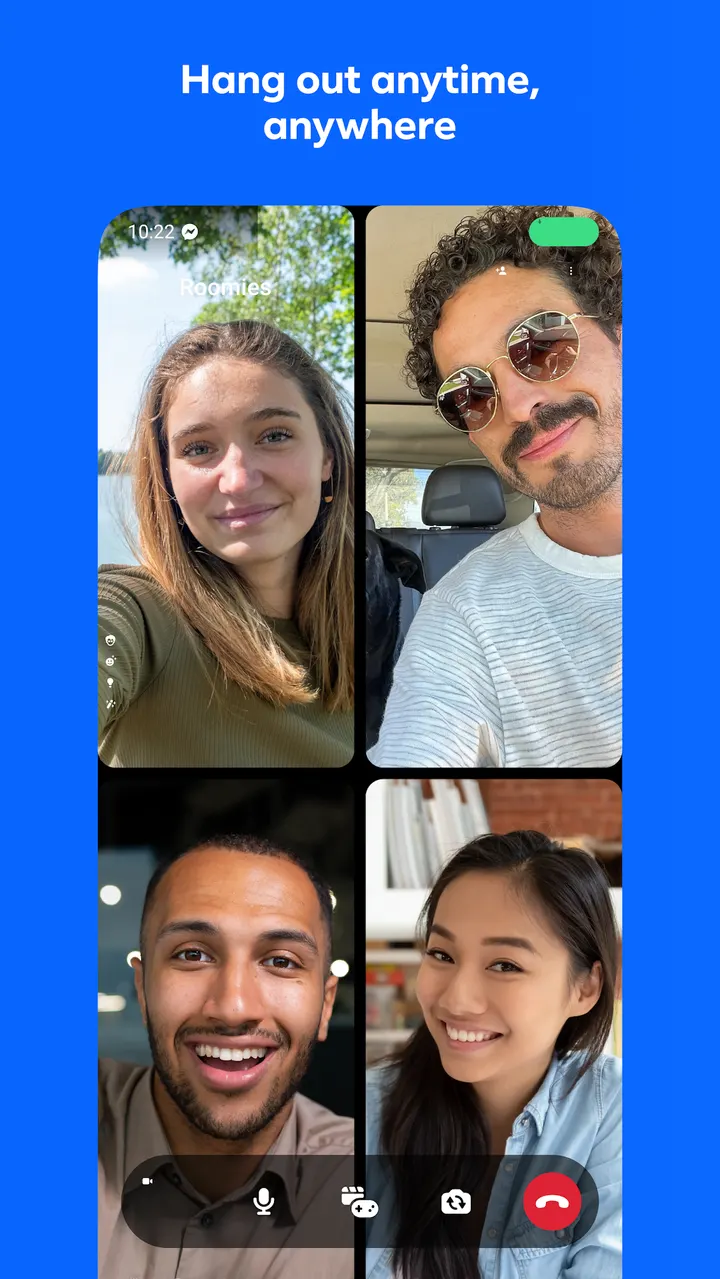
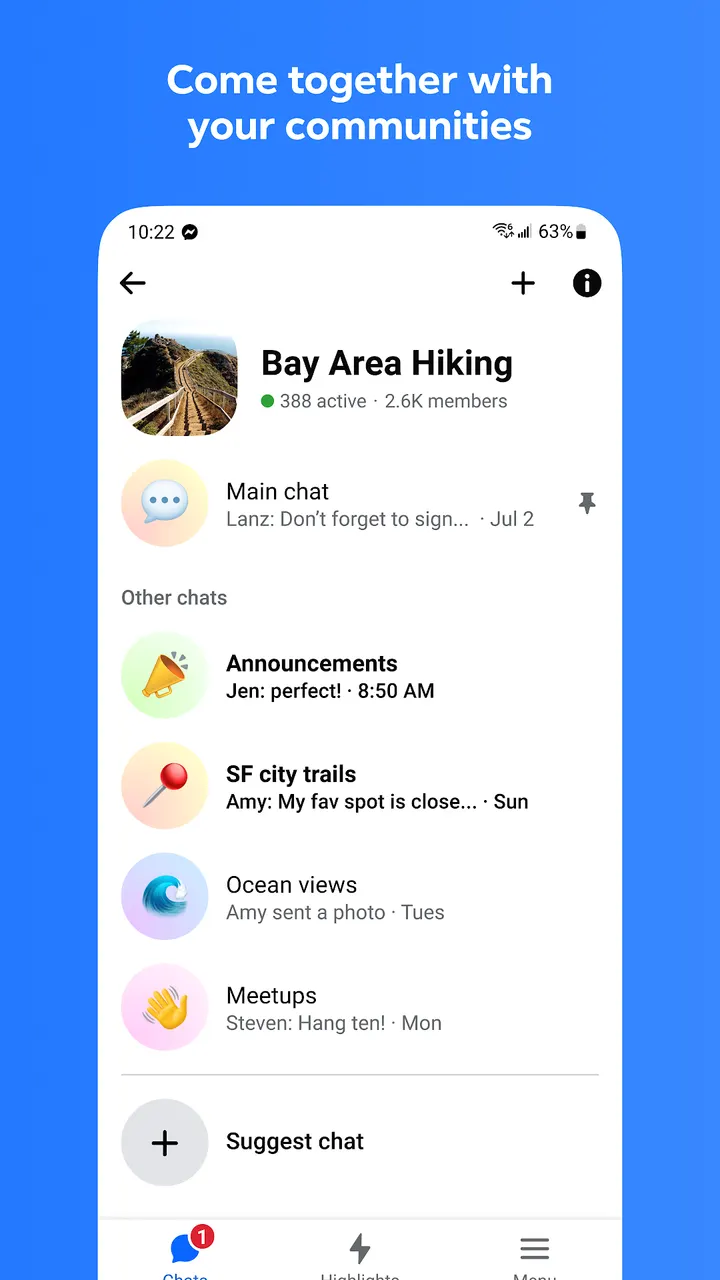
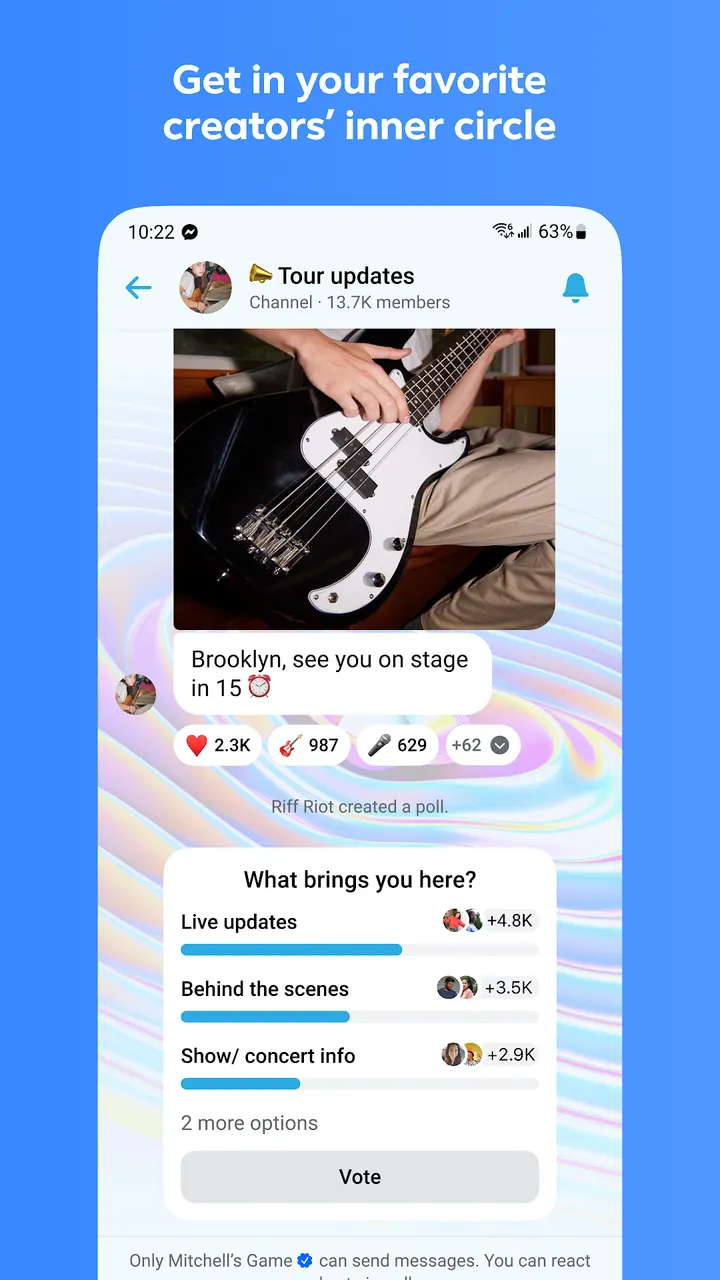
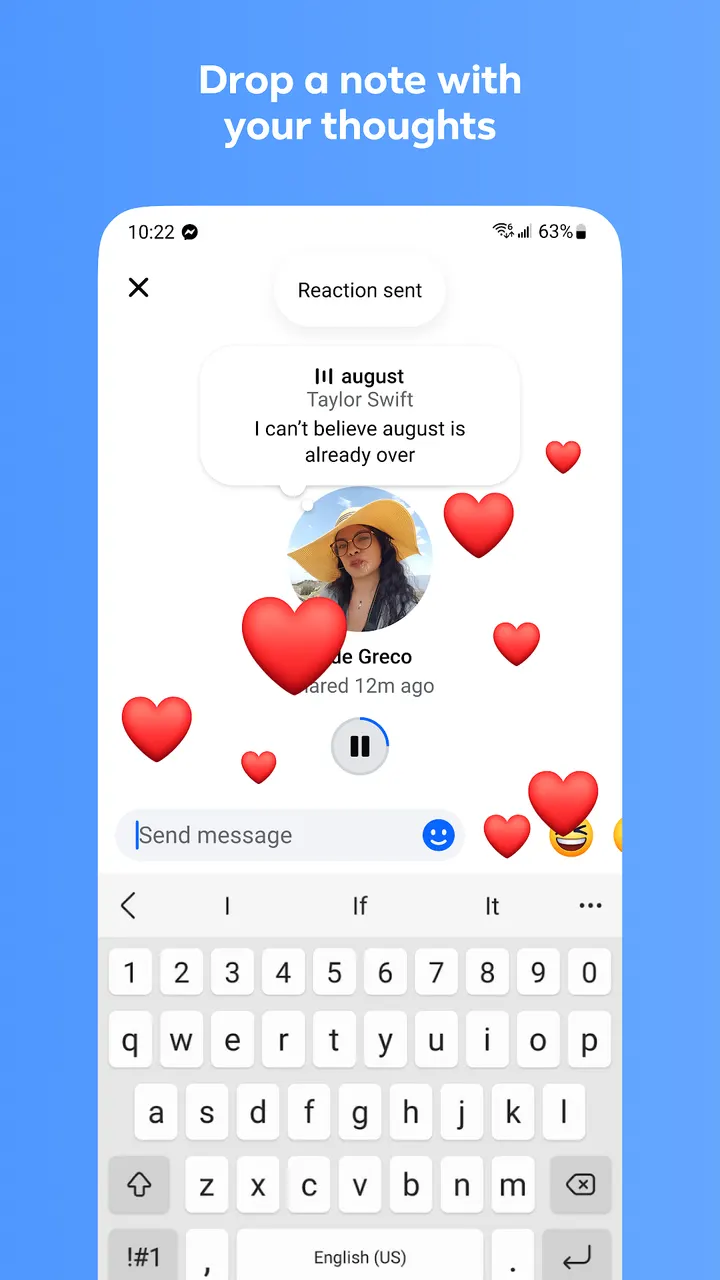
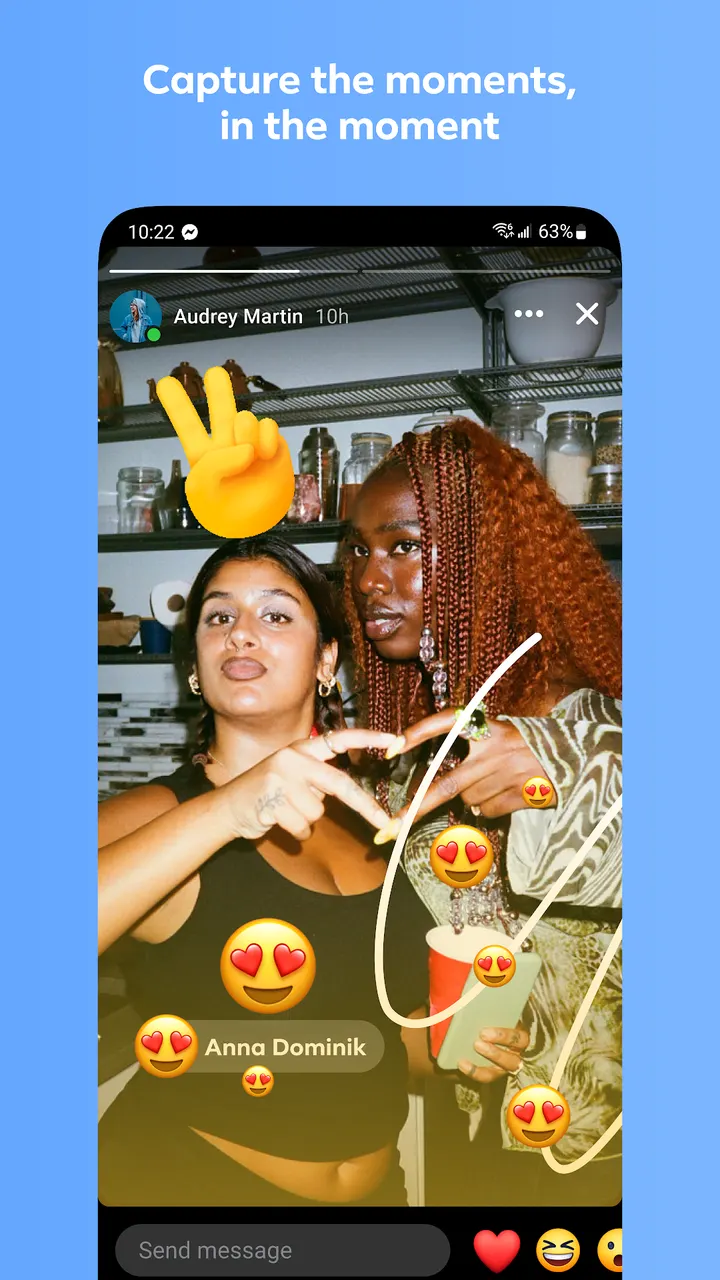
Messenger also reaches beyond one-to-one conversation. Communities group people by school, neighborhood or interest, and creators can run broadcast channels. Stories and notes both disappear after 24 hours. Animated stickers, GIFs and reactions handle the lighter side of chatting.
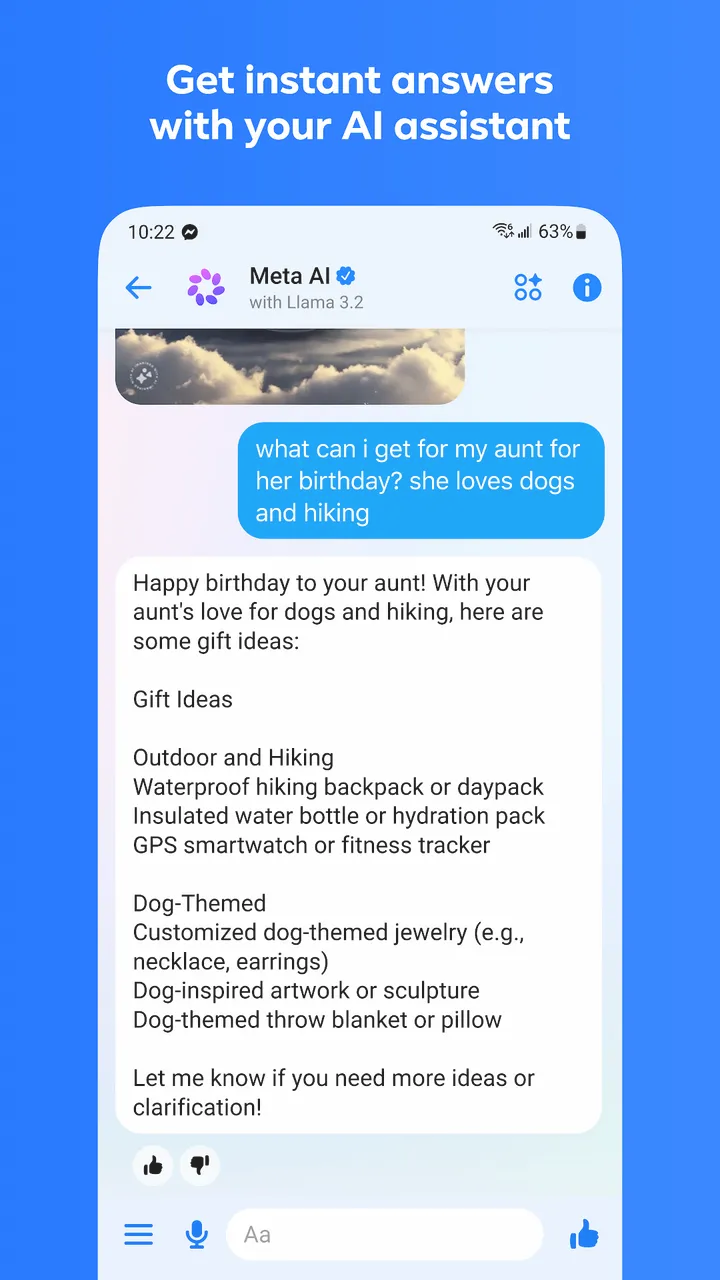
Meta AI is included as an assistant for questions, advice, homework help and image creation or editing. The store notes it is available only in select languages and countries, so it may not appear for every user.
When WhatsApp or another app fits better
Messenger is tied to Facebook, so it suits people whose contacts already live there. If your friends use phone-number-based messaging, WhatsApp is the closer alternative. Facebook itself covers the wider social network side if you want feeds and groups.
The feature set is broad, and that can be a drawback. Someone who wants only plain text and calls may find the AI tools, channels, communities and Stories more than they need.
For photo storage, Google Photos is an alternative. Shared albums in Messenger work inside chats, while a dedicated photo app is a separate kind of tool.
Messenger pros and cons
Pros
- Free to install, with no ads according to the Google Play data
- Connects through Facebook and Messenger accounts, no phone number needed
- Edit sent messages for up to 15 minutes and send files up to 100MB
- Disappearing messages are available in end-to-end encrypted chats
- Rated 4.7 on Google Play from about 114.9 million ratings
Cons
- Includes in-app purchases
- Meta AI is limited to select languages and countries
- Depends on Facebook connections, which may not suit everyone
- Download size varies by device
Is Messenger safe?
Messenger comes from Meta Platforms, Inc. and carries an Everyone content rating. It runs without ads, though in-app purchases are offered. You can connect with friends and family through Facebook without a phone number, so check the permissions and privacy details on its store page before you set up an account.
How to install Messenger
- Press the Google Play button on this page.
- Check the listing in the Play Store and press Install.
- Open Messenger when the install finishes. Updates arrive through Google Play.


