
Nextcloud for Android is a free, open-source client that links your phone to a Nextcloud server you run yourself or rent from a company you trust. It covers file access, photo and video upload, offline files, and optional end-to-end encryption, with no ads or in-app purchases. Version 35.0.2 was updated on October 31, 2026. It needs Android 9 or newer and the download is 107.3 MB.
Signing in and setting up auto-upload
The app does nothing useful without a server, so the first step is to have a Nextcloud address and an account on it. You can connect one account or several, which lets you keep a private cloud and a business one side by side.
After sign-in, look at the additional features: auto-upload sends your photos and videos to the server so they stop taking space on the phone. You can also protect the app with a password or biometrics, which is worth turning on if the phone is shared or easily lost.
Offline files, photo browsing and end-to-end encryption
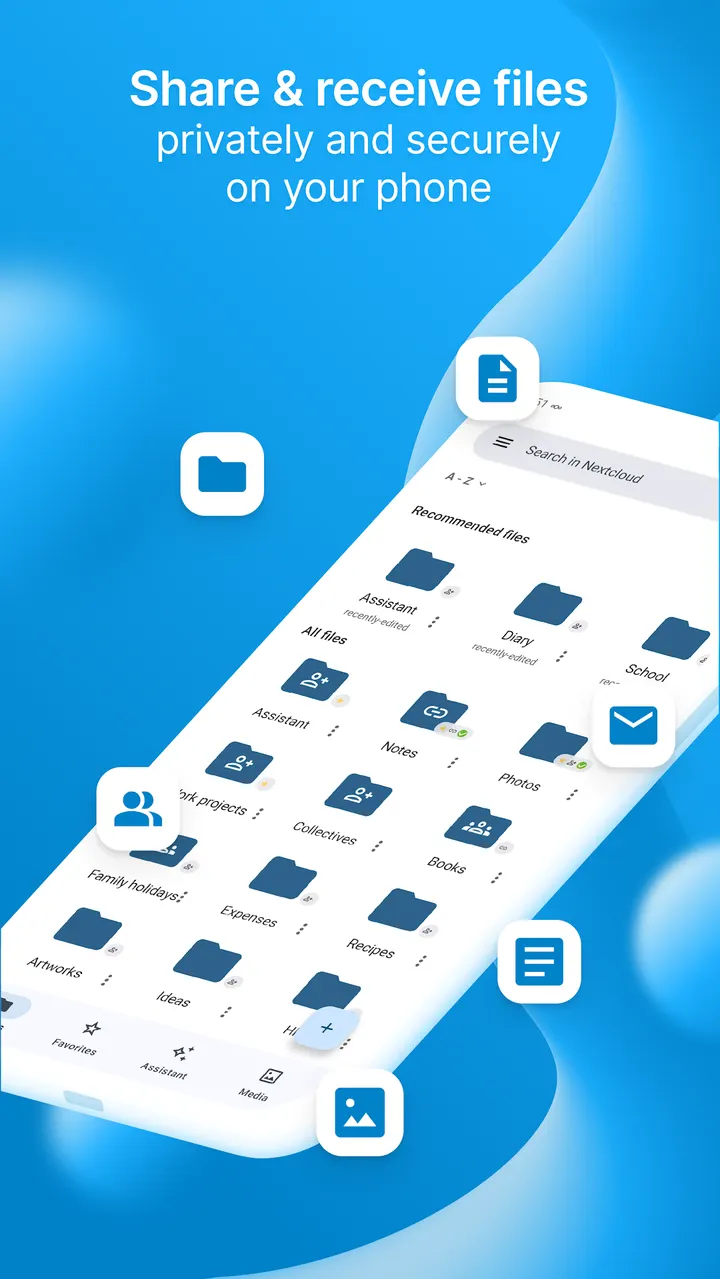
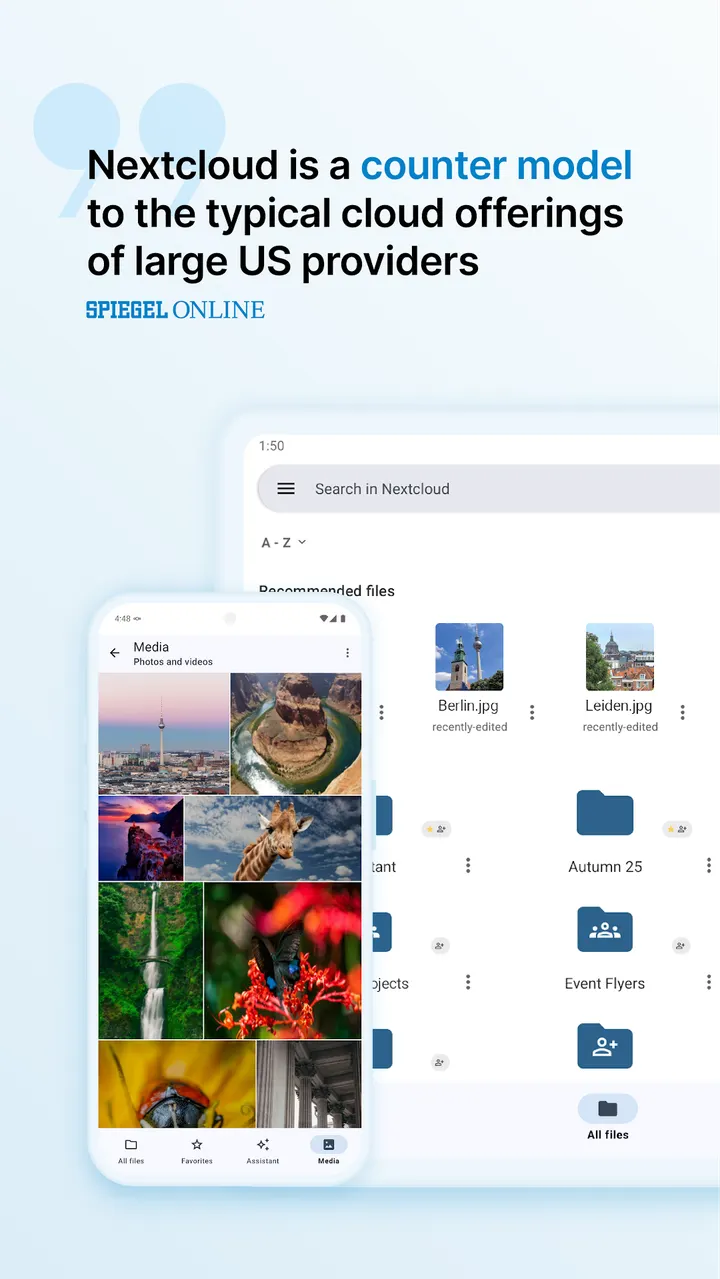
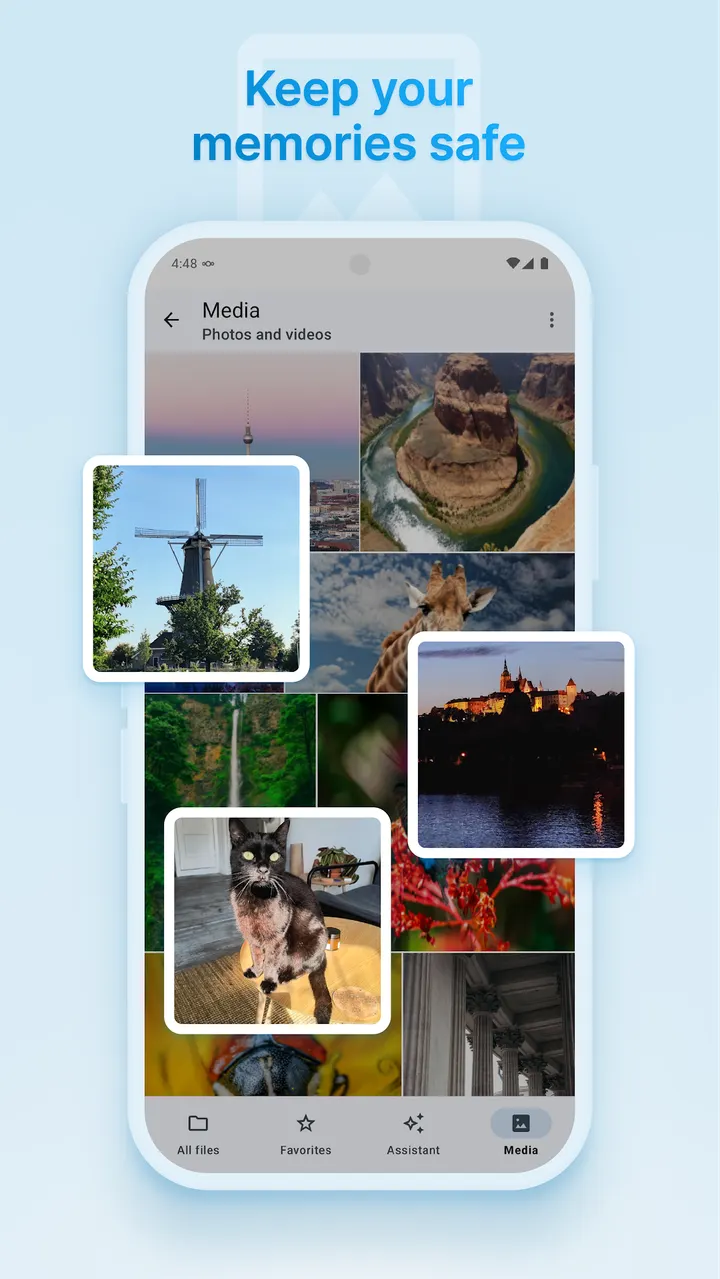
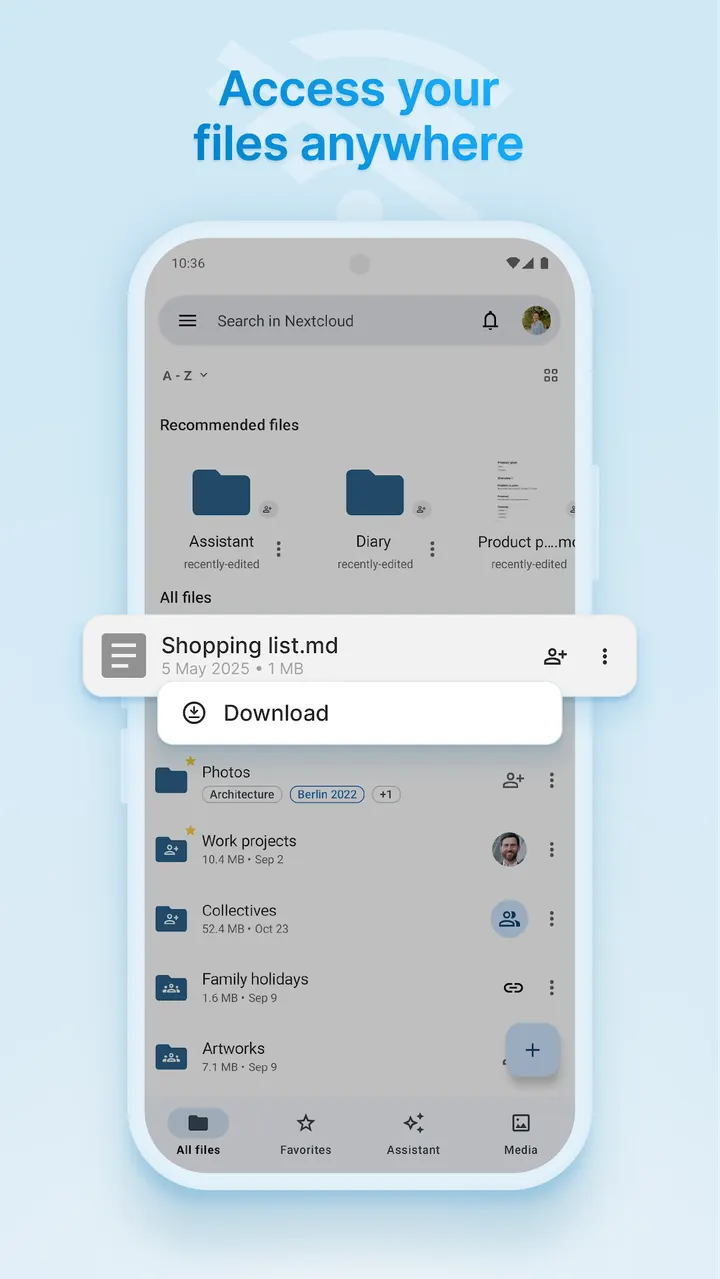
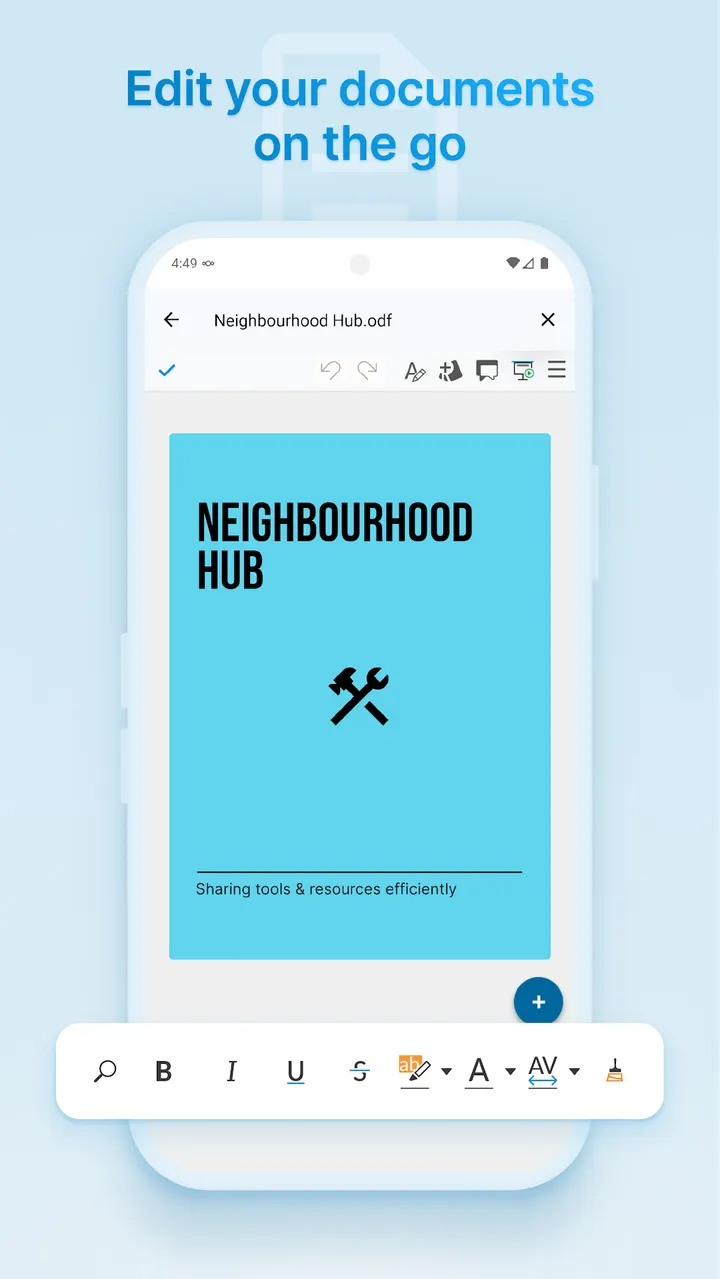
The core job is file access. You can open, work on and share documents from the phone, and you can browse the photos and videos stored in your cloud. Files you mark can stay available offline, which matters when the connection drops.
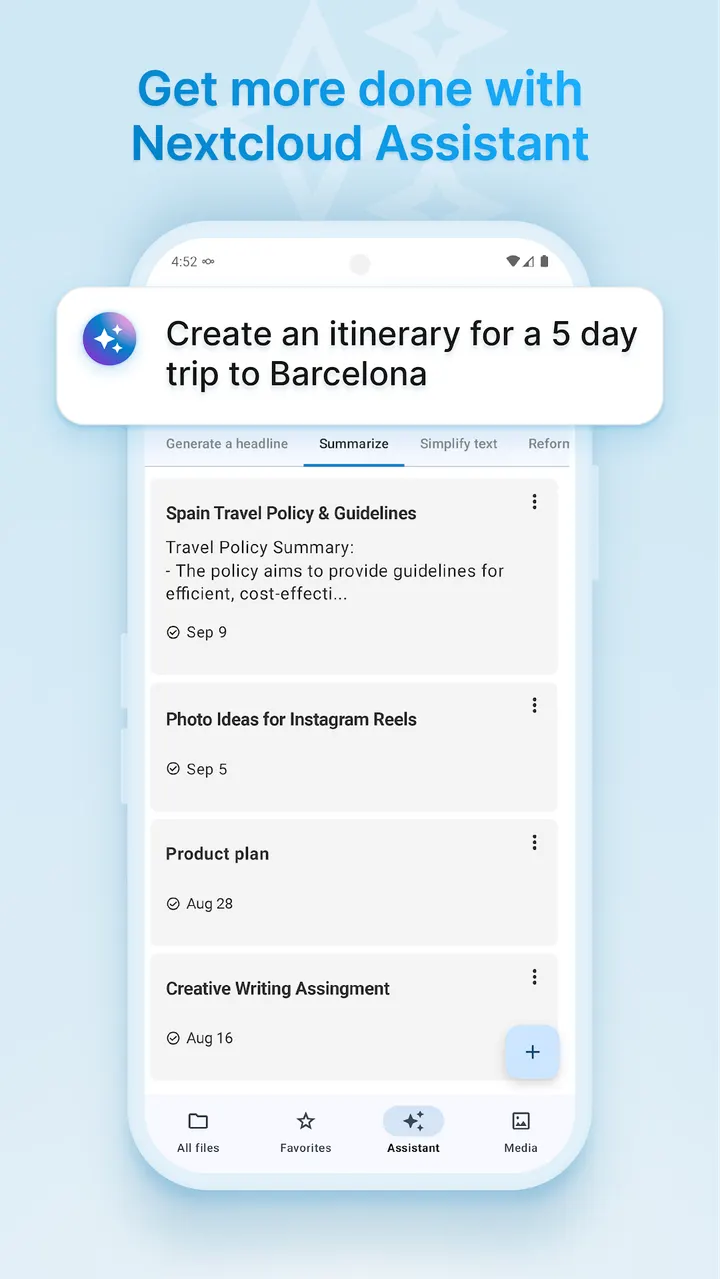
The app also supports end-to-end encryption and includes an AI Assistant. How either one is configured depends on your server, so check your server setup before relying on them.
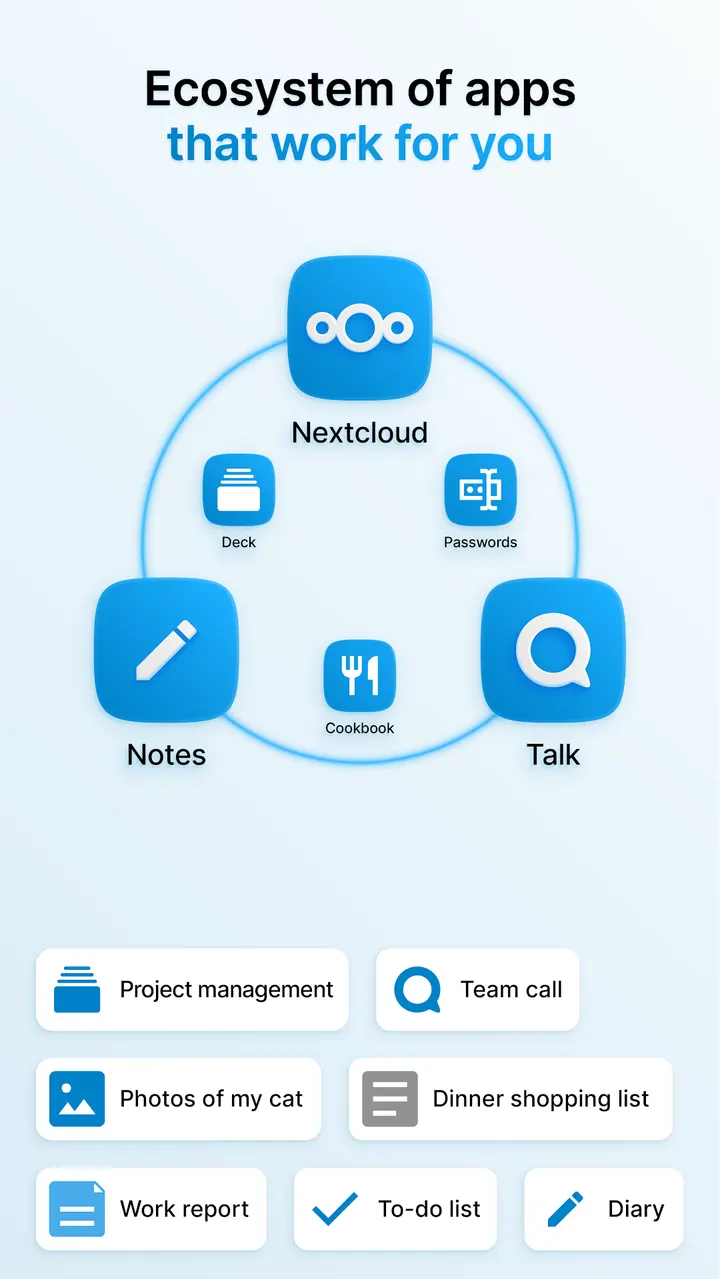
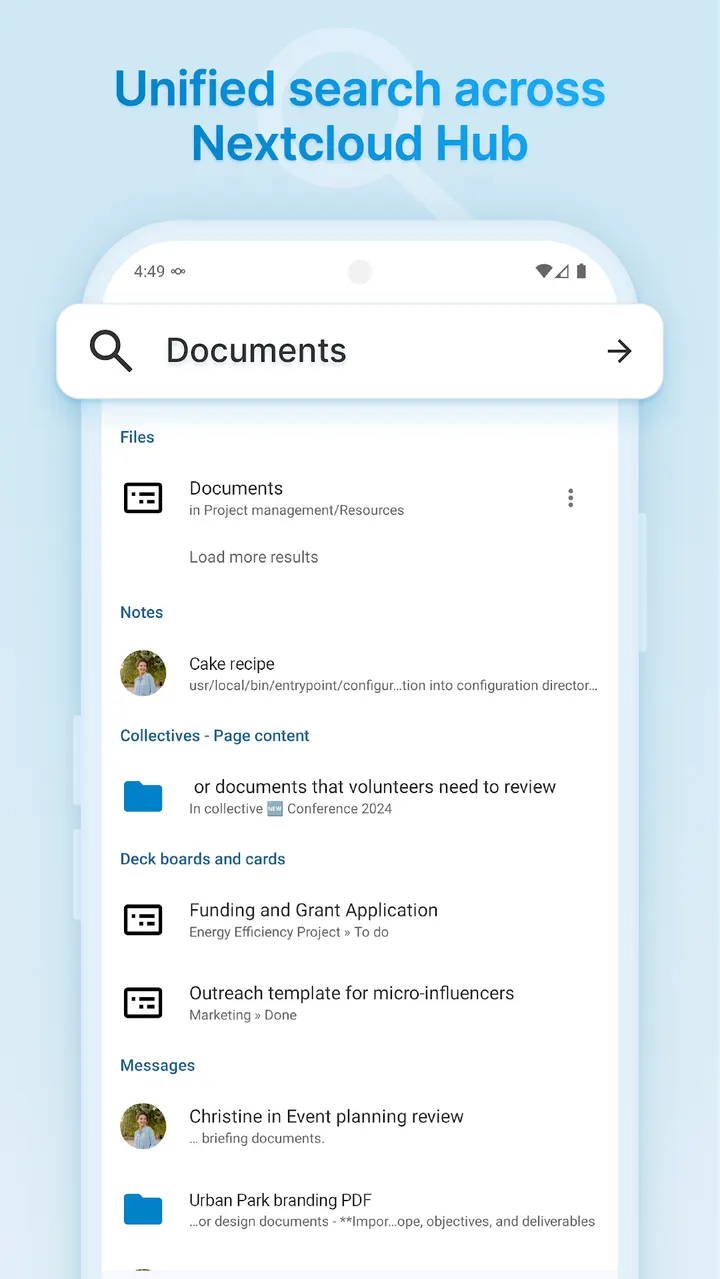
The app is categorized under cloud storage and file sync, with calendar and contact categories as well. The store text describes a wider Nextcloud platform with office collaboration, chat, video calls, email and project management, but those depend on what your server provides.
When another app fits better
Nextcloud is a client for a server, not a standalone storage service. If you want storage with no setup, a hosted photo service such as Google Photos, which is among the alternatives, asks less of you.
The other alternatives are WhatsApp, Facebook, Messenger, X and Aegis Authenticator. Most of these cover messaging or social use, and Aegis Authenticator covers two-factor codes. They solve different problems, so pick one only if that is what you need rather than file sync.
Nextcloud pros and cons
Pros
- Open-source under GPL-2.0-only, with the code on GitHub
- No ads and no in-app purchases, and it is free
- Connects multiple accounts to private or business clouds
- Auto-upload and offline files for photos and documents
- Password or biometric protection for the account
Cons
- Needs a Nextcloud server or provider before it works
- The 107.3 MB download is large for a file client
- Requires Android 9 or newer
- Version 35.0.2 has no published release notes
Is Nextcloud safe?
The APK for com.nextcloud.client is kept unmodified, so you can compare it with the SHA-256 checksum c9ba2e85b13fee457238f959d367223834db44ec14531ec93abb2be97ab3fcff. Nextcloud is licensed GPL-2.0-only, and anyone can read the code at https://github.com/nextcloud/android. The content rating is Everyone, and there are no ads or in-app purchases.
How to install Nextcloud
- Download the APK with the button on this page and wait for it to finish.
- Compare the file with the SHA-256 checksum shown here if you want to confirm it arrived intact.
- Open the file on your phone and allow installs from this source when Android asks.
- Finish the install, then open Nextcloud from your app drawer.


