
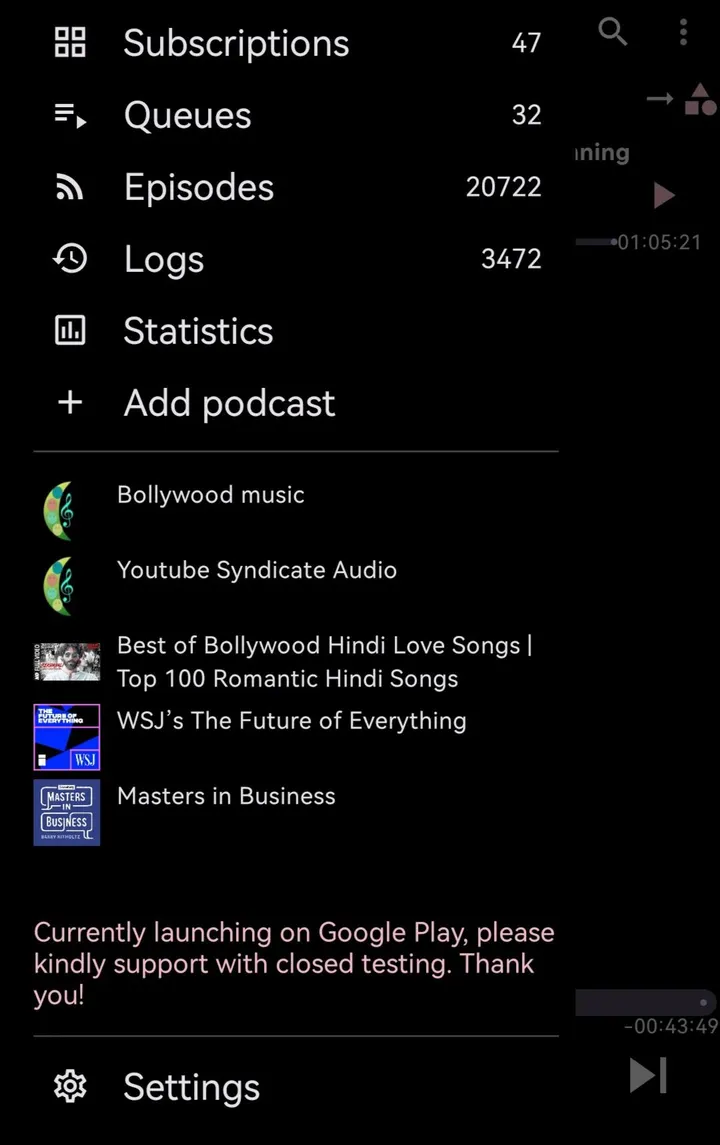
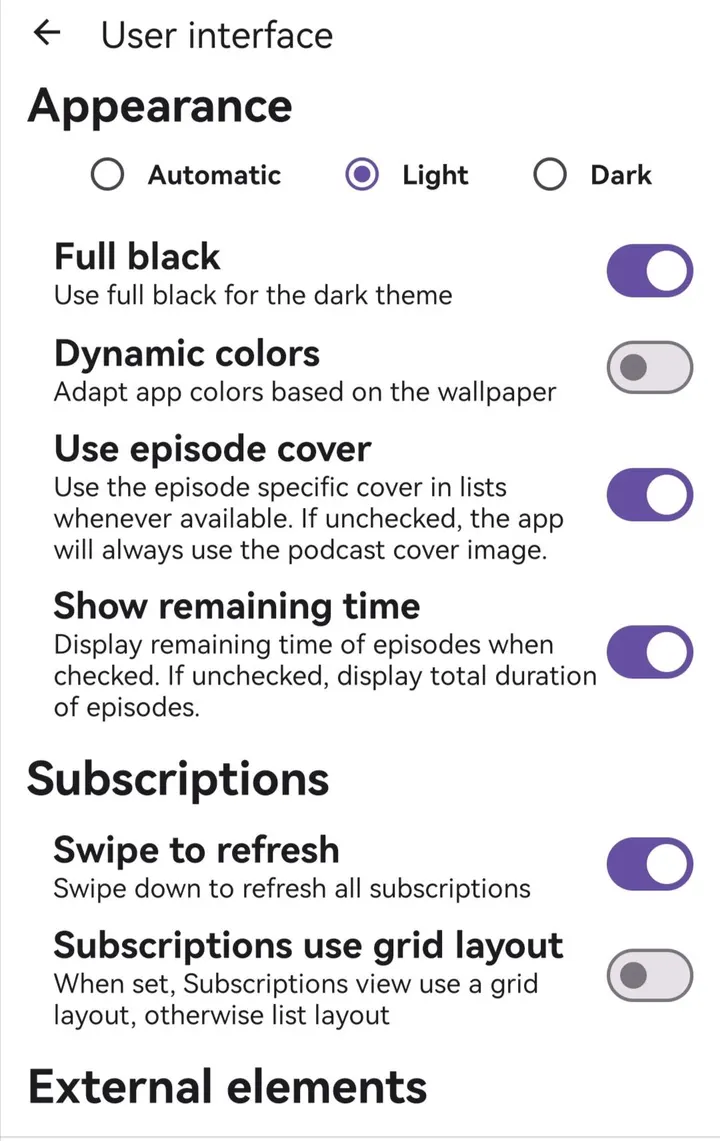
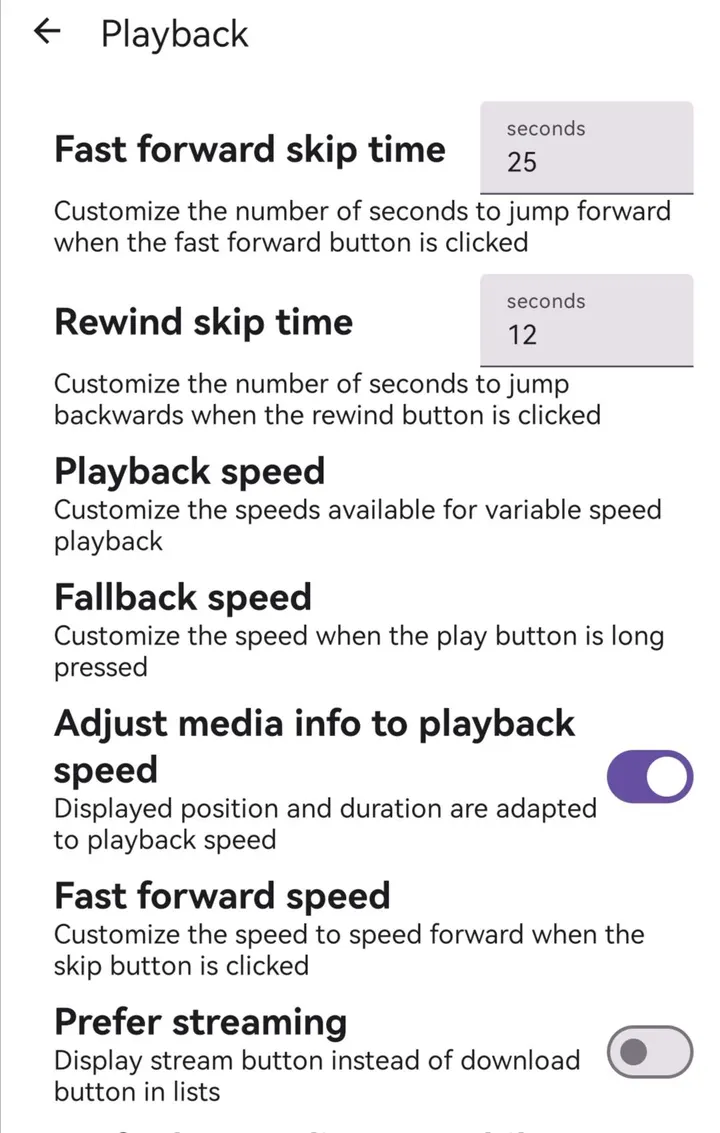
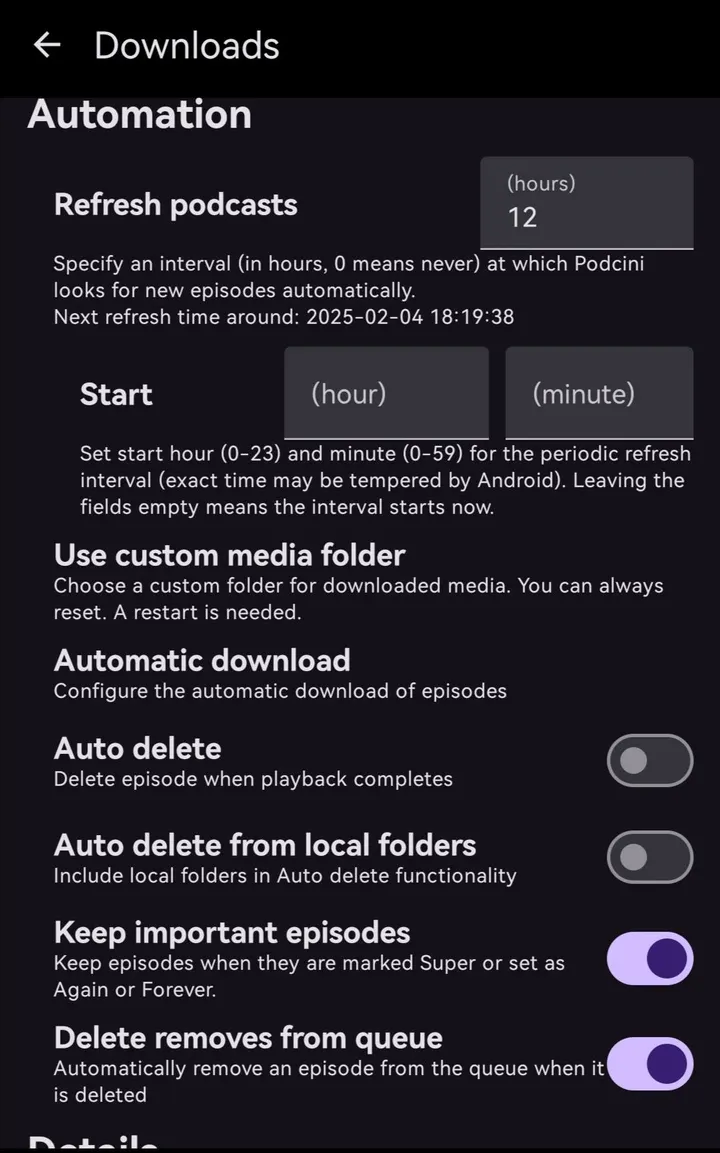
You already listen to podcasts in Podcini.A and want PeerTube channels in the same place. PeerPop is the small helper app built for that job. It runs as a service and has no real interface of its own to learn.
Xilin Jia and the GPL-3.0 source on GitHub
PeerPop is published by developer Xilin Jia under the GPL-3.0-only licence. The source code is public on GitHub, and the package ID is ac.ella.peerpop. The project is tagged open-source, podcast and no-ads in our catalog.
What a service app for Podcini.A does
Its one feature is providing PeerTube content to Podcini.A. It extends another app rather than replacing it, so it is not a standalone player.
Android 8.0 requirement and a 2.2 MB download
Version 1.1.8 needs Android 8.0 or newer and weighs 2.2 MB. It was first released on September 18, 2026 and last updated on October 18, 2026. PeerPop costs nothing and carries no ads.
What's new in 1.1.8
Version 1.1.8 was updated on October 18, 2026.
PeerPop pros and cons
Pros
- Free
- No ads
- Open source under GPL-3.0-only
- Small 2.2 MB package
- Runs on Android 8.0 and newer
Cons
- Works only as an extension for Podcini.A
- No Google Play rating or install figures yet
- Limited to extending Podcini.A, not a standalone player
Is PeerPop safe?
The APK is kept unmodified, and its SHA-256 checksum is 171830c5da7de7ec75832614eb990c5b2a6029cf3245be30063d04e6604c5fad. Compare it with the file you download before installing. PeerPop's source code is public on GitHub under GPL-3.0-only, so anyone can read how it feeds PeerTube content to Podcini.A.
How to install PeerPop
- Download the APK with the button on this page and wait for it to finish.
- Compare the file with the SHA-256 checksum shown here if you want to confirm it arrived intact.
- Open the file on your phone and allow installs from this source when Android asks.
- Finish the install, then open PeerPop from your app drawer.


