
You have a folder of FLAC rips and old MP3s on your phone, no signal on the train, and you want them playable without a streaming account. Music Player & MP3 is built for that case. It plays local files, adds an equalizer with presets like jazz and rock, and shows synced lyrics.
Hitchhike Tech and the 2022 release
Hitchhike Tech develops this offline player and keeps a project site at musicplayer.brilliantapp.ltd. Its package ID is musicplayer.playmusic.audioplayer, and the first release came out on December 7, 2022.
Version 2.11.1, updated on November 4, 2026, runs on Android 7.0 or newer. It costs nothing, but it shows ads and sells in-app purchases. The content rating is Everyone.
We file it under music apps and best free music downloaders. What it offers is a built-in equalizer with presets such as classical, folk, jazz and rock, along with synced lyrics and custom playlists. It handles formats like MP3, WAV, FLAC and AAC. Check inside the app to see what the in-app purchases unlock before you pay for anything.
Equalizer, lyrics and the monthly recap
The core job is offline playback. Supported formats include MP3, WAV, FLAC, AAC, 3GP and OGC. A deep scan with auto refresh keeps the library current, and a duration and size filter lets you skip very short or tiny files.
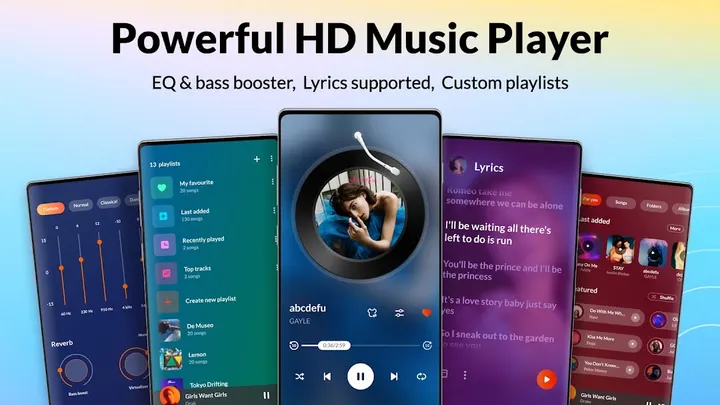
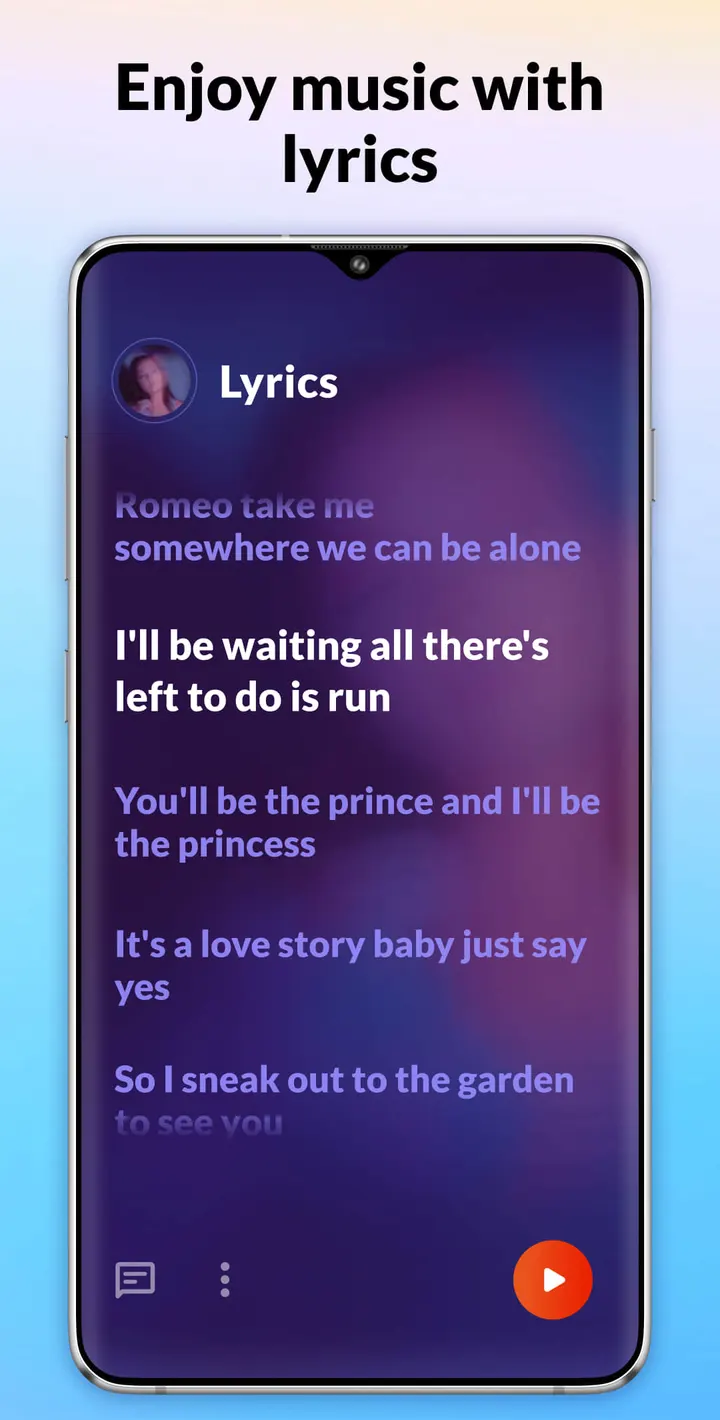
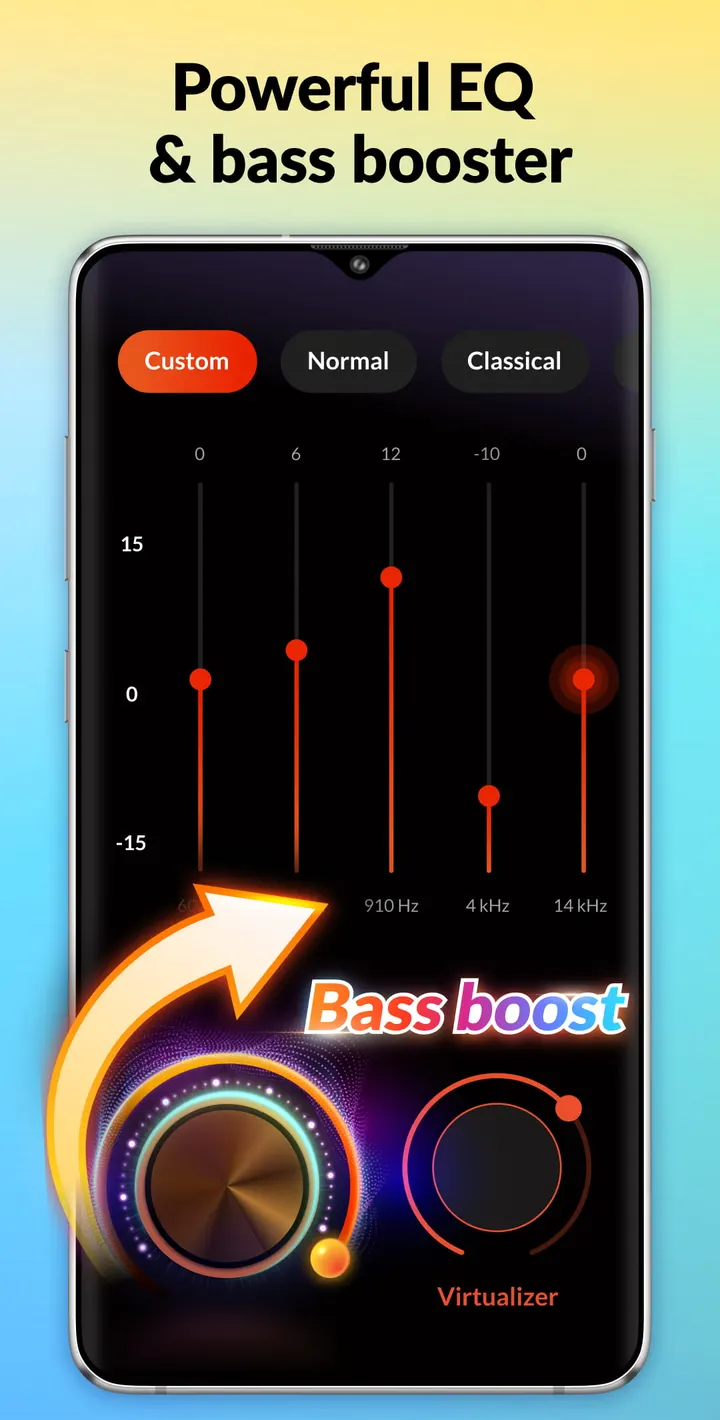
Sound control comes from a built-in equalizer with presets such as classical, folk, jazz and rock. Bass boost and reverb effects sit alongside it. Lyrics are supported, including synced lyrics, and you can build custom playlists.
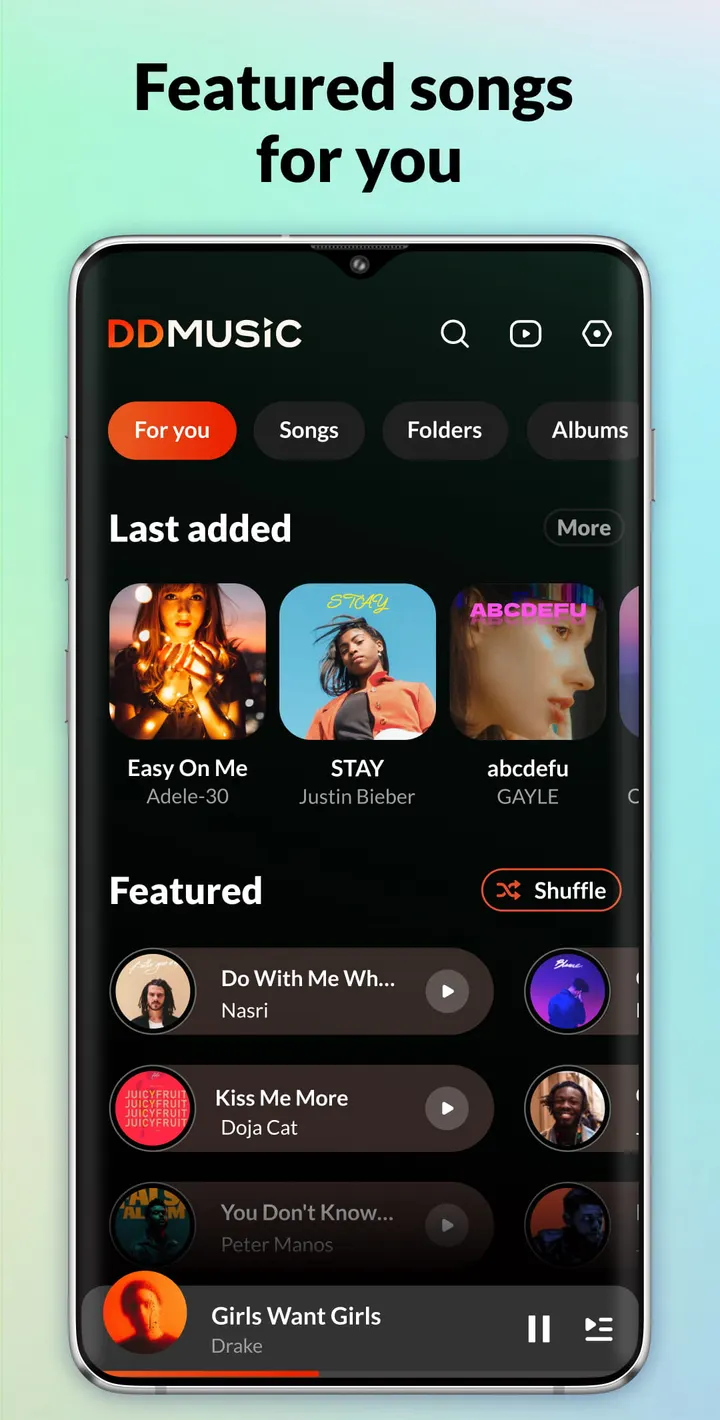
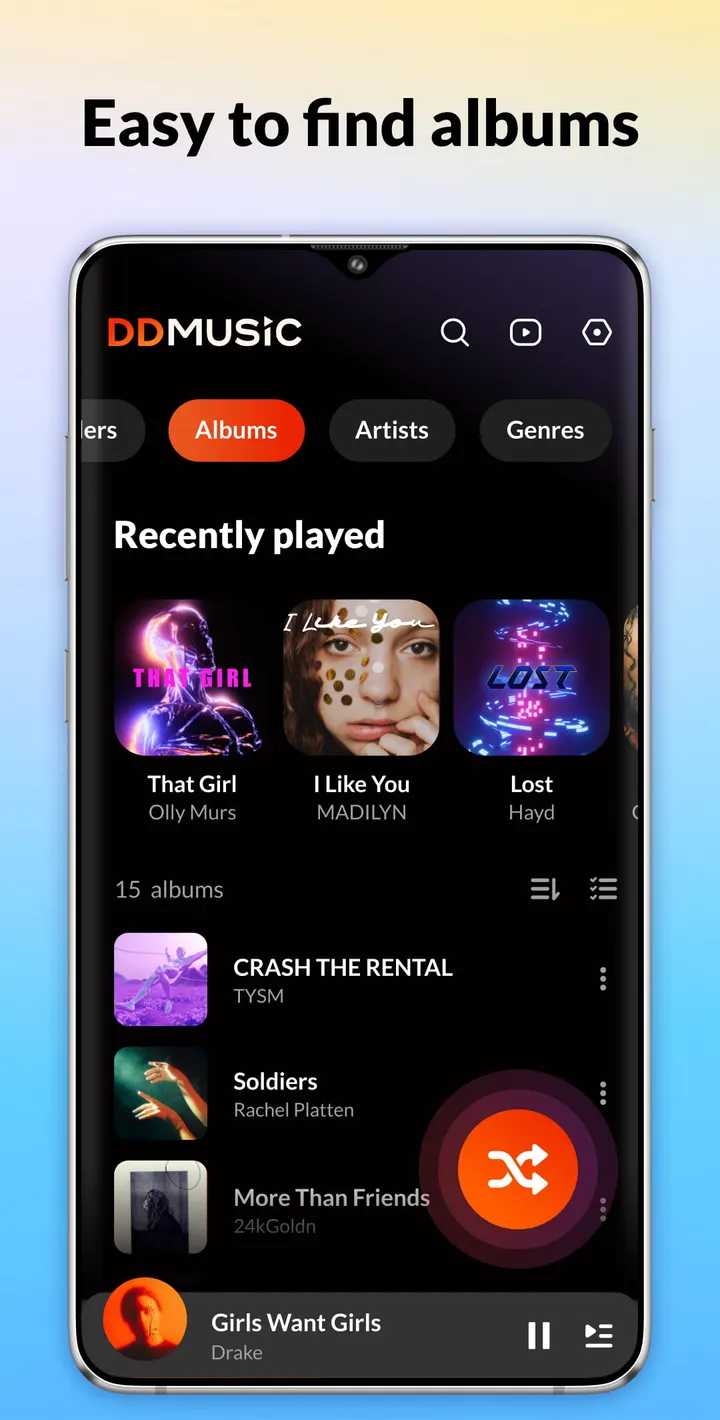
You can browse by playlists, folders, albums, artists and genres, and search across the same categories. Smart auto playlists cover Featured, Most Played and Recently Played. Playlists can be backed up and restored, which helps when you change phones.
A monthly recap shows listening time, active days and daily habits in charts. It also lists top songs, artists and albums, plus achievements.
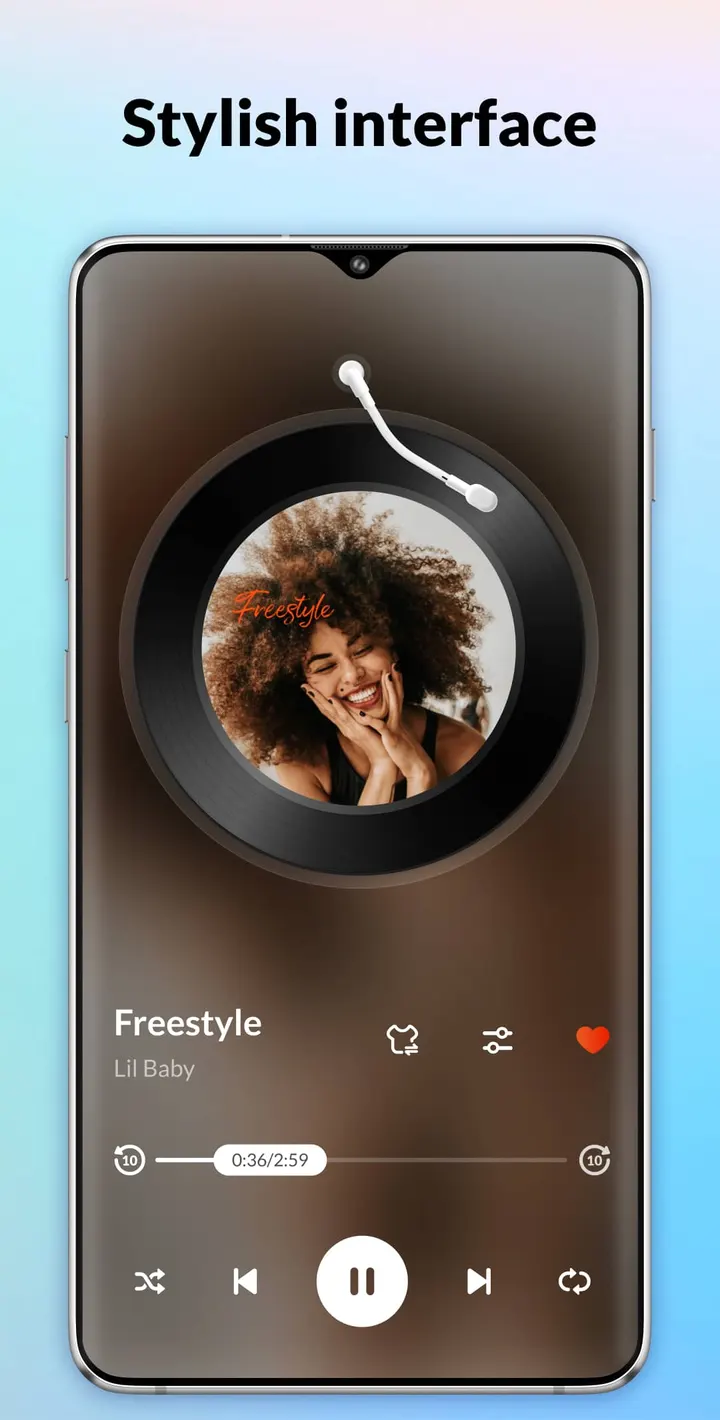
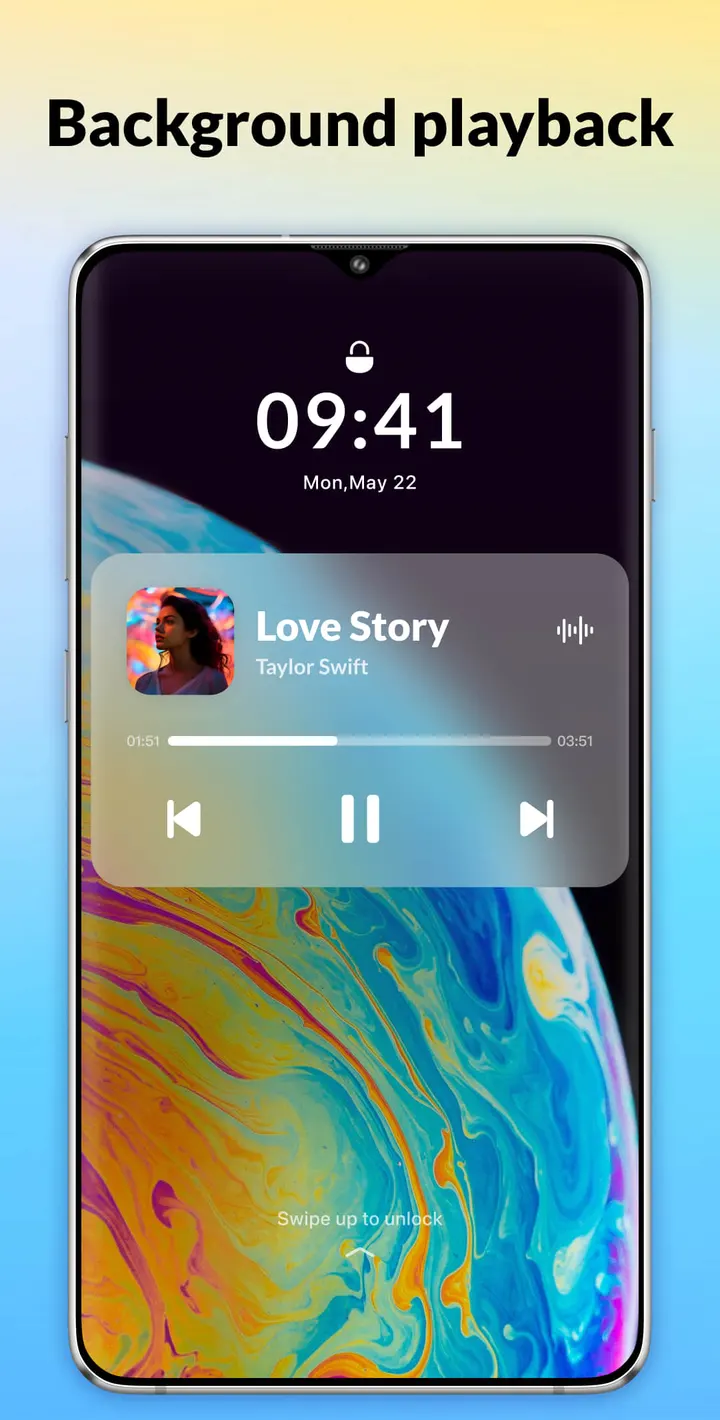
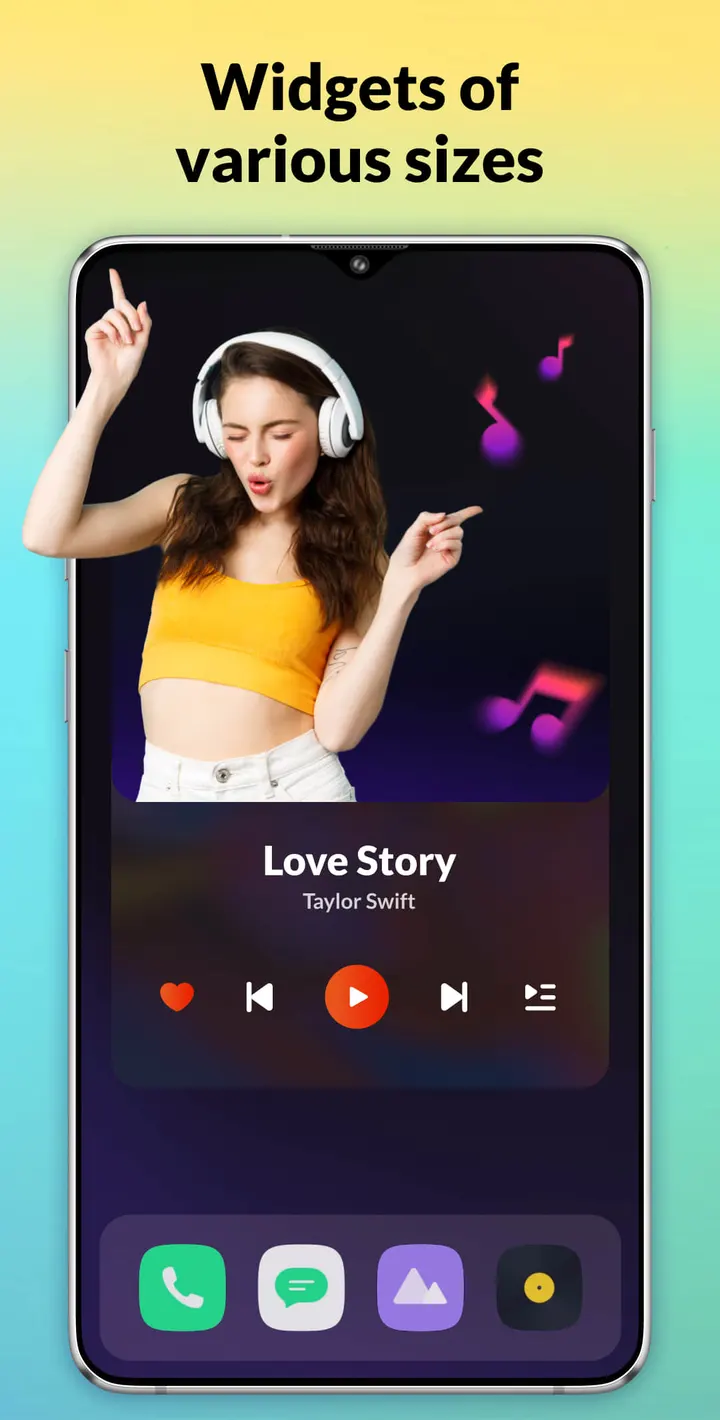
Smaller tools round out the set: a tag editor for song names and album covers, ringtone setting, a sleep timer with adjustable playback duration, and shuffle, loop and repeat modes. Playback can be controlled from home screen widgets and the notification center, and it continues on the lock screen and in the background.
Android 7.0 and headphone support
The minimum Android version is 7.0, so most phones still in use will run it. The app works with Bluetooth and wired headphones.
The developer says it has been tested on thousands of devices.
Support runs through email at aplusmusicfeedback@gmail.com. Besides the project website, that is the only contact route.
Music Player & MP3 pros and cons
Pros
- Plays local files in MP3, WAV, FLAC, AAC, 3GP and OGC without an account
- Built-in equalizer with presets, bass boost and reverb effects
- Monthly recap with listening time, top songs, artists and albums
- Playlist backup and restore, plus a tag editor for song names and covers
- Runs on Android 7.0 and up, and is free to install
Cons
- Contains ads
- Includes in-app purchases, and it is unclear what they unlock
- Download size varies by device
- Streaming is not part of the description, so you need your own files
Is Music Player & MP3 safe?
Install Music Player & MP3 from Google Play, where Hitchhike Tech publishes it. The content rating is Everyone. Ads and in-app purchases are present. Permissions and data handling are not described in our information, so read the Google Play page before installing.
How to install Music Player & MP3
- Press the Google Play button on this page.
- Check the listing in the Play Store and press Install.
- Open Music Player & MP3 when the install finishes. Updates arrive through Google Play.