

You want to put on a Pixar film for the kids, then switch to a Marvel series on the same account once they are asleep. Disney+ is built around that kind of shared household use, with separate profiles and parental controls. This page covers the developer, the main features and what your phone needs to run it.
Disney as publisher and the 2019 launch
The app comes from Disney, and the support site listed for it is help.disneyplus.com. Its package ID is com.disney.disneyplus, and it first appeared on November 7, 2019.
The latest listed version is 26.19.0+rc3-2026.10.20, updated on November 3, 2026. Google Play lists over 500 million installs and a 4.3 rating from 5.2 million ratings. The content rating is Teen.
4K titles, Profile PIN and the Hulu and ESPN hubs
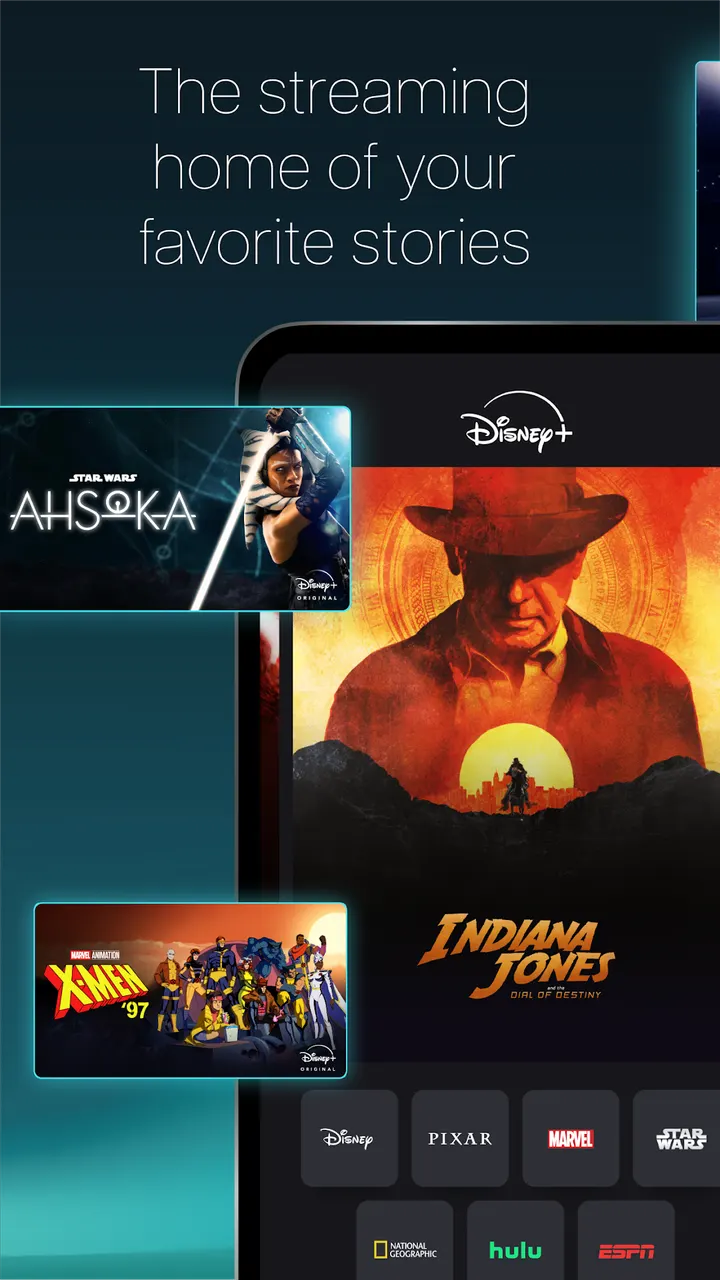
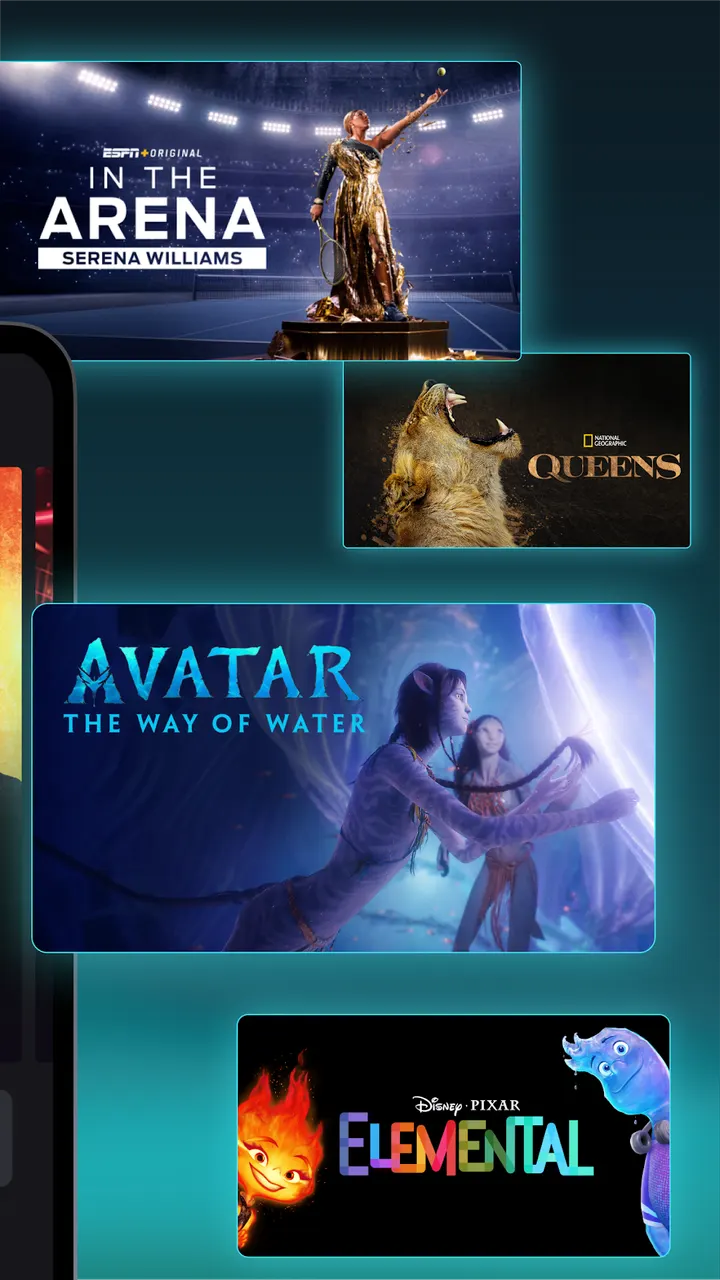
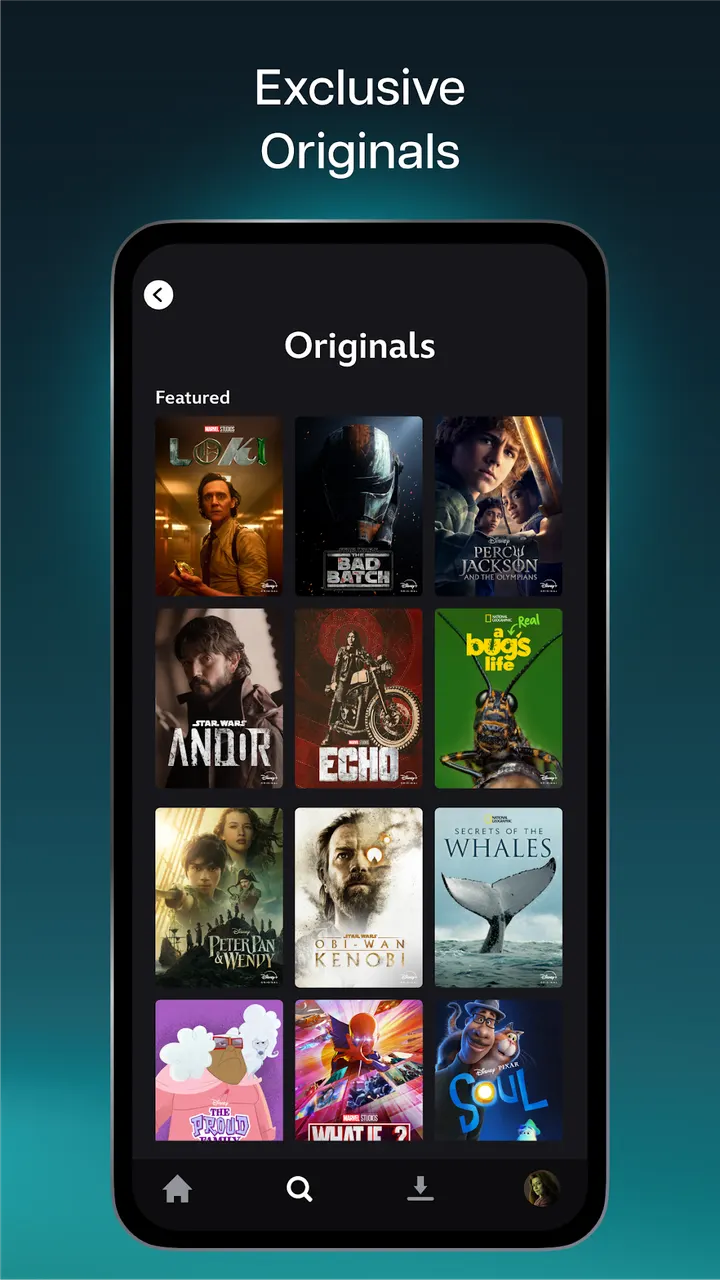
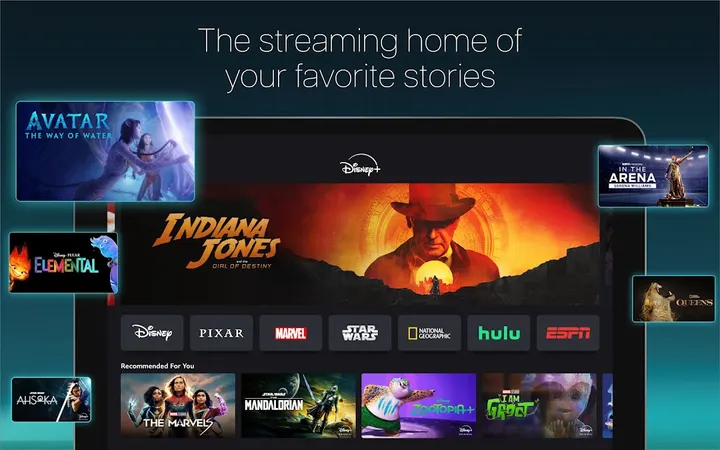
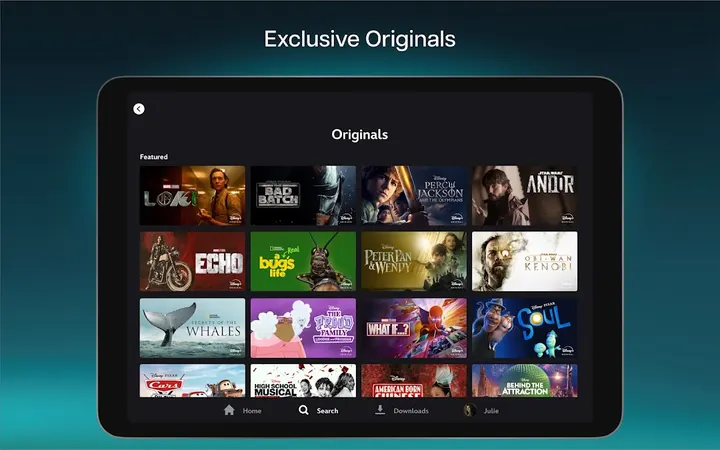
The catalog covers Originals and films from Disney, Pixar, Marvel, Star Wars and National Geographic, along with past TV seasons. You can stream or download titles. More than 100 of them are available in 4K UHD and HDR, and several screens can play at once at no extra cost.
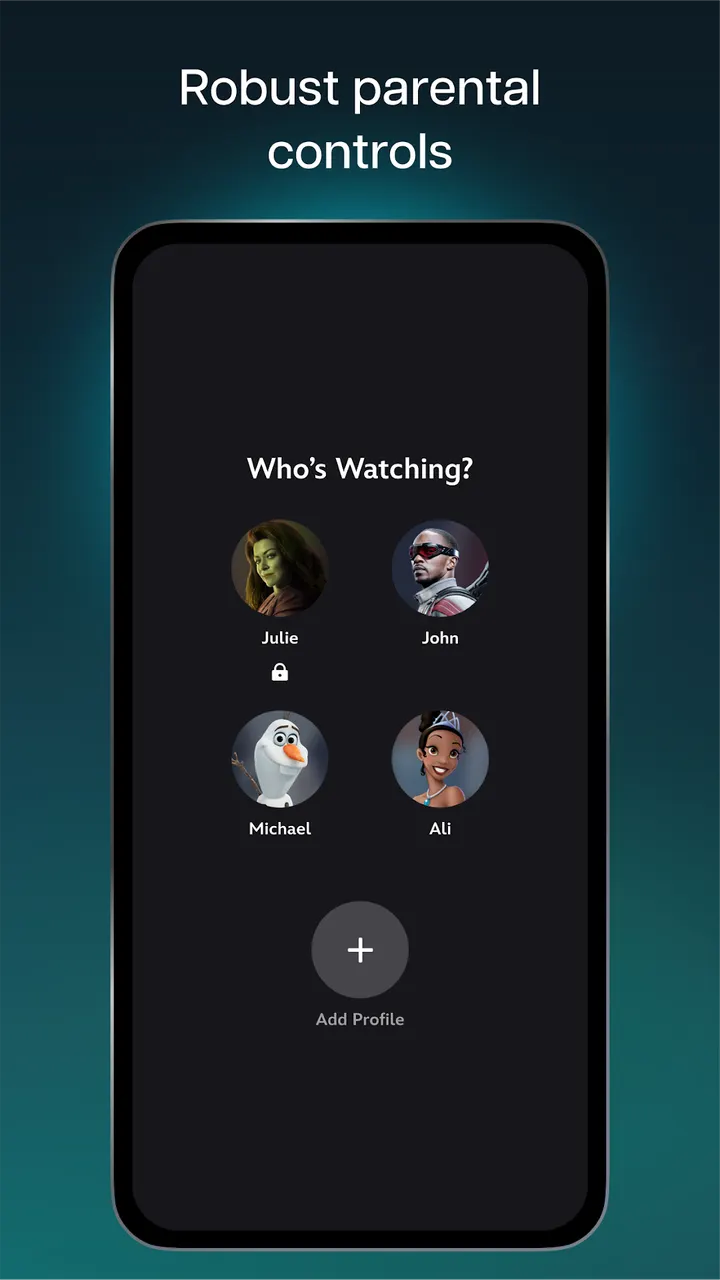
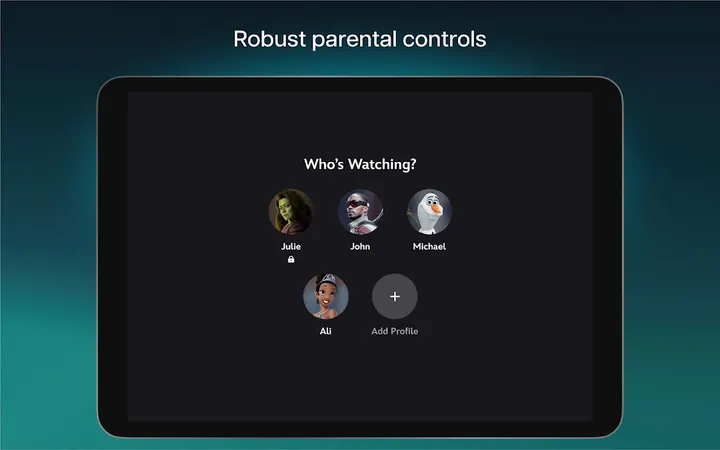
Parental controls include a Profile PIN and Kid-Proof Exit, and each profile has its own Content Rating setting. The app also holds a Hulu hub with a curated set of unlocked content, plus an ESPN hub with selected live sports, ESPN Originals and studio programming.
The store text attaches conditions to the Hulu and ESPN material. Content can change, it is aimed at U.S. residents aged 18 and over, and the full Hulu and ESPN experiences require bundling those services with a Disney+ subscription. Availability of titles also varies by region.
Android 6.0 minimum and a subscription app with no ads
Disney+ needs Android 6.0 or newer. The app is free to download, with no ads and no in-app purchases. Access to the content still depends on a Disney+ subscription plan, and the features described in the store text are part of that plan.
Some Streams are limited to the Premium plan. The ABC News feed needs a profile set to TV-MA, so it will not appear on a child profile.
Disney+ pros and cons
Pros
- Over 100 titles in 4K UHD and HDR
- Profile PIN and Kid-Proof Exit for parental control
- Multiple screens at once at no extra cost
- Hulu and ESPN hubs inside the same app
- Runs on Android 6.0 and newer
Cons
- The full Hulu and ESPN experiences require bundling those services
- Title availability varies by region
- Some Streams are limited to the Premium plan, and ABC News needs a TV-MA profile
Is Disney+ safe?
Disney+ carries a Teen content rating, shows no ads and has no in-app purchases. Parental controls such as Profile PIN and Kid-Proof Exit let you adjust a profile's Content Rating settings, which helps if a younger viewer will use the app. Before signing in, read the privacy policy on the Disney+ help site (help.disneyplus.com).
How to install Disney+
- Press the Google Play button on this page.
- Check the listing in the Play Store and press Install.
- Open Disney+ when the install finishes. Updates arrive through Google Play.