


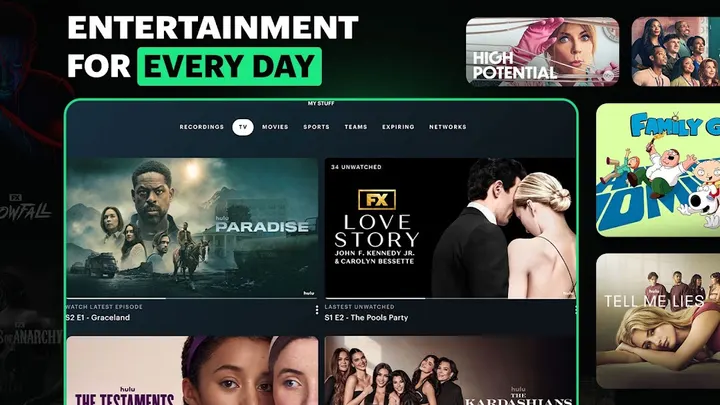
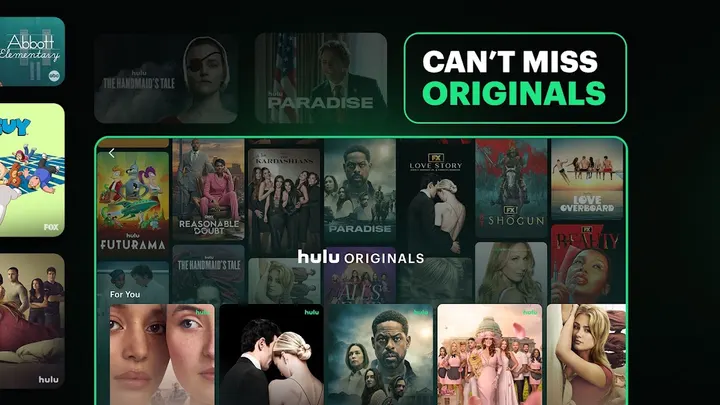
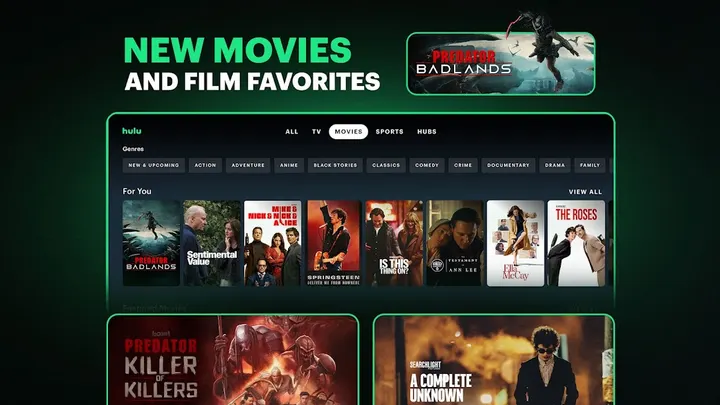
You sit down with a household of four and everyone wants something different: a drama, a reality show, a game. Hulu on Android is built for that setup, with up to 6 profiles under one account. It comes from Disney, first released on June 21, 2011, and Google Play shows over 100 million installs.
Free to install, but the shows sit behind a subscription
The app is free to install and has no in-app purchases. Viewing, though, depends on a Hulu plan. There are three: Hulu with ads, Hulu (No Ads), and Hulu + Live TV.
The ad-free plan adds downloads of select titles for offline viewing. Premium network add-ons such as MAX, CINEMAX and STARZ cost extra each month. The app itself also carries ads, and Hulu is available to U.S. customers only.
Live sports, 95+ channels and profile tracking
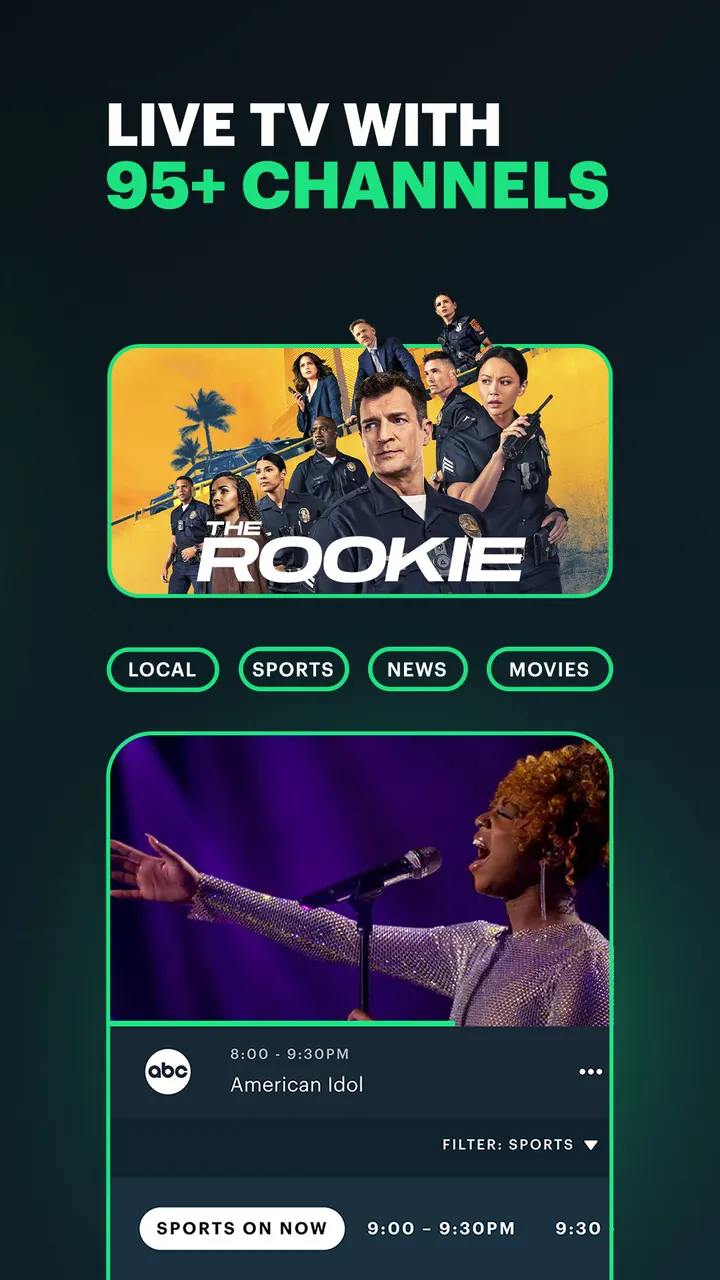
Hulu + Live TV streams live and on-demand content from 95+ channels, and every Live TV plan includes Disney+ and ESPN+. Sports include NFL, NBA, MLB, NHL and soccer, with regional restrictions and blackouts.
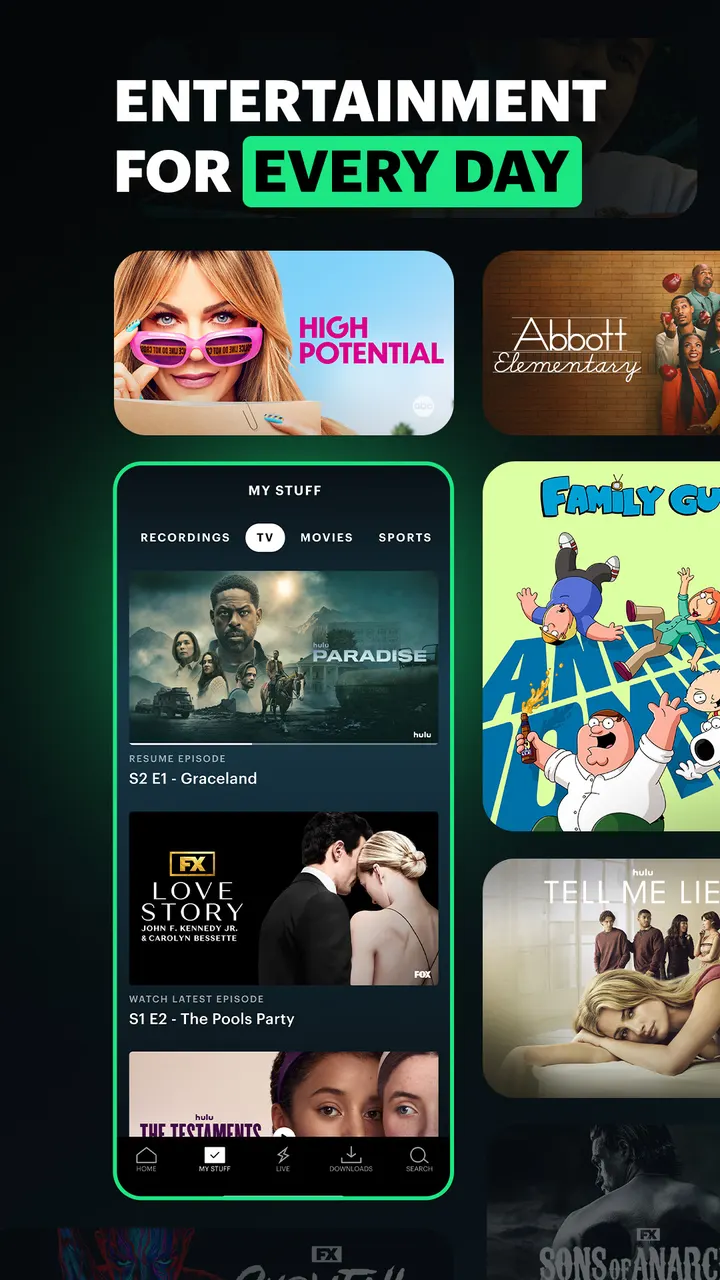
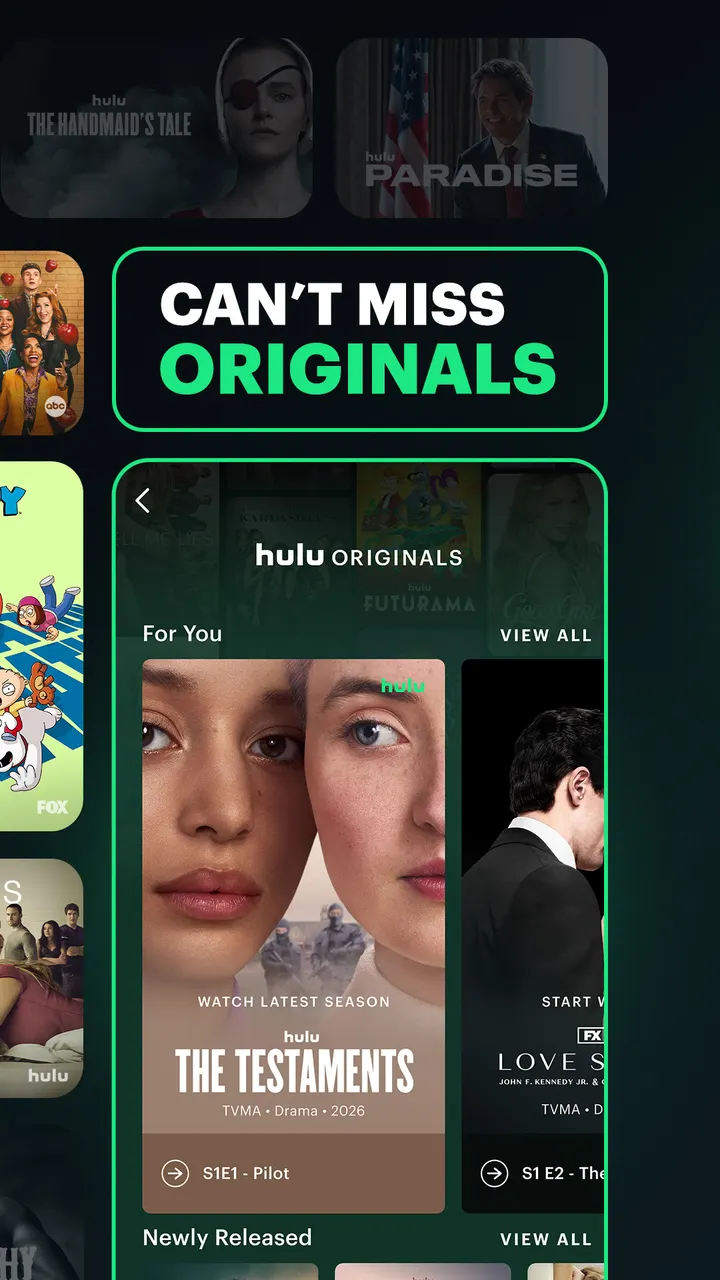
The on-demand library includes The Bear, Only Murders in the Building, The Bachelor and Abbott Elementary. Recommendations are personalized, and the app tracks favorite movies, series and new shows for you.
Version 6.34.0 and the October 2026 update
The latest build is 6.34.0+18552420-google, updated on October 1, 2026. It needs Android 7.1 or newer. Google Play lists a Teen content rating.
Hulu pros and cons
Pros
- Up to 6 profiles per account for different household members
- Live TV plan covers 95+ channels, with Disney+ and ESPN+ included
- Ad-free plan allows offline downloads of select titles
- Google Play rating of 4.5 from about 1.6 million ratings
- Updated October 1, 2026, so it is actively maintained
Cons
- Requires a paid subscription to watch most content
- The app carries ads, and the cheapest plan is ad-supported
- Available to U.S. customers only
- Live sports face regional restrictions and blackouts
Is Hulu safe?
Hulu comes from Disney and carries a Teen content rating, so some of the catalog is aimed at older viewers. The app is free to download and has no in-app purchases, though it does show ads. Streaming plans are a separate matter: the ad-free Hulu (No Ads) and Hulu + Live TV options are chosen inside the app, so check the plan terms and the privacy policy links before you subscribe.
How to install Hulu
- Press the Google Play button on this page.
- Check the listing in the Play Store and press Install.
- Open Hulu when the install finishes. Updates arrive through Google Play.