

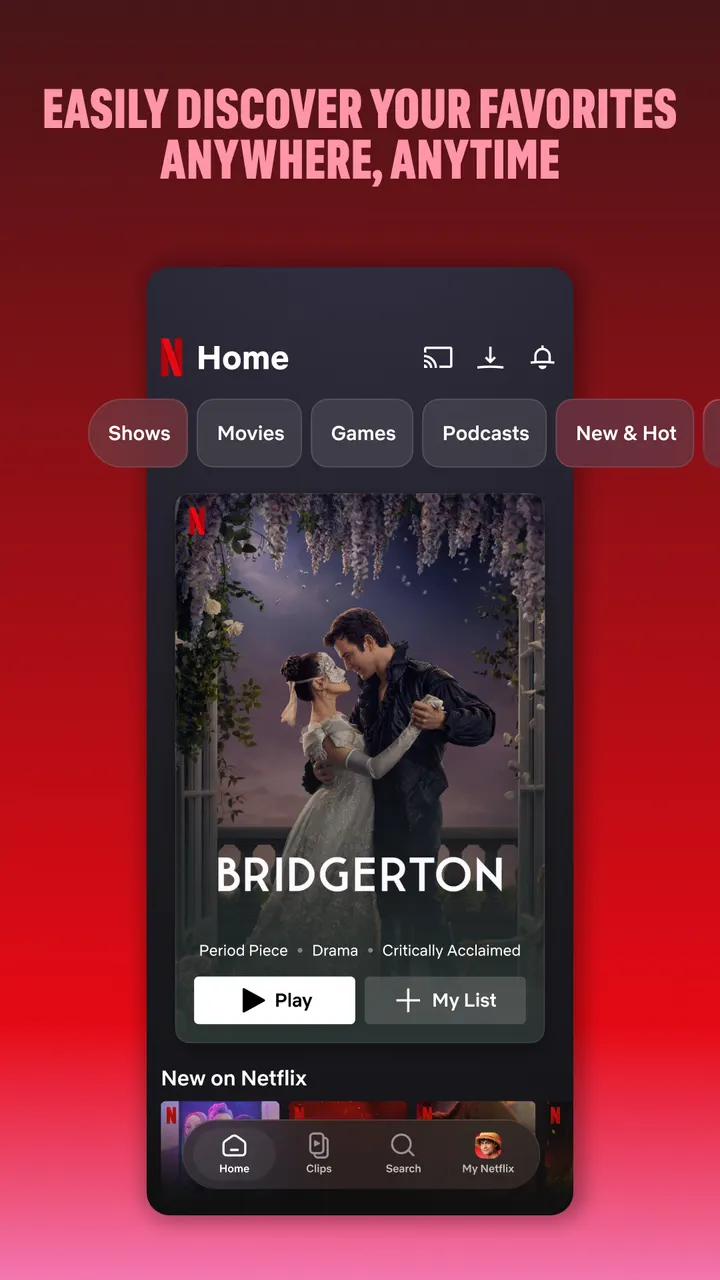
Netflix suits people who want series, movies, live events, games and podcasts in one Android app, and who are happy to pay for a monthly membership. The app comes from Netflix, Inc. and has been on Google Play since May 4, 2011. Google Play lists over 1 billion installs and a 4.8 rating from 16.8 million ratings.
Who the Netflix app fits on a phone
The app is built for watching on the go. The store description names travel, commuting and short breaks as the typical moments, which points to phone use between other activities.
It carries a Teen content rating on Google Play, so it is aimed at teenagers and adults rather than young children. For younger viewers, YouTube Kids is among the alternatives.
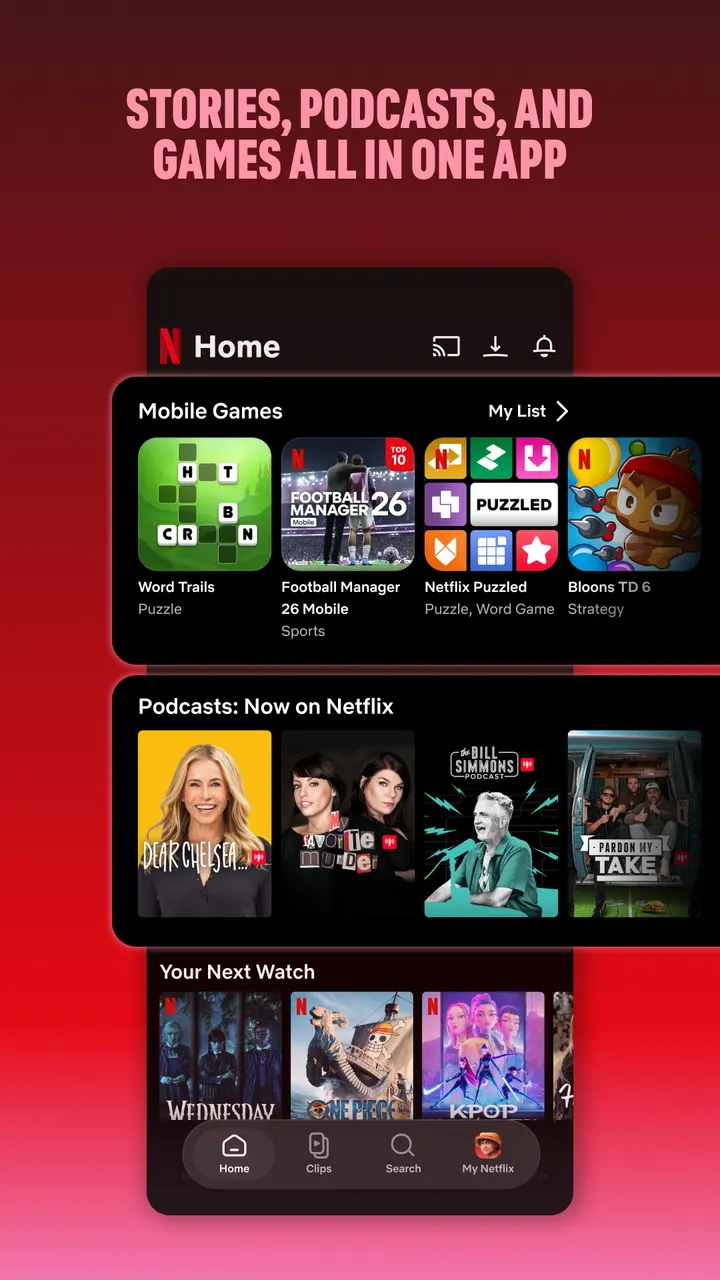
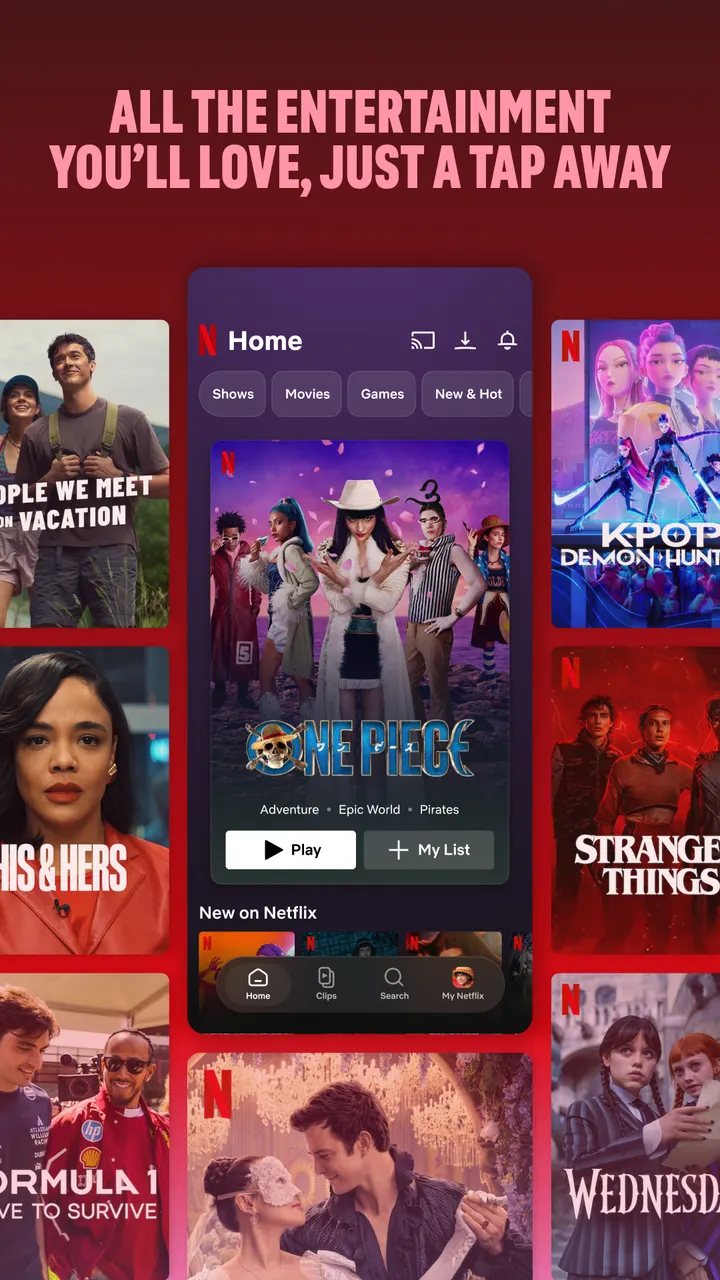
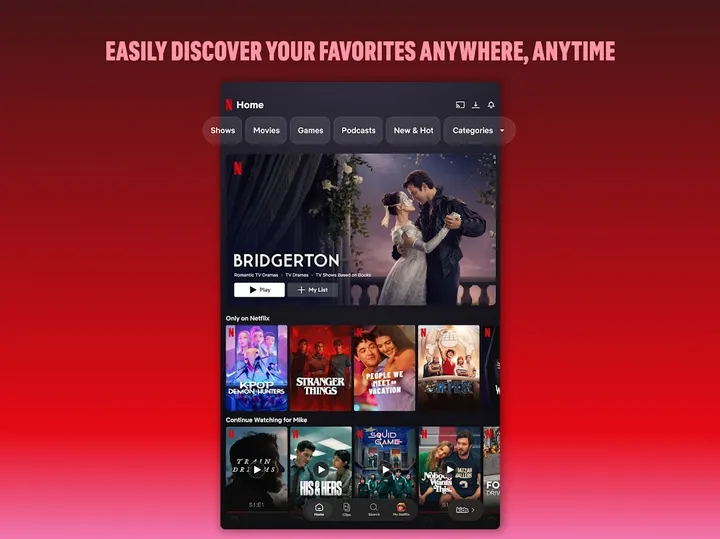
The catalog covers more than films and episodes. Live events, games and podcasts sit in the same app, which matters if you want one place instead of several.
Bottom shortcuts, clips feed and the My Netflix tab
Navigation relies on shortcuts at the bottom of the screen. They let you browse or return to something you were already watching without digging through menus.
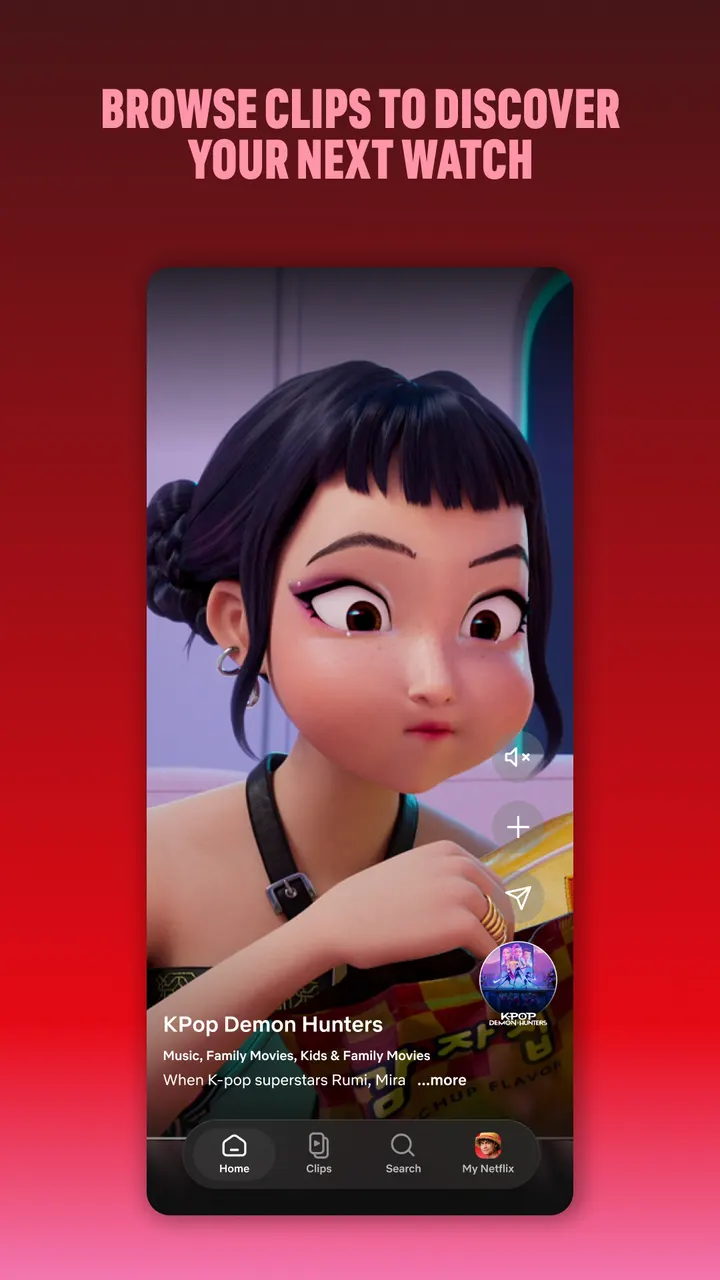
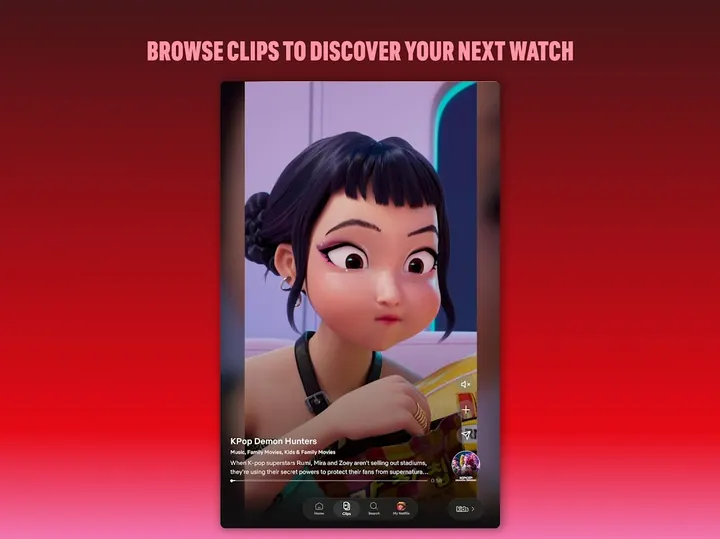
The developer also mentions an upcoming clips feed, presented as a new way to find what to watch next. It is announced rather than available now.
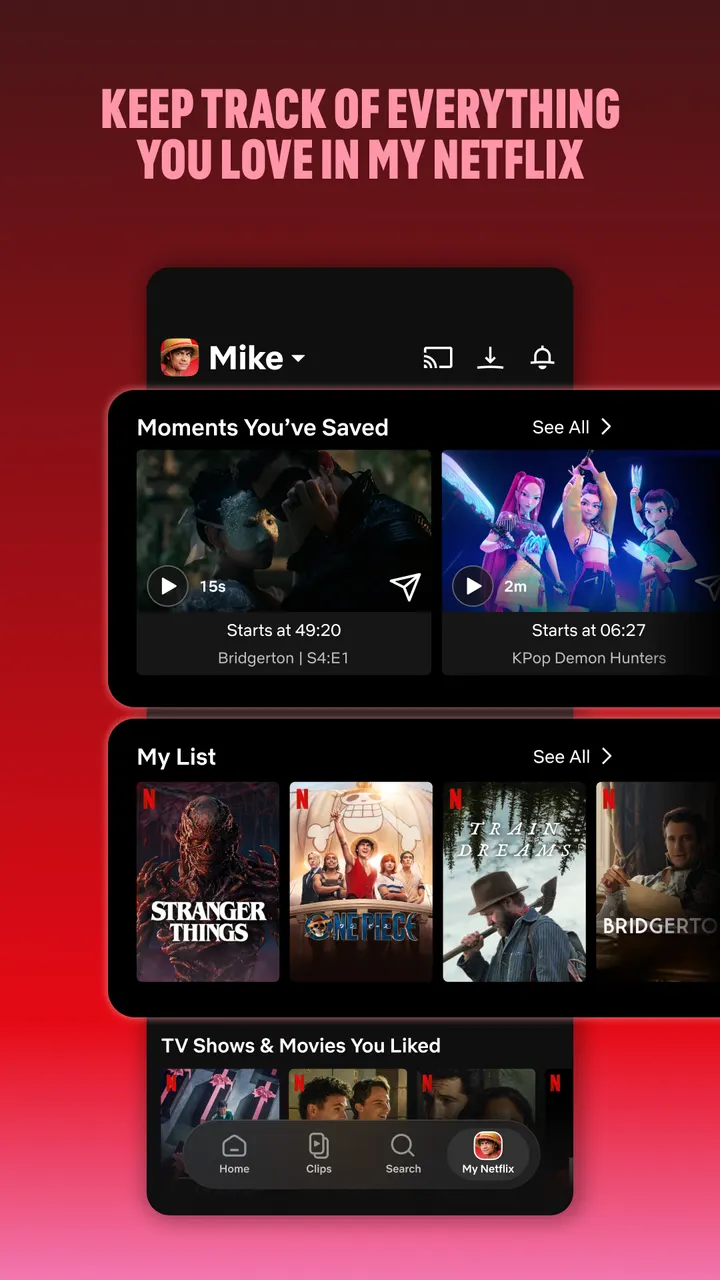
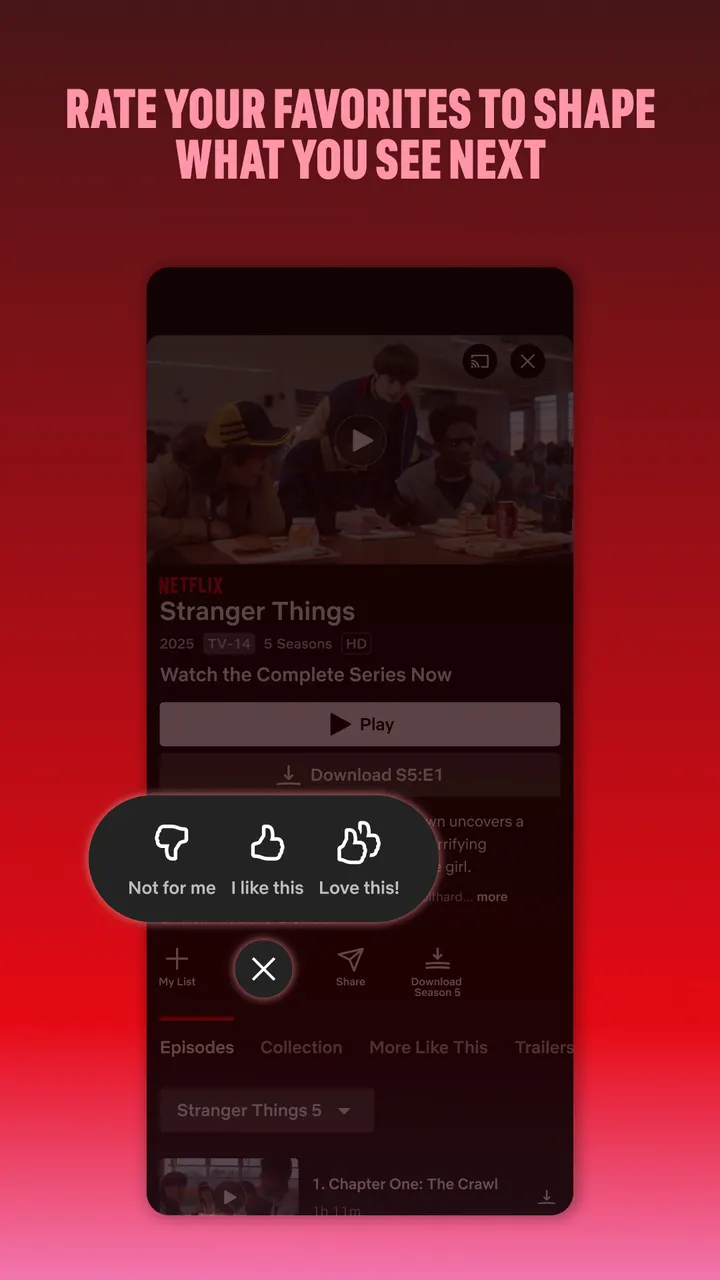
The My Netflix tab collects what you follow, from favorite moments to My List. Recommendations are based on your ratings, and notifications cover new releases, episodes and live events.
Month-to-month membership and privacy
The app itself is free, with no ads and no in-app purchases. Watching content requires a Netflix membership, which the publisher describes as month-to-month from sign-up. You can cancel online at any hour, with no long-term contract or cancellation fee.
Check the membership price on the publisher's site.
For questions about account registration and similar situations, the publisher points to the Netflix Privacy Statement. It is worth reading before you sign up.
Netflix pros and cons
Pros
- Google Play shows a 4.8 rating from 16.8 million ratings and over 1 billion installs.
- Series, movies, live events, games and podcasts are in one app.
- No ads and no in-app purchases inside the app.
- The My Netflix tab keeps My List and favorite moments together.
- Membership is month-to-month and can be cancelled online at any time.
Cons
- A paid membership is needed for content, and its price is listed on the publisher's site.
- The Teen content rating makes it a poor fit for young children.
- The clips feed is described as upcoming, so it may not be available yet.
- App size varies by device.
Is Netflix safe?
Netflix, Inc. publishes this app under the package name com.netflix.mediaclient. It carries a Teen content rating, so some series and films may suit older viewers better, and it shows no ads or in-app purchases. For how account details are handled, read the Netflix Privacy Statement before you sign up.
How to install Netflix
- Press the Google Play button on this page.
- Check the listing in the Play Store and press Install.
- Open Netflix when the install finishes. Updates arrive through Google Play.