

YouTube is Google LLC's official Android app, first released on October 19, 2010. Home offers personal recommendations, Subscriptions collects the latest from followed channels, and Library keeps what you have watched, liked, or saved for later. It costs nothing to use, with ads and in-app purchases. The latest update on record is from November 4, 2026.
Ten billion installs and a 3.8 rating on Google Play
Google Play lists YouTube with over 10 billion installs and a rating of 3.8 from 172.4 million ratings. That score is modest for an app of this reach. The content rating is Teen.
The app is the official client from Google LLC for phones and tablets. It is filed under streaming apps, video players and video apps. It is free, with both ads and in-app purchases flagged.
Several parts of the experience depend on country. Rising creator lists, channel memberships, family options and Premium are all marked as available in select countries, so what you see may differ from what someone in another region sees.
A typical session: Home, Subscriptions, Library and Explore
Home is the starting point and shows personal recommendations. Subscriptions collects the latest uploads from channels you follow, and Library holds videos you have watched, liked or saved for later.
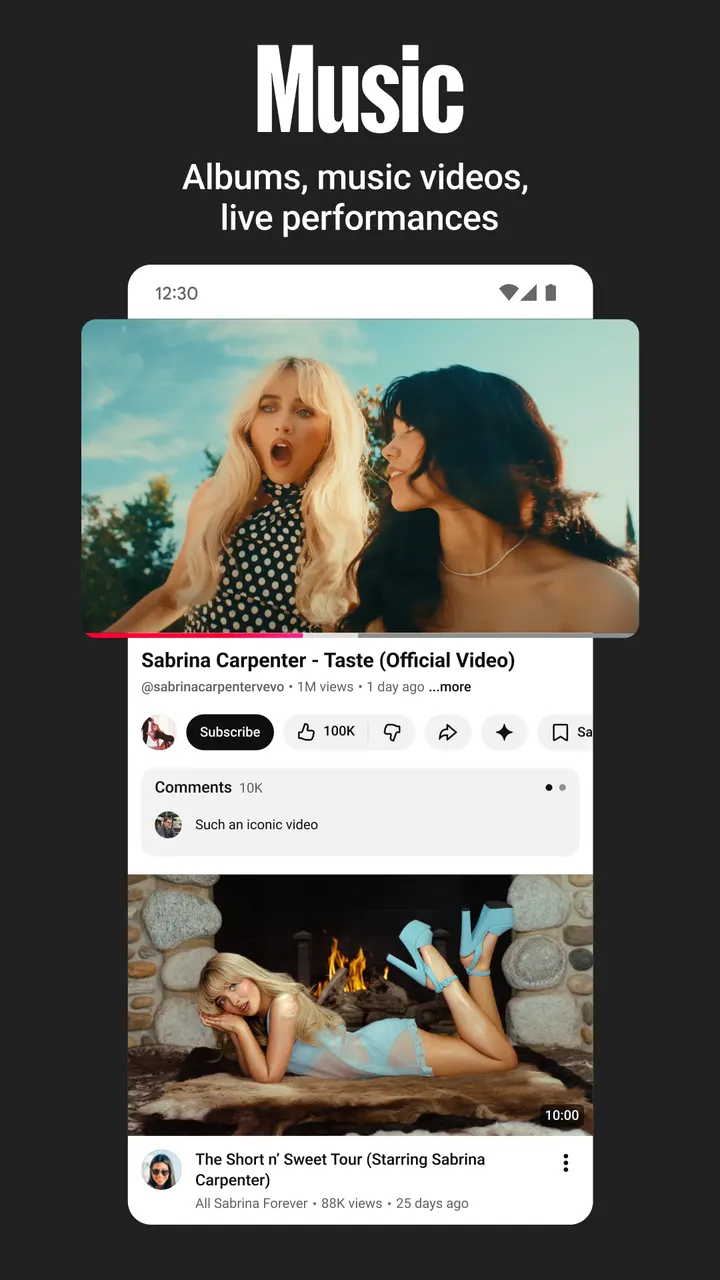
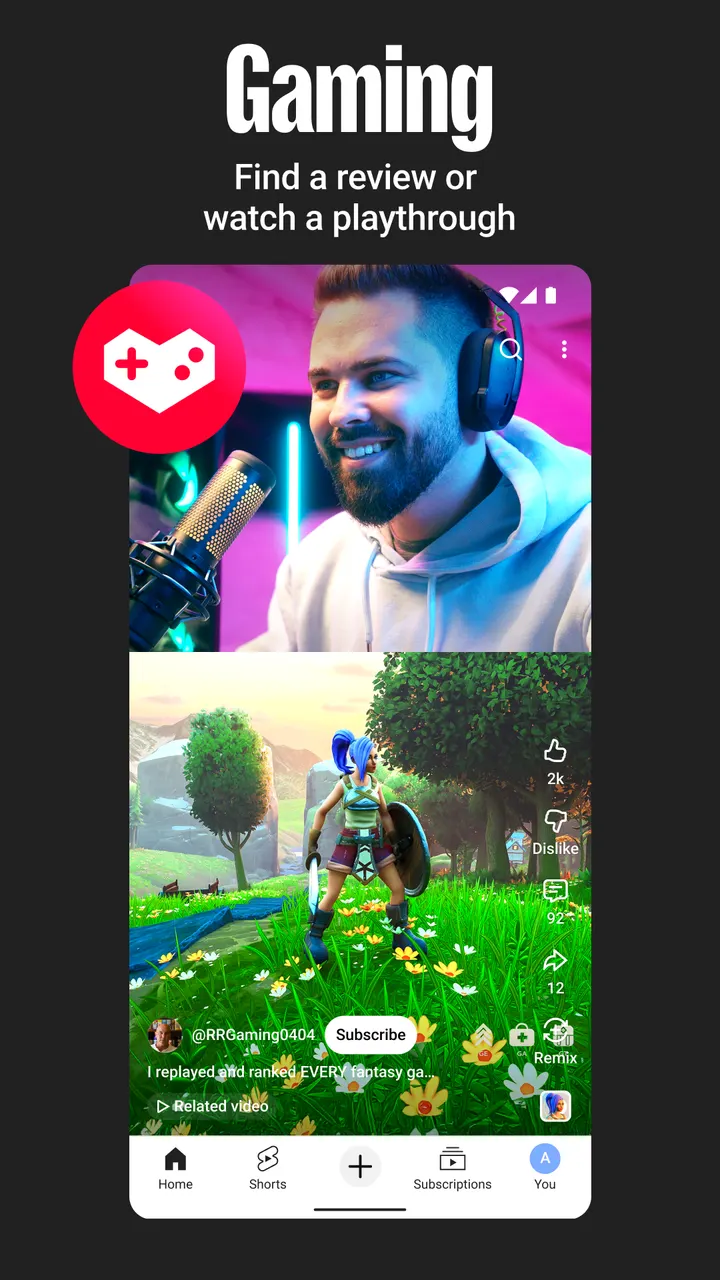
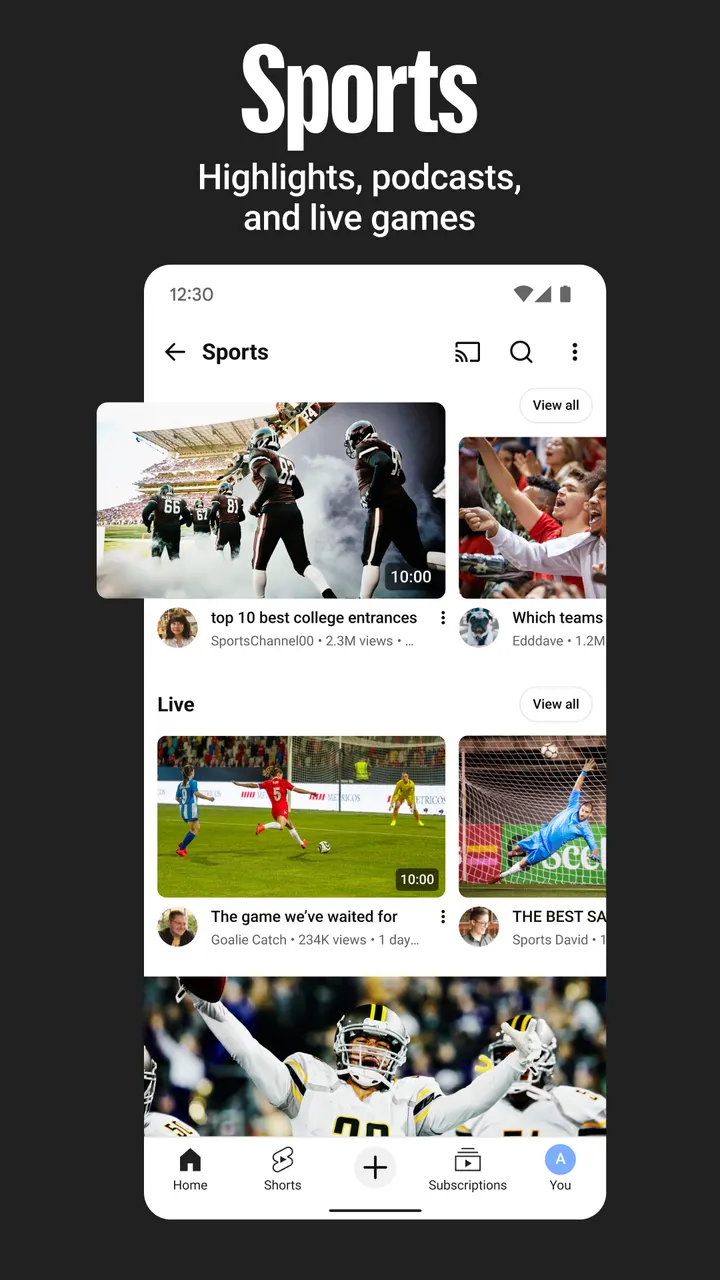
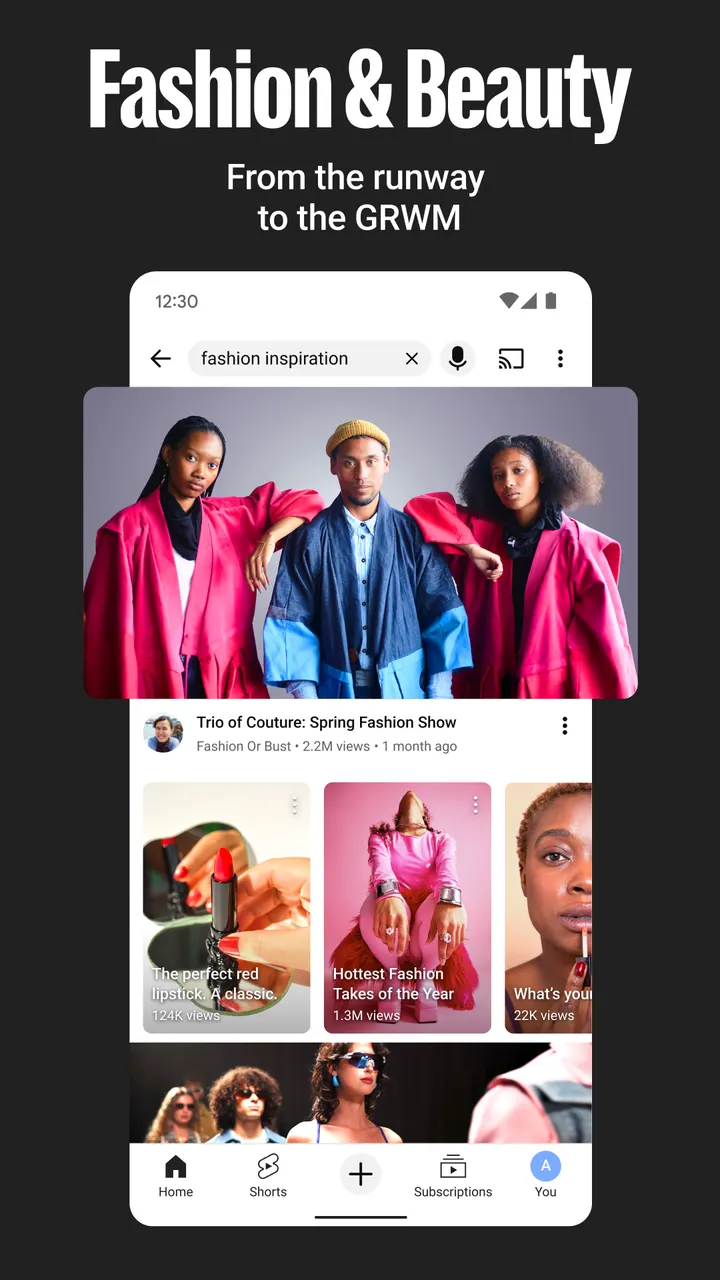
Explore covers what is trending around the world, with topic areas such as music, gaming, beauty, news and learning. A section for rising creators, gamers and artists exists too, though only in select countries.
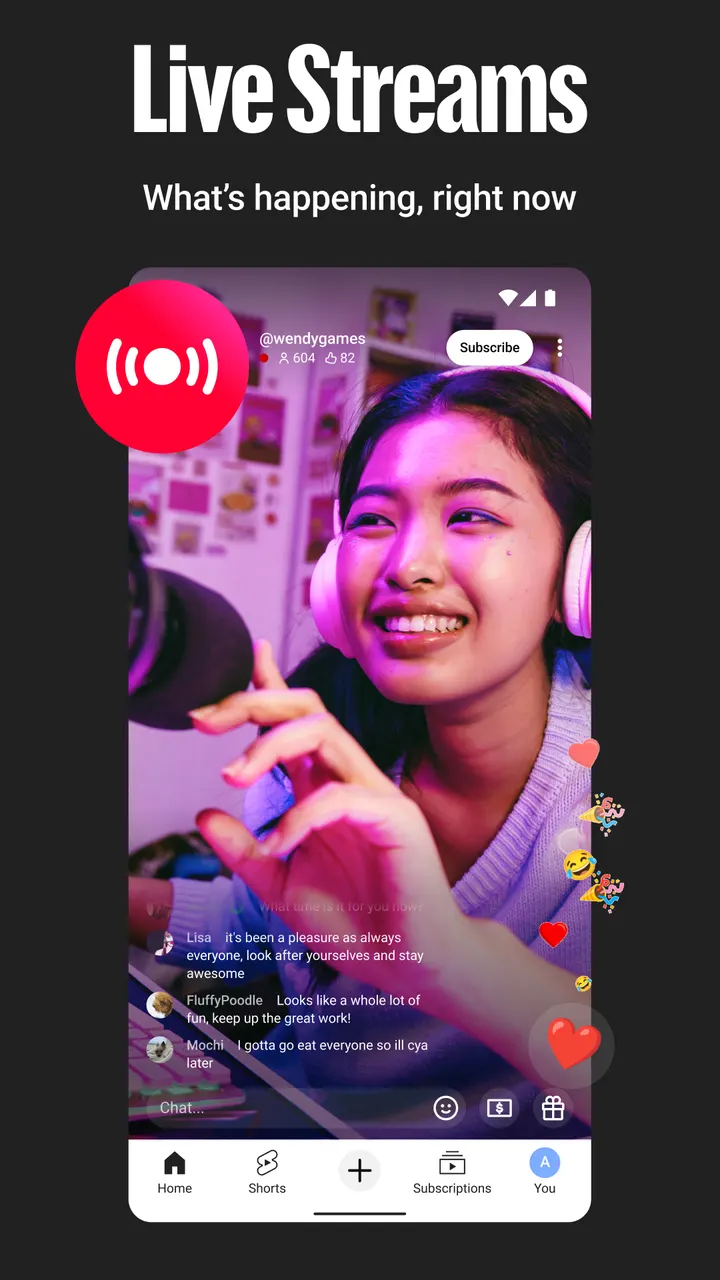
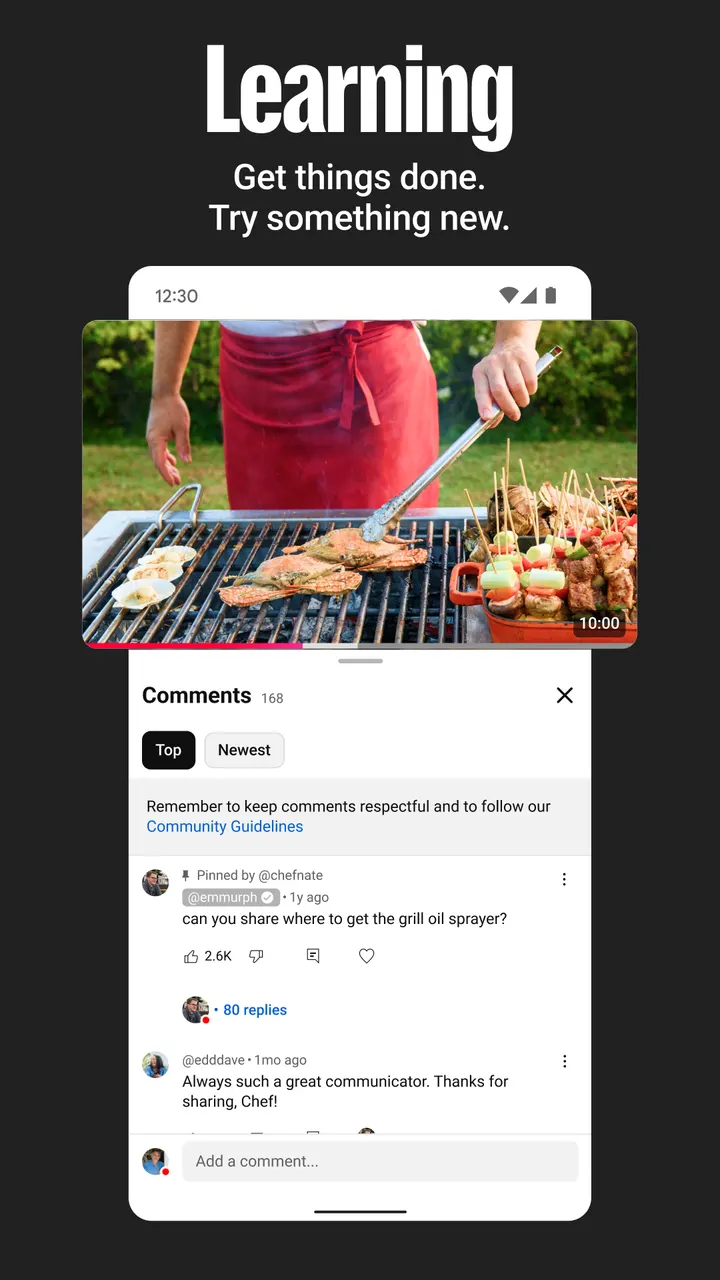
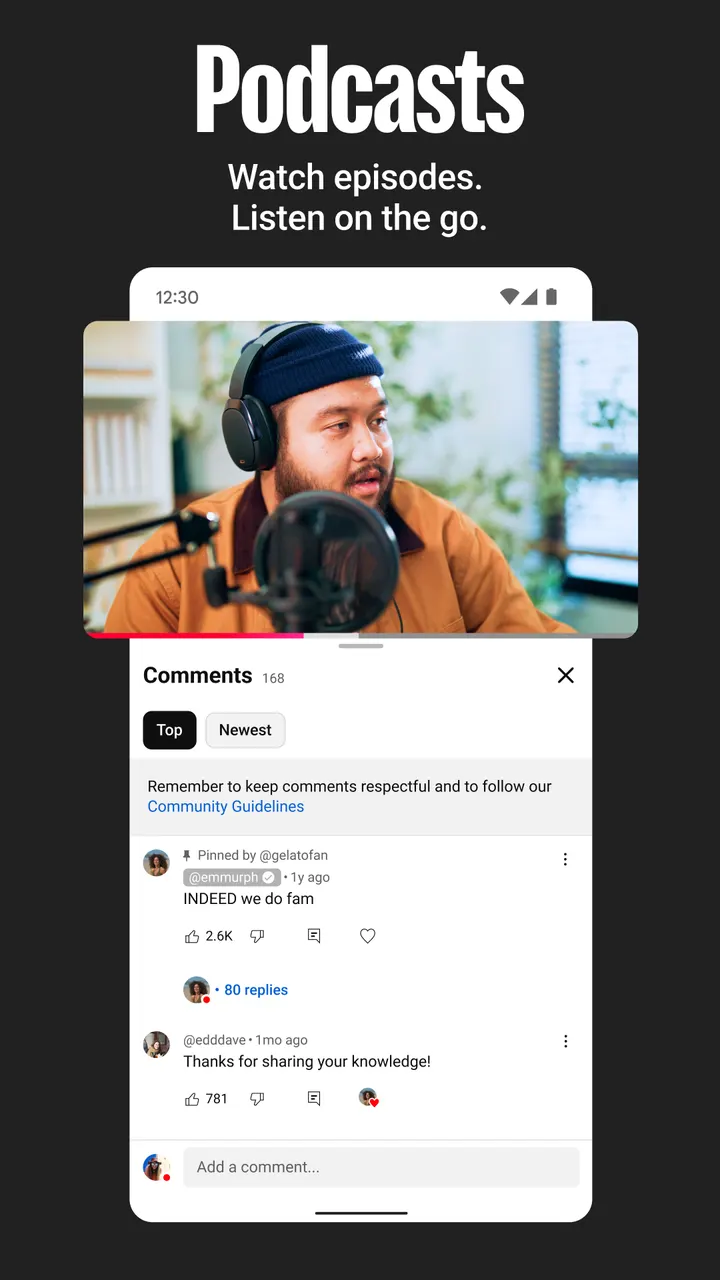
Beyond watching, the app supports creator activity. Posts, Stories, Premieres and Live streams sit alongside comments, so you can follow a creator and talk with other viewers. You can also upload videos or go live from the phone itself.
Channel memberships add paid monthly support for creators you choose. Members get perks and a loyalty badge beside their name in comments and live chats, where a channel offers them.
YouTube Premium removes ads, lets video play while you use other apps or with the screen locked, and allows saving videos for moments such as a flight or a commute. Access to YouTube Music Premium is included. This upgrade is also limited to select countries.
YouTube next to Netflix, Disney+ and YouTube Kids
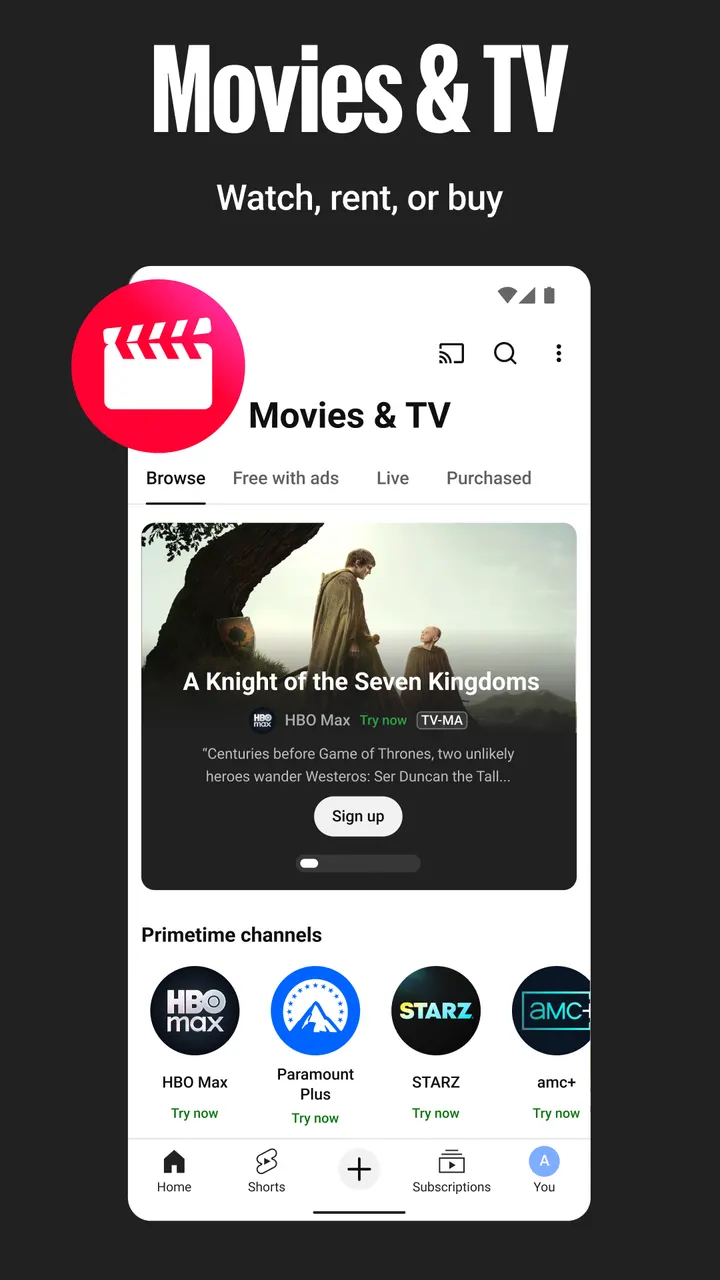
The alternatives fall into two groups. Netflix, Disney+, HBO Max, ESPN and Crunchyroll are services with catalogs of their own, while YouTube centers on uploads from creators and the community, plus live streams. This page does not rank them.
YouTube Kids is the closest relative. YouTube points families to that app or to a parent supervised experience at youtube.com/myfamily, both described as available in select countries. With a Teen content rating on the main app, that pointer matters for households with younger viewers.
YouTube pros and cons
Pros
- Over 10 billion installs on Google Play, from the official publisher Google LLC
- Home, Subscriptions, Library and Explore cover recommendations, followed channels and saved videos
- Upload videos or stream live directly from the phone
- Premium can remove ads and allow playback with the screen locked, where available
- Free to install
Cons
- Shows ads and includes in-app purchases
- Google Play rating is 3.8 from 172.4 million ratings, modest for its reach
- Premium, memberships, family options and rising creator lists are limited to select countries
- Teen content rating, so younger children are pointed toward YouTube Kids
Is YouTube safe?
YouTube carries a Teen content rating. Ads run alongside the videos, and in-app purchases are offered too, so prompts to pay can show up while you browse. We have no list of the permissions it asks for, so check them on the install screen.
How to install YouTube
- Press the Google Play button on this page.
- Check the listing in the Play Store and press Install.
- Open YouTube when the install finishes. Updates arrive through Google Play.