

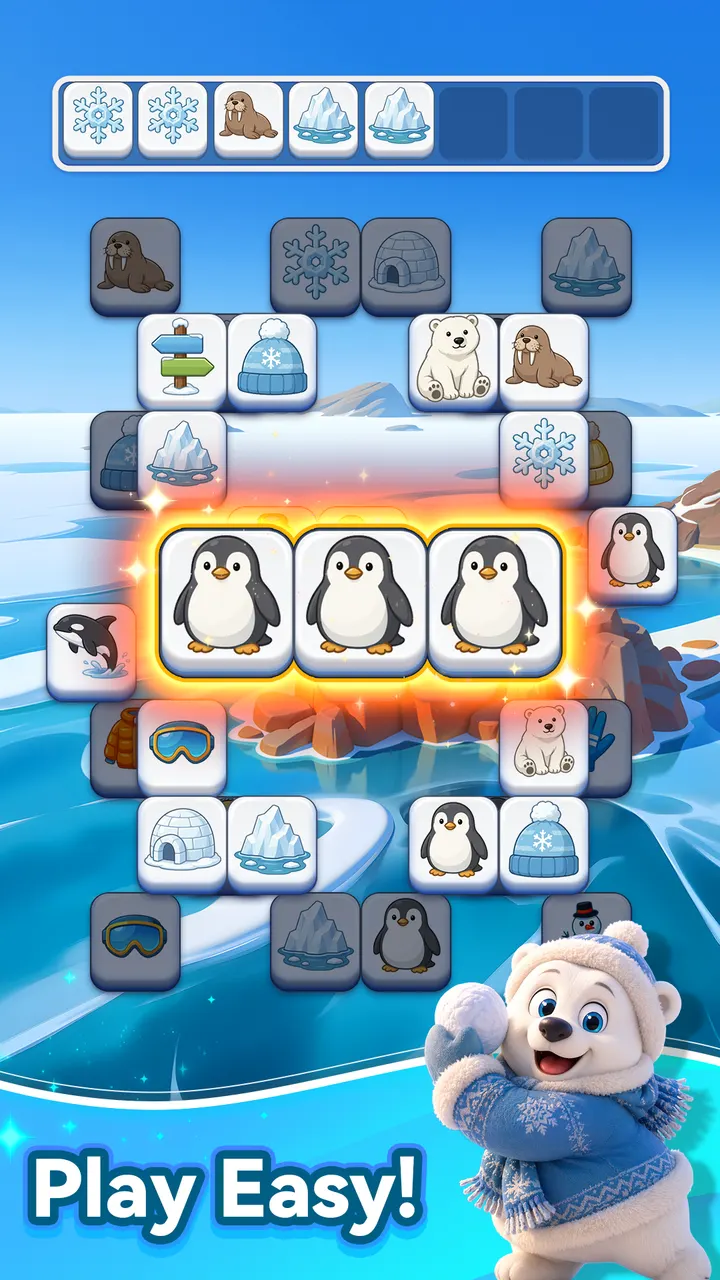
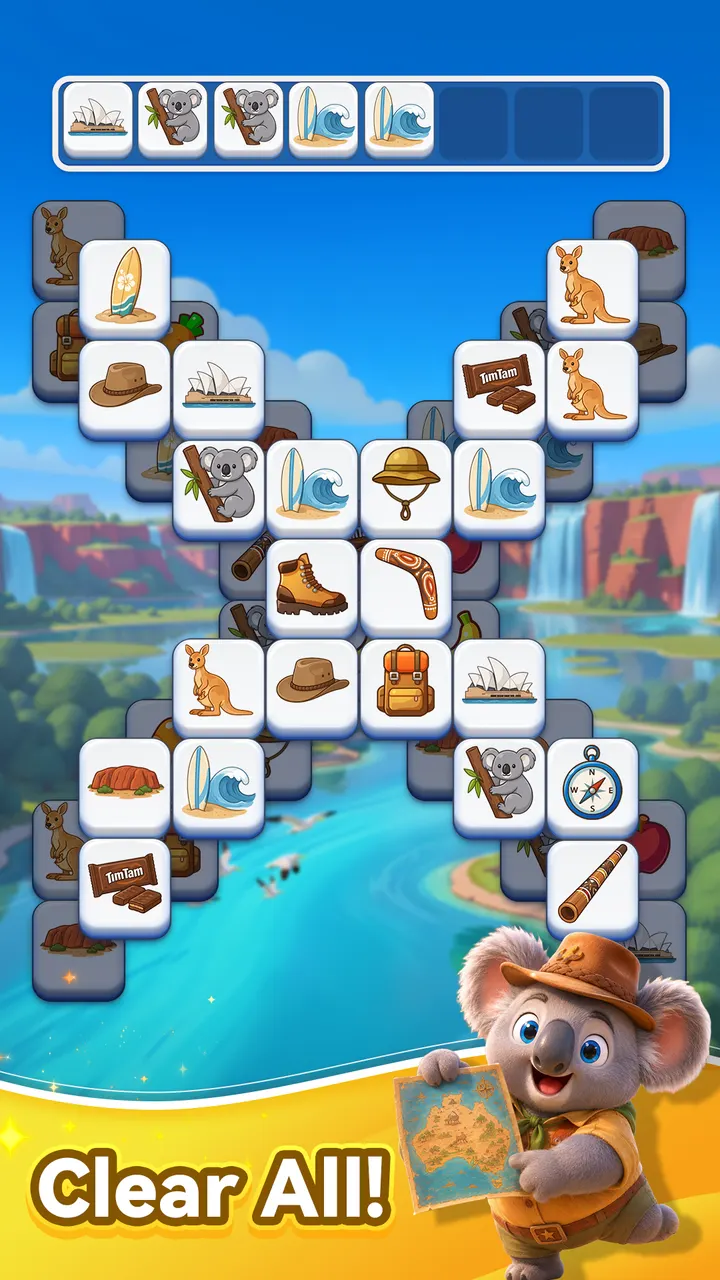
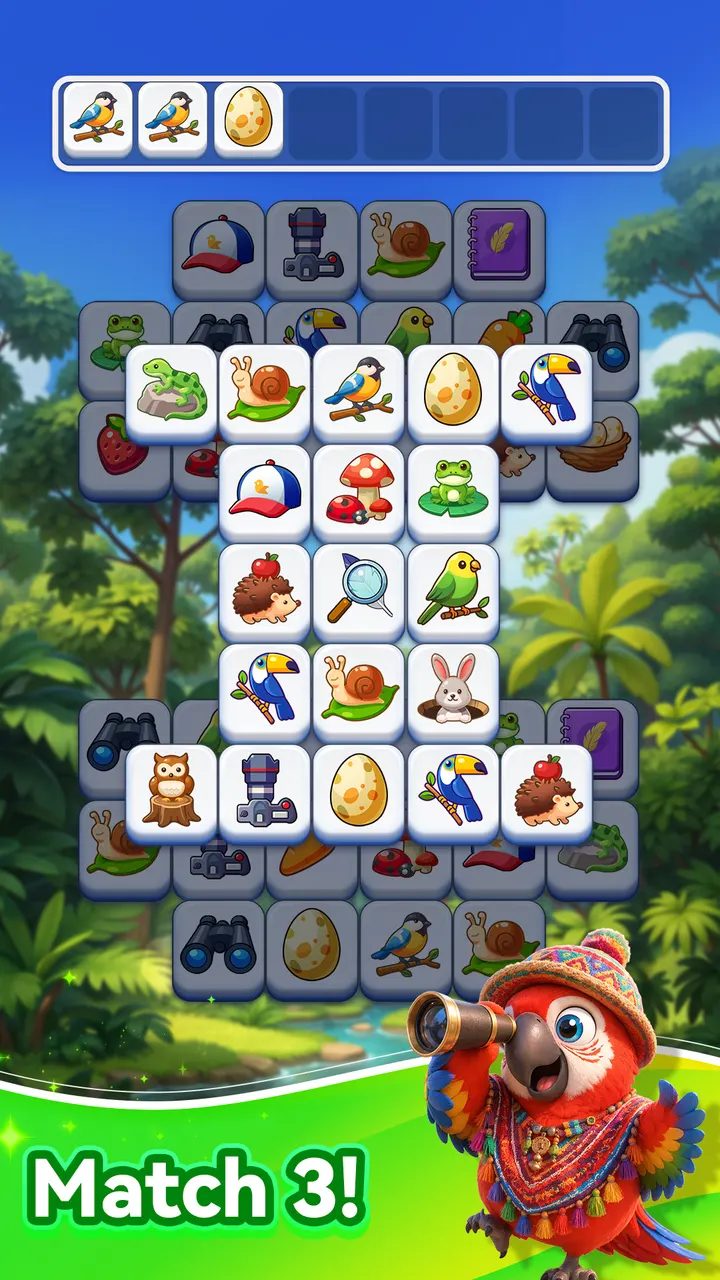
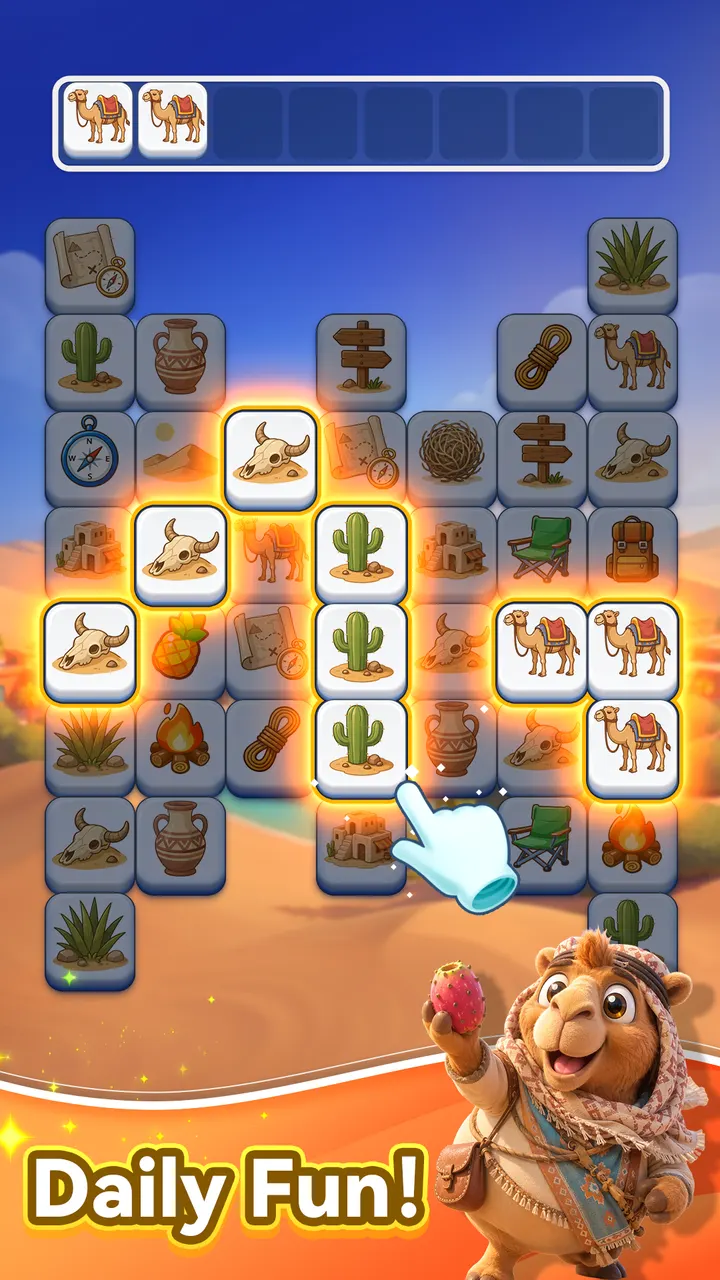
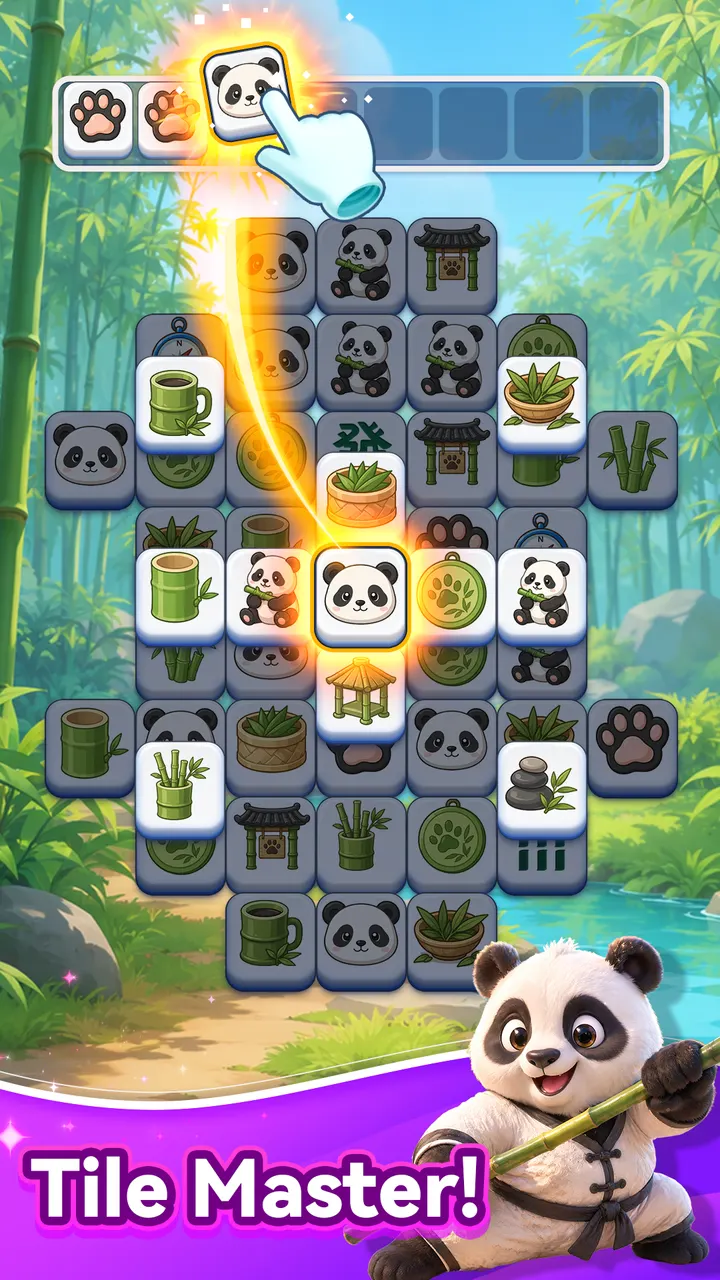
Where Mahjong-style games like Tile Club or Vita Mahjong lean on a layered board of pairs, Tap Tile! asks for groups of three. Nebula Studio released it on April 14, 2026, and it has already passed 10 million installs on Google Play. It is free, rated Everyone, and runs on Android 7.1 or newer.
Three identical tiles, no swapping
The rule that defines Tap Tile! is the triple. You tap a tile to select it, and once three identical tiles are picked they disappear. Unlike classic match-3 games, nothing is swapped or dragged. The skill lies in choosing which tiles to take and in what order.
The goal on every board is to clear all tiles. You need to keep room for your next move, so careless taps can leave you stuck.
How a typical board plays out
A session starts with a single tap and a quick look at what is available. You spot matching tiles, plan a short sequence, and clear the board one triple at a time. Boards are compact, so a puzzle fits a short break, though you can also chain several for a longer sitting.
Controls are limited to tapping. The listing describes the pace as relaxed, with the challenge coming from planning ahead rather than from speed.
Against Tile Club, Mahjong Blast and Tile Park
Tap Tile! sits in the tile-match category beside Tile Club, Mahjong Blast and Tile Park. Ball Sort Puzzle and Magic Sort! are further afield, since they sort objects rather than match tiles. Tap Tile! keeps its rules narrow: select, match three, clear. That suits players who want a simple puzzle without extra systems.
Google Play shows a 4.8 rating from about 319.3 thousand ratings, a strong score for a game of this size.
Tap Tile! pros and cons
Pros
- Free to download and play
- Simple tap-to-match rules that take seconds to learn
- No in-app purchases
- 4.8 rating from about 319.3 thousand ratings on Google Play
- Runs on Android 7.1 and newer
Cons
- Contains ads
- Only one core mechanic, so variety may be limited
- Needs Android 7.1 or newer
Is Tap Tile! safe?
Tap Tile! comes from Nebula Studio and is distributed through Google Play, which is where you should install it. It is rated Everyone and has no in-app purchases, though it does show ads. Over 10 million installs on Google Play point to wide use, but check the permissions on your own device.
How to install Tap Tile!
- Press the Google Play button on this page.
- Check the listing in the Play Store and press Install.
- Open Tap Tile! when the install finishes. Updates arrive through Google Play.


