
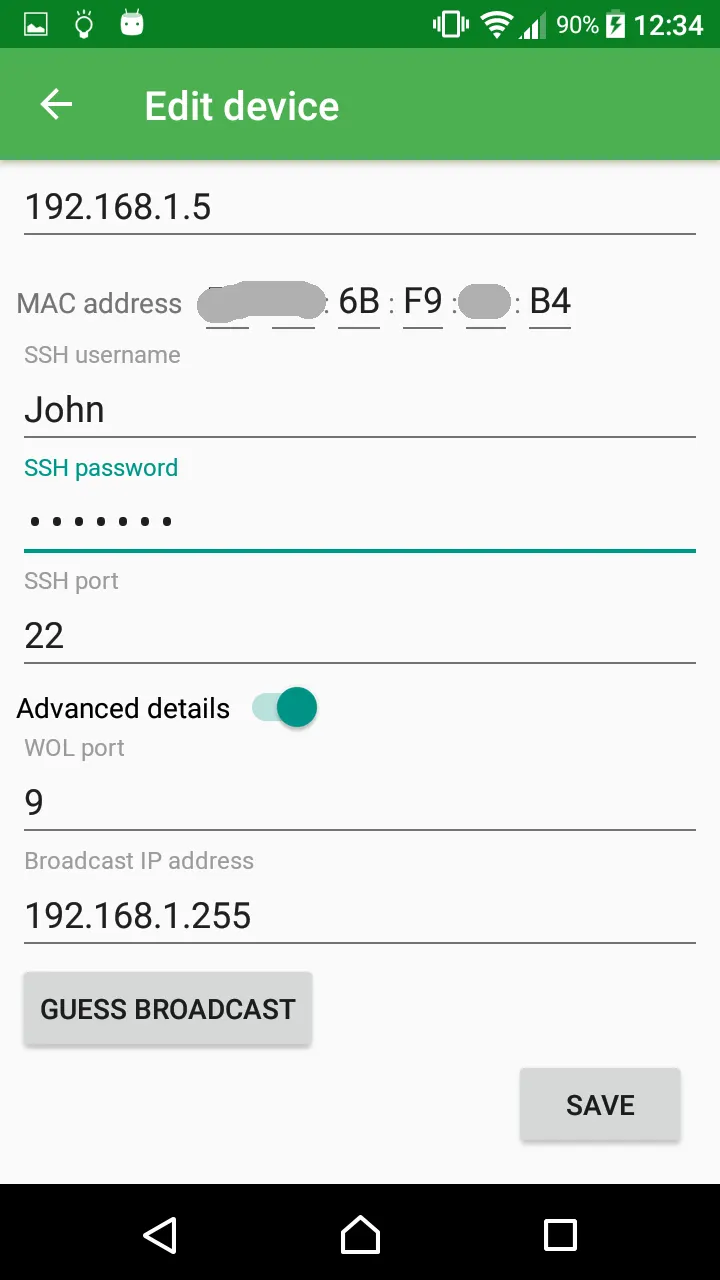
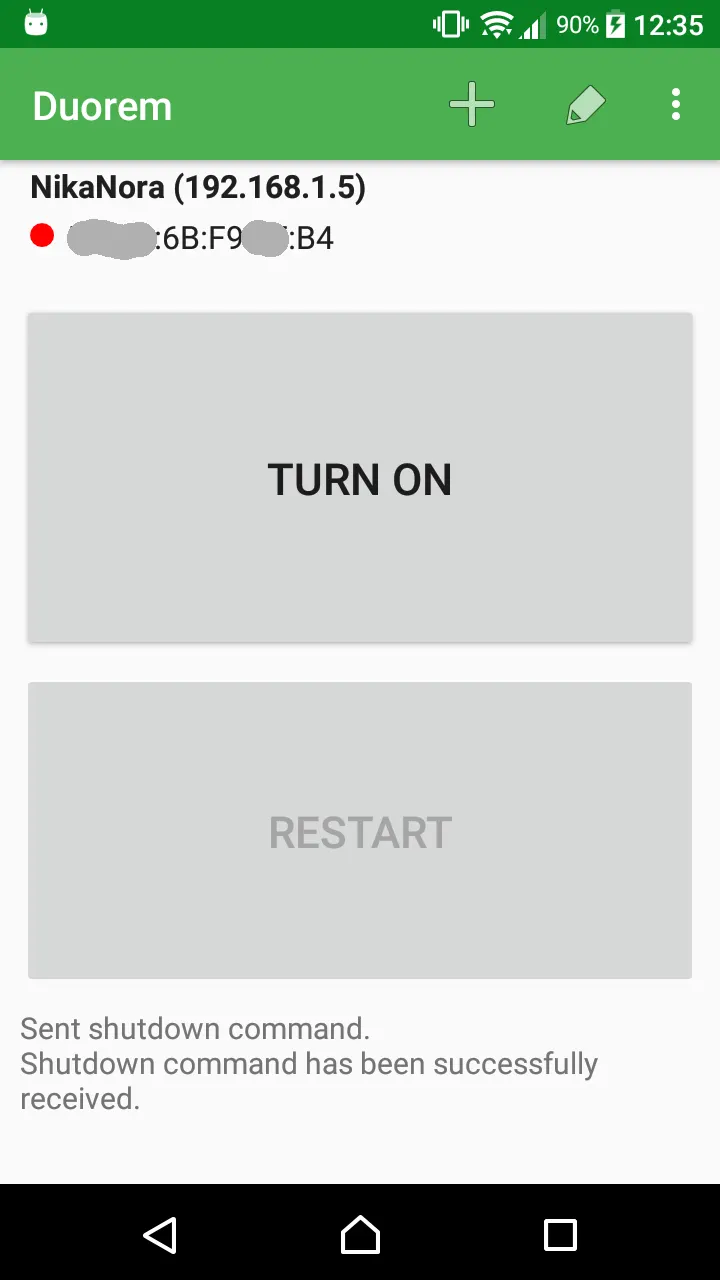
Duorem is a free, open-source Android app from developer Vadim Frolov that turns a phone or tablet into a power switch for one remote computer. Version 1.2.0 requires Android 10 and weighs 18.7 MB. TopDown APK hosts the unmodified APK, and the file is verified with a published SHA-256 checksum.
A power button for people who avoid computer menus
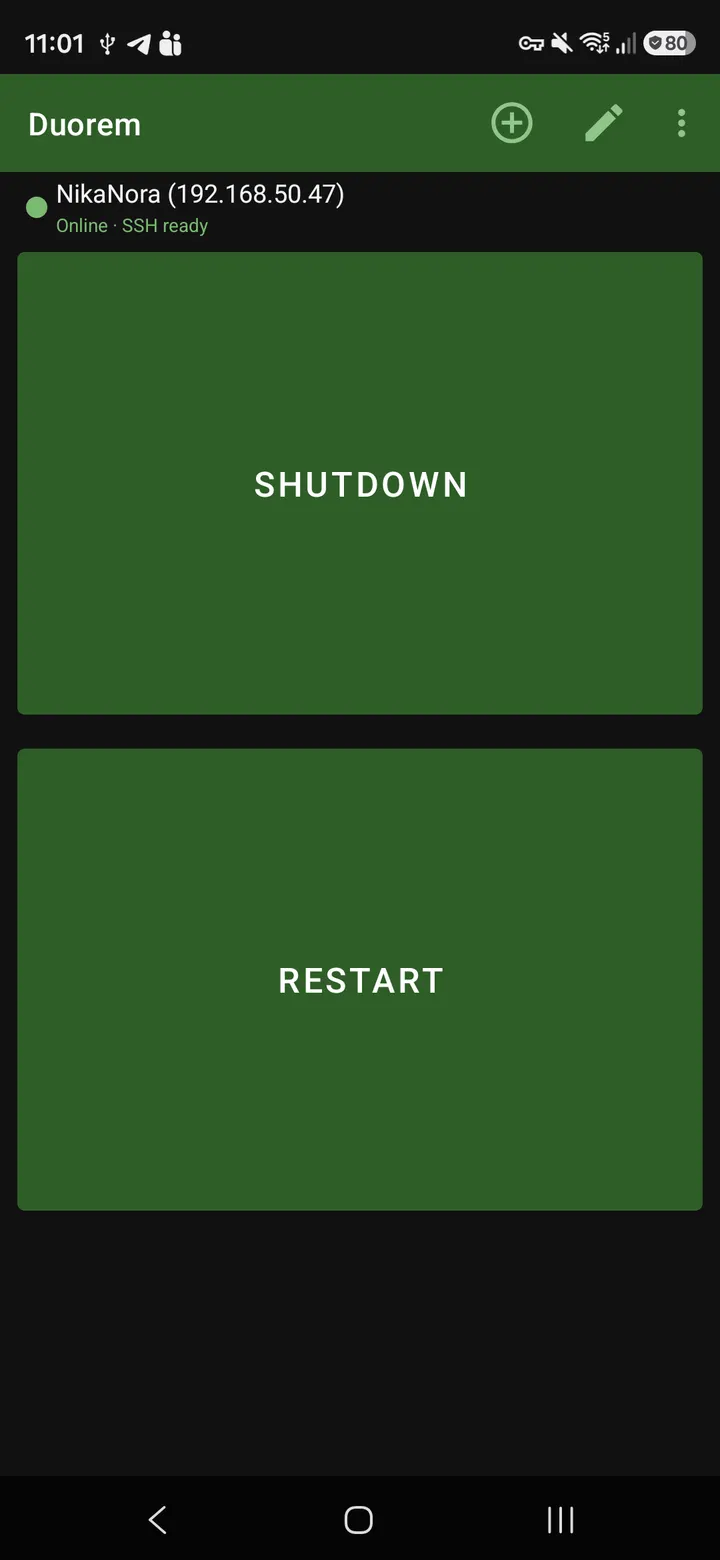
The app was designed for people who are not comfortable with computer interfaces. The developer's own example is a grandparent who needs to switch on a media server without fuss. Instead of a full remote desktop tool, Duorem reduces the job to starting and stopping a machine.
It controls only a single computer. That limit is deliberate and keeps the screen simple, with no list of hosts to manage.
Wake On LAN to start, SSH to shut down
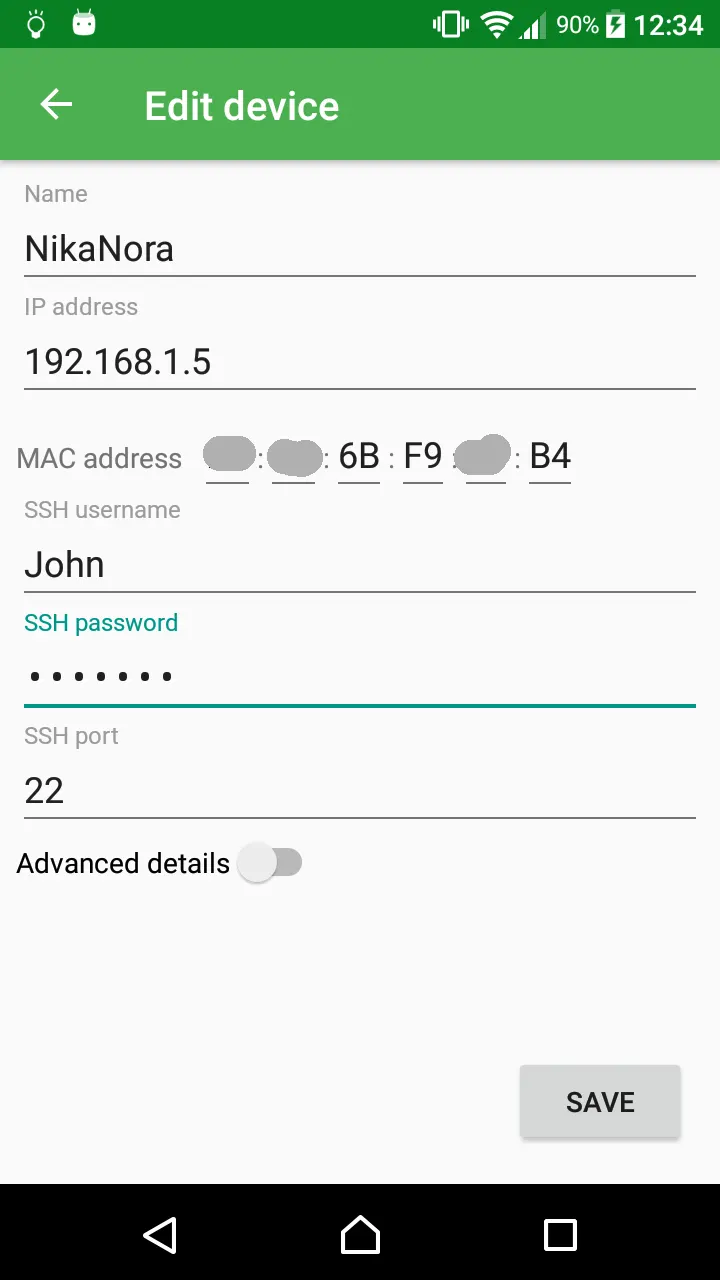
Starting the machine uses the Wake On LAN technique, so the computer and the network must already support it. Powering off or restarting works only on Linux-based computers and runs over secure shell. The remote machine must accept SSH connections, and the SSH username needs sudo rights.
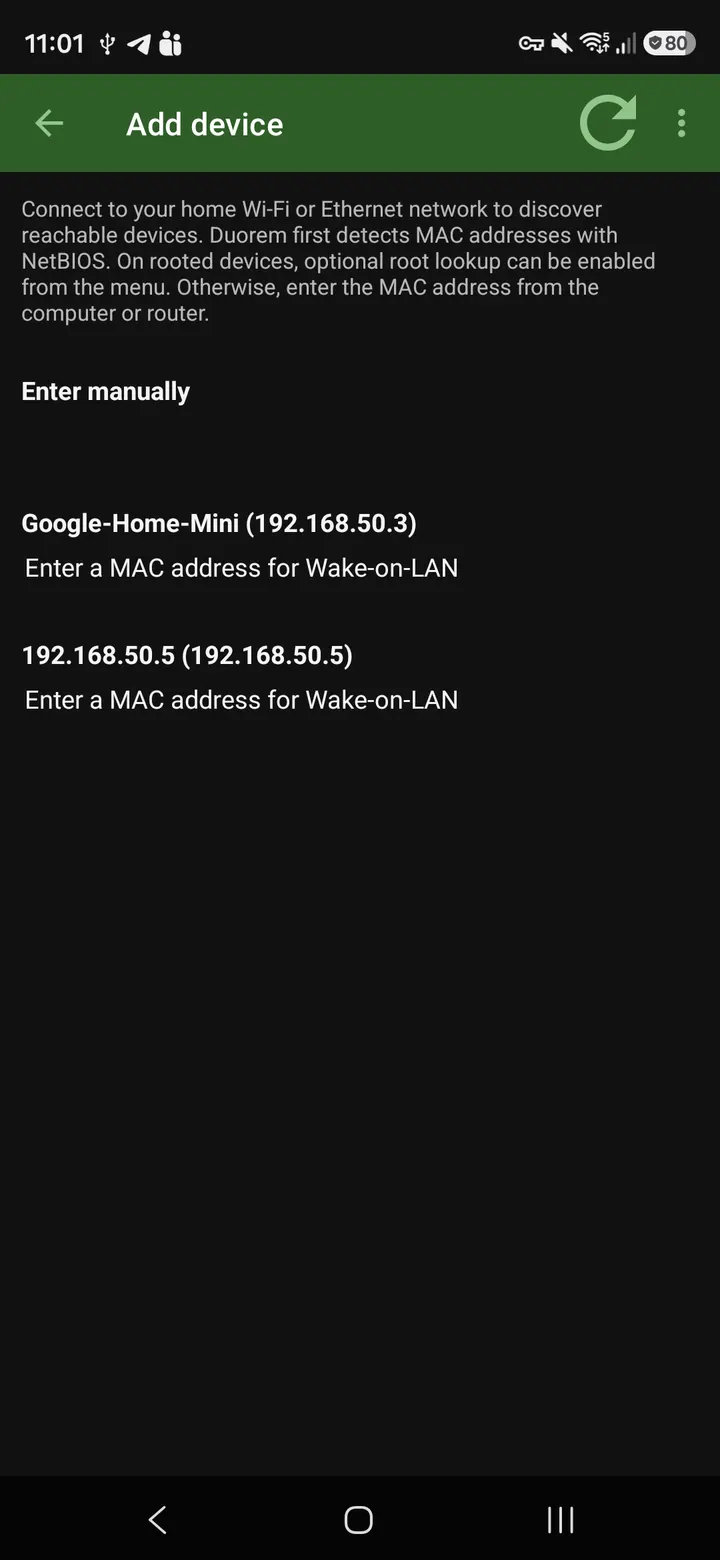
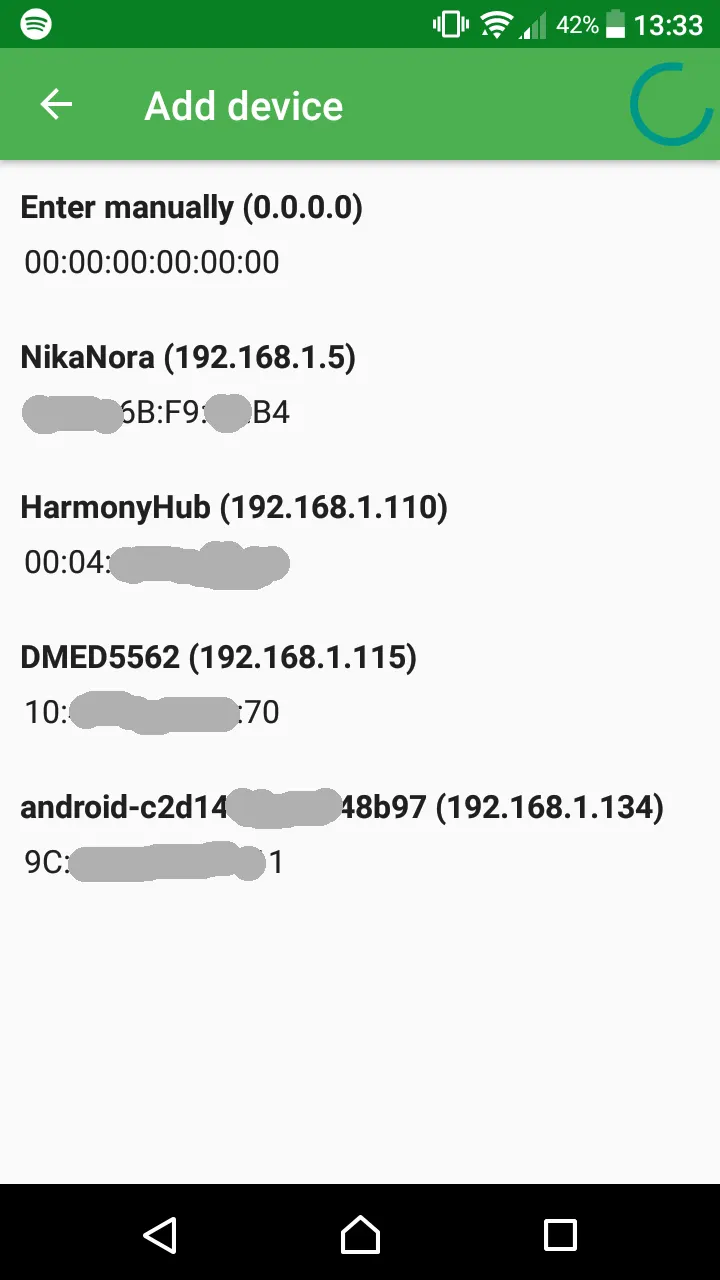
The interface uses large controls, aimed at people with thick fingers. The app also shows the remote computer's status and gives feedback on the commands you send. A host search helps with first-time setup, so you do not have to type every detail by hand.
What to check before installing Duorem
First, confirm that your computer and network are configured for Wake On LAN. Second, if you want shutdown, check that the target is a Linux machine with SSH enabled and a sudo-capable user.
The store description warns that SSH credentials are kept in the app preferences without encryption. Anyone with root access to the device can read them. Consider that before saving login details on a shared or rooted phone.
Duorem pros and cons
Pros
- Free, with no ads and a GPL-3.0-or-later licence
- Source code is public on GitHub
- Large controls and status feedback suit non-technical users
- Host search eases first-time setup
- Small download at 18.7 MB
Cons
- Controls only a single computer
- Power off and restart work only on Linux-based computers
- SSH credentials are stored unencrypted in app preferences
- Requires Android 10 or newer
Is Duorem safe?
The APK for Duorem comes unmodified from the TopDown APK server, and the SHA-256 checksum fa216a19cd1ddc6f4ceae6d6a4506ce3dfdc37c639c874abf5e5379149bb22e4 lets you confirm your download matches. Its code is public under GPL-3.0-or-later, and it shows no ads. One caution from the developer: SSH credentials are kept unencrypted in the app preferences, so anyone with root access to the device could read them.
How to install Duorem
- Download the APK with the button on this page and wait for it to finish.
- Compare the file with the SHA-256 checksum shown here if you want to confirm it arrived intact.
- Open the file on your phone and allow installs from this source when Android asks.
- Finish the install, then open Duorem from your app drawer.


