
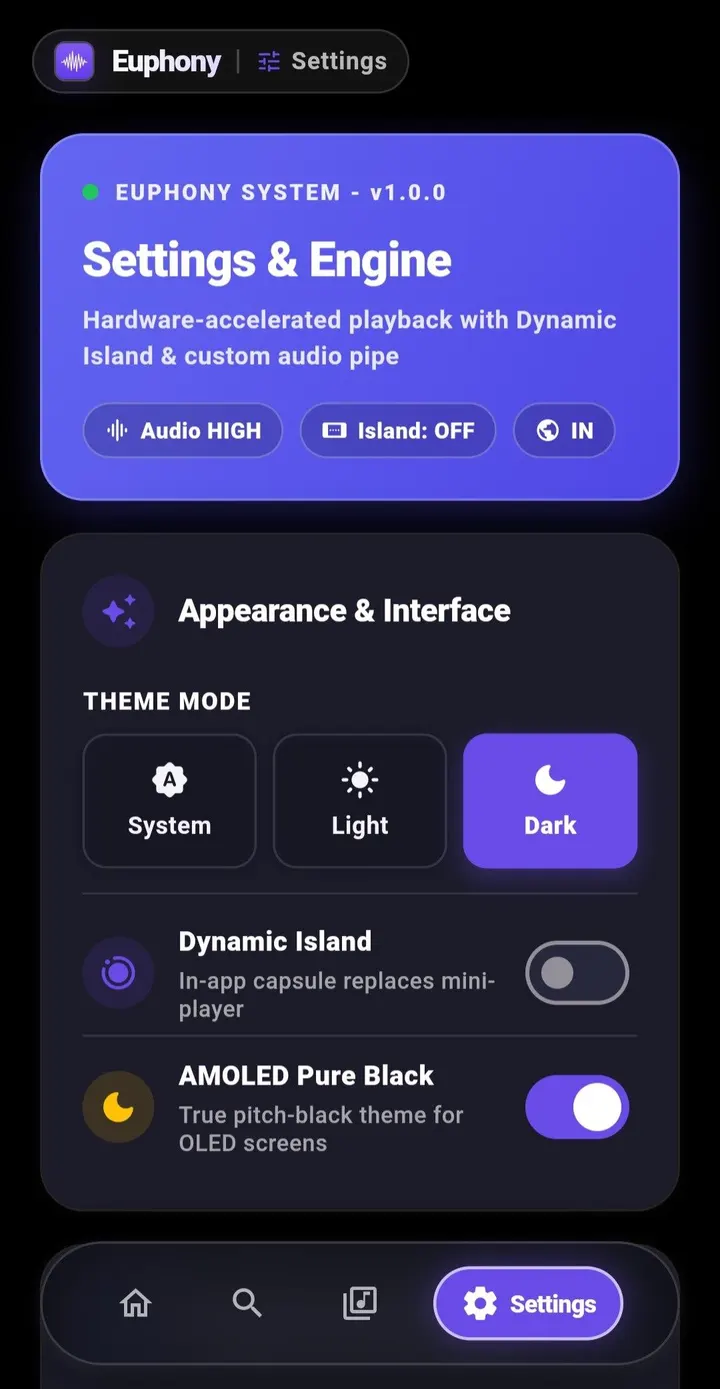
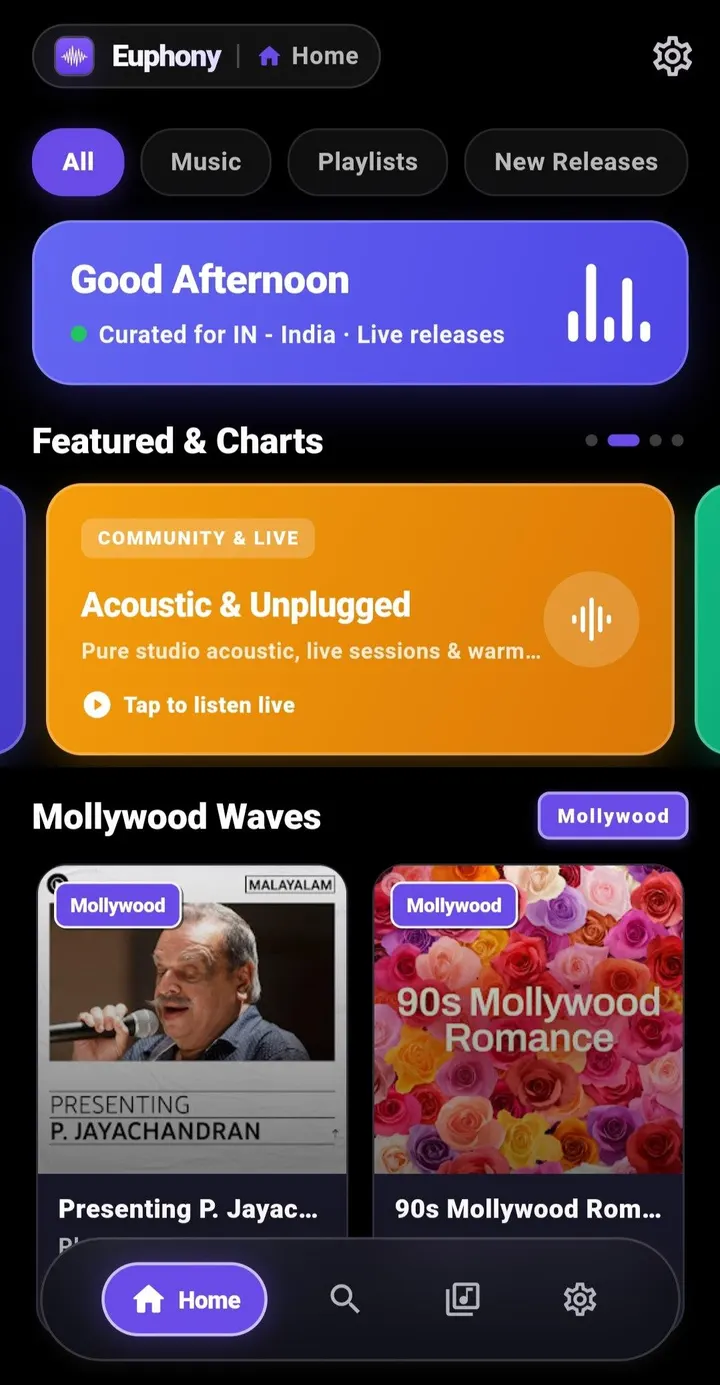
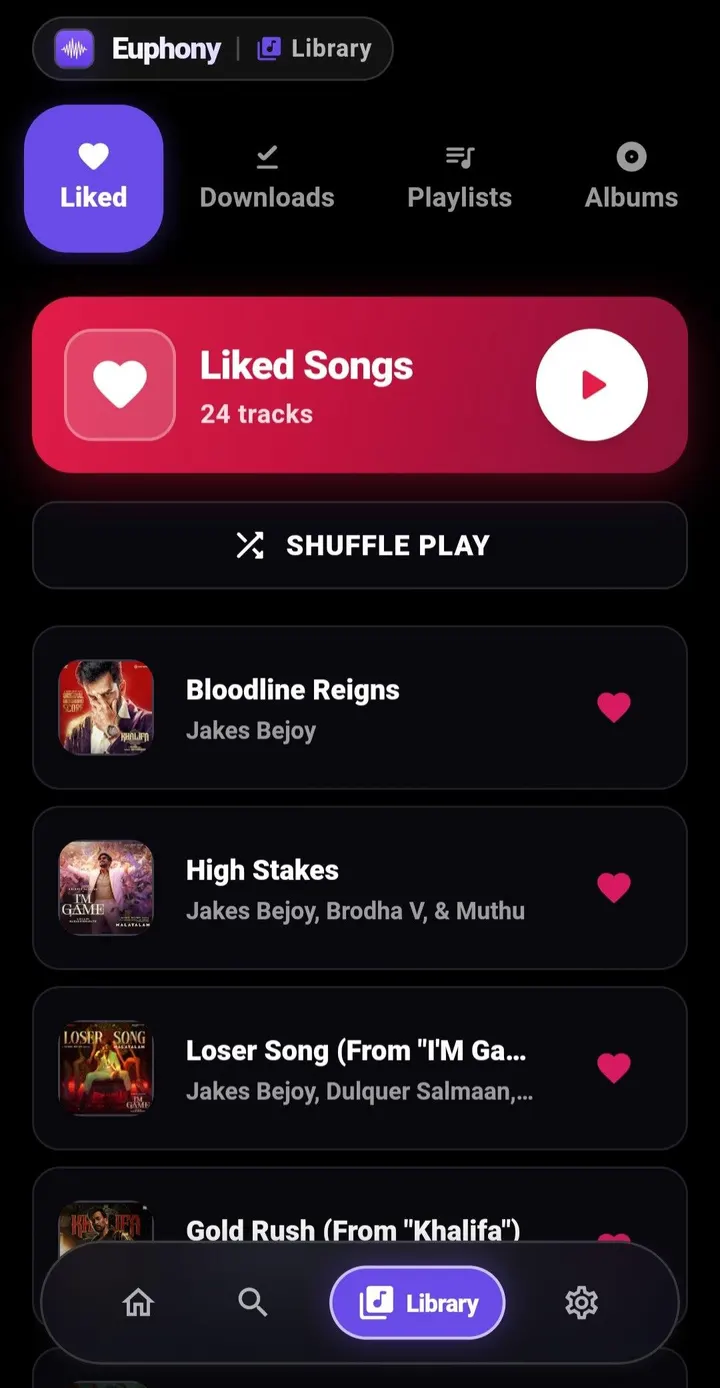
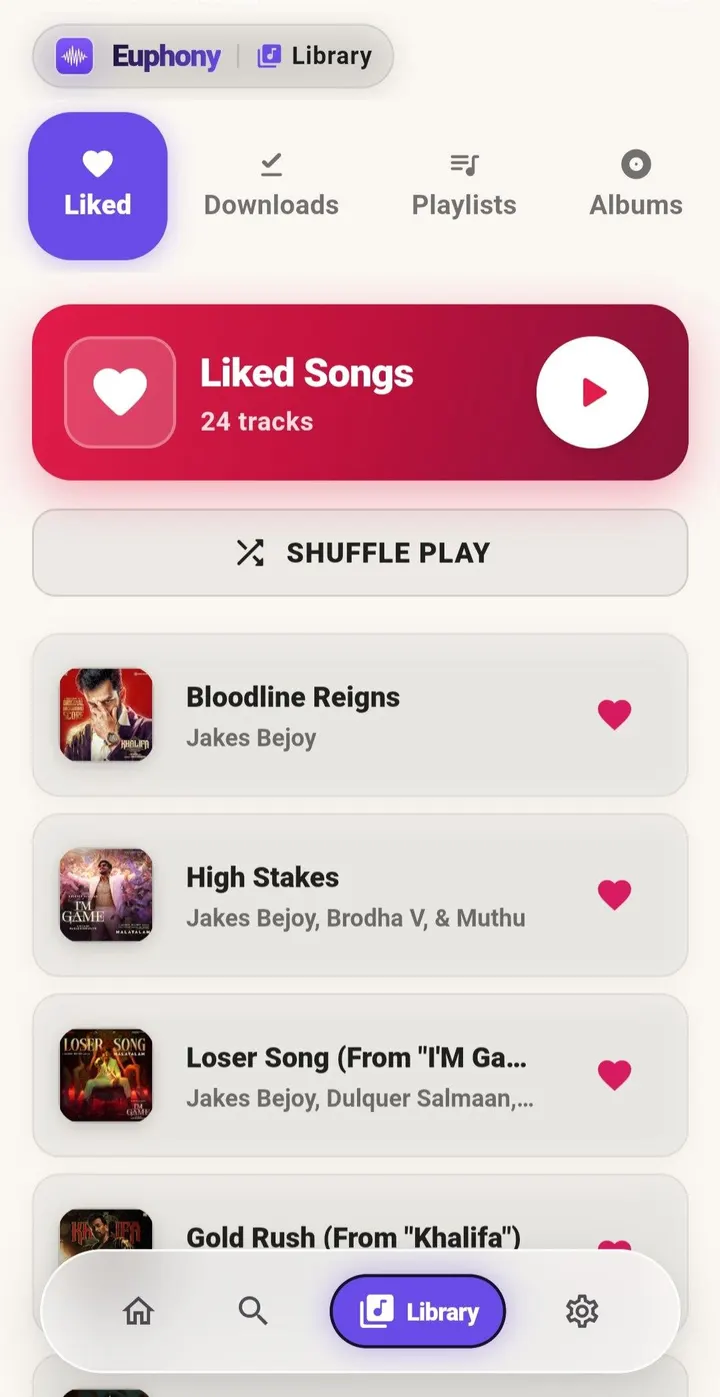
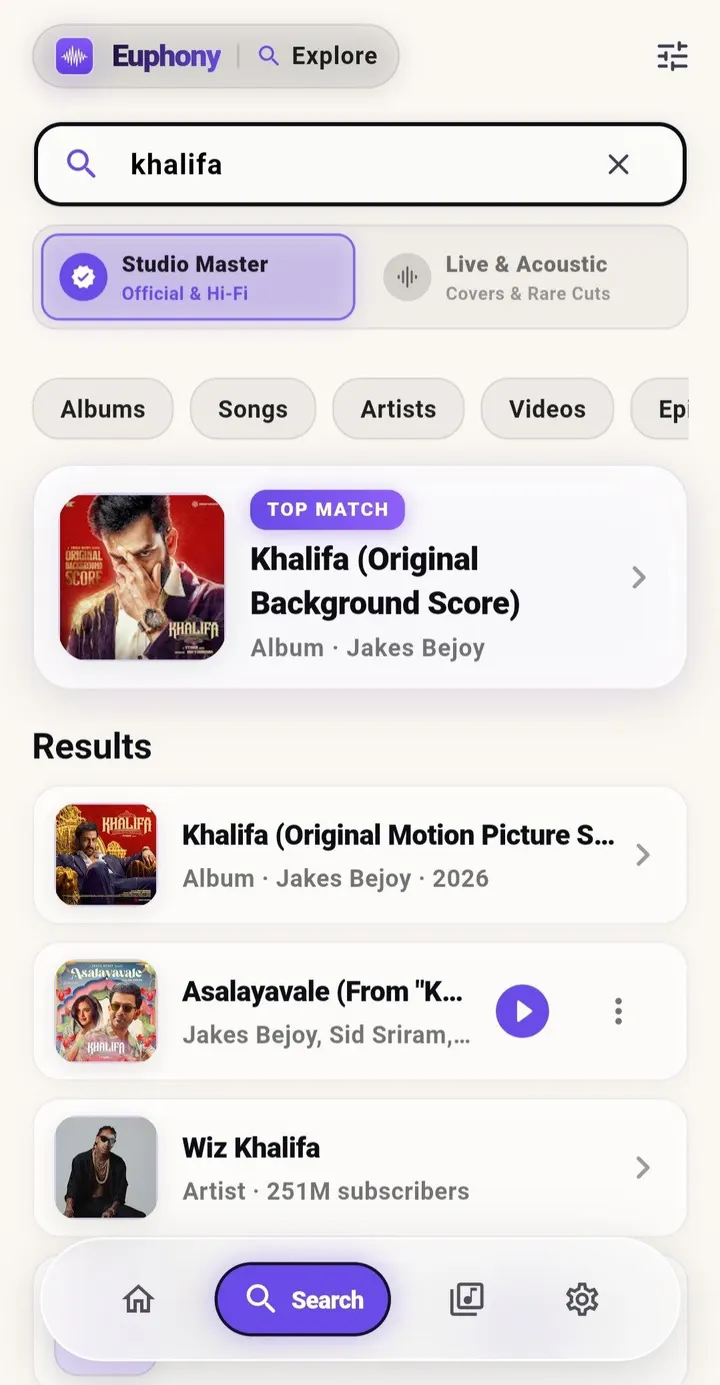
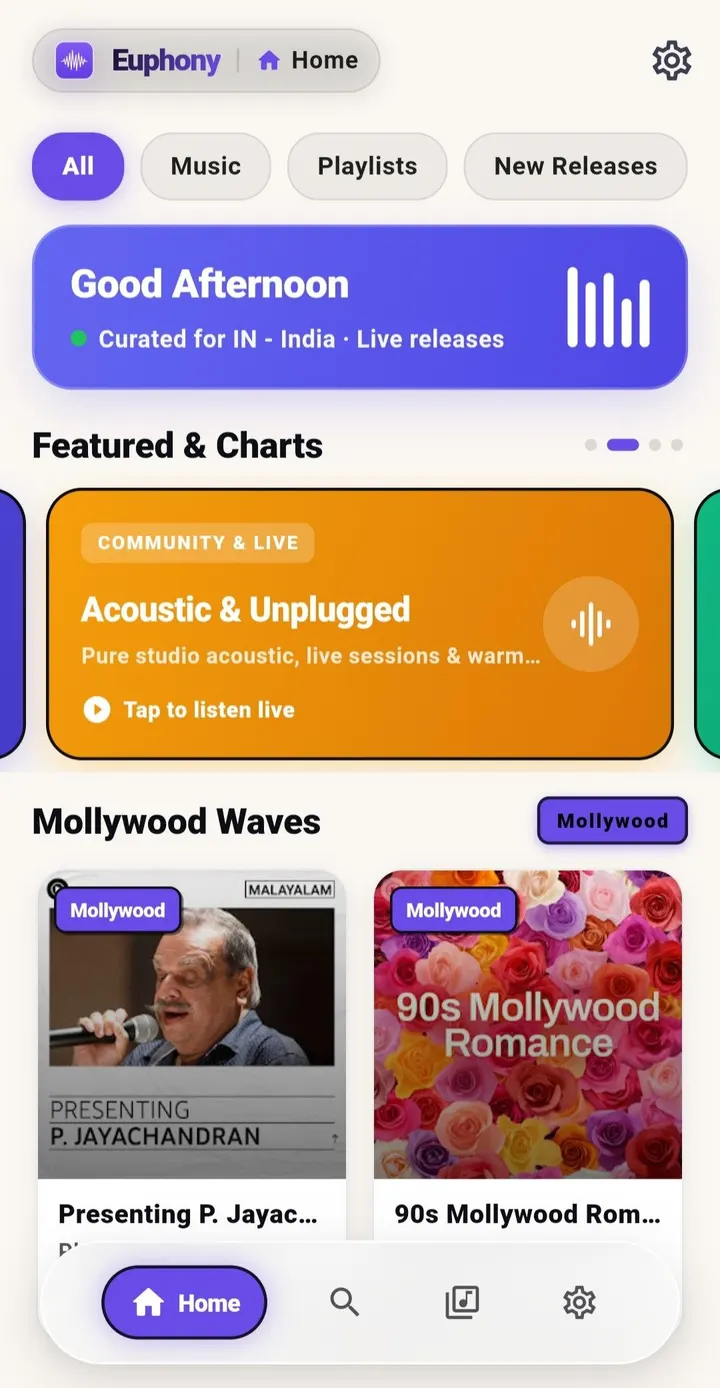
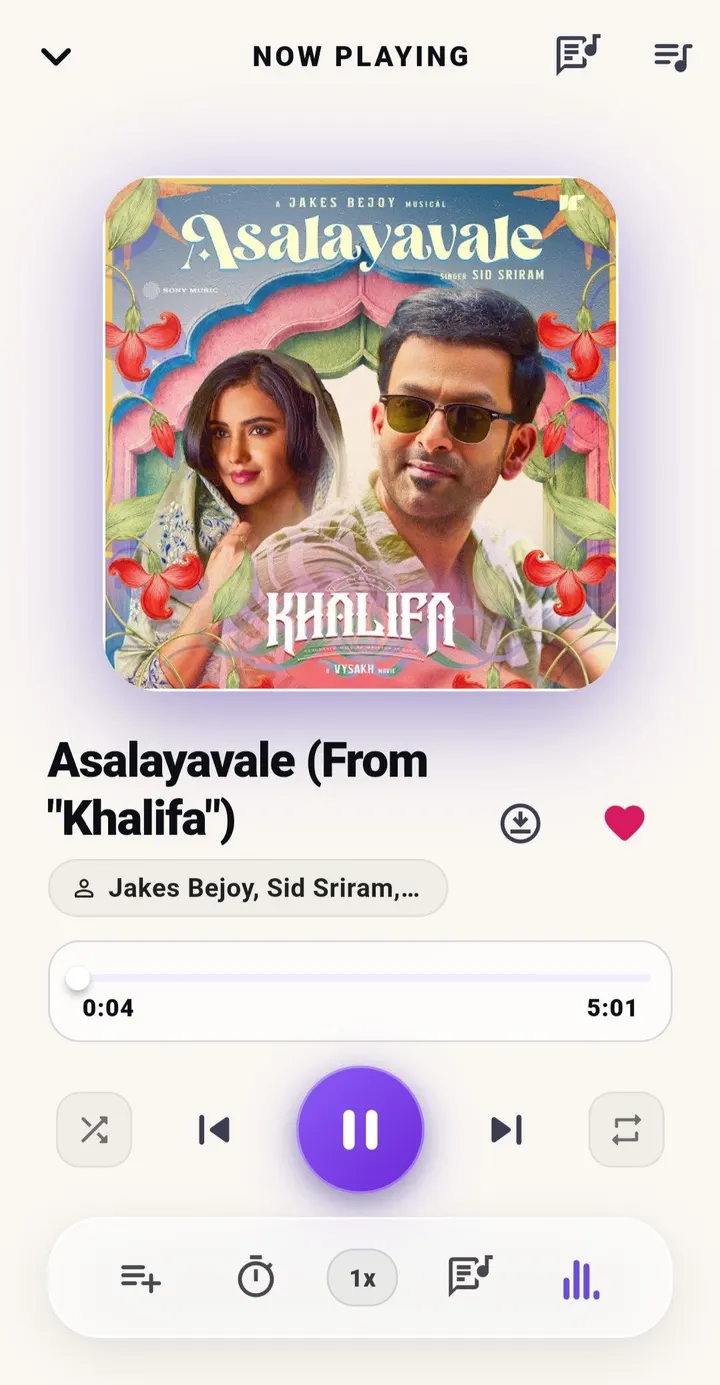
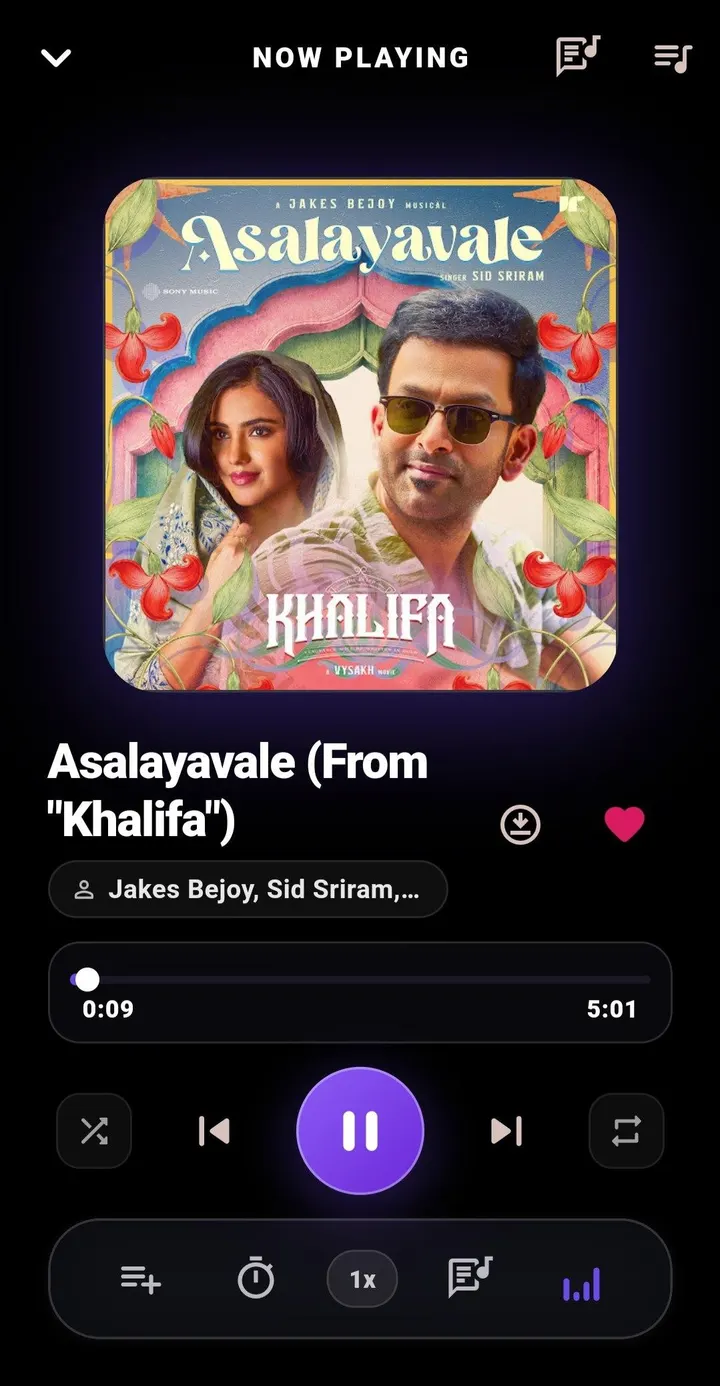
Euphony is a free, open-source music streaming client for Android that pulls tracks from YouTube Music and shows no ads. Version 1.0.1 by developer Mohammed Nihad needs Android 7.0 or newer and weighs 24.3 MB. TopDown APK hosts the unmodified APK, with a verified file and published checksum.
Who an ad-free YouTube Music front end suits
Euphony fits people who already listen through YouTube Music and want a cleaner player without ads. The app is built with Flutter and carries the tags open-source, online media player and no ads.
It also suits anyone who prefers software with public code. The source is on GitHub under the GPL-3.0-only licence, and the app is free.
Downloads, lyrics and background playback in practice
Streaming runs through the youtube_explode_dart library, which uses the InnerTube API. Playback continues in the background, with media controls available outside the app.
Offline downloads and local library support cover listening without a connection. Lyrics come from LRCLIB and appear as plain text rather than synced, line-by-line scrolling.
The interface has customizable themes and a dynamic island element. Home feeds are curated by region, and the app is described as efficient with battery and bandwidth.
Limits of a 1.0.1 release
This is a first public version, released and updated on October 22, 2026. It has no Google Play rating or install count yet, so there is little wider usage data to lean on.
Because content is streamed from YouTube Music through a third-party library, the app's behavior depends on that service.
Euphony pros and cons
Pros
- No ads and free
- Open source under GPL-3.0-only with code on GitHub
- Offline downloads and local library support
- Background playback with media controls
- Small 24.3 MB download
Cons
- Lyrics display as plain text only
- Version 1.0.1 is new, with no Google Play rating or install data yet
- Requires Android 7.0 or newer
Is Euphony safe?
Euphony is open source under GPL-3.0-only, and its code can be read at github.com/MohammedNihadv/Euphony. The APK is kept unmodified, and its SHA-256 checksum is ed7778fd6a0d174d888e21b1cc0d2eb2921cb16a0d8bebb5a325c41db6ac4f1c, so you can confirm that your download matches. The app shows no ads and costs nothing.
How to install Euphony
- Download the APK with the button on this page and wait for it to finish.
- Compare the file with the SHA-256 checksum shown here if you want to confirm it arrived intact.
- Open the file on your phone and allow installs from this source when Android asks.
- Finish the install, then open Euphony from your app drawer.


