

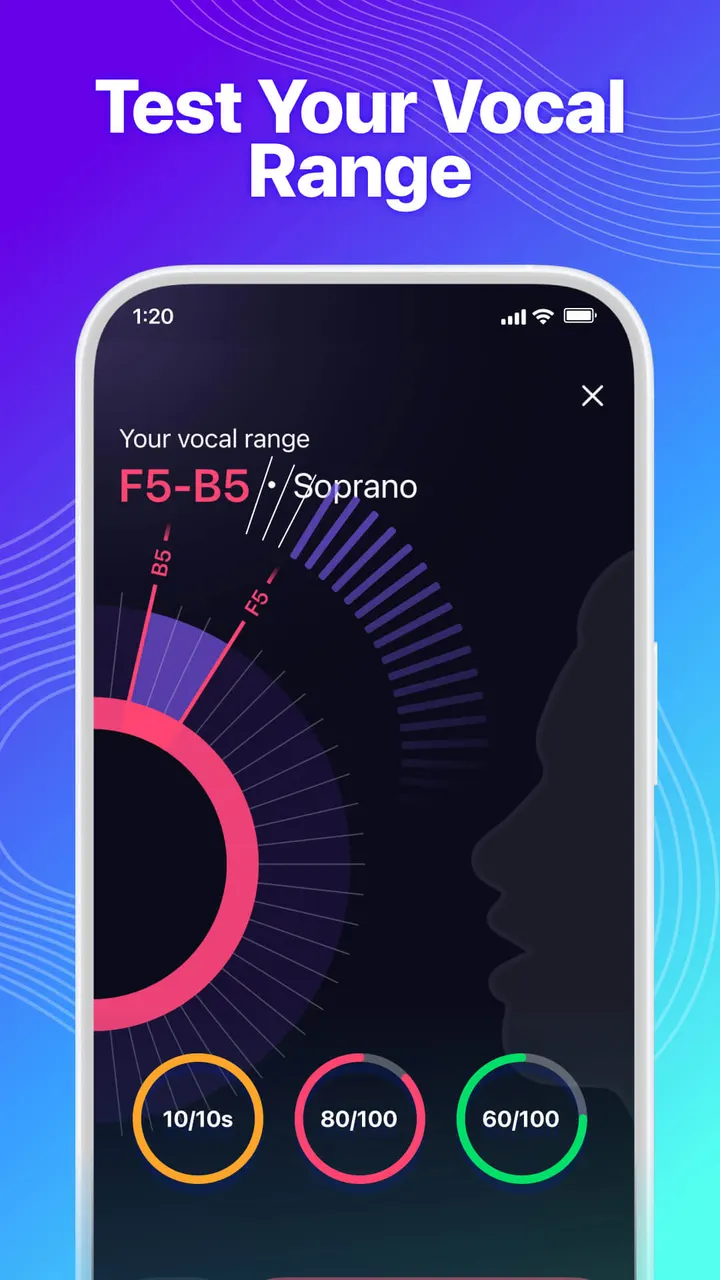
StarMaker is for people who like to sing along to hit songs and share the results with other music fans. It is a karaoke app from SKYWORK AI PTE. LTD. that combines recording tools, duets and live rooms in one free Android download. This page covers who gets the most from it, how the main functions work, and what to expect from ads and in-app purchases.
Who StarMaker suits best
The app fits casual singers, duet partners and anyone who wants an audience for covers. It helps users learn to sing, record karaoke songs, duet and share music, so it works for beginners as much as for regulars. Its category is music apps, with tags for music and audio and a Teen content rating.
It is less suited to people who only want a plain music player. It is a social product built around recording and community, and the alternatives, such as Spotify, YouTube Music and Apple Music, are aimed at listening. Fossify Music Player and Apollo are simpler local players.
Android 7.0 is the minimum version, so most phones from the last several years can install it. The current version is 9.22.3, and the app first appeared on November 10, 2013.
Recording, Hook duets and pitch correction in practice
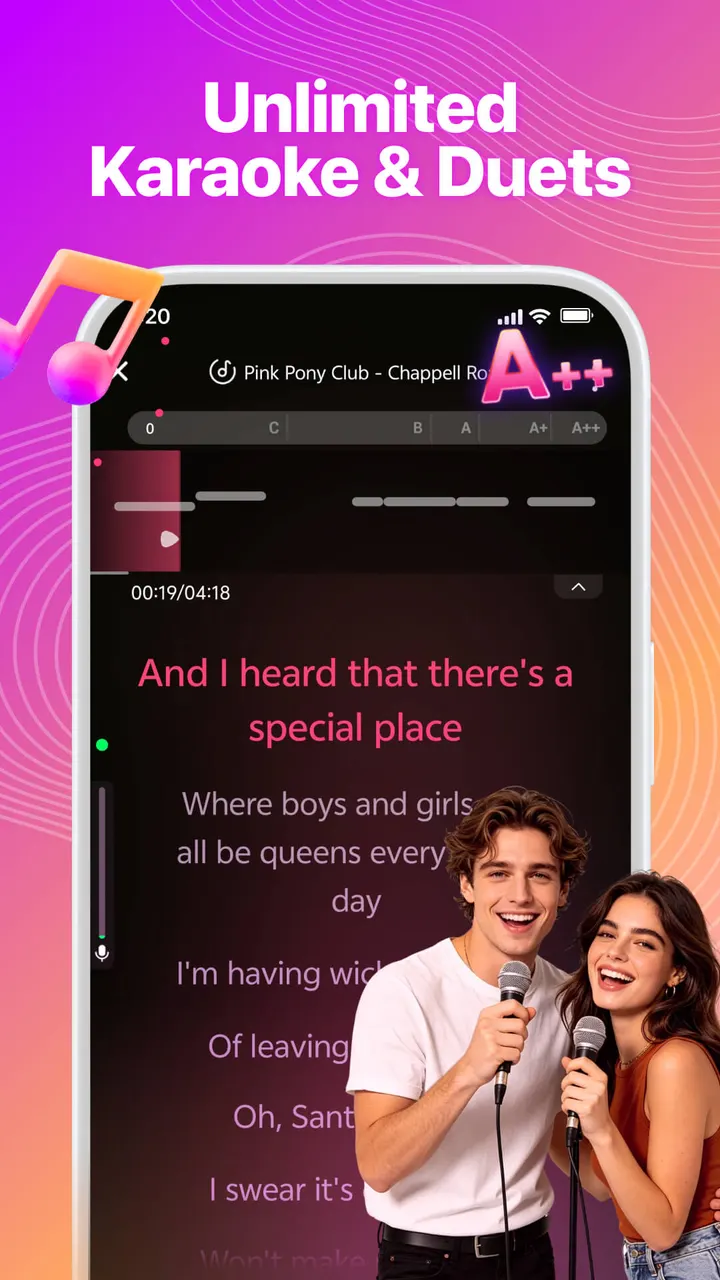
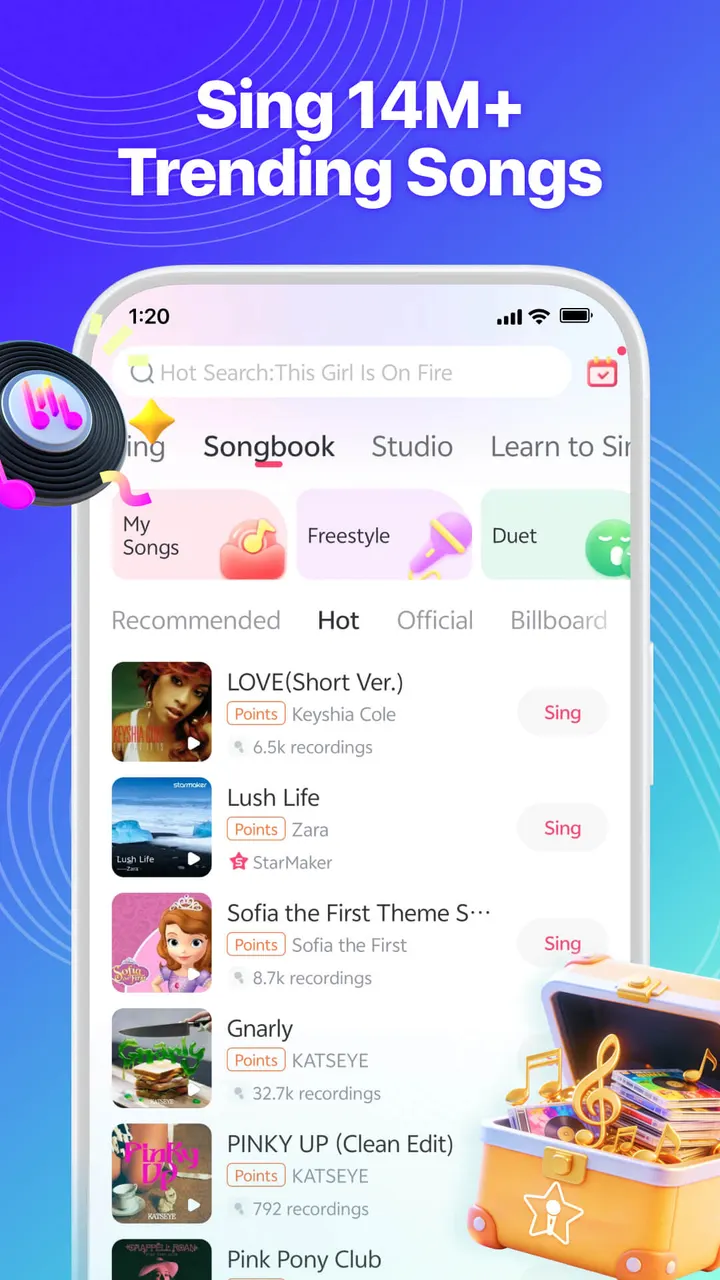
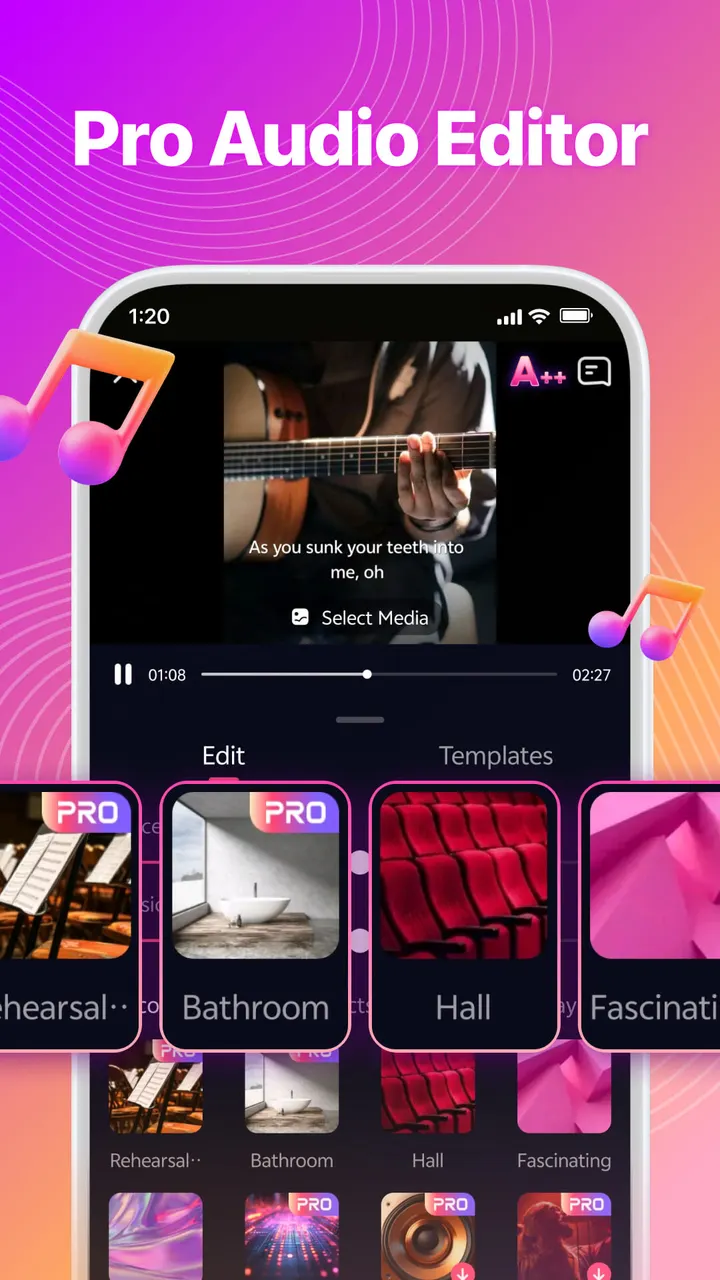
The core loop is to pick a song from a catalogue the developer puts at millions of tracks, sing against backing music with rolling lyrics, then edit the take. The audio editor includes effects named Distant, Warm, Vinyl, Party and Fascinating. Pitch correction is also included, meant to smooth out off-key notes.
Video is part of the package. Selfie videos can be edited with filters such as Vintage, Paris, Sunset, Urban and Spring, and video templates can build music videos with lyrics on screen. Finished recordings can be shared to platforms including WhatsApp, Facebook, Instagram, Twitter and Snapchat.
The Hook feature lets a singer perform only the best part of a song. Duets work with friends or with top artists, and covers can be listened to and downloaded.
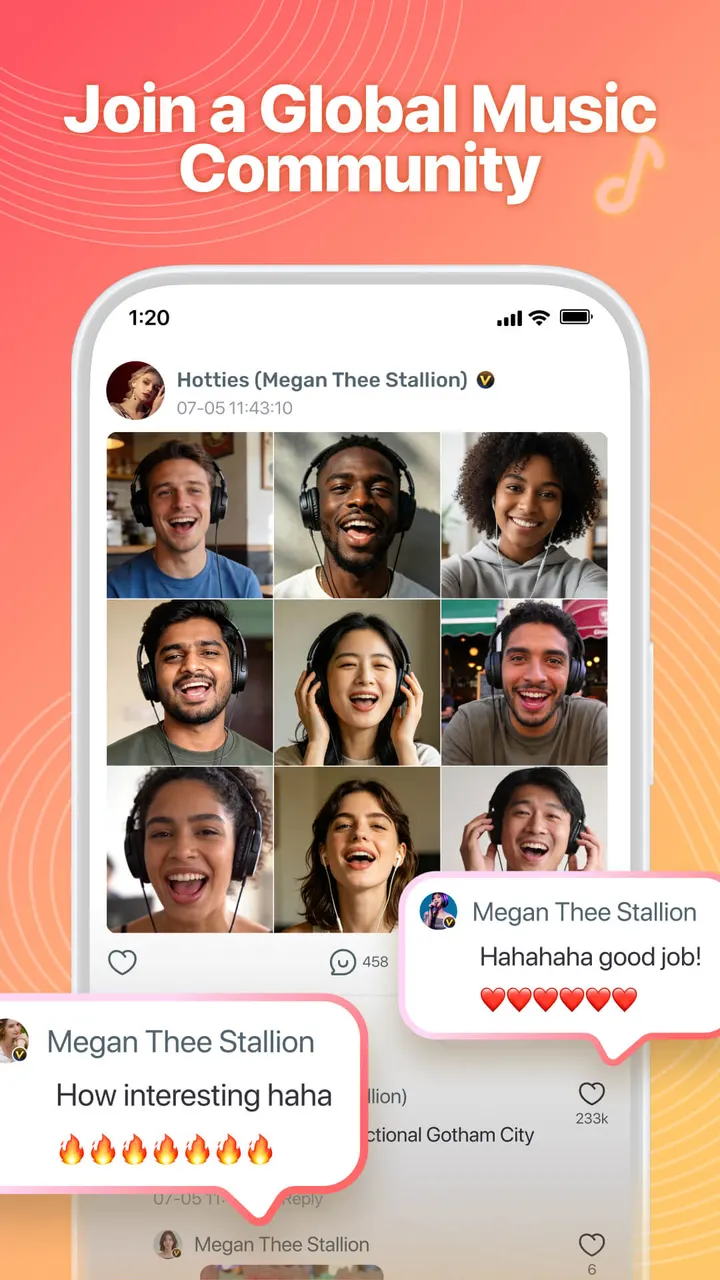
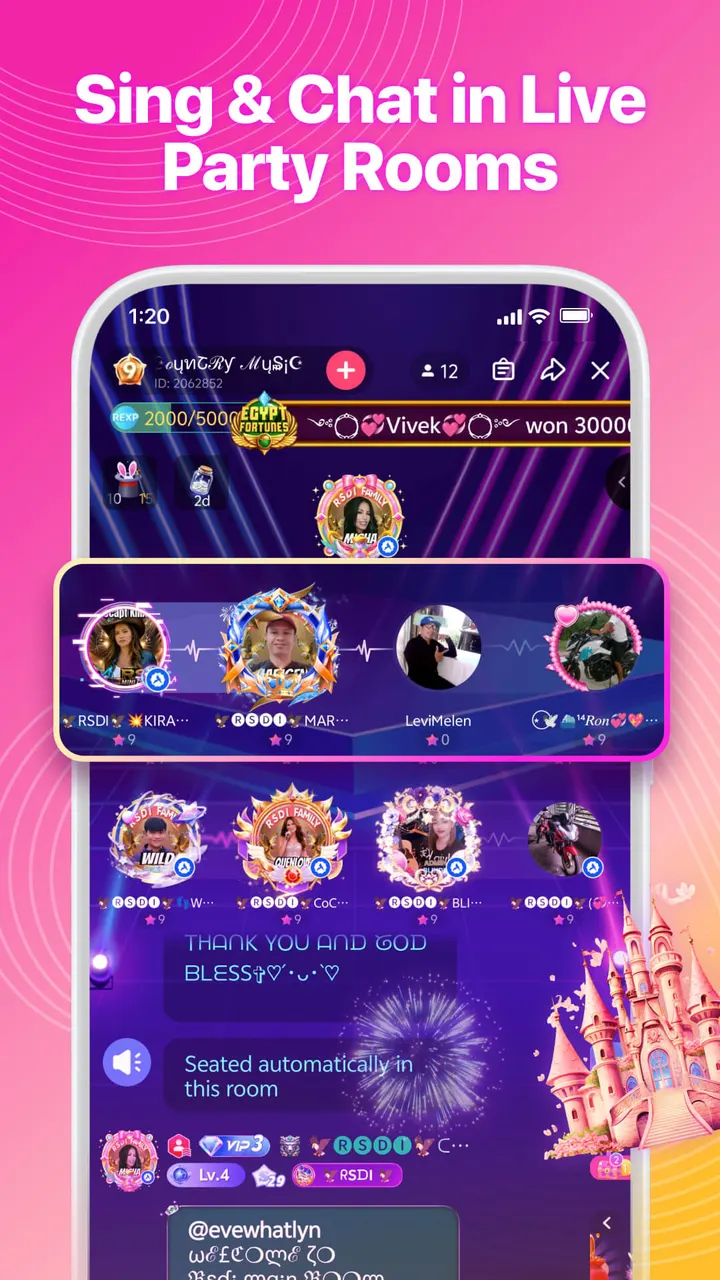
The community side runs through rooms. Users can create Party Rooms, join a Family community of people with similar tastes, and play sing games. The developer says rooms show who the best player is, which gives the app a competitive layer on top of plain karaoke.
Permissions listed for microphone, contacts and location
The app lists several device permissions, each with a stated purpose. The microphone covers recording and playback for singing, Party Rooms and live streams. Storage lets the app save photos and videos to the device, and photos and media access covers the gallery, photo capture and video recording.
Some permissions are social. Contacts access is used to add friends, location supports adding friends by proximity, and calendar access adds Activity reminders. Bluetooth connects wireless audio devices for recording and playback.
These are broad for a singing app, and users who do not want to share contacts or location should check what the app asks for on first launch.
Ads and in-app purchases on a free download
StarMaker is free to install. It also contains ads and in-app purchases, so free does not mean everything is included.
The developer claims 50M+ users globally and mentions a Google Play feature, so treat those as the publisher's own claims. The support contact is appsupport@starmakerinteractive.com, and the developer website is starmakerstudios.com.
Install it from Google Play, where screenshots give a preview before you commit.
What's new in 9.22.3
Version 9.22.3 was last updated on November 2, 2026.
StarMaker pros and cons
Pros
- Free to install
- Pitch correction and audio effects such as Warm, Vinyl and Party
- Hook duets let you sing only the best part of a song with friends or artists
- Party Rooms, Family communities and sing games add a social layer
- Pop, Hip Hop, R&B and Folk songs are all covered, with rolling lyrics shown while you sing
Cons
- Contains ads and in-app purchases
- Asks for many permissions, including contacts, location and calendar
- Teen content rating and a social focus may not suit younger children
Is StarMaker safe?
Google Play is the place to install StarMaker. The publisher is SKYWORK AI PTE. LTD., and the package ID is com.starmakerinteractive.starmaker. Nothing further about audits or licensing is on record, so check the permission requests yourself before granting contacts, location or calendar access.
How to install StarMaker
- Press the Google Play button on this page.
- Check the listing in the Play Store and press Install.
- Open StarMaker when the install finishes. Updates arrive through Google Play.