
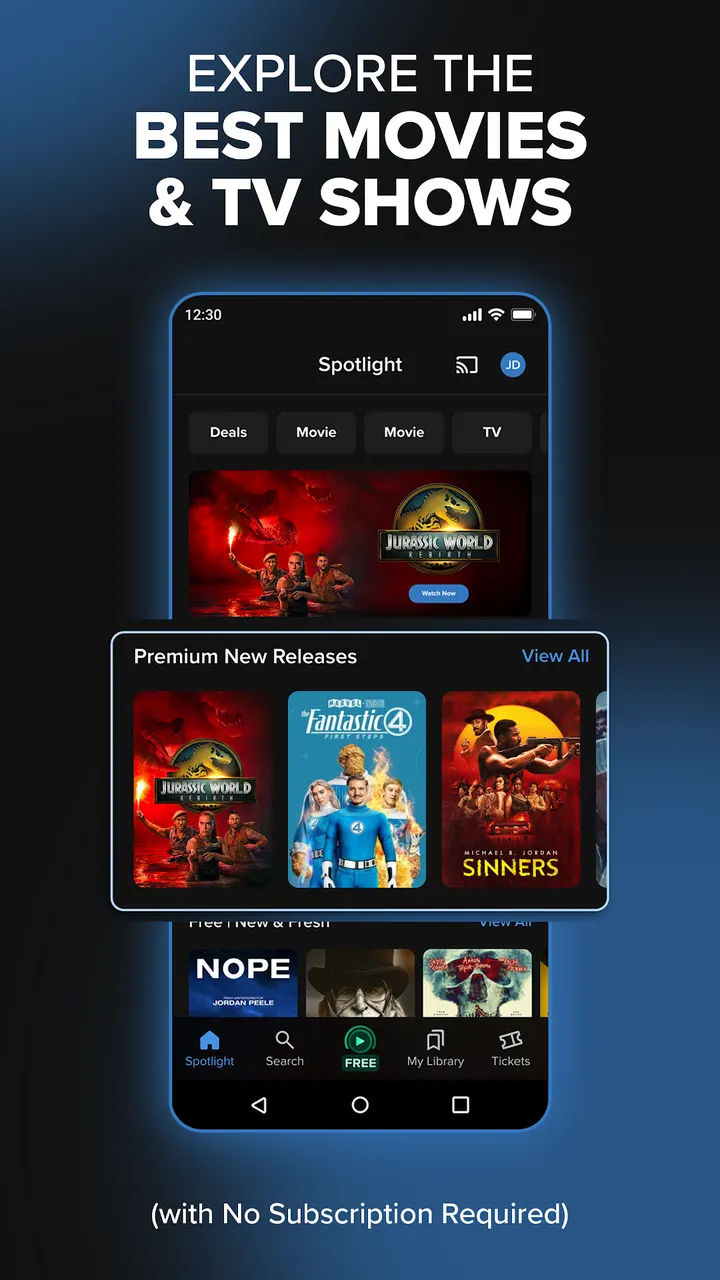
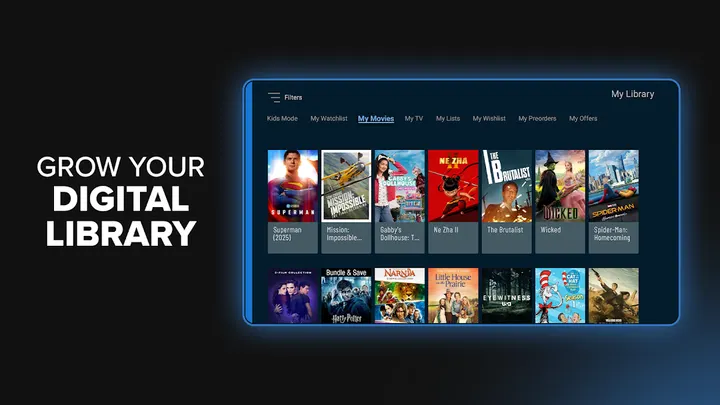
Fandango suits people who want one Android app for free movies with commercials, paid rentals and a digital library, without signing up for a subscription. It is available through Google Play only. Fandango Media publishes it, and Google Play lists it in the Teen content rating.
Paying for every title versus a free tier
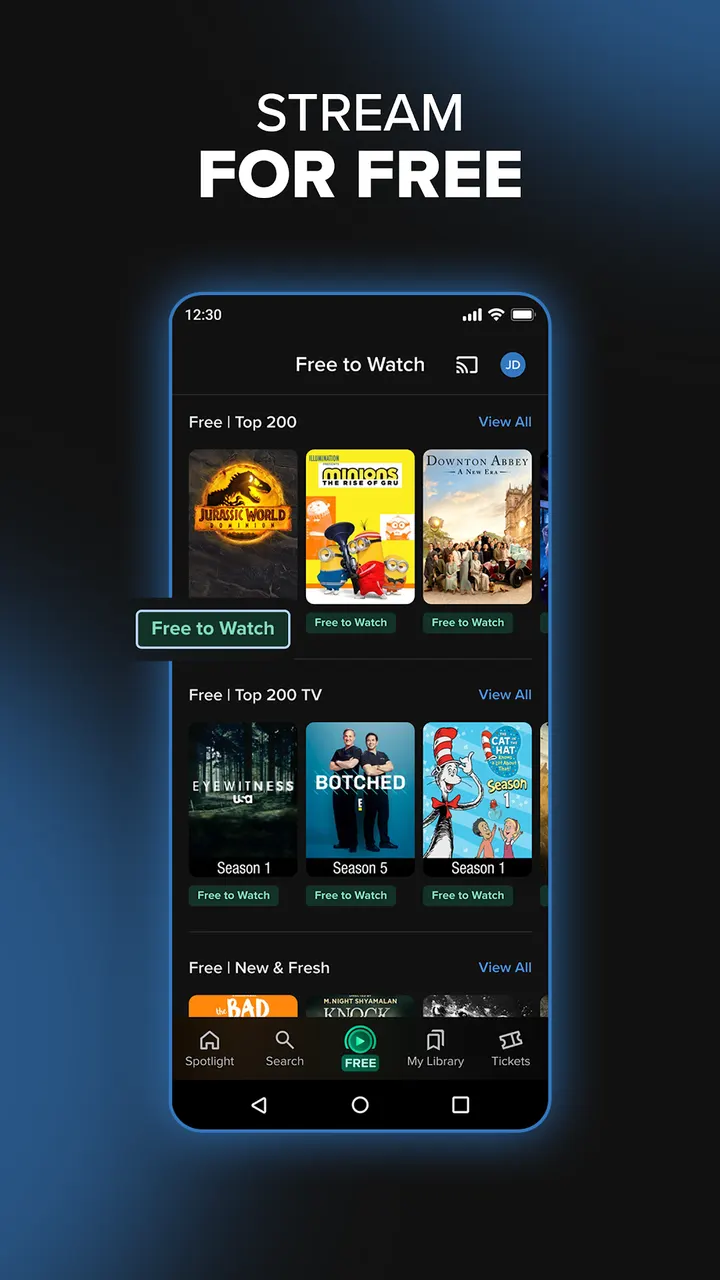
Streaming costs add up when each service wants a monthly fee. Fandango takes a different route by pairing a free catalog with pay-per-title rentals and purchases. No subscription is required.
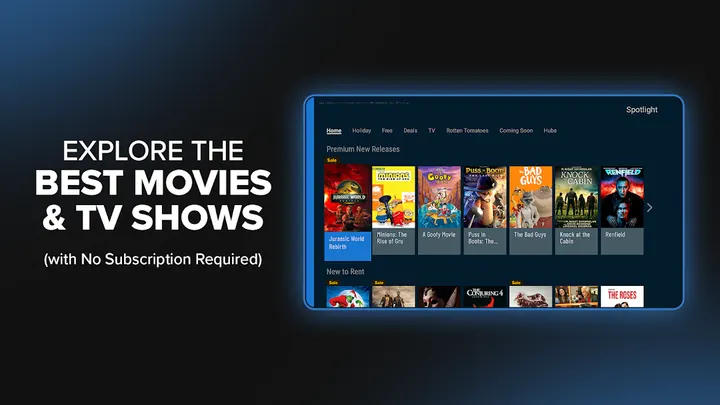
The free titles carry limited commercials, and the developer describes them as thousands of movies and series. Google Play also marks the app as containing no ads, so the commercials are best read as part of the free streaming content.
Library, offline downloads and kids mode
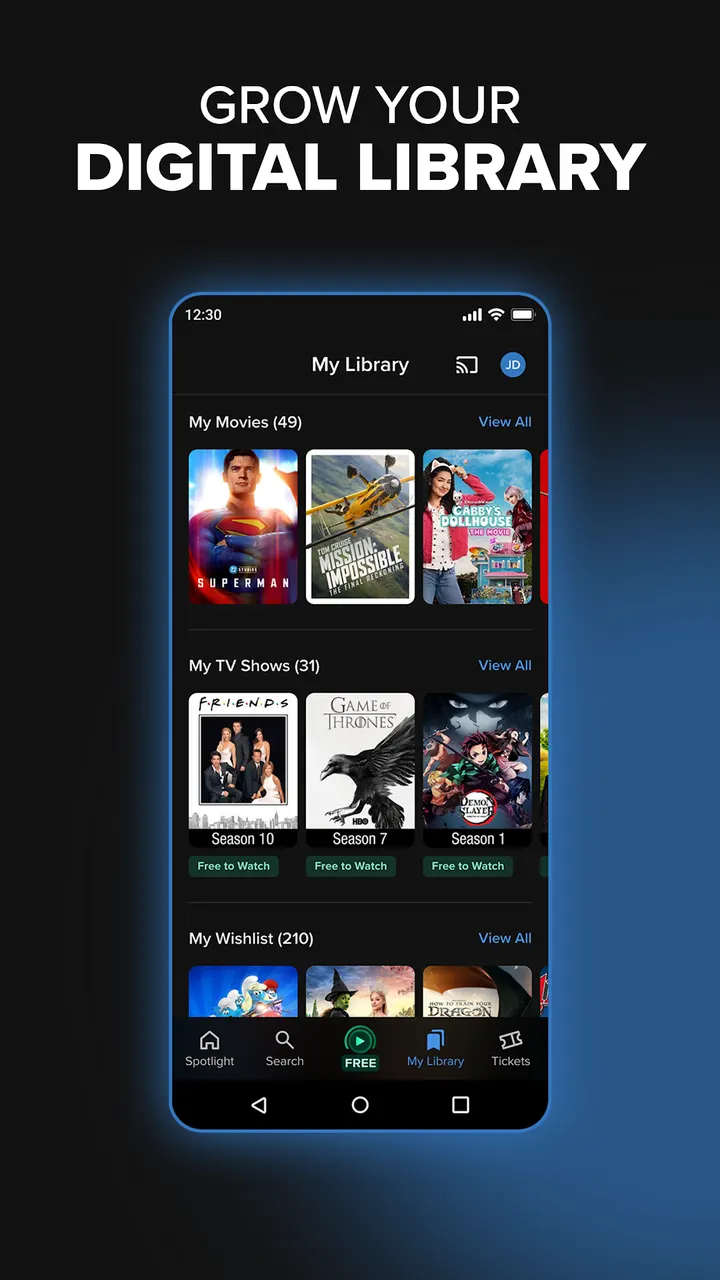
Purchases go into a digital library that can be reached across participating platforms. Eligible purchases can also be downloaded for offline viewing.
Premium picture and sound formats are available where supported. Kids mode adds Common Sense Media ratings, reviews and parental controls, a useful detail for households with younger viewers.
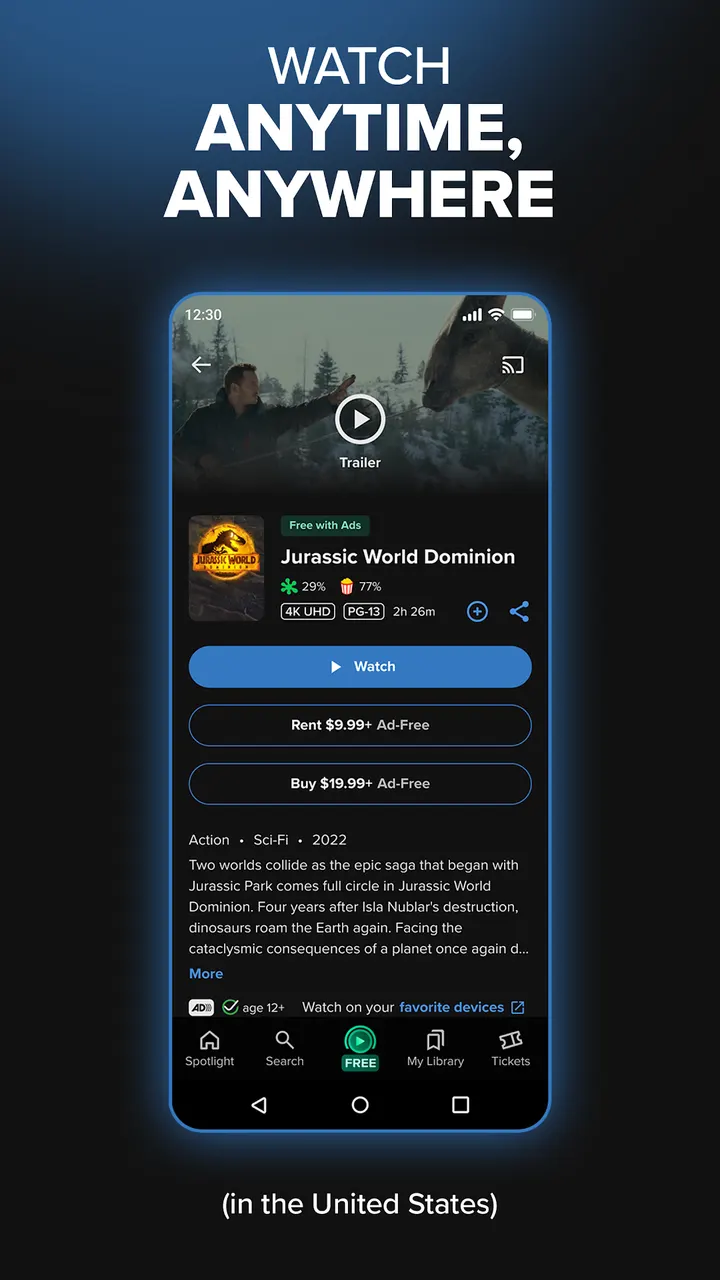
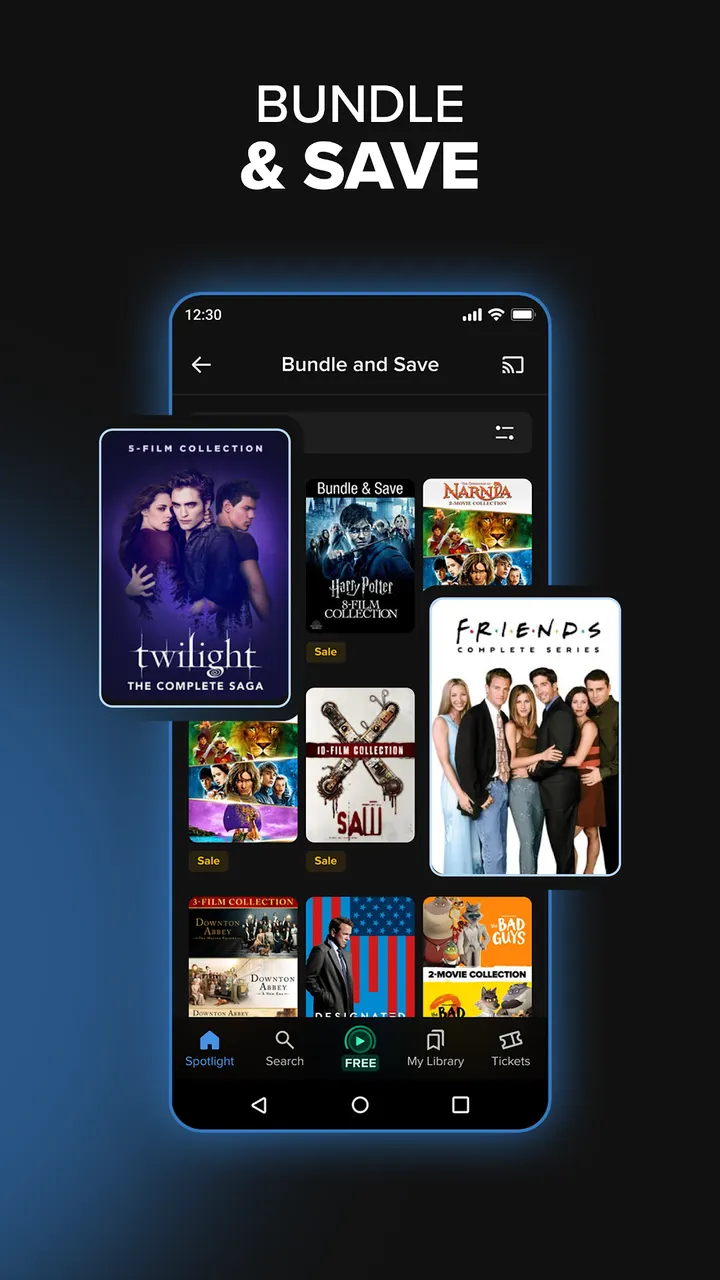
The app also includes curated collections, Rotten Tomatoes scores, trailers and recommendations. Bundles and personalized deals are offered too.
What to check before installing Fandango
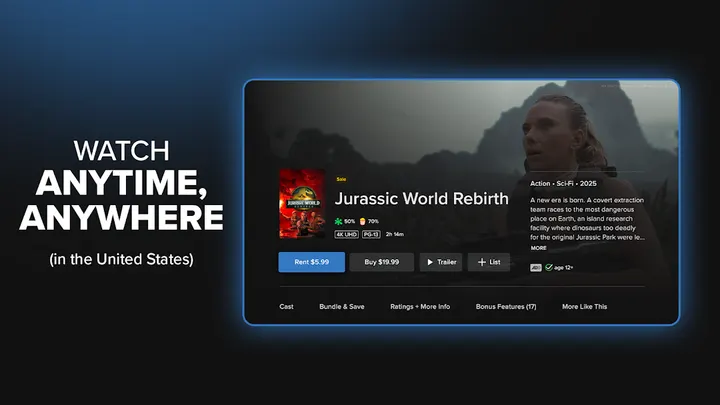
The app has in-app purchases, so rentals and buys cost money even though installing is free. Check whether a title is free or paid before you press play.
The version number varies by device. Google Play shows a 4.5 rating from 224.1 thousand ratings and over 10 million installs. The app also offers FanClub connection for theater tickets where available.
Fandango pros and cons
Pros
- Free titles with limited commercials and no subscription required
- Rent or buy new releases and classics in one app
- Kids mode with Common Sense Media ratings and parental controls
- Eligible purchases can be downloaded for offline viewing
- Google Play rating of 4.5 from 224.1 thousand ratings
Cons
- In-app purchases apply to rentals and purchases
- Free titles include commercials
- Offline downloads and premium formats depend on eligibility and availability
- Rentals and purchases cost extra through in-app purchases
Is Fandango safe?
Fandango comes from Fandango Media and is installed through Google Play. Its store page carries a Teen content rating and shows no ads, though in-app purchases are offered for renting and buying titles. Before installing, look over the permissions it asks for and the privacy settings, and keep the kids mode with parental controls in mind if younger viewers will use it.
How to install Fandango
- Press the Google Play button on this page.
- Check the listing in the Play Store and press Install.
- Open Fandango when the install finishes. Updates arrive through Google Play.