






You have ten spare minutes on a commute and want a puzzle that does not shove video ads at you. Flambé: Merge & Cook, made by Microfun Limited, is a free merge game on Android where you combine ingredients into dishes and grow a restaurant. It is rated Everyone and carries no ads.
Who a no-ads merge game in a kitchen suits
This is a casual puzzle for players who like merge mechanics and a light cooking theme. The Everyone content rating makes it suitable for most households.
It needs Android 7.0 or newer, so it runs on fairly old phones. Google Play lists over 5 million installs and a 4.3 rating from 51.6 thousand ratings.
Merging, recipes and restaurant decoration
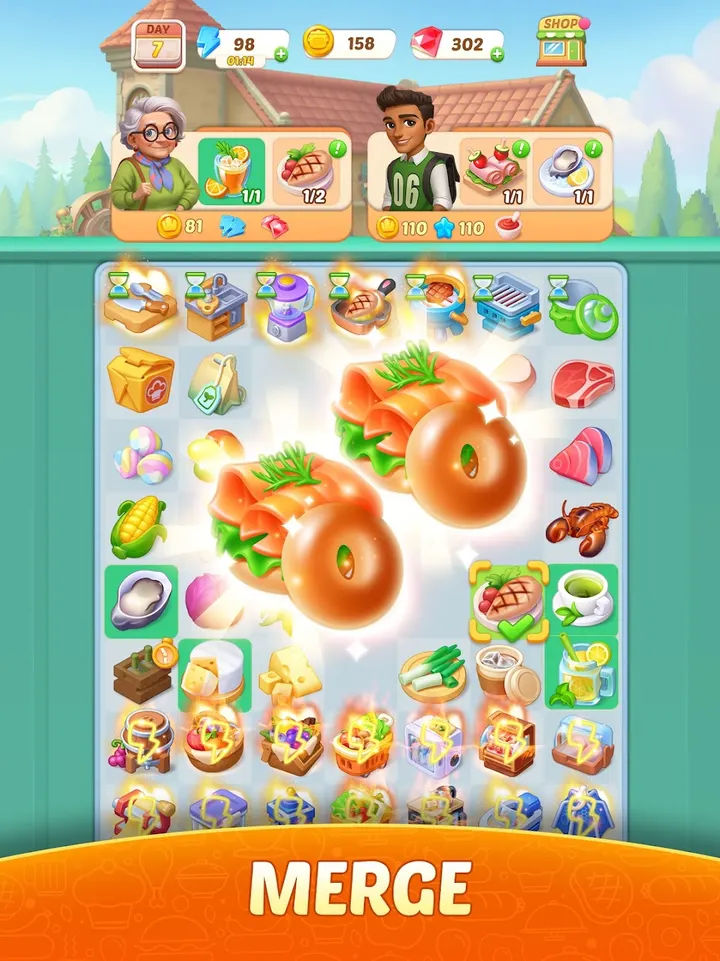
The core loop is merging basic ingredients into more complex ones. You slice, chop and flambé items, and each merge moves you toward a more elaborate dish.
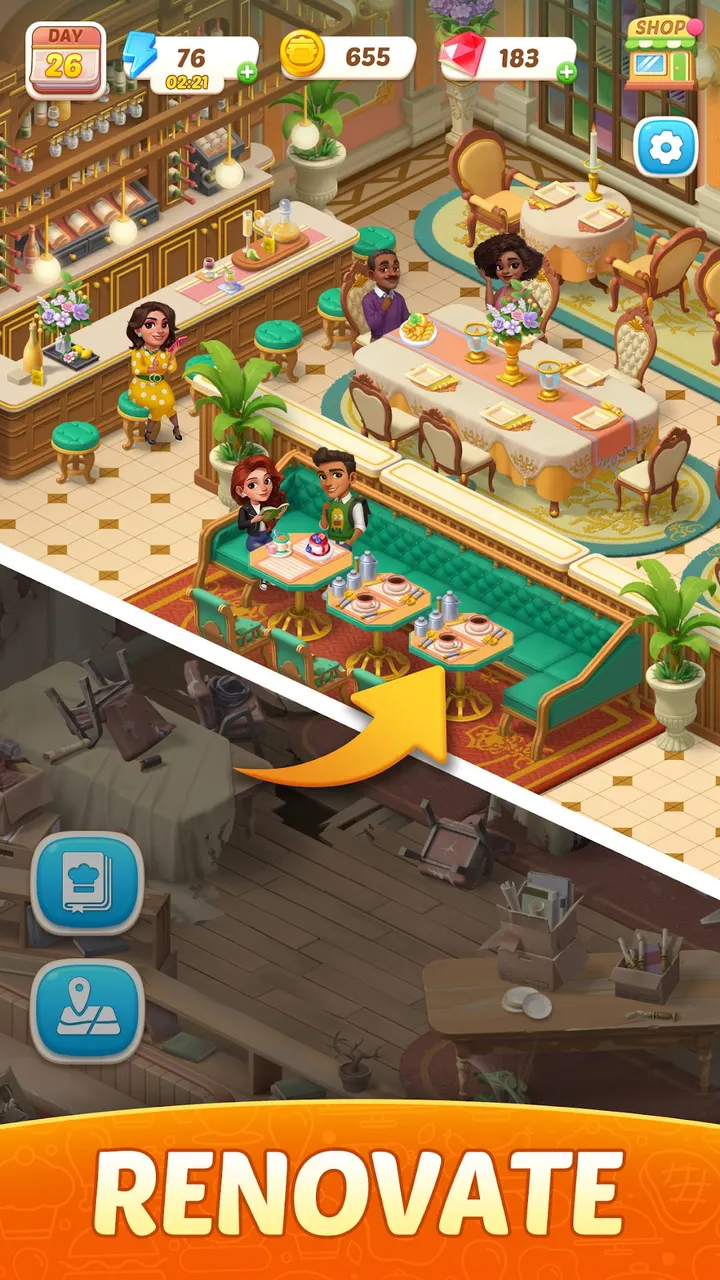
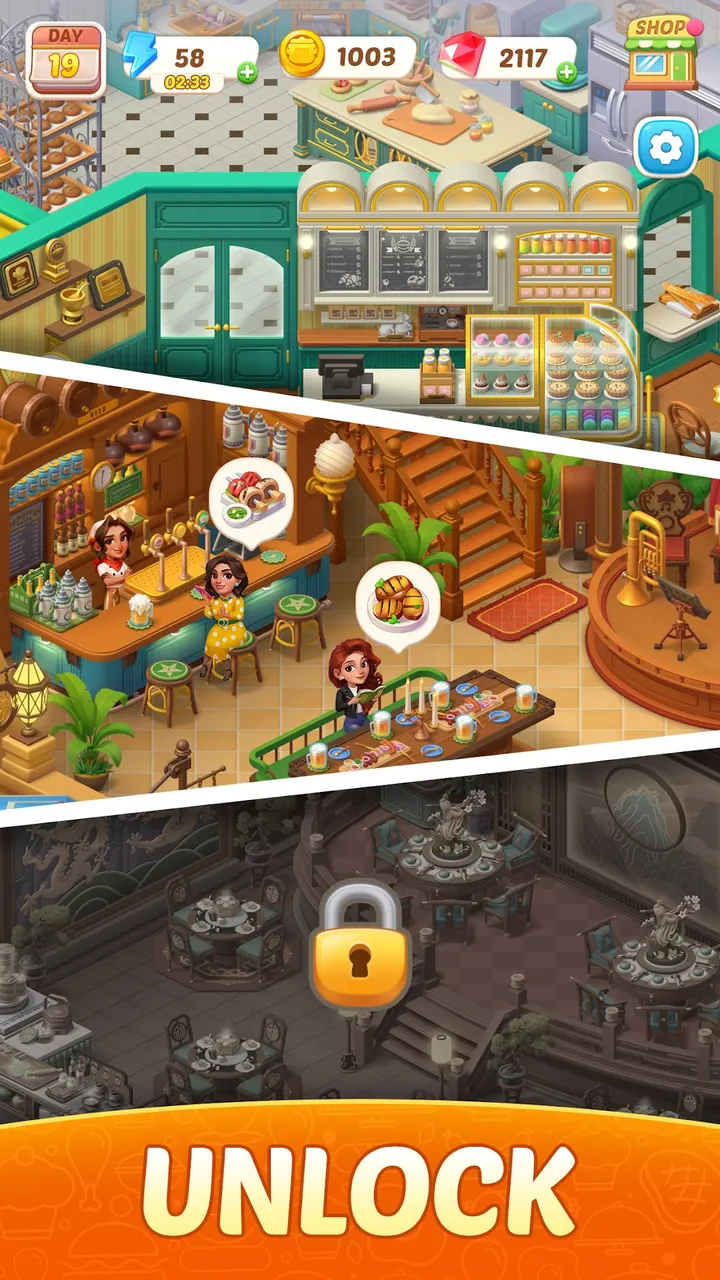
Recipes run from appetizers to desserts, and you unlock them as you progress. Alongside the cooking, you design and decorate your own restaurant to attract customers, with a range of locations as the setting. Eight screenshots on the store page show the bright, animated look of the kitchen scenes.
In-app purchases and what the store page leaves out
The game is free to install and has no ads, but it does include in-app purchases. The data does not detail what they sell, so check the store page before spending anything.
It was first released on May 7, 2025, and the current version is 1.54.1.
Flambé: Merge & Cook pros and cons
Pros
- Free to install with no ads
- Merge puzzle with recipes from appetizers to desserts
- Restaurant design adds a second goal beyond merging
- Runs on Android 7.0 and newer
- Rated 4.3 on Google Play by 51.6 thousand ratings
Cons
- Includes in-app purchases
- No details on what the purchases cover
- Mobile only, with no Windows version
Is Flambé: Merge & Cook safe?
Flambé: Merge & Cook is published by Microfun Limited and distributed through Google Play, which is where you should get it. The game carries an Everyone content rating and shows no ads. Check the permissions and privacy policy on the store page before installing.
How to install Flambé: Merge & Cook
- Press the Google Play button on this page.
- Check the listing in the Play Store and press Install.
- Open Flambé: Merge & Cook when the install finishes. Updates arrive through Google Play.


