

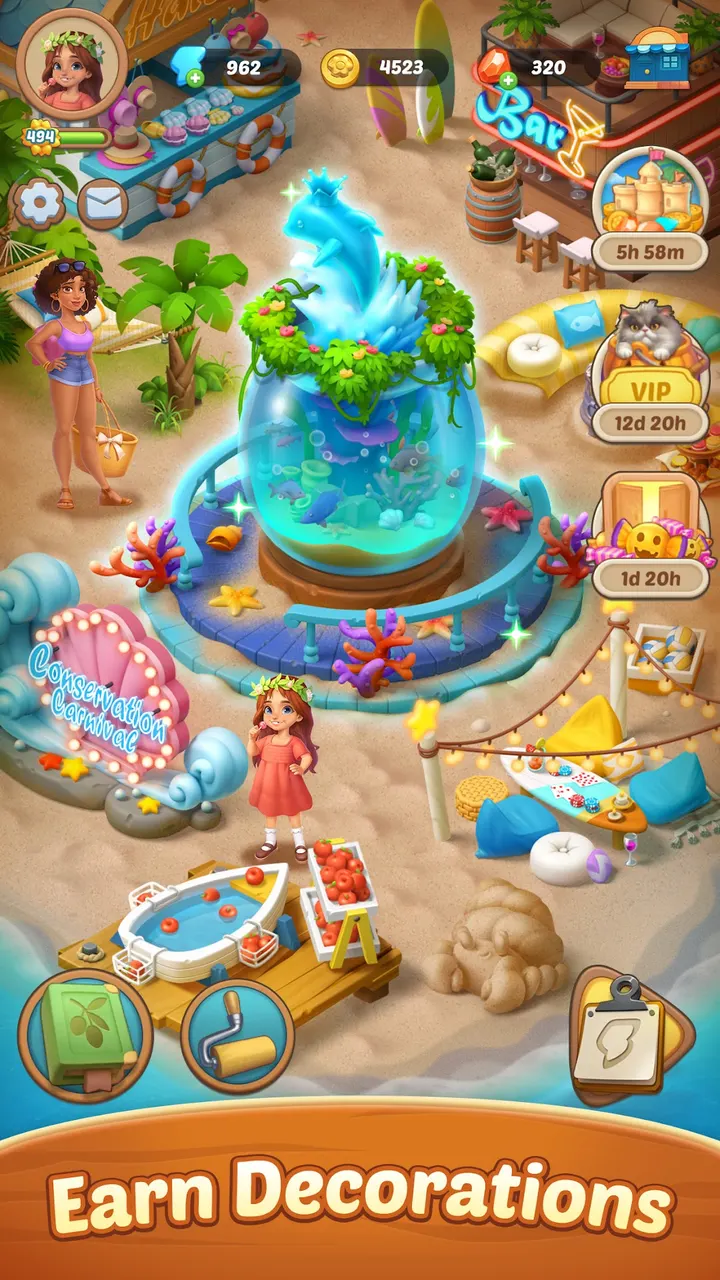
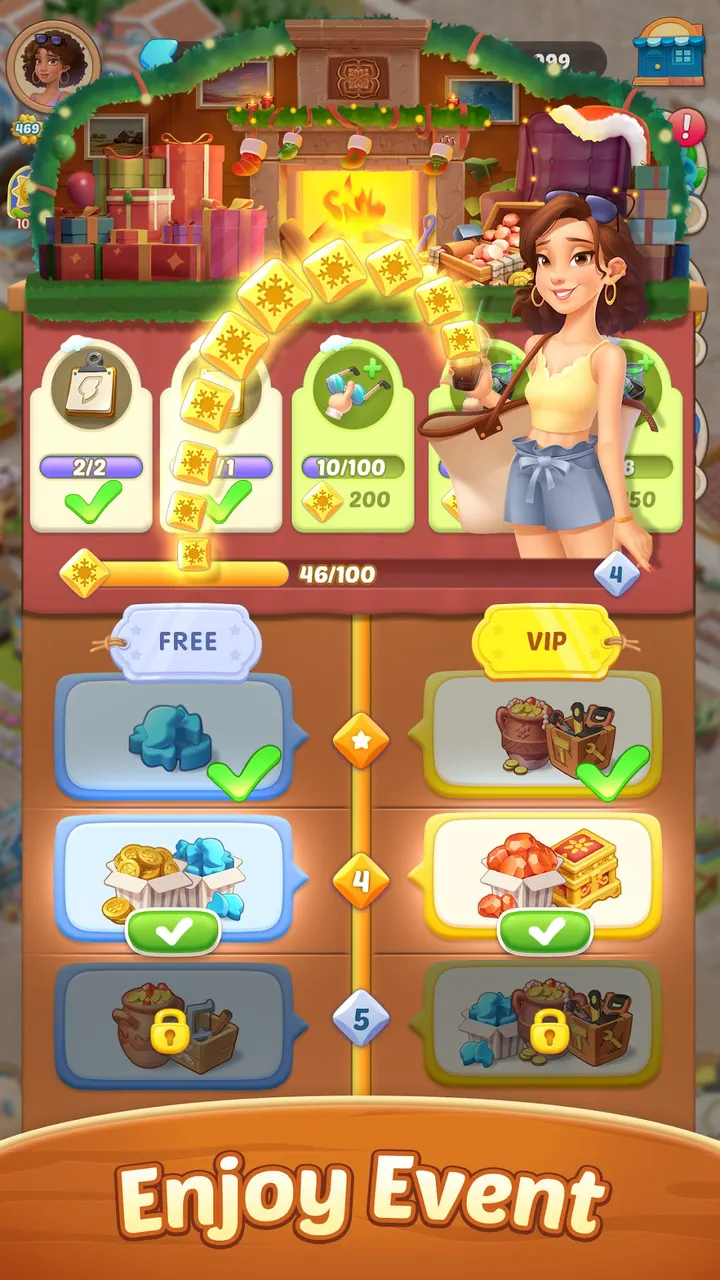
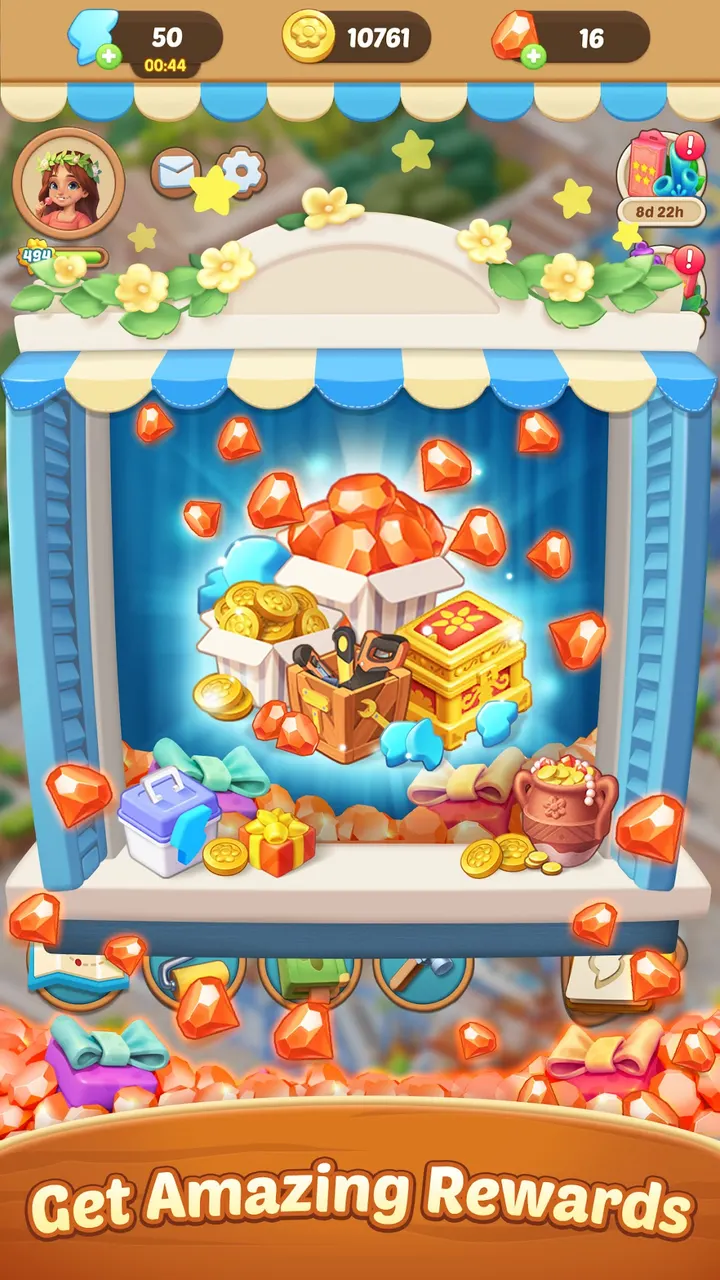
Seaside Escape is a free merge puzzle game from Microfun Limited. It has passed 10 million installs on Google Play, where about 127 thousand ratings average 4.5. It runs on Android 7.0 or newer and carries an Everyone content rating.
Who the Kryphos story suits
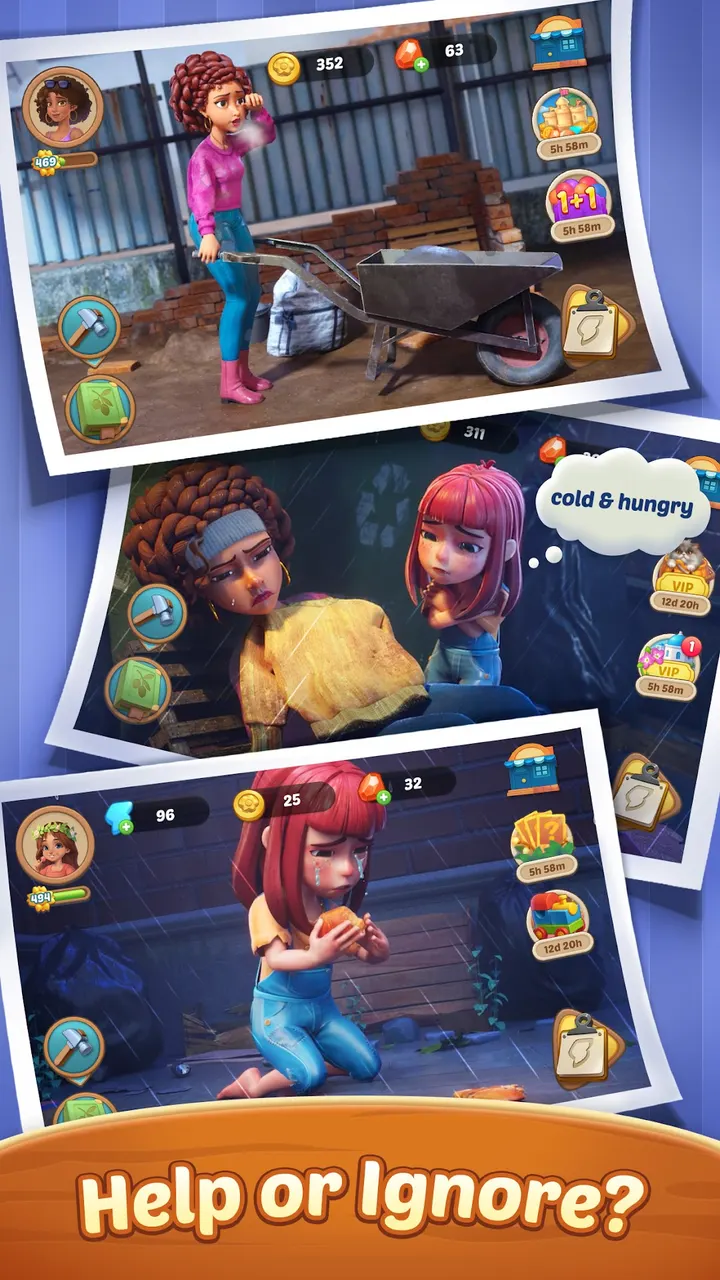
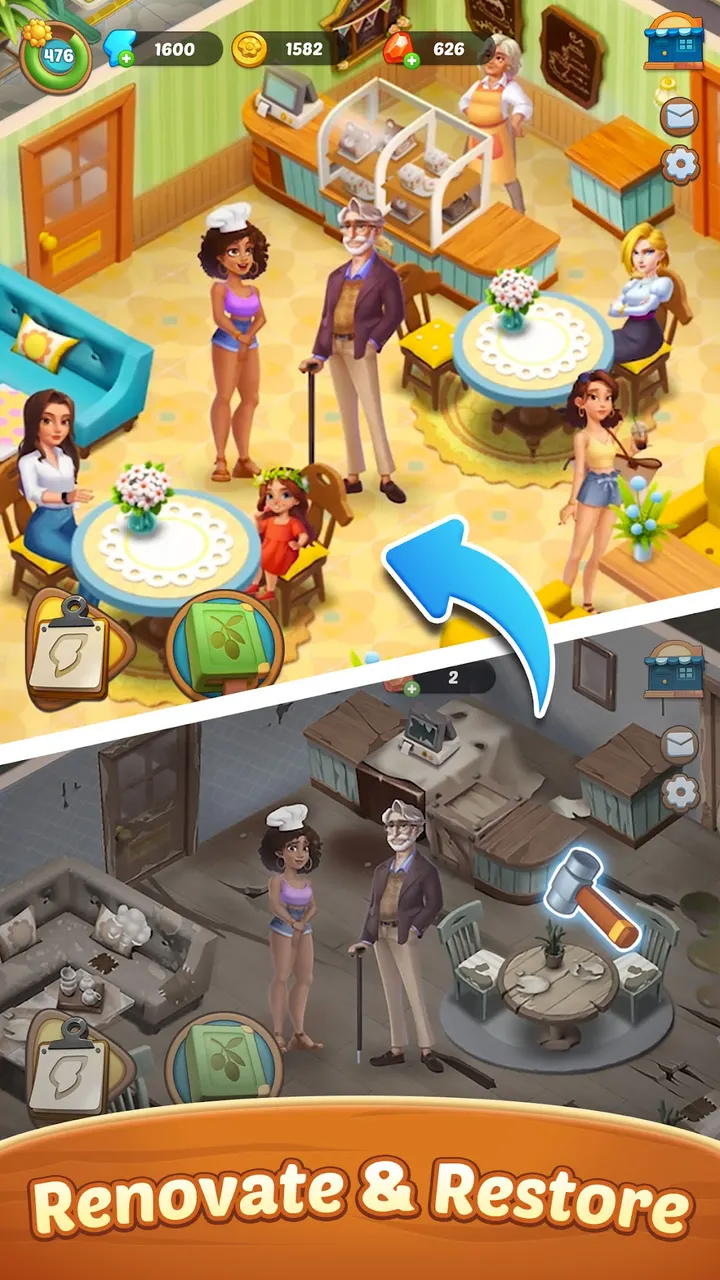
The game follows Rowan, a disgraced actress who is trying to rebuild her life and confidence. The town of Kryphos has changed a lot over five years, and her recovery is tied to fixing it.
Players who like a light story wrapped around a puzzle will get the most from it. The Everyone rating and the lack of ads make it easy to hand to a casual player.
Merging by dragging, with hundreds of items
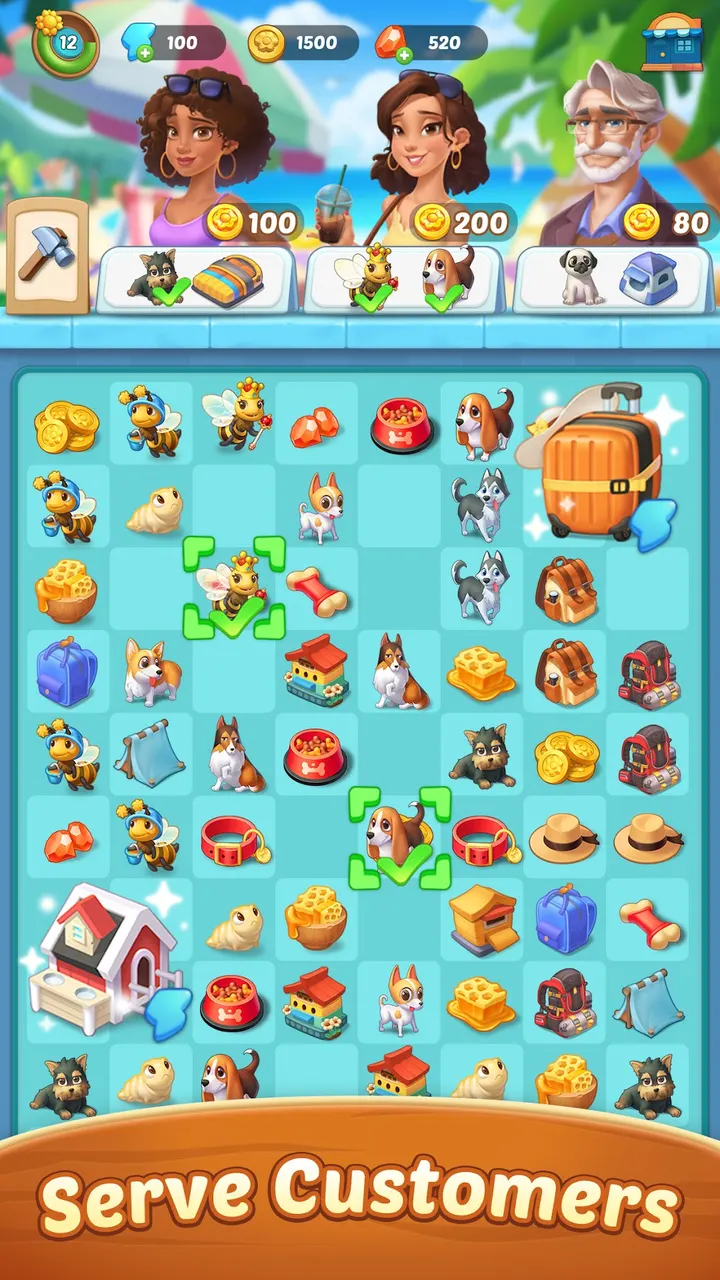
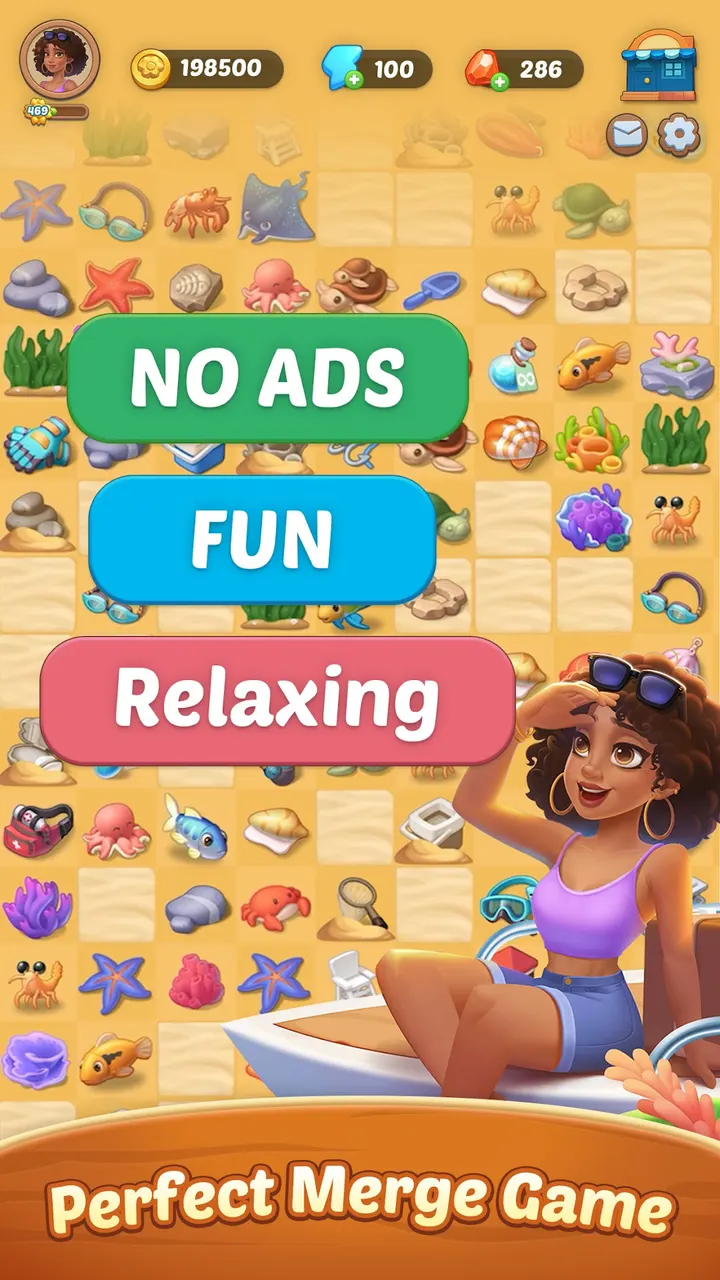
The core action is a single drag. You pull one basic item onto another and get something new. Hundreds of items exist, so the combinations reach well past a handful of obvious pairs.
Merging feeds the larger goal of helping Kryphos residents thrive. Hidden secrets and small surprises turn up as the town is rebuilt, which gives the merging a reason to continue.
Loot boxes and purchases to know about
Installing costs nothing and the game shows no ads. It does include in-app purchases, and the store description states that it contains loot boxes. Anyone who dislikes random rewards should keep that in mind.
The current version is 2.8.5, updated on November 3, 2026. The game first appeared on March 19, 2023, so it has been maintained for a good while.
Seaside Escape pros and cons
Pros
- Free to install, with no ads shown
- Simple one-finger drag to merge items
- Hundreds of items to combine
- Story about Rowan and Kryphos adds direction
- Rated 4.5 on Google Play by about 127 thousand people
Cons
- Includes in-app purchases
- Contains loot boxes, per the store description
- Needs Android 7.0 or newer
Is Seaside Escape safe?
Seaside Escape is published by Microfun Limited and distributed through Google Play, where it has over 10 million installs. It is rated Everyone and shows no ads. It does sell in-app items and includes loot boxes, so set purchase limits on the device if children play. The publisher links a privacy policy and terms of service.
How to install Seaside Escape
- Press the Google Play button on this page.
- Check the listing in the Play Store and press Install.
- Open Seaside Escape when the install finishes. Updates arrive through Google Play.


