
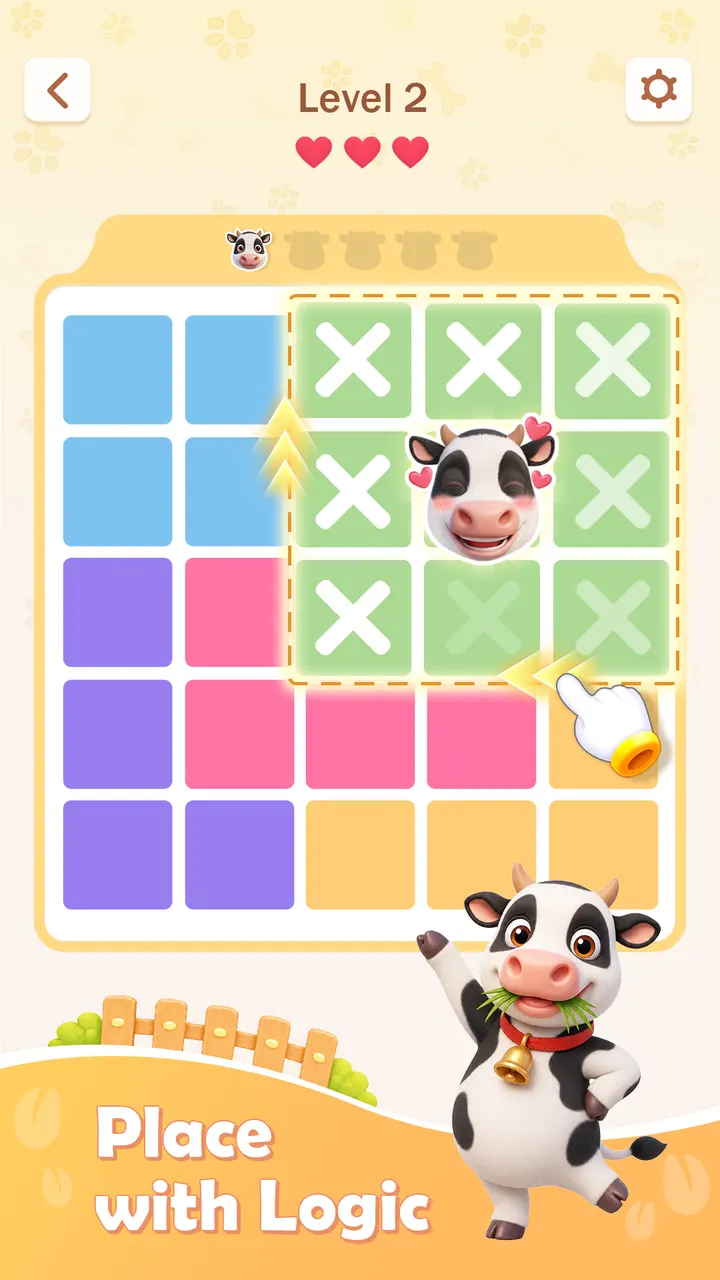
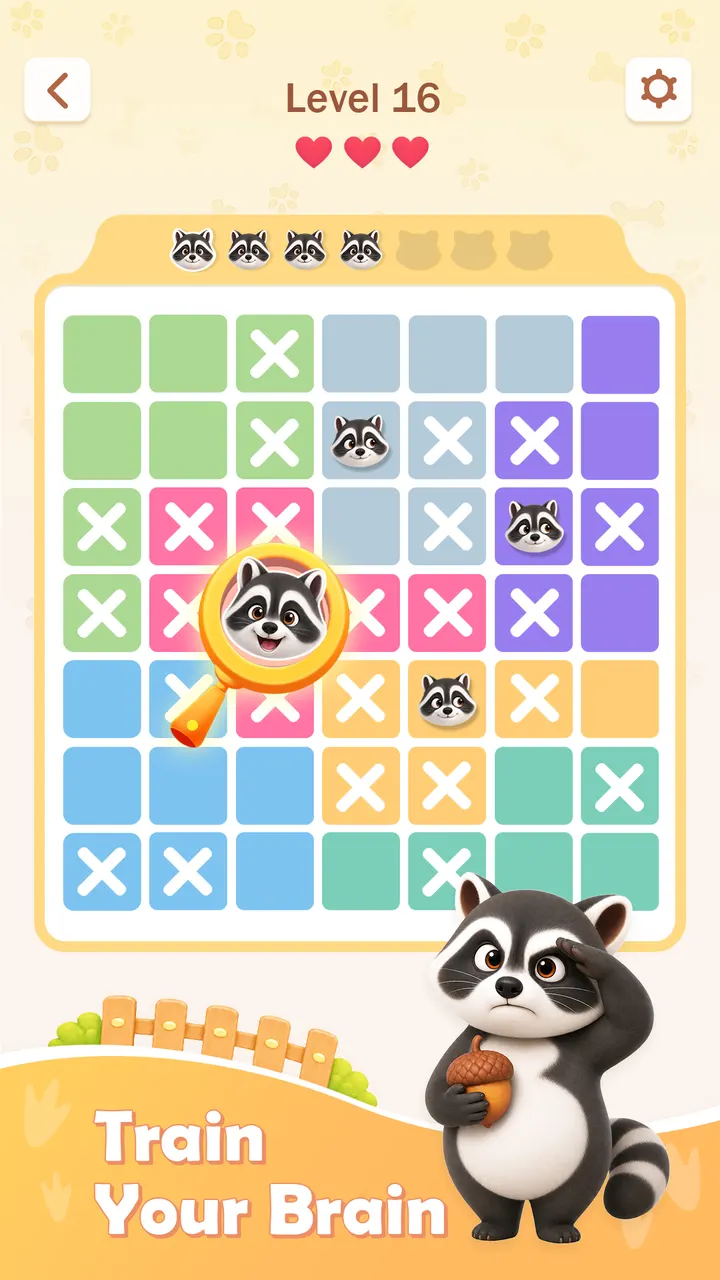
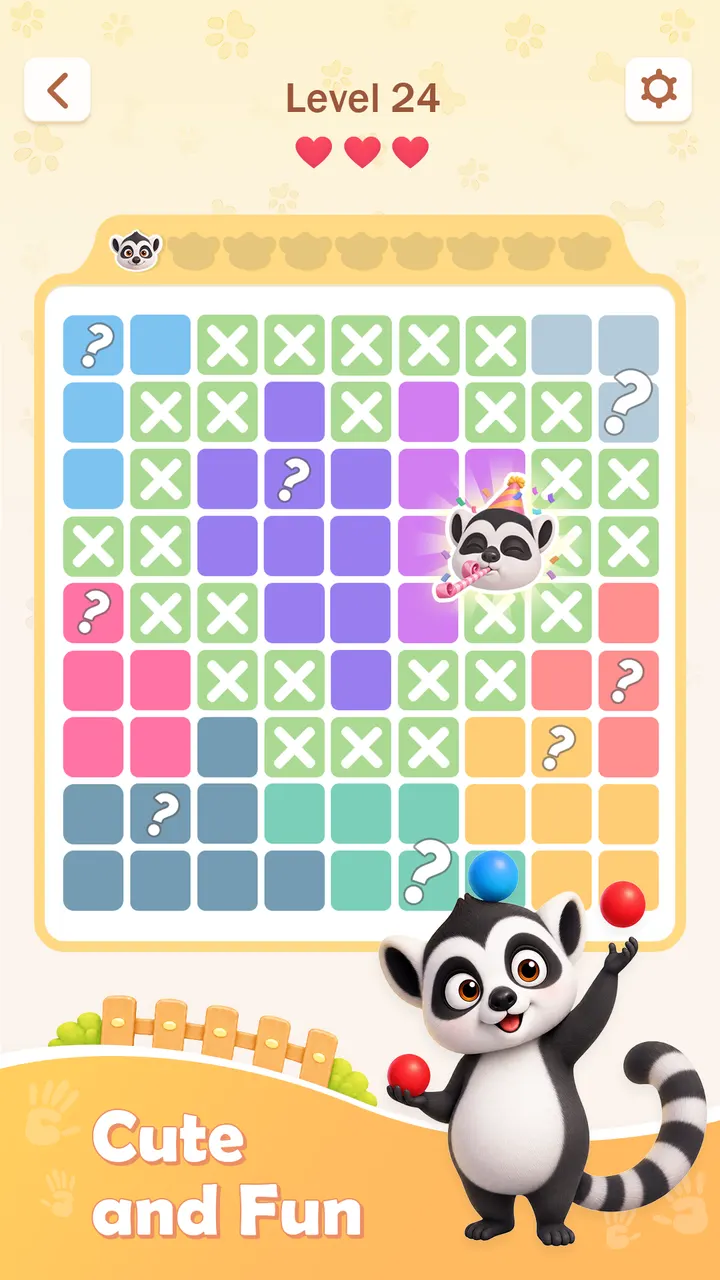
Where Gardenscapes wraps its puzzles in a story and a garden to rebuild, Zoodoku keeps things bare: a grid, some colored regions and a handful of animals. It comes from Nebula Studio and runs on Android 7.1 or later. Google Play lists over 1 million installs and a 4.5 rating from 35.6 thousand ratings.
Who the animal grid suits
Zoodoku fits people who like Sudoku or Queens-style deduction but would rather skip numbers. The rules ask for no math, and each board has one unique solution that logic can reach without guessing. It carries an Everyone content rating, so it works for a wide age range.
It also suits short sessions. A quick board during a break works, and so does a slower, harder one.
How a board plays out
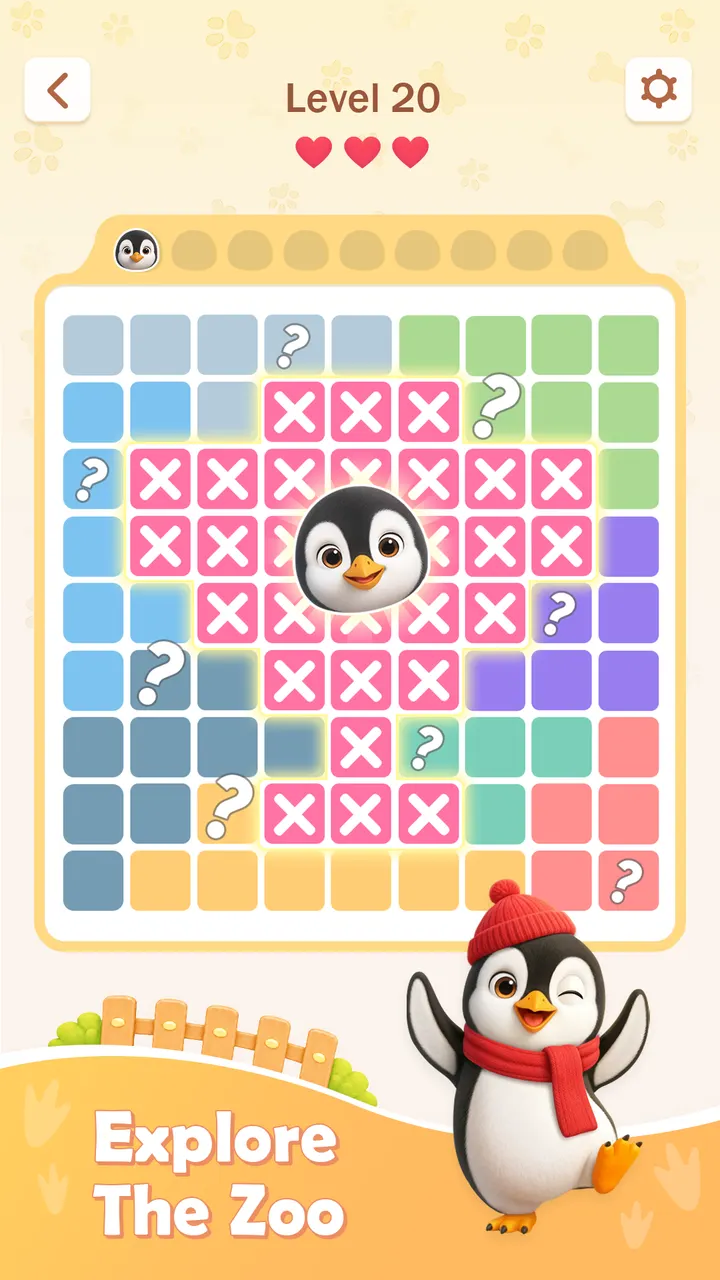
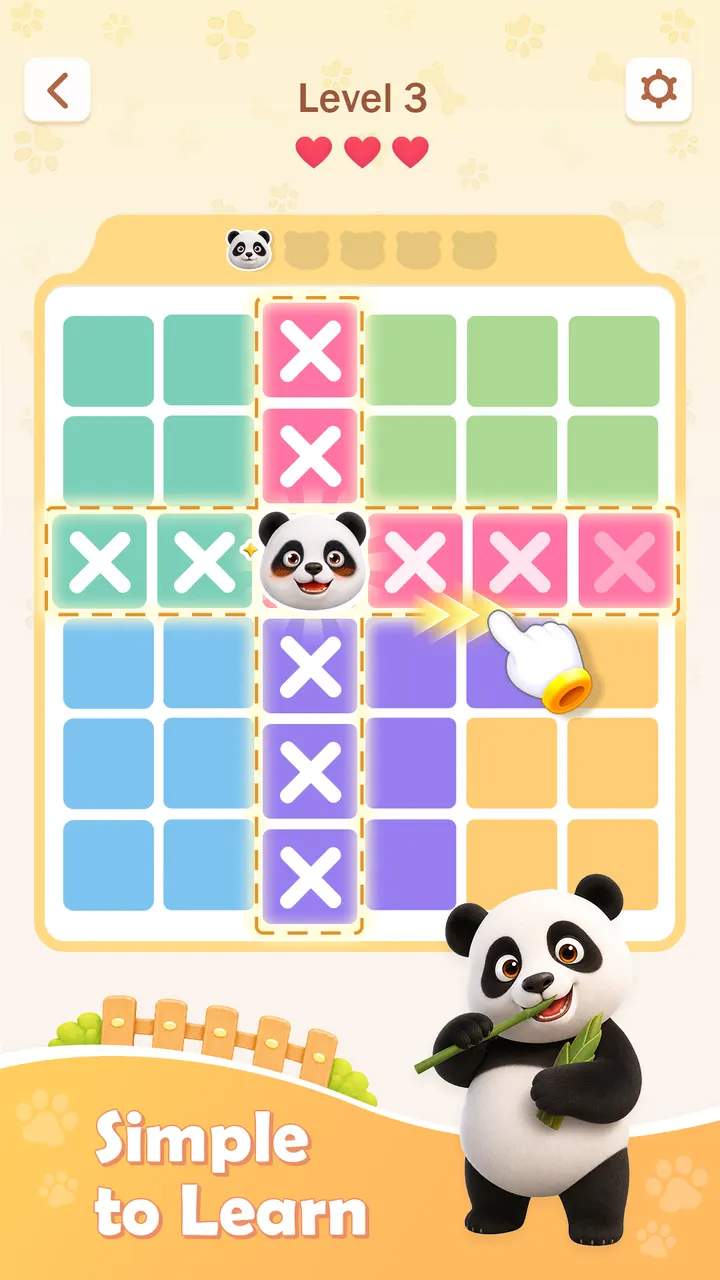
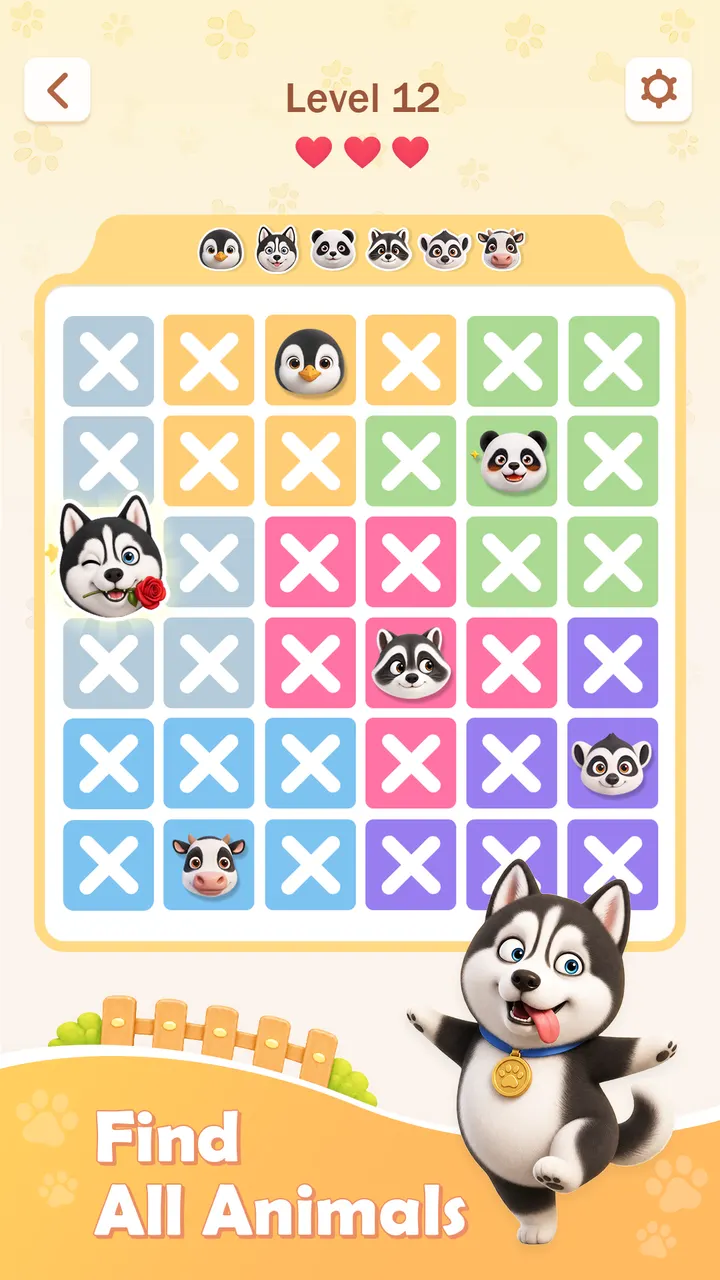
Each colored region gets exactly one animal. Every row and column gets one as well, and no two animals may touch, even diagonally. You can mark spaces that cannot hold an animal, which helps you eliminate wrong positions step by step.
The game starts with cats and moves on to dogs, cows and other animals. The theme changes the look of the board, while the logic stays the same. There are hundreds of handcrafted puzzles, plus new Daily Puzzles. Offline play is supported, and eight screenshots show the clean visual style.
Ads and what the game costs
The game is free, and it has no in-app purchases. It does contain ads, which is the main trade-off. Version 1.2.4 was updated on November 2, 2026, after the first release on June 24, 2026, so it is a young title still receiving changes.
Zoodoku: Brain Puzzle Games pros and cons
Pros
- Free with no in-app purchases
- Every puzzle has one unique solution, so no guessing
- Hundreds of handcrafted puzzles plus new Daily Puzzles
- Works offline
- Rated 4.5 on Google Play by 35.6 thousand people
Cons
- Contains ads
- Only the cat and animal grid concept, so variety in rules is limited
- Released in June 2026, so its track record is short
Is Zoodoku: Brain Puzzle Games safe?
Zoodoku is distributed through Google Play, which is where you should install it. The publisher is Nebula Studio, and the game is rated Everyone. It shows ads but sells no in-app purchases. Check the permissions on its Google Play page before installing.
How to install Zoodoku: Brain Puzzle Games
- Press the Google Play button on this page.
- Check the listing in the Play Store and press Install.
- Open Zoodoku: Brain Puzzle Games when the install finishes. Updates arrive through Google Play.


