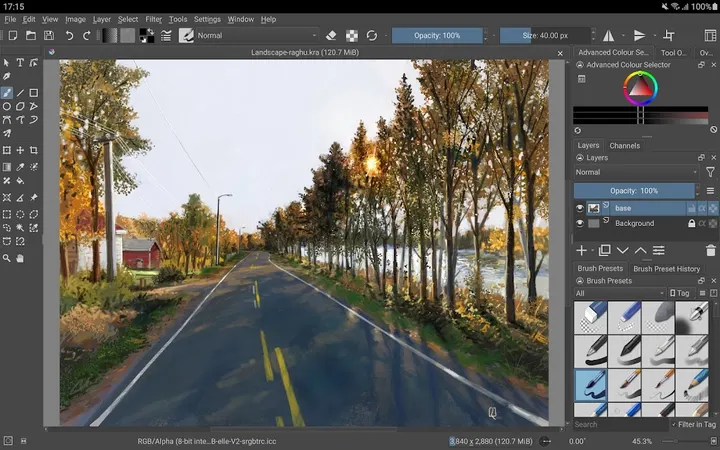
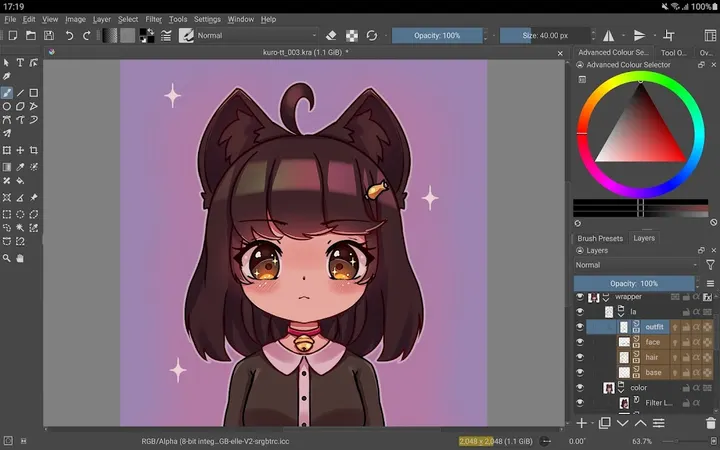
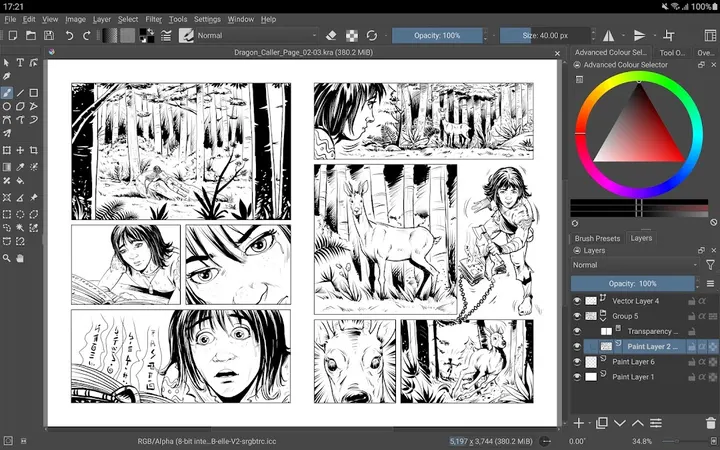
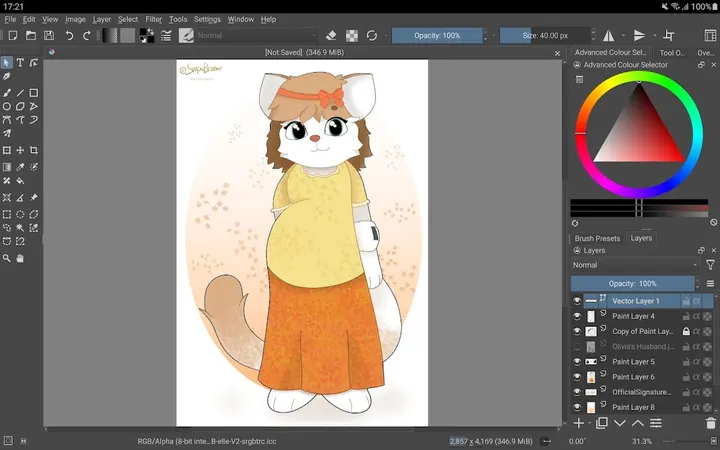
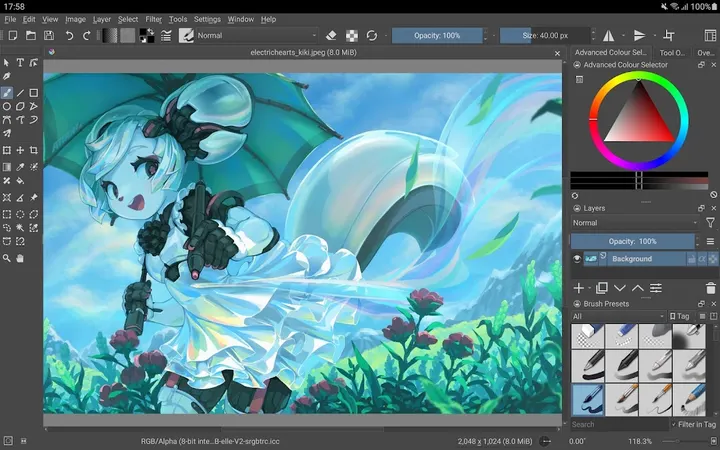
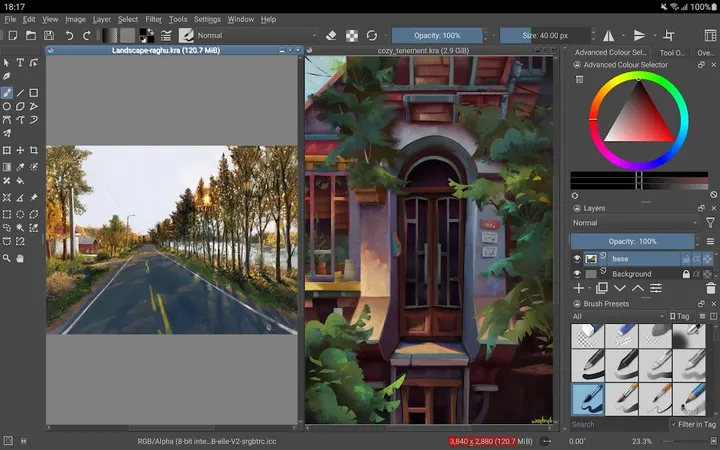
You have a Chromebook or a tablet, a stylus, and a comic page to ink. Krita 5.1.5 for Android, from Stichting Krita Foundation, targets that setup. Google Play lists it with over 1 million installs, and the app costs nothing.
Made for tablets and Chromebooks, not phones
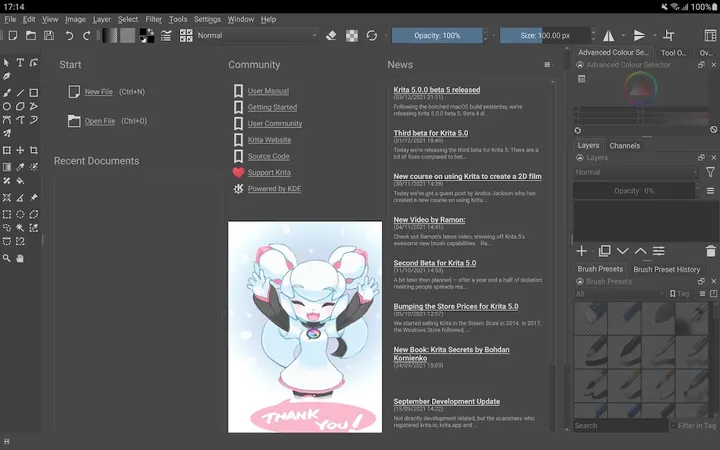
Krita needs Android 7.0 or newer, and the package weighs 97.5 MB. It is a digital painting program aimed at artists who work on illustrations, comics, animation, concept art or storyboards. Its brush engines, stabilizers for inking and non-destructive layer tools suit that kind of work.
The app comes from Stichting Krita Foundation and is free, with no ads and an optional in-app purchase.
Brush engines, stabilizers and non-destructive layers
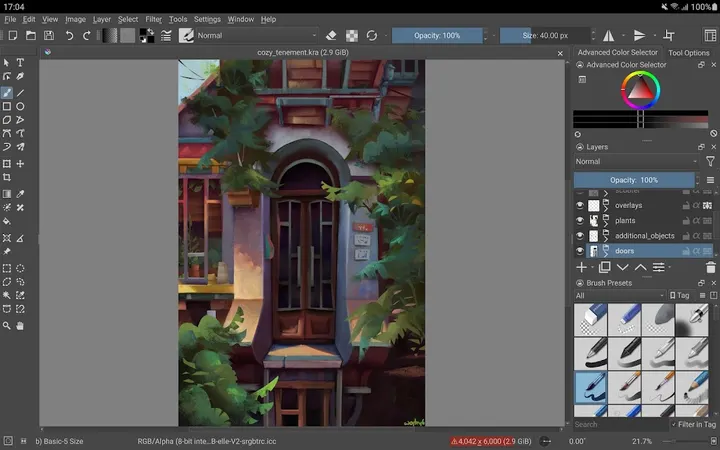
The core of the app is painting. It offers brush engines for sketching and painting, stabilizers for freehand inking, and assistants for constructing complex scenes. There is also a canvas-only mode that hides the interface.
For editing, Krita has clone layers, layer styles, and filter and transform masks that leave the original pixels untouched. PSD is among the supported file formats.
Animation uses onion skinning, and the app also covers storyboarding and comic book project management. Python scripting and color managed workflows are included as well.
Beta status, a 3.3 rating and in-app purchases
The developer describes this as a beta release that is not suitable for real work yet. That matters for anyone planning to use it for paid projects.
Google Play shows a rating of 3.3 from about 6.7 thousand ratings. The app contains no ads, but it offers in-app purchases. The last update was January 16, 2023, and the release date is February 17, 2021.
Krita pros and cons
Pros
- Free, with a GPL-3.0-only open-source licence and public source code
- No ads
- Brush engines, stabilizers and drawing assistants for sketching and inking
- Supports PSD files, onion-skin animation and Python scripting
- Over 1 million installs on Google Play
Cons
- Beta release that the developer says is not suitable for real work
- Interface is built for tablets and Chromebooks, so phones are not supported
- Google Play rating is 3.3 from about 6.7 thousand ratings
- Contains in-app purchases and the package is 97.5 MB
Is Krita safe?
The APK on this page is the original file, unmodified. To confirm your download matches it, compare its SHA-256 checksum with this value: d83e64c996791ca298376f50e6b4e99d4724a7b0d3278c950a20f8e41b0d5521. Krita is published by Stichting Krita Foundation under the GPL-3.0-only license, and its source code is public at invent.kde.org/graphics/krita. Google Play gives it a content rating of Everyone. We have no malware scan result to report for it.
How to install Krita
- Download the APK with the button on this page and wait for it to finish.
- Compare the file with the SHA-256 checksum shown here if you want to confirm it arrived intact.
- Open the file on your phone and allow installs from this source when Android asks.
- Finish the install, then open Krita from your app drawer.