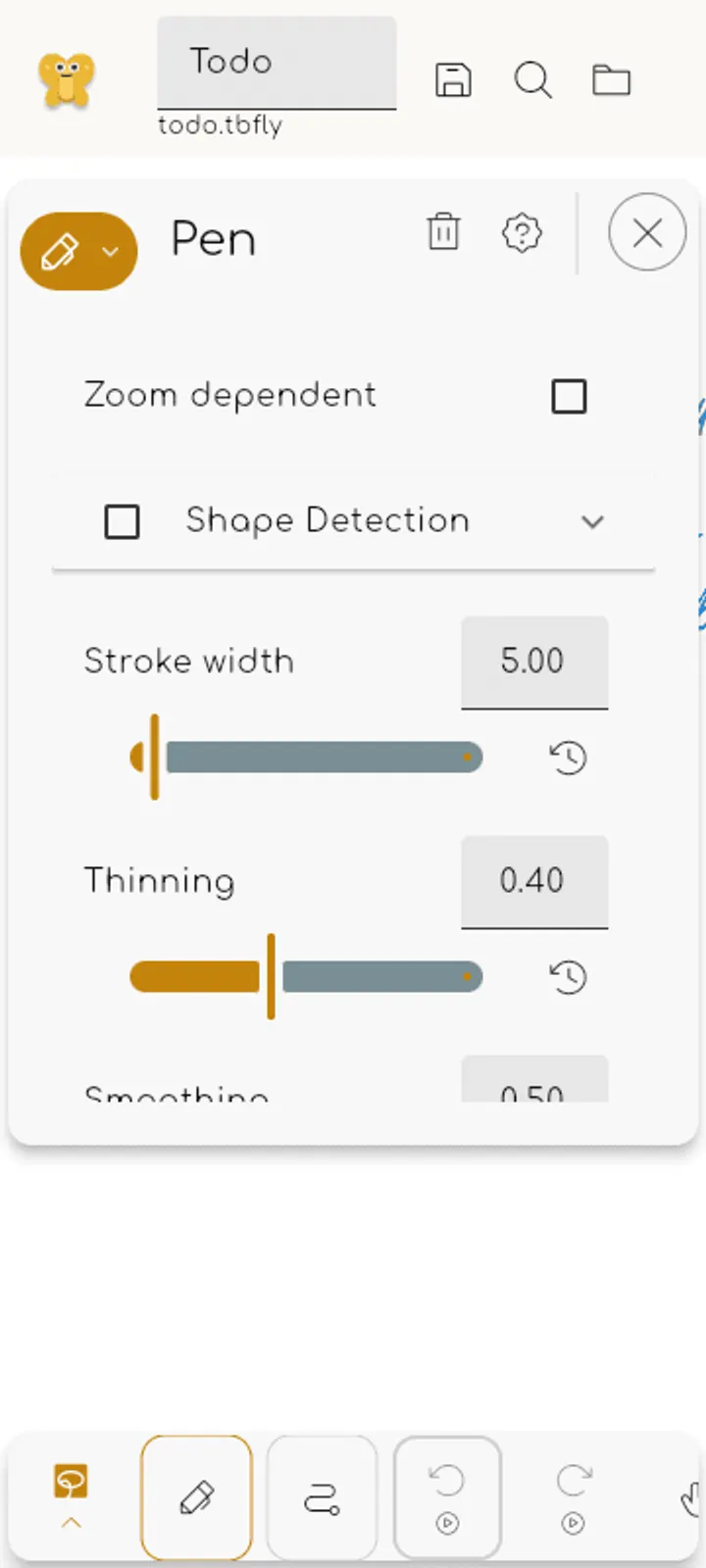
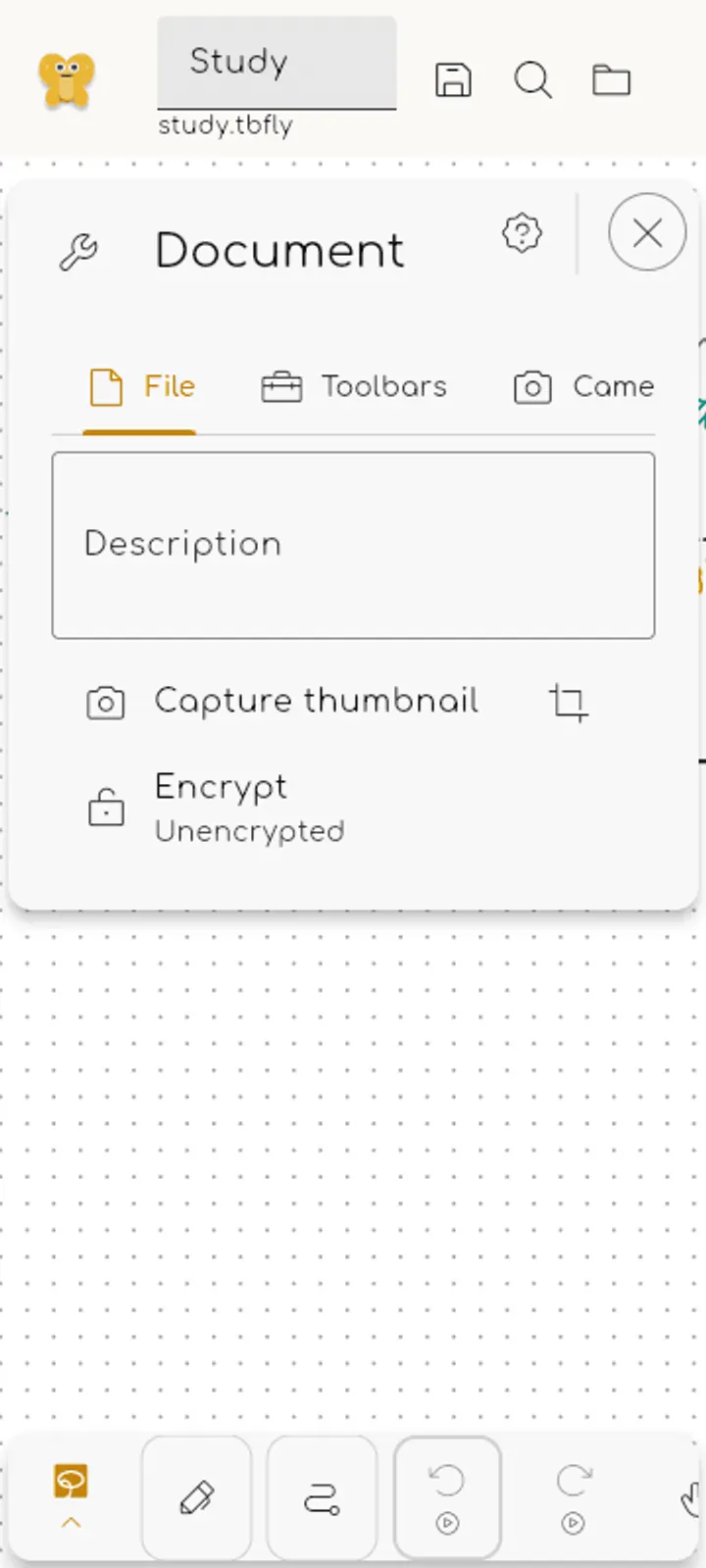
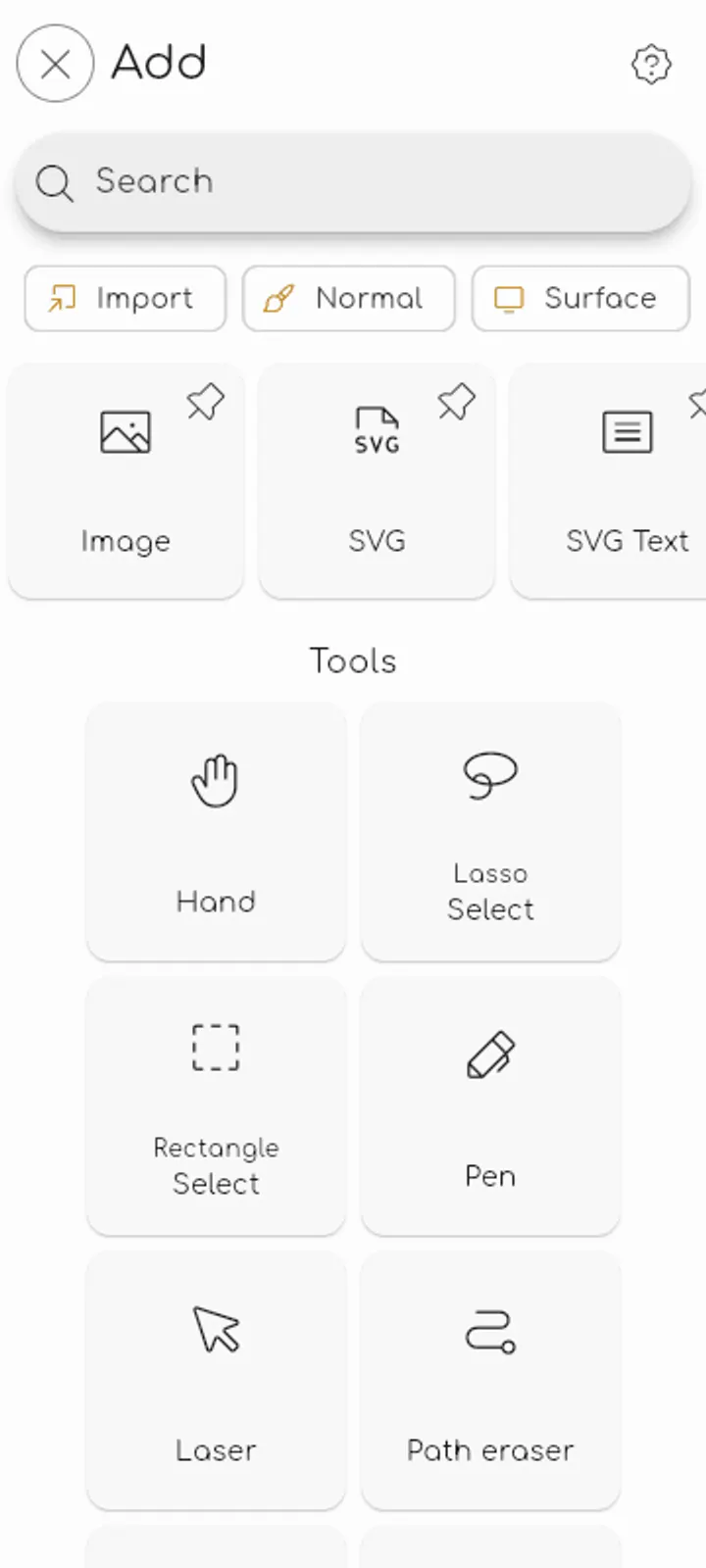
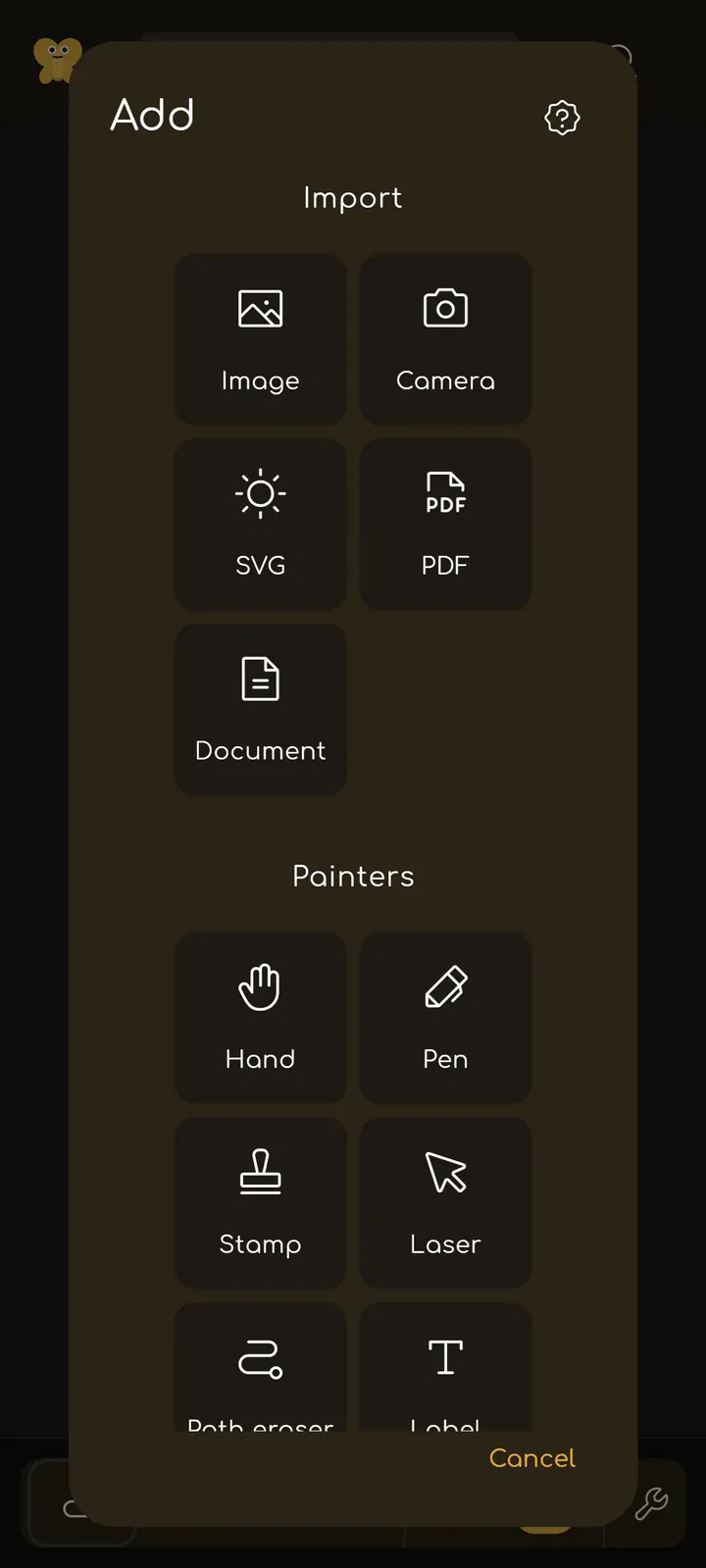
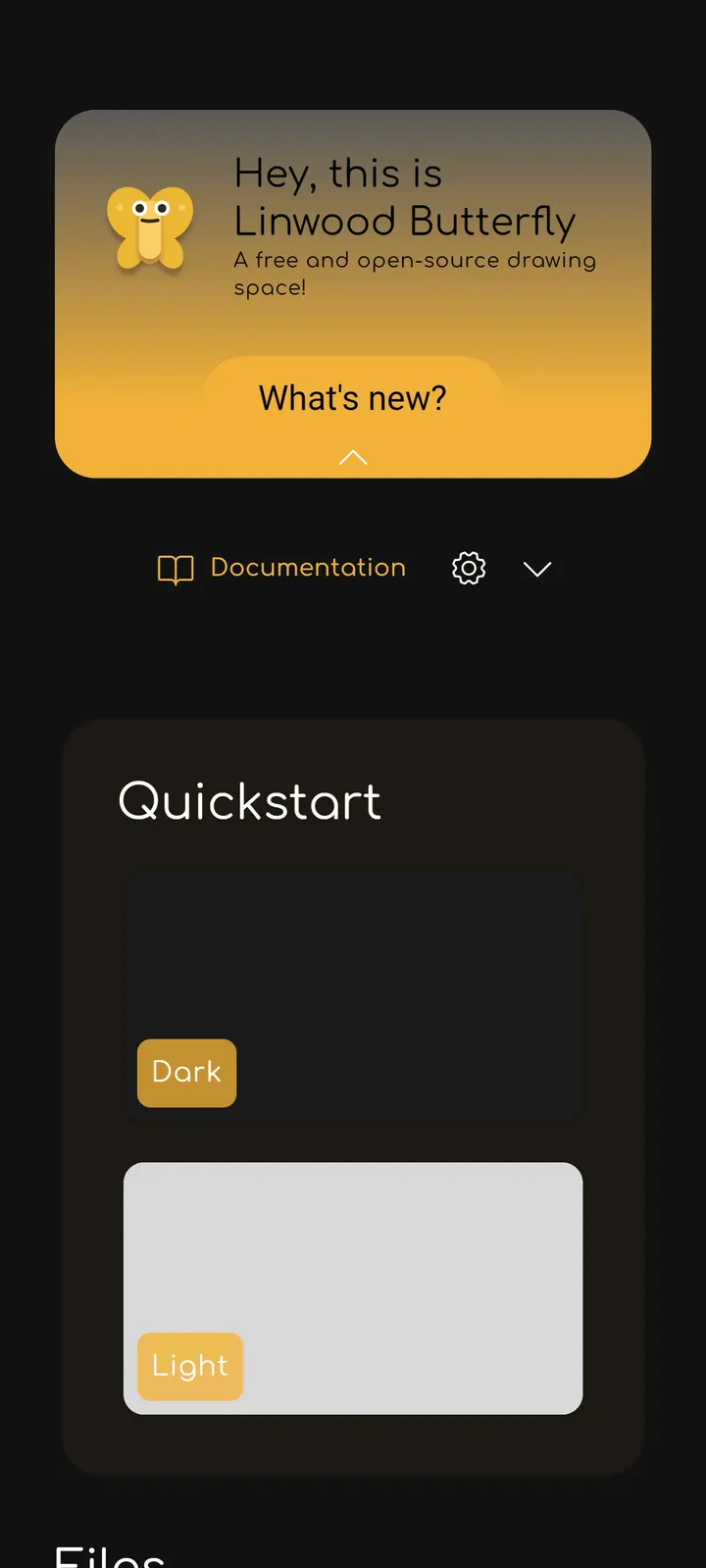
Butterfly Nightly replaces the fixed page with an endless workspace where notes, sketches, images and documents sit wherever you put them. It is a free, open-source app from the developer Linwood, listed here in drawing apps. This page covers version 2.6.2-rc.0, a nightly build that needs Android 7.0 or later and weighs 124.4 MB.
An endless canvas instead of a page
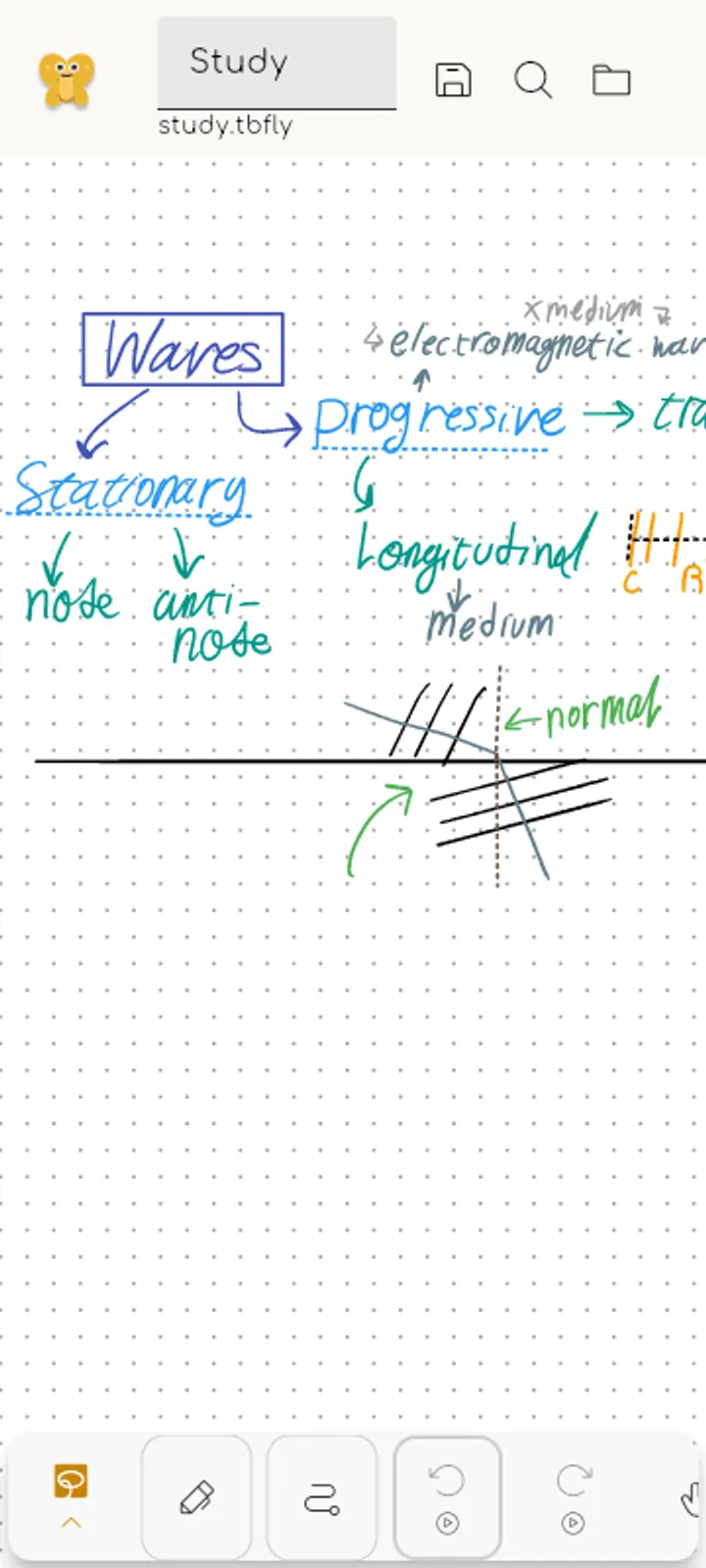
The defining idea is space. You do not write from top to bottom; you place handwriting, typed text, Markdown, shapes, lines, photos and imported files at any spot on the canvas. Almost everything stays editable, so you can move, resize, recolor or reorder items later.
The app is released under the AGPL-3.0-only license, and the source is public on GitHub. It is free, shows no ads, and requires no account or subscription.
How a session with stylus and templates goes
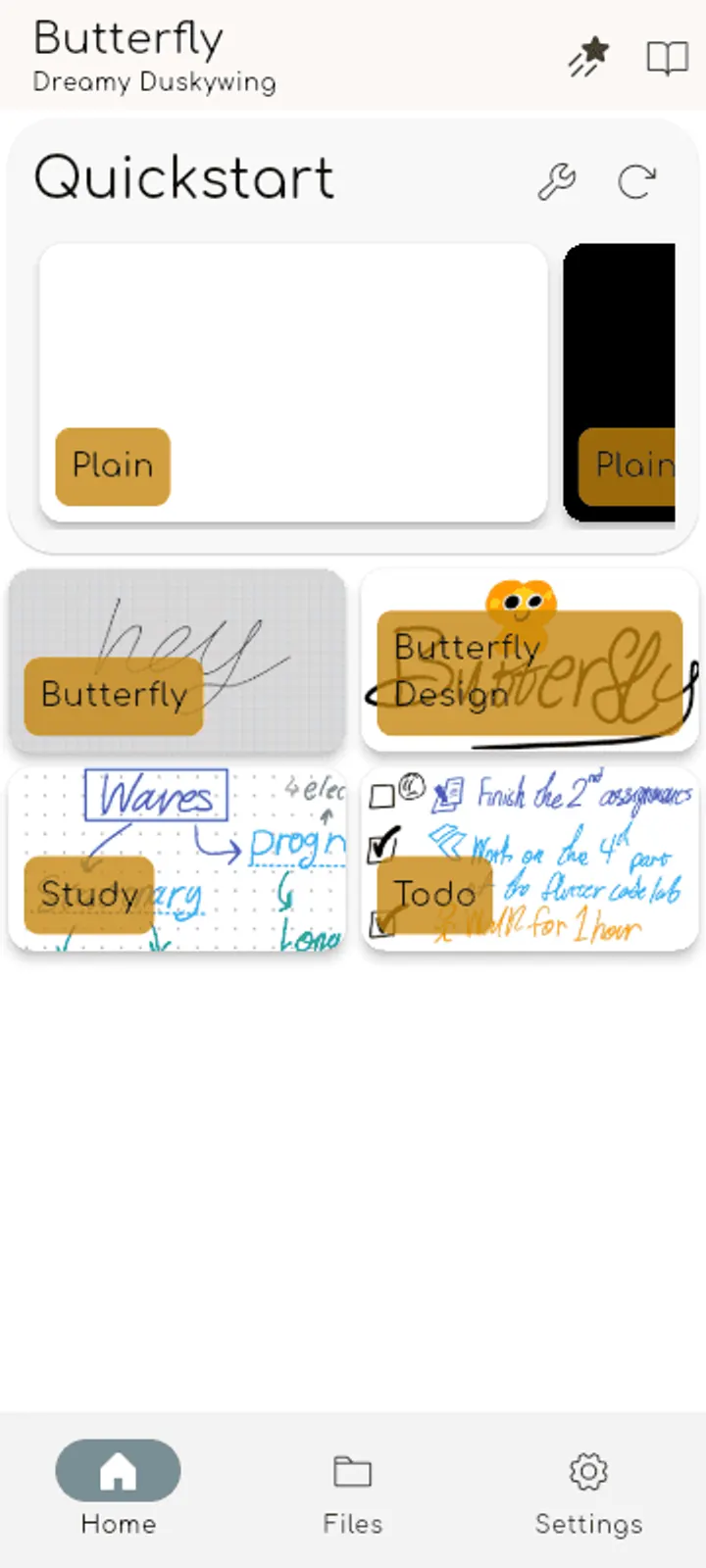
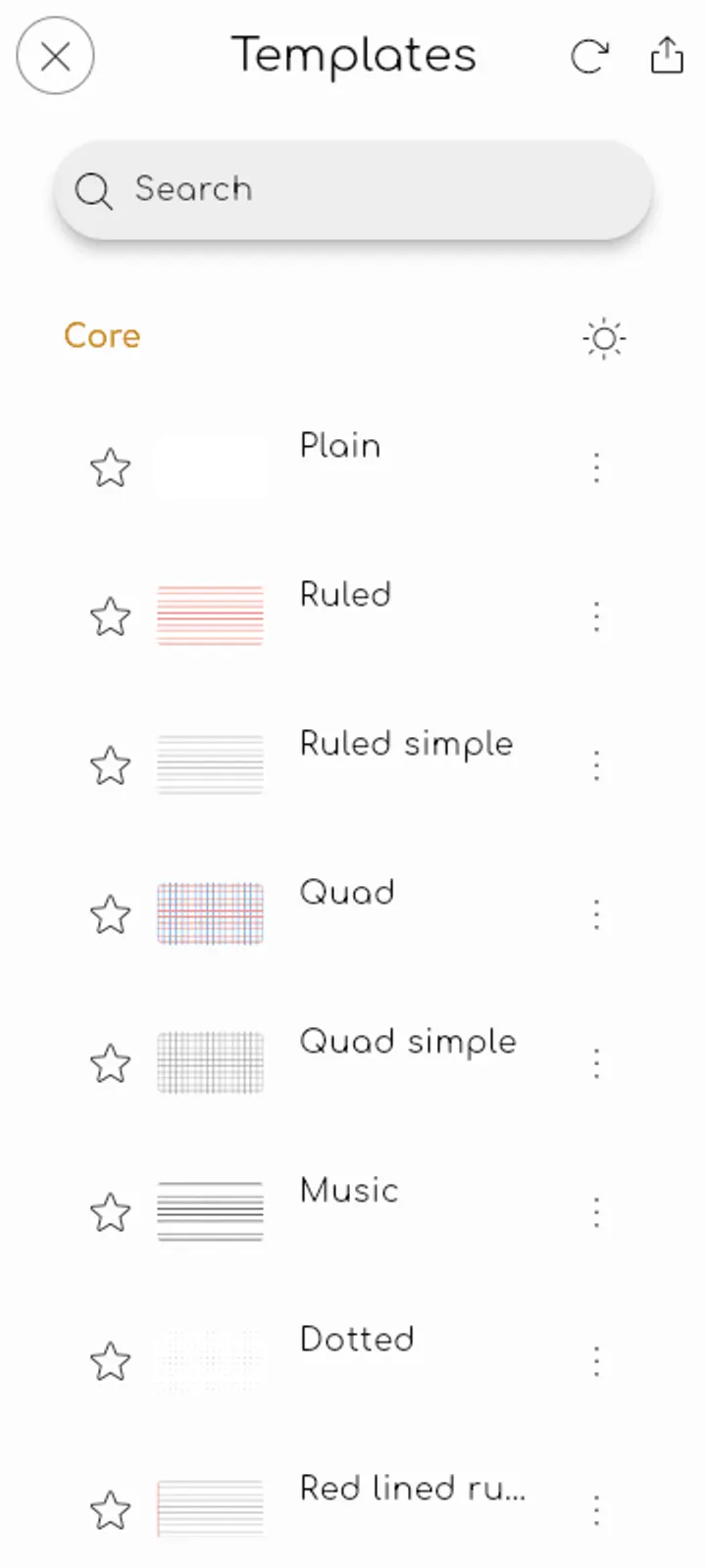
You start from a plain page, ruled paper, a grid, dotted paper, music paper, or a template of your own. Input works with a stylus, touch or mouse. You can import PDFs, SVGs and image files, then export the result as PDF, SVG, images or portable Butterfly files.
As a document grows, you can split it into pages and page folders, use layers, and mark places with areas and waypoints. Reusable parts go into packs, and palettes and text styles carry over to the next document.
Files stay on your device and the app works offline. You can pick a different data directory or connect WebDAV or Nextcloud for your own sync.
Where it sits next to Krita and ibis Paint X
Alternatives include Artrace, ibis Paint X, Butterfly, Learn how to draw and Krita. Krita and ibis Paint X are painting and illustration tools, while Butterfly Nightly points at notes, diagrams, worksheets and whiteboarding rather than finished artwork.
The plain Butterfly entry is the same project in its regular form. This Nightly package, dev.linwood.butterfly.nightly, is the pre-release line, and its version string carries the rc.0 tag.
Linwood Butterfly Nightly pros and cons
Pros
- Endless workspace for notes, sketches, diagrams and imported files
- Free, no ads, and AGPL-3.0-only with public source code
- Works offline, with optional WebDAV or Nextcloud sync
- Exports to PDF, SVG, images and portable Butterfly files
- Pages, layers, waypoints and packs help organize large documents
Cons
- Release candidate nightly build, so it may be less settled than a regular release
- 124.4 MB is a sizeable download for a note app
- Pre-release builds can change between versions
Is Linwood Butterfly Nightly safe?
The APK is the unmodified file from Linwood, and its SHA-256 checksum is 0e4345ab553a6402f4a6dd03183db3c490002ccfda5add7341cf2d485f78cc3b, so you can compare it after downloading. The source code is public on GitHub under AGPL-3.0-only, and the app shows no ads. Version 2.6.2-rc.0 is a nightly build, which means pre-release software, so back up any notes or drawings you care about.
How to install Linwood Butterfly Nightly
- Download the APK with the button on this page and wait for it to finish.
- Compare the file with the SHA-256 checksum shown here if you want to confirm it arrived intact.
- Open the file on your phone and allow installs from this source when Android asks.
- Finish the install, then open Linwood Butterfly Nightly from your app drawer.