
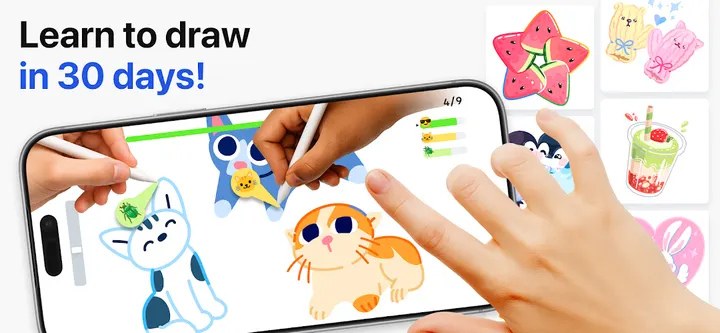
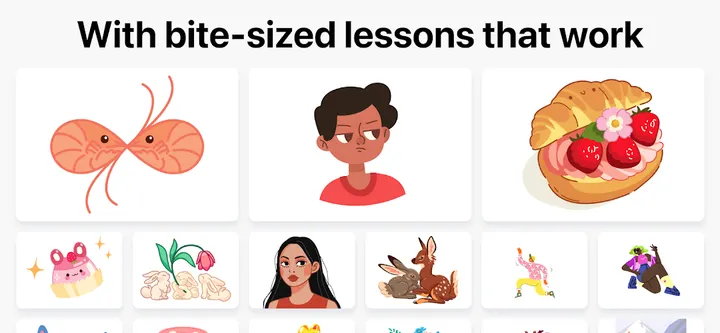

You have ten minutes on a bus and want to trace a simple sketch instead of scrolling a feed. Learn how to draw, made by ArtWorkout, is built for that kind of short session, with a multiplayer mode where you can draw and trace alongside friends or other users in real time.
First steps after installing the ArtWorkout trainer
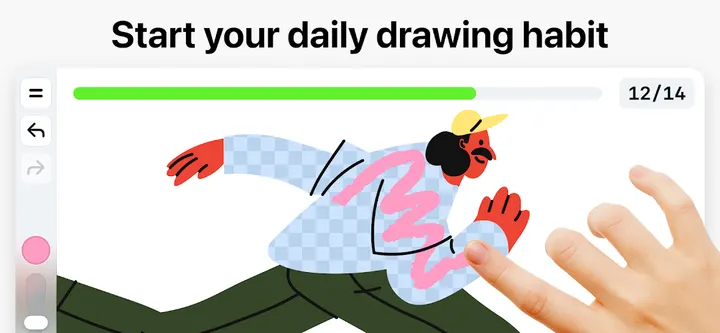
The app needs Android 8.0 or newer, and the current version is 0.1.91. Pick a lesson from the themed courses, which cover doodling, sketching, drawing, painting and handwriting. Lessons are split into small steps, so you follow along stroke by stroke and trace rather than draw from a blank page.
The content rating is Everyone 10+. It costs nothing to start, though the app contains ads and in-app purchases, including an ad-free option and unlimited access to all drawing lessons.
Stroke scoring and weekly lessons
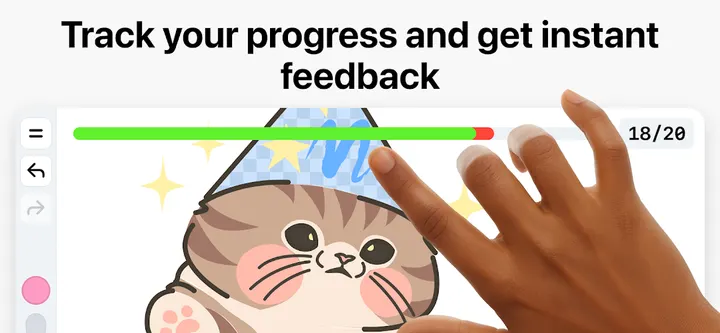
The feature that separates it from a plain tracing tool is the analysis of your work. The developer says the app measures how accurate your strokes are against the intended result and also judges how steady and clean each line is. A score system tracks this over time, so you can see whether practice is paying off.
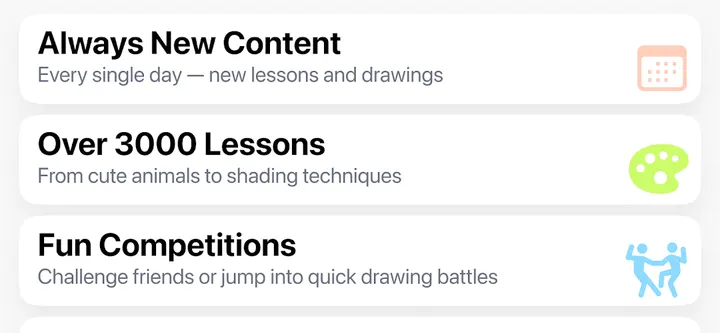
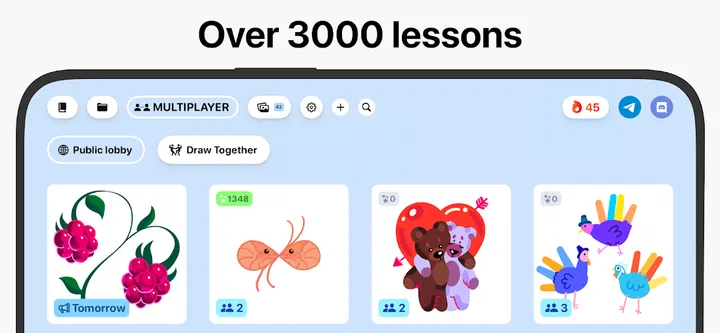
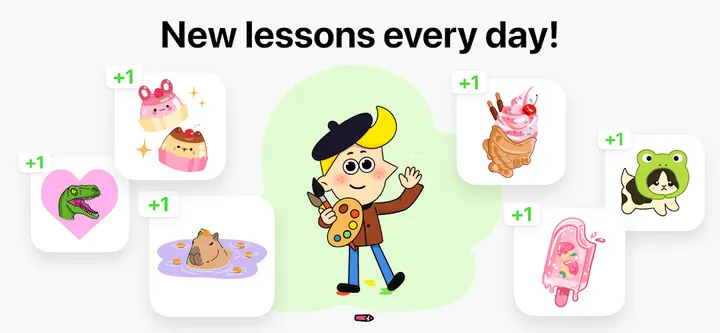
The store text mentions over 2500 lessons, and the feature list also cites more than 3500 step-by-step tutorials. Those two counts differ, so treat both as the developer's own claims. New lessons arrive weekly, often tied to holidays and cultures. A multiplayer mode lets you draw and trace the same artwork with other people in real time.
When Artrace, ibis Paint X or Krita fit better
This is a training app, so it suits beginners and people who want a daily warm-up. If you want a full canvas with layers and brushes for original work, these alternatives are better matches: ibis Paint X, Krita, Butterfly or Linwood Butterfly Nightly. Artrace is the closest in spirit for tracing practice.
Check each one before switching, as their features differ.
What's new in 0.1.91
The current version is 0.1.91, updated October 16, 2026.
Learn how to draw pros and cons
Pros
- Lessons split into 10 to 30 steps suit short sessions
- Scoring covers stroke accuracy and line quality
- Multiplayer mode for tracing with other users in real time
- New lessons released every week
- Free to install, rated 4.5 on Google Play
Cons
- Contains ads
- Includes in-app purchases
- Lesson counts in the listing differ (2500 and 3500)
- Built around guided lessons, not open-ended painting
Is Learn how to draw safe?
Google Play is the place to install this app. The publisher is ArtWorkout, with a website at artworkout.app. We have no licence or security review details to share, so check the permissions it requests before you accept them.
How to install Learn how to draw
- Press the Google Play button on this page.
- Check the listing in the Play Store and press Install.
- Open Learn how to draw when the install finishes. Updates arrive through Google Play.