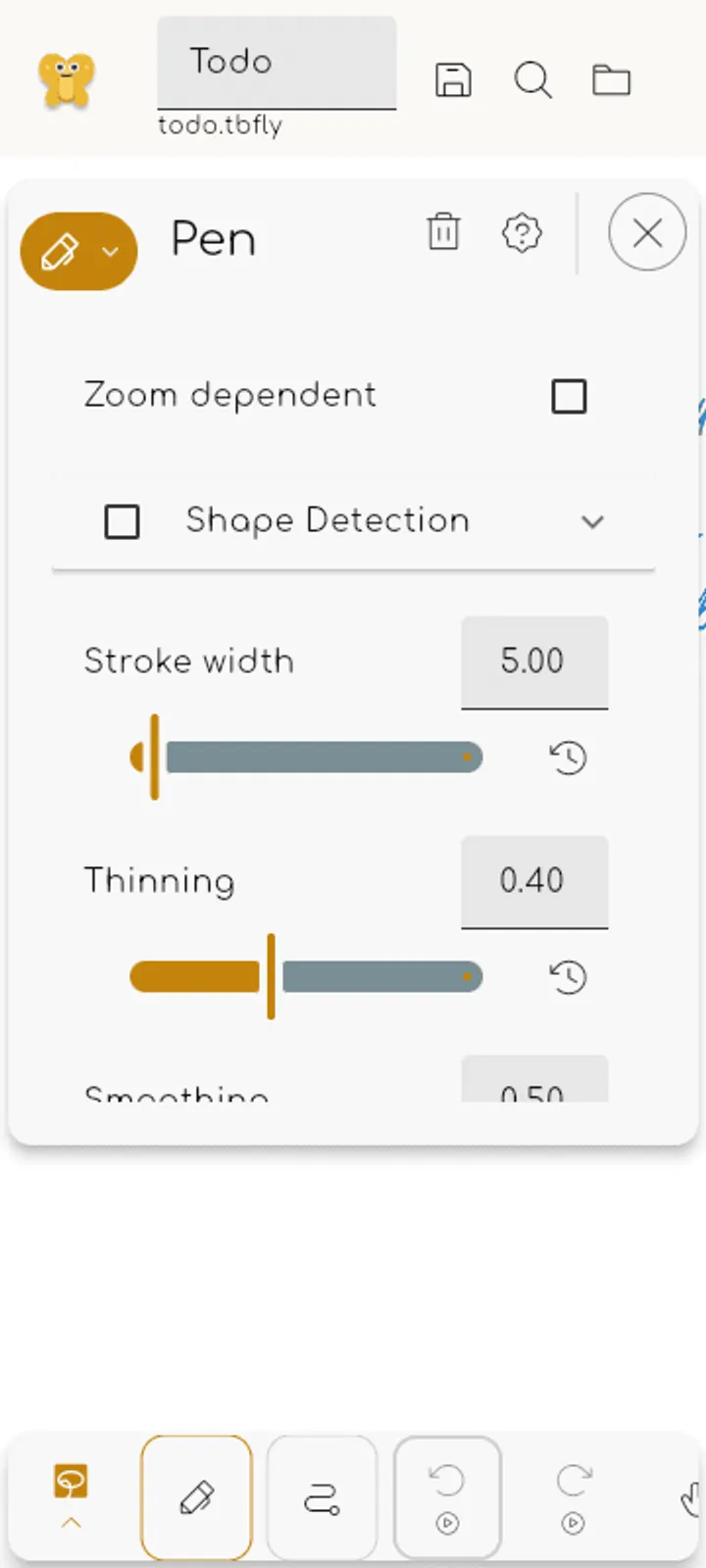
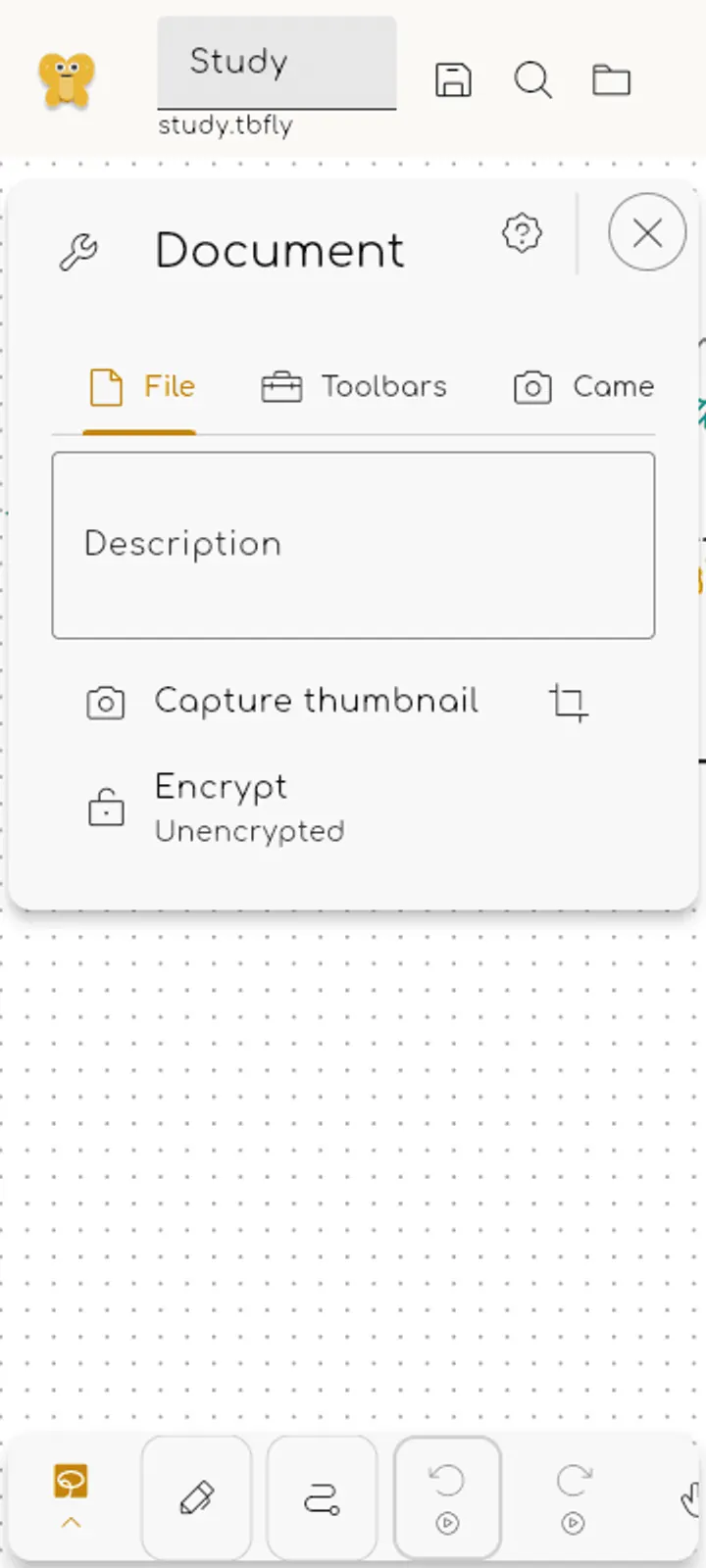
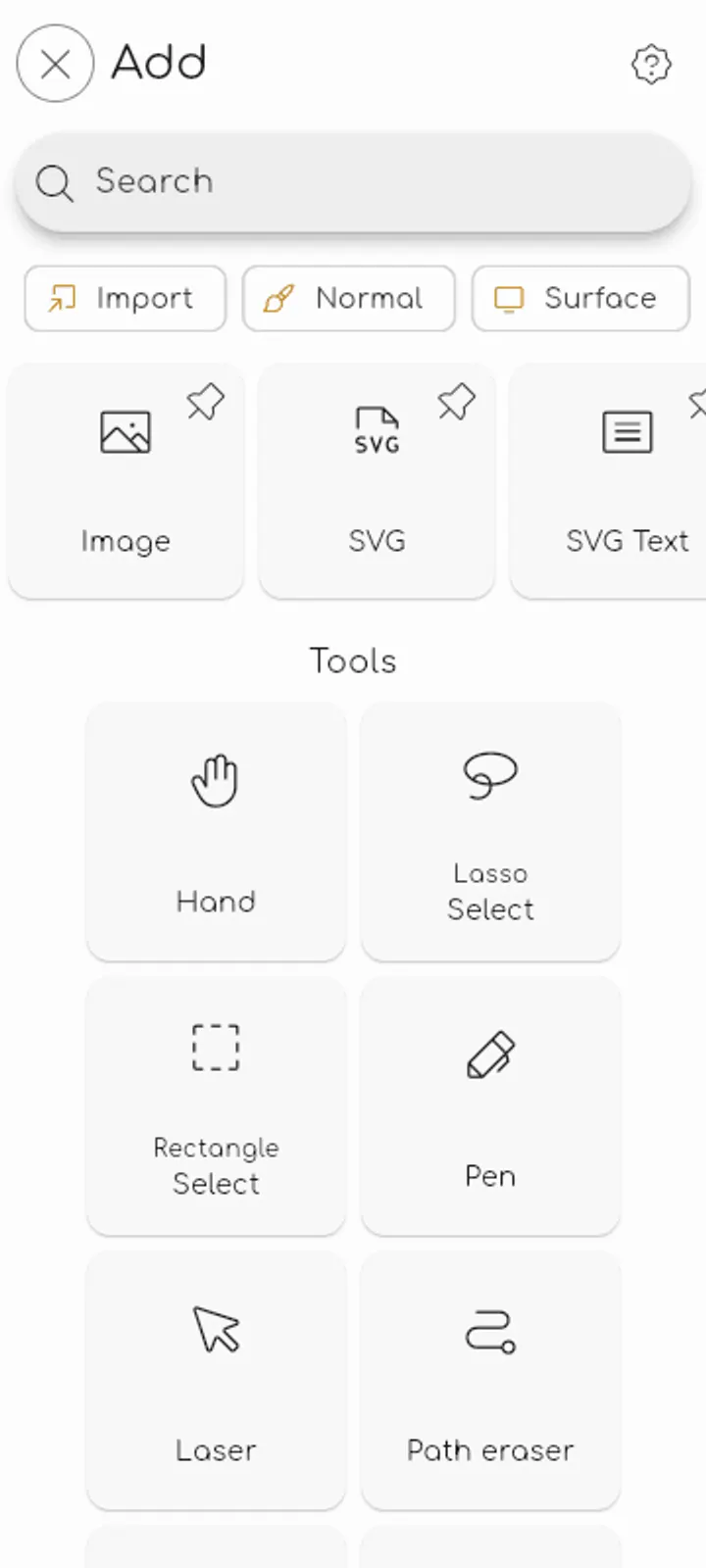
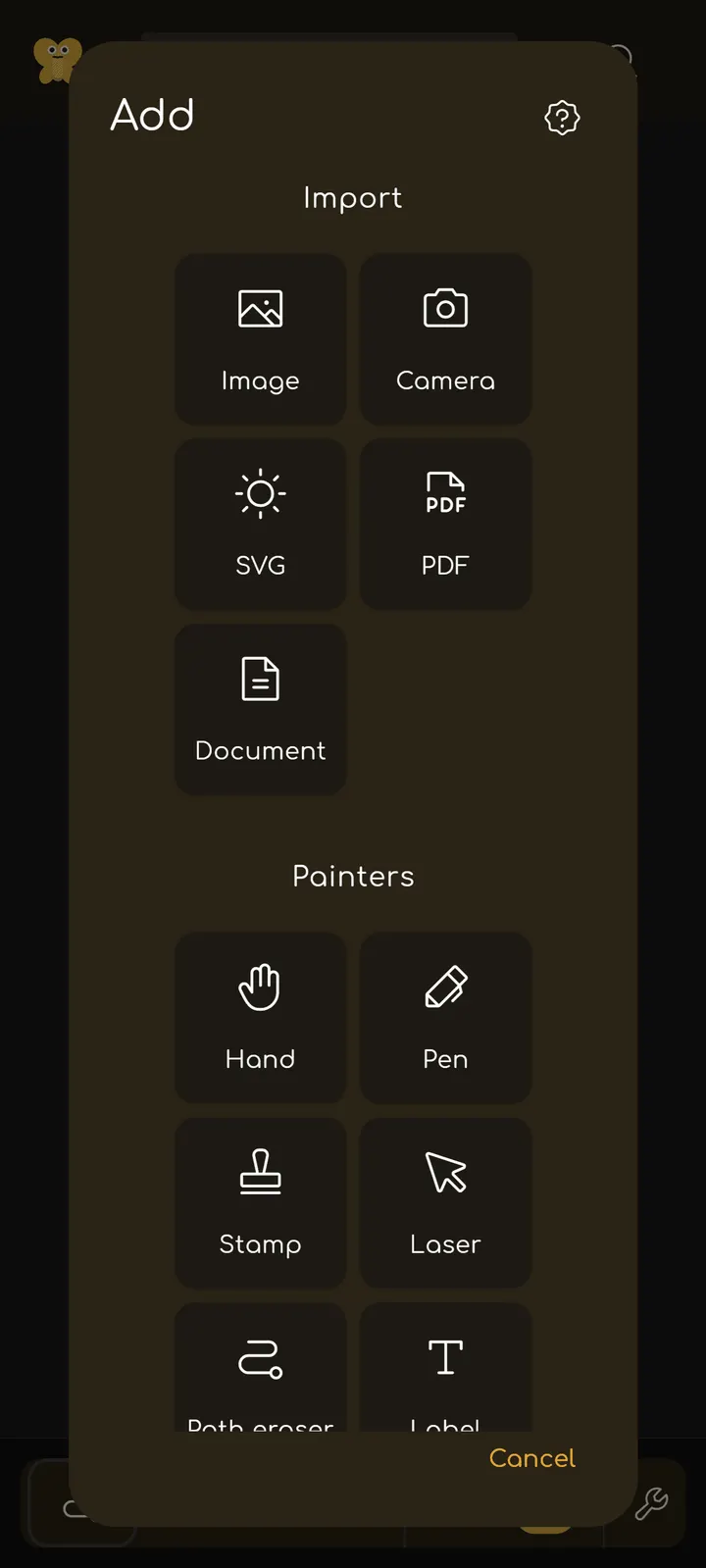
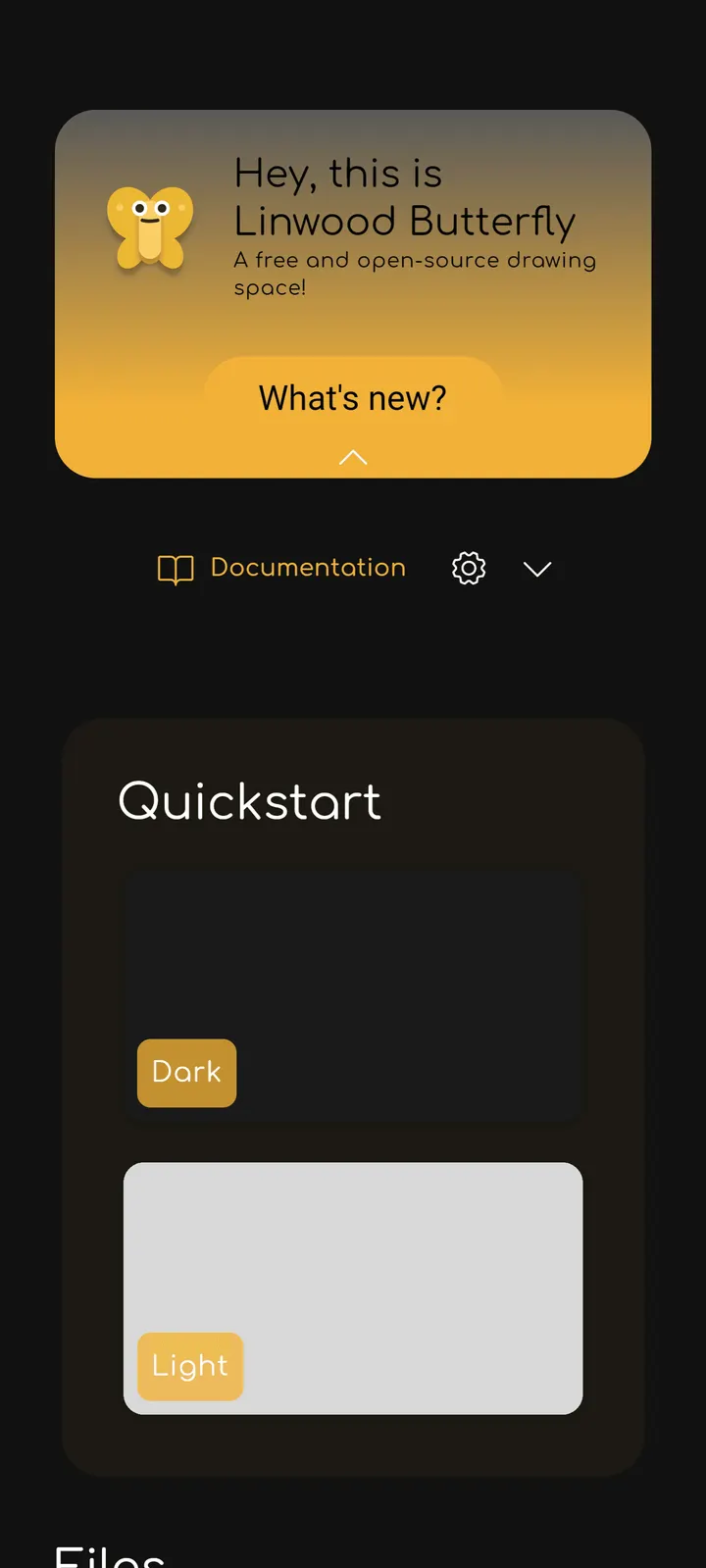
Butterfly suits people who take notes, sketch or plan on a canvas rather than a fixed page, and who want to keep their files on their own device. It is a free, open-source app from Linwood, published under the AGPL-3.0-only license. Version 2.6.2 needs Android 7.0 or newer and weighs 124.4 MB. We host the unmodified APK and list its SHA-256 checksum so you can verify the file.
First steps after installing Butterfly 2.6.2
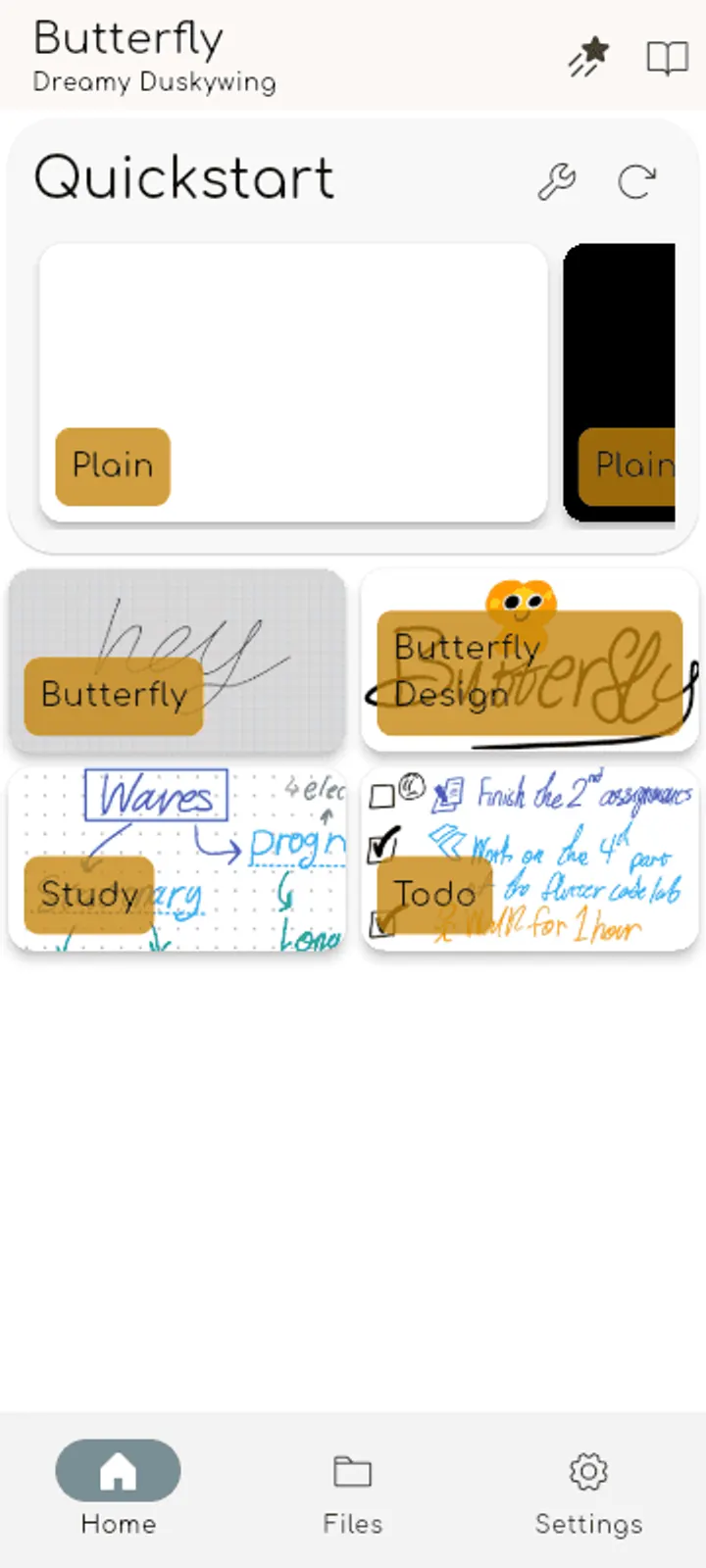
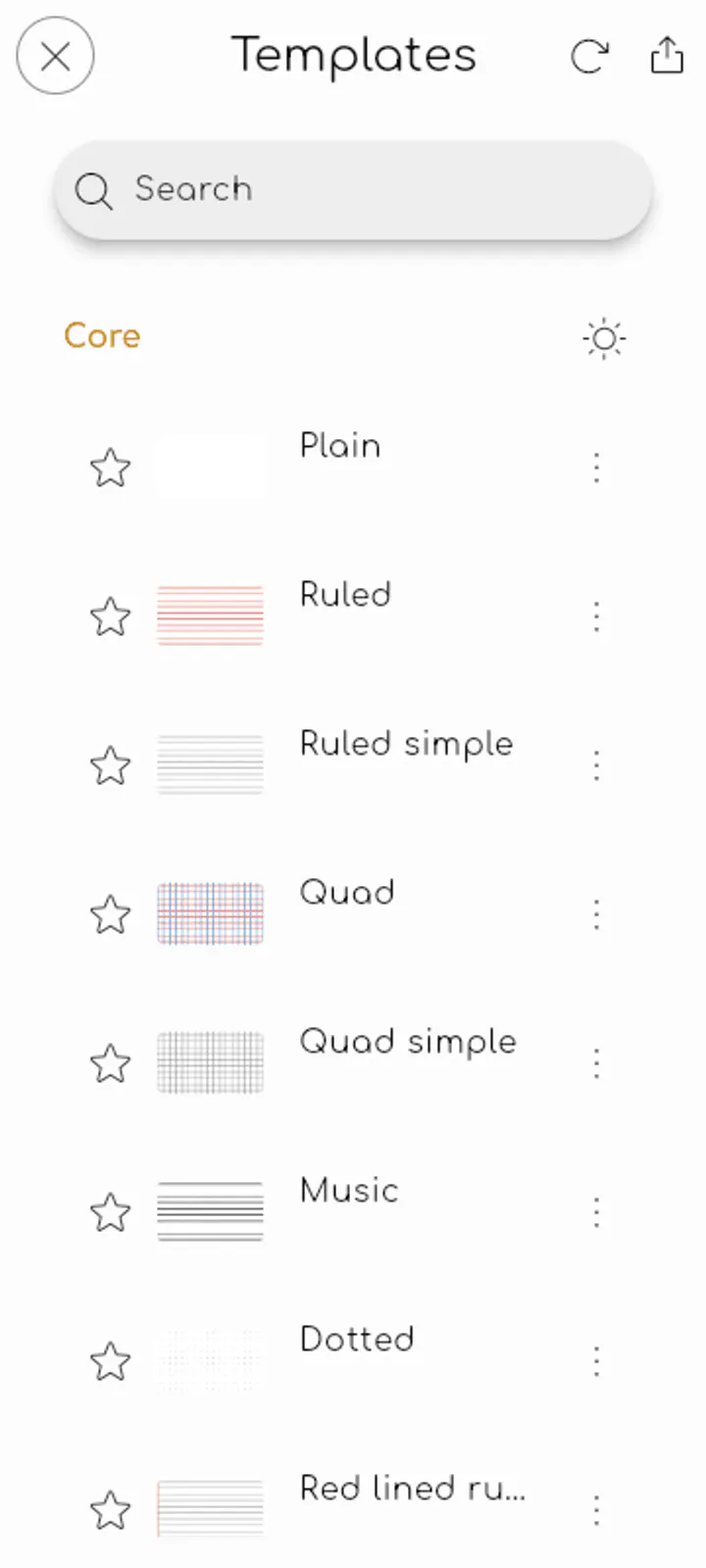
Start with a new document and pick a base: plain page, ruled paper, grid, dotted paper, music paper or a template of your own. The recent files list and quick-start templates sit close to the start screen, so reopening earlier work takes little effort.
You can write by stylus, touch or mouse, or type text and Markdown. Shapes, lines, images and photos go onto the same canvas. If you already have material, import PDFs, SVGs or image files and mark them up.
There is no account to create. Documents stay on the device by default, and the data directory can be changed in settings if you prefer another location.
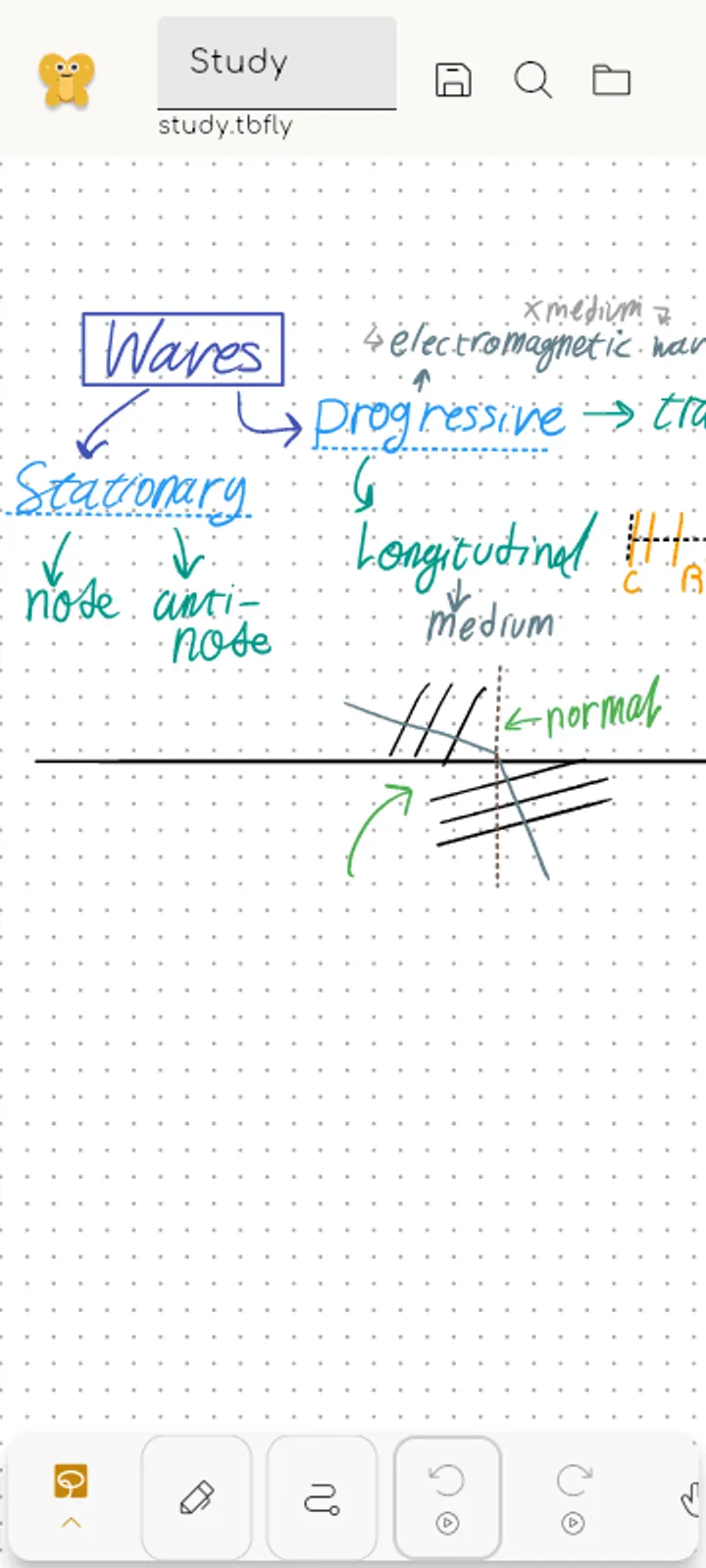
An endless workspace with room to organize
The main idea is the endless workspace. Notes, sketches, diagrams and documents go wherever they make sense, instead of running top to bottom. The developer lists class notes, meeting notes, math, storyboards and whiteboarding among the uses.
Large documents stay manageable through pages, page folders and layers. Areas and waypoints mark important places, and packs store reusable parts. Palettes and text styles can be kept for later documents.
Most things you add remain editable. You can move, resize, recolor or reorder them afterward. Export covers PDF, SVG, images and portable Butterfly files.
For sync, the app supports WebDAV and Nextcloud, so you can use your own setup. The developer says no account, subscription or proprietary cloud is required. The app is also free of ads.
When Krita or ibis Paint X fits better
Butterfly is built around notes, diagrams and layout, not finished artwork. If your goal is illustration or painting, the alternatives Krita and ibis Paint X are closer in category.
Artrace and Learn how to draw also appear as alternatives, which points to tracing and tutorials rather than open-ended note taking. Linwood Butterfly Nightly is a related build from the same project name.
What's new in 2.6.2
Version 2.6.2 was last updated on October 31, 2026.
Butterfly pros and cons
Pros
- Free with no ads and no required account or subscription
- Open source under AGPL-3.0-only, with the source on GitHub
- Endless canvas with pages, layers, areas and waypoints
- Imports PDF, SVG and images; exports PDF, SVG, images and Butterfly files
- Offline storage with optional WebDAV or Nextcloud sync
Cons
- At 124.4 MB, it is a sizeable download
- Requires Android 7.0 or newer
- Focus is on notes and layout, so painting-focused users may prefer another app
- Butterfly is not aimed at illustration or painting
Is Butterfly safe?
The APK on this page is the unmodified file from Linwood, package ID dev.linwood.butterfly. After downloading, compare its SHA-256 with 4f9af1a5ada9c90008770647a2efdc81ced4fb947dccbdb3df5ad81189b48906 to confirm the file is intact. Butterfly's source code is public on GitHub under AGPL-3.0-only, so anyone can read how it works. The app shows no ads and costs nothing.
How to install Butterfly
- Download the APK with the button on this page and wait for it to finish.
- Compare the file with the SHA-256 checksum shown here if you want to confirm it arrived intact.
- Open the file on your phone and allow installs from this source when Android asks.
- Finish the install, then open Butterfly from your app drawer.