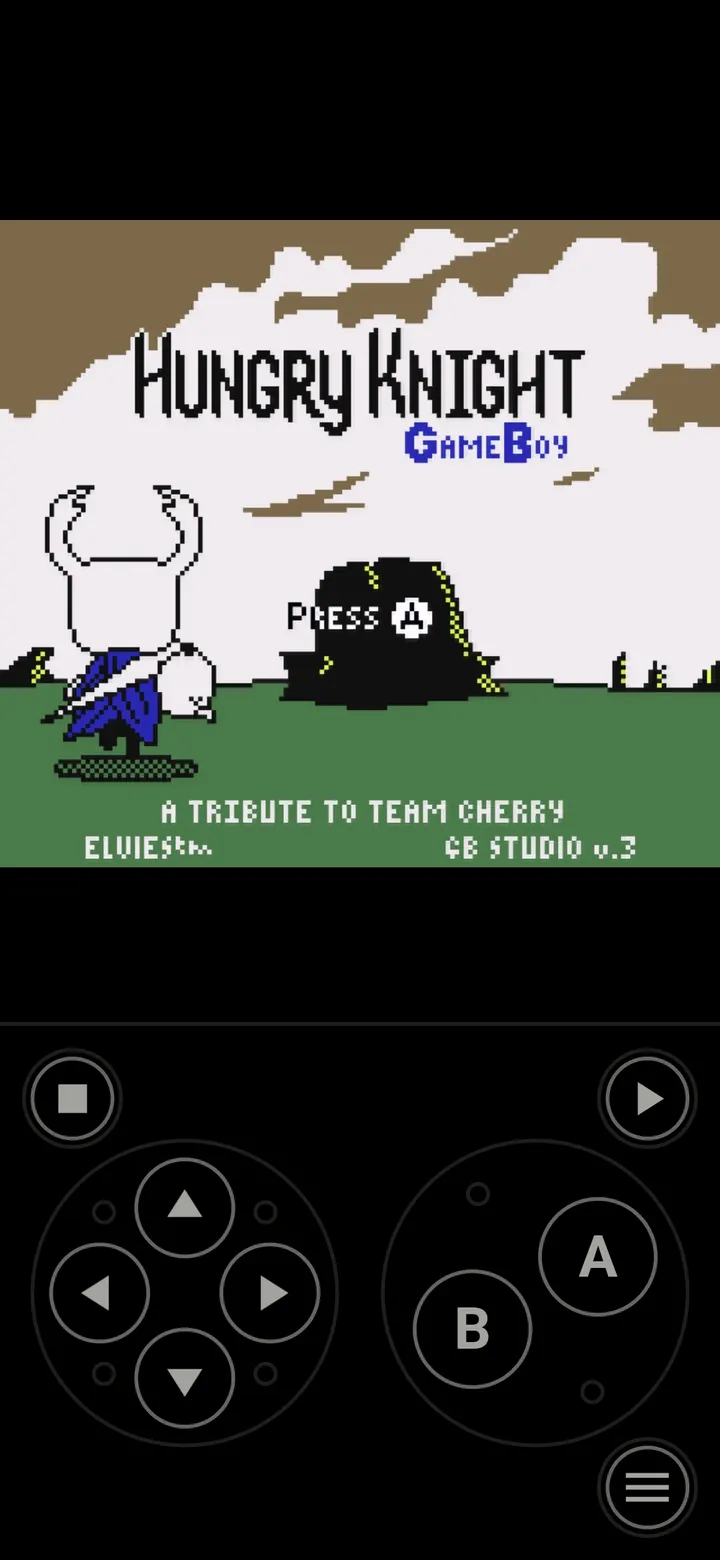
Lemuroid is an open-source emulator front end built on Libretro, written by Filippo Scognamiglio and released under the GPL-3.0-or-later licence. It covers consoles from Atari 2600 and Game Boy to PlayStation Portable and Nintendo 3DS. Unlike closed alternatives such as One Emulator for Game Consoles, its code is public. This page covers version 1.17.0, which needs Android 6.0 or later and takes up 11.4 MB.
Who Lemuroid suits, from phones to TVs
The developer describes Lemuroid as designed for many device types, from phones to TVs. That suits people who want one front end for several retro systems instead of a separate app per console.
It also fits people who care about licence and cost. The app is free, has no ads and no in-app purchases, and its source code is public on GitHub. The content rating is Everyone.
Power matters, though. Not every device can emulate every console, and newer systems such as PSP, DS and 3DS need a very powerful device.
Twenty-three systems and the tools around them
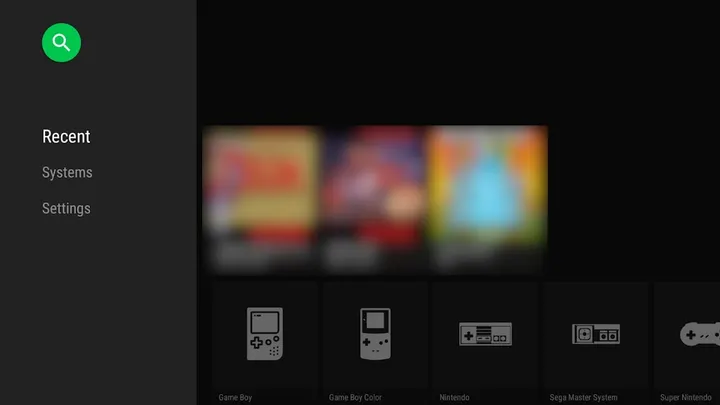
The supported list runs from Atari 2600, Atari 7800 and Atari Lynx through NES, SNES, Game Boy, Game Boy Color and Game Boy Advance. Sega Genesis, Sega CD, Master System and Game Gear are covered too, along with Nintendo 64, PlayStation, PlayStation Portable, Nintendo DS and Nintendo 3DS. Arcade play runs through FinalBurn Neo, and the list also includes PC Engine, Neo Geo Pocket, Neo Geo Pocket Color, WonderSwan and WonderSwan Color.
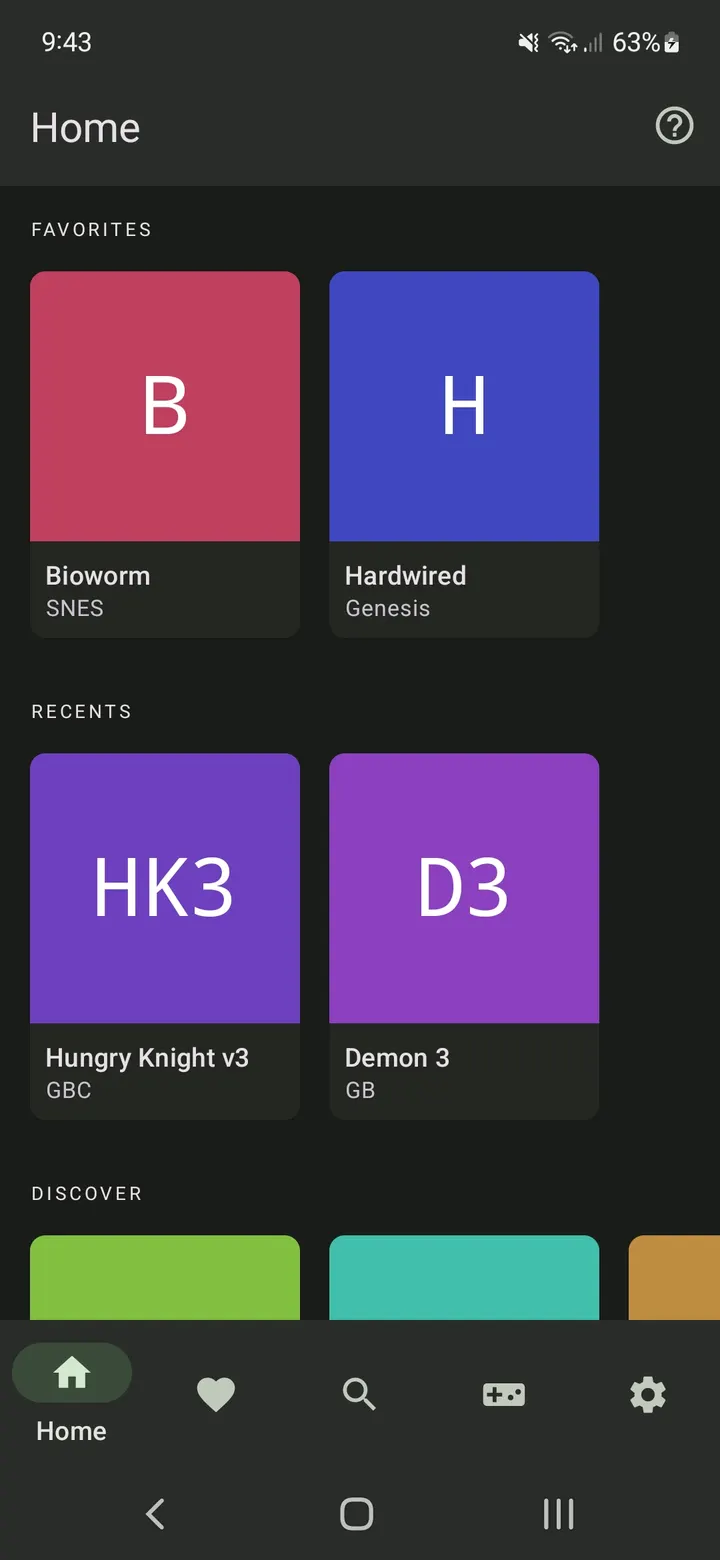
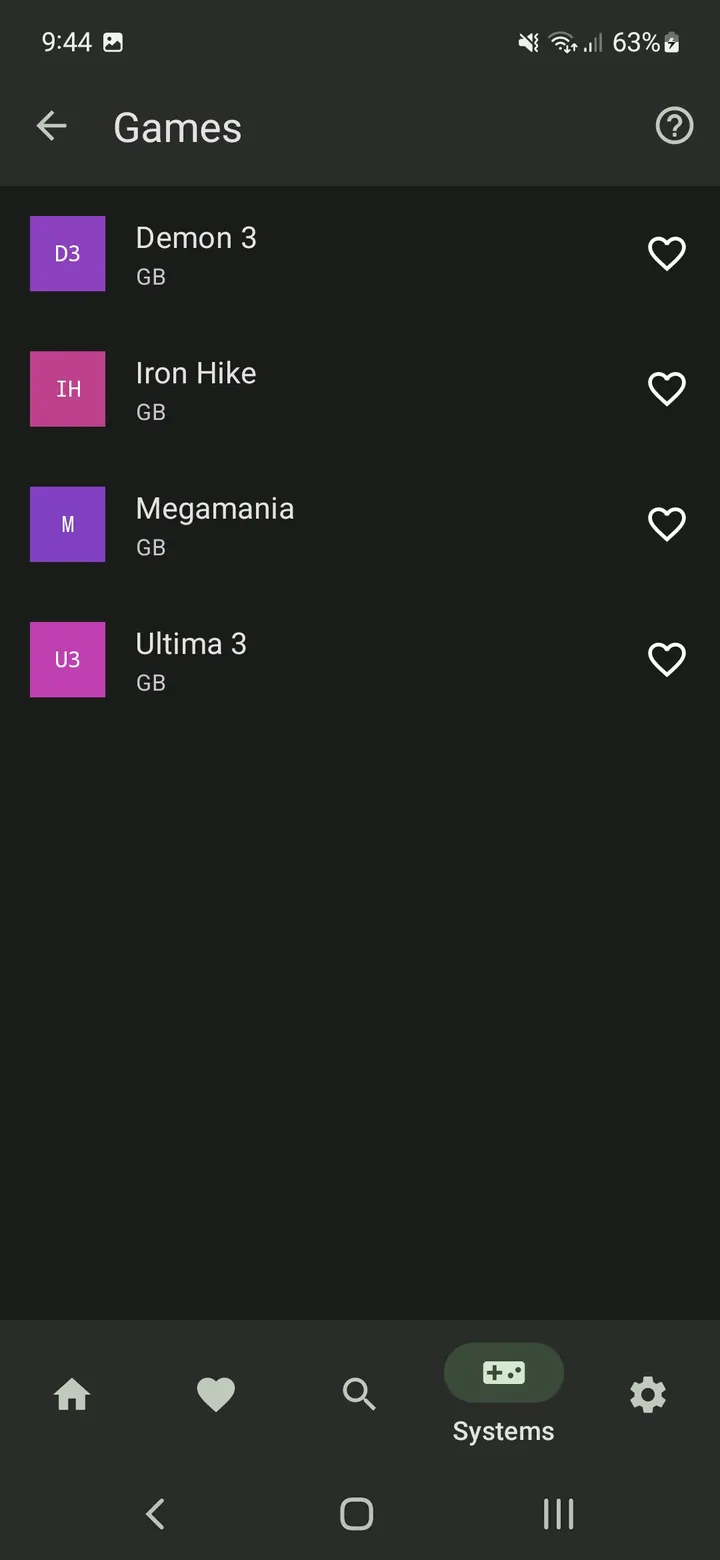
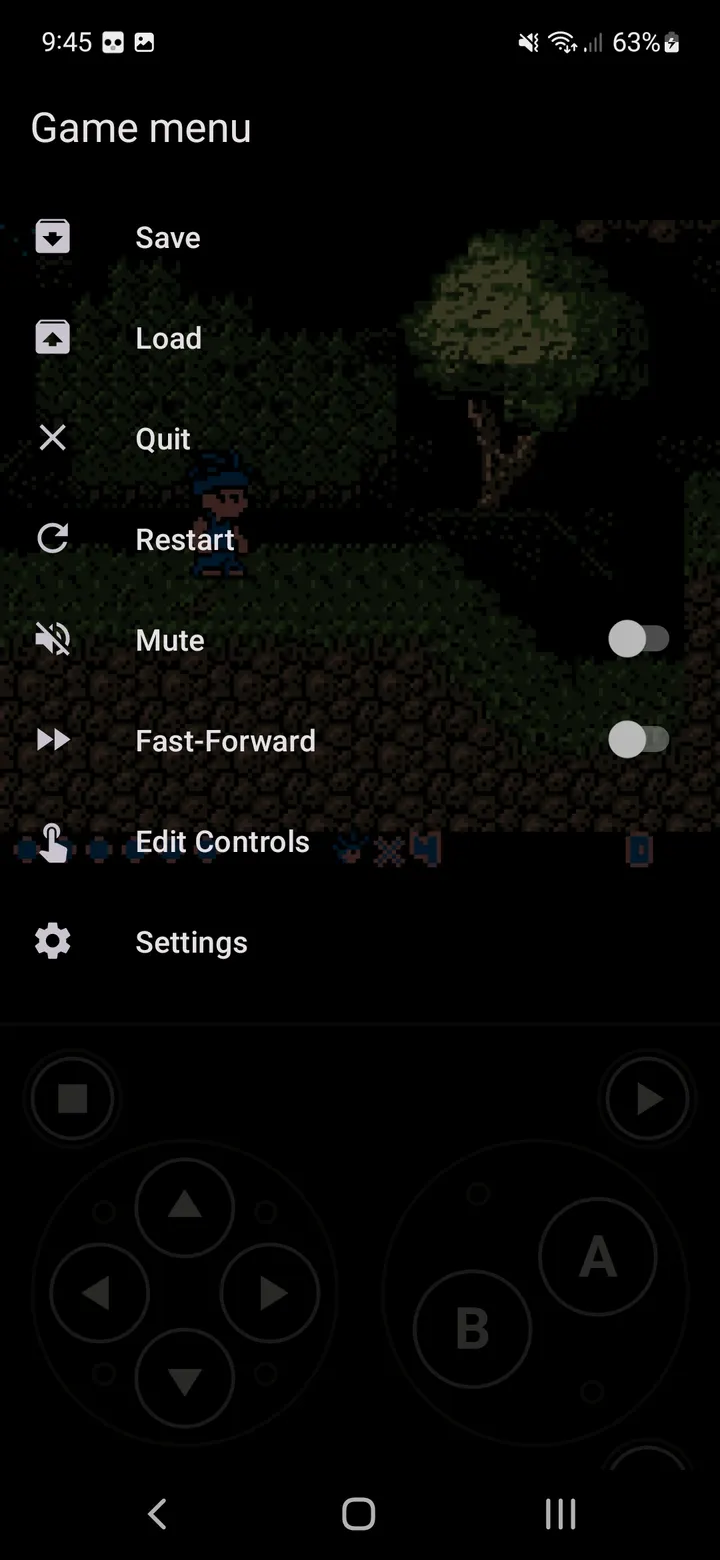
The app scans and indexes your ROM files and accepts zipped ROMs, so a folder of games becomes a browsable library. Game states are saved and restored automatically, and quick save and load work with slots. Cloud save sync is listed as well.
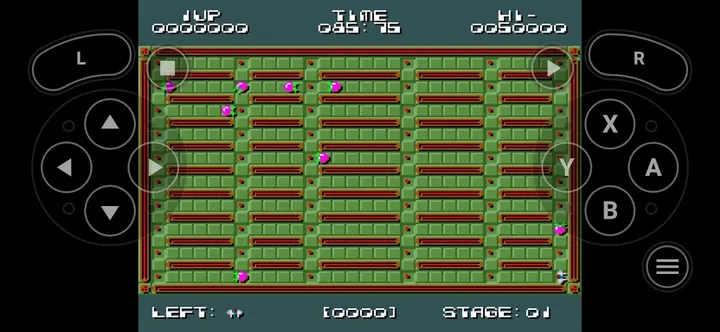
Control options cover touch, gamepad and tilt-to-stick input. Touch controls can be resized and repositioned. Local multiplayer lets you connect several gamepads to one device, and fast-forward and an LCD or CRT display simulation are included.
You supply the ROMs, and weak hardware will struggle
Lemuroid contains no games. You need to provide your own legally owned ROM files, so the app is only a player and library manager.
The main cost is hardware, not money. Older or low-end devices may handle the 8-bit and 16-bit systems but struggle with PSP, DS or 3DS, according to the developer's own warning. Check your device against the systems you care about.
The package is small at 11.4 MB, though game files and saves will add to storage use. It was first released on November 29, 2020, and the current build was updated on April 29, 2026.
Lemuroid pros and cons
Pros
- Free with no ads and no in-app purchases
- Open source under GPL-3.0-or-later with public code on GitHub
- Covers 23 systems, from Atari 2600 to Nintendo 3DS
- Auto save states, quick save slots and cloud save sync
- Customizable touch controls plus gamepad and local multiplayer support
Cons
- No games included, so you must supply your own ROM files
- PSP, DS and 3DS need a very powerful device
- Requires Android 6.0 or later
Is Lemuroid safe?
The APK we store for com.swordfish.lemuroid is the unmodified file, kept with its checksum and signature details. Its SHA-256 checksum is f83912a5c276f3616833fcf1b44a8e40c61d5a20f76db3f4297d6c1f63805c42, so you can compare it after download. The source is public under GPL-3.0-or-later, so its code can be inspected, and the app shows no ads and has no in-app purchases.
How to install Lemuroid
- Download the APK with the button on this page and wait for it to finish.
- Compare the file with the SHA-256 checksum shown here if you want to confirm it arrived intact.
- Open the file on your phone and allow installs from this source when Android asks.
- Finish the install, then open Lemuroid from your app drawer.