
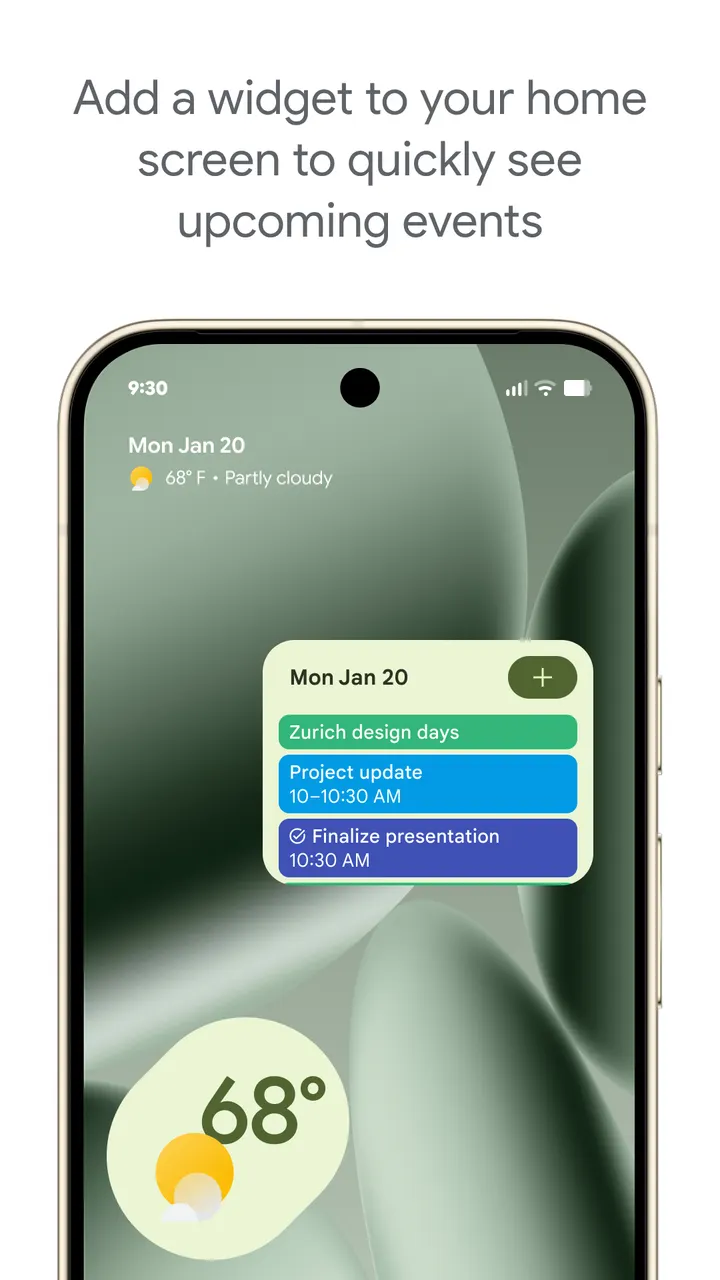
You get a flight confirmation in Gmail, and a few minutes later the trip sits in your schedule without you typing anything. That is the core habit Google Calendar is built around. The app comes from Google LLC, has over 10 billion installs on Google Play, and holds a 4.6 rating from about 4.9 million ratings there. It is available through Google Play only.
A Google app that dates back to October 2012
The publisher is Google LLC, and the app's package ID is com.google.android.calendar. Google Play shows a release date of October 16, 2012, and the latest update is dated November 2, 2026. The developer link points to the Google Calendar support pages.
The app sits in the calendar category and carries productivity and no-ads tags. Its content rating is Everyone. It is part of Google Workspace, so some of its team-oriented tools tie into that suite.
Gmail imports, shared calendars and tasks
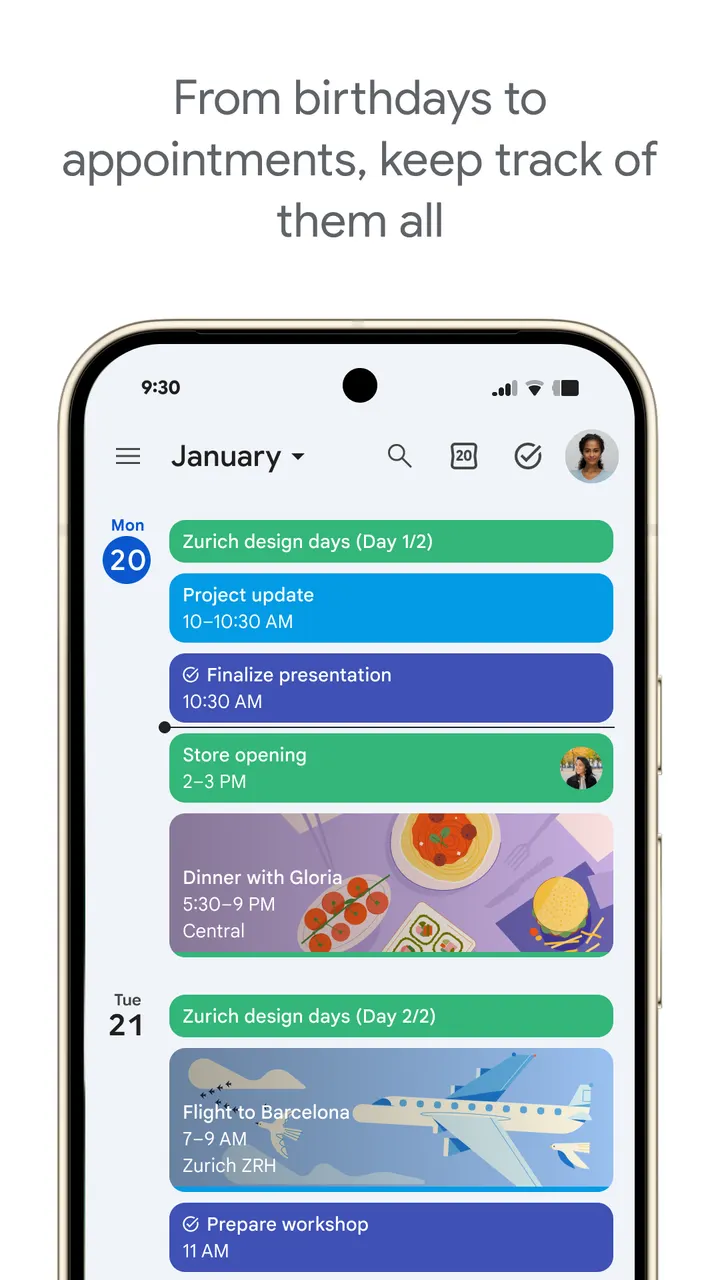
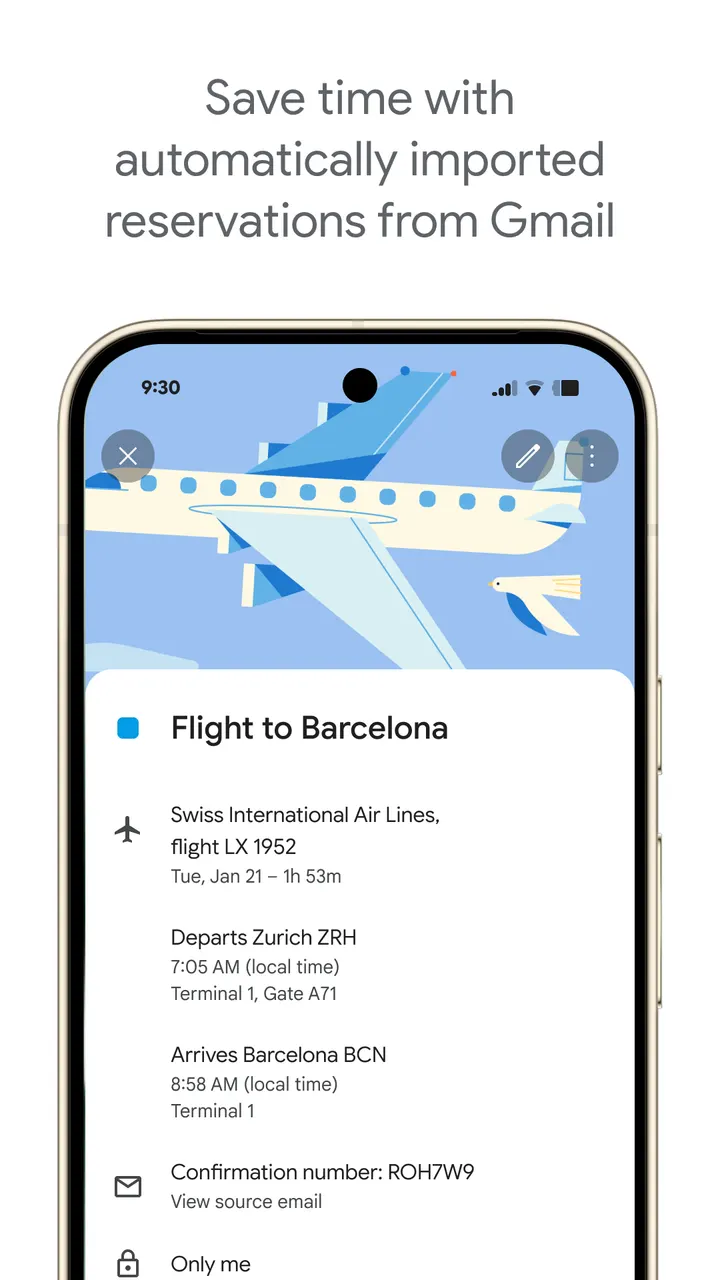
The feature most people will notice first is automatic event creation from Gmail. Flight, hotel, concert and restaurant reservations are added to the calendar on their own. Signing in with the same Google account also keeps phone, tablet, Wear OS watch and computer in step.
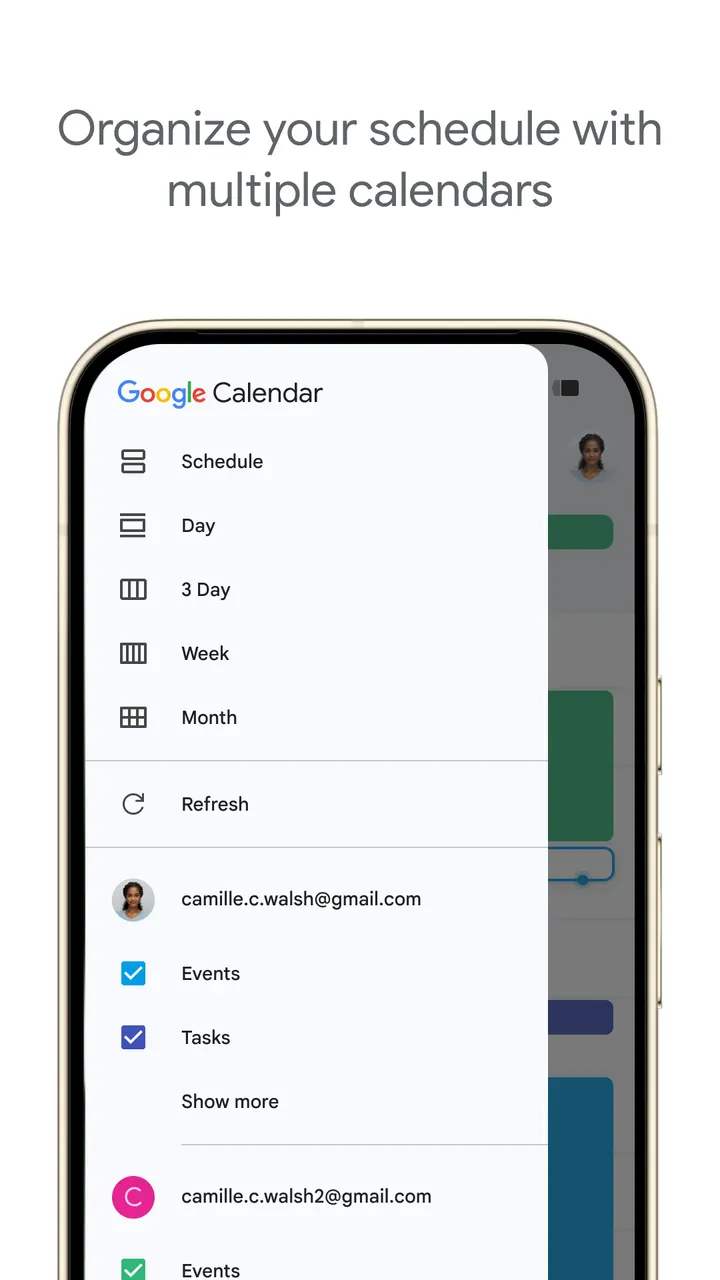
Sharing is handled through shared calendars. Family, friends or colleagues can view, add or change events, depending on what you allow. The app can also show Google Calendar events beside other calendars on the device, Exchange included.
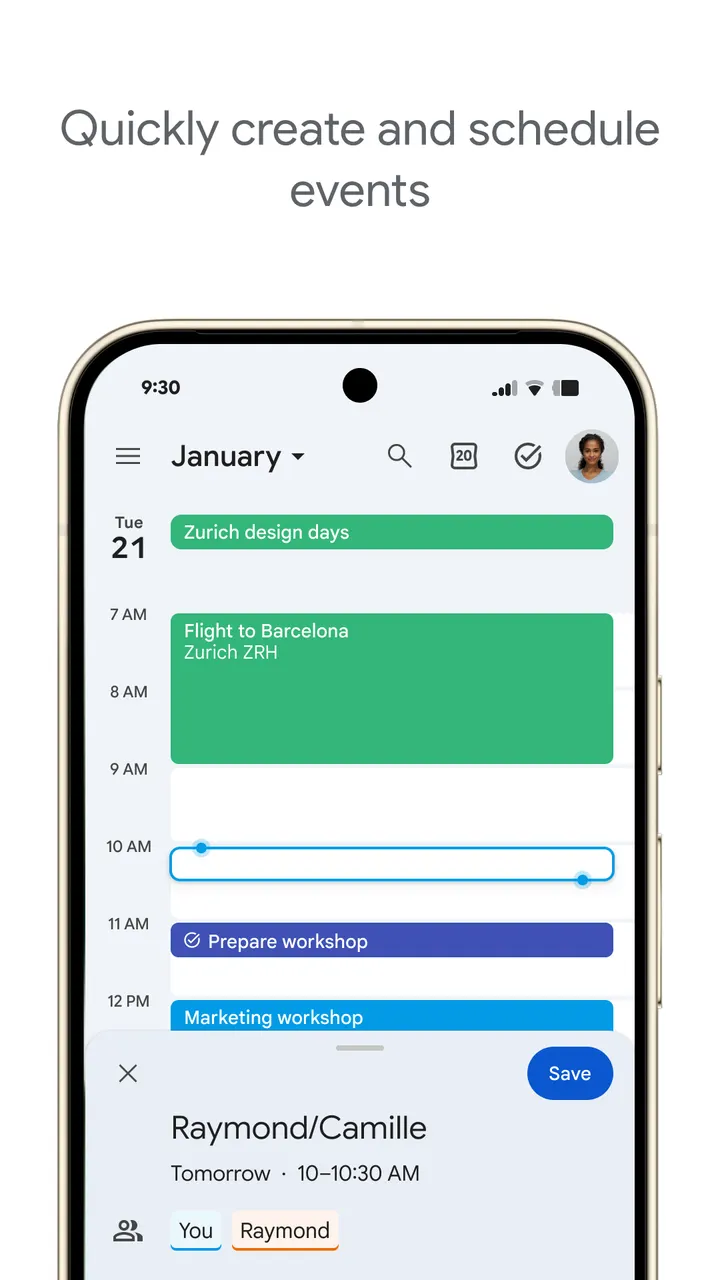
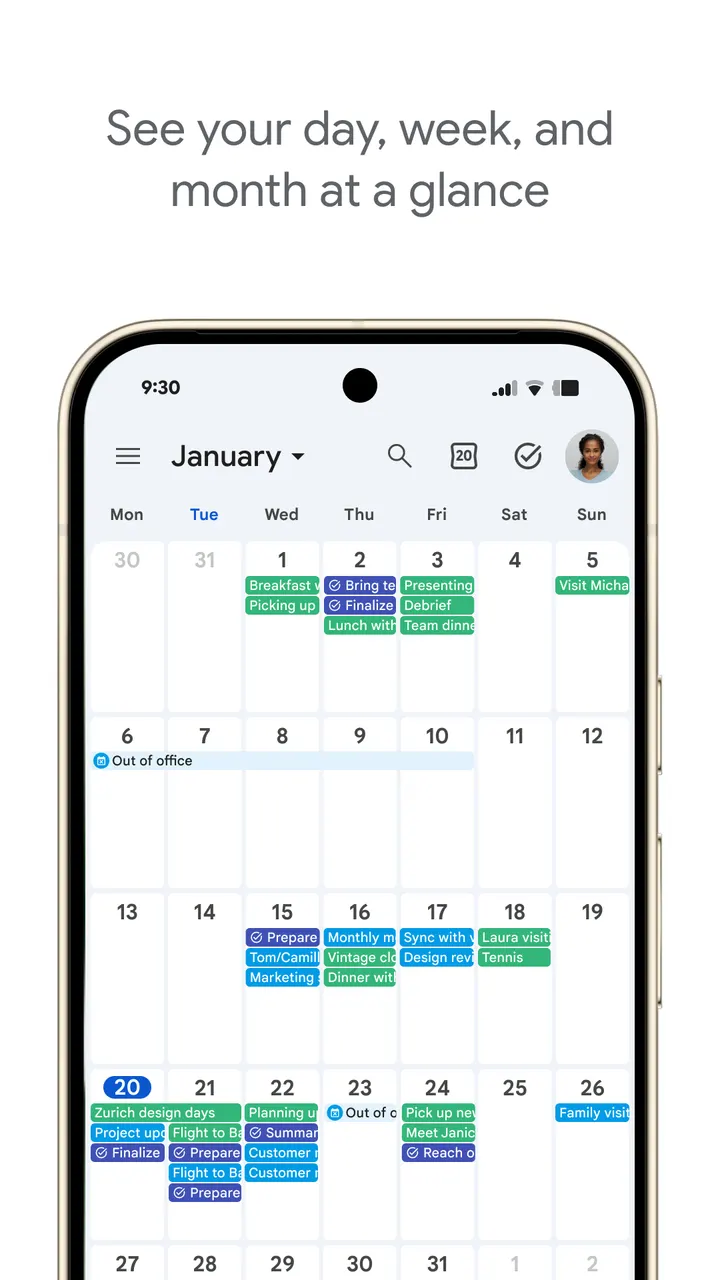
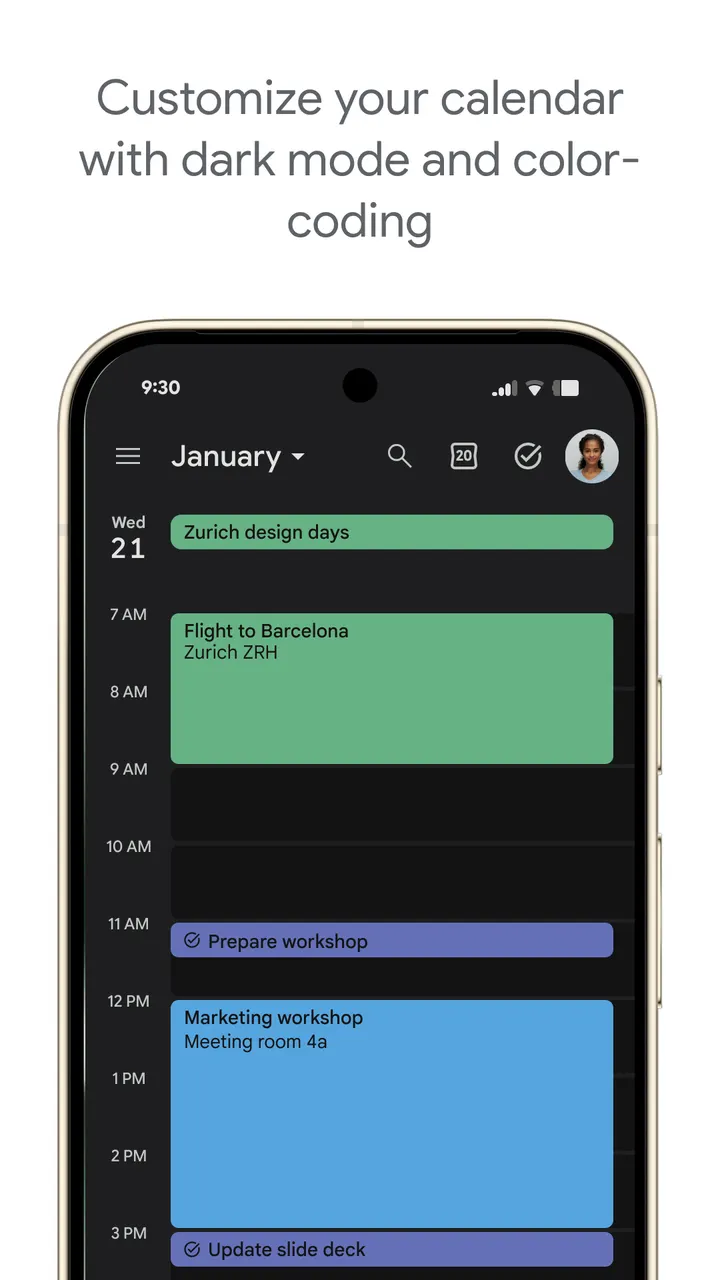
Tasks live next to events, and there is a full-screen view of task lists. You can switch between month, week and day views quickly, choose light or dark mode, and color-code events.
Workspace tools and Wear OS
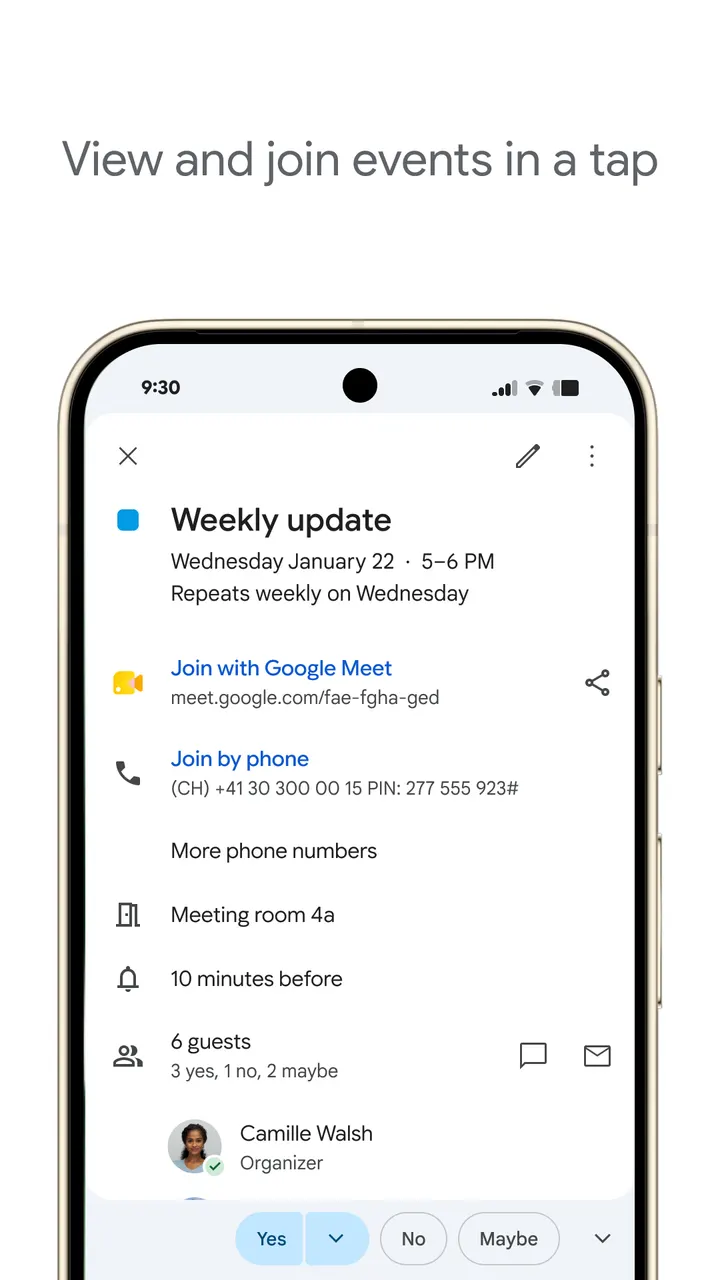
For work use, the app offers Google Meet video calls attached to events, and lets you check teammates' availability or layer their calendars in one view. You can also attach meeting notes and documents to an event. Booking pages and working-location entries are marked with an asterisk, which suggests they depend on the account type.
On Wear OS, the app supports tiles and complications, so events and tasks can be checked from a watch. It runs on Android phones, tablets and Wear OS devices. Minimum Android version and app size vary by device.
Google Calendar pros and cons
Pros
- Free to install, with no ads and no in-app purchases
- Adds reservations from Gmail automatically, including flights and hotels
- Shows Exchange and other device calendars next to Google Calendar events
- Tasks sit alongside events, with a full-screen task list view
- Wear OS support with tiles and complications
Cons
- Some Workspace features, such as booking pages and working location, are marked with an asterisk and may not be available to every account
- Minimum Android version and app size vary by device
- Gmail-based automation and cross-device sync depend on using a Google account
Is Google Calendar safe?
Google Calendar is published by Google LLC, with a content rating of Everyone. It carries no ads and no in-app purchases, so nothing interrupts your schedule. Since it syncs with Gmail and other calendars on your device, the permissions and data sections on its Google Play page are worth a look to see what it collects and shares.
How to install Google Calendar
- Press the Google Play button on this page.
- Check the listing in the Play Store and press Install.
- Open Google Calendar when the install finishes. Updates arrive through Google Play.


