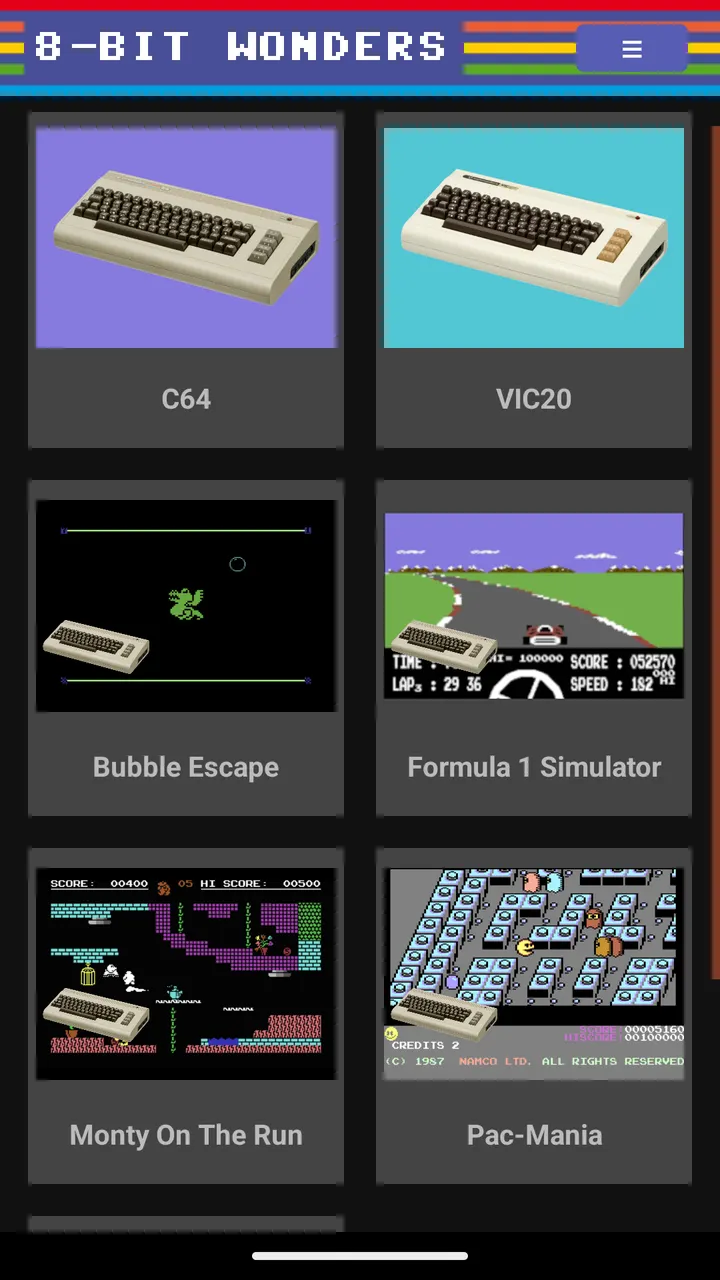
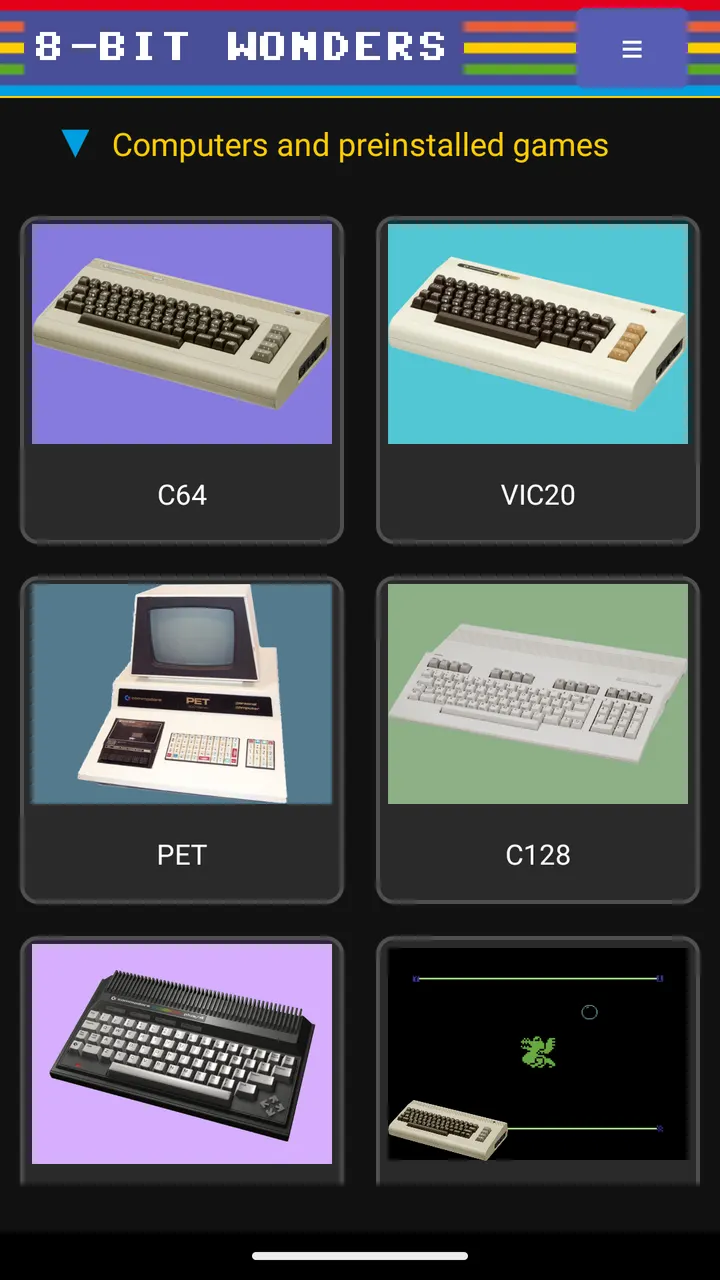
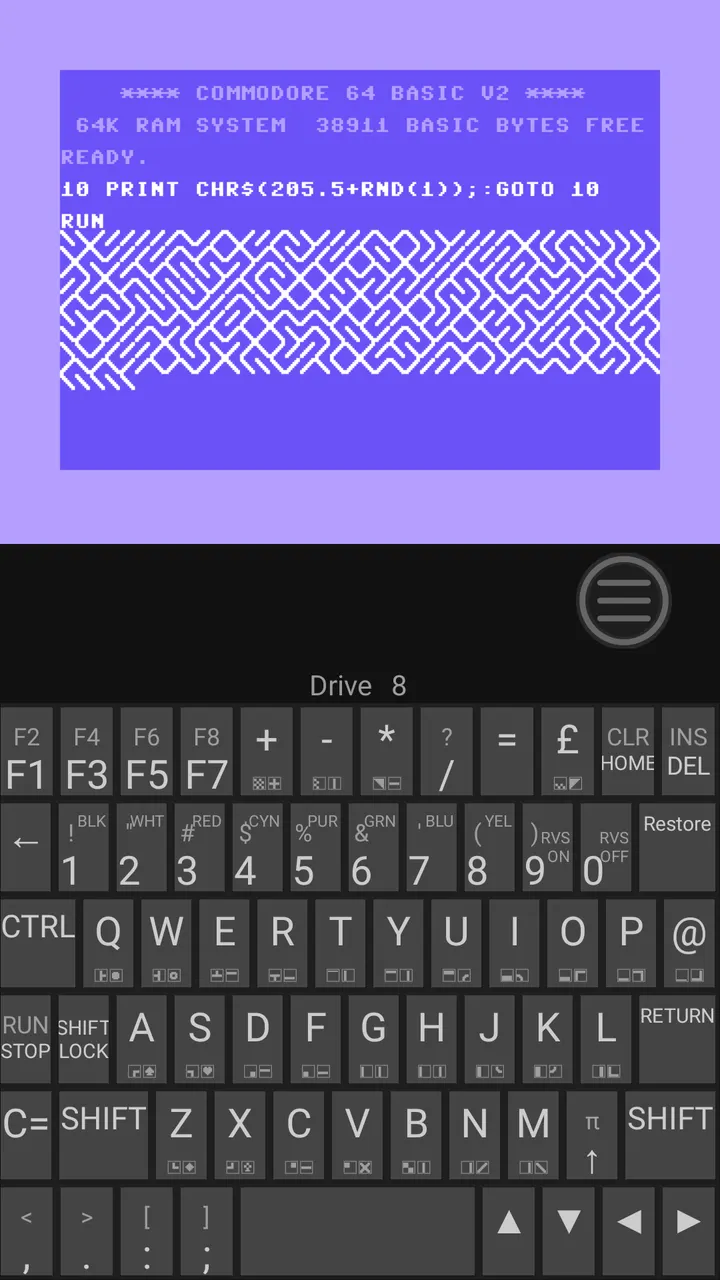
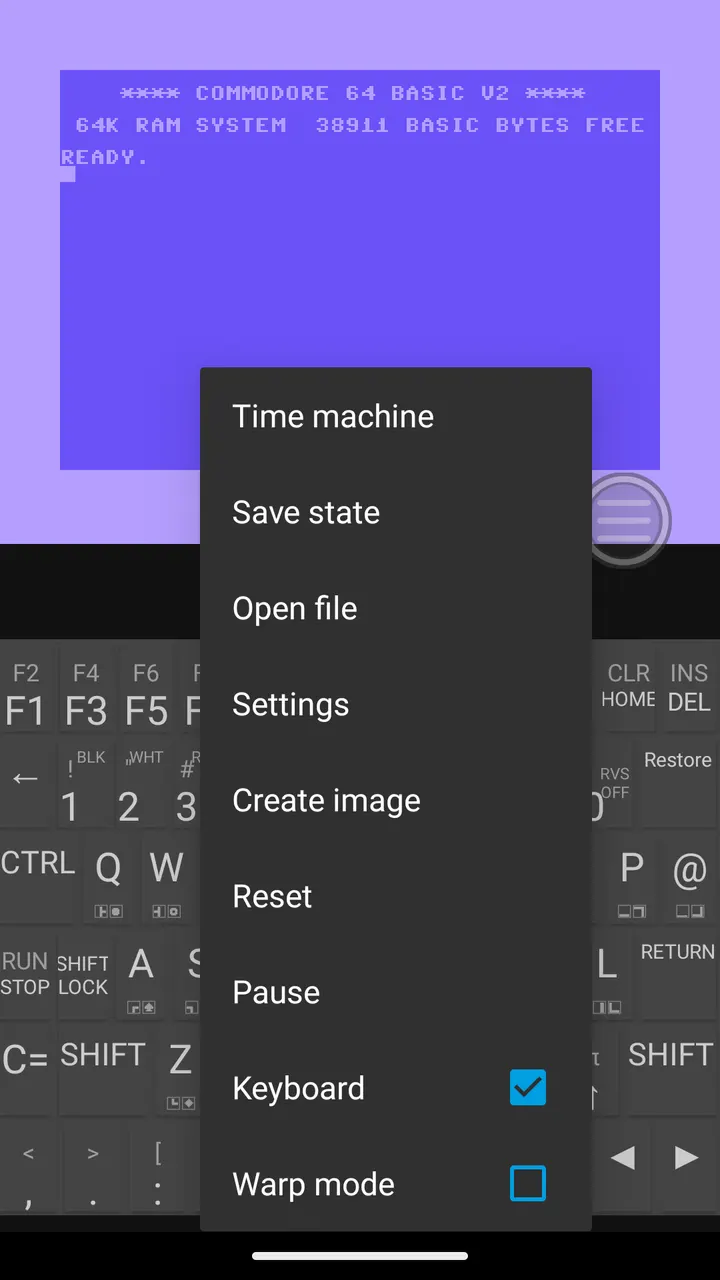
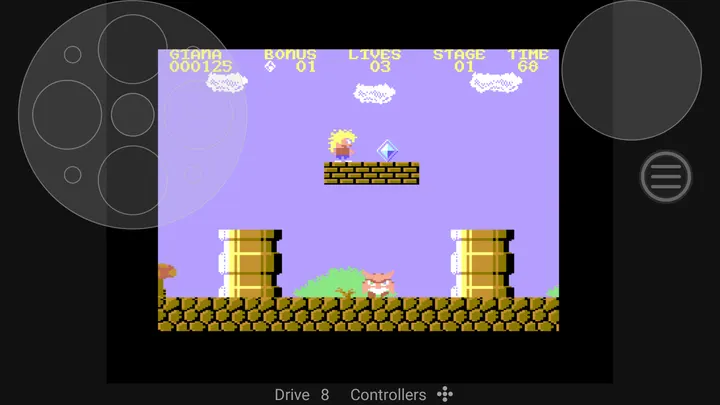
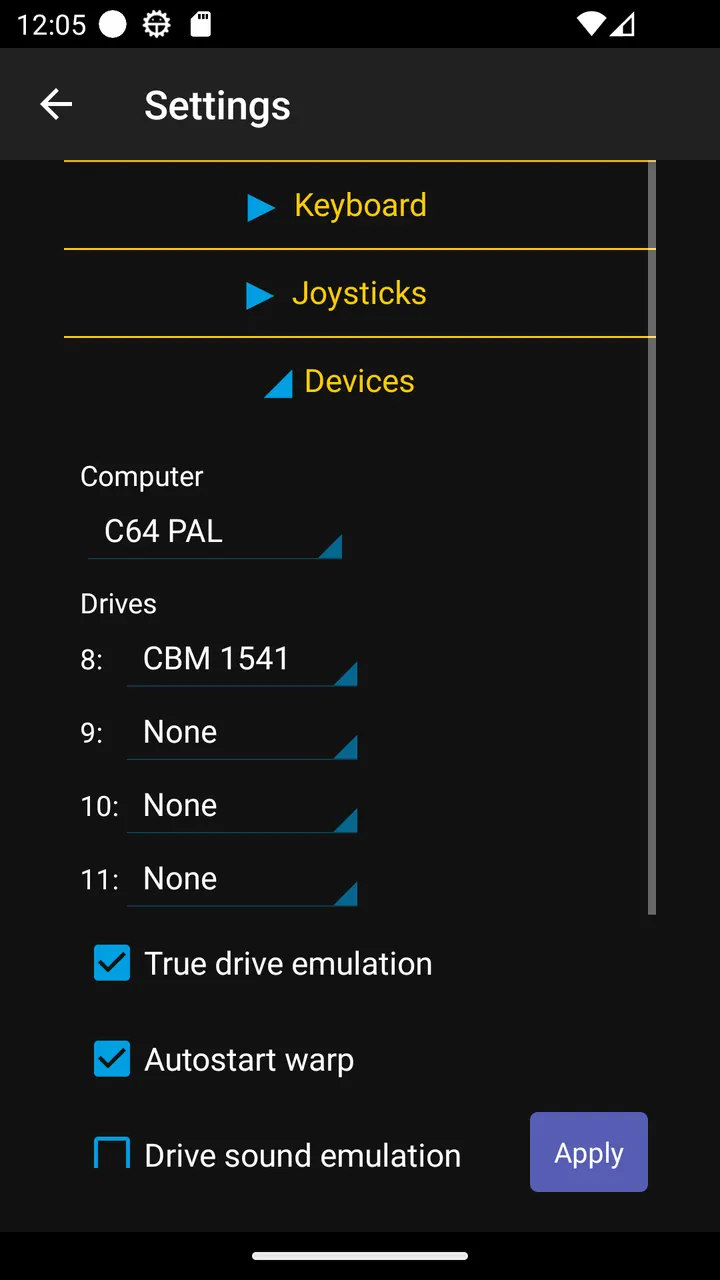
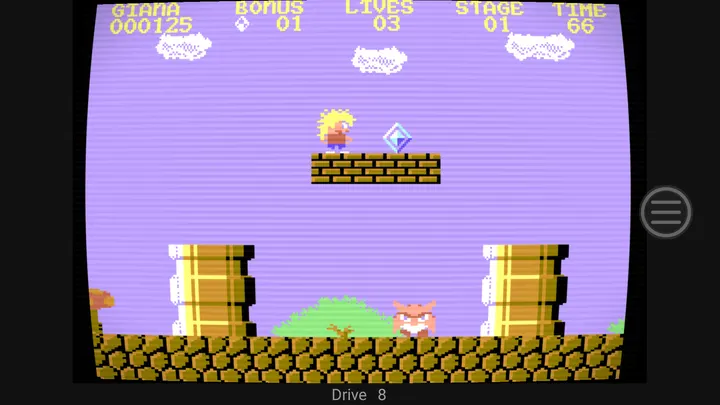
Lemuroid covers a spread of game consoles in one frontend, while 8-Bit Wonders goes narrow and stays with Commodore home computers. The app by Rainer Hock emulates the C64, VIC-20, PET, C128, Plus/4 and C16. It is free, open source under GPL-2.0-or-later, and shows no ads. Version 0.8.11 needs Android 4.4 or newer and weighs 36.4 MB.
First steps after installing 8-Bit Wonders
The app ships with an initial library of systems and preinstalled games, so you can start something right after the first launch without hunting for files. That matters for a Commodore emulator, since many people expect to supply their own disk images first.
If you want more, the app can download content from archive.org. You can also import games and applications packed as 8bw or rp9 files, including ones made with C64 Forever, and add your own save states.
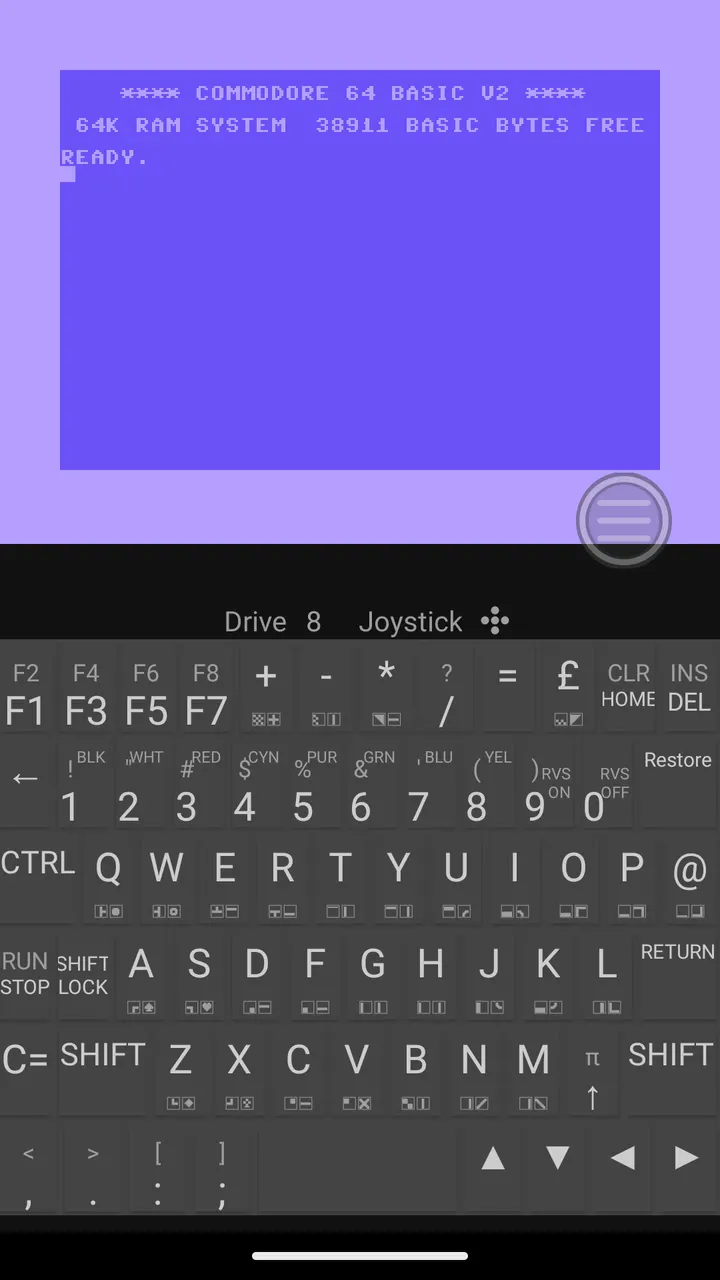
Controls come next. The app supports hardware joysticks, gamepads, mice, a virtual touch joystick and both hardware and virtual keyboards with customizable layouts. You can map buttons to keystrokes or turn on auto-fire.
Time machine, CRT look and VICE format support
Save states are joined by a built-in time-machine feature that lets you rewind gameplay and undo a mistake. For platformers from the 80s, which rarely forgave errors, this is a practical addition.
The app reproduces the look of classic displays through CRT emulation. A separate demo mode plays audio in the background or runs visual demos in a movie-screen view without Android interface elements.
Compatibility is broad on the media side: the developer says all disk and tape formats supported by VICE work. The app runs on phones, tablets and Android TVs.
When Lemuroid or another emulator fits better
8-Bit Wonders only handles Commodore 8-bit machines. If you want console systems, the listed alternatives Lemuroid, One Emulator for Game Consoles and Games Emulator PSP are aimed at that kind of play instead.
The developer also describes the app as still in development, and the version number 0.8.11 fits that. Expect change rather than a finished product. Feedback is collected through a page on the developer's website.
What's new in 0.8.11
Version 0.8.11 was updated on September 22, 2026. The app first appeared on October 16, 2023.
8-Bit Wonders pros and cons
Pros
- Free, with no ads and a GPL-2.0-or-later licence
- Covers six Commodore systems: C64, VIC-20, PET, C128, Plus/4 and C16
- Time-machine rewind and save states
- Preinstalled games and archive.org downloads
- Supports all disk and tape formats handled by VICE
Cons
- Limited to Commodore 8-bit computers, with no other consoles
- Still in development, as version 0.8.11 suggests
- Content downloads contact outside servers and share your public IP address
Is 8-Bit Wonders safe?
TopDown APK hosts the unmodified APK for this app, rated tier A, and lists a SHA-256 checksum (4a3b1eed59f4...00987) so you can verify the file. The source code is public on GitLab under GPL-2.0-or-later, published by Rainer Hock. The developer states it collects no personal data, though your public IP address is shared with archive.org, github.com, gitlab.com and zimmers.net when you download content.
How to install 8-Bit Wonders
- Download the APK with the button on this page and wait for it to finish.
- Compare the file with the SHA-256 checksum shown here if you want to confirm it arrived intact.
- Open the file on your phone and allow installs from this source when Android asks.
- Finish the install, then open 8-Bit Wonders from your app drawer.